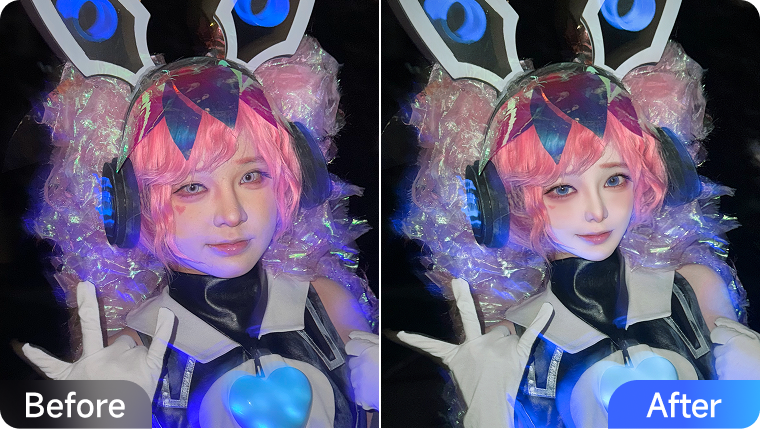
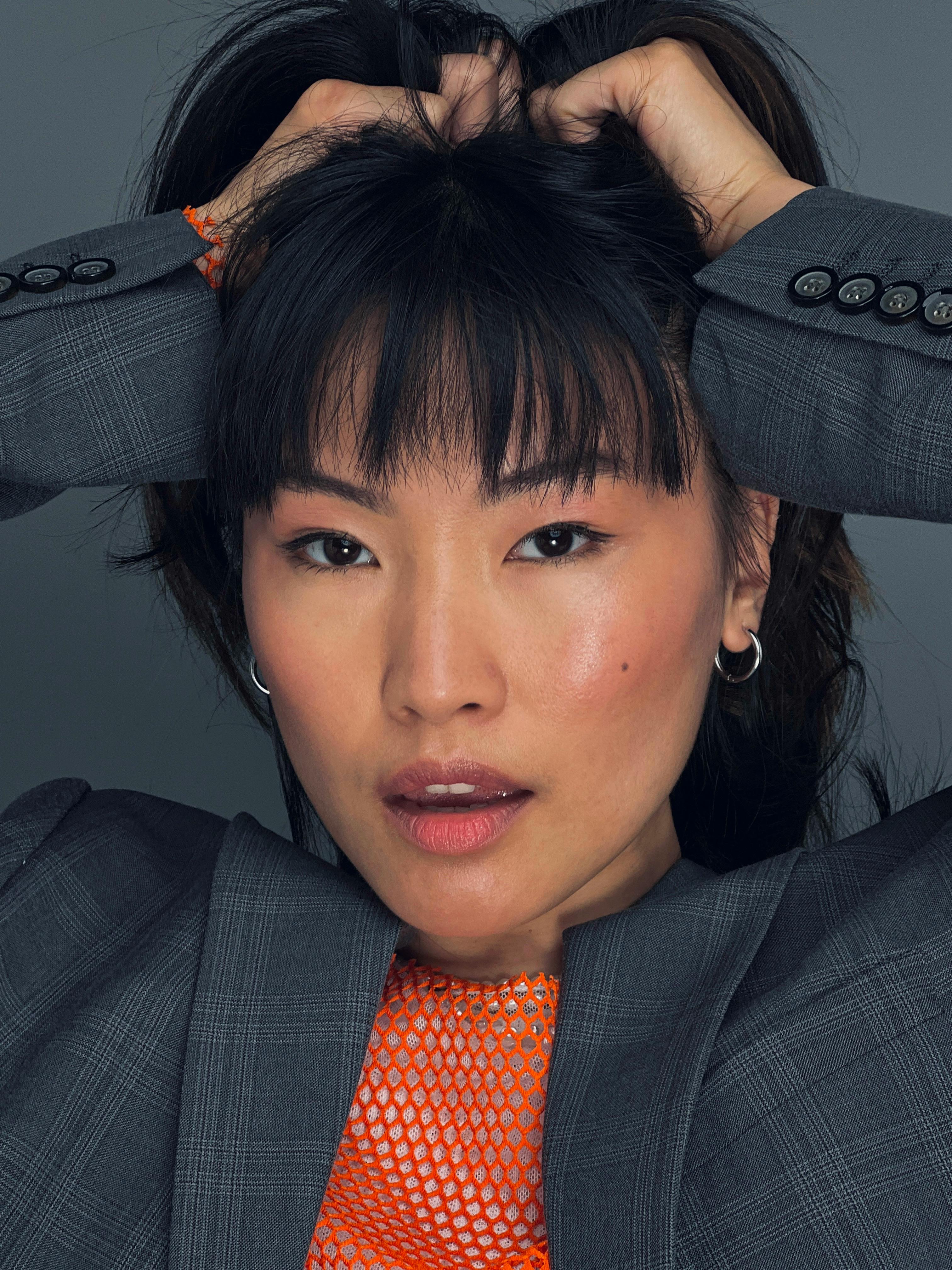
The Ultimate AI Tool for Stunning Cosplay Photo Editing
Master cosplay photo editing with Kumoo’s AI retouching tool — refine faces, boost colors, and streamline your creative workflow with one-click precision.
Posted by Olivia ParkMay 8, 2026
The Most Ideal Tool for E-Commerce Retouchers(In-Studio Shooting
Streamline e-commerce photo editing with Kumoo’s AI retouching tools. Remove wrinkles, reshape models, and perfect backgrounds in seconds.
Posted by Xavier BrooksMay 8, 2026
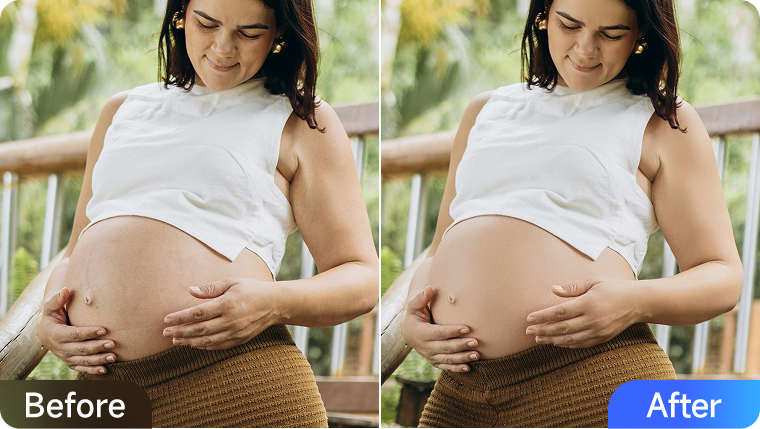
Perfecting Maternity Photos: AI Retouching for Stretch Marks
Every stretch mark tells a story of love and strength. Kumoo’s AI helps you gently refine maternity portraits, keeping them soft, radiant, and timeless.
Posted by Sarah JenkinsMay 8, 2026
How to Retouch Your Lips Like a Pro (No Makeup Needed)
Enhance your lips effortlessly with Kumoo’s AI portrait editor. Remove dryness, boost lipstick color, and redefine your look with natural precision.
Posted by Naomi RiversMay 8, 2026
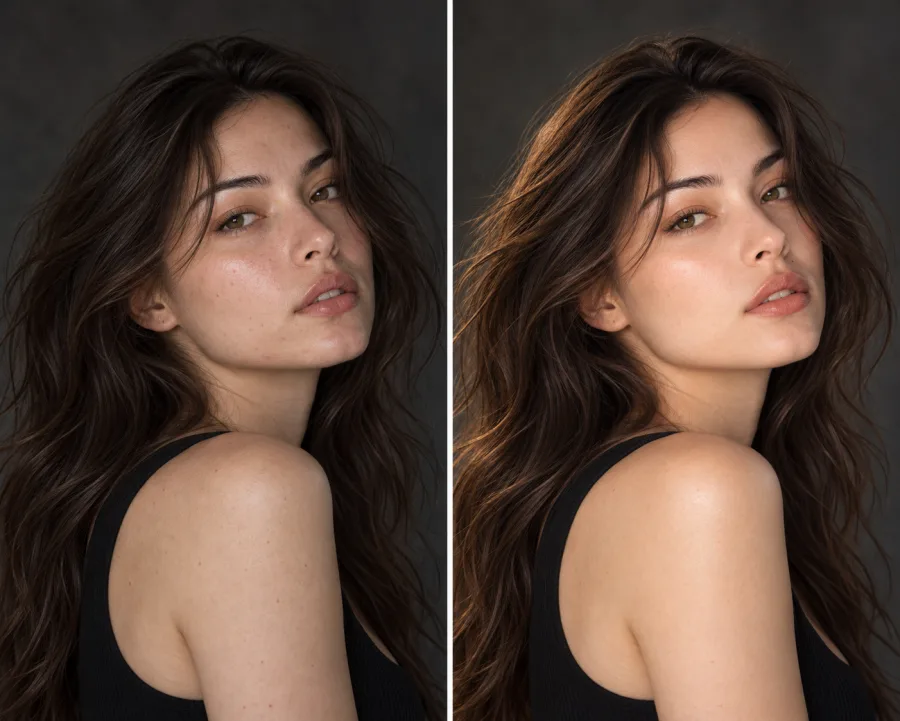
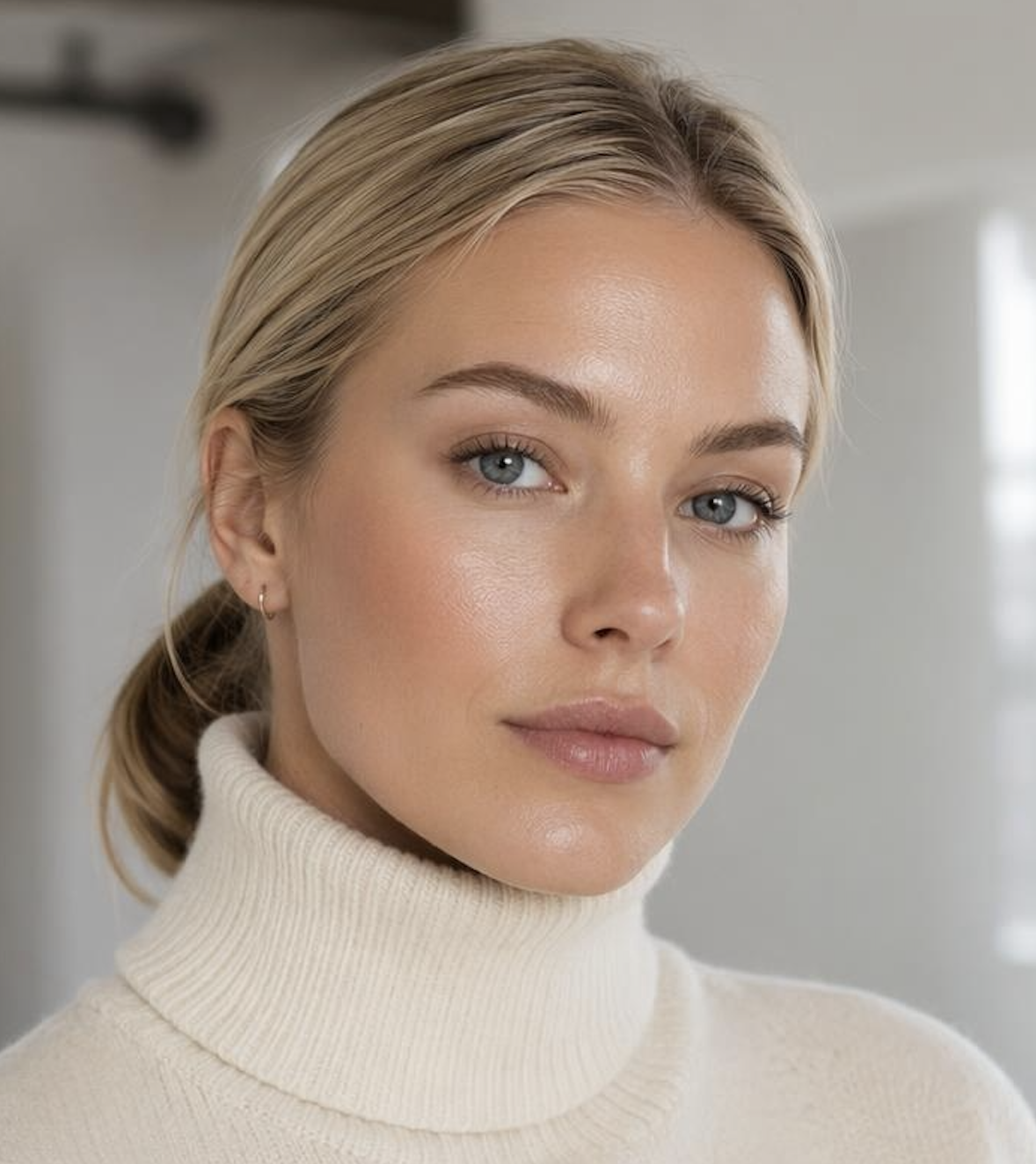
How to Remove Facial Wrinkles from Photos
Soften forehead lines, crow’s feet, and smile creases in portraits while keeping real skin texture.
Posted by Sarah JenkinsMay 8, 2026
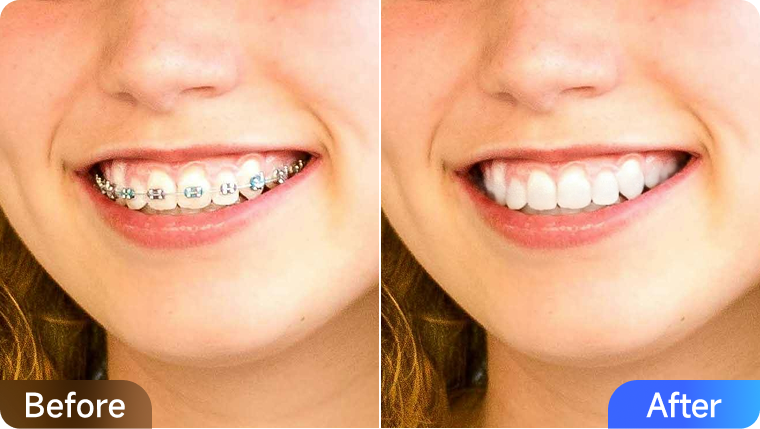
How to Remove Stains, Whiten and Straighten Teeth in Photos
Brighten your smile naturally with Kumoo’s AI teeth retouching. Remove stains, whiten gently, and perfect alignment to achieve a confident, radiant look!
Posted by Elena VossMay 8, 2026
How to Remove Glasses Glare While Maintaining a Natural Result
Remove glasses glare instantly with Kumoo’s AI glare removal tool. Restore natural eyes, preserve lighting, and achieve flawless portraits in seconds.
Posted by Naomi RiversMay 8, 2026
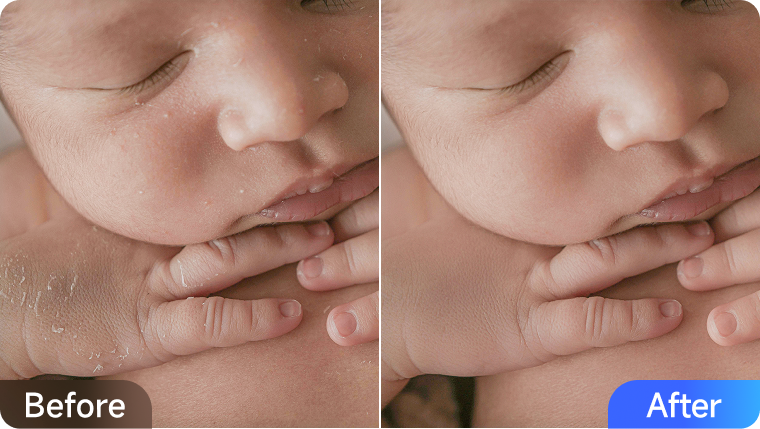
How to Edit Newborn Photos: Guide to Perfecting Baby Skin
Capture newborn purity with Kumoo’s AI skin retouching. Gently remove redness, flakes, and baby acne while preserving soft, natural skin texture.
Posted by Sarah JenkinsMay 8, 2026
Halloween Portrait Retouching: Transform Your Spooky Shots
In this ultimate guide, we’ll walk you through planning, shooting, and AI post-production, including tips for eye color changes and hair transformations.
Posted by Xavier BrooksMay 8, 2026