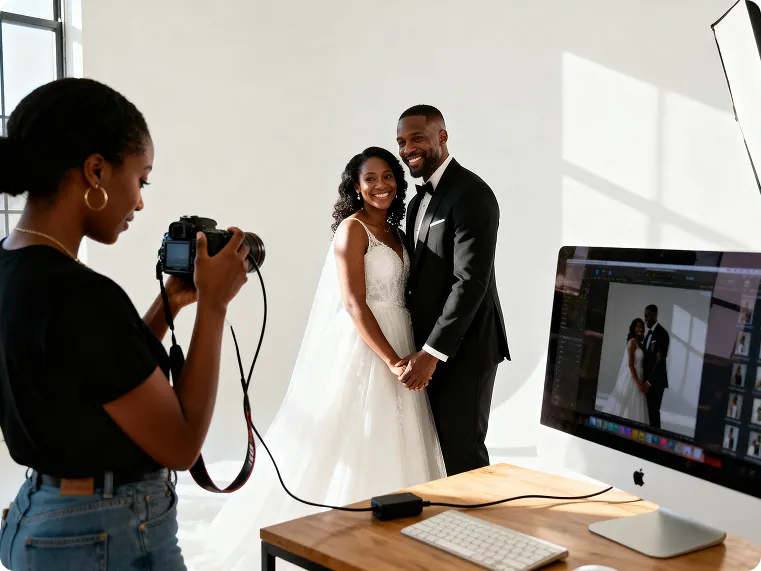
AI Flash
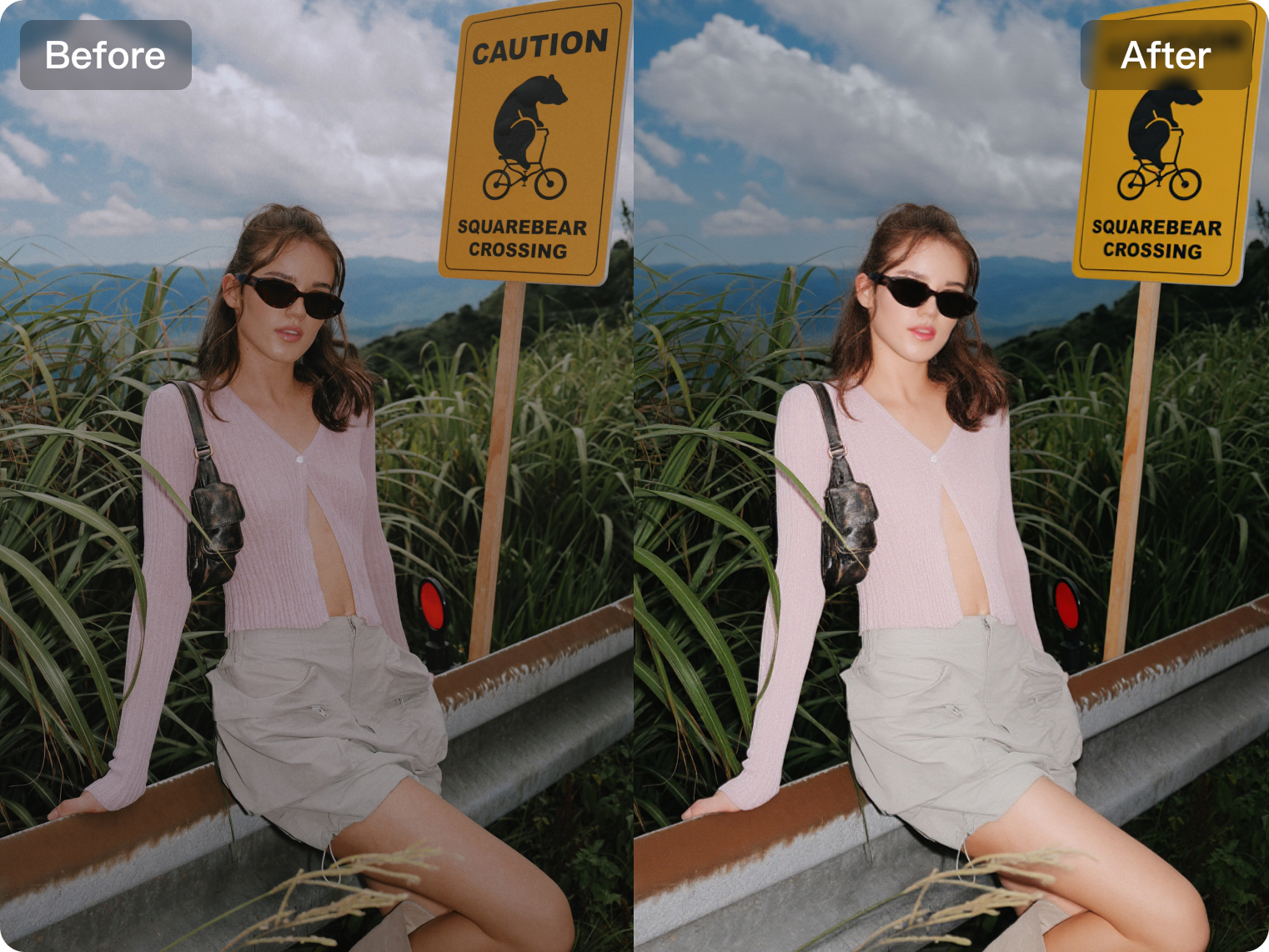
Add a brighter, more polished lighting effect to portraits with AI-powered flash enhancement. This feature helps simulate flash-style illumination by improving facial brightness, subject separation and overall image clarity while keeping the result visually natural. It is useful for portraits that need a cleaner, more eye-catching look without relying on actual flash during shooting.
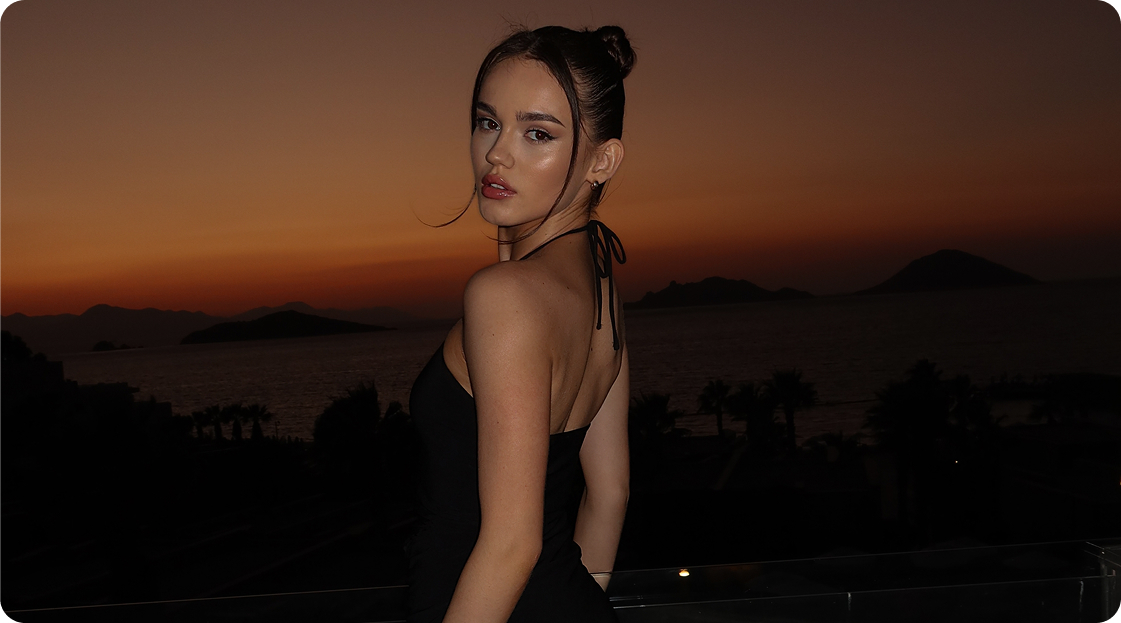
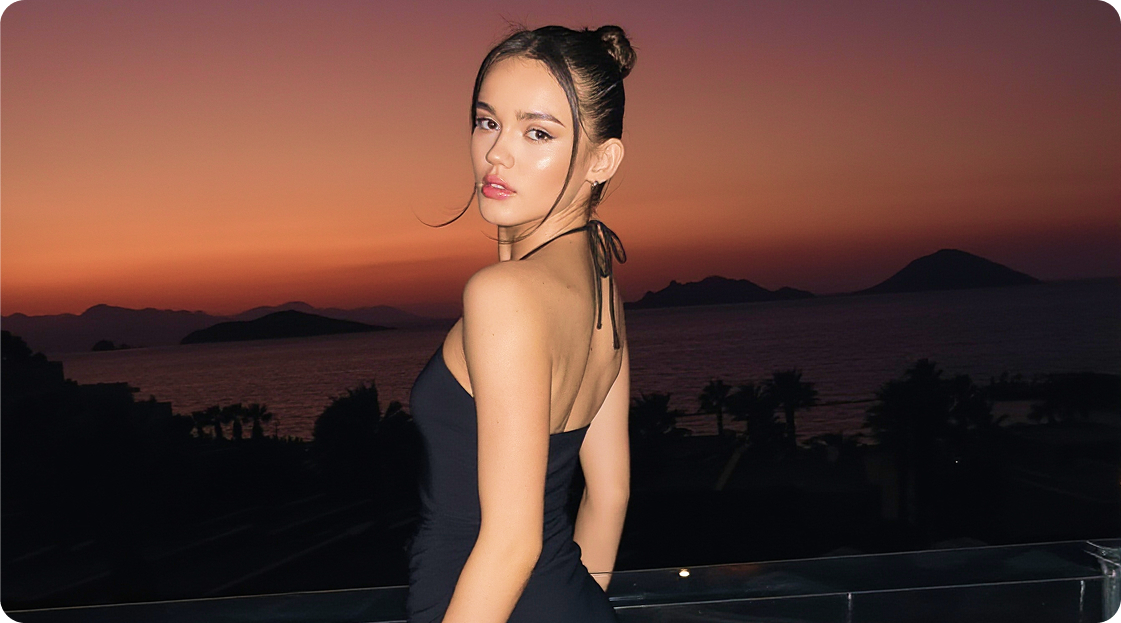
No image? Try these:
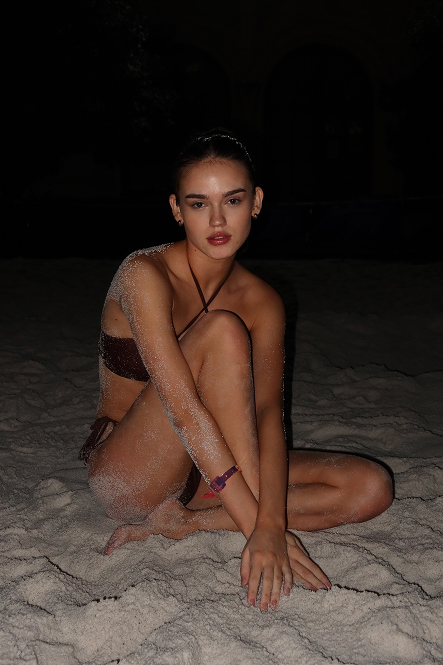
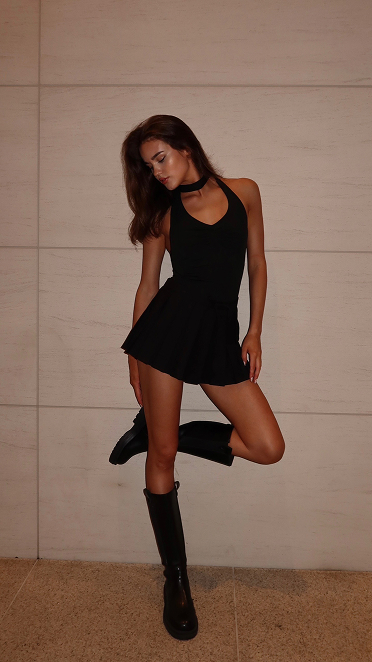
Struggling with Low-Light Shots? Why not simulate flash with Kumoo in seconds?
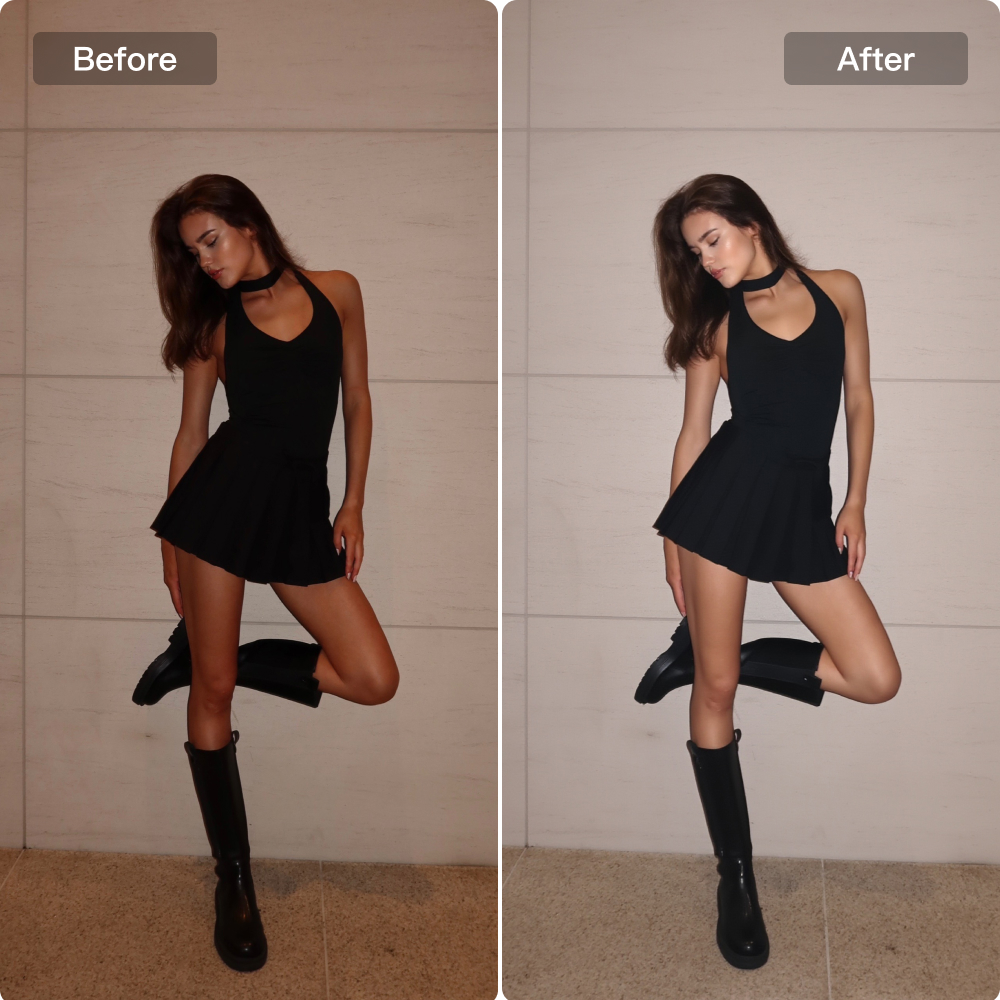
camera flash effect
Add a brighter, more polished lighting effect to portraits with AI-powered flash enhancement. This feature helps simulate flash-style illumination by improving facial brightness, subject separation and overall image clarity while keeping the result visually natural. It is useful for portraits that need a cleaner, more eye-catching look without relying on actual flash during shooting.
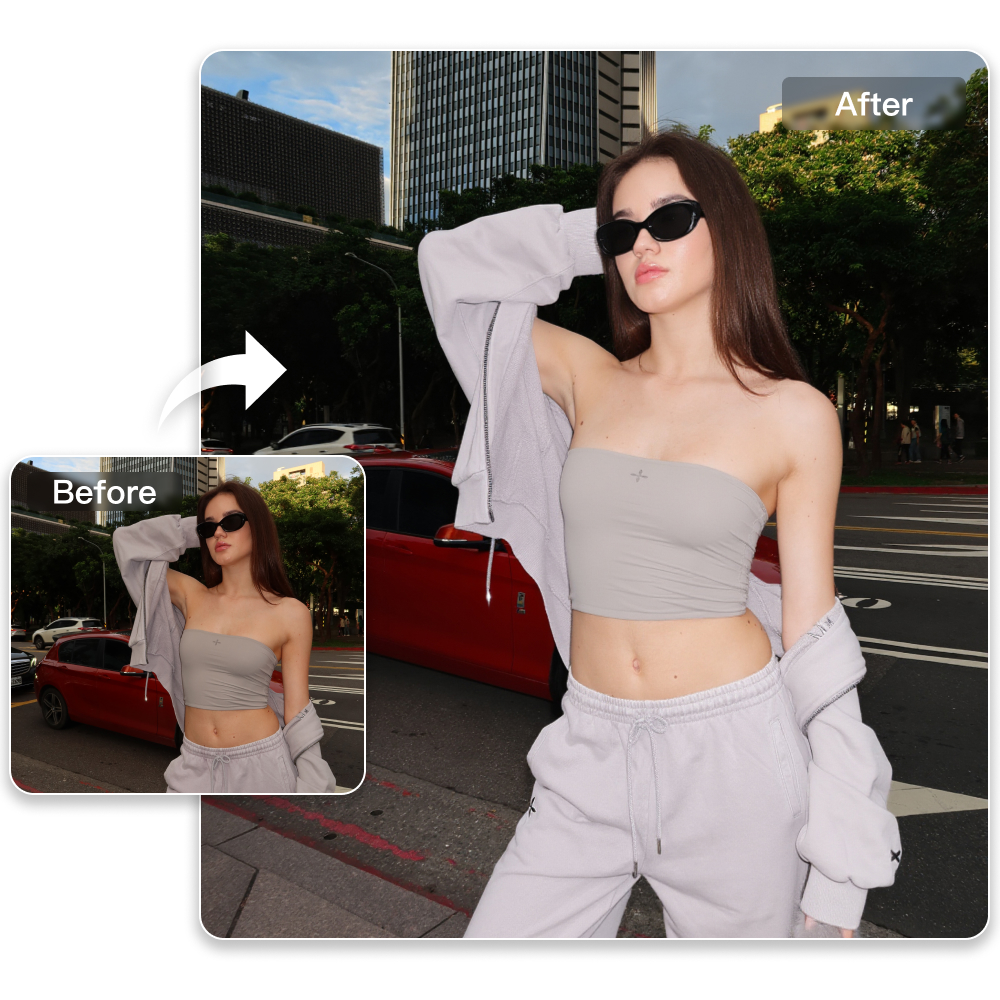
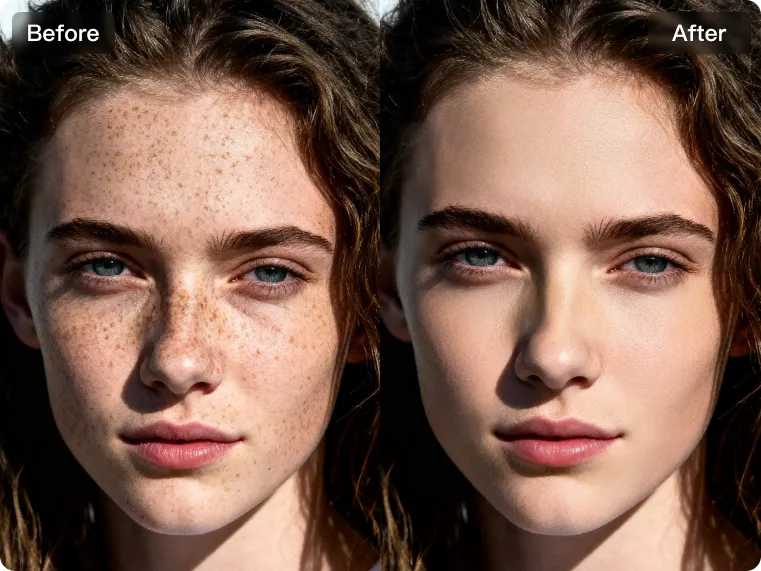
Natural Subject Brightening
Enhance portraits with natural fill light that brightens the subject more evenly and improves overall visual focus. By lifting facial brightness and refining light balance around the main figure, the image appears clearer, cleaner and more polished without looking overexposed or artificial.
Sharpness Enhancement
With Kumoo to enhance photo quality, overall image clarity and sharpness can be improved for a cleaner, more defined visual result. By strengthening edges, refining important details and increasing subject definition, the image appears crisper and more visually striking while maintaining a natural look.
How to use Kumoo‘s AI Flash?
Upload Images
Upload the portrait you want to enhance with AI effects. We support common image formats such as JPG and PNG, making it easy to start with portraits for creative editing, stylized effects, and atmosphere enhancement.
Apply AI Flash Effect
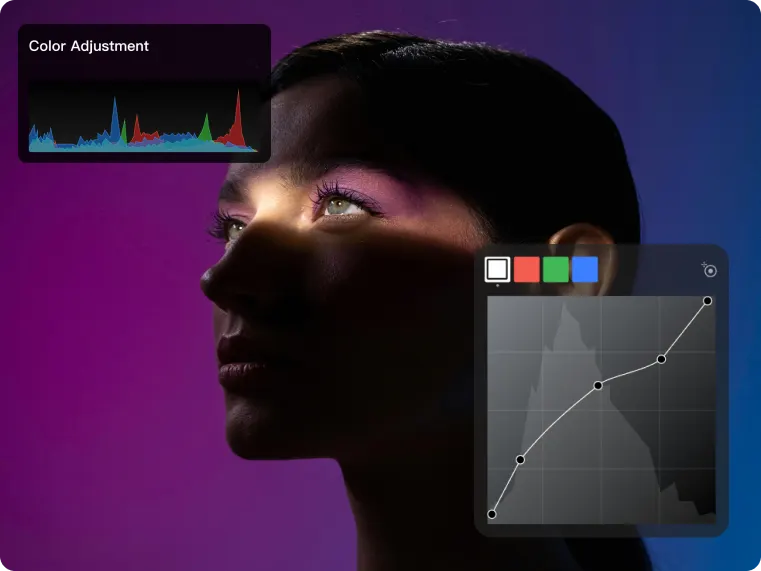
AI intelligently generates a more realistic camera flash effect to add brighter, cleaner lighting to the portrait. This helps improve facial brightness, subject separation and the overall polished look of the image while keeping the result natural.
Brighten the Subject and Enhance Clarity
Natural fill light helps brighten the main subject more evenly and improves the overall visual focus of the portrait. At the same time, Kumoo helps enhance photo quality by improving image clarity and sharpness, making the final result look cleaner and more visually defined.
Download and Use
Preview the final result, switch between styles if needed, and download the edited image to your device for sharing, posting, or creative use.
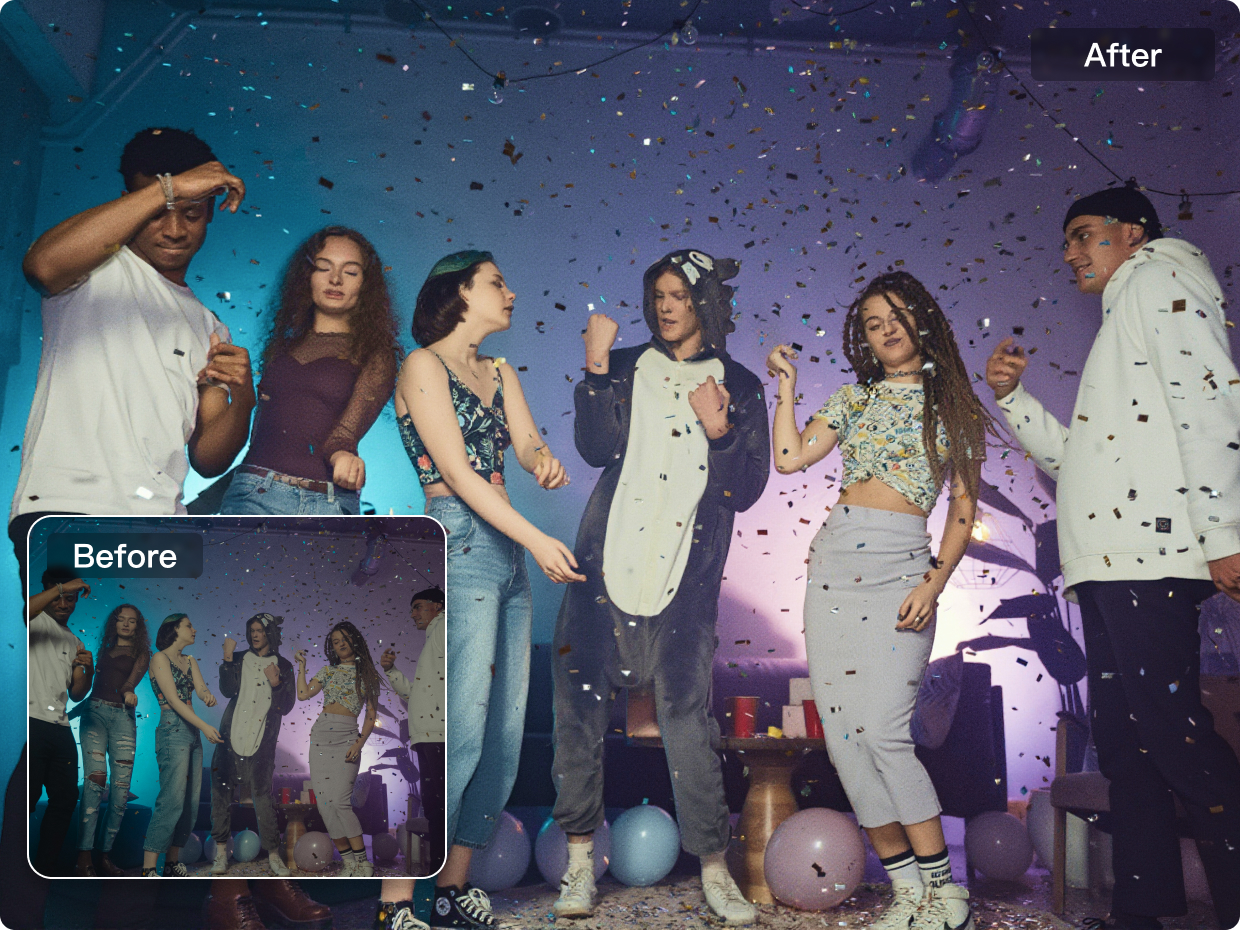
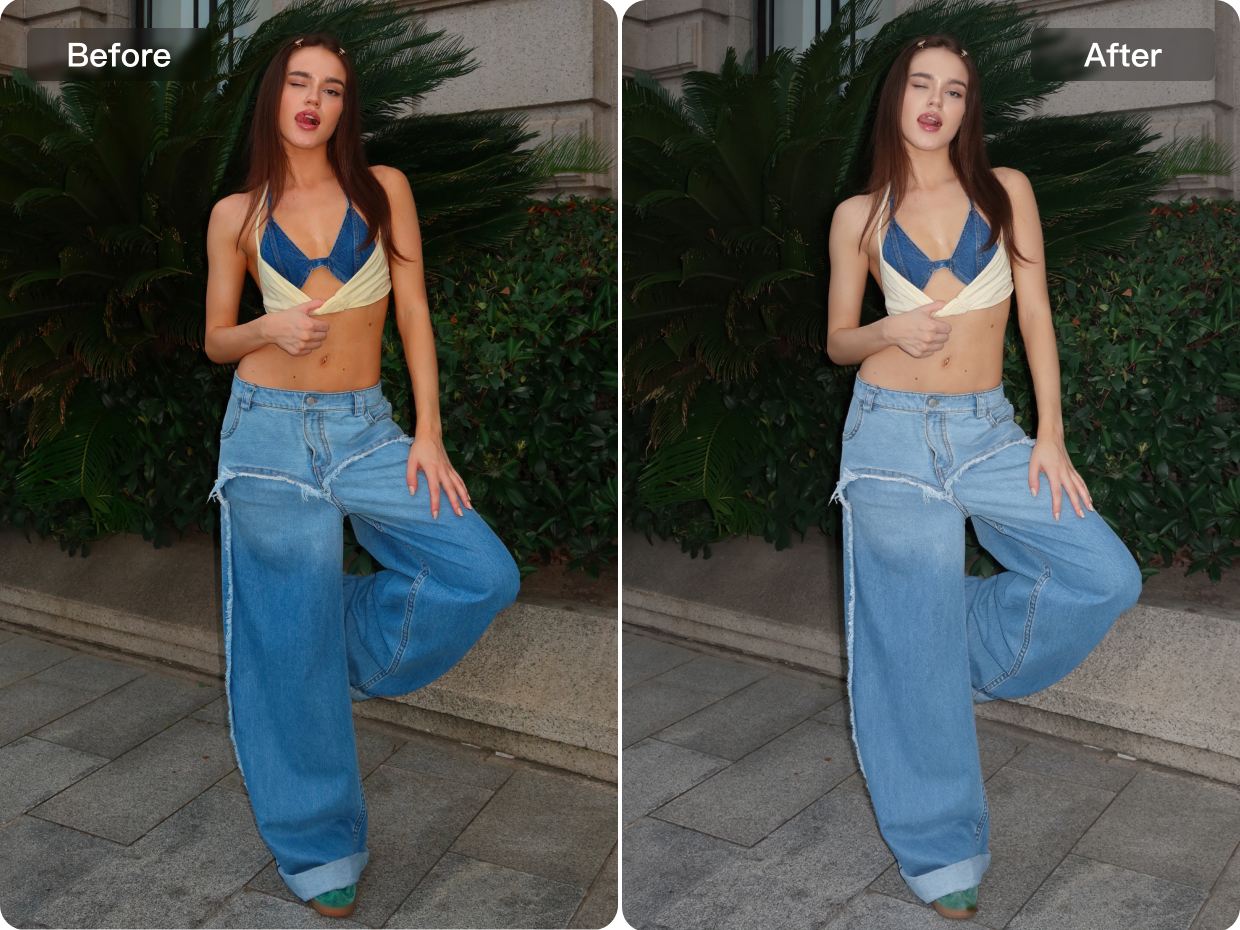
Simulate studio lighting effects for photography, party events, and e-commerce street-style visual content.
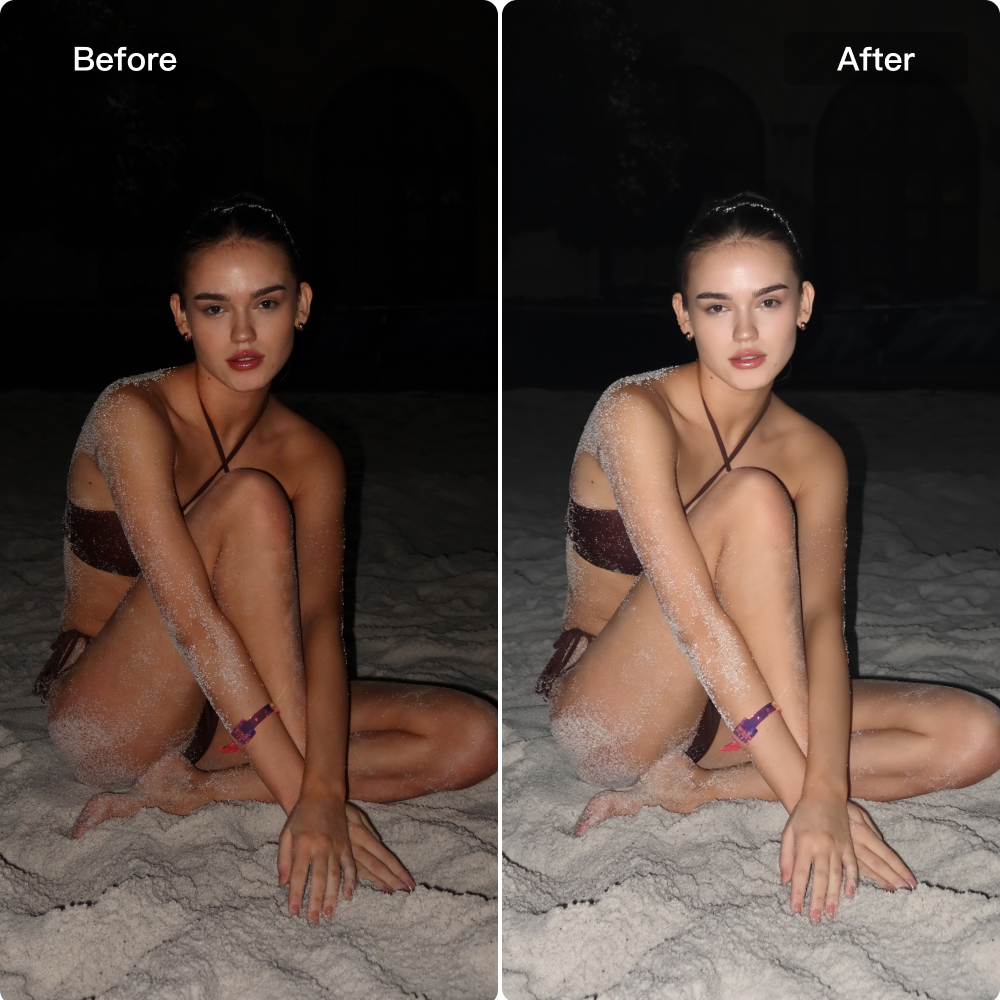
Night Portraits
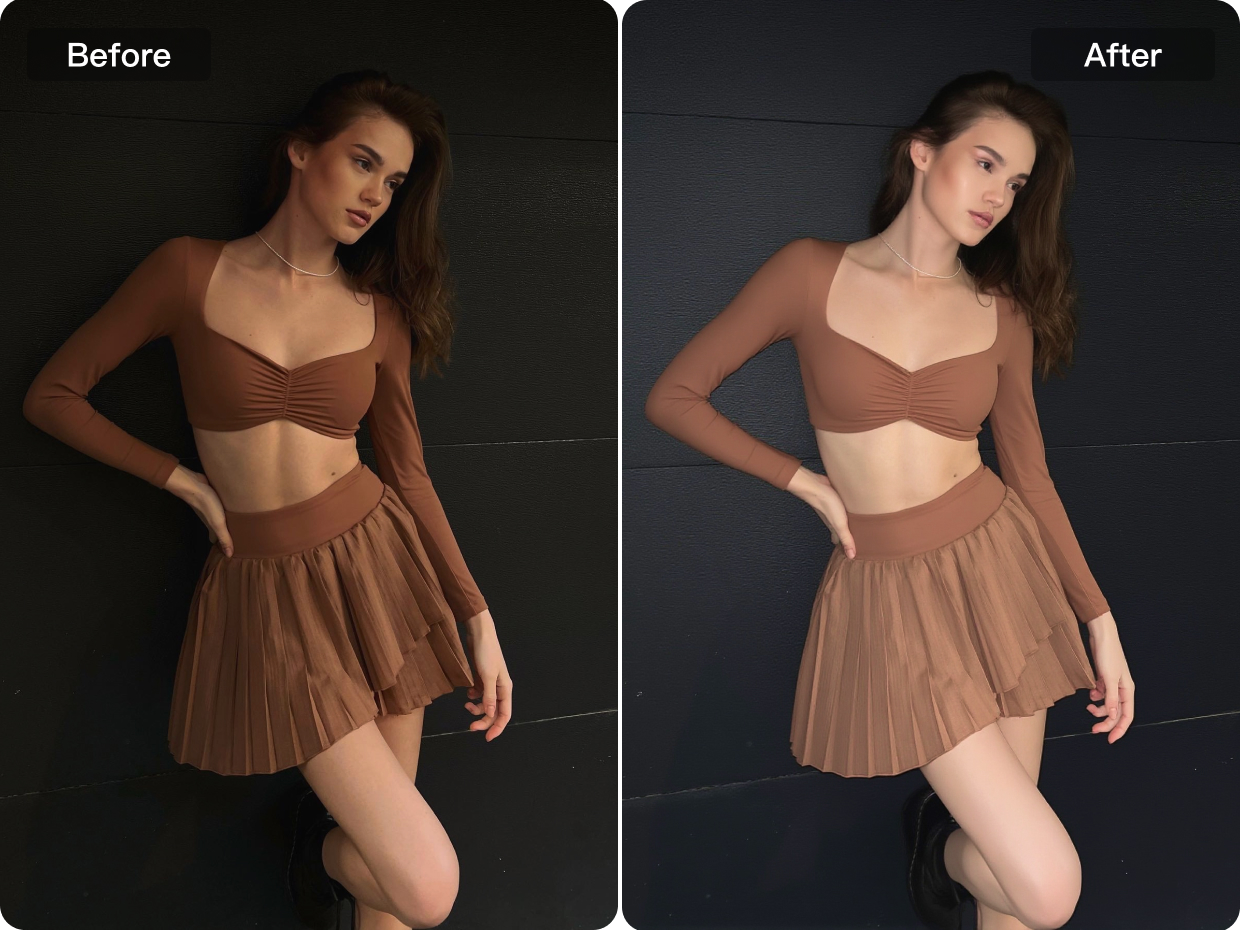
For night and low-light portraits, improved lighting enhancement helps brighten the subject, strengthen facial visibility and create a cleaner overall image. By simulating a more natural flash-like effect, the portrait appears clearer, more focused and visually polished even in dim shooting conditions.
Explore More
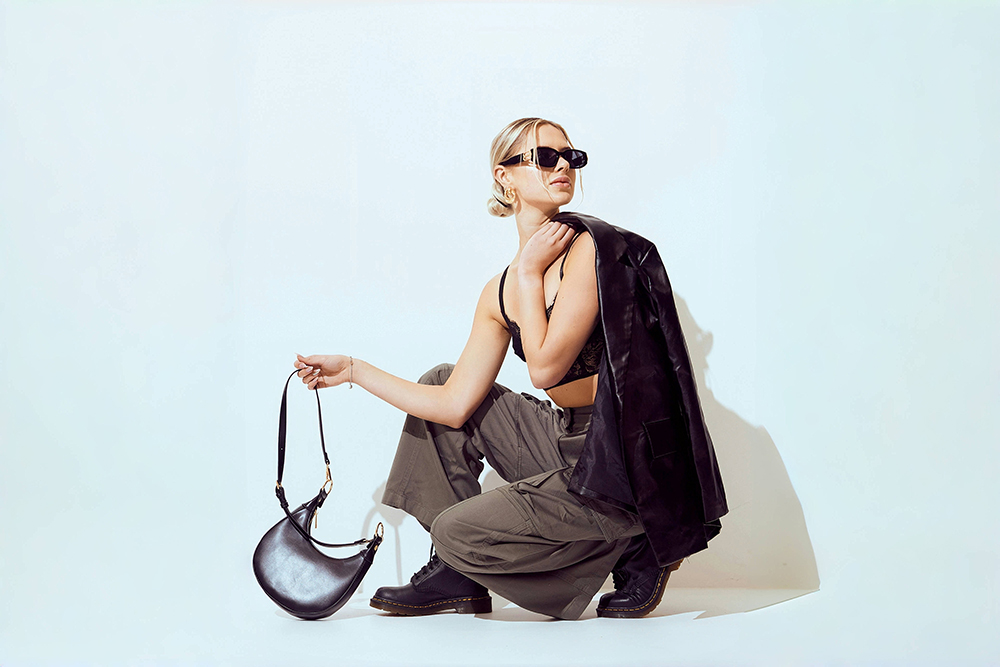
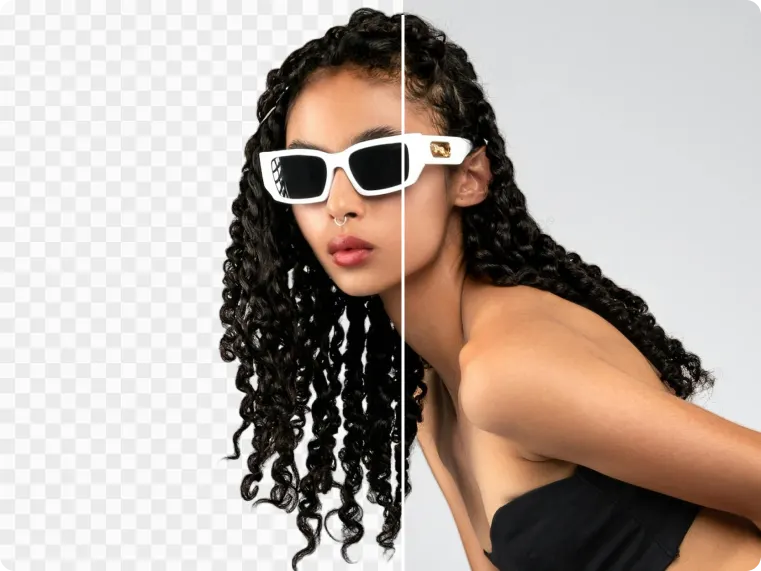
AI Background Removal
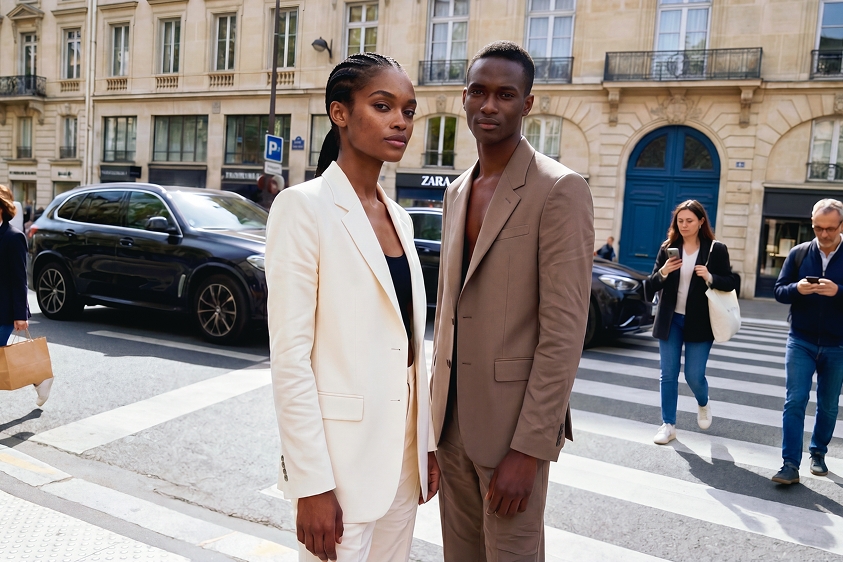
AI Removal
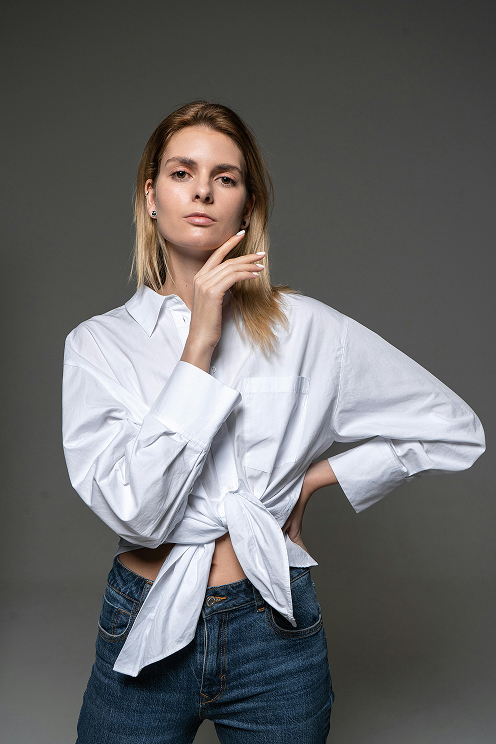
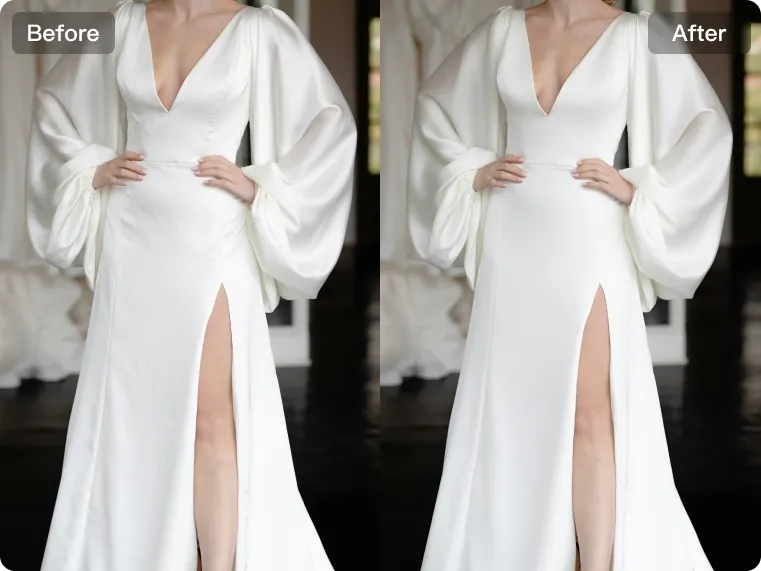
Clothing Wrinkle Removal
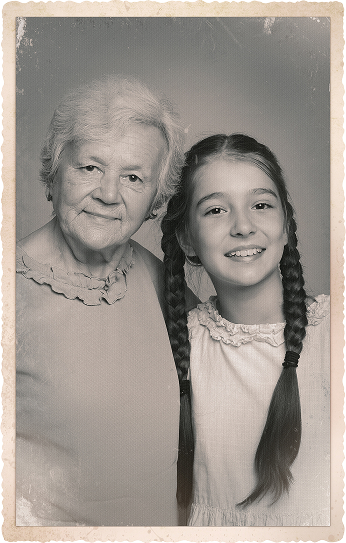
Photo Restoration
Frequently Asked Questions
Do I need professional lighting equipment to get this effect?
What types of photos benefit most from AI Flash Effect?
It works especially well for portraits taken in dark environments, night scenes, indoor events, parties, street-style e-commerce shoots and any image where the subject needs to appear brighter and more visually focused. It can also complement stylized edits such as cosplay photo effects in portraits that require stronger atmosphere and visual impact.
Will AI Flash Effect make the image look overexposed?
No. A well-balanced enhancement workflow is designed to brighten the subject while keeping the result natural and visually controlled. The goal is to improve visibility and presentation without causing obvious overexposure, while also helping to enhance photo quality in a more refined way.
Does AI Flash Effect also improve image sharpness?
Yes. In addition to lighting enhancement, it can also improve overall clarity and sharpness by refining important details and increasing subject definition. This makes the image look crisper without becoming overly harsh, especially when used to enhance photo quality in portraits that need a cleaner final presentation.
Is AI Flash Effect suitable for night and low-light portraits?
Yes. It is especially useful for night portraits and low-light environments where the subject may appear too dark or less defined. AI Flash Effect helps improve visibility, brighten the main subject, and create a cleaner final image, especially when paired with AI background replacement for a more polished visual result.
What is AI Flash Effect used for?
AI Flash Effect is used to simulate a cleaner and more polished flash-style lighting result in portraits. It helps brighten the subject, improve facial visibility, and make the overall image look clearer and more eye-catching without relying on actual flash during shooting. It can also support portrait workflows that involve AI cutout tool online features for more flexible image refinement.