
AI Background Removal
Easily remove and replace portrait backgrounds with AI for cleaner, more flexible image editing. Achieve natural looking cutouts in seconds, whether you want to switch scenes, simplify distracting surroundings or create a transparent background. Ideal for portrait enhancement, social content, creative projects, and a wide range of personal or professional uses.

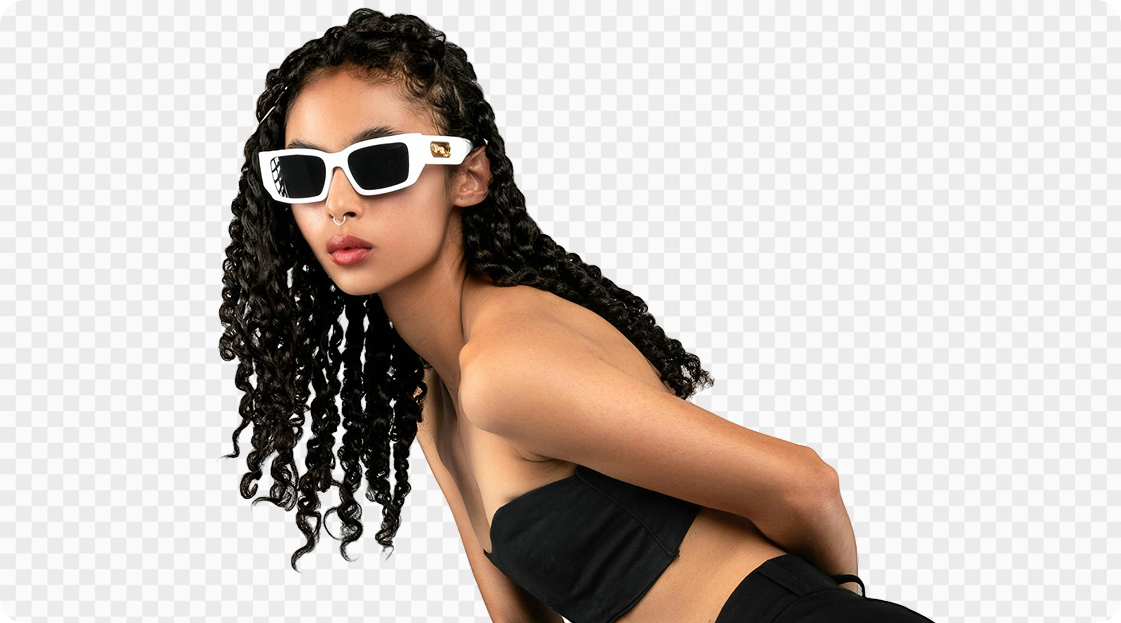
No image? Try these:
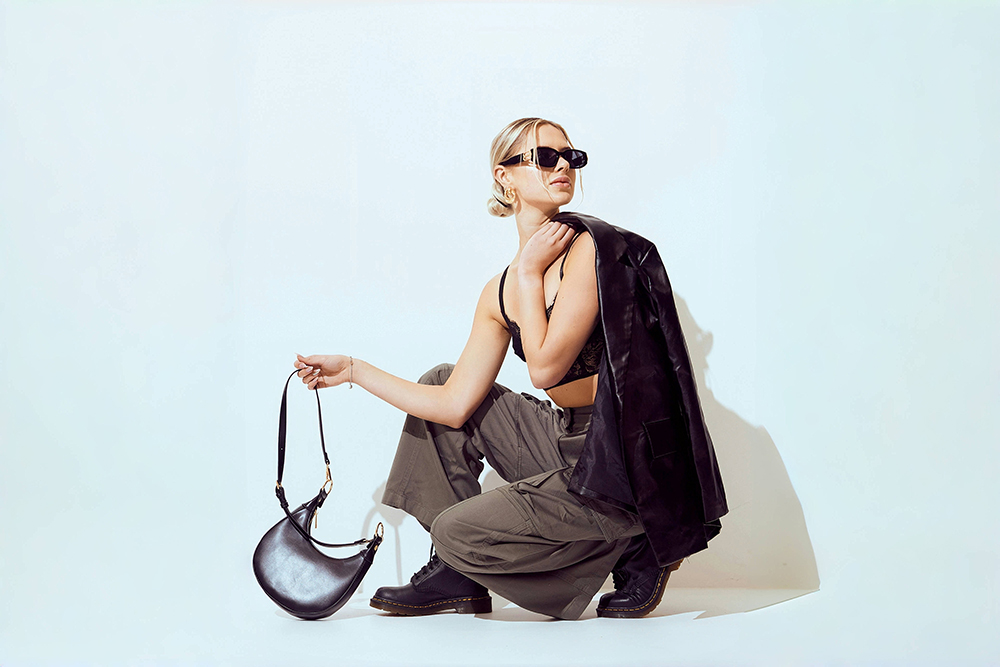

Why choose Kumoo for instant subject isolation over manual editing tools?
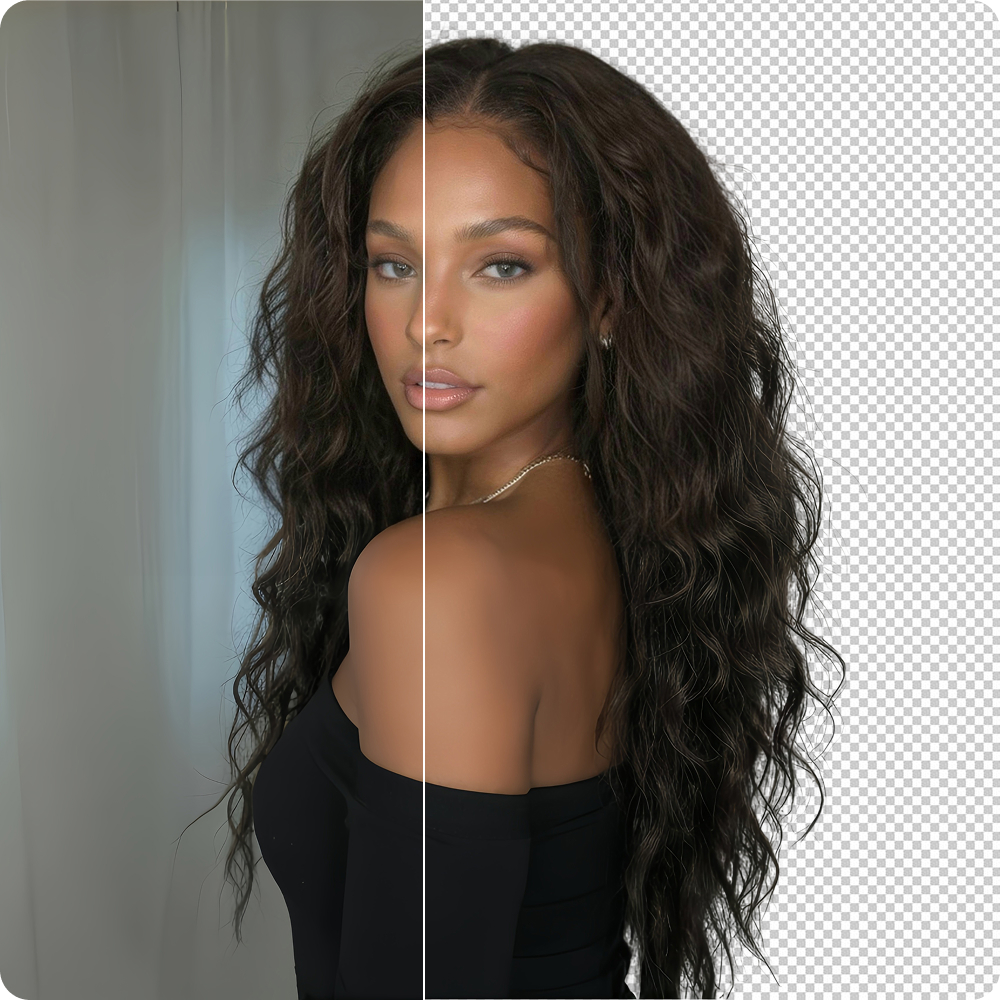
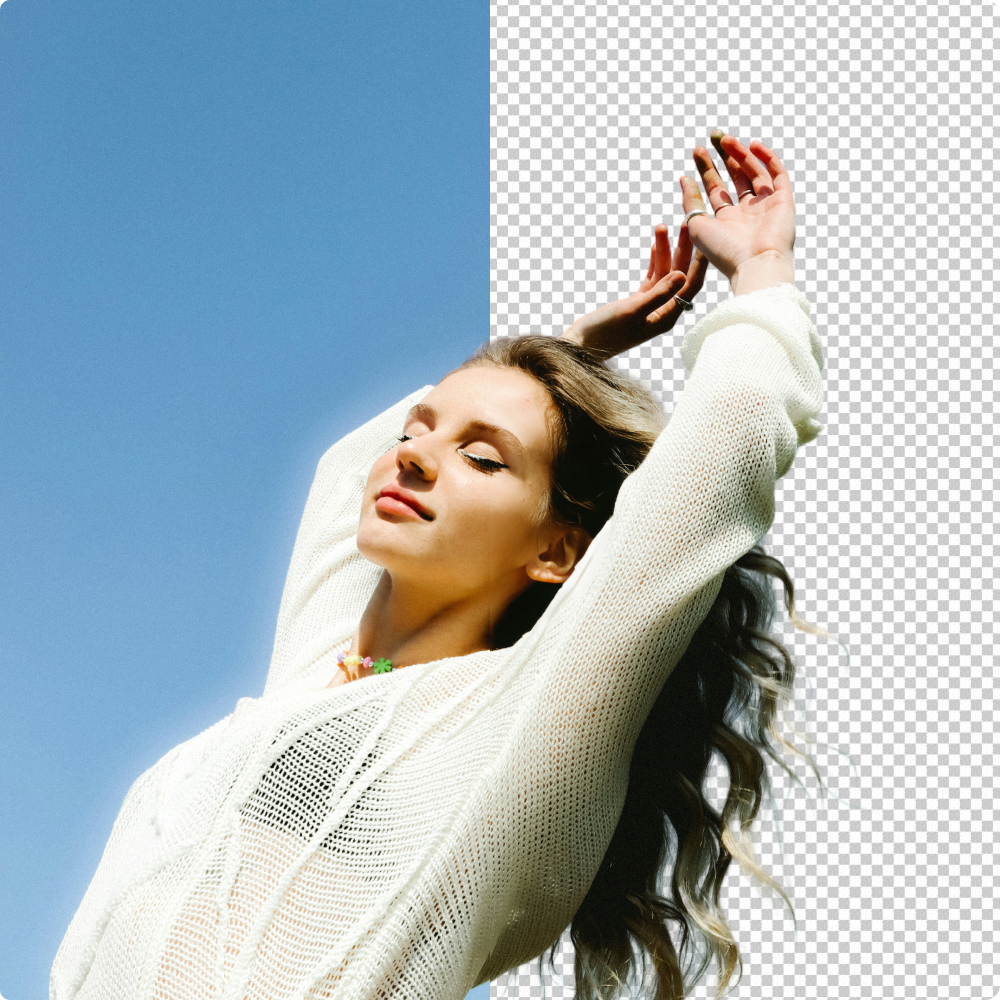
Detailed Cutout
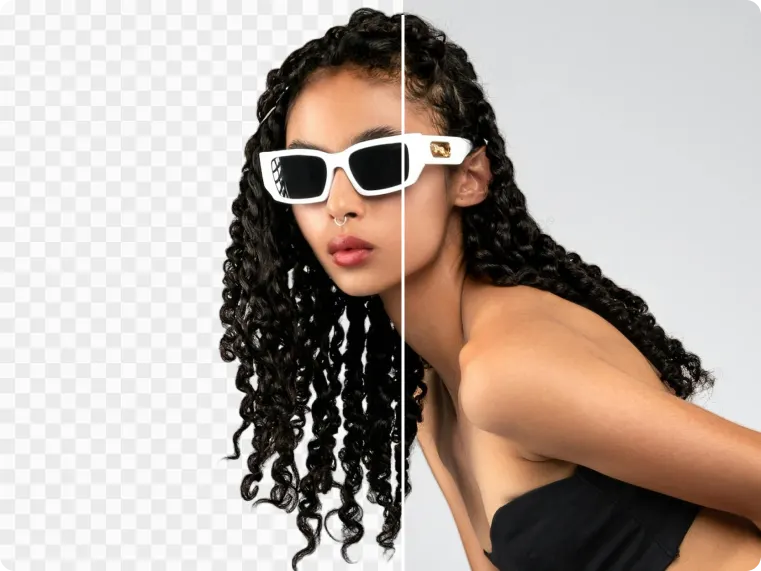
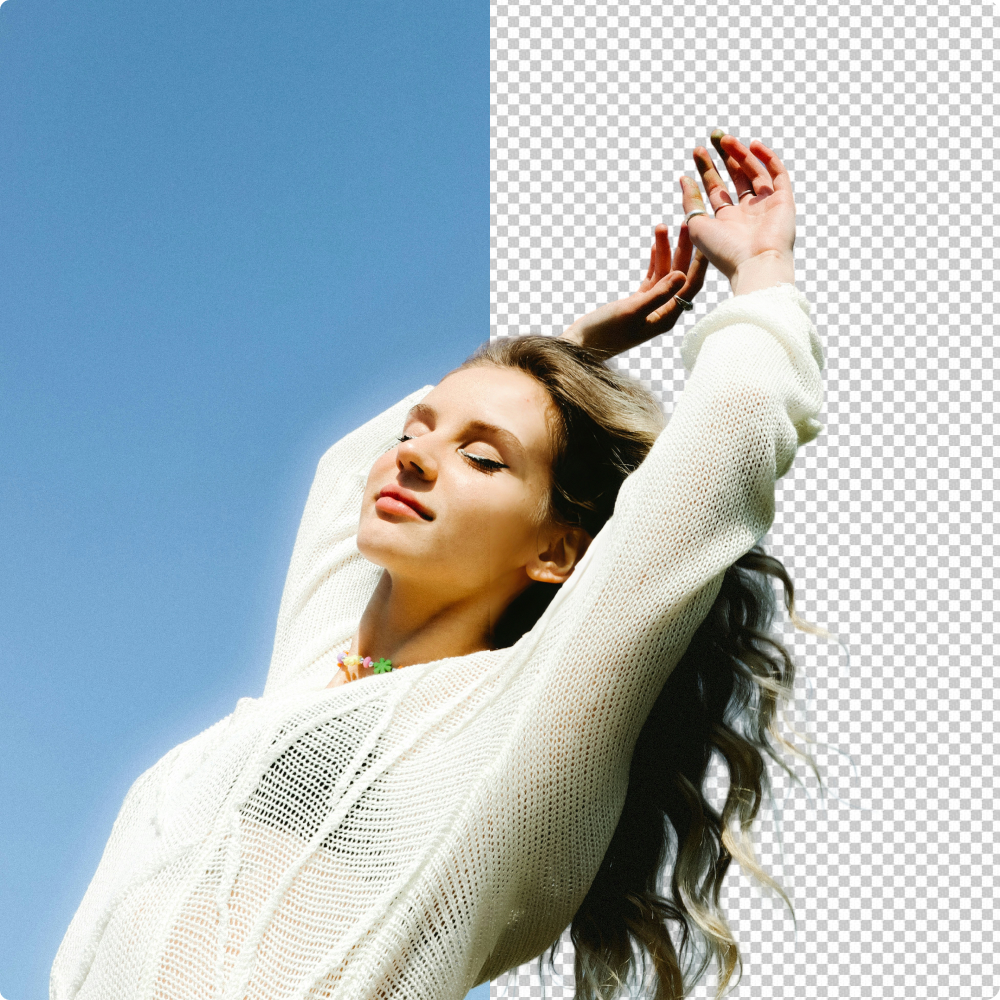
Delivers high-precision cutouts with hair-level detail, even with cluttered backgrounds, hair strands or complex subjects. You can get professional assets with transparent backgrounds with just one click. Designed for professional photo editing, e-commerce product images and other high-demand scenarios.
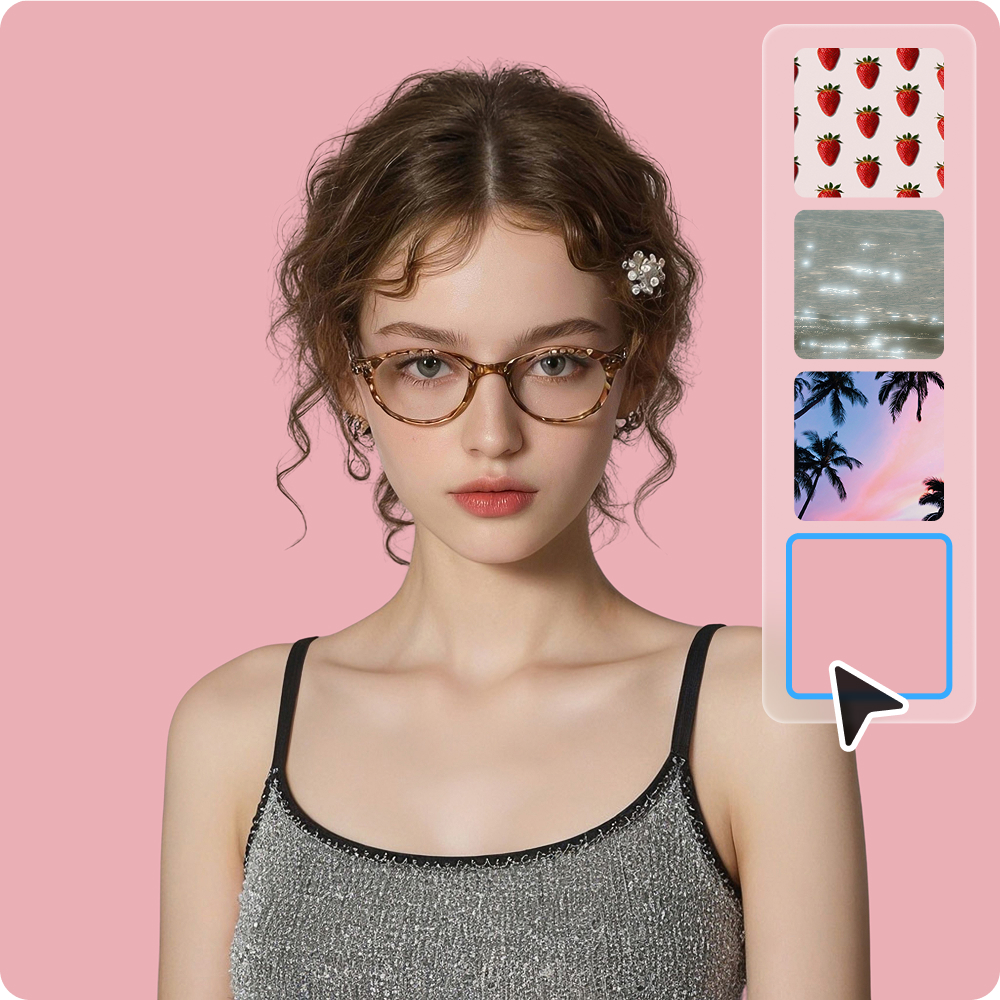
Customized Background Replacement
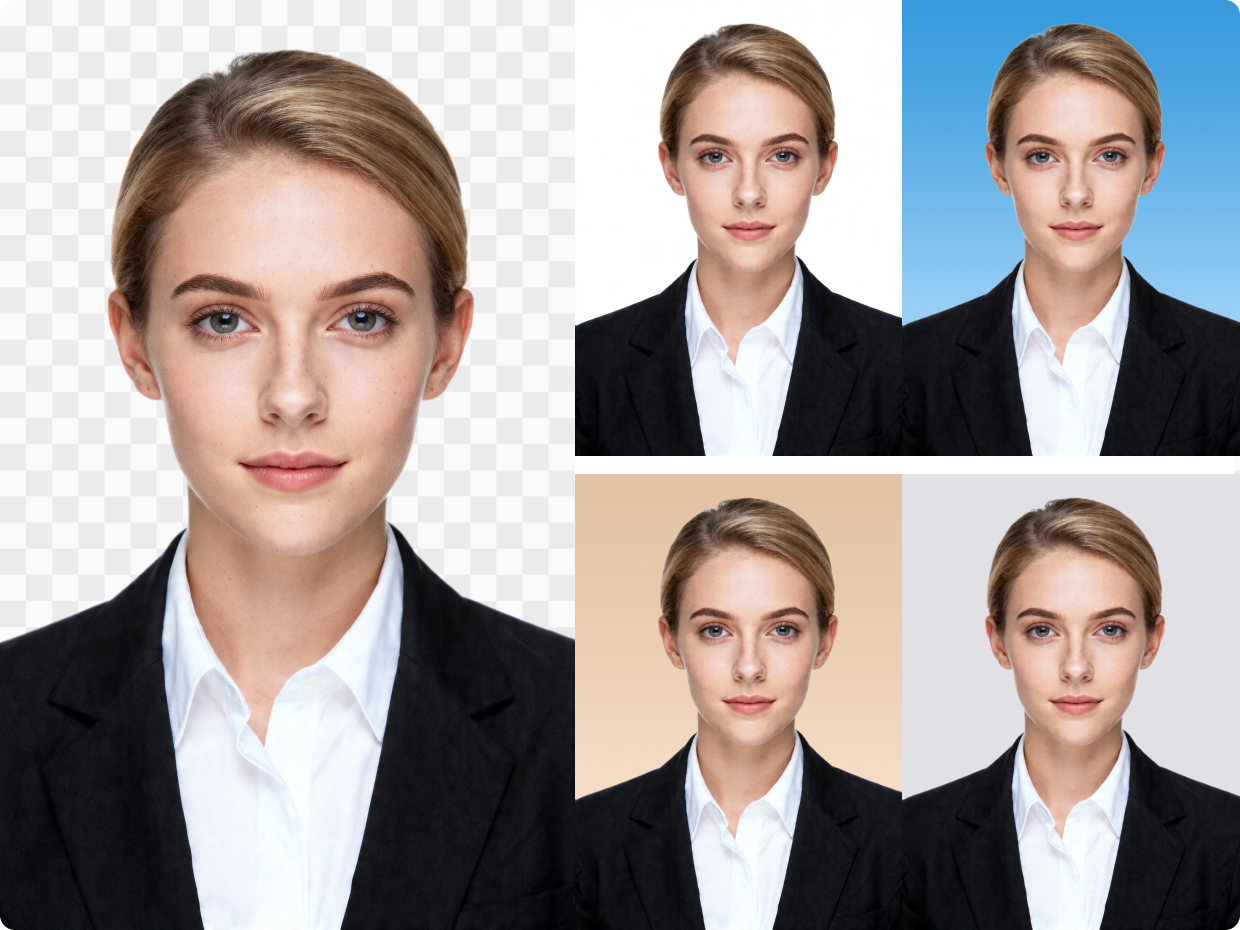
A perfect combination of Background Replacement. With just a few clicks, replace the background with a solid color to create stunning visuals that meet professional product display standards.
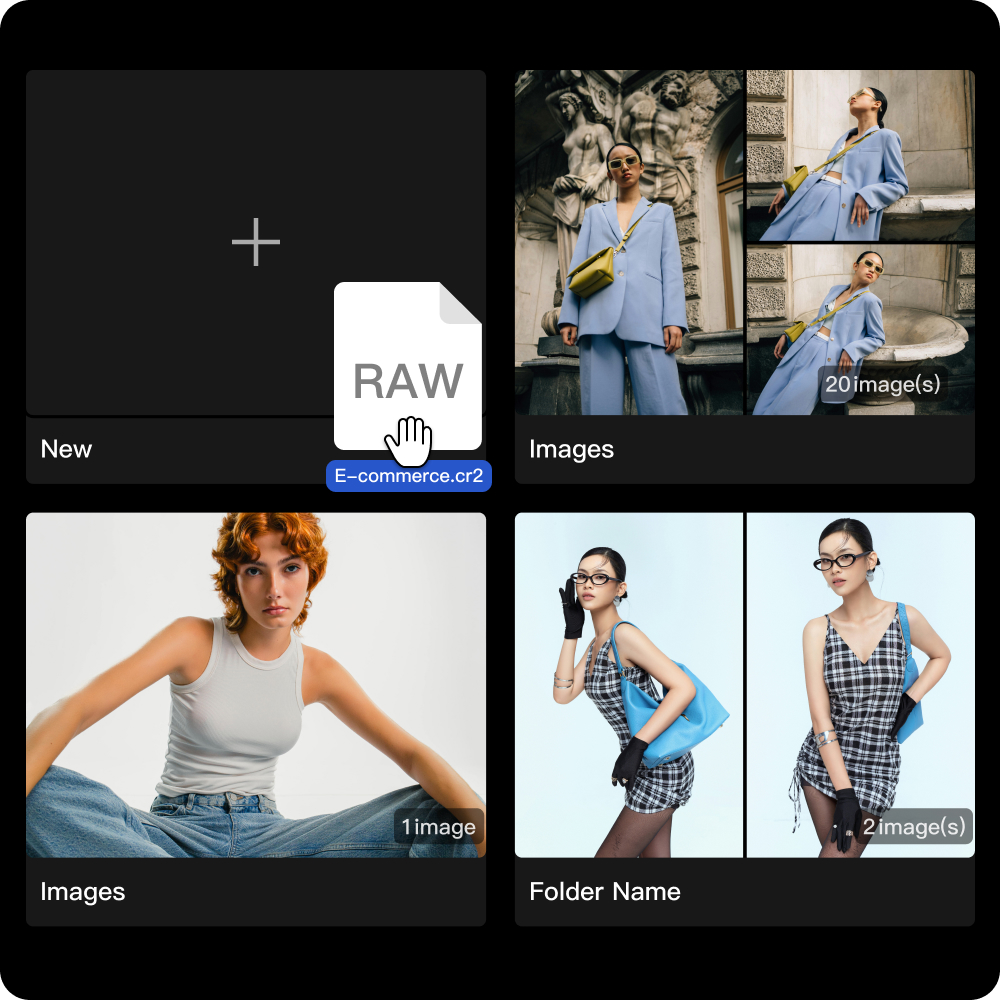
Professional RAW Format Import
Import and process RAW files with ease, making it simple to convert high-quality source images into editable portraits for background removal and further retouching. This helps preserve more image detail while creating a smoother workflow for professional cutout and portrait editing needs.
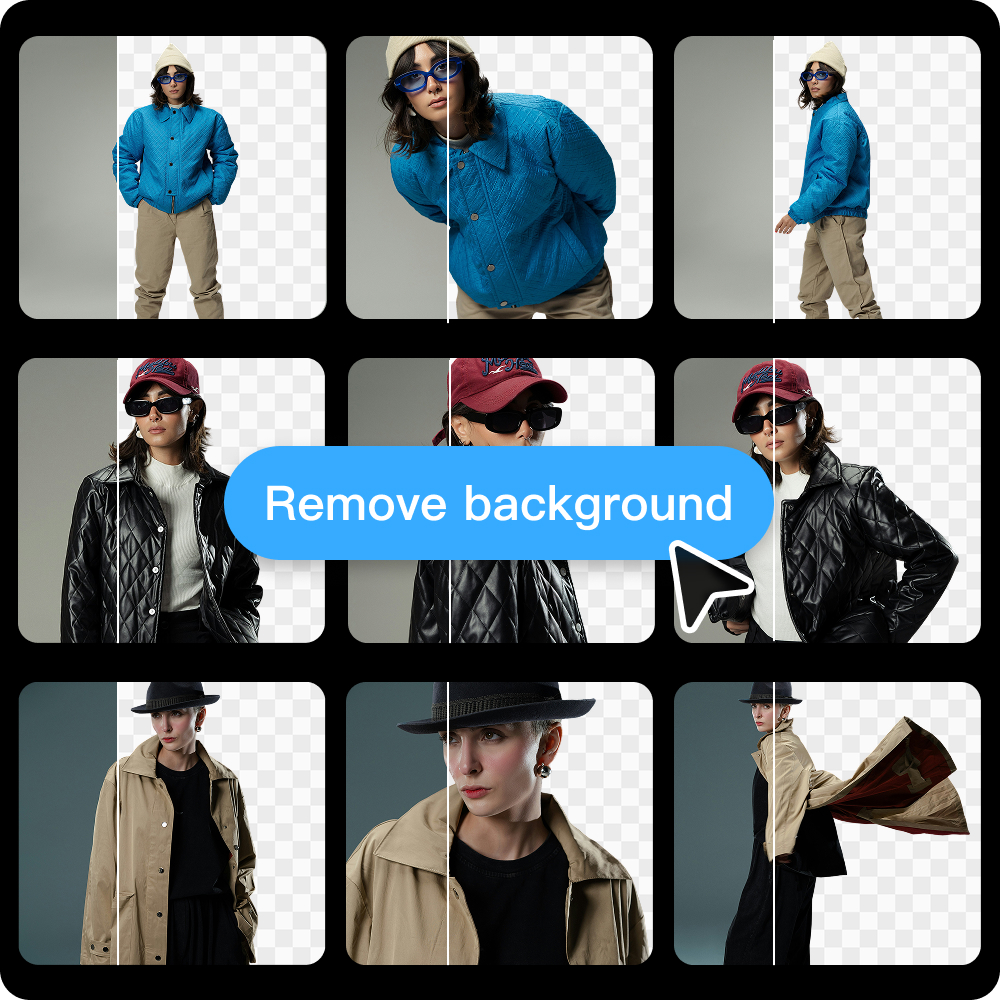
Batch Background Removal
Kumoo's online background remover supports batch processing. You can remove or replace backgrounds from entire photo sets in seconds, increasing efficiency while ensuring visual consistency across all images. Keep customers focused on what matters - your products.
How to use Kumoo to remove image background?
Upload Images
Upload images you'd like to remove the background from. The platform supports professional RAW formats (such as .CR2, .NEF, and .ARW) and general formats such as JPG and PNG.
AI Cutout
The AI will automatically detect what needs to be removed. You can customize the results by adding a new background or adjusting the size as needed.
Change the Backgrounds with Kumoo
Tired of slow background edits? Kumoo lets you remove or replace portrait backgrounds in seconds—no skills needed. Fast, easy, and professional results for any use.
Download and Use
You can batch download the finished images with backgrounds removed and save them as PNG files or JPG files with a new background.
From product shots to portraits, Kumoo fits every background removal scenario
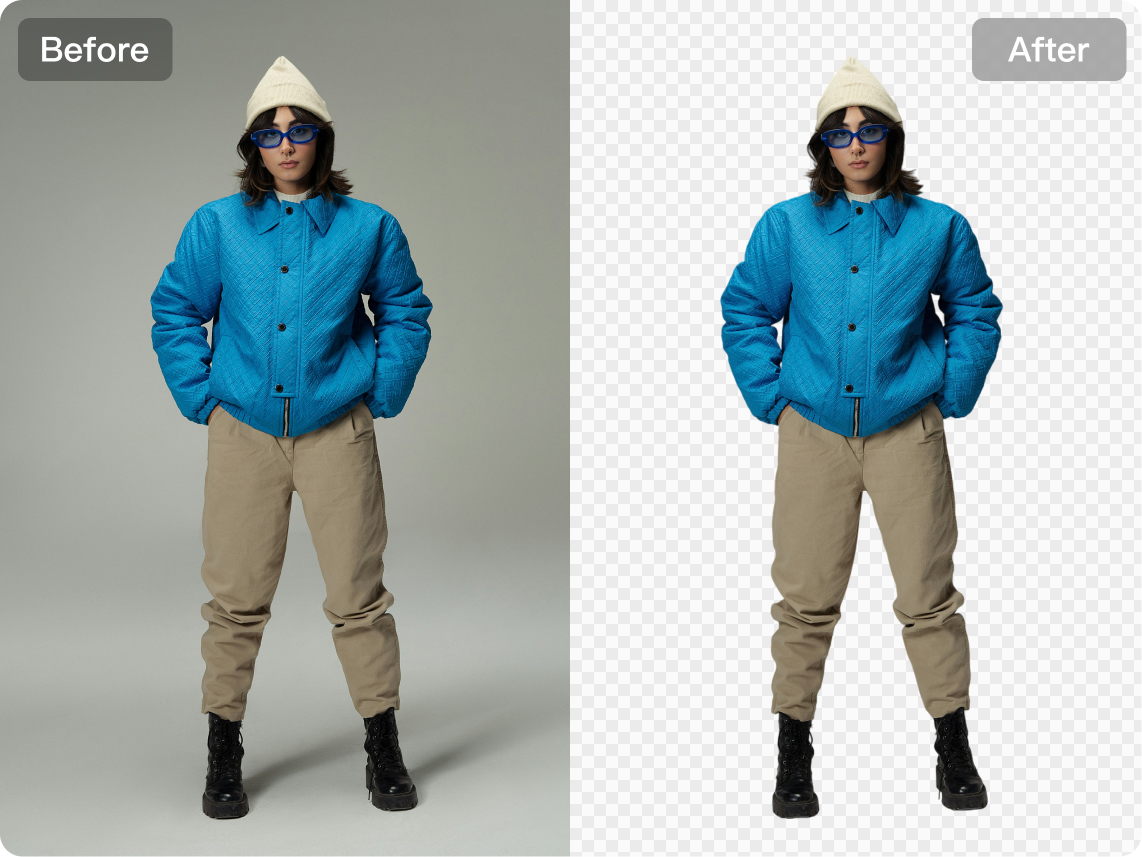
E-commerce
Kumoo makes it easy to isolate items from the original background and place them on clean white backdrops, transparent layers or customized scenes for different platform and branding needs. This helps create more consistent product visuals, improves presentation quality, and speeds up the production of polished e-commerce images for listings, promotions, and online storefronts.
Explore More

AI Removal
Background Retouch

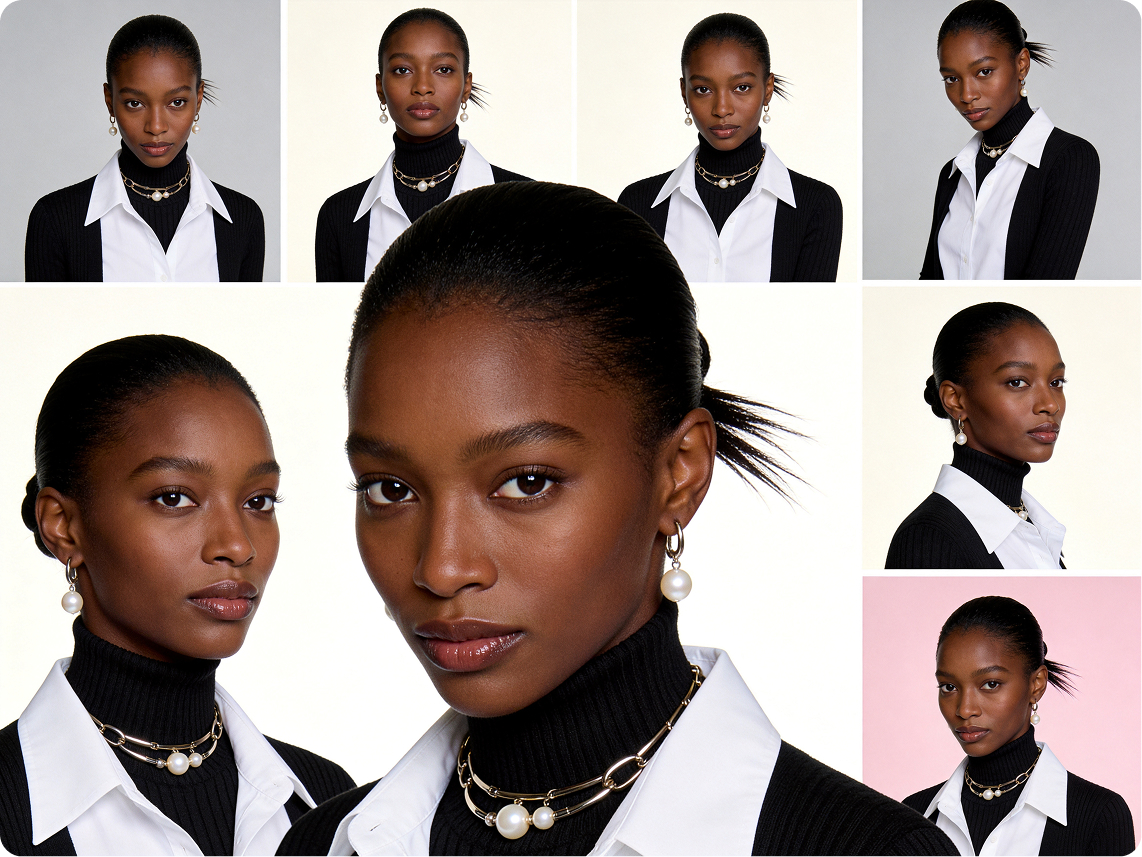
Clothing Wrinkle Removal
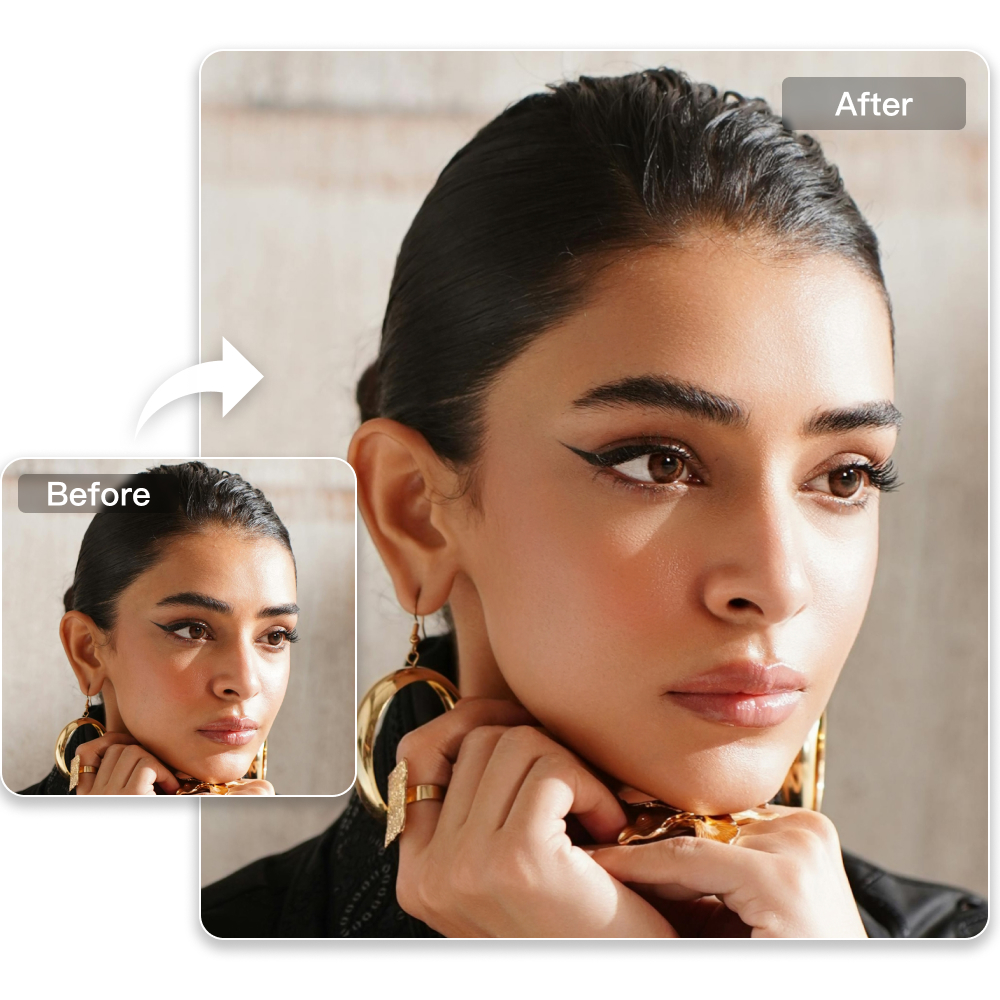
Professional Retouching Solutions for E-commerce Photography
Frequently Asked Questions
What types of images are suitable for background removal?
Is background removal suitable for portrait photography?
Yes. Background removal can help simplify distracting surroundings, create a cleaner portrait composition or support custom background replacement for different portrait styles and themes.
Can background removal be used for ID photos?
Yes. It is commonly used for ID photo editing to switch the original background to standard colors such as white, blue or red while keeping the subject clear and natural.
Is background removal useful for e-commerce images?
Yes. For e-commerce, background removal helps isolate products and place them on clean white, transparent or customized backgrounds. This improves product presentation and supports more consistent online listings.
Will the cutout edges look natural?
A well-designed background removal workflow helps keep the subject edges cleaner and more natural, especially around details like hair, clothing and contours.
Can I use custom background materials after cutout?
Yes. After the subject is isolated, you can apply custom backgrounds to better match different styles, themes, marketing purposes or creative projects.