

Background Retouch
Refine backgrounds with clean adjustments that improve the overall image without distracting from the subject. Kumoo makes it easy to remove backgrounds, replace them seamlessly, and enhance background details for a more polished result. Especially for portraits, e-commerce images, and creative edits that call for a cleaner, more refined visual finish.

Make Every Background Cleaner, Simpler, and More Visually Consistent
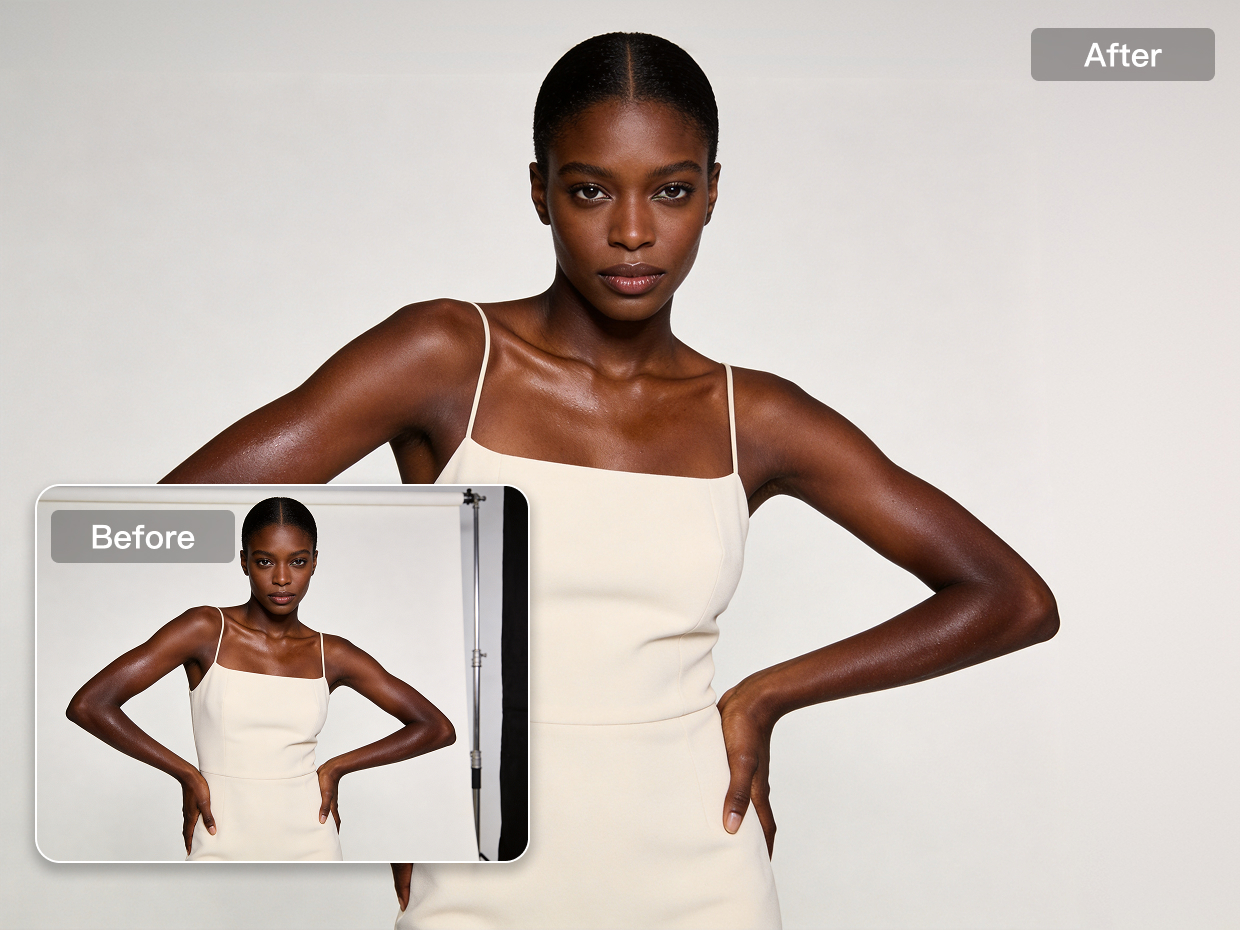
Accurate Background Extraction
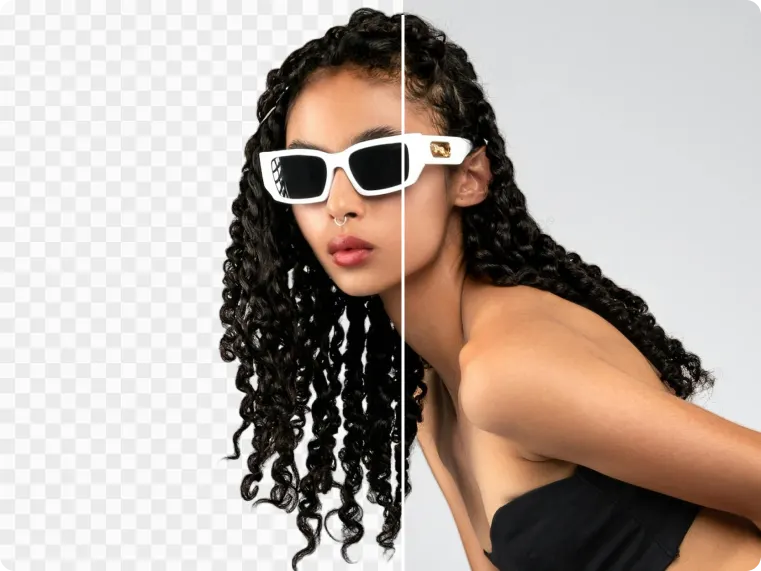
Cut out subjects with greater precision and cleaner edge detail. As a professional AI photo editor, Kumoo makes background extraction smoother and more reliable, helping separate people or products from complex scenes without harsh outlines.The result feels cleaner, more natural, and much easier to work with in follow up edits.
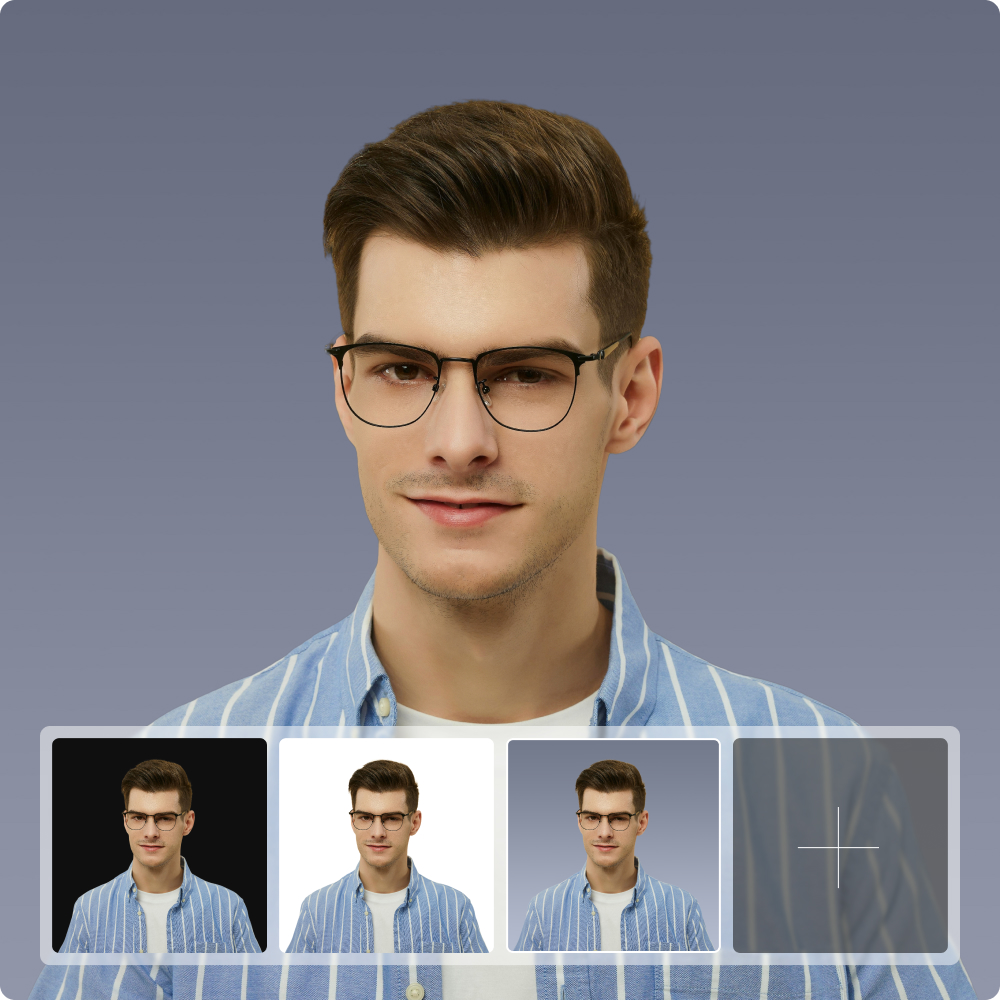
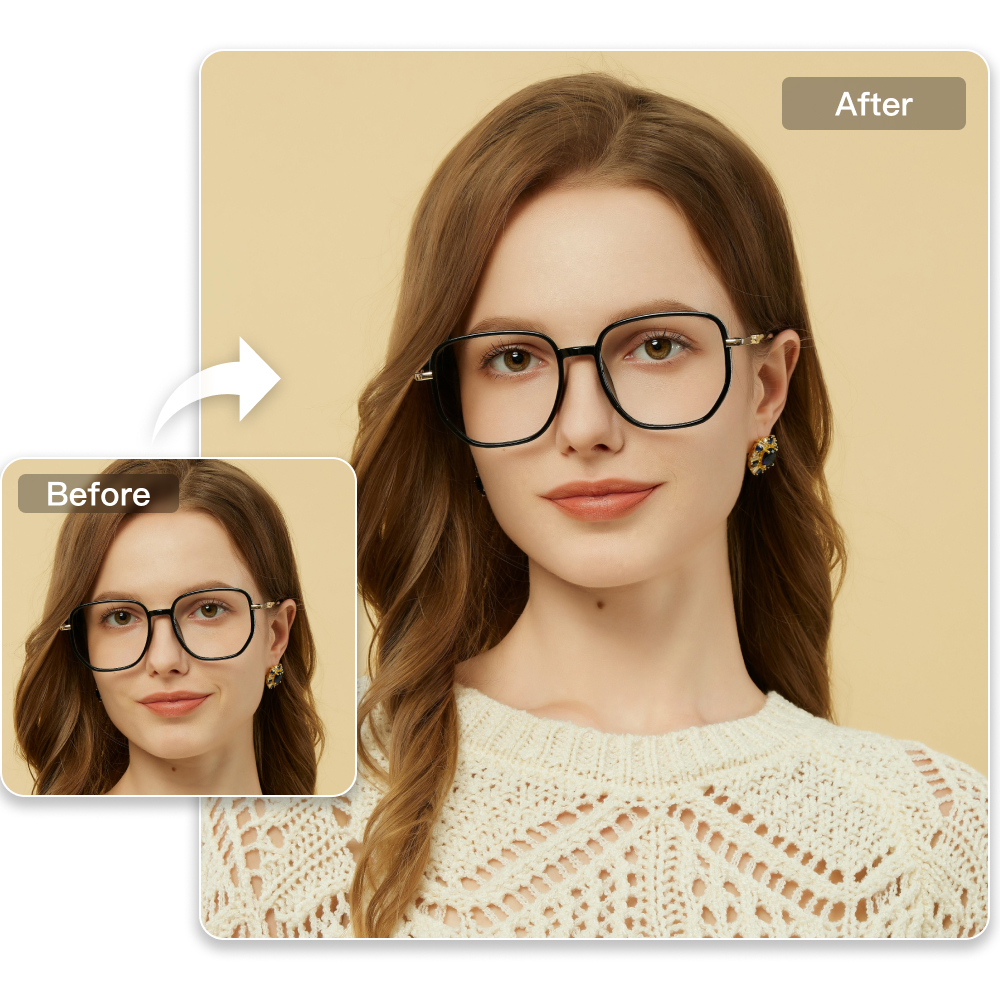
Flexible Background Color Editing
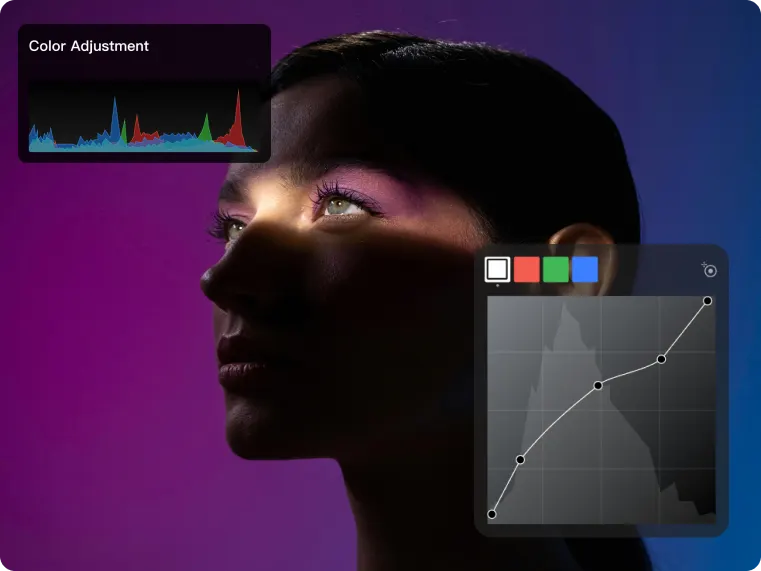
Customize background colors with more freedom and precision. As an AI photo editing software for photographers, Kumoo makes it easy to replace or adjust background colors to better match the subject, mood or visual style of the image. Whether you're creating clean studio looks or more stylized compositions, the process stays simple while the result remains polished.

Sky Replacement
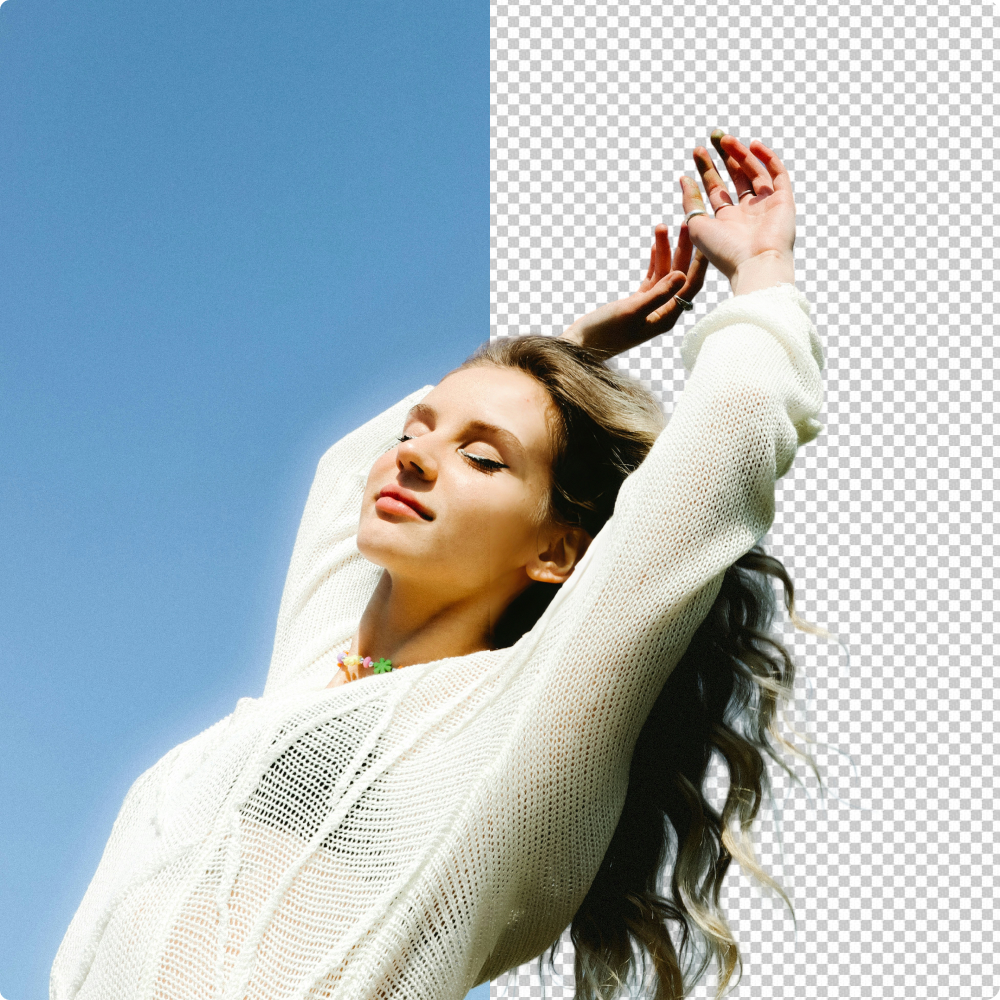
Refresh outdoor images with natural looking sky replacement that blends smoothly into the original scene. Kumoo helps swap dull or distracting skies for cleaner, more fitting options while keeping lighting, atmosphere, and overall image balance in harmony. A simple change like this can instantly make the photo feel brighter and more visually complete.

Solid Background Cleanup
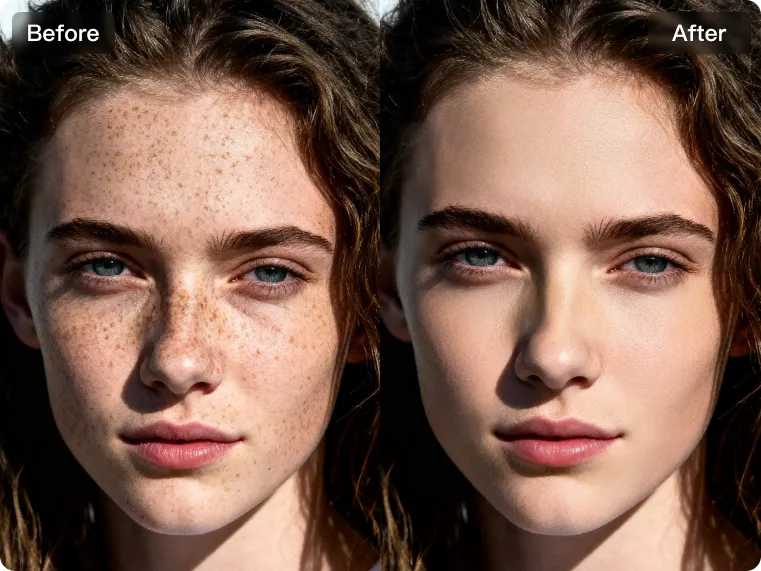
Clean up marks, stains, and unwanted imperfections on solid backgrounds for a neater, more professional image. Kumoo helps smooth out uneven areas and remove distracting spots without affecting the subject, making the overall background look more consistent. This is especially useful when a simple background needs to appear elevated and presentation ready.
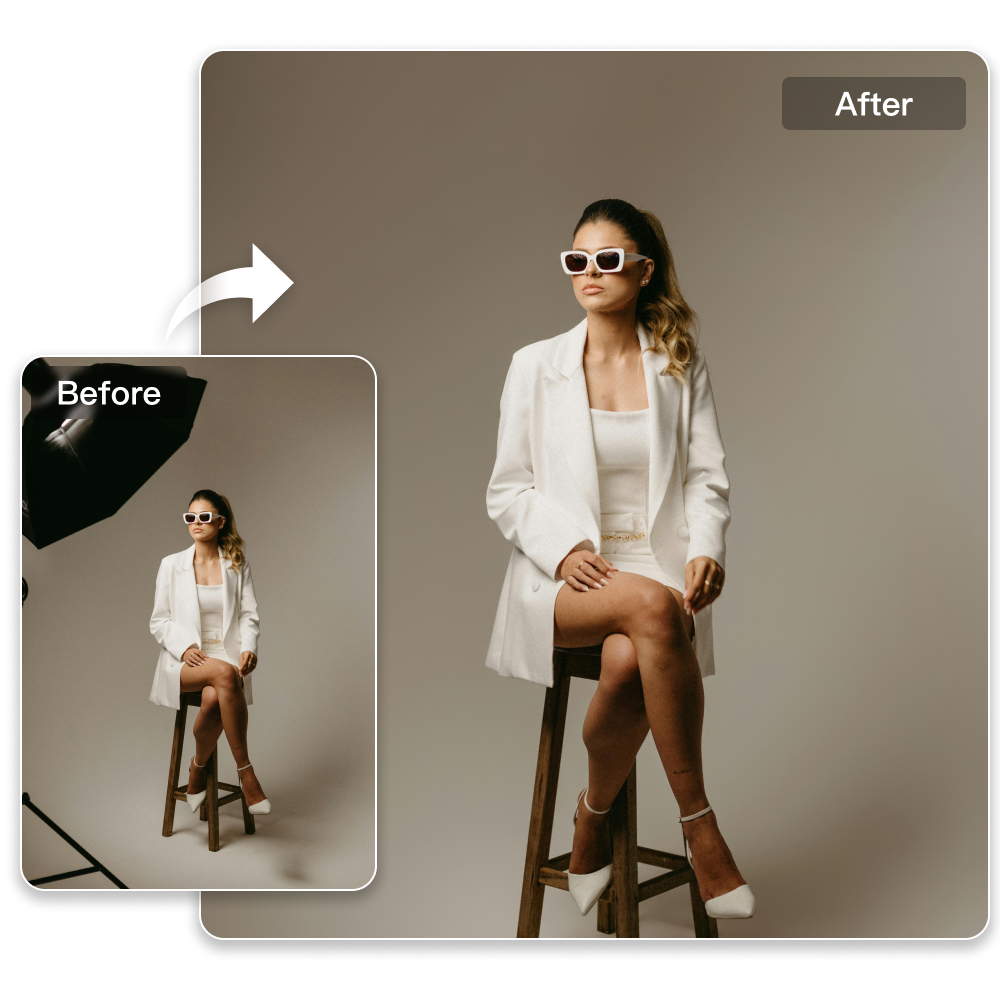
Smart Distraction Removal
Remove unwanted background distractions with a more natural result. Kumoo helps clear stray objects, clutter, and visual interruptions that draw attention away from the subject, so the image feels more focused and visually refined. It’s an easy way to improve the frame while keeping the overall scene natural and balanced.
Better Backgrounds for Any Setting
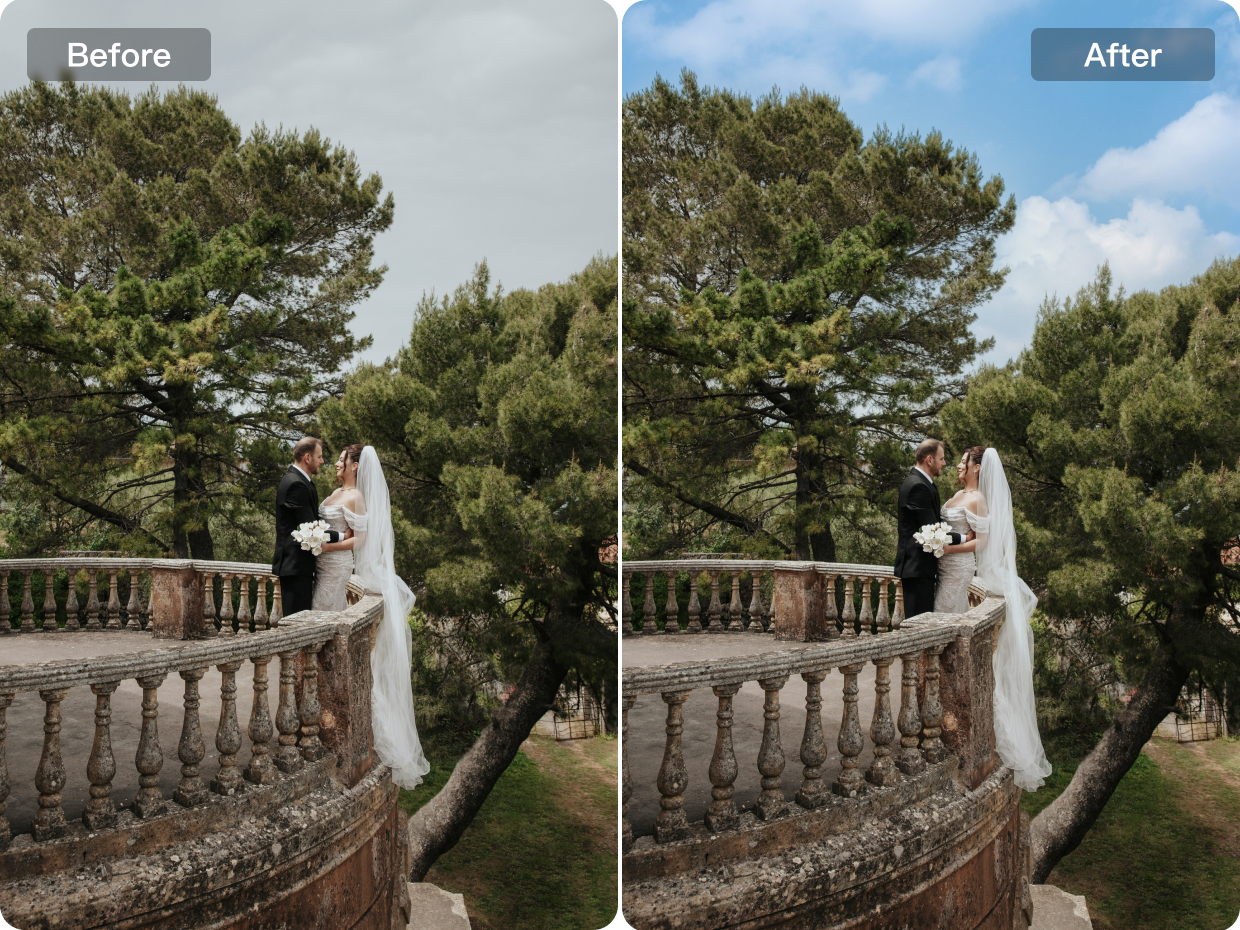
Wedding
Give wedding photos a more romantic atmosphere with natural looking sky replacement. Kumoo helps swap dull or distracting skies for softer, more flattering backdrops that better match the mood of the scene, while keeping lighting and overall color balance visually consistent. For users looking beyond a Meitu AI image editor, it offers an easy way to create outdoor wedding portraits that feel brighter, more elegant, and more memorable.

Explore More

AI Removal Tool for Unwanted Objects and Photo Distractions

AI White Background Tool for Clean Product and Portrait Photos
Easy Professional Retouching for ID Photos

5 Best Sky Replacement Software for Stunning Photos
Frequently Asked Questions
How can I remove the background from an image using Kumoo?
Is it possible to remove or change backgrounds from multiple images at once?
Sure! Batch processing is supported. You can replace or delete the backgrounds of multiple images at once.
Is Kumoo suitable for creating professional profile pictures or ID photos?
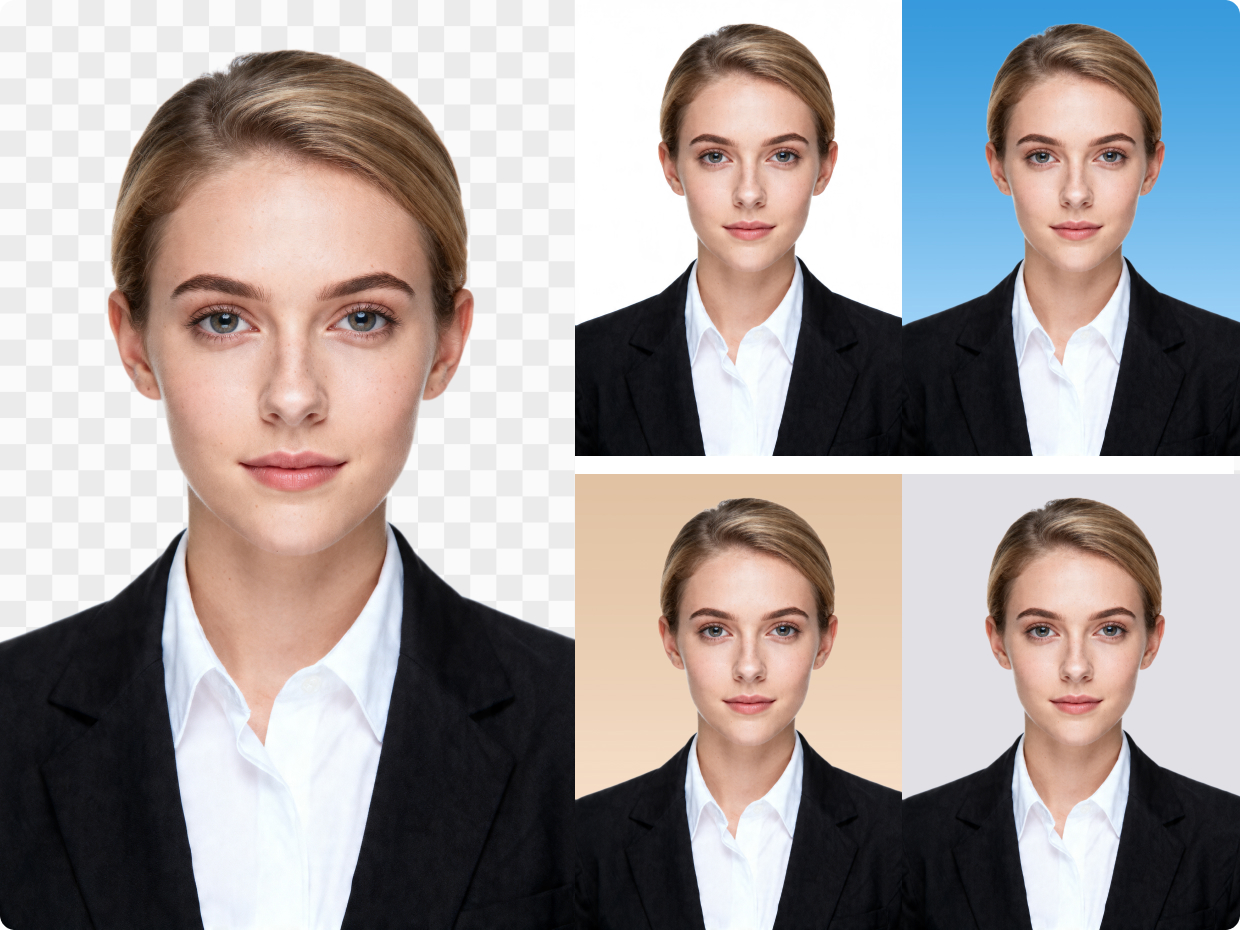
Yes! Kumoo is perfect for changing the background of ID photos, including passport photos, driver’s licenses, and resume photos. You can easily replace the background with solid white, blue, or any other required color.
Can Kumoo remove distracting objects from the background?
Yes. As a professional AI photo editor, Kumoo helps remove unwanted objects and visual distractions from the background, so the subject stands out more clearly and the composition feels more refined.
Does Kumoo support natural-looking sky replacement?
Yes. As an AI photo editing software for photographers, Kumoo can replace skies in a way that blends smoothly with the original scene, helping outdoor photos look brighter and more visually complete.
What’s the easiest way to change the background color of an ID photo?
With Kumoo, you can quickly replace the original background with standard color options while keeping the subject suitable for official photo requirements, making it a practical alternative to a Meitu AI image editor.