AI White Background
Generates professional white-background images in batches for e-commerce with naturally blended lighting.
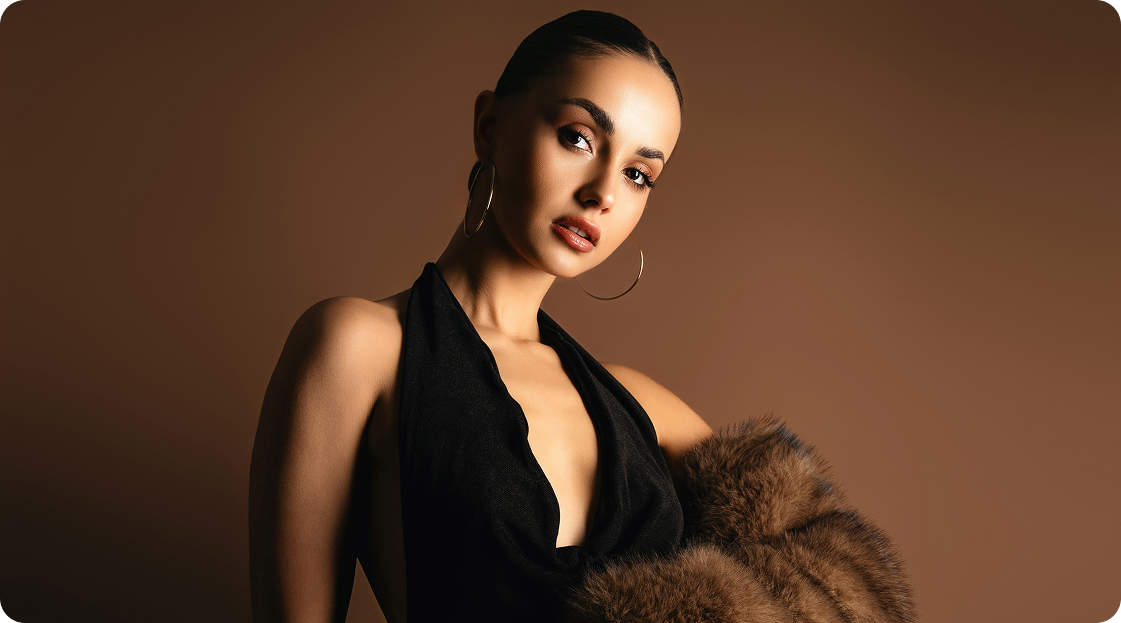
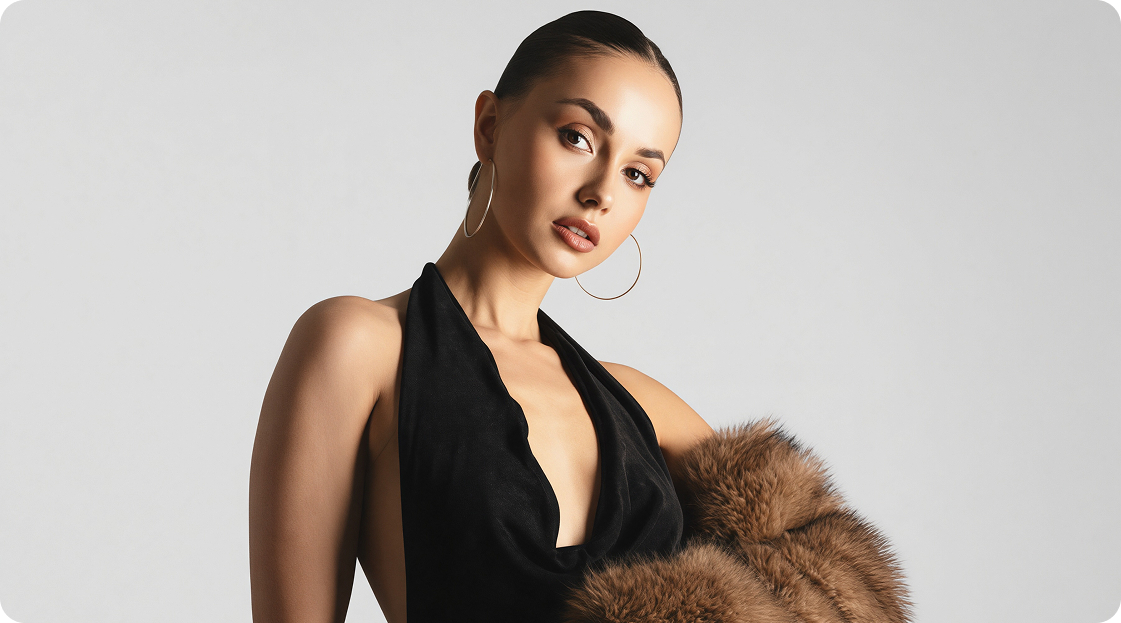
No image? Try these:
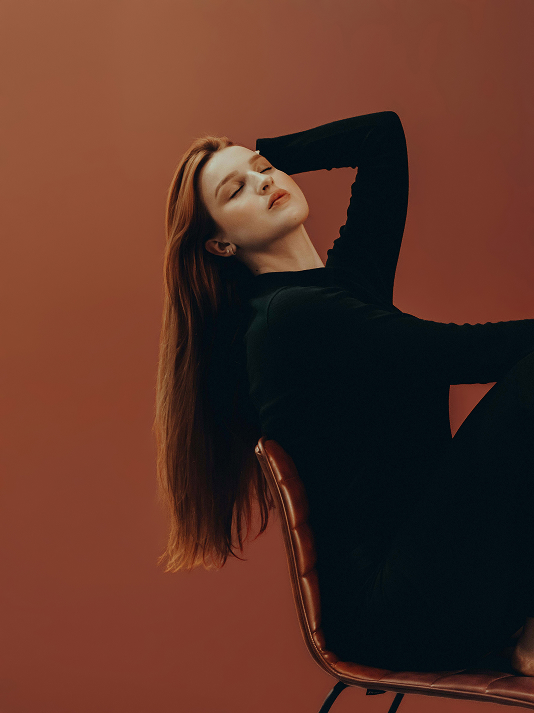
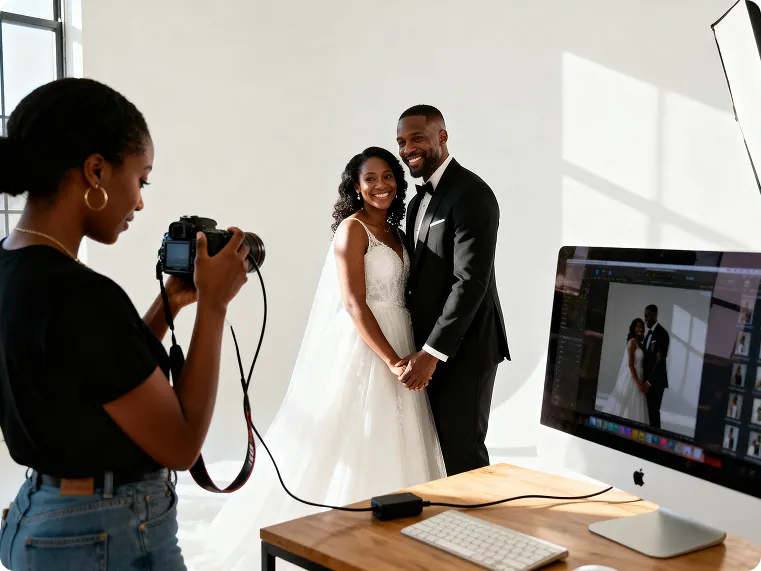
Why choose Kumoo for instant subject isolation over manual editing tools?
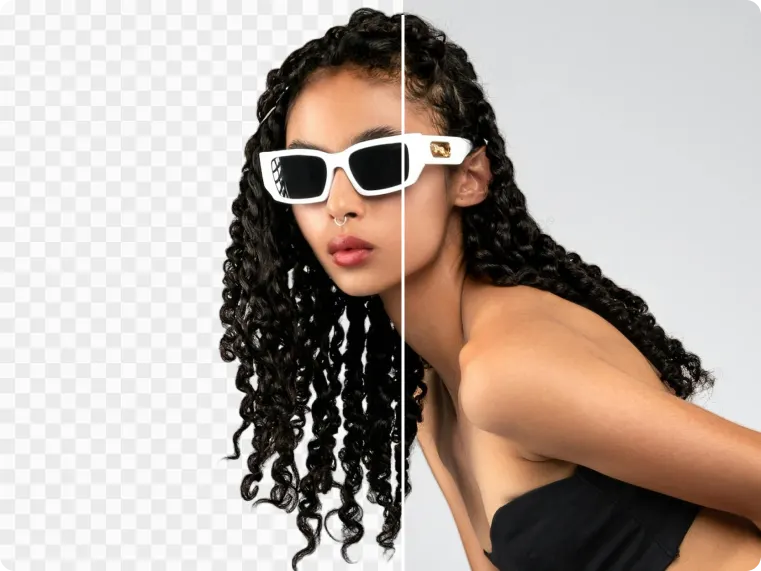
Precise Cutout
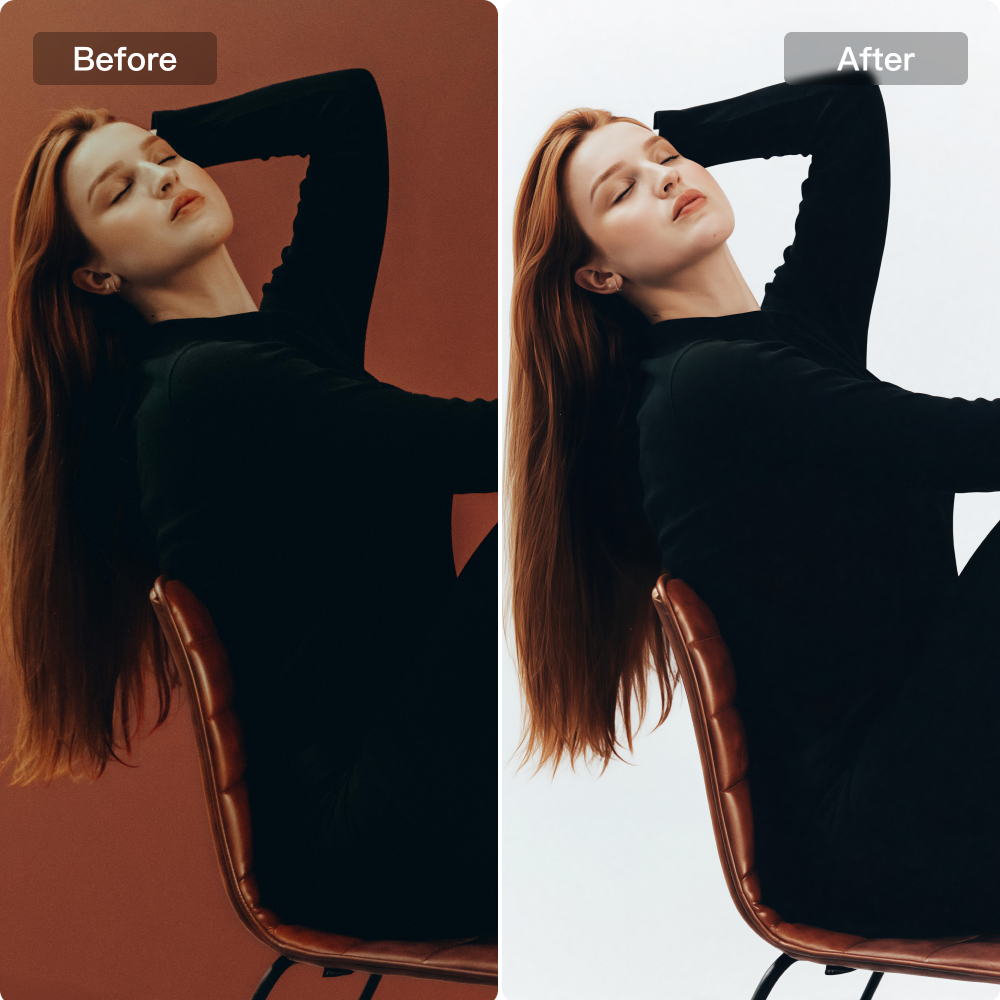
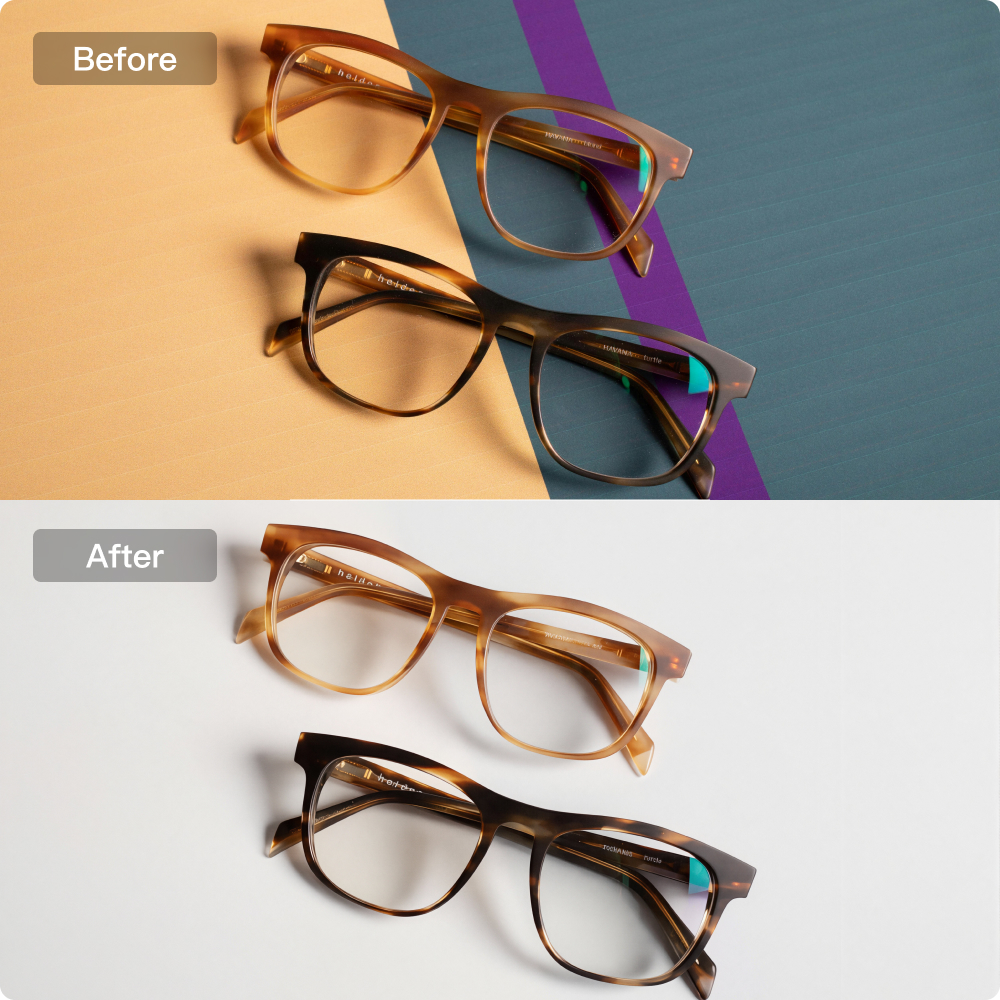
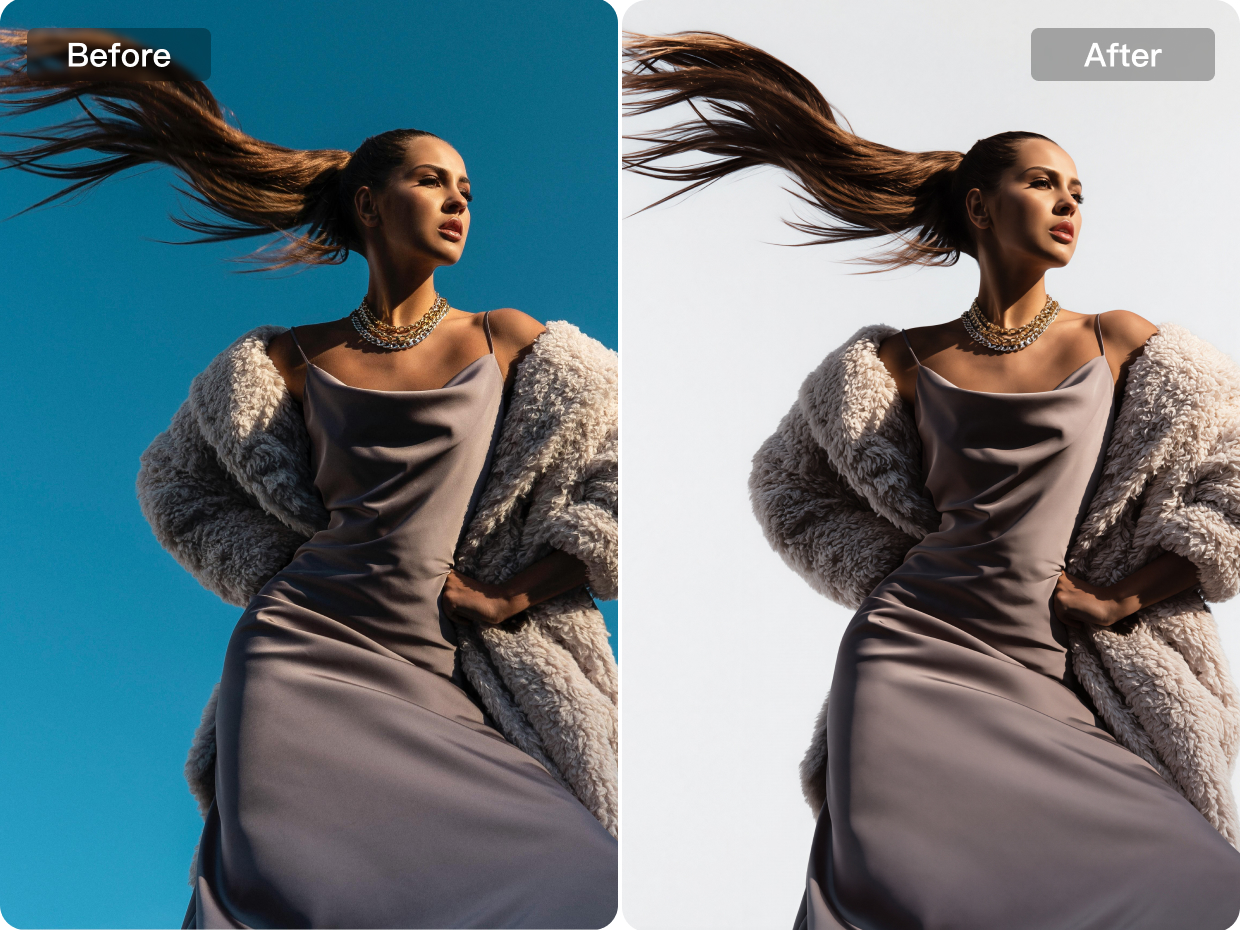
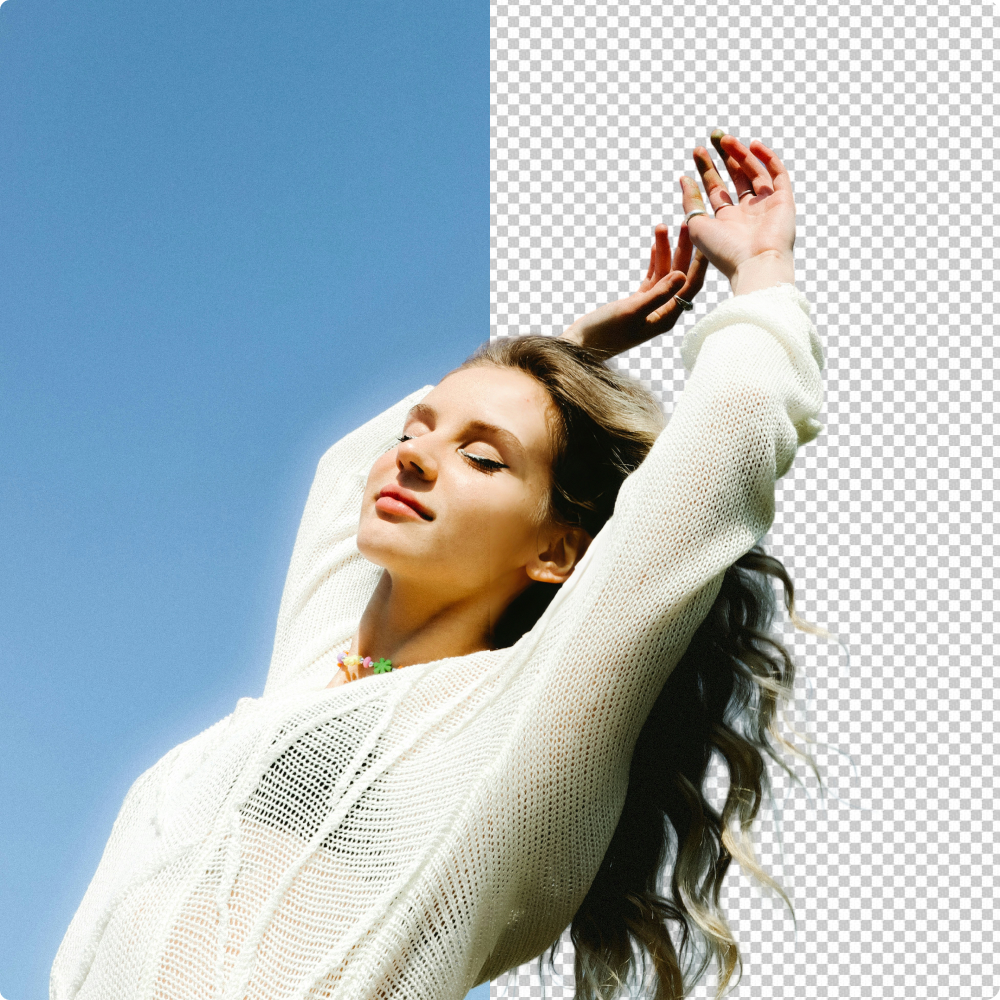
Create clean, professional white background images with precise cutout and seamless background replacement in one workflow. By accurately separating the subject from the original scene, it produces cleaner edges, reduce background distractions, and keep the focus on the main subject ideal for product images.
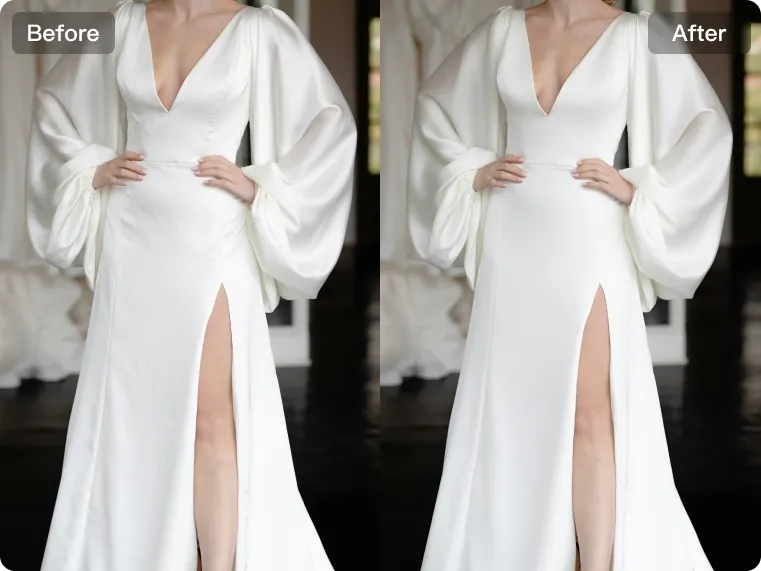
E-commerce Platform Standards
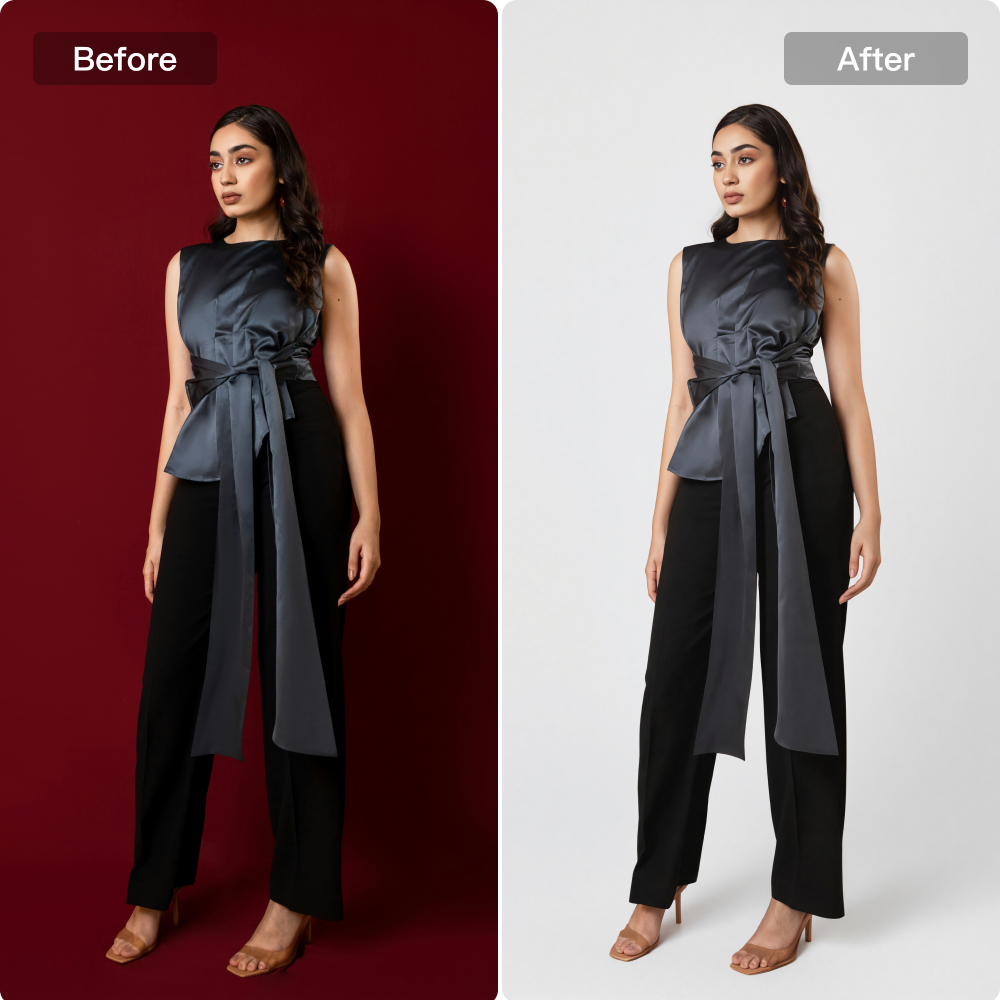
Create white background images with background color values that meet e-commerce platform standards. By ensuring a cleaner white backdrop and more compliant visual presentation, Kumoo helps product images look more professional, platform-ready and suitable for online listings.
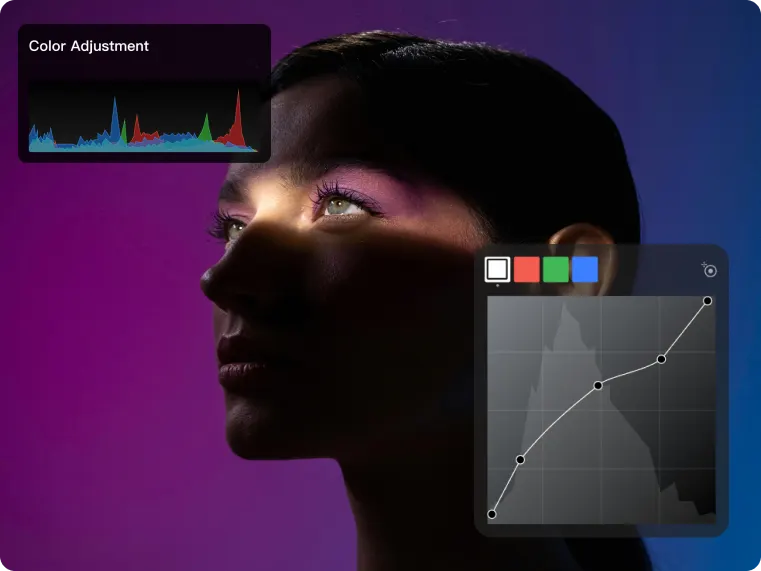
Natural Studio Look
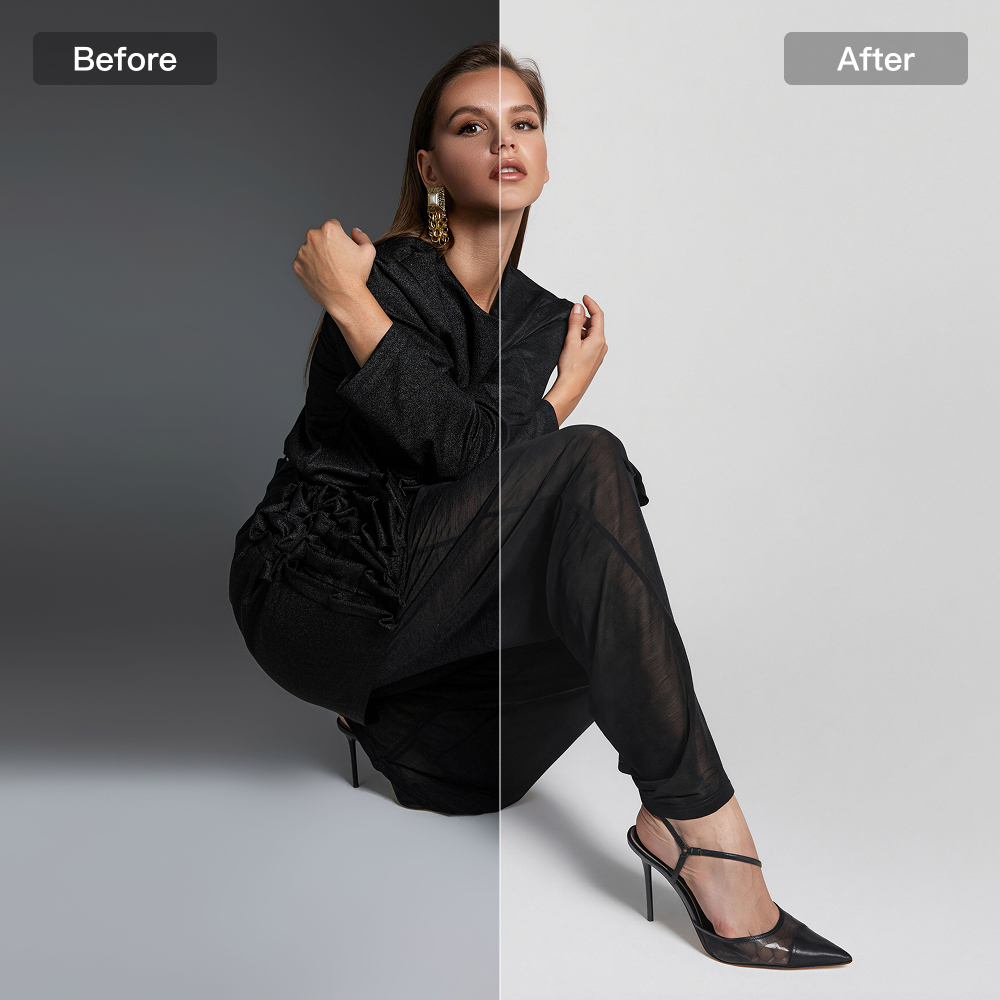
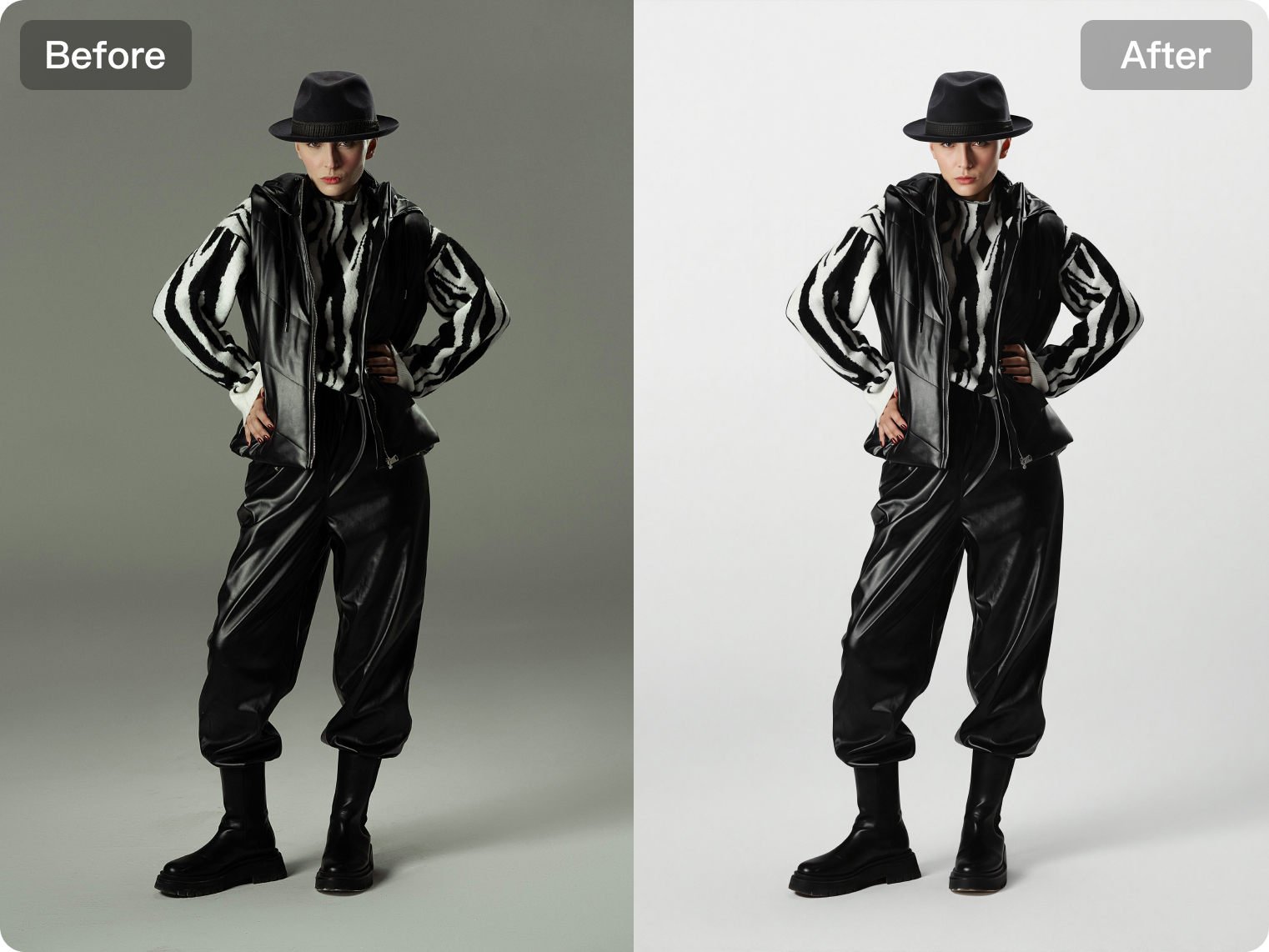
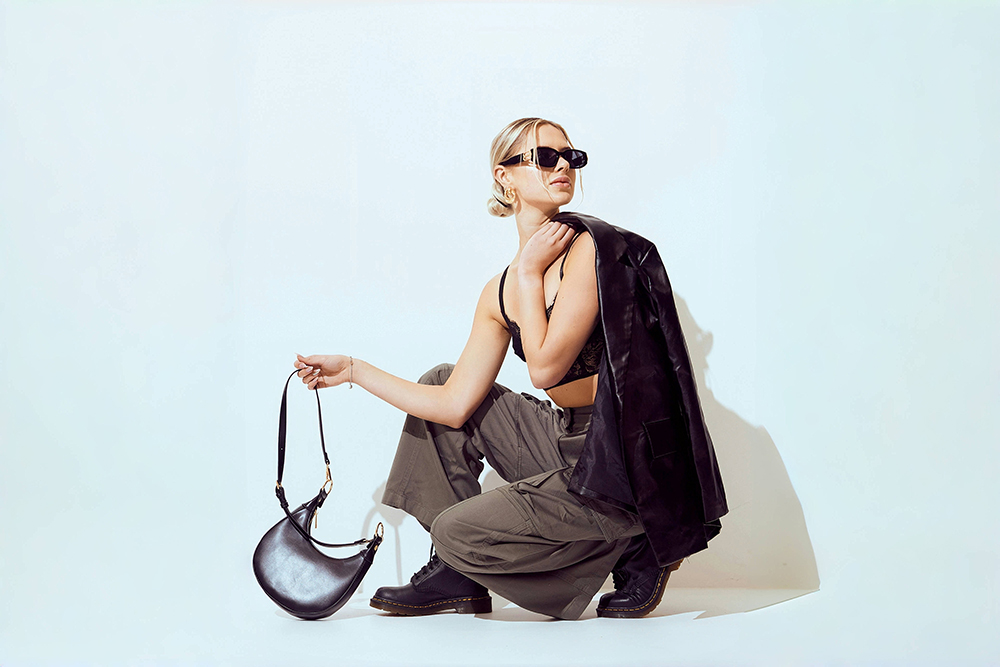
Generate natural-looking light and shadow effects that recreate the depth, balance and polish of a studio-style setup. Without complex lighting adjustments, it can add dimension to the subject, improve overall image quality and create a more refined, professional visual result.
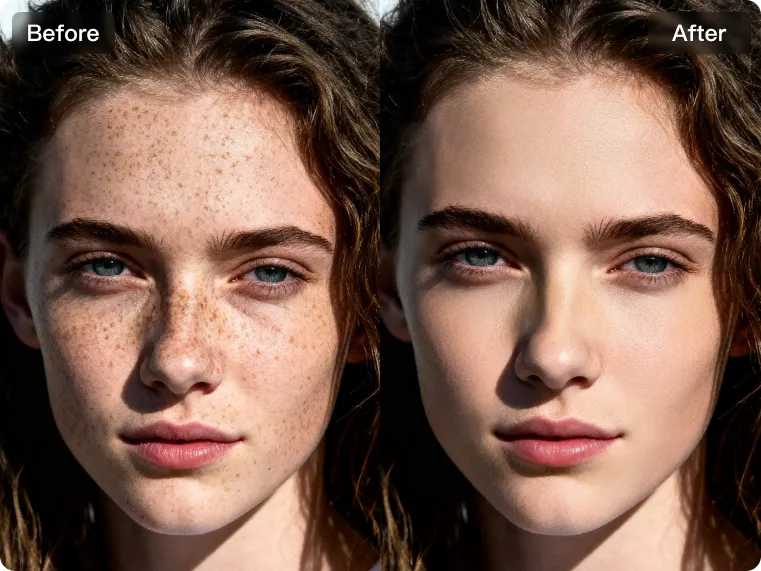
High-Quality Visuals
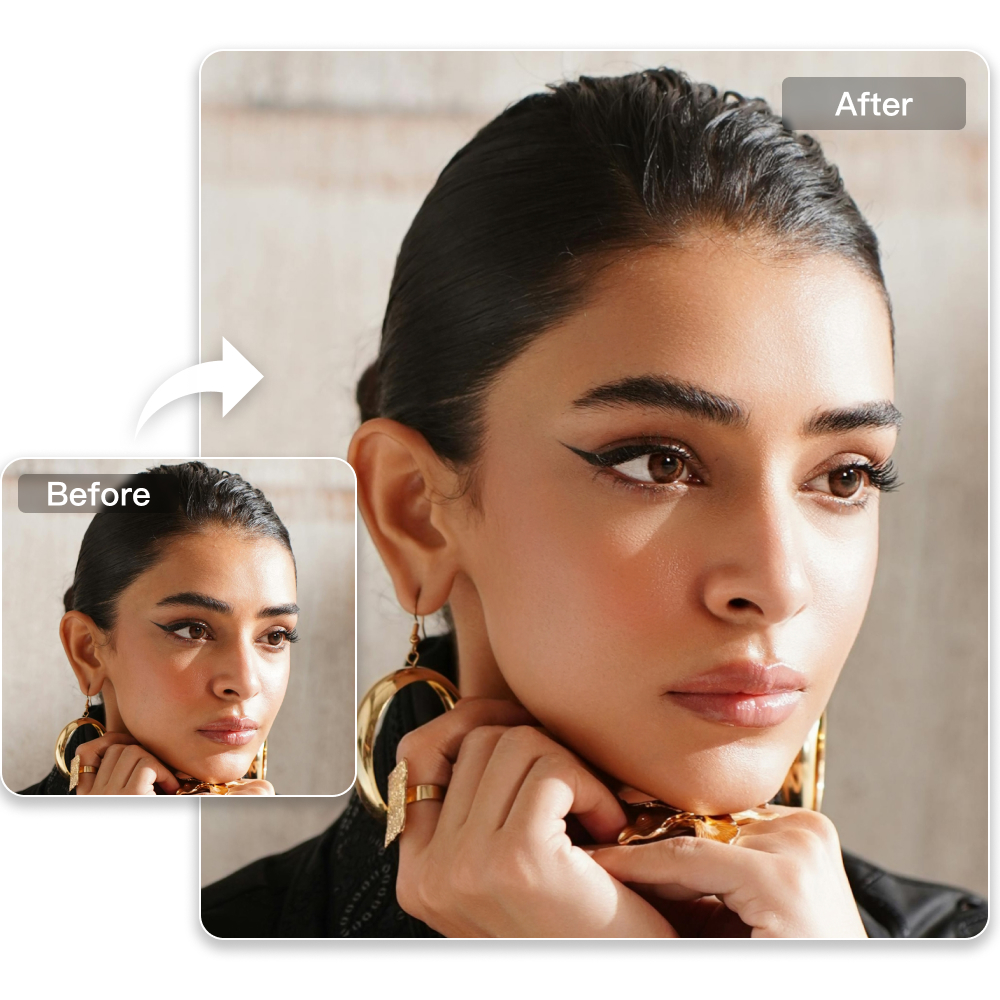
Maintain the natural texture and visual quality of both the subject and the product throughout the editing process. By preserving fine details, material texture and overall image clarity, it helps create polished visuals that still look realistic.
How to Use kumoo’s AI White Background?
Upload Images
Upload a single image or a batch of images for cutout and background replacement. We support RAW images from popular cameras (such as .CR2, .NEF, .ARW, etc.) as well as common formats like JPG and PNG.
AI Cutout and Background Generation
Simply click once to cut out images in batches and apply a consistent the background with natural edges.
Change Photo Background Color to White
Kumoo does more than just remove backgrounds. After isolating the subject, you can replace the original scene with a clean white background, switch to custom colors or upload your own background for different display needs.
Download and Use
You can batch download and use the entire set of images that have been processed.
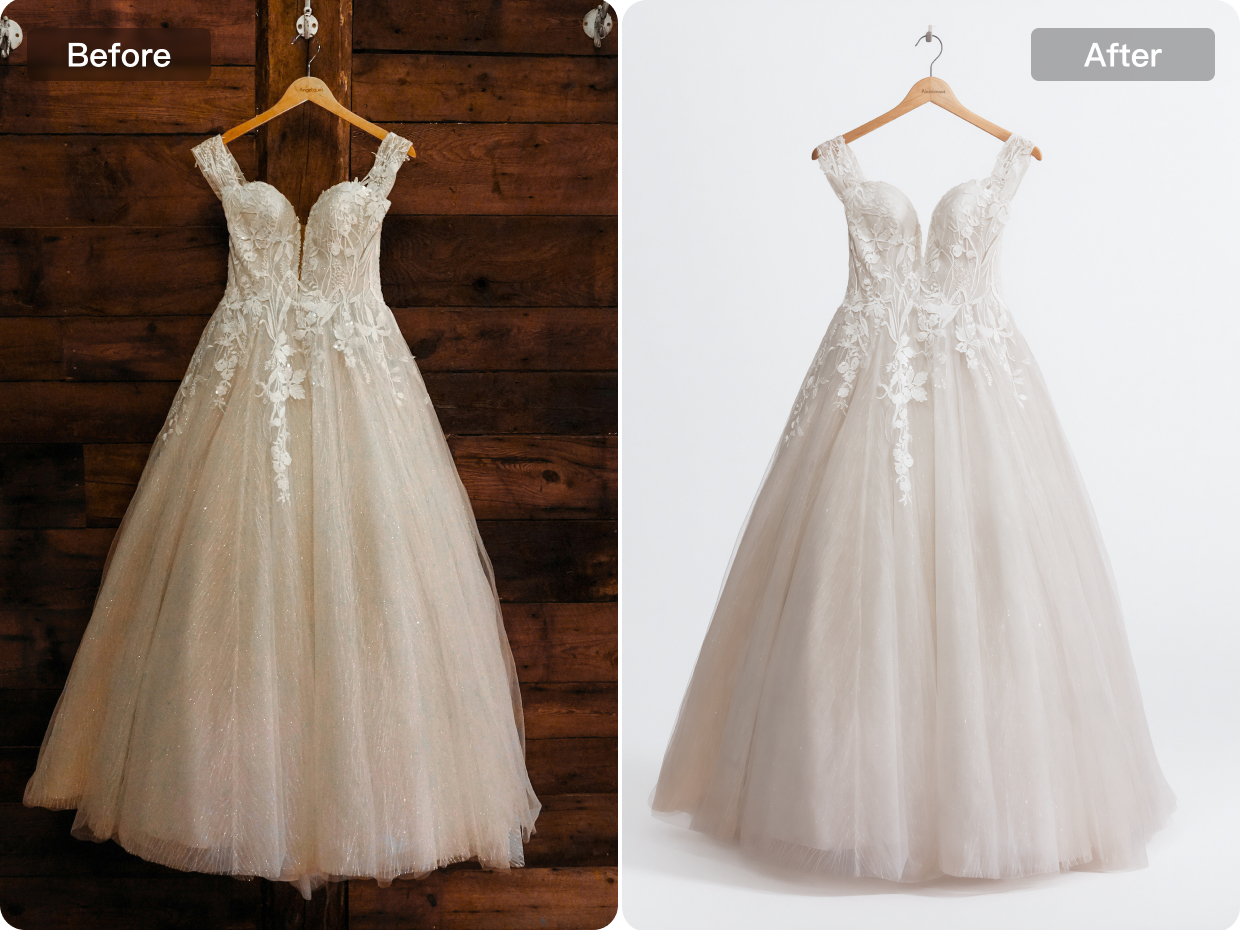
Create clean white backgrounds for e-commerce, product image, and studio outputs.
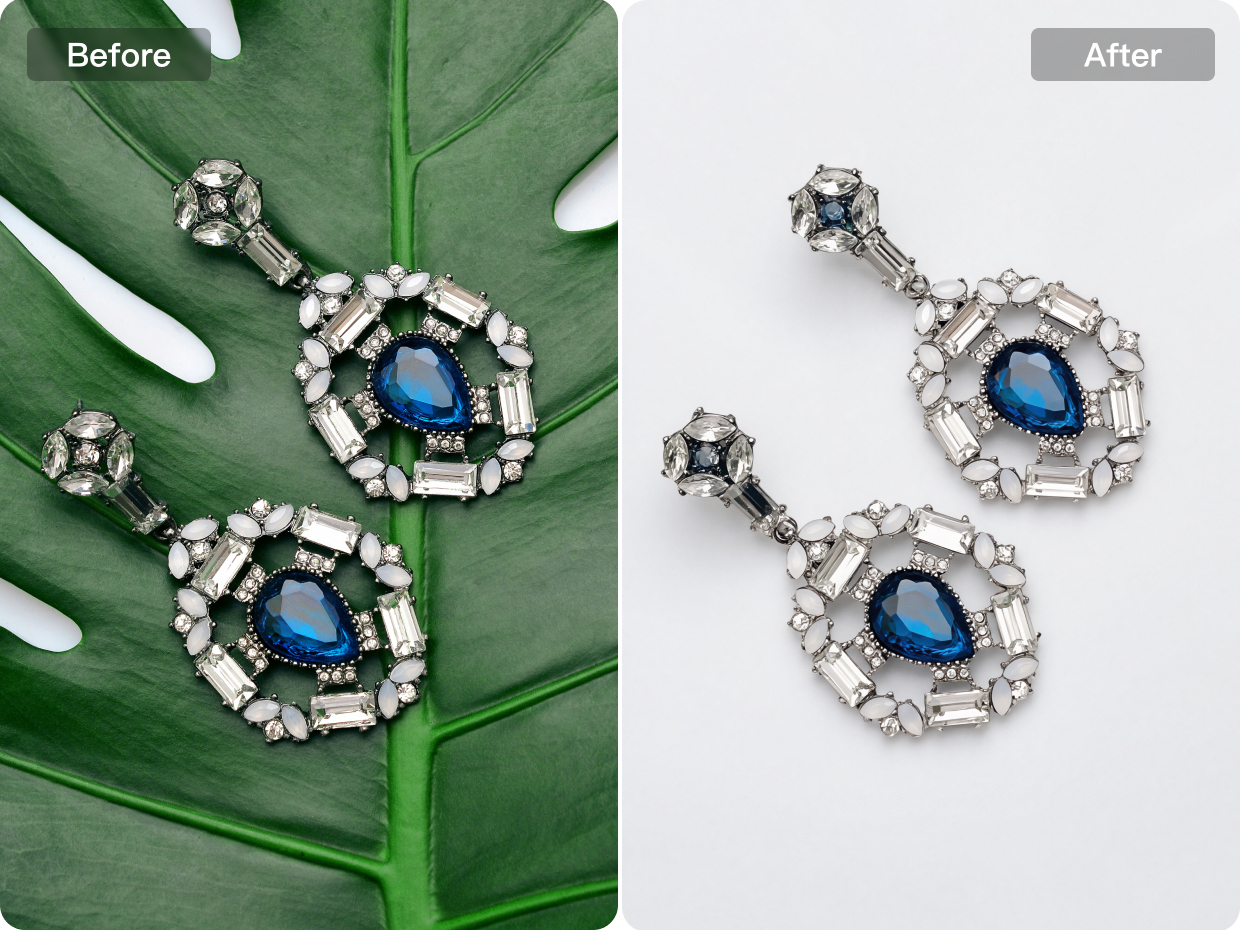
E-commerce
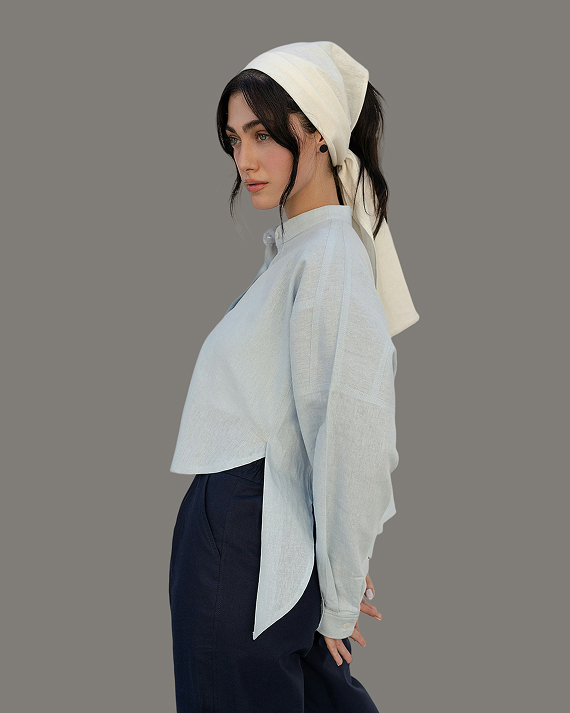
Built for fashion e-commerce image editing, this workflow combines precise cutout, standard compliant white background replacement, natural studio-style lighting, and texture-preserving enhancement to improve apparel presentation. It helps create more consistent product visuals while preserving both model and garment quality for a more professional listing result.
Explore More
Background Retouch
AI Background Removal
AI Removal
Professional Retouching Solutions for E-commerce Photography
Frequently Asked Questions
What is an AI White Background Generator and how does it help me?
How can I create white background images for fashion e-commerce quickly?
Use AI white background editing to cut out the subject and replace the original scene with a clean white backdrop in one workflow. This makes it much easier to prepare apparel images for listings without spending time on manual background cleanup.
Why is Kumoo's white background tool ideal for e-commerce?
Kumoo excels at complex product images, including hair, lace, fur, sheer fabrics, mesh, and tricky lighting, while preserving all important details for clean, professional white-background photos.
Will background replacement affect the texture of clothing or skin?
It doesn’t have to. High-quality visual preservation helps retain garment texture, portrait detail, and overall image clarity, so the result stays polished while still looking realistic.
Can AI make my apparel images look more like they were shot in a studio?
Yes. AI-generated lighting can simulate a more natural studio look by improving light and shadow balance around the subject. This helps create a cleaner, more premium visual result without needing a full studio setup.
Is this only useful for product-only images?
Not at all. It works well for both product images and model based fashion photos, helping maintain a clean presentation while preserving garment detail and portrait quality.