

Step-by-Step Editing Tutorials
Learn how to edit photos like a pro with step-by-step tutorials. Discoverportrait editing techniques, and faster workflows with Kumoo.
Featured Articles
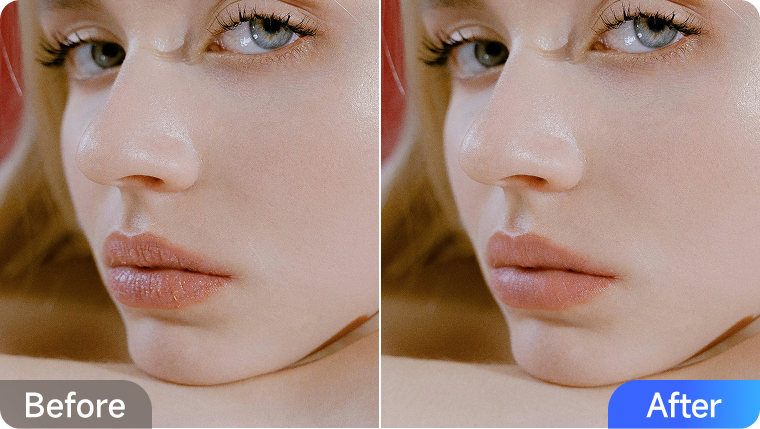
How to Retouch Your Lips Like a Pro (No Makeup Needed)

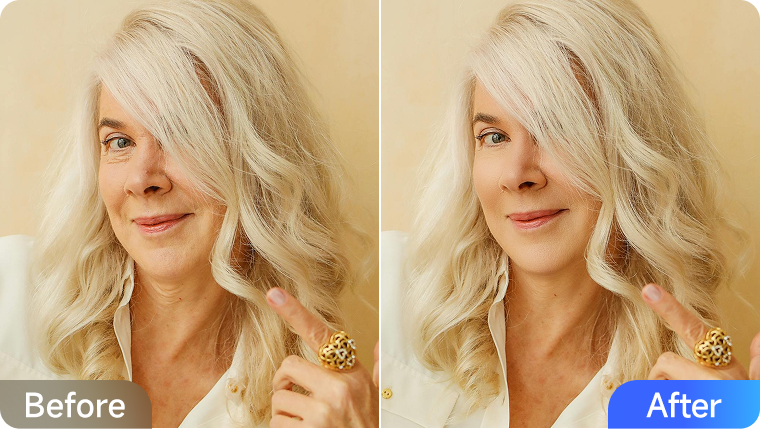
How to Retouch Facial Wrinkles with AI for Natural Results
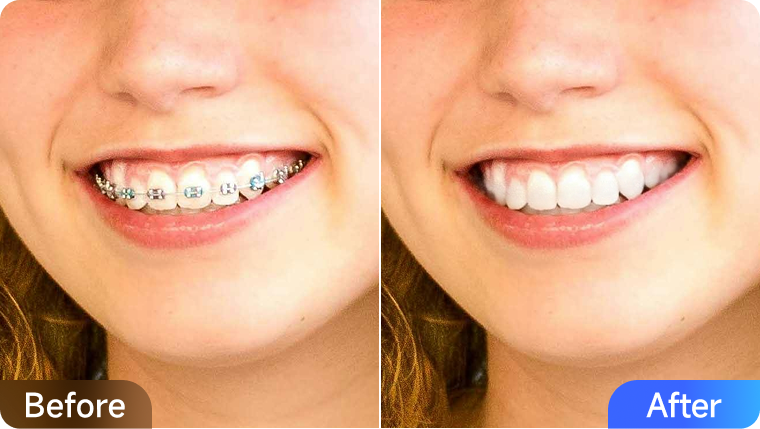
How to Remove Stains, Whiten and Straighten Teeth in Photos

How to Smooth, Lfit, and Plump Your Look in Photos
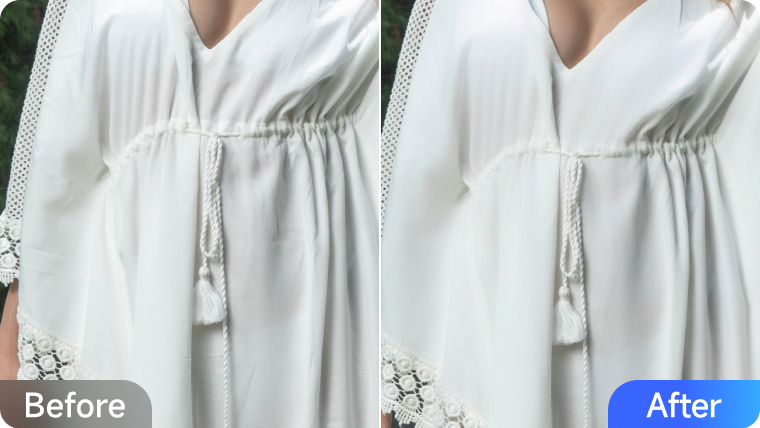
How to Remove Clothing Wrinkles for E-Commerce to Boost Sales
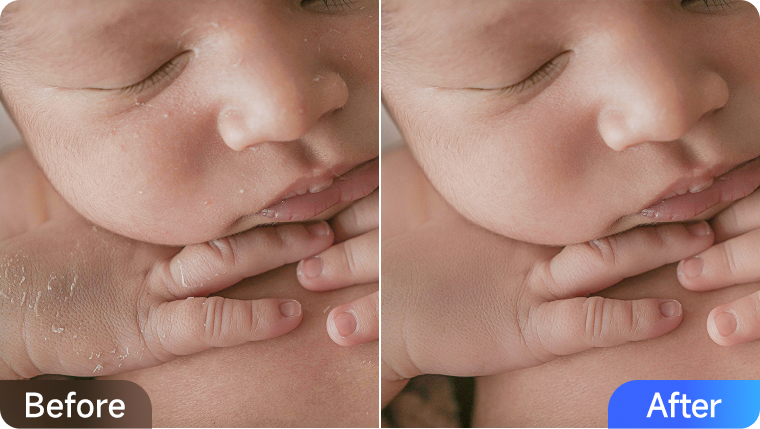
How to Edit Newborn Photos: Guide to Perfecting Baby Skin
How to Smooth, Lfit, and Plump Your Look in Photos
Bring back natural volume and glow with Kumoo’s AI Face Plump. Smooth, lift, and refine your portraits effortlessly. Try it now and see the youthful difference!
How to Retouch Your Lips Like a Pro (No Makeup Needed)
Enhance your lips effortlessly with Kumoo’s AI portrait editor. Remove dryness, boost lipstick color, and redefine your look with natural precision.
How to Retouch Facial Wrinkles with AI for Natural Results
Restore youthful radiance with Kumoo’s AI wrinkle removal. Smooth fine lines, dark circles, and neck wrinkles naturally—no over-editing, just true beauty.
How to Remove Stains, Whiten and Straighten Teeth in Photos
Brighten your smile naturally with Kumoo’s AI teeth retouching. Remove stains, whiten gently, and perfect alignment to achieve a confident, radiant look!
How to Remove Glasses Glare While Maintaining a Natural Result
Remove glasses glare instantly with Kumoo’s AI glare removal tool. Restore natural eyes, preserve lighting, and achieve flawless portraits in seconds.
How to Remove Clothing Wrinkles for E-Commerce to Boost Sales
Remove clothing wrinkles effortlessly with Kumoo’s AI retouching tool. Create smooth, professional product photos that drive more clicks and e-commerce sales!
How to Edit Newborn Photos: Guide to Perfecting Baby Skin
Capture newborn purity with Kumoo’s AI skin retouching. Gently remove redness, flakes, and baby acne while preserving soft, natural skin texture.