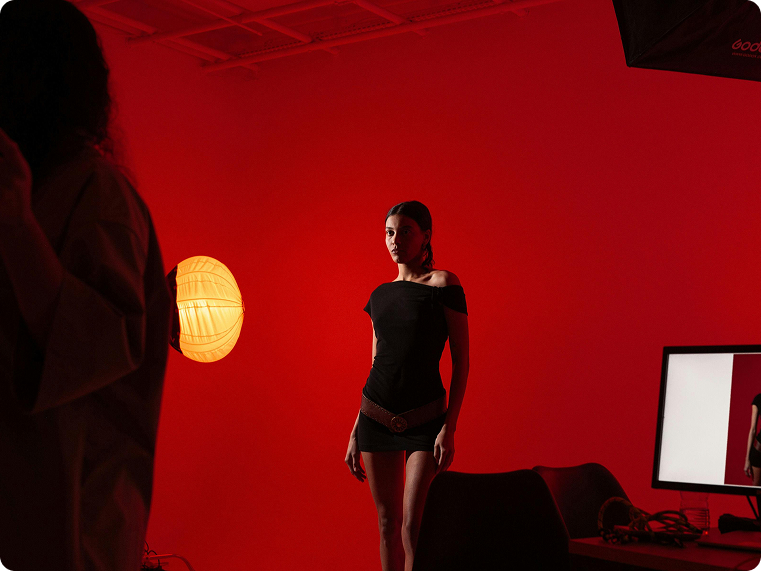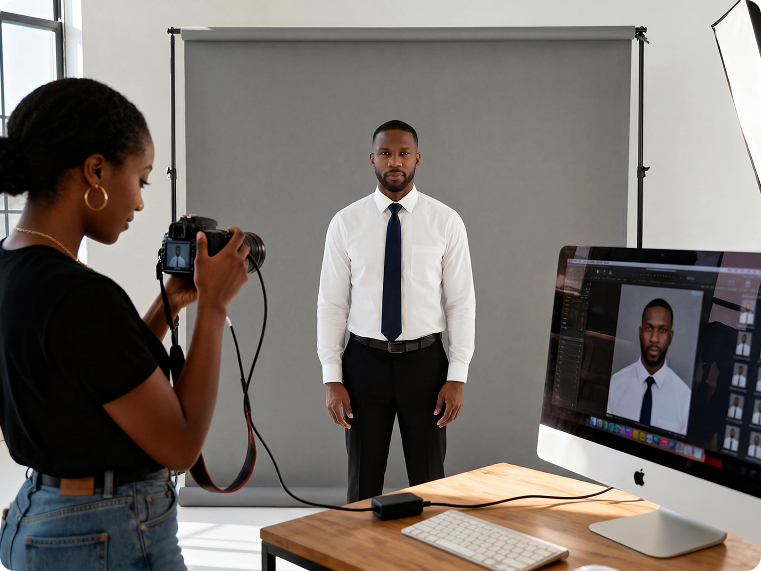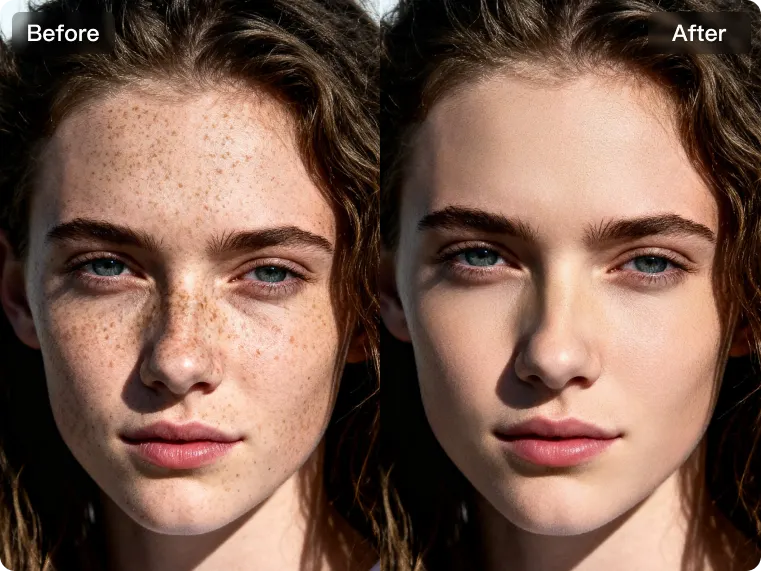
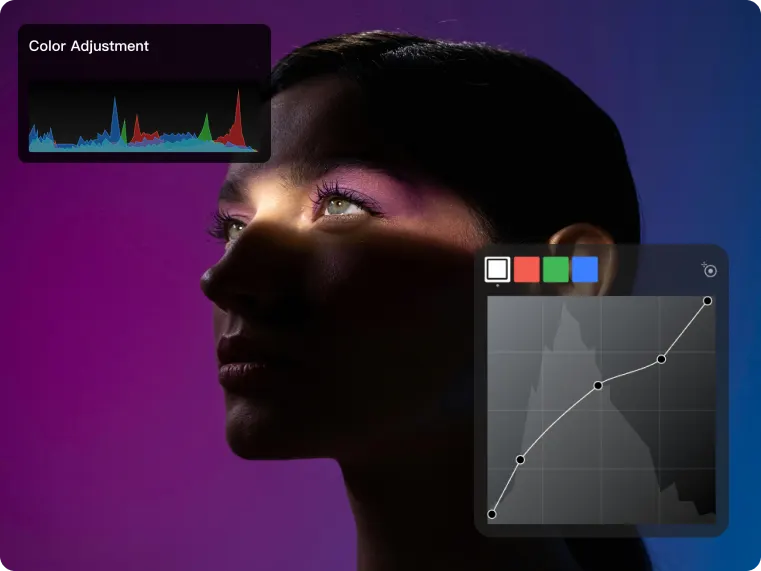
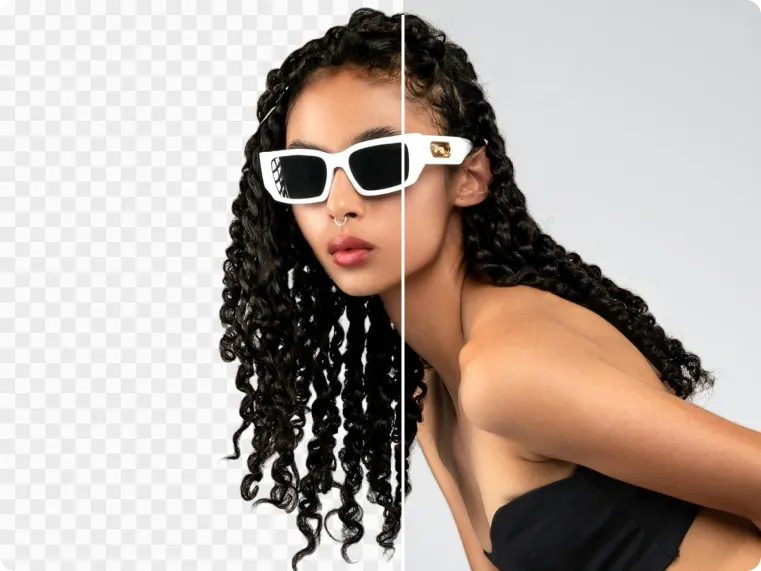
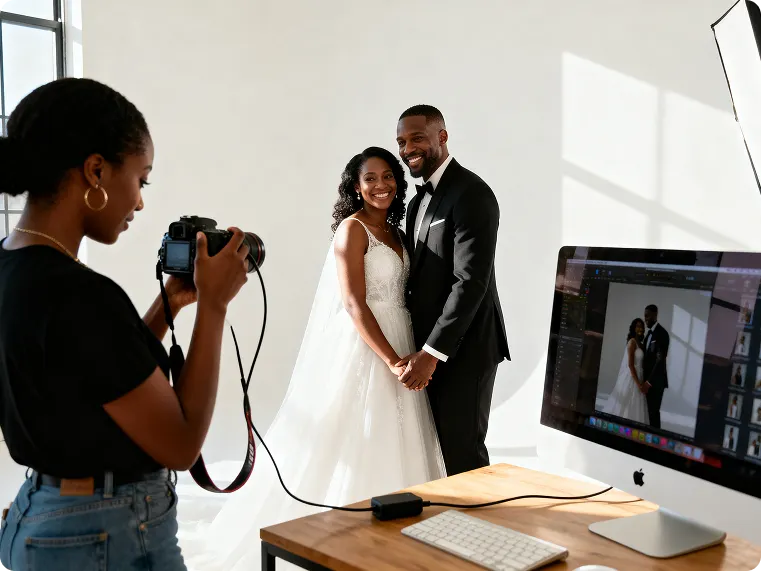
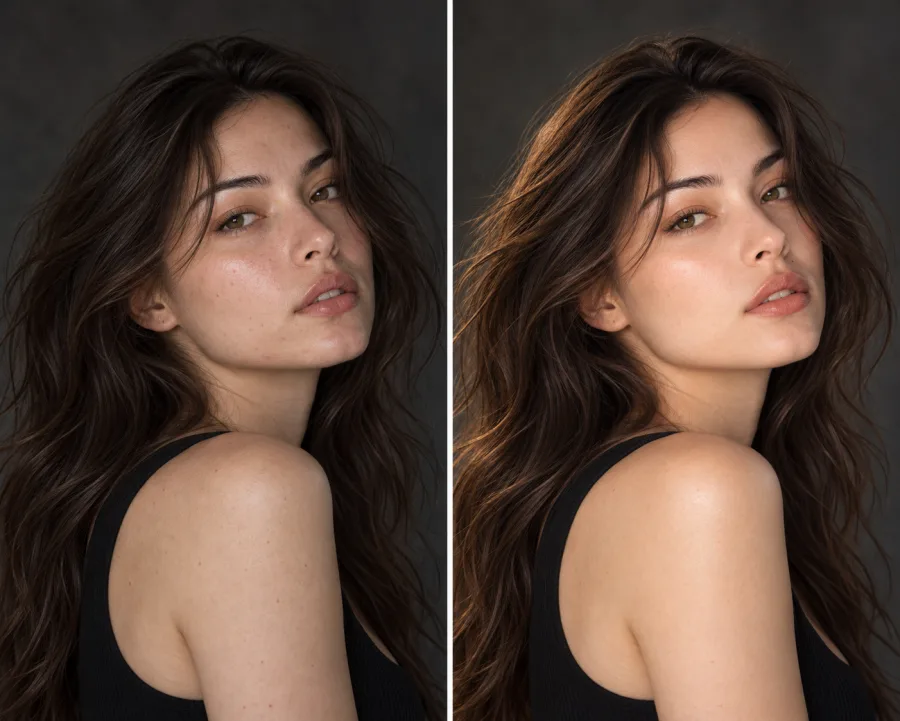
Move from capture to preview and retouching in one connected workflow. Kumoo helps streamline the entire process, so you can review images as you shoot, make quick adjustments and keep the editing flow moving without switching between disconnected steps. This makes production more efficient and gives you more control over the final result from the very beginning.
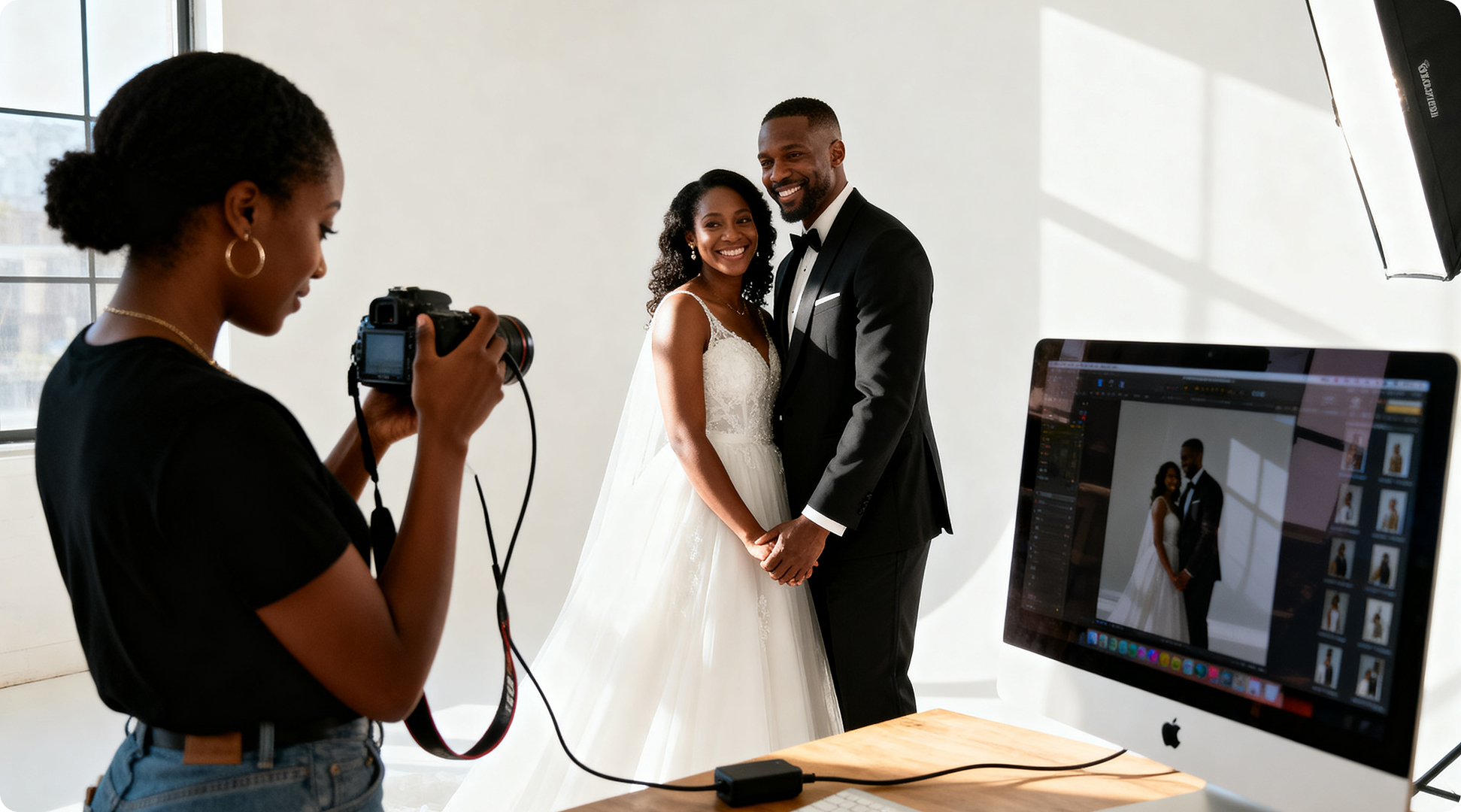
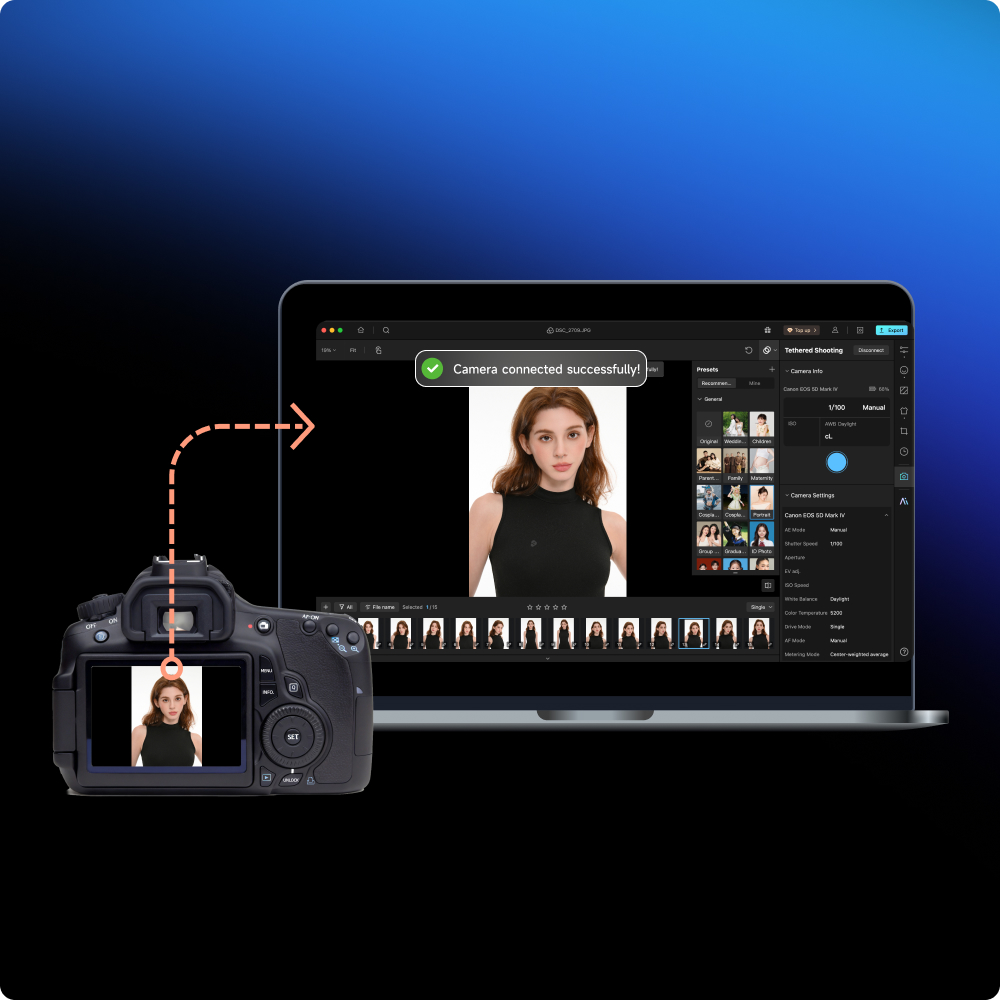
Simplify the path from shooting to final retouch with a workflow built for speed and continuity. Kumoo helps reduce repetitive steps between capture, review and editing, so images move through the process with less manual handling and fewer interruptions. With support for bulk AI photo editing, it becomes easier to keep delivery efficient across high volume projects.
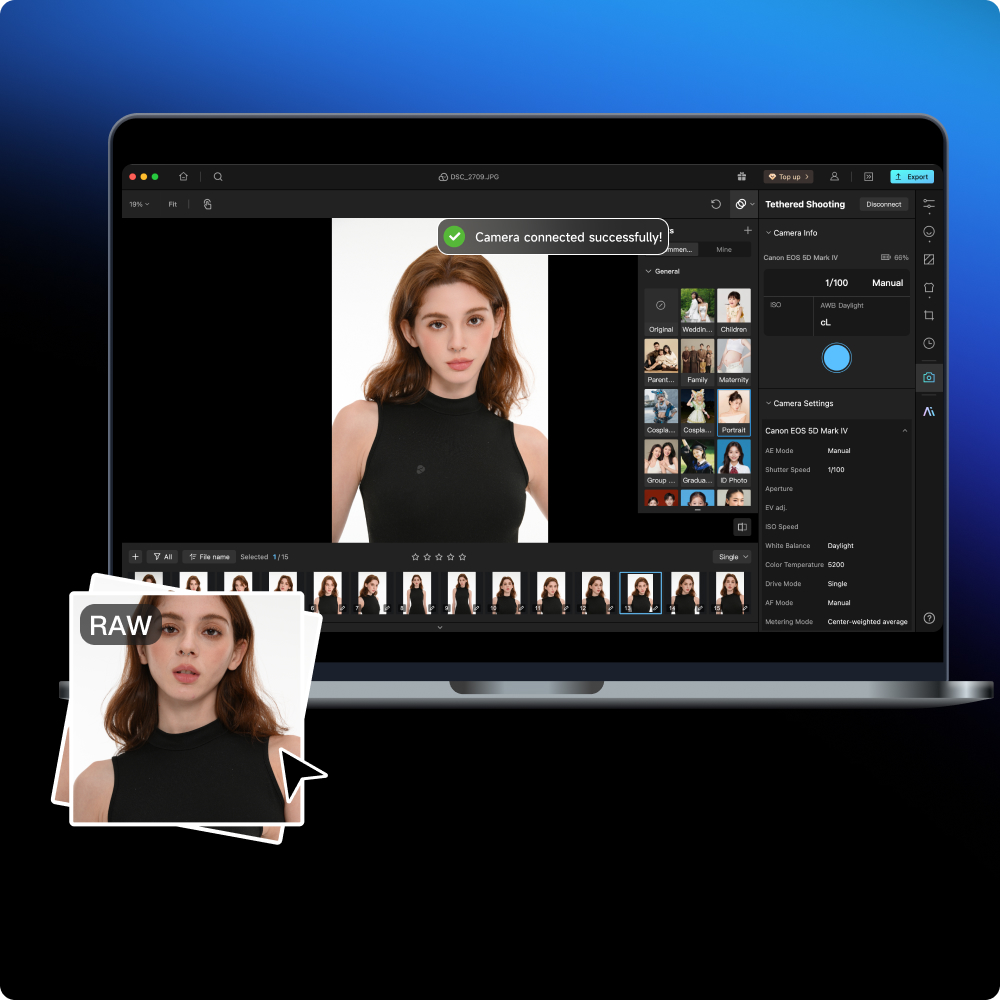
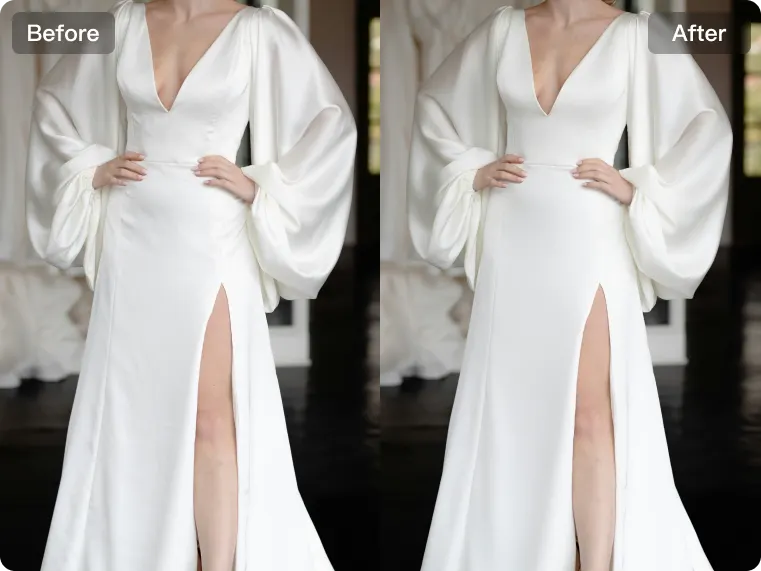
Speed up post production with a workflow from RAW conversion to final retouching. Kumoo helps streamline early-stage image processing, making it easier to move into detailed editing with less manual setup and better consistency across files. This saves time throughout the retouching process and helps large projects stay organized from the start.
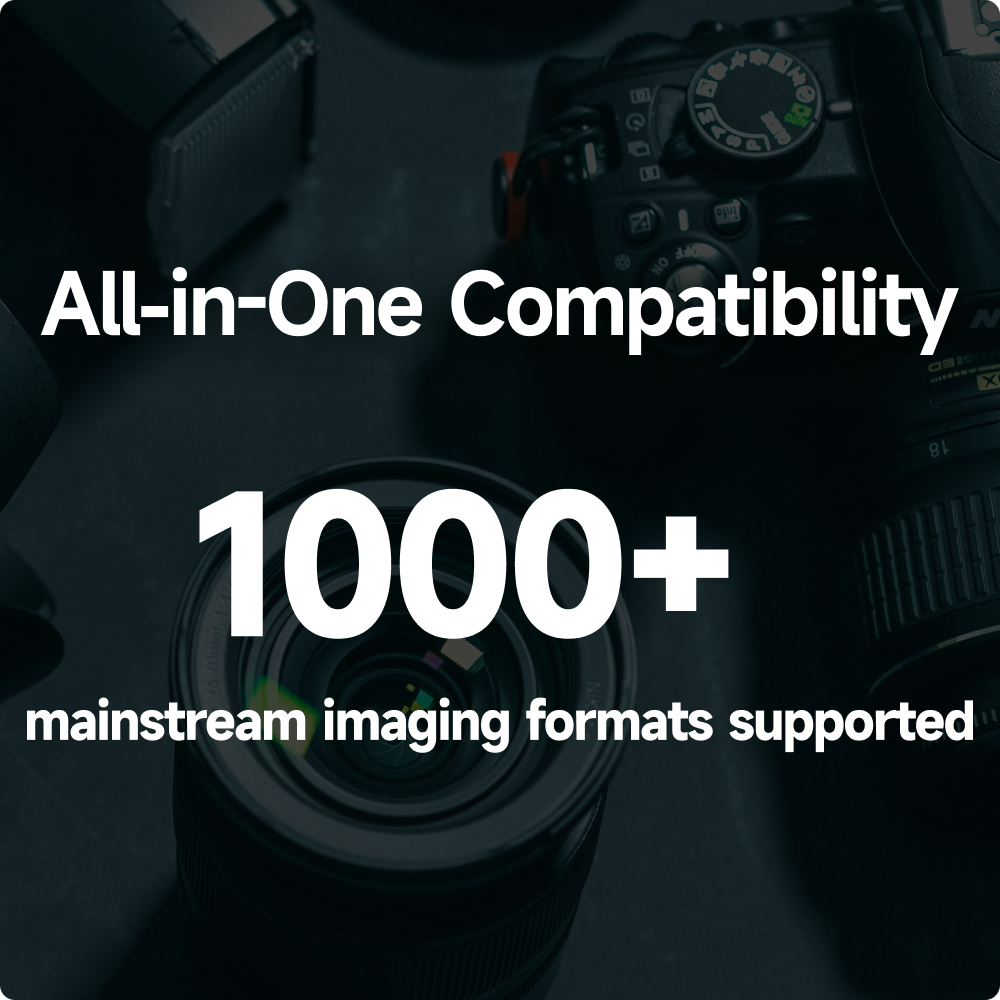
Work more efficiently with support for a wide range of mainstream camera models. As a professional AI photo editor, Kumoo helps photographers handle files from commonly used devices with greater ease, making it simpler to keep editing workflows consistent across different shoots and equipment setups. This gives teams more flexibility without adding extra steps to the process.
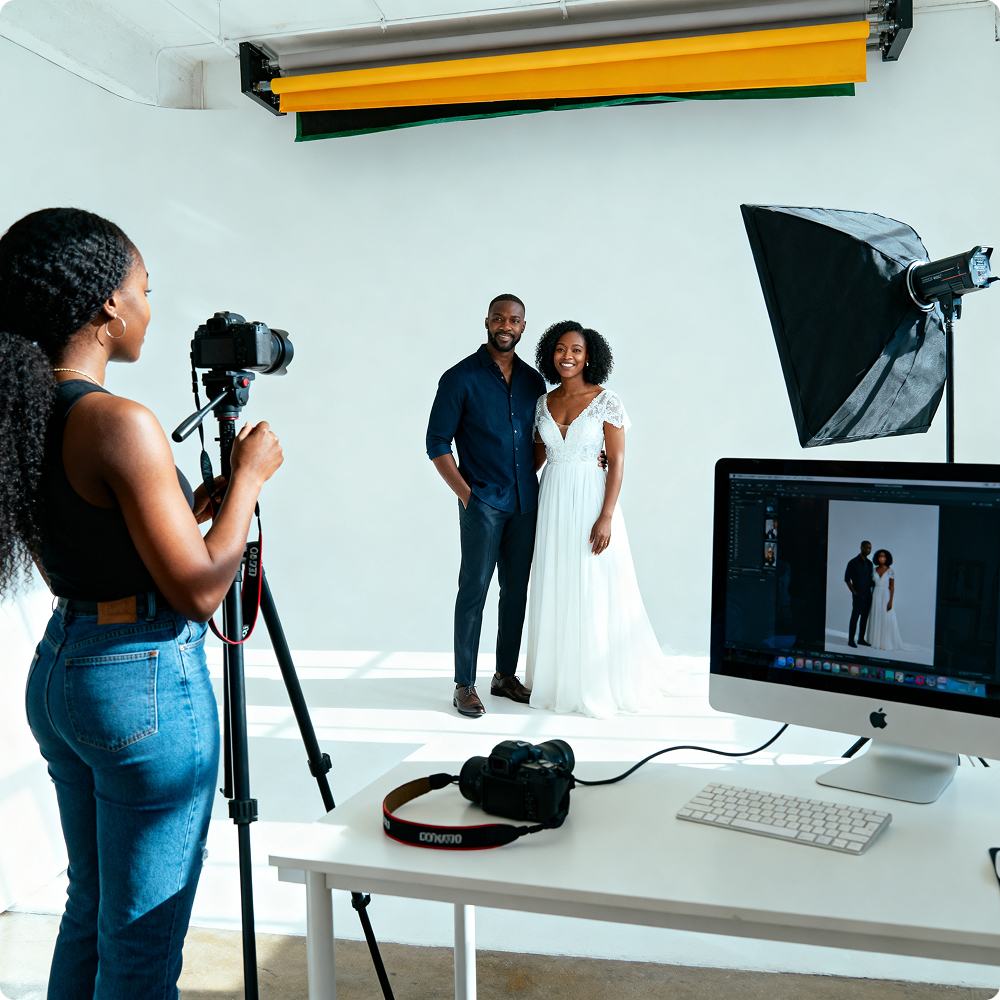
Speed up communication during shoots with a workflow that connects capture and retouching in real time. Kumoo allows images to be reviewed and adjusted sooner, making it easier to align with client expectations on set and reduce back-and-forth after the shoot. This helps teams confirm visual direction earlier and move projects forward with greater clarity and efficiency.
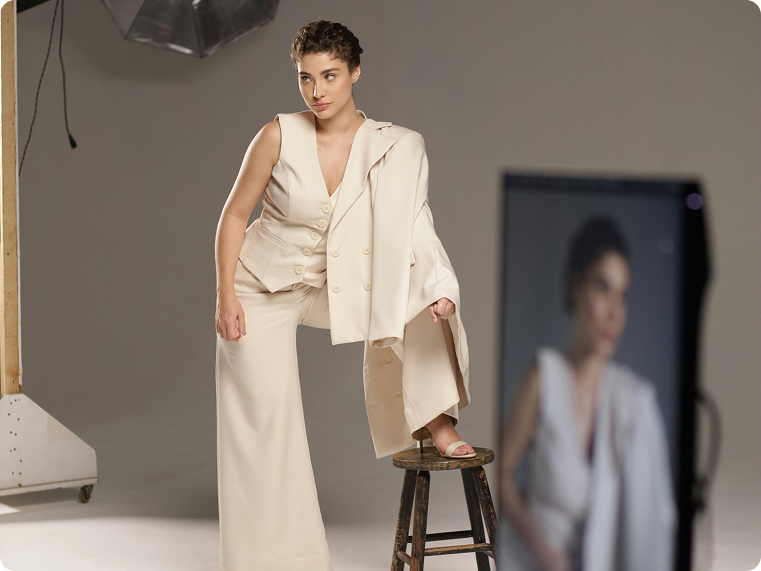
Make studio portrait production more connected from shoot to final delivery. Kumoo brings capture, preview, format conversion, and retouching into a more streamlined workflow, helping teams move through each stage with less repetition and better coordination. With broad compatibility across mainstream camera models and support for bulk AI photo editing, it becomes easier to keep portrait sessions organized and visually consistent.
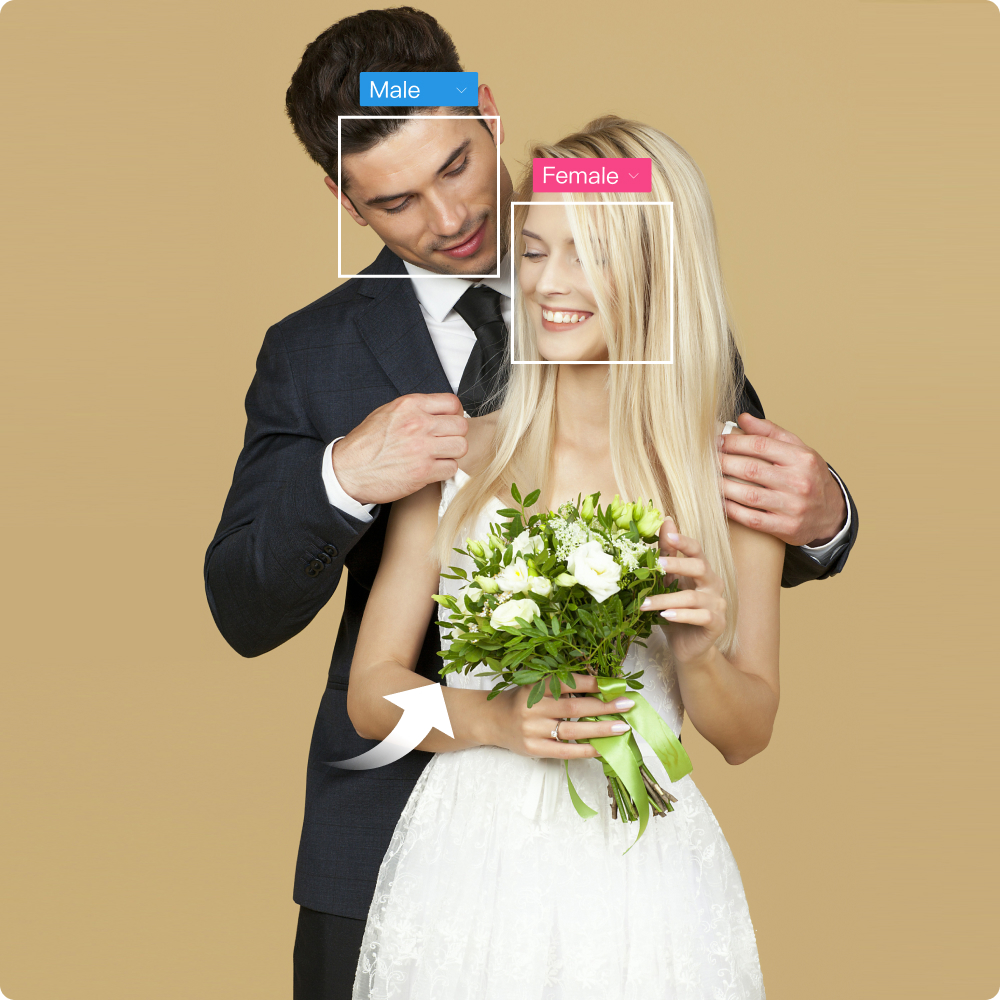
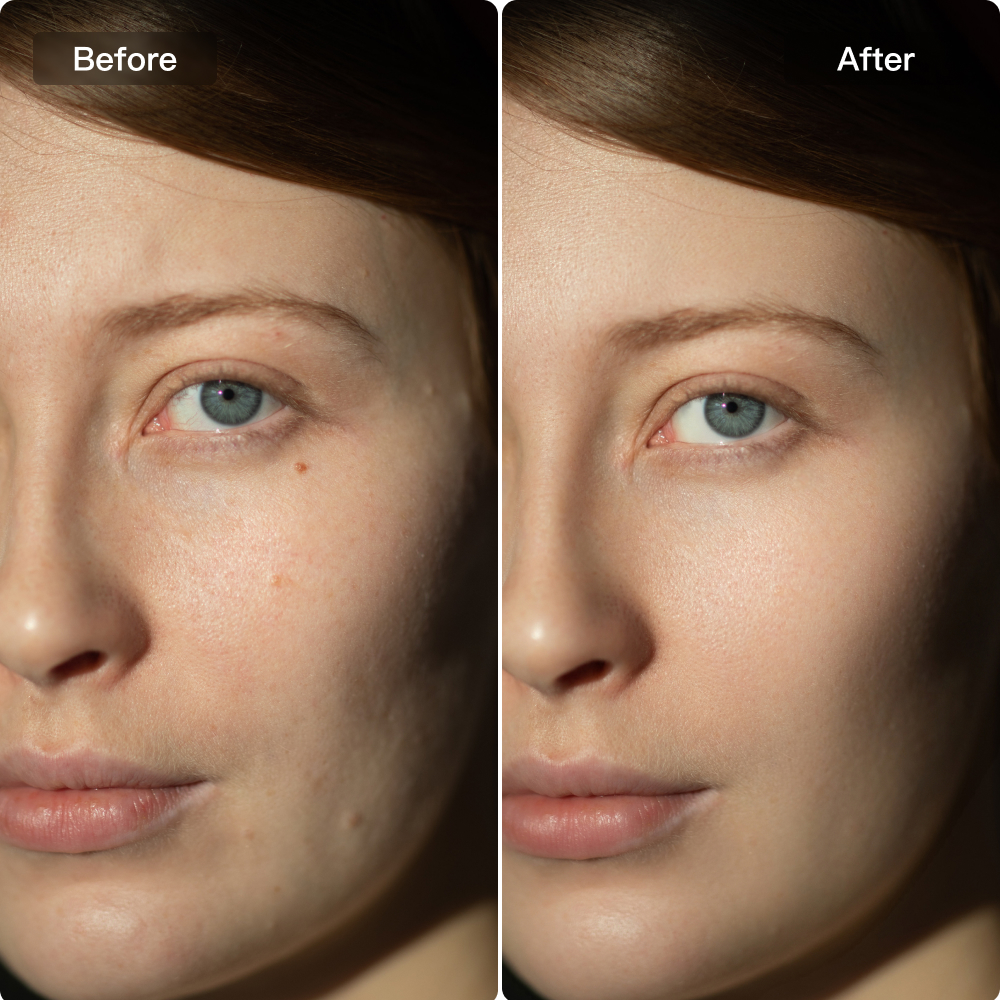
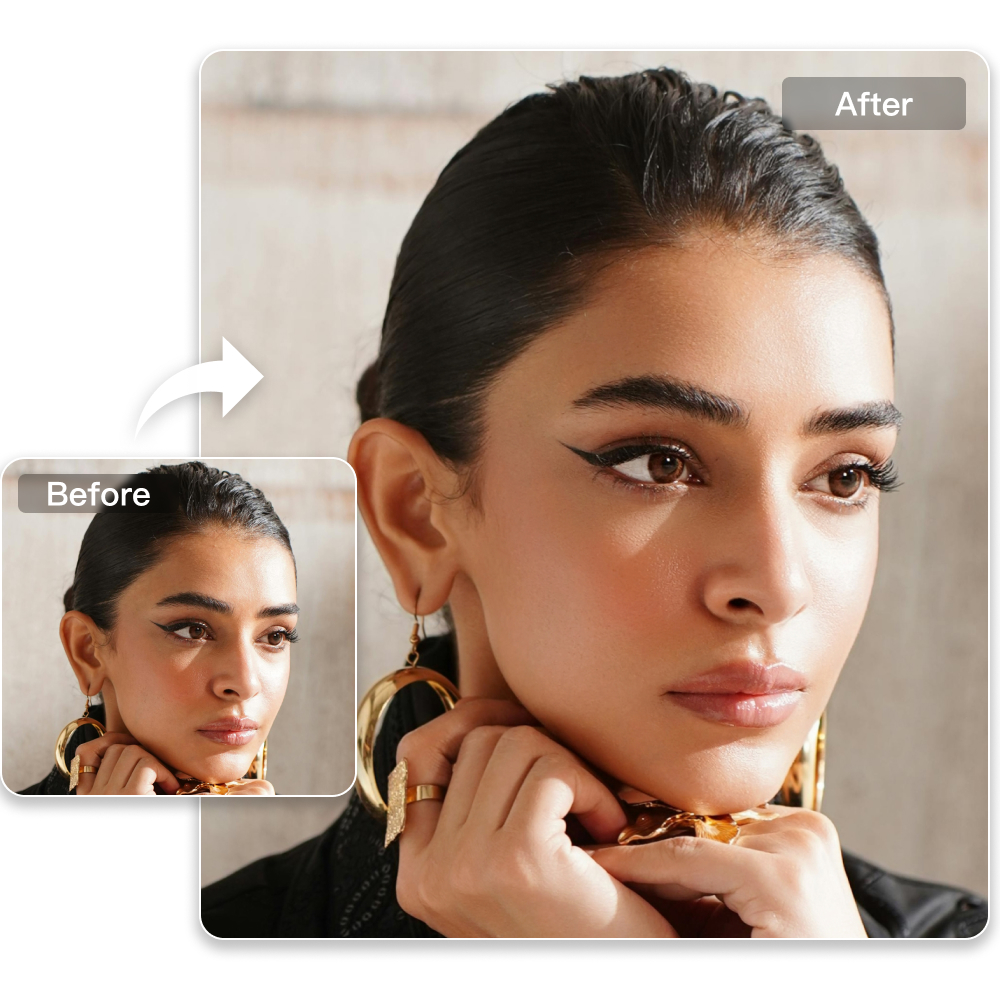
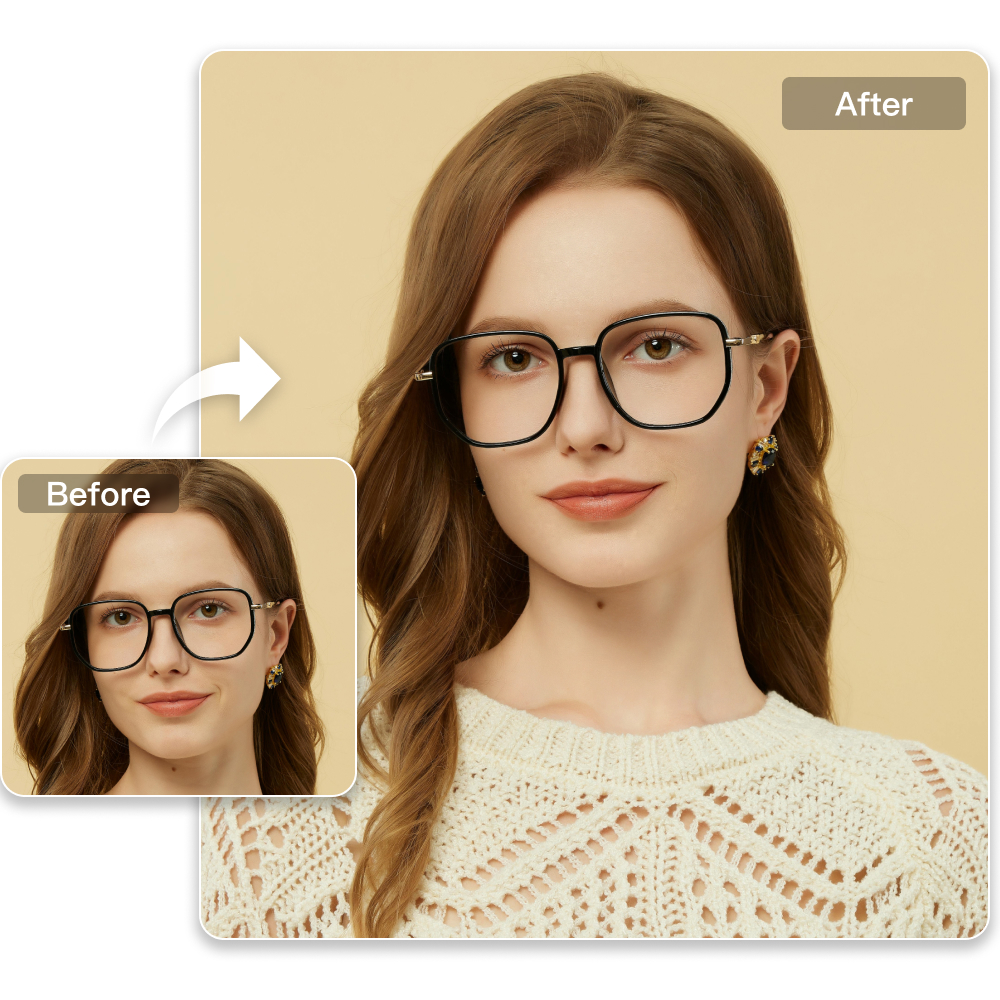
Yes. Kumoo works well for studio portrait production, making it easier to review images quickly, move into retouching faster, and keep the visual style consistent across a full set. As a professional AI photo editor, it supports a smoother portrait workflow from shooting to delivery.
Yes. Kumoo supports files from a wide range of mainstream camera models, making it easier to maintain a stable workflow across different shooting setups and equipment.
Yes. By making it easier to preview and adjust images earlier in the process, Kumoo helps teams confirm visual direction on set and reduce back-and-forth after the shoot.
Kumoo supports a more connected workflow for commercial projects, helping teams move efficiently from shooting to retouching while keeping production organized and responsive.
Of cause!Kumoo helps simplify the full process of ID photo production, from capture and preview to retouching and delivery, making standard photo services faster and easier to manage.