AI Effects
Apply AI-powered effects to transform ordinary images into more creative and visually striking results. From stylized looks and artistic filters to atmosphere enhancements and unique visual treatments, Kumoo effects make it easier to explore different moods and expressions with just a few steps. This helps create images that feel more distinctive, engaging and visually memorable.
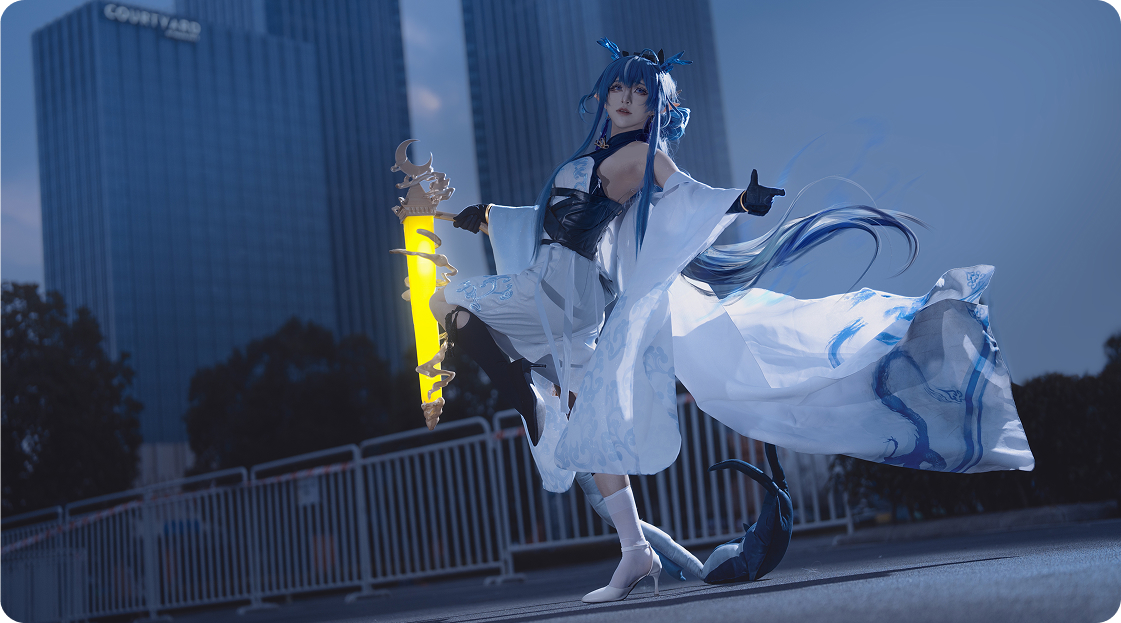
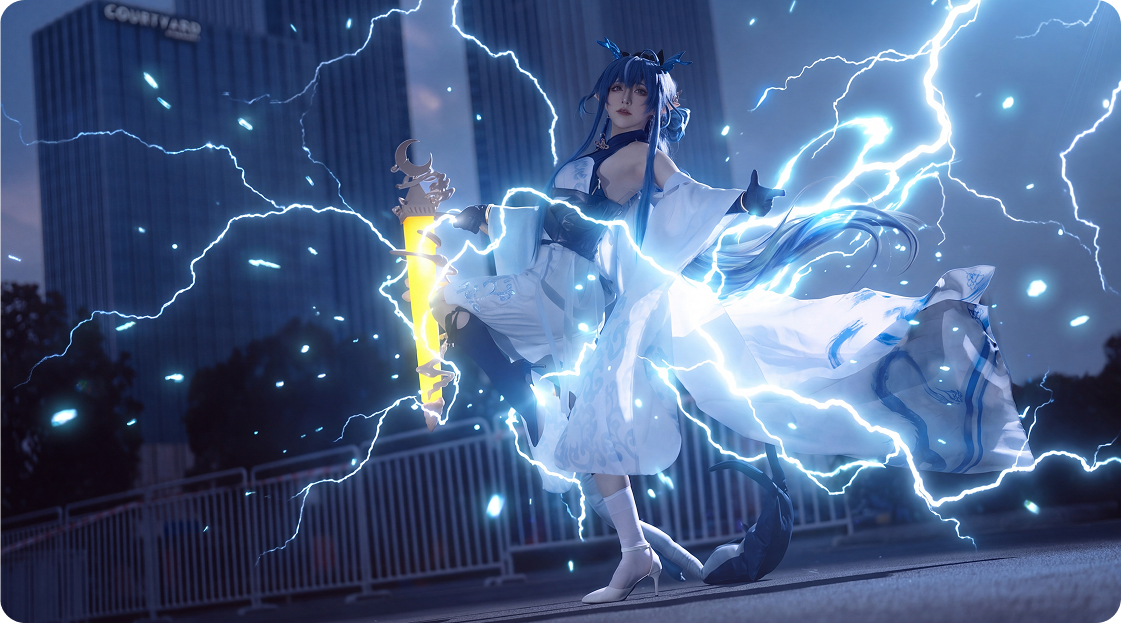
No image? Try these:
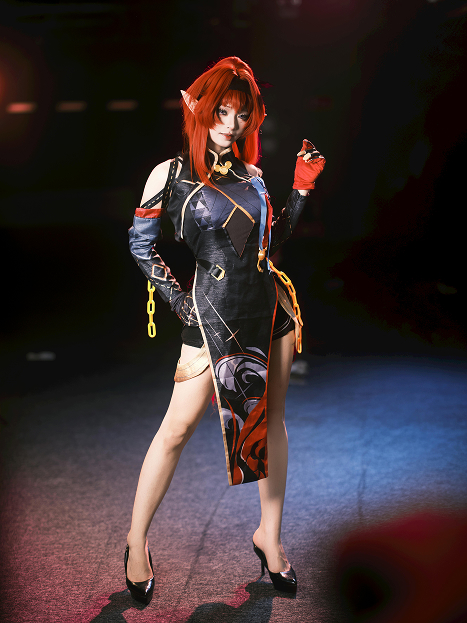
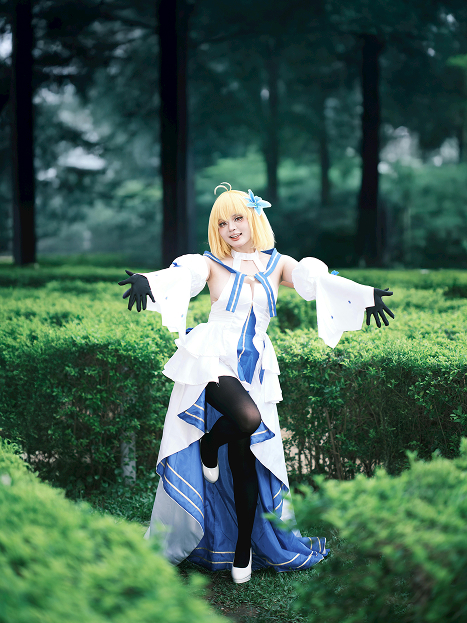
Why build effects manually when Kumoo can generate atmosphere instantly?
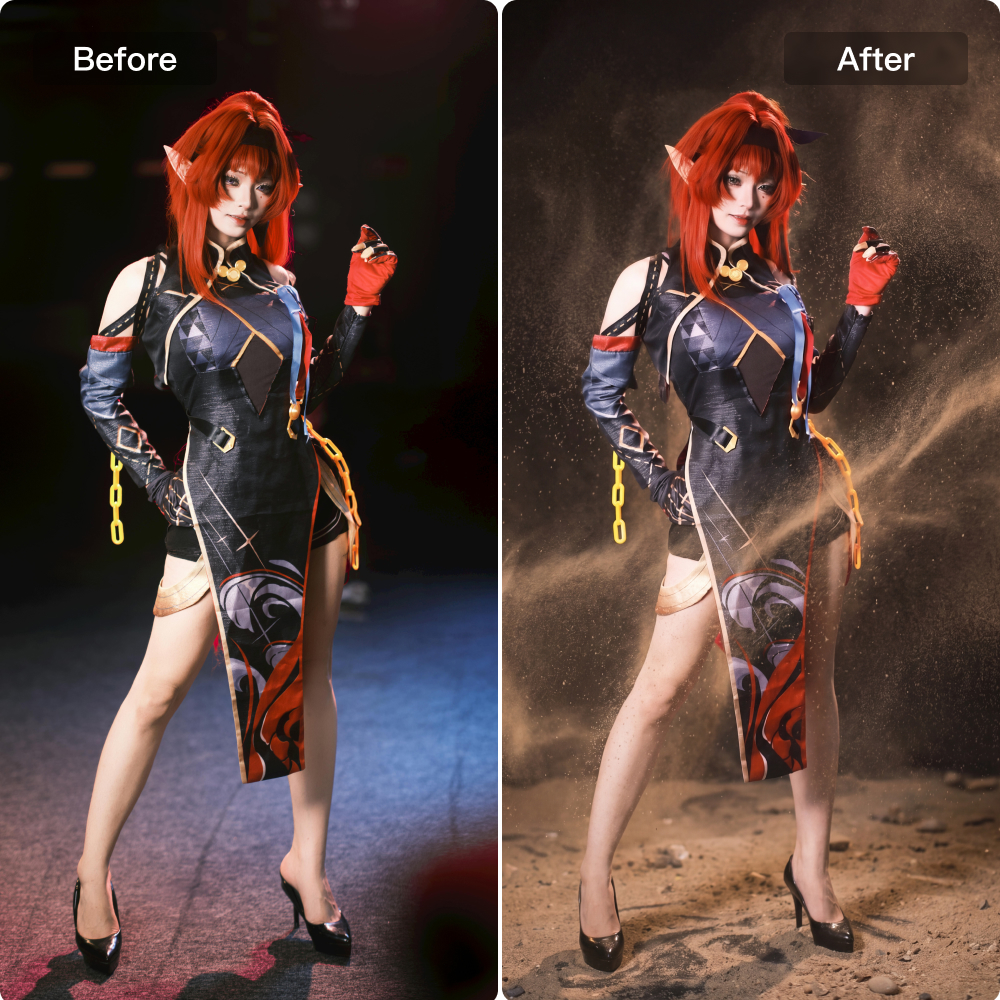
More Realistic AI Effects
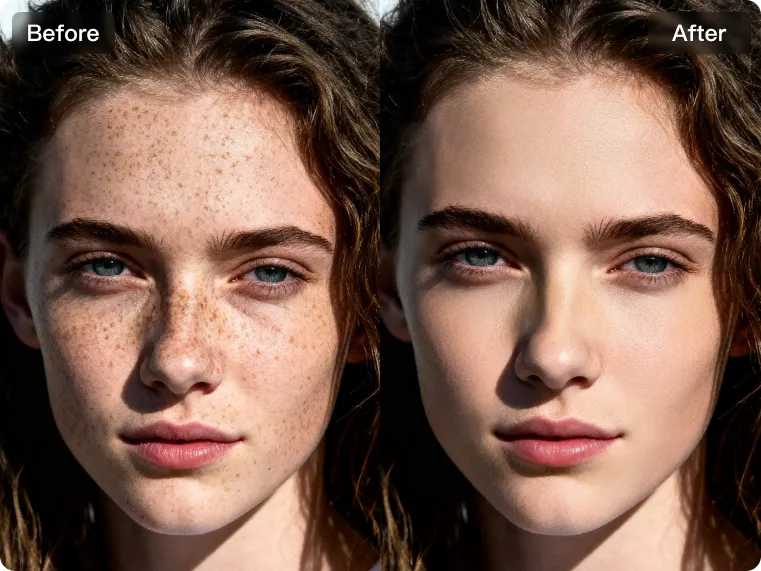
Powered by advanced large-model algorithms, AI effects are rendered with greater realism, smoother integration and more natural visual results. From atmosphere enhancement to stylized transformations, each effect is applied with better understanding of image structure, lighting and details. This makes the final output look more believable and visually cohesive rather than overly artificial or exaggerated.
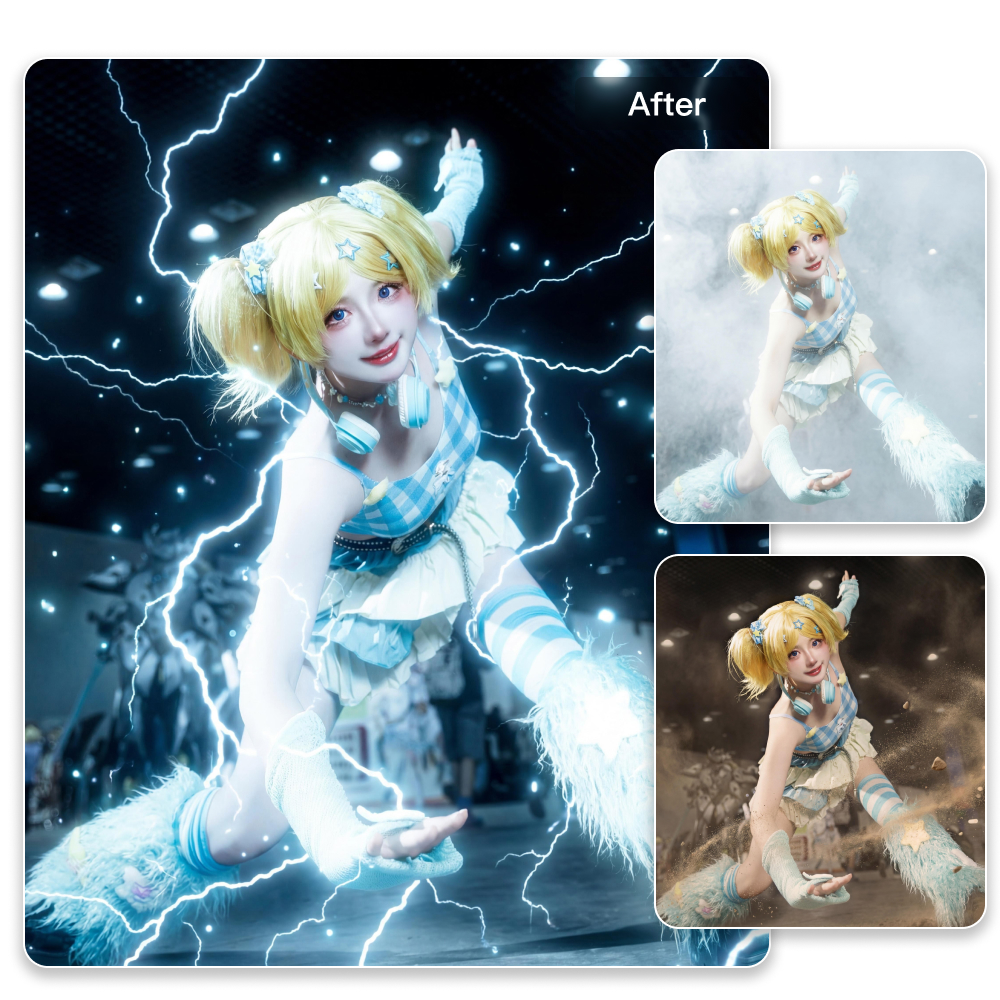
Easy Style Switching
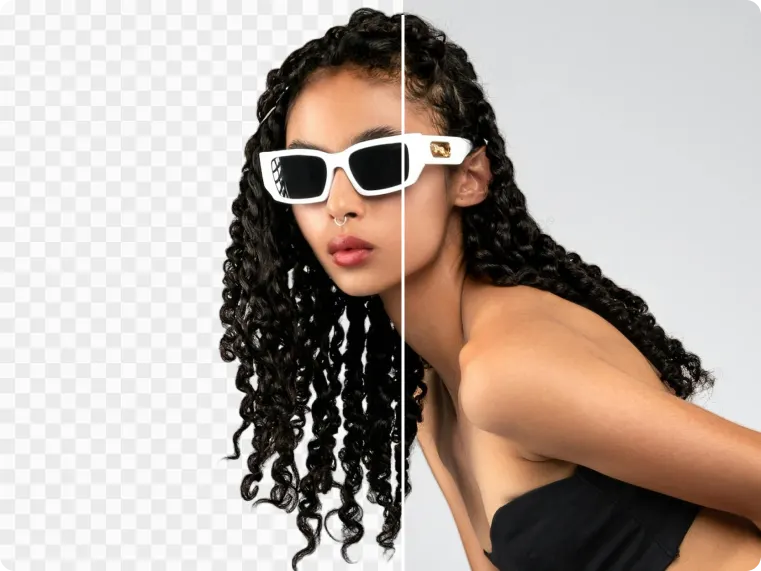
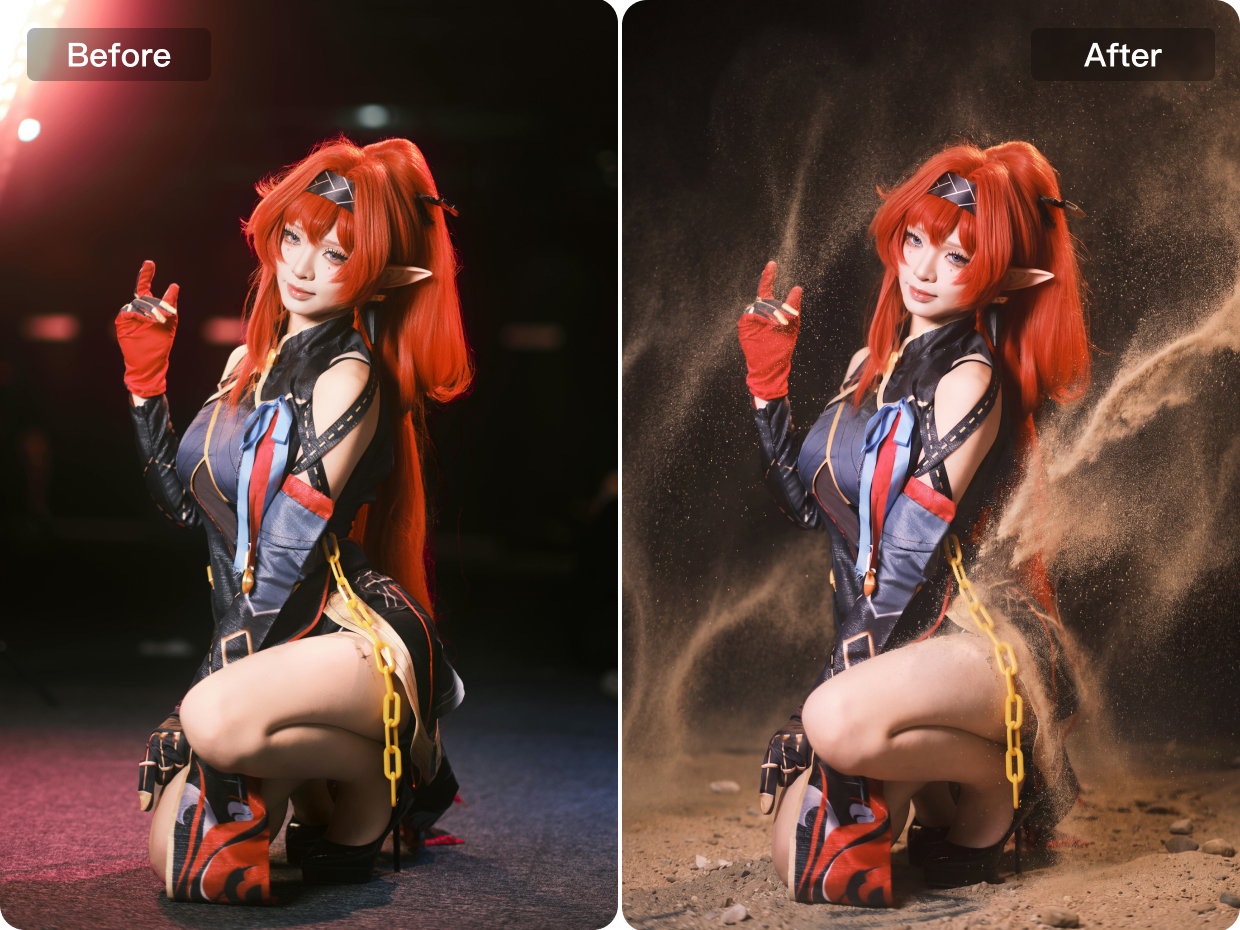
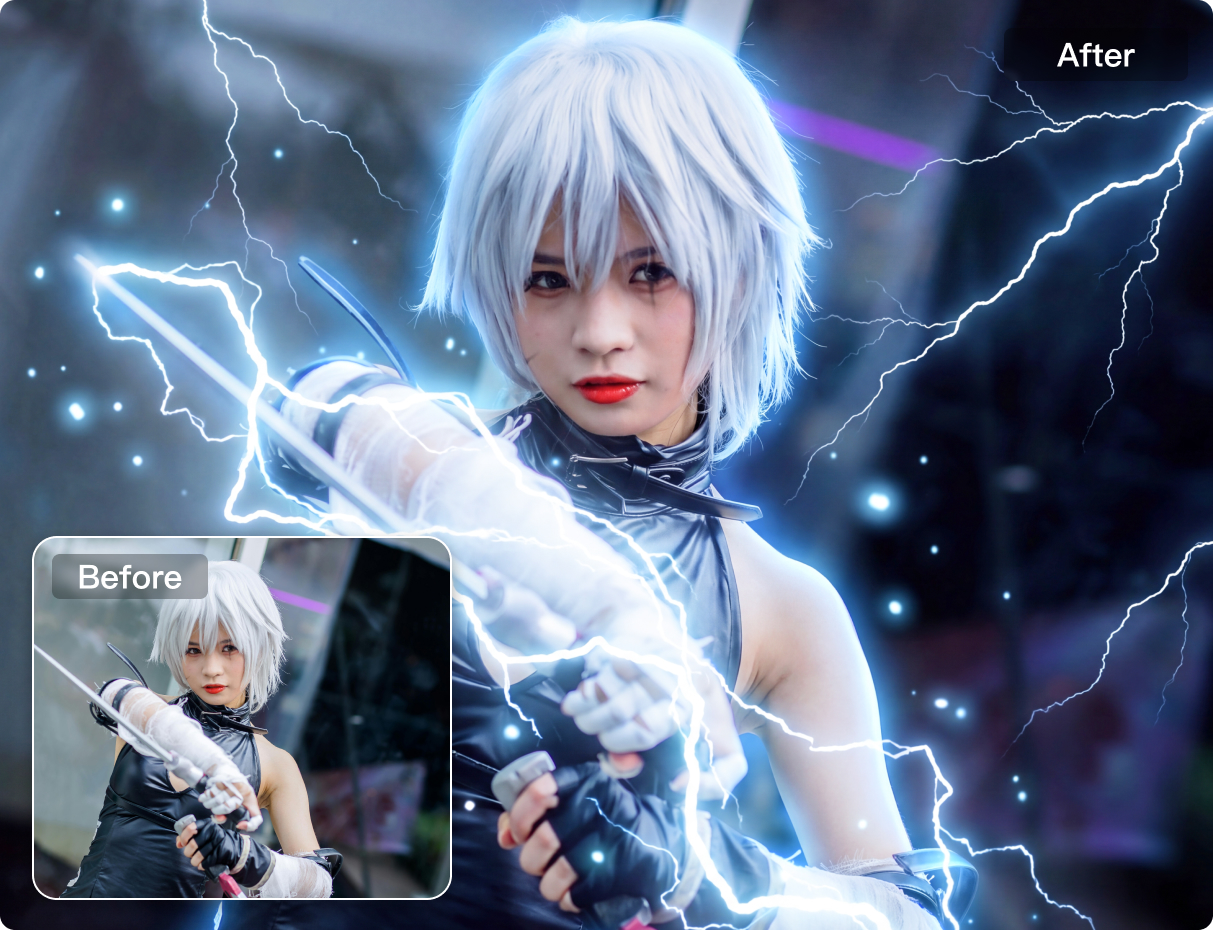
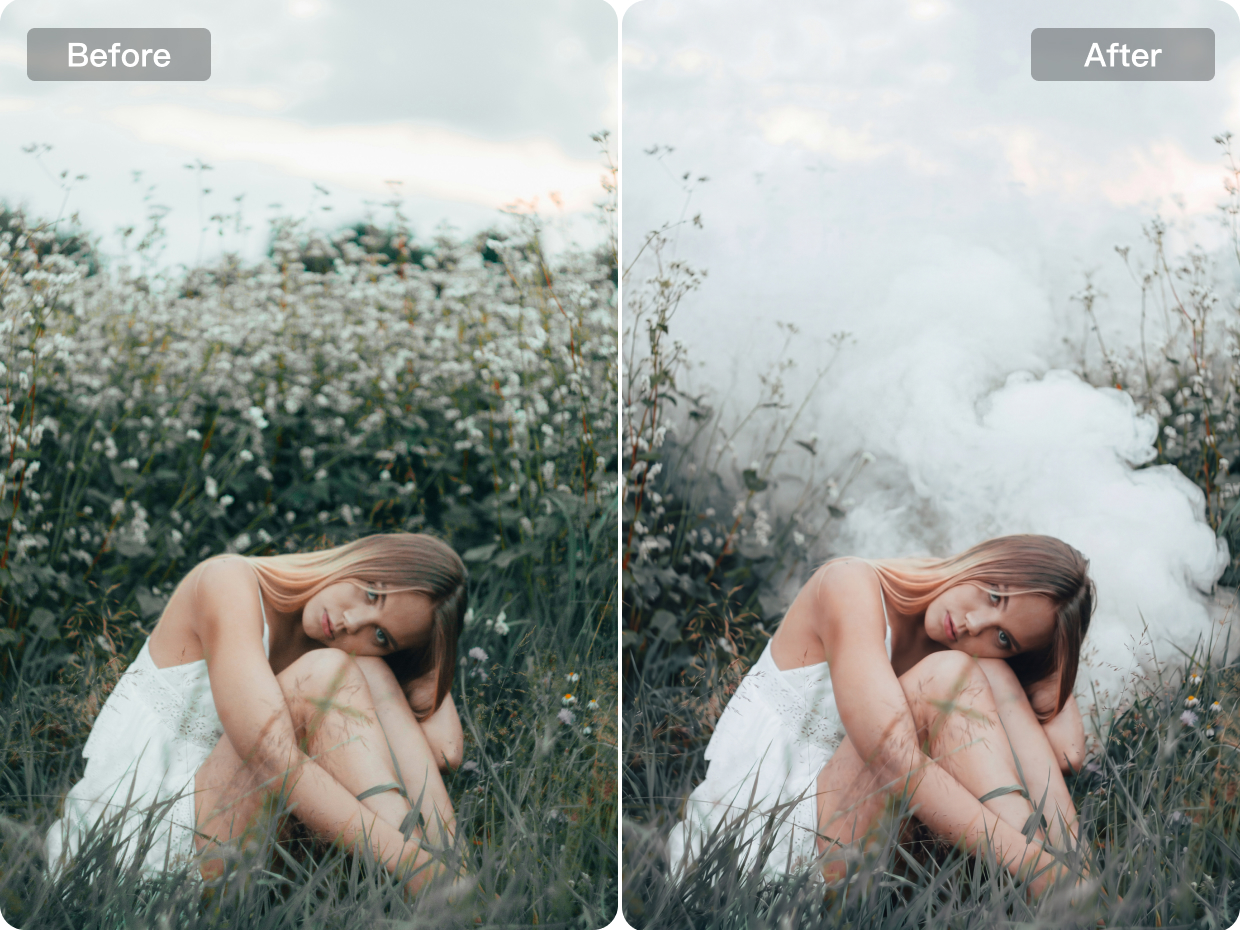
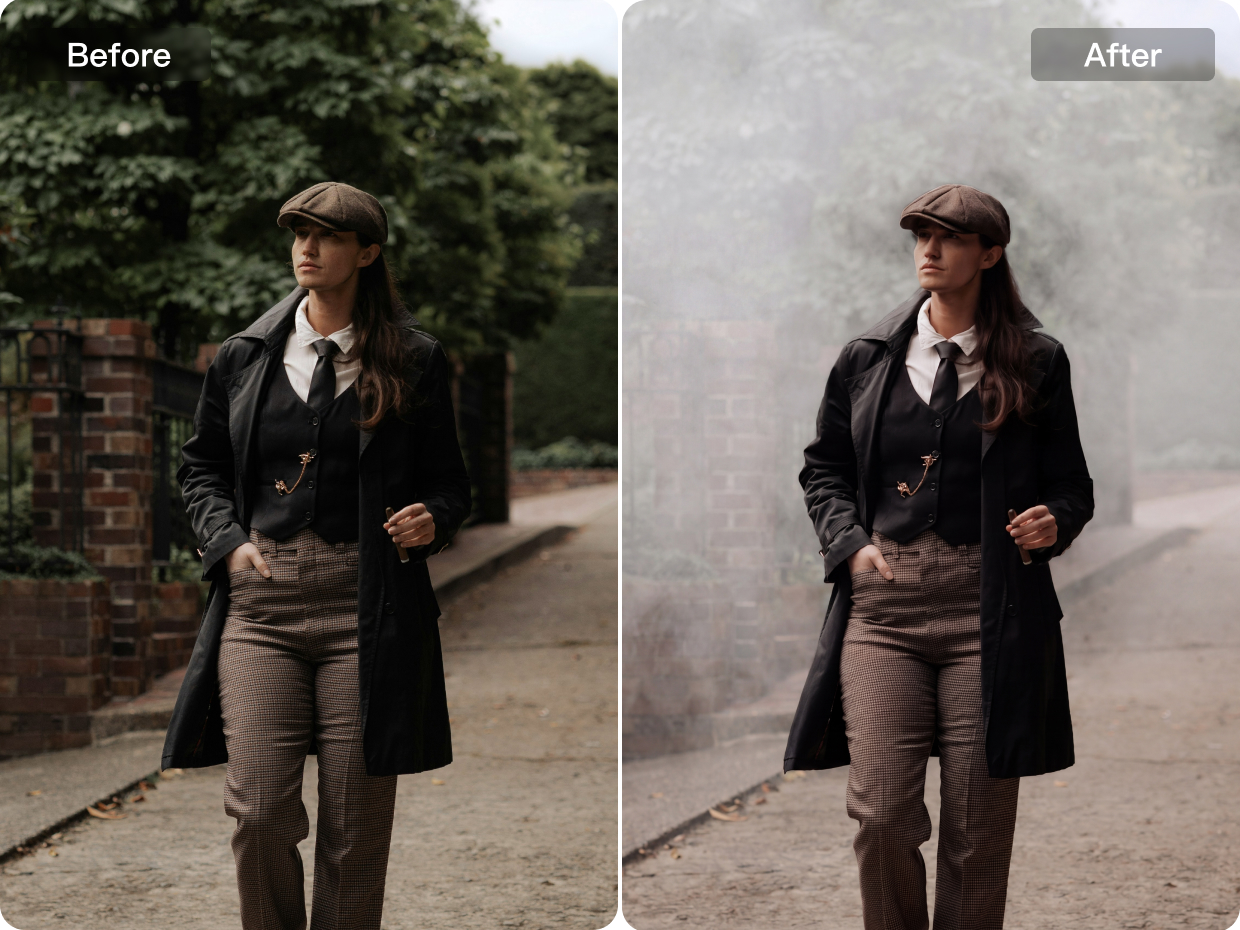
Switch effortlessly between smoke, lightning, and sand effects to create different visual moods and creative styles with ease. Whether you want a mysterious atmosphere, a bold high-energy look or a dramatic textured effect, each style can be applied quickly to reshape the overall image expression.
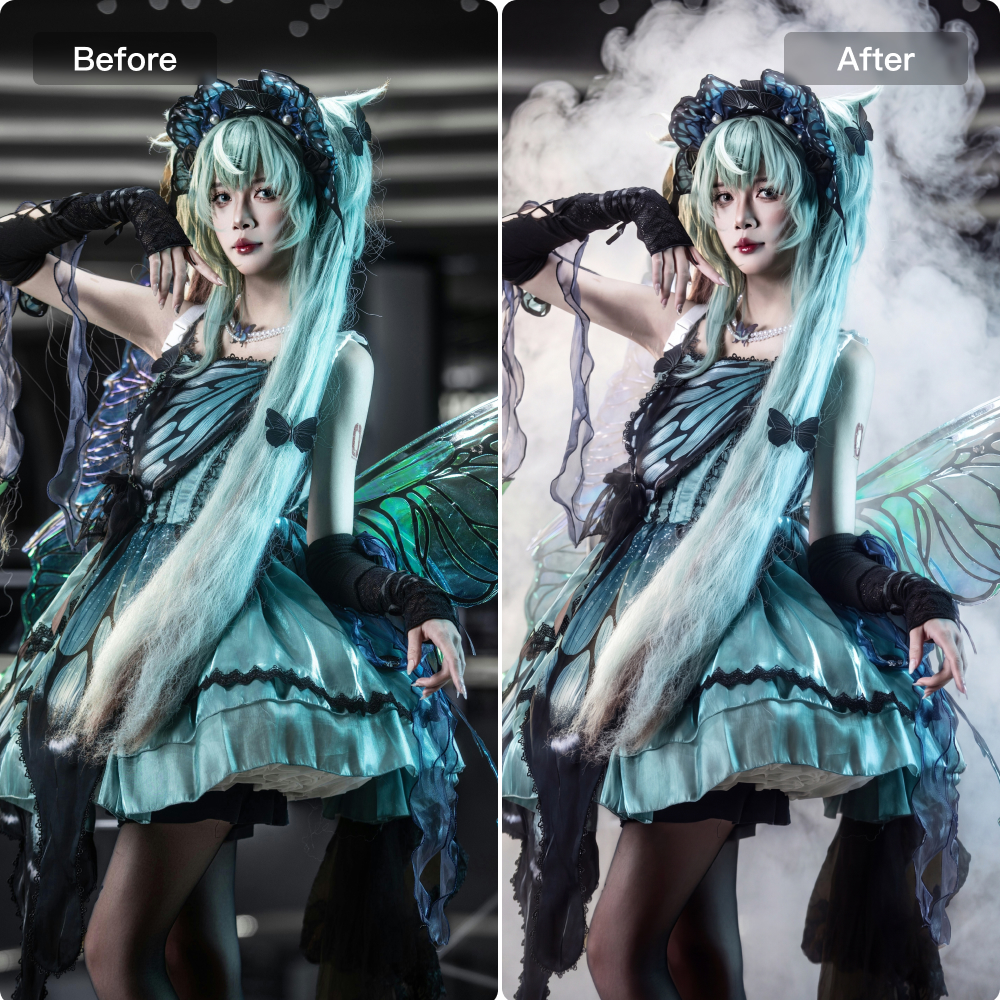
Interactive Portrait Effect Adjustment
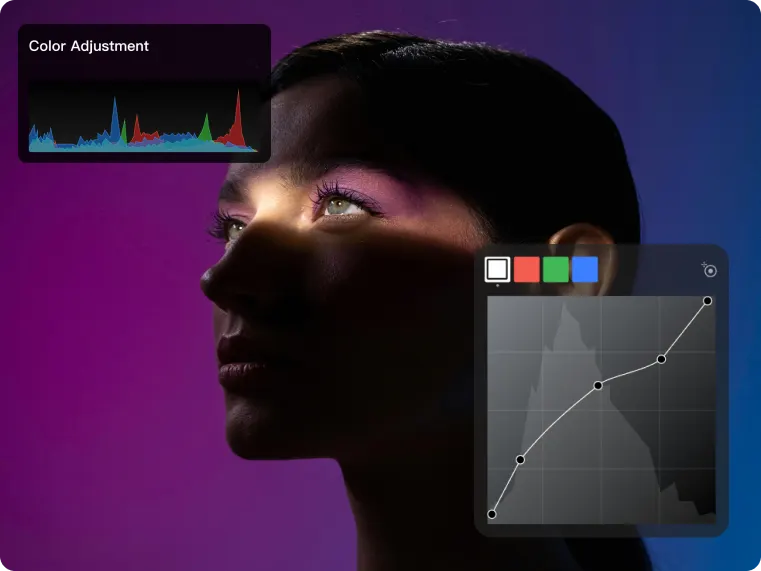
Apply interactive effect adjustments directly to the original portrait to create richer and more visually engaging image results. By adapting effects to the subject’s pose, contours, and overall composition, the final image gains stronger atmosphere, better visual layering and a more dynamic presentation. Kumoo helps portraits feel more expressive, creative and impactful while maintaining a natural connection with the original image.
How to use Kumoo‘s Use AI Effects?
Upload Images
Upload the portrait you want to enhance with AI effects. We support common image formats such as JPG and PNG, making it easy to start with portraits for creative editing, stylized effects, and atmosphere enhancement.
Choose an Effect Style
Select from different AI effect styles such as smoke, lightning or sand to reshape the overall visual mood of the portrait. With large-model algorithm support, effects appear more realistic, better integrated, and more natural in the final image.
Adjust Effects Interactively
Fine-tune the effect based on the original portrait for a more dynamic and visually rich result. AI adapts the effect to the subject’s pose, contours and composition, helping create stronger atmosphere and more engaging image presentation.
Preview and Download
Preview the final result, switch between styles if needed, and download the edited image to your device for sharing, posting, or creative use.
Add atmosphere to portraits, cosplay, and creative visual storytelling.
Cosplay Photographycos
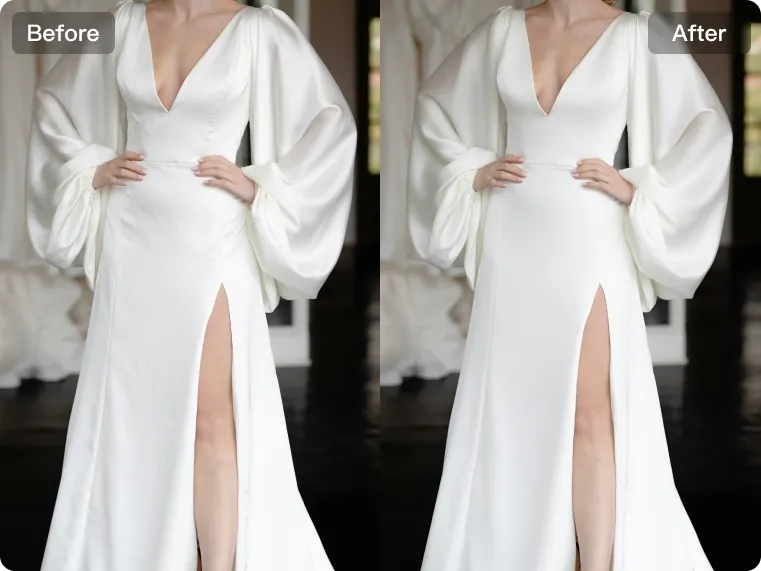
With advanced large-model support, effects look more realistic and blend more naturally into the original portrait. Styles such as smoke, lightning and sand can be switched easily to match different character settings, while interactive effect adjustment allows the visuals to respond more closely to the pose, composition and mood of the image. AI color matching makes cosplay retouching more expressive and immersive
Explore More
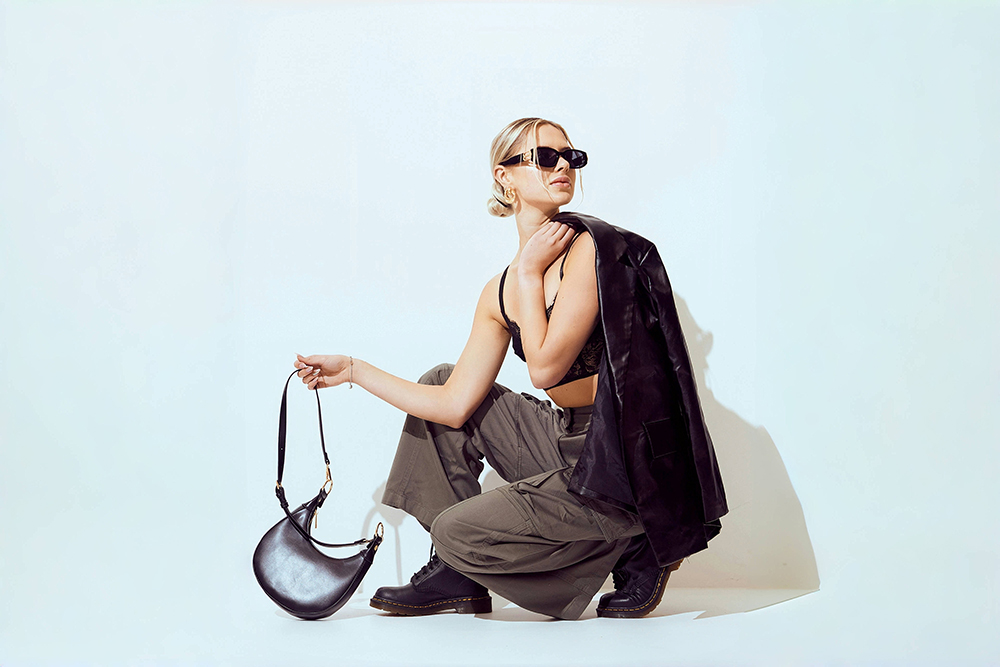
AI Background Removal
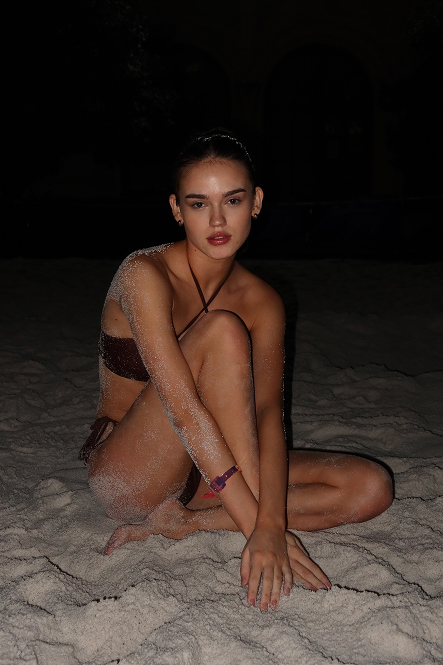
AI Flash
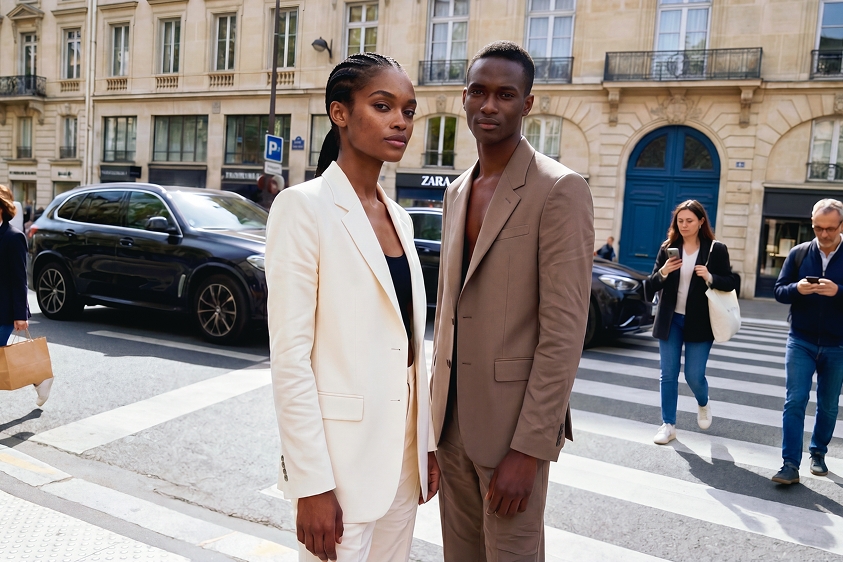
AI Removal
Image Enhancer
Frequently Asked Questions
Does AI Effects adjust based on the portrait itself?
What image formats are supported?
AI Effects supports common image formats such as JPG and PNG, making it easy to upload portraits for editing and enhancement. Additional tools like AI face reshaping can then be used to further refine the portrait as part of the same creative workflow.
Is AI Effects suitable for creative portraits?
Yes. For creative portraits, AI Effects can be used together with AI Body Reshaping to shape a more intentional visual style. This helps build stronger composition, richer atmosphere, and a more expressive final portrait.
Do I need advanced editing skills to use AI Effects?
No. The workflow is designed to be straightforward, so users can apply and adjust effects without needing advanced retouching experience. Support from tools like AI face reshaping also makes it easier to refine portraits within the same editing process.
Can I change effect styles after applying one?
Yes. Styles can be switched freely during the editing process, making it easy to compare different looks. When paired with AI color matching, each variation can feel more intentional and better aligned with the portrait’s final mood.
What effect styles are available?
Users can switch between multiple styles such as smoke, lightning, and sand. These effects can also work alongside AI face reshaping to create portraits that feel more stylized, visually balanced, and expressive.