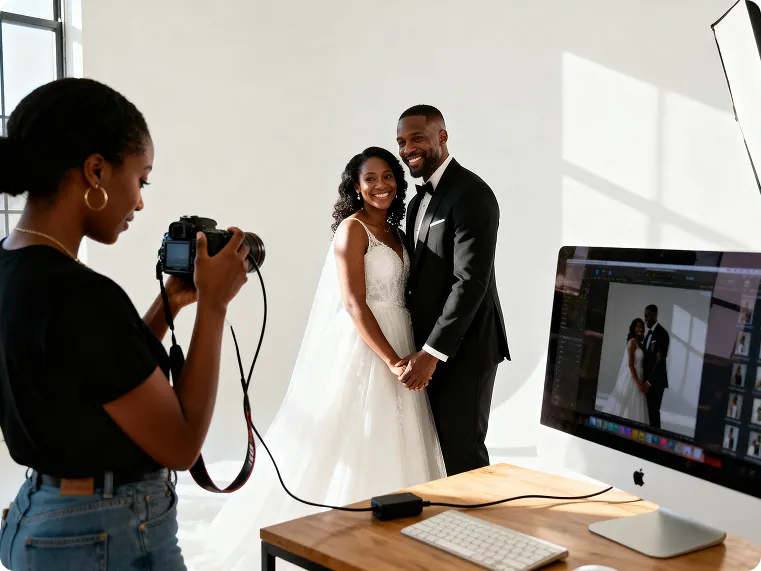
Clothing Colors
Kumoo's Clothing Color Change quickly adjusts clothing colors with real-time previews. Reduce reshoots and easily generate high-quality multi-color product images.
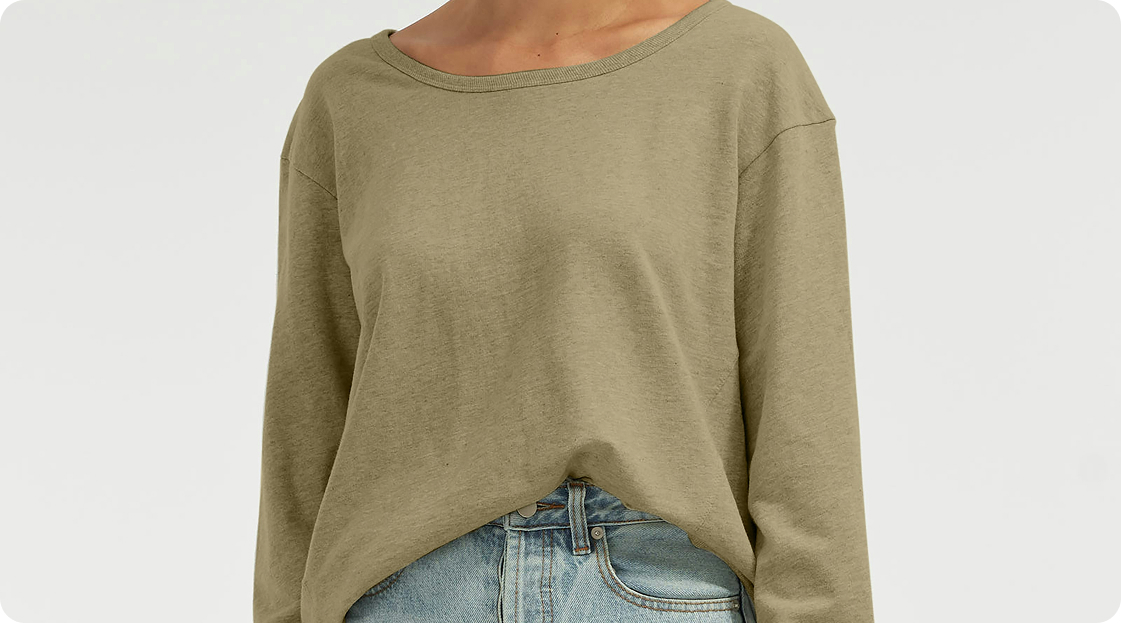
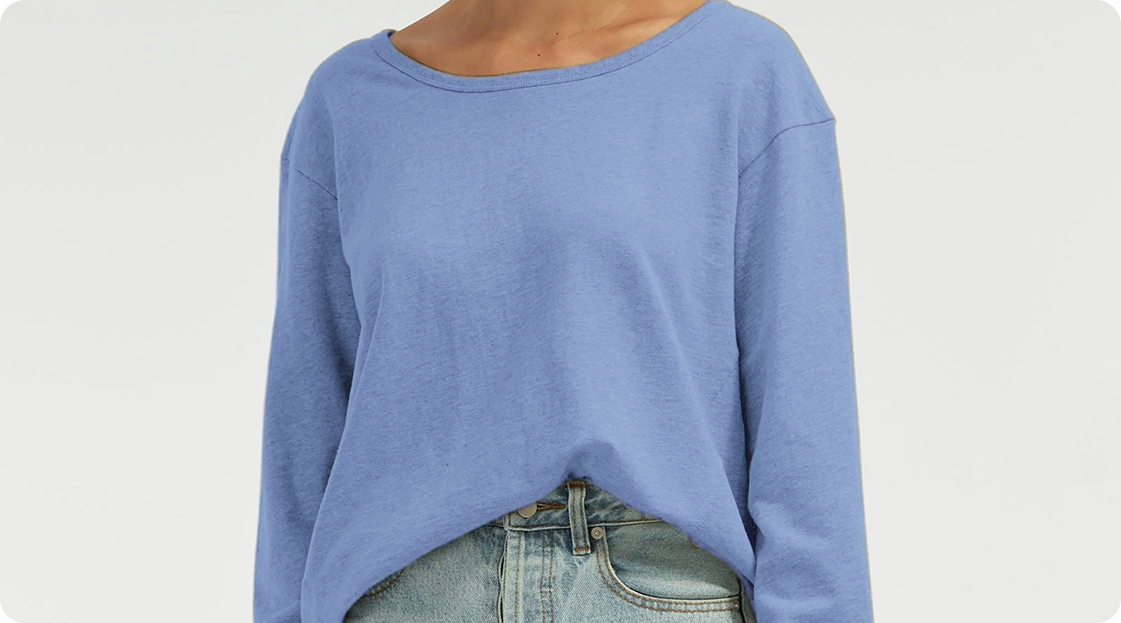
No image? Try these:
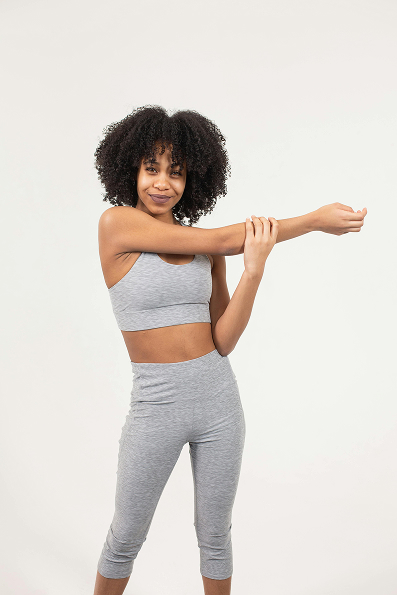
How does Kumoo make clothing color adjustments simpler than layer-based workflows?
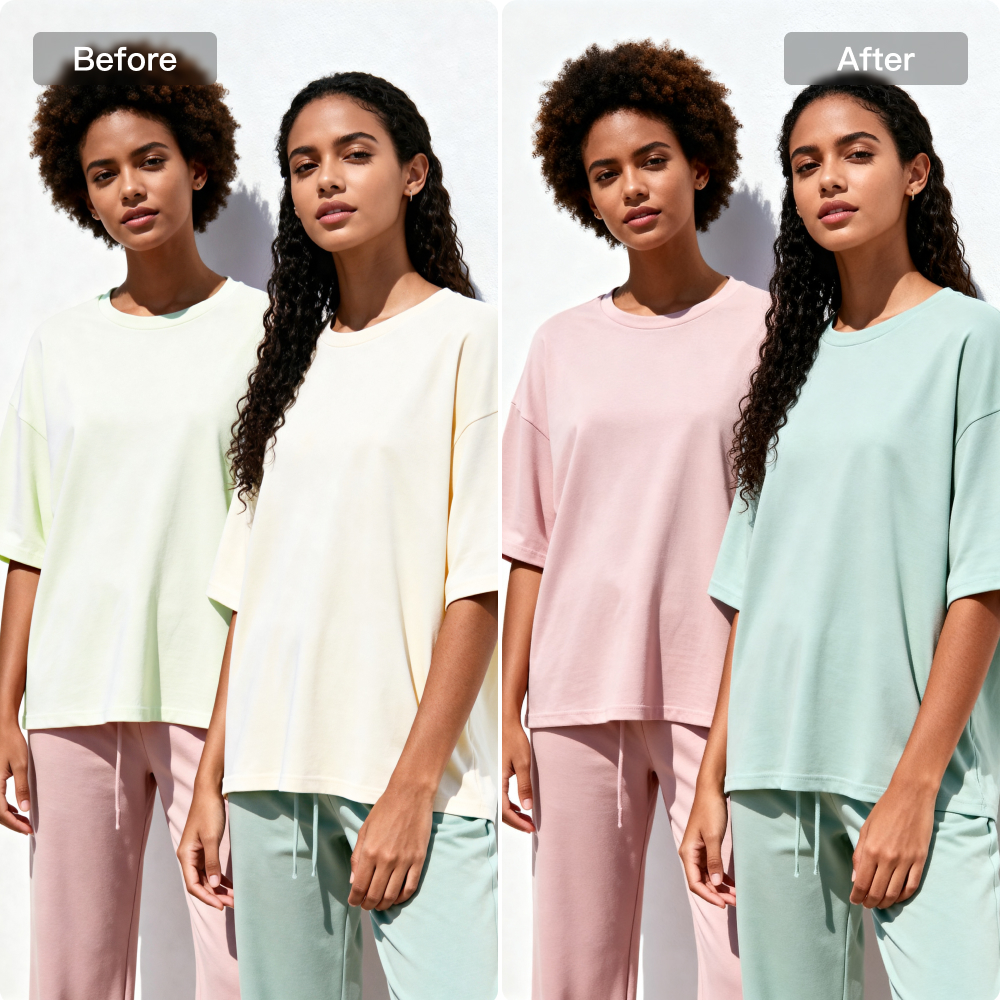
Precise Clothing Color Adjustment
Kumoo's Clothing Color Change accurately detects clothing in your images and applies new colors with natural blending. It preserves texture, fabrics, and lighting, reducing color mismatch and helping you preview multiple variants quickly.
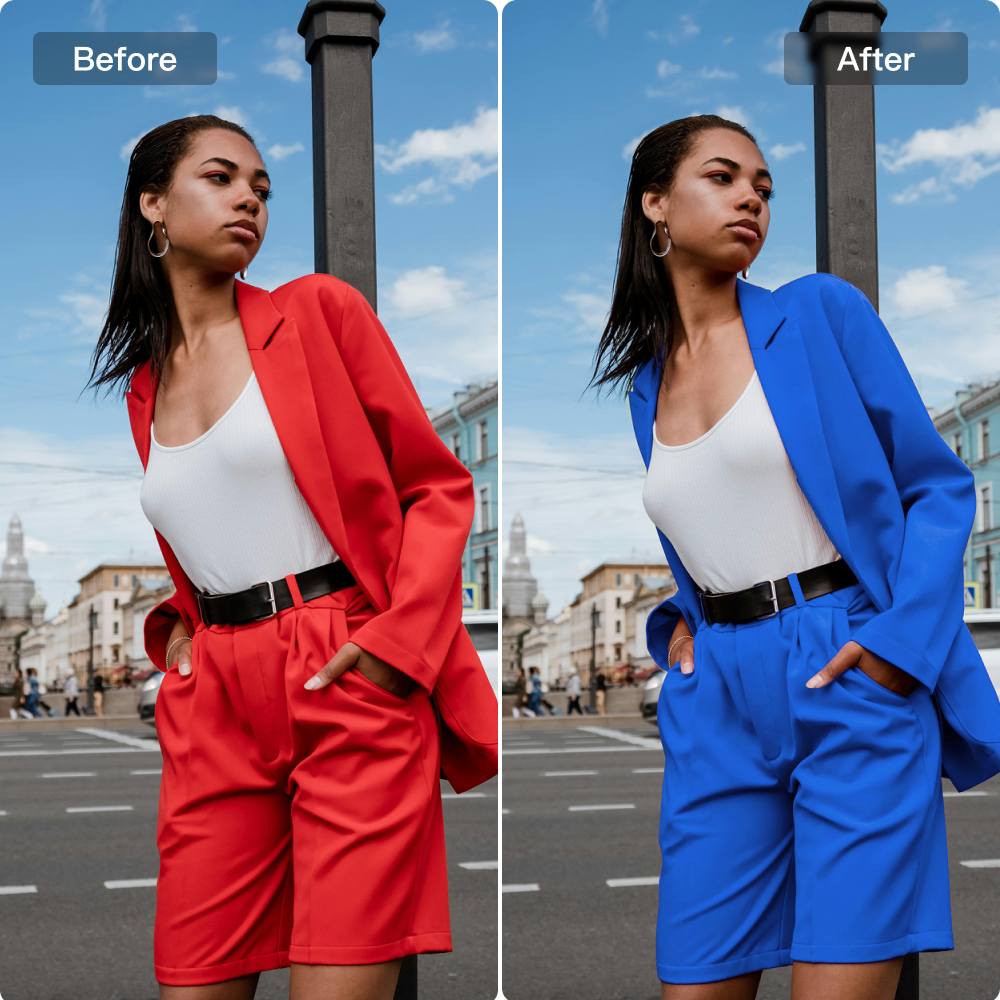
More Flexible Clothing Color Change
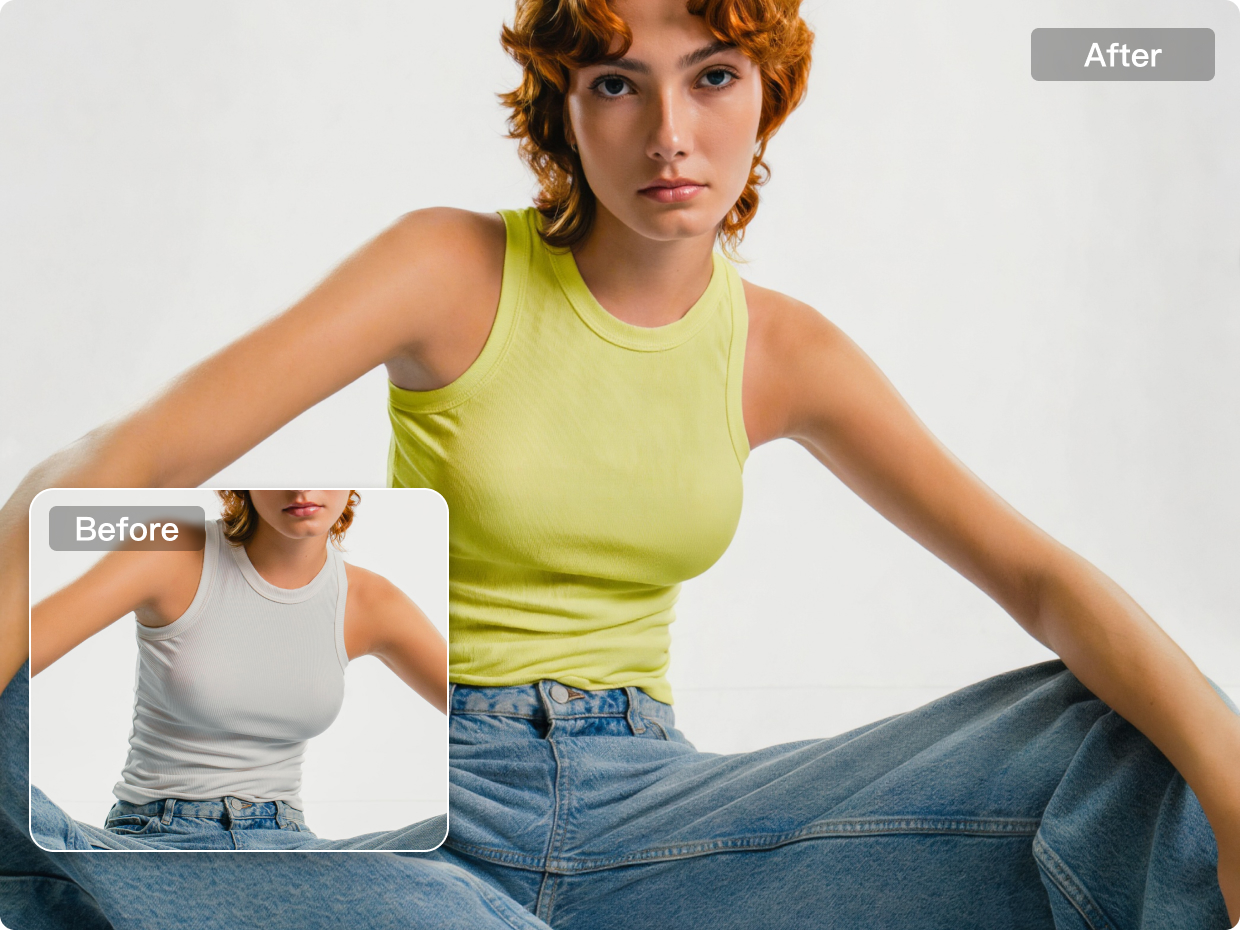
Kumoo's Clothing Color Change supports various clothing styles—shirts, T-shirts, jackets, jeans—and fabric types including cotton, silk, denim, and leather, delivering accurate results in every scenario.
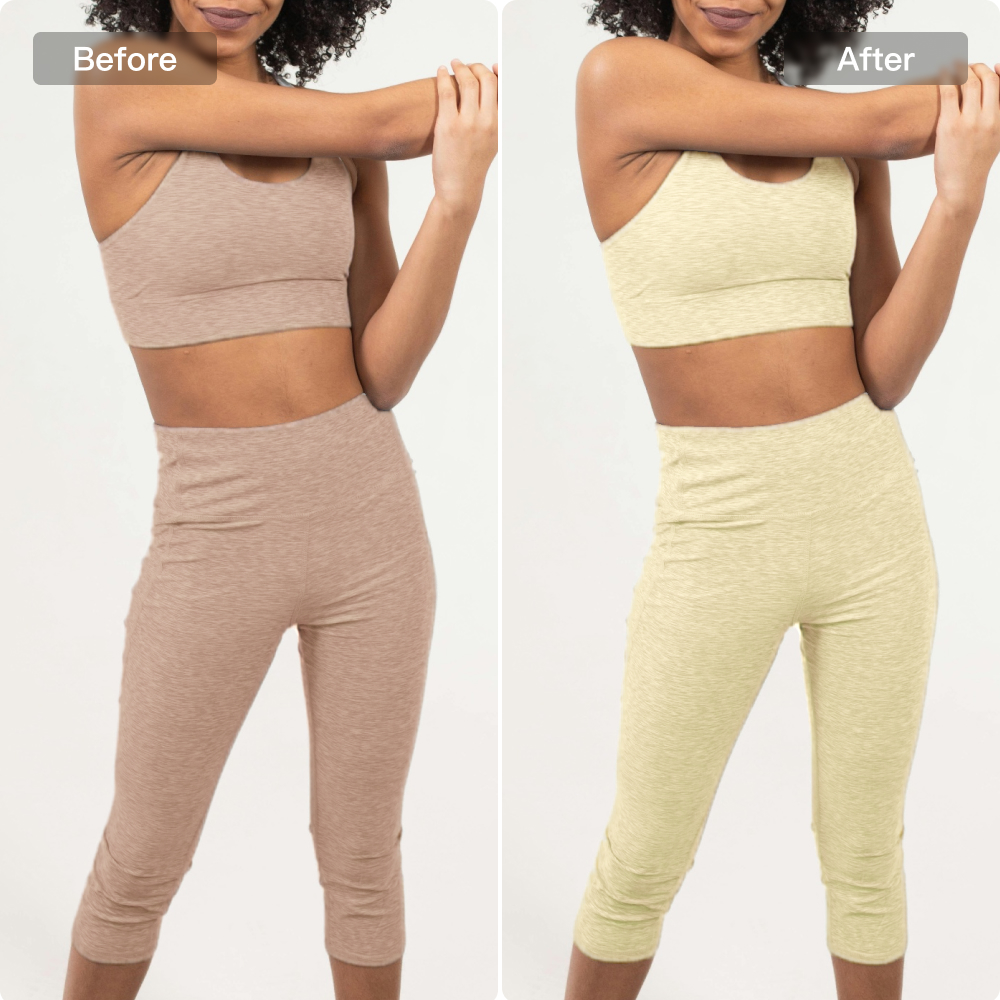
Simple and Efficient Clothing Color Editor
The intuitive interface lets beginners and professionals recolor garments effortlessly. Batch recoloring saves time and helps create multi-color showcases for better customer experience.
How to use Kumoo to Change Clothing Colors?
Upload Images
Upload a single image or a full set of photos that need color changing, whether they are flat lays, hanging garments, or worn on models. We support RAW images from popular cameras (such as .CR2, .NEF, .ARW, etc.) as well as common formats like JPG and PNG.
Select a Color Value
AI accurately detects clothing areas and quickly changes their colors. You can further adjust the color values for perfect results.
Download and Use
Batch-download the final results for e-commerce upload, sharing, or printing.
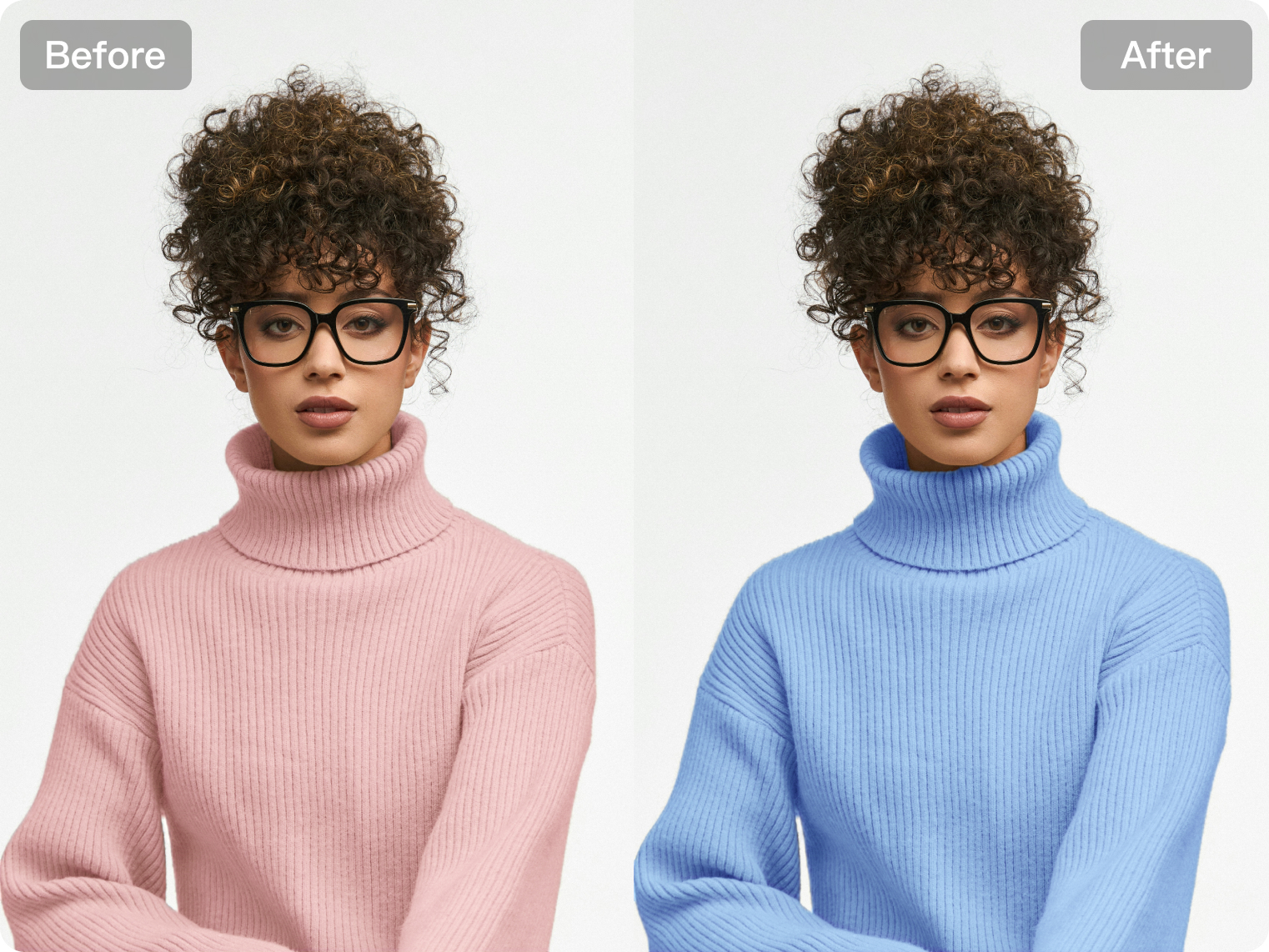
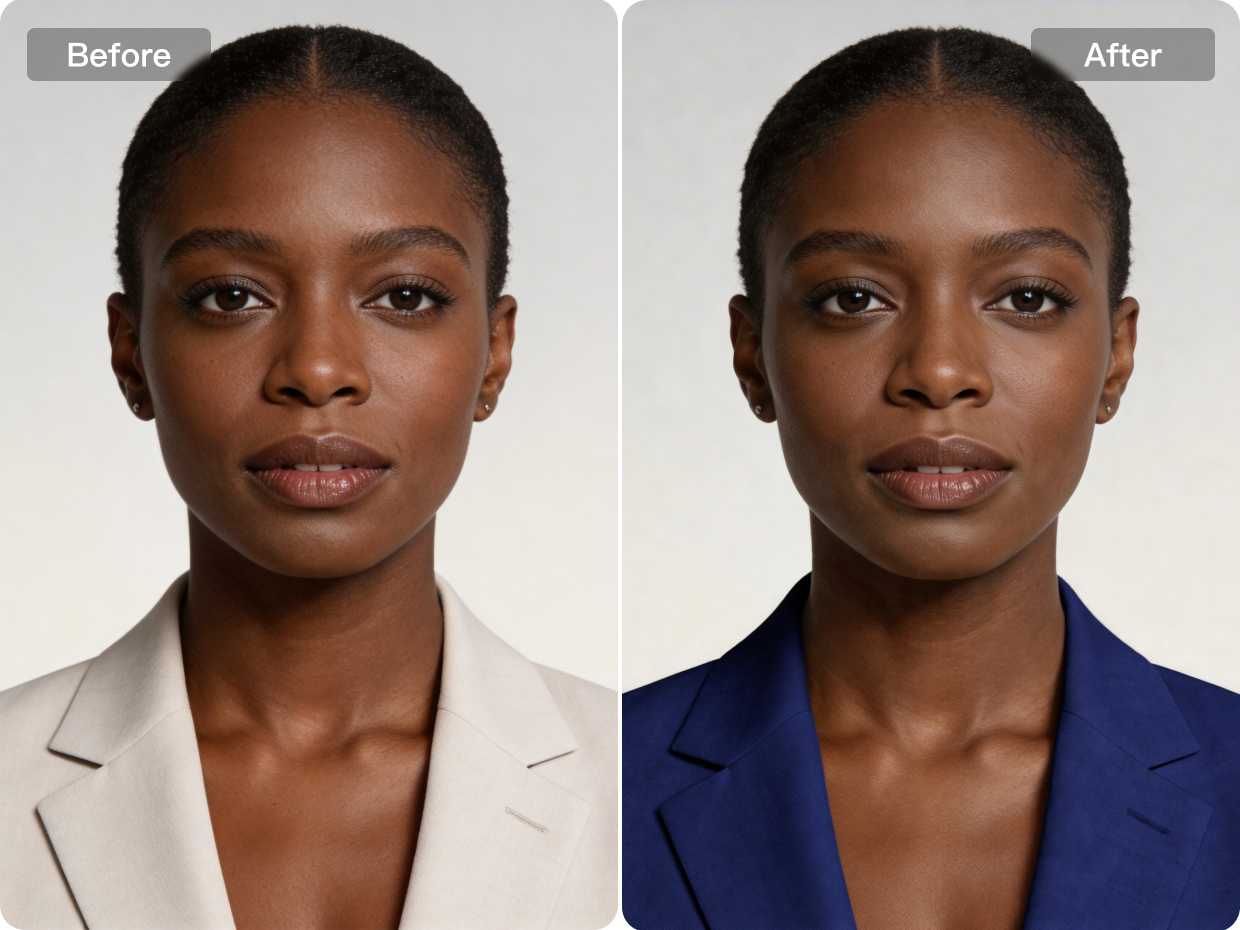
Unify and adjust clothing tones across fashion, ID photos, and creative shoots.
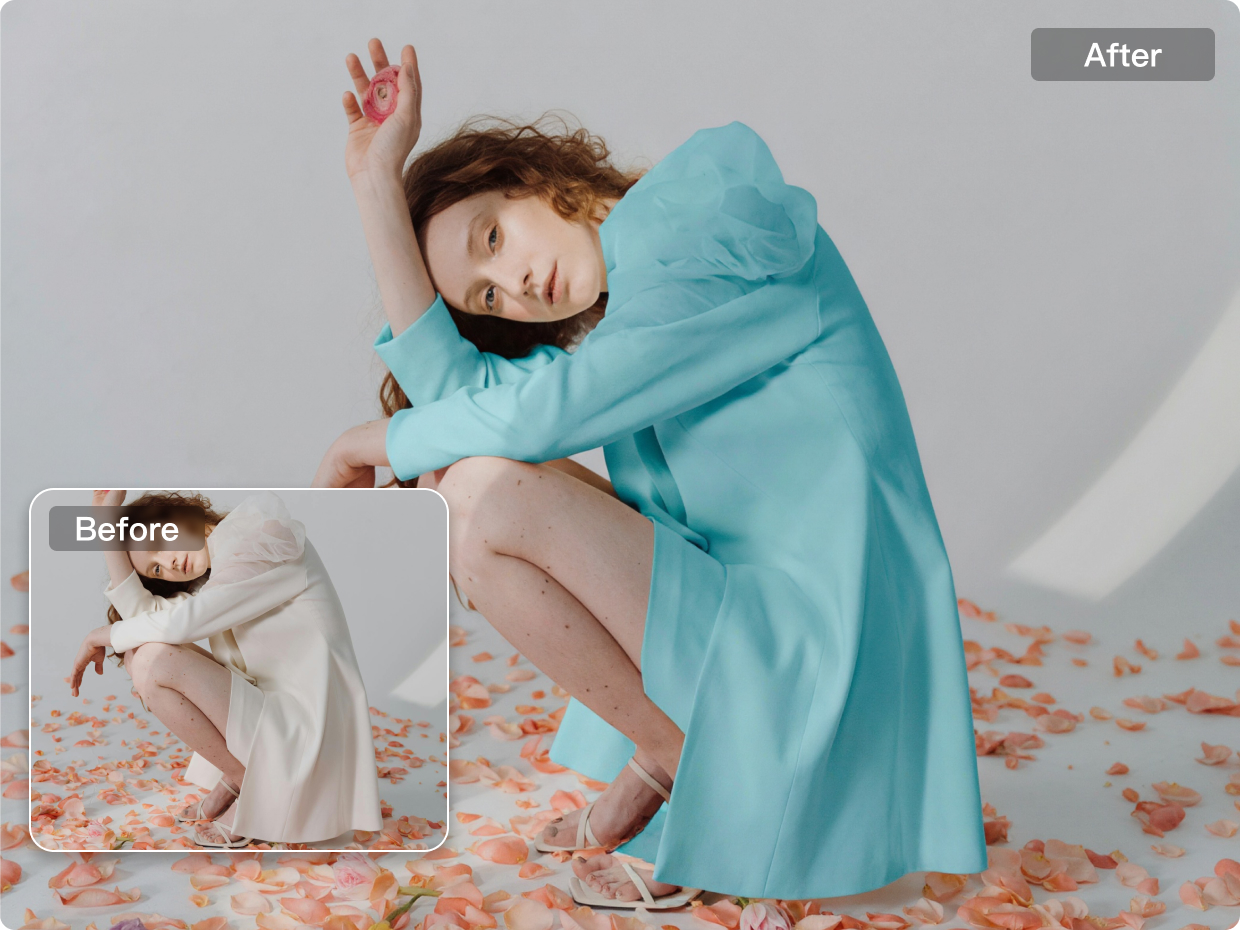
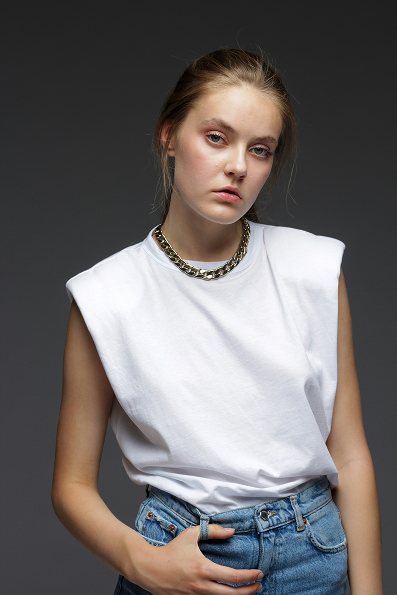
Portrait Photography
For portrait photography, changing clothing colors can help shape the overall mood of the image without affecting the original styling or pose. By adjusting outfit colors while keeping fabric texture, lighting and skin tones natural, the final portrait feels more intentional and visually balanced. This is especially useful for editorial portraits, creative test shoots and personal branding images where color plays an important role in the overall look and emotional tone of the photo.
Explore More
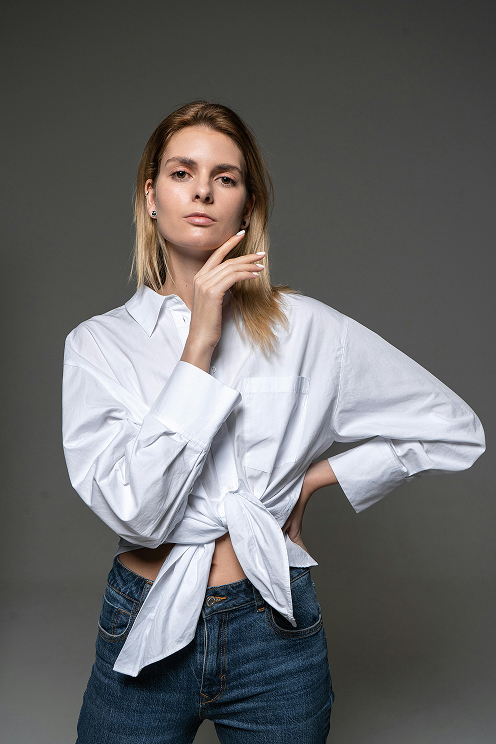
Clothing Wrinkle Removal
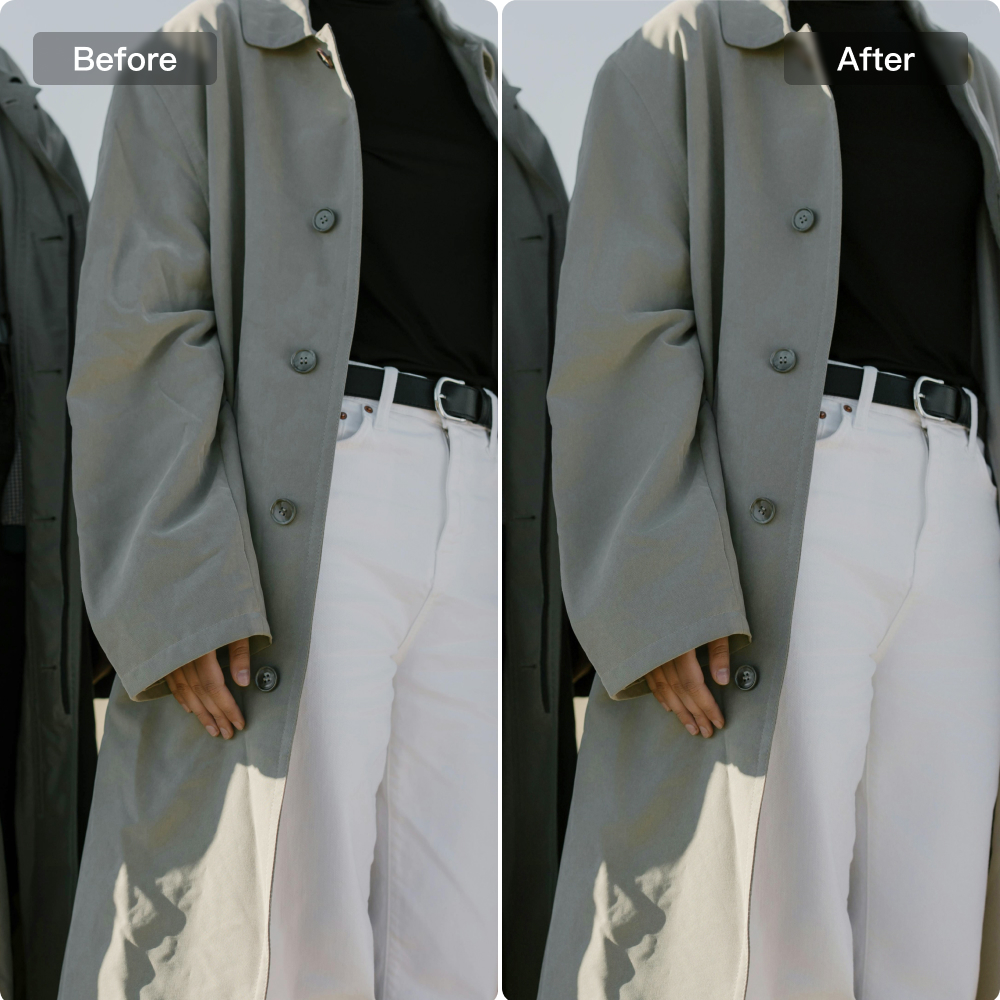
E-commerce-Ready Clothing Retouching
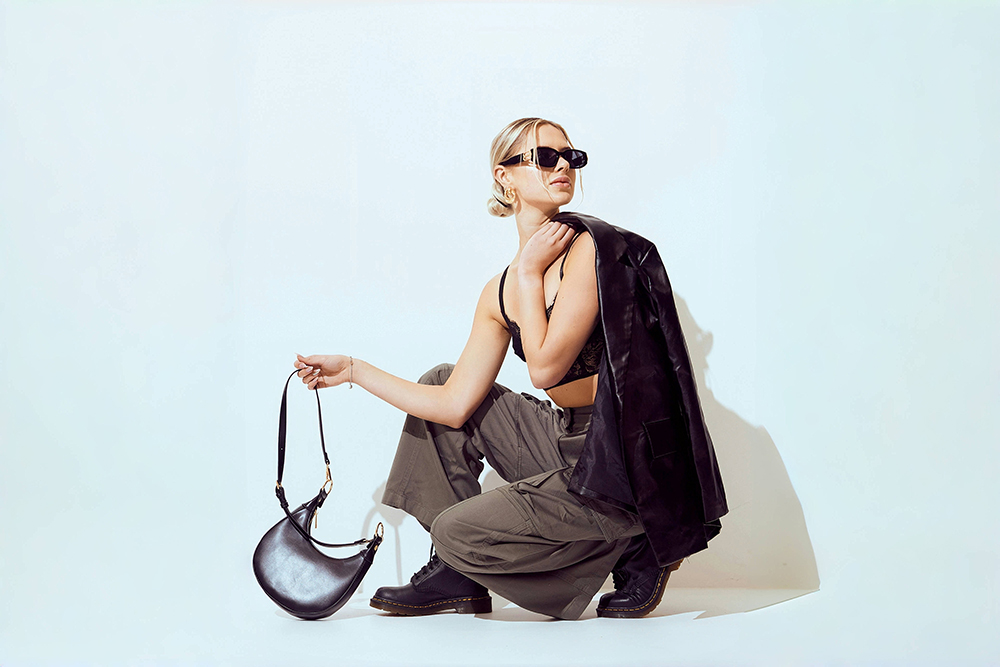
AI Background Removal
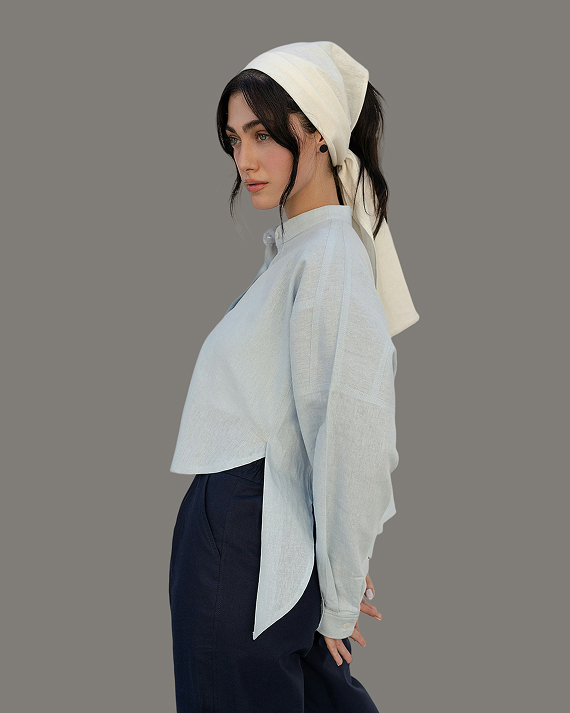
AI White Background Tool for Clean Product and Portrait Photos
Frequently Asked Questions
How does an AI clothes color changer work?
Can I recolor images for free with Kumoo?
Yes! Kumoo allows you to recolor images online for free, providing professional-grade AI tools for everyone from casual users to professional designers.
Will the recolored clothes look fake?
No. Kumoo’s algorithm is specifically tuned for "Texture Preservation." It ensures that every fold, shadow, and highlight is maintained, so the changed clothing color looks like it was captured in the original photo.
What formats are supported for the AI clothes color changer?
You can upload and edit files in JPG, PNG, WebP, and professional RAW formats, ensuring high-quality output for both web and print.
Is it possible to recolor specific parts of an outfit?
Yes. The AI is trained to distinguish between different garments (e.g., a shirt vs. a tie), allowing you to edit and switch colors in specific areas precisely.
Do I need design skills to edit and switch color in a photo?
No. The entire workflow is automated. Just upload your image, choose the editing area and a new color, then download the result.