
Professional Color Adjustment
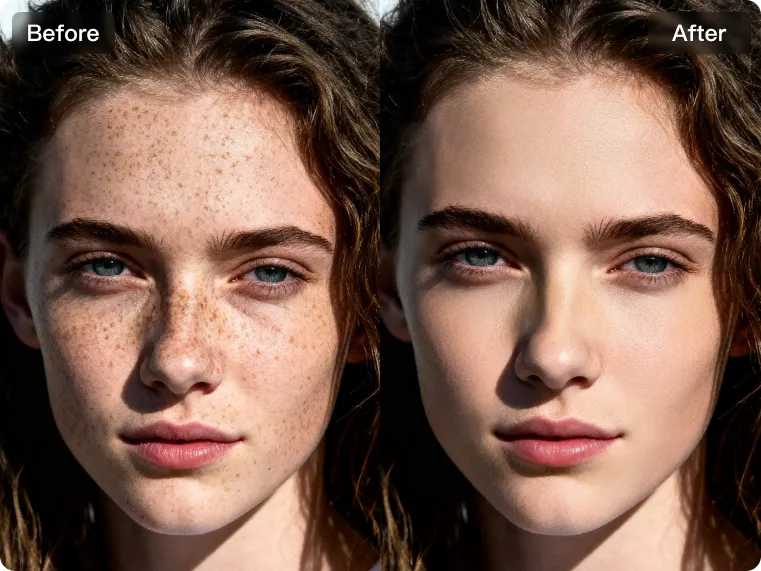
Enhance your images with Kumoo’s professional color adjustment tools. Easily refine tones, balance hues and improve overall color with precision for portraits, fashion photos, e-commerce visuals or creative edits. No complicated workflow required, just clean, natural and consistent results every time.
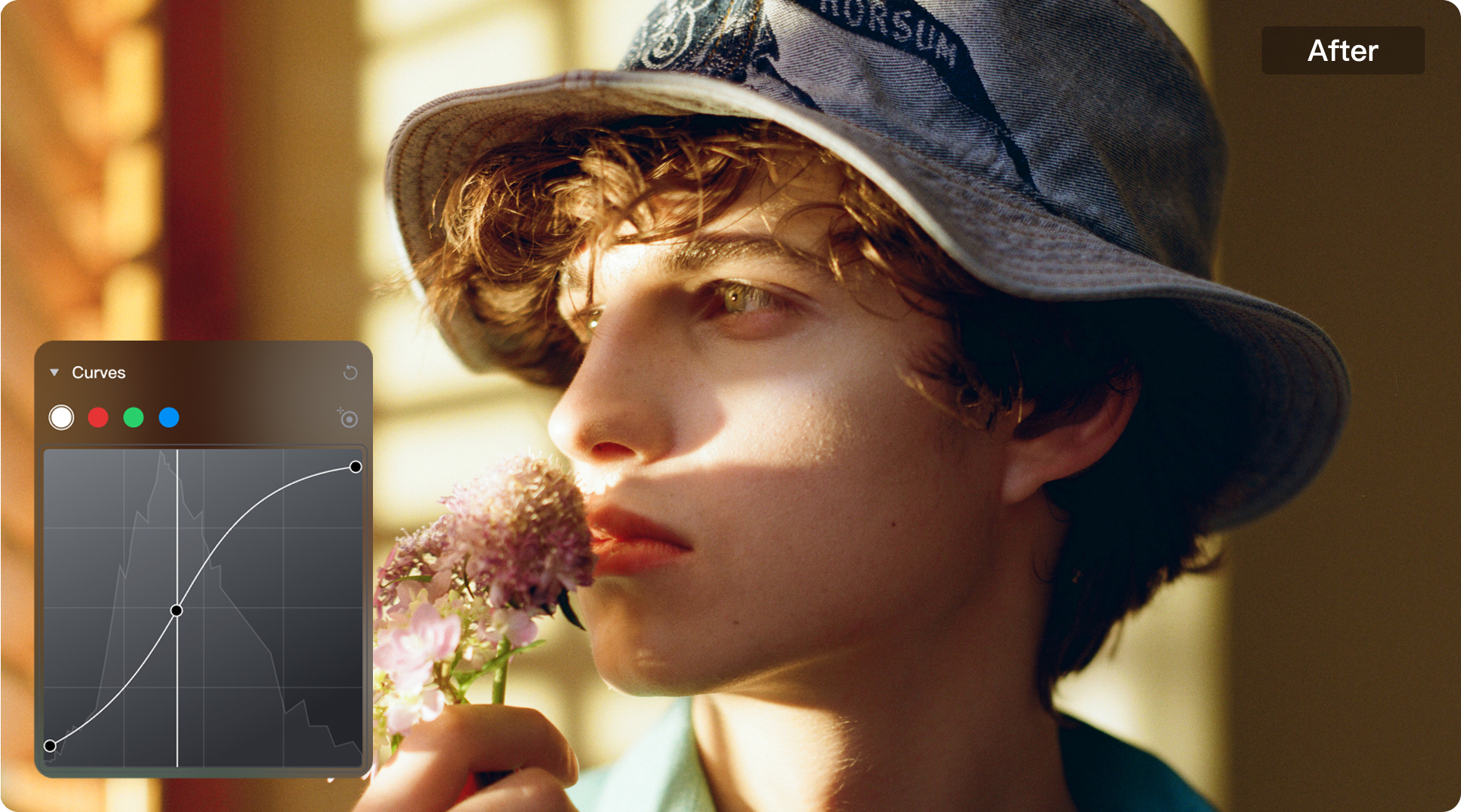
Achieve Greater Creative Freedom with Advanced Color Adjustments and Filters
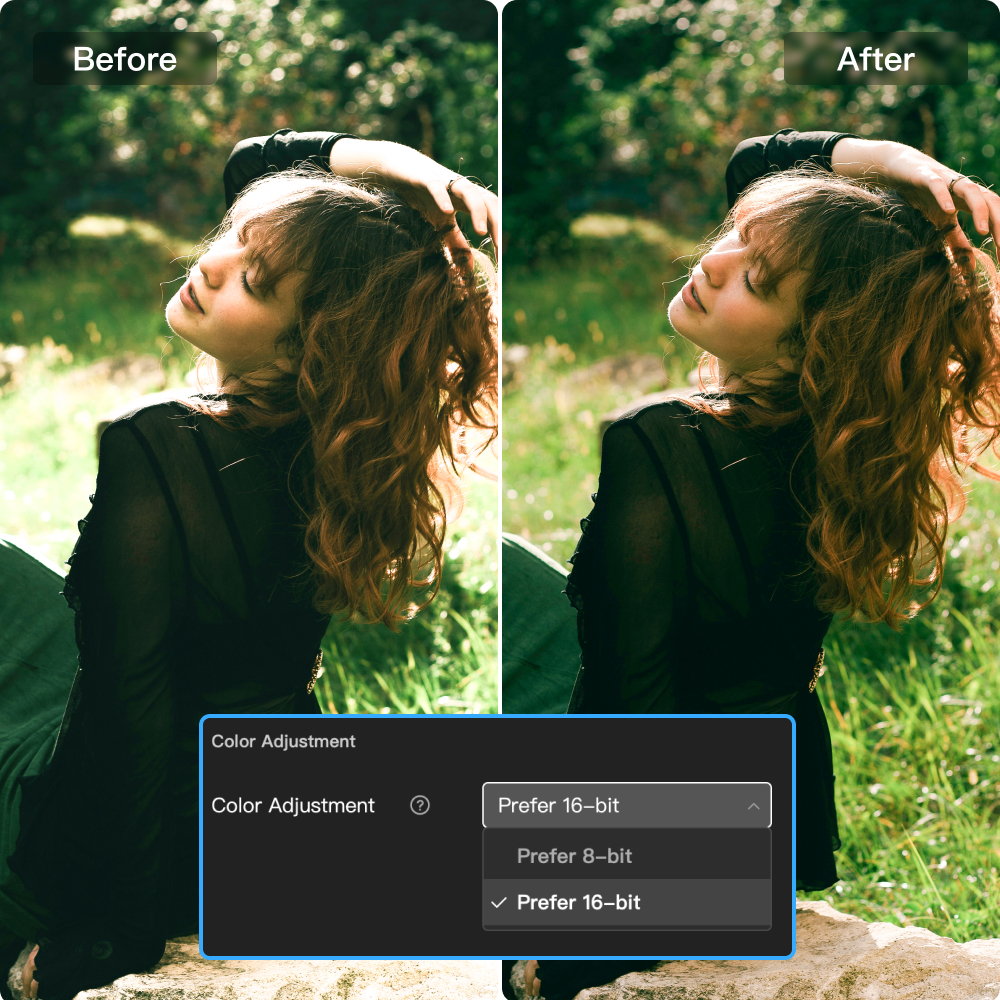
Professional Format Color Editing
Achieve refined image control with advanced RAW and 16-bit color grading tools. Adjust white balance, exposure, contrast, highlights, shadows, and color tones with precision to shape a more balanced result. Built for high-quality editing workflows, Kumoo gives you the flexibility to every visual detail while preserving depth and clarity color transitions.
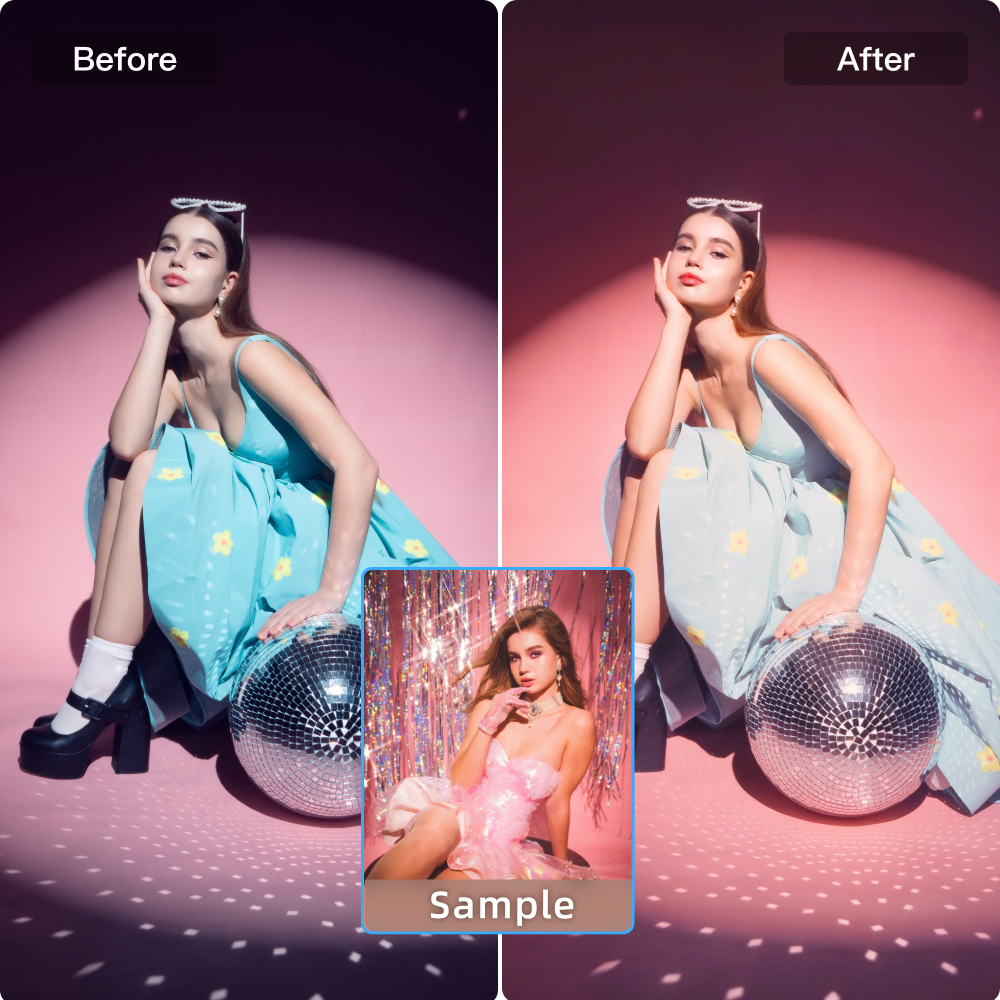
Advanced Color Transfer
As an AI photo editing software for photographers, Kumoo gives you greater control over visual consistency through Color Transfer & Look Matching. This professional tool analyzes the color palette and overall mood of a reference image, helping you apply a similar look with precision. Ideal for portraits, branded campaigns and multi image sets, it makes it easier to create high quality edits across every frame.
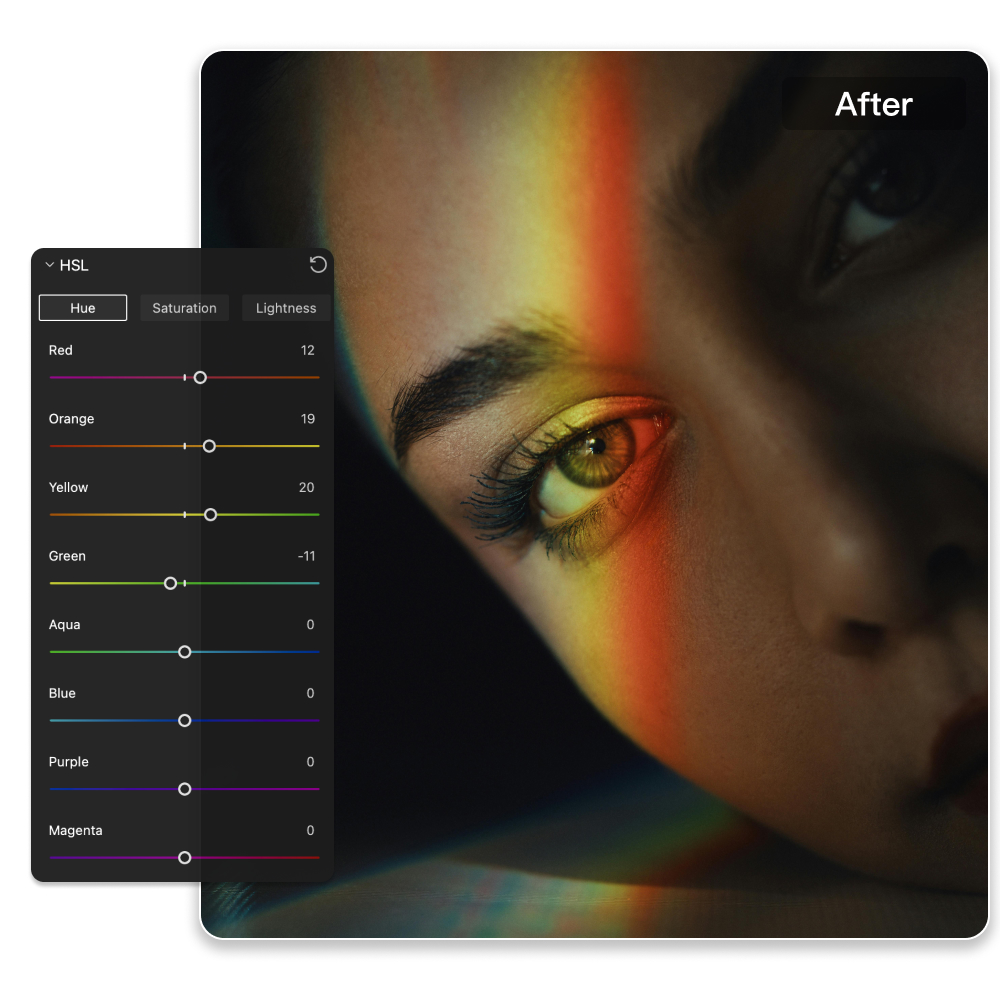
Advanced Color Transfer
Take precise control of color and tone with advanced HSL adjustment. Fine-tune hue, saturation, and luminance across individual color channels to correct unwanted shifts, balance image tones or shape a more distinctive visual style. Designed to support bulk AI photo editing.
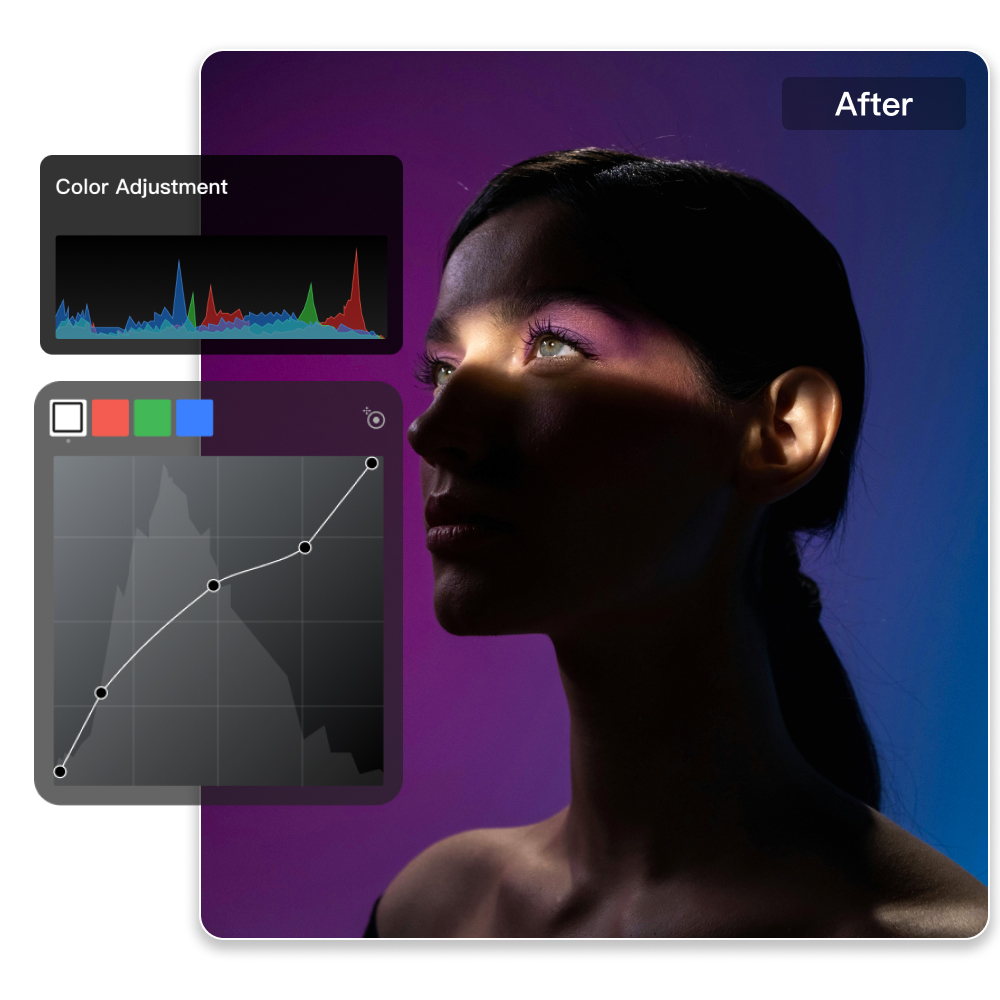
Greater Flexibility in Color Control
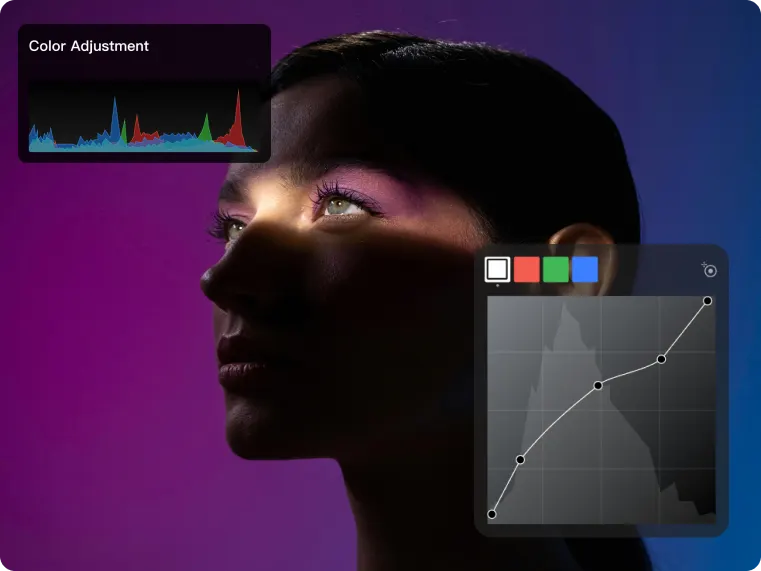
Built for precise tonal editing, Kumoo combines flexible RGB curve control with a clean and intuitive workflow. Whether you're making subtle corrections or crafting a more stylized look, each adjustment is easy to access. From contrast and color balance to channel based tonal refinement, it helps you work with greater speed and consistency.
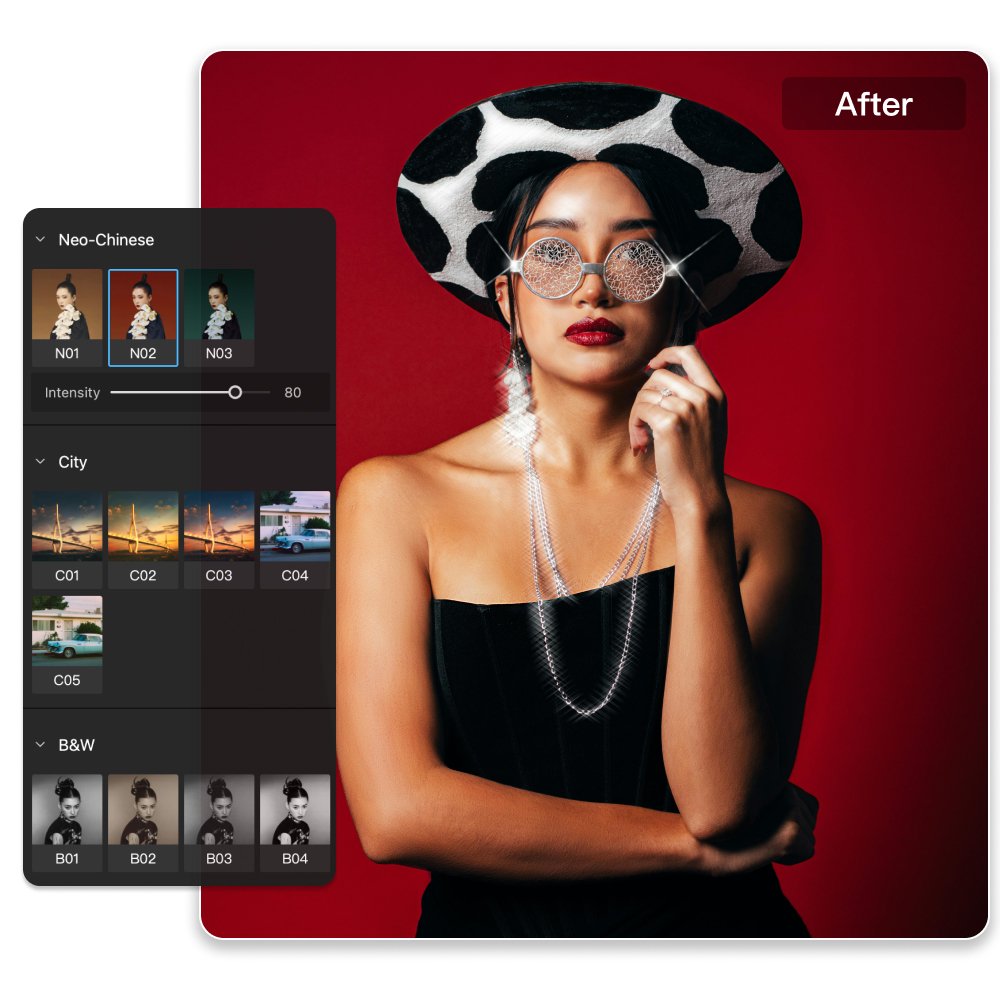
More Stylized Filter Options
Explore a wide range of stylized filter presets designed to give your images a distinct visual character with minimal effort. From subtle tonal moods to bold creative looks, Kumoo makes it easy to apply and compare different styles while keeping the editing process smooth and efficient.
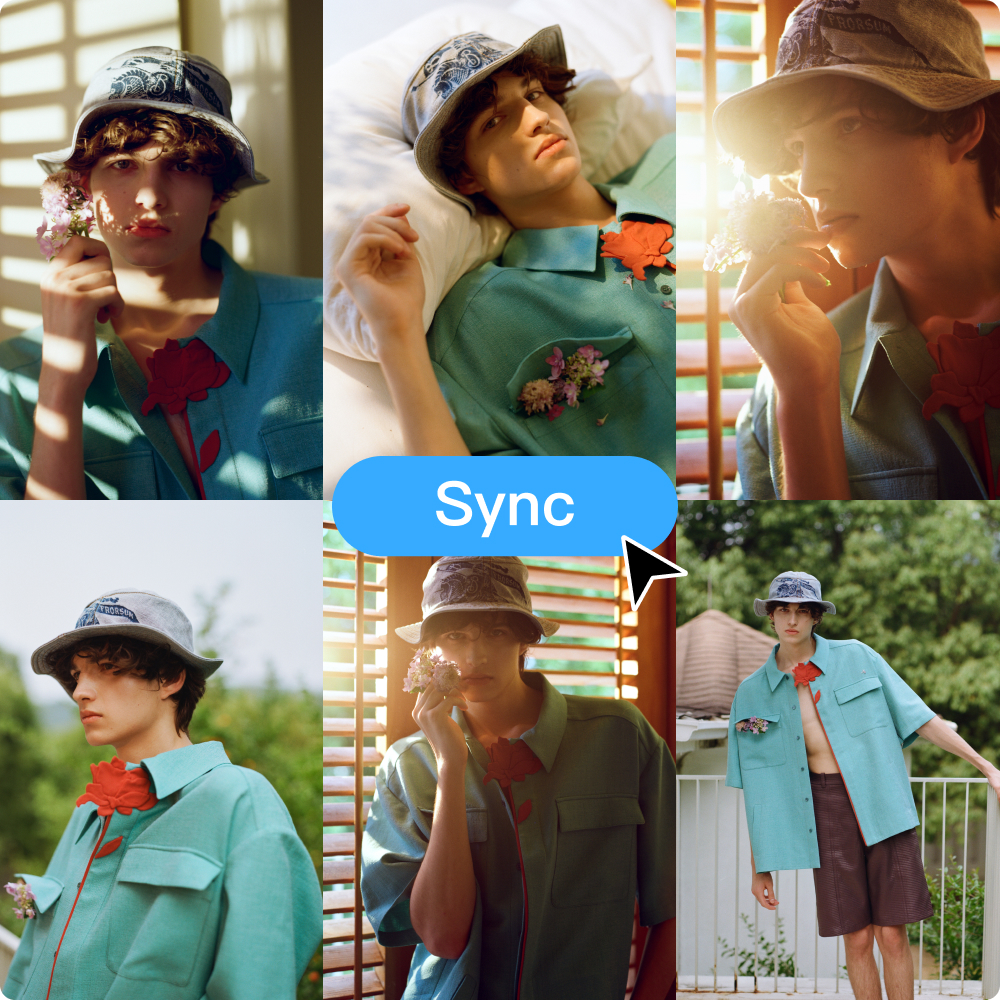
Batch Color Editing
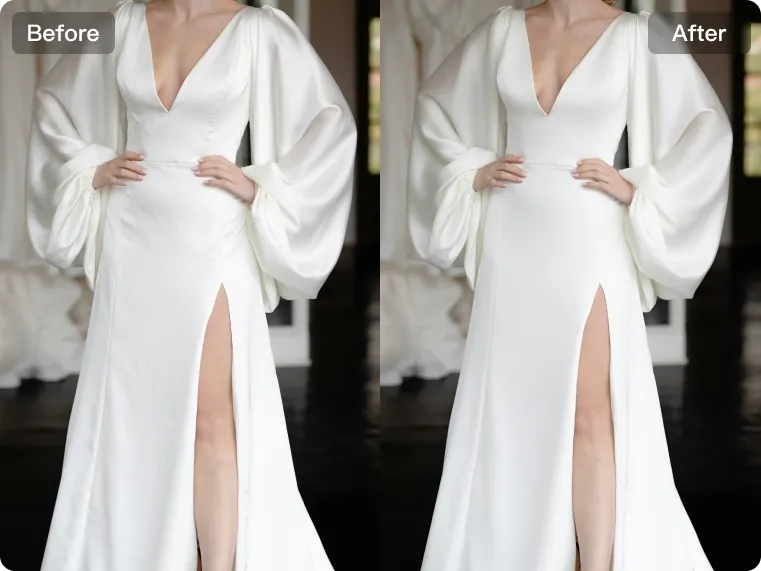
Speed up your workflow with efficient batch color editing. Apply adjustments from one image across multiple photos to keep color, tone and style consistent throughout the set. Ideal for high-volume editing, it helps you save time while delivering polished, uniform results.
Color Styles for Every Scene
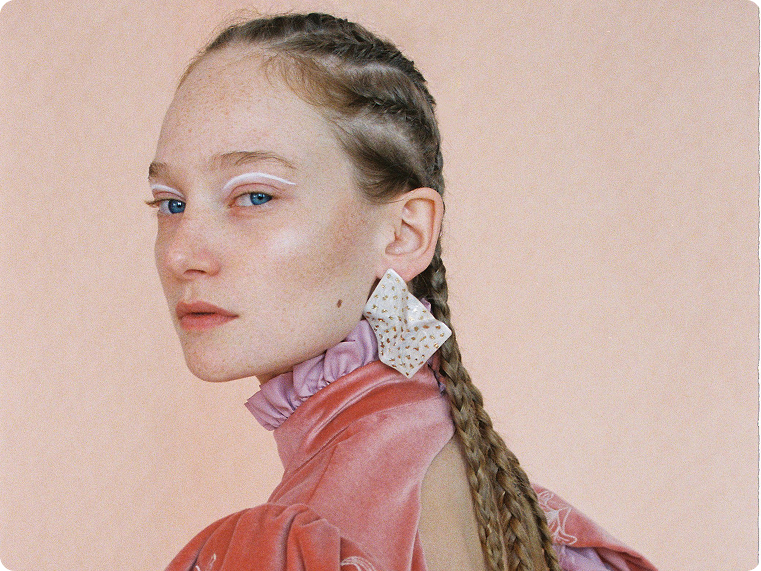
Oil Painting Style Color Transfer
Bring an artistic, painterly mood to your images with oil painting style color transfer. Kumoo helps translate rich tones and expressive color into your photos, creating a more stylized and atmospheric finish. Ideal for portraits, creative edits, and bulk AI photo editing workflows that call for a distinctive visual character.
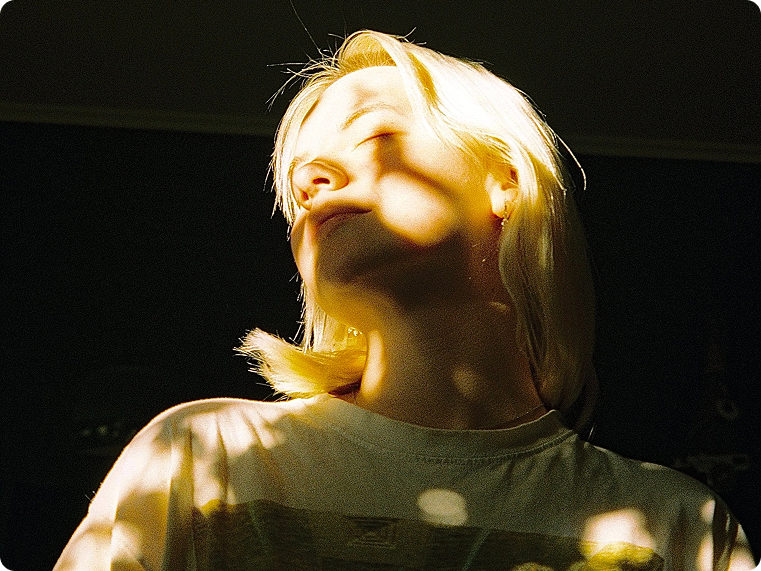

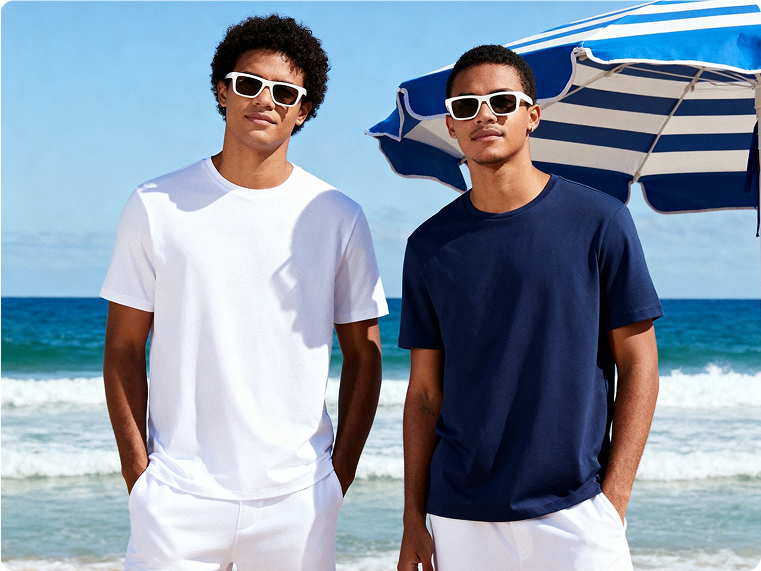
Explore More
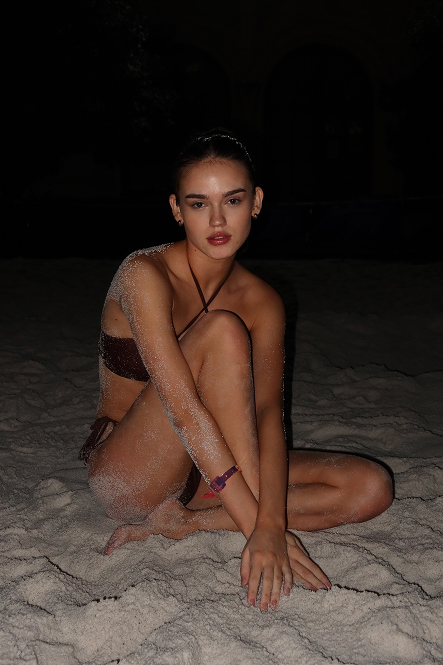
AI Flash Photo Editor for Bold, Studio-Like Lighting
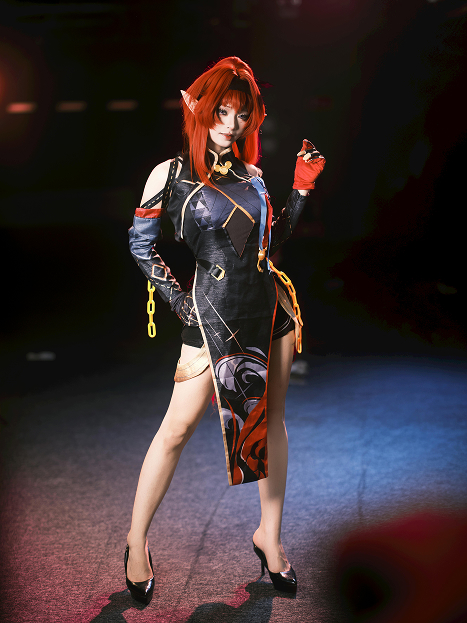
Creative AI Photo Effects Made Easy
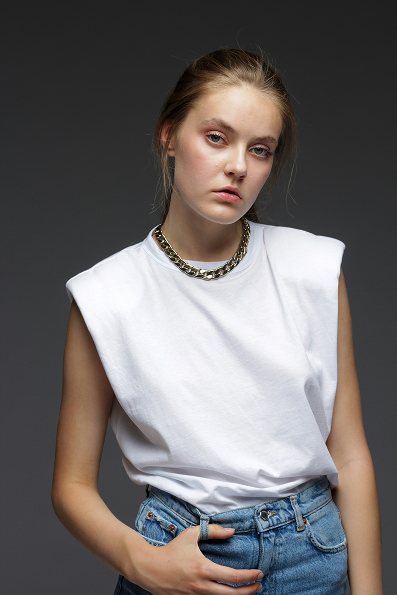
AI Clothing Color Changer for Photos and Product Images | Kumoo
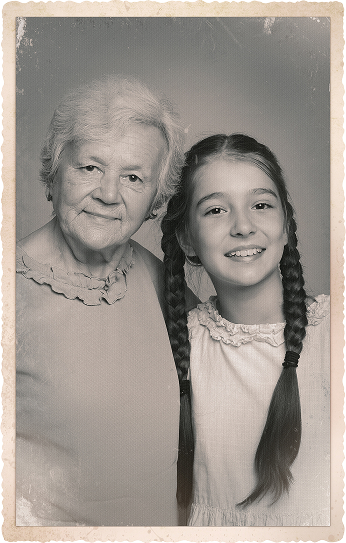
AI Photo Restoration to Repair Old Photos Easily
Frequently Asked Questions
Can Kumoo handle both portrait retouching and color adjustment?
Is Kumoo suitable for wedding and bridal photo editing?
Kumoo is well suited for wedding photography, helping you refine skin, enhance facial features, and adjust color tones for a soft, elegant, and consistent bridal look across the full set.
Can Kumoo keep batch-edited photos consistent? Kumoo?
Yes. As a professional AI photo editor, Kumoo makes it easy to apply the same color settings and visual style across multiple images, which is especially useful for weddings, portrait sets, and e-commerce projects that require a unified finish.
Does Kumoo support reference-based color matching?
Yes. With Color Transfer & Look Matching, Kumoo helps you recreate the mood, tone, and color style of a reference image, making it easier to keep your edits visually consistent.
Is Kumoo good for fashion and e-commerce photo editing?
Yes. Kumoo helps refine model and product images with clean retouching, accurate color control, and efficient batch editing, making it ideal for fashion, beauty, and lifestyle e-commerce content and a practical alternative to a Meitu AI image editor.
Can beginners use Kumoo easily?
Kumoo is designed to balance professional editing power with an intuitive workflow, so both experienced editors and new users can achieve polished results more efficiently.