
Easy Professional Retouching for ID Photos
Easy Professional Retouching for ID Photos makes it simple to create clean, polished and compliant ID images without complicated manual editing. From skin refinement and background cleanup to outfit adjustment and overall portrait enhancement, it helps users quickly achieve professional-looking results while keeping the photo natural and suitable for formal use.
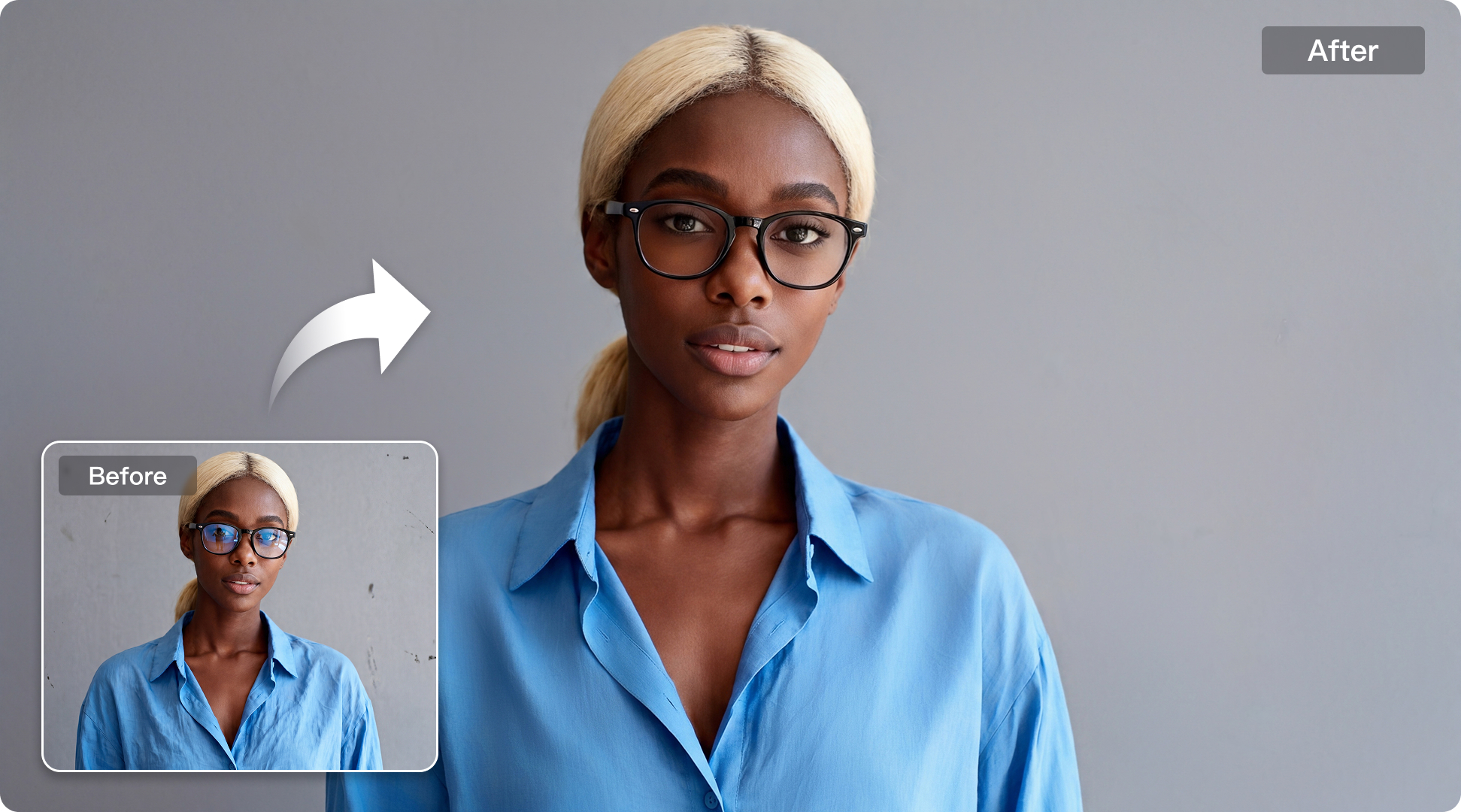
Suitable for diverse ID photo retouching needs.
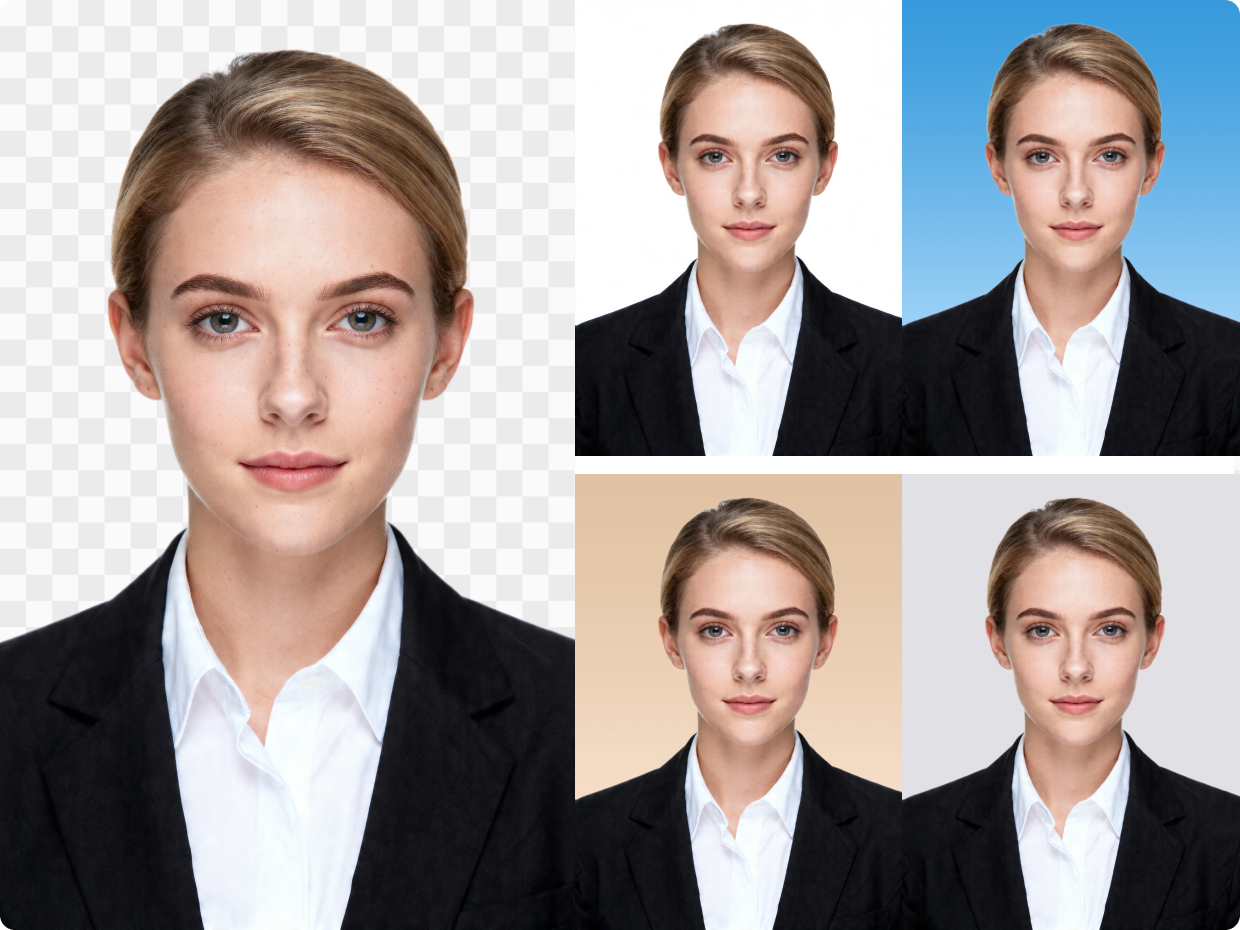
Multiple Background Colors
Choose from multiple background colors to quickly match a wide range of ID photo standards. It makes it easier to create clean, compliant portraits for different official and professional uses.

Explore More
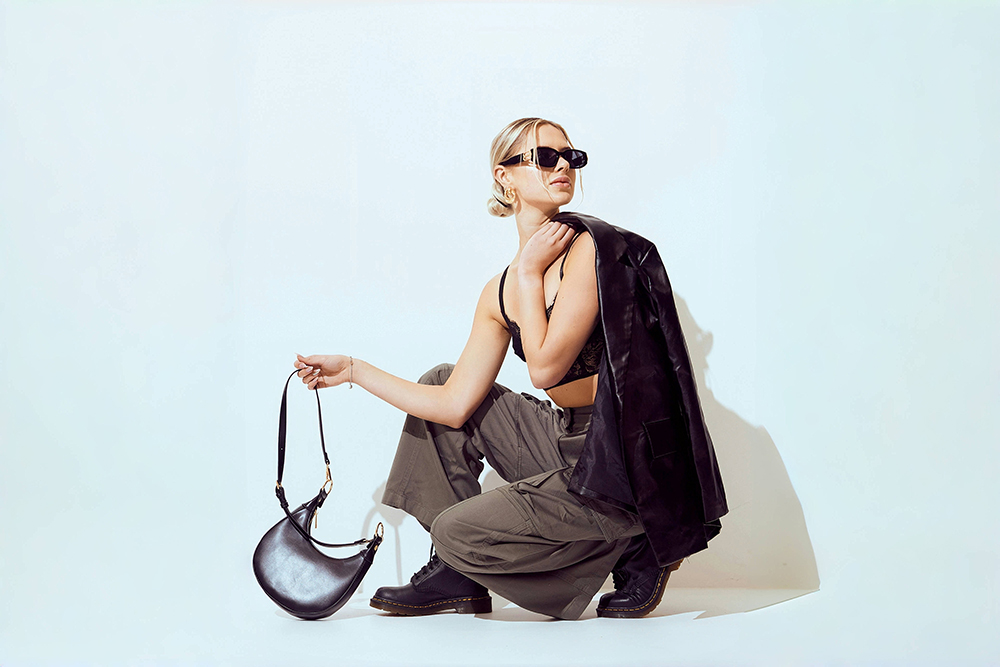
AI Background Removal
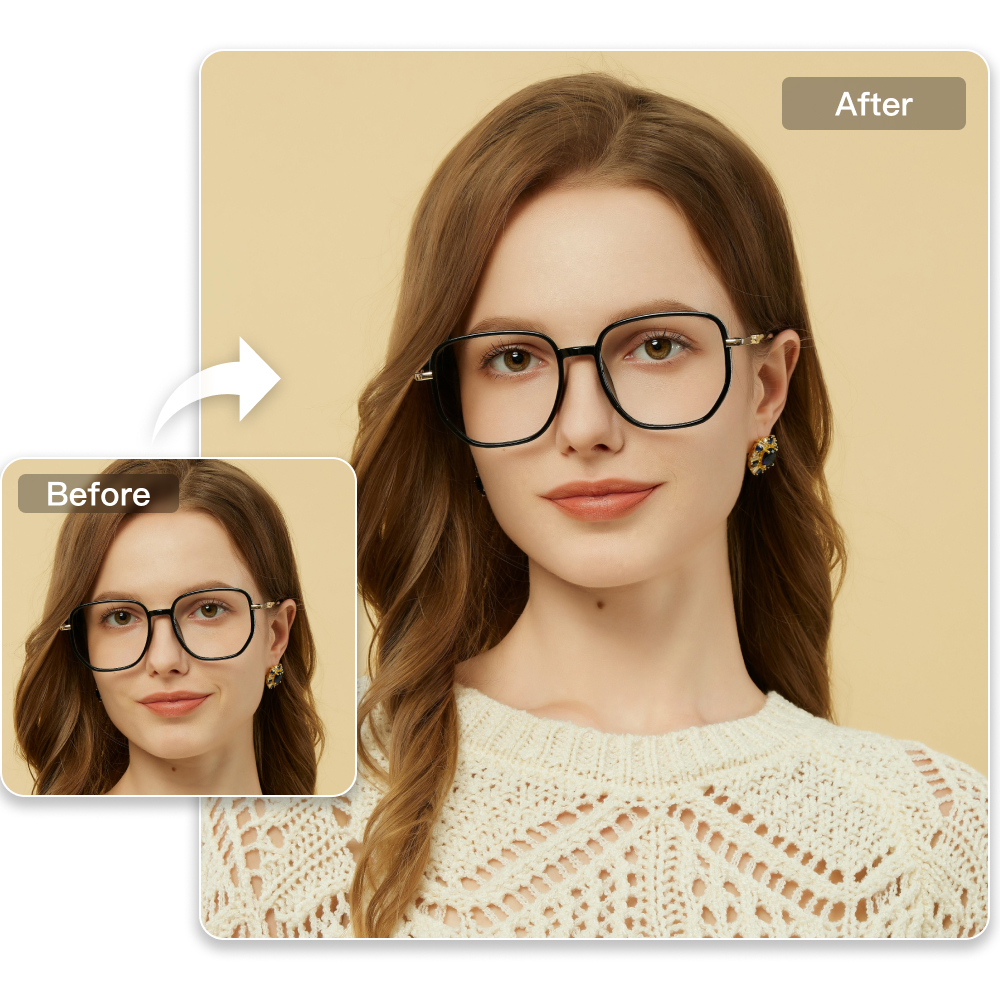
Easy Professional Retouching for ID Photos
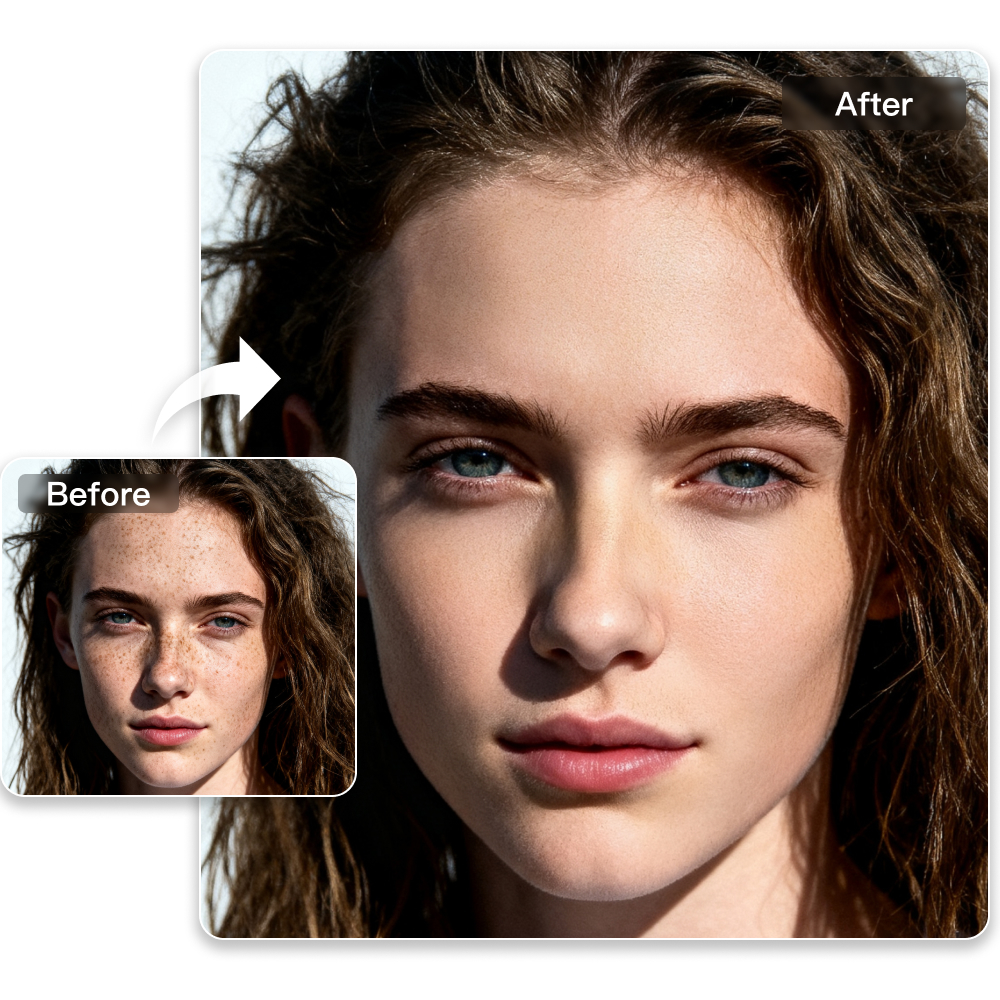
Complete Portrait Retouching Made Effortless
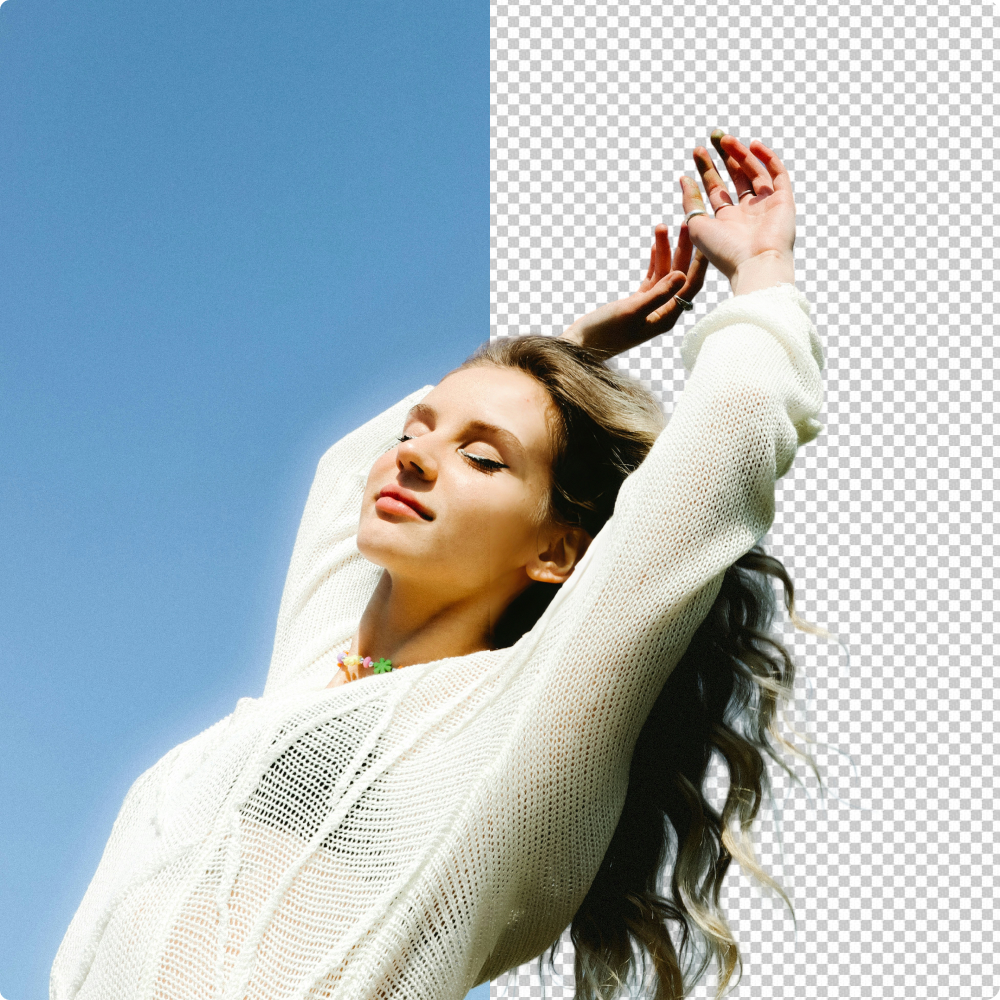
AI Background Retouch for Cleaner Looking Photos
Frequently Asked Questions
Do Kumoo's background colors meet ID photo standards?
How can I make an ID photo look more professional without over editing?
A professional ID photo should look clean and polished while still remaining natural. Subtle skin refinement, facial detail cleanup and light portrait enhancement can improve the overall appearance without making the result look overly retouched.
Is it easy to retouch ID photos using Kumoo?
Not at all! Kumoo is designed to be easy for everyone - whether you're a pro or just getting started. Just follow the interface instructions, and you'll be able to perform ID photo retouching and adjustments effortlessly.
Will the image quality be affected after cropping and changing the background?
Not at all. Kumoo uses advanced AI technology to maintain high image quality, even after cropping or background changes.
What if the person’s posture looks awkward or slightly off in the photo?
Pose and posture can be adjusted more naturally with Meitu AI image editor and its intelligent correction tools. This helps improve body alignment, refine portrait angles, and reduce issues such as slouching while keeping the final result balanced and realistic.
My eyes look dull in the photo can they be enhanced naturally?
Absolutely. Eye refinement can improve the portrait by adding catchlights, reducing redness and subtly brightening the eyes. This helps the subject look more alert and expressive without making the image feel unnatural.
See how Kumoo solves complex retouching challenges in ID photo scenarios.
Natural Facial Retouching
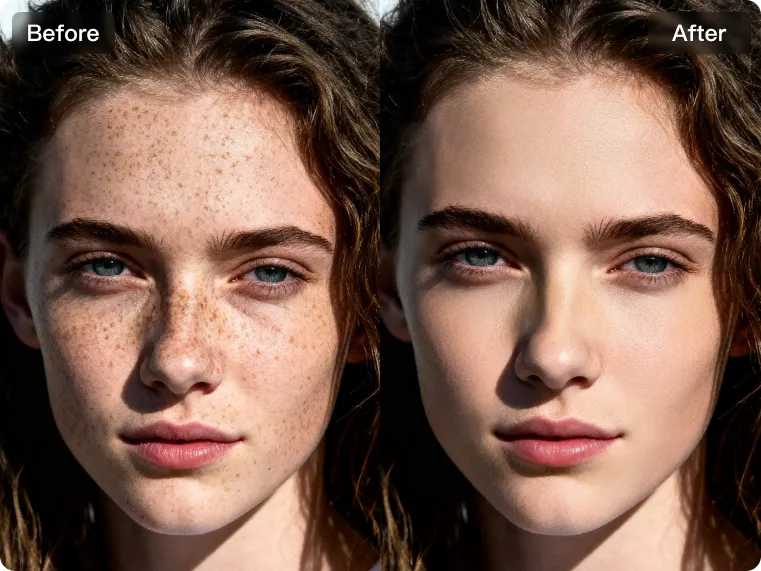
Remove facial imperfections while preserving natural identity details for ID photos. With AI photo editing software for photographers, texture preserving skin retouching and subtle facial feature adjustments can enhance the overall portrait while maintaining skin texture and distinctive characteristics such as moles, helping the final image stay polished, natural, and compliant with ID photo requirements.
Natural Posture Correction
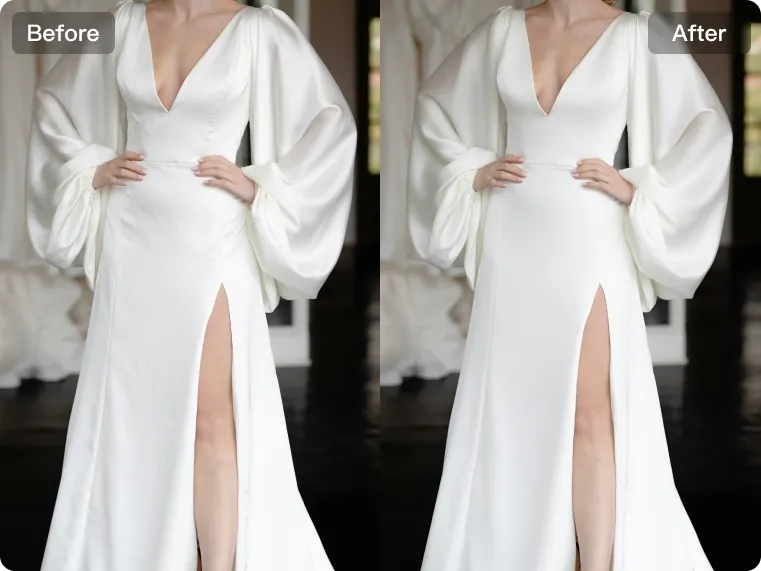
Improve portraits with intelligent symmetrical liquify, 3D facial adjustment, and 3D posture correction that help refine angles, poses and body lines more naturally. From correcting slouching to optimizing body shape with bone- and muscle-aware algorithms, it enhances overall posture while keeping the result realistic, balanced, and free from visible distortion.
Natural Hair Color Change
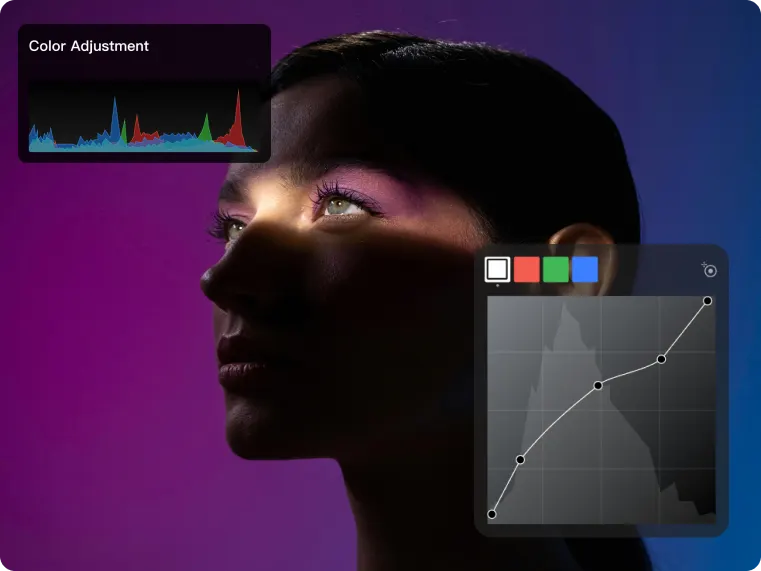
Adjust or deepen hair color naturally to better meet ID photo requirements. With Meitu AI image editor, custom hair color changes and realistic color application help achieve a professional ID photo look while keeping the portrait natural, clear, and visually cohesive.
Eye Refinement
Enhance dull looking eyes with detailed eye retouching that includes catchlight enhancement, redness reduction and eye brightening for a more lively and expressive portrait. It also supports intelligent glasses glare removal, helping resolve reflection issues in eyewear photos while keeping the eyes clear and natural.
For Backgrounds
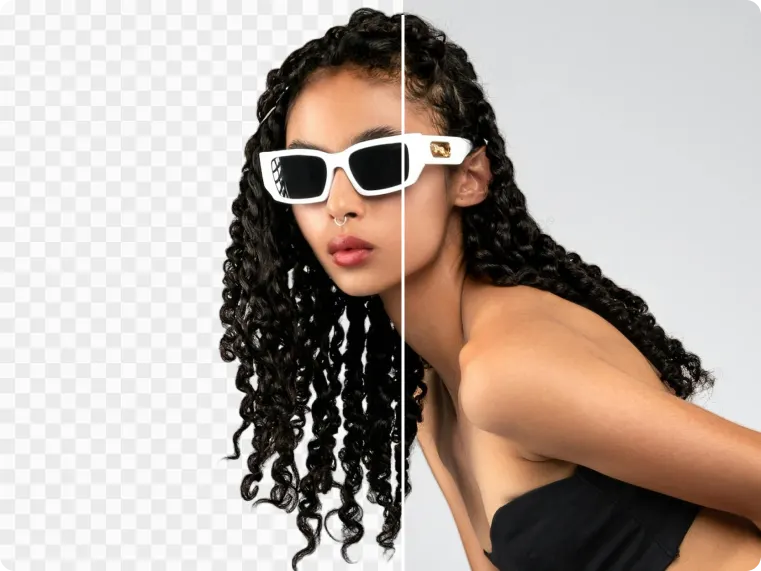
Fix messy backgrounds or background colors that do not meet ID photo requirements with precise cutout and background replacement. Featuring hair-level segmentation, multiple ID photo color options, and support for custom background uploads, it helps create cleaner, more compliant portraits with a more professional finish.
For all Sizes
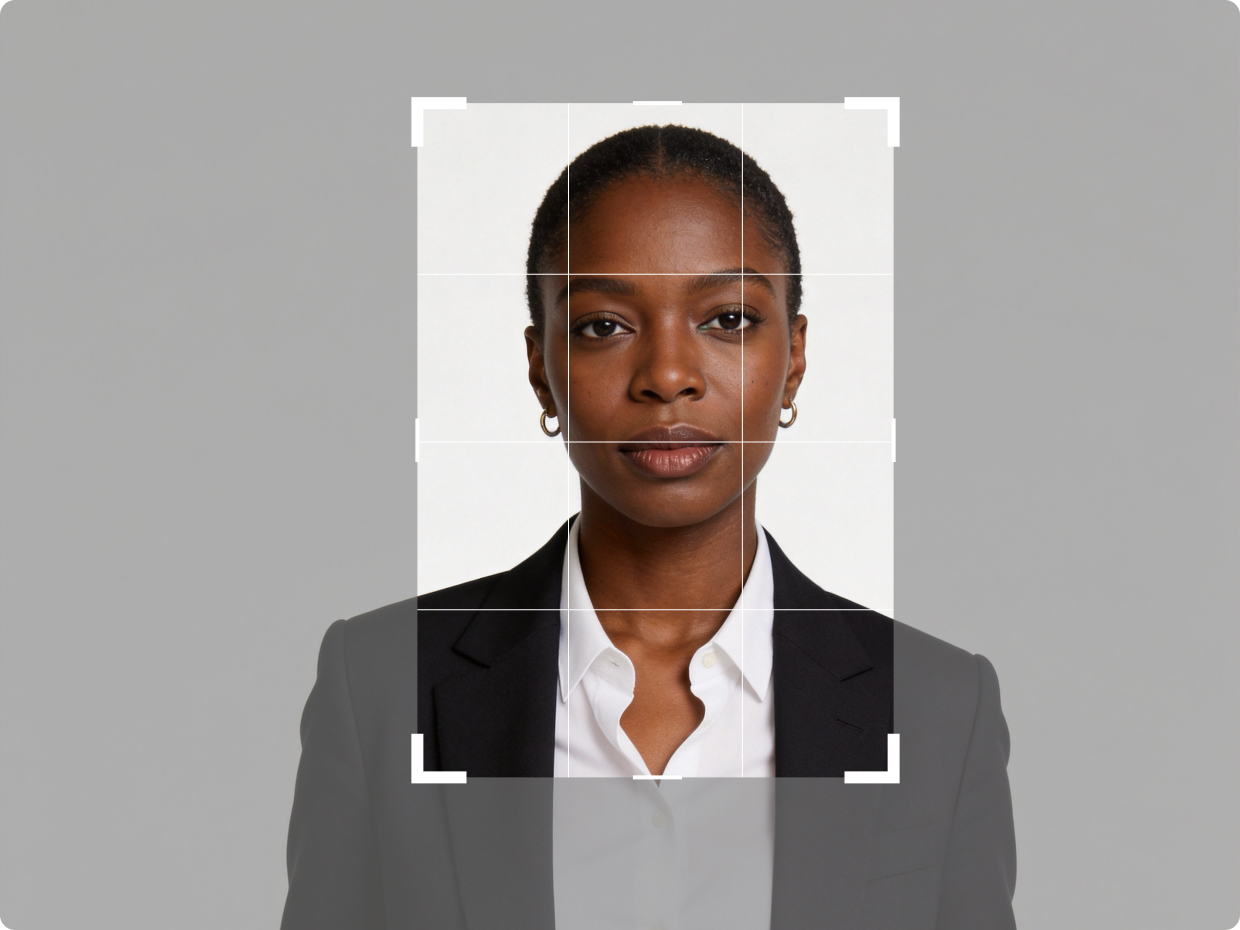
Adjust ID photos to meet different submission standards with custom cropping and multiple size options. Designed to support a wide range of ID photo requirements, it creates properly formatted images for more application and verification scenarios.