
Meeting the Commercial Retouching Needs of E-commerce Scenarios
Kumoo delivers professional retouching solutions tailored to the demands of e-commerce, where visual consistency, fast turnaround and high-quality output are essential. From apparel and beauty products to accessories and model shots, Kumoo helps streamline defect removal, detail enhancement, skin tone balancing, background cleanup and overall image refinement enabling brands to improve production efficiency while maintaining strong visual impact.
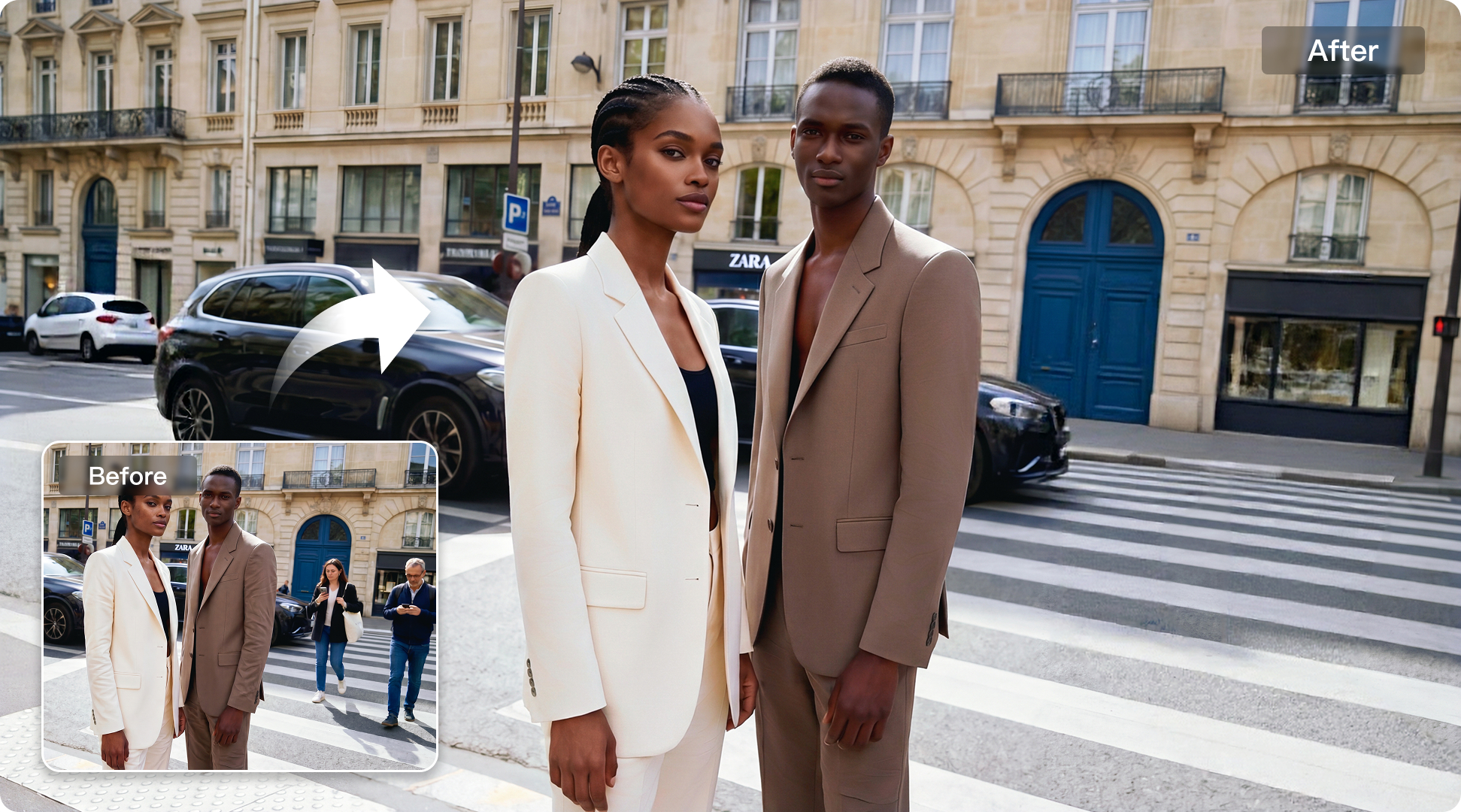
For Diverse E-commerce Product Needs

Fashion
Optimized for fashion e-commerce image editing, making it easier to create cleaner and visually consistent product and model images at scale.


Explore More
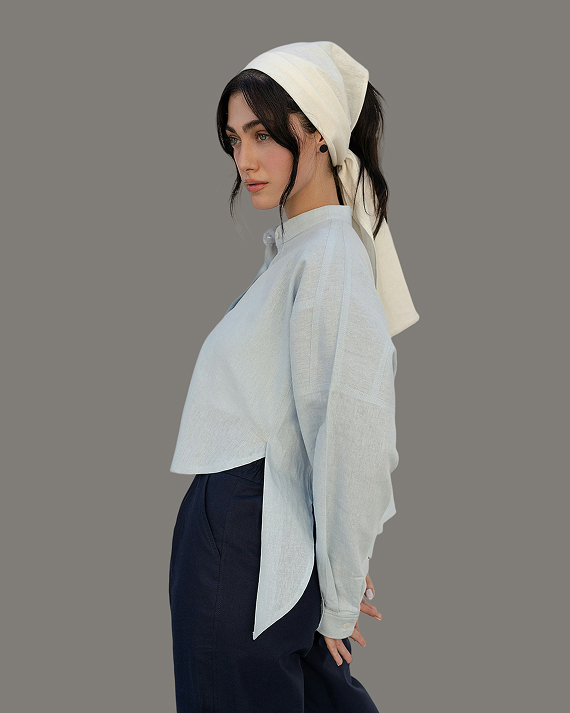
AI White Background
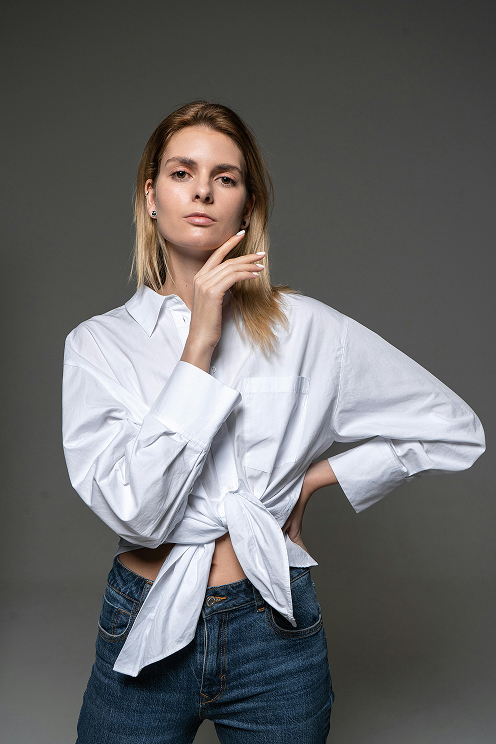
Clothing Wrinkle Removal
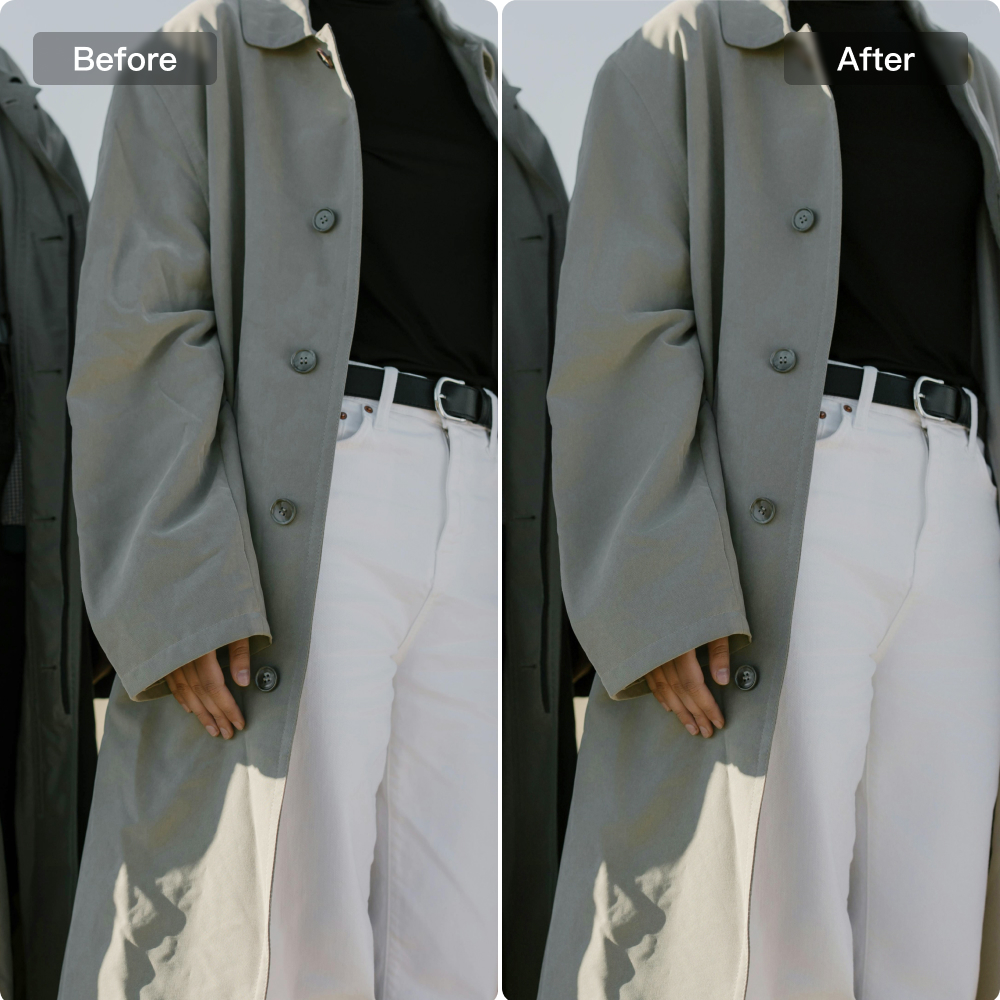
E-commerce-Ready Clothing Retouching

Clothing Colors
Frequently Asked Questions
In images where clothes are laid flat, there are lots of wrinkles. Can they be batch processed?
My product photo background looks messy can it be cleaned up?
Absolutely. With a professional AI photo editor, background distractions, unwanted objects, and visible imperfections can be removed to create a cleaner, more focused product image. A simplified background helps direct attention to the item being sold.
Is this editor beginner-friendly for e-commerce photo editing?
Of course! Kumoo's AI photo editing tools are designed with easy-to-use sliders, buttons, and one-click presets. Even beginners can quickly learn how to perform essential e-commerce edits such as model retouching, clothing wrinkle removal, and background replacement.
Can I apply a reference style or tone to my e-commerce photos?
Yes. Reference-based color transfer allows image tones to be adjusted according to a preferred visual style, making it easier to simulate magazine-inspired, fashion-forward, or cleaner commercial color aesthetics.
Is there a faster way to edit large batches of product images?
Yes. With Meitu AI image editor, large sets of product images can be edited more efficiently using batch workflows instead of manual one-by-one retouching. This helps save time, maintain consistent results, and support high-volume e-commerce production more effectively.
What if my product image set has inconsistent colors from shot to shot?
Batch editing can help unify tones across an entire product image set. With one preset applied to multiple photos, the whole group can maintain a more consistent visual style and stronger overall presentation.
Professional Retouching Solutions for E-commerce Photography
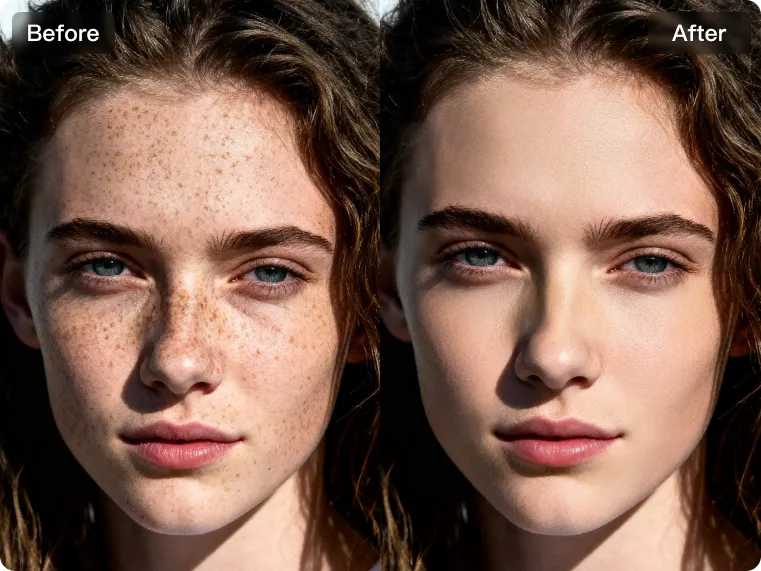
For E-commerce Models
For e-commerce model images that appear flat, rough or not polished enough, Kumoo provides efficient retouching that improves skin quality, unifies portrait details and enhances the overall visual finish. By avoiding over-smoothing and preserving a natural look, it delivers refined results that better match commercial standards.
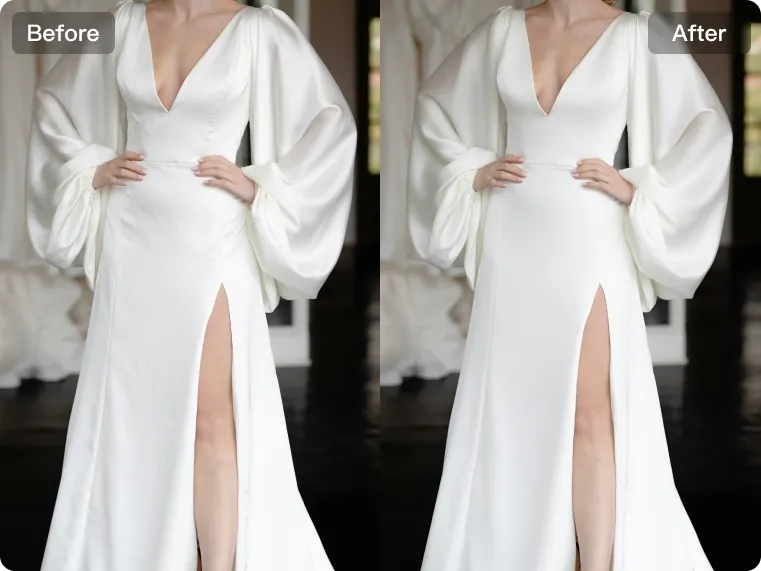
Apparel Detail Enhancement
Kumoo helps improve common issues in e-commerce apparel images, such as excessive wrinkles, uneven garment edges and an overall less polished look. By reducing unwanted folds, smoothing clothing edges and refining garment details, it creates cleaner, neater, and more appealing product images that enhance overall presentation.
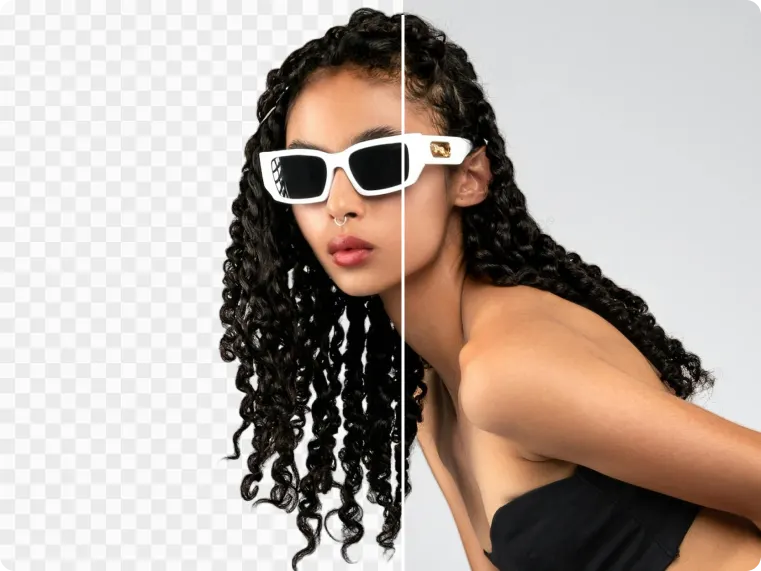
Background Cleanup
Built as AI photo editing software for photographers, it makes it easier to handle messy backgrounds, visible distractions, and unwanted imperfections in product photography. With precise background cleanup, flaw removal, custom cutouts and background replacement, images achieve a cleaner, more polished look that keeps the focus on the product.
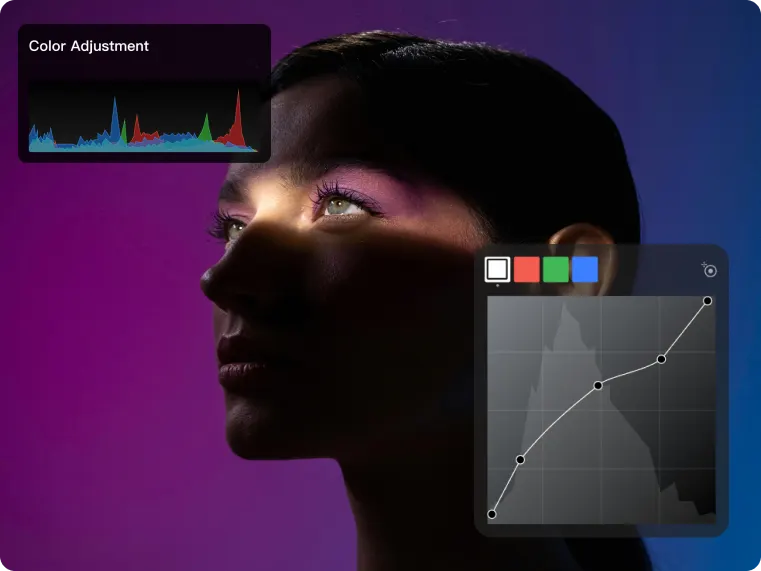
Advanced Color Matching
Achieve more high-end color styling with AI-powered color transfer that recreates the tones of magazine editorials, street photography, or e-commerce visuals. By quickly applying reference-based color looks, it makes color adjustment easier while helping images feel more consistent, refined and visually striking.
Batch Edit Images
Designed for bulk AI photo editing, this workflow helps handle large product image sets more efficiently. A single preset can be applied across the entire group to ensure consistent tones, save editing time and deliver a cleaner, more professional visual presentation.