

Image Enhancer
Multiple AI modes intelligently improve resolution, reduce noise, fix blur, and restore details and texture for a sharper, higher-quality result.
No image? Try these:

What makes Kumoo a better way to enhance image quality than traditional upscaling?
Enhance Image Quality in Details
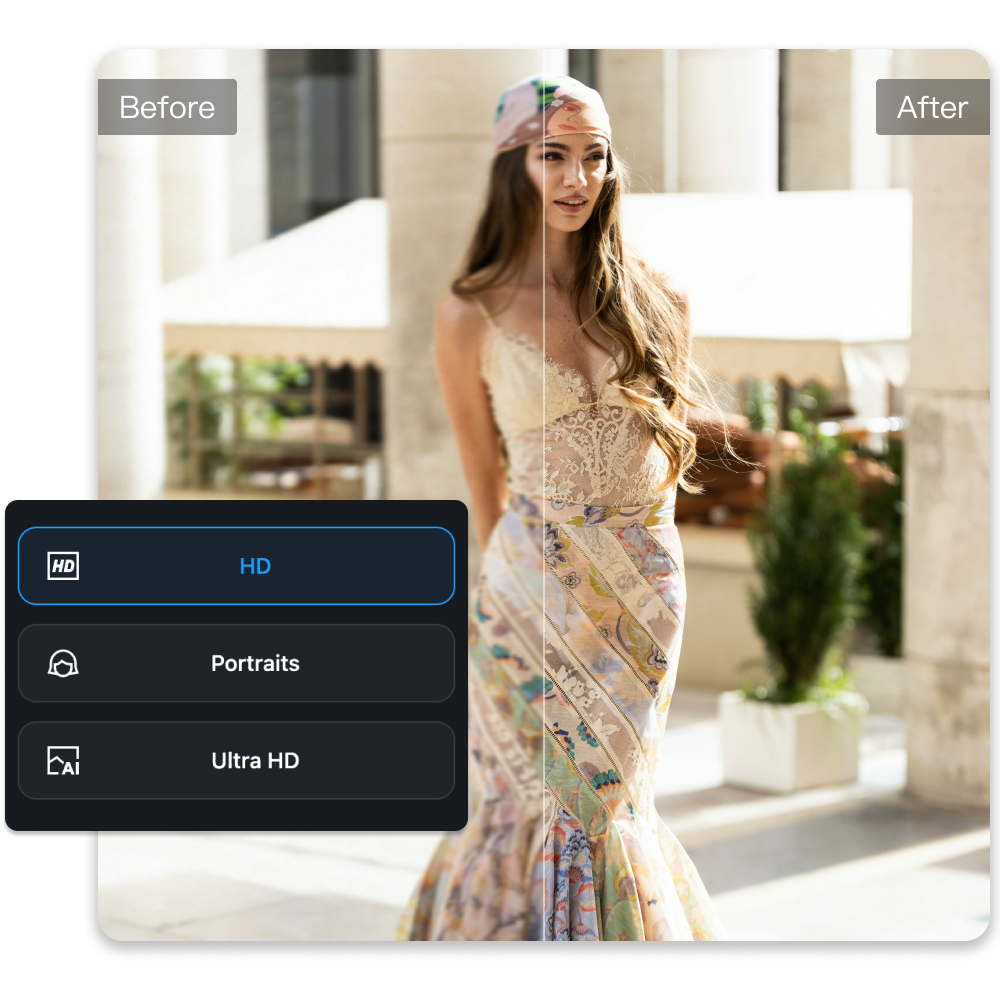
Kumoo offers three restoration modes: HD, Portrait Enhance, and AI UHD. It automatically analyzes and improves blurry, faded, or noisy images with AI, restoring details and clarity so great photos aren't lost.
Improve Image Resolution with Lossless Restoration
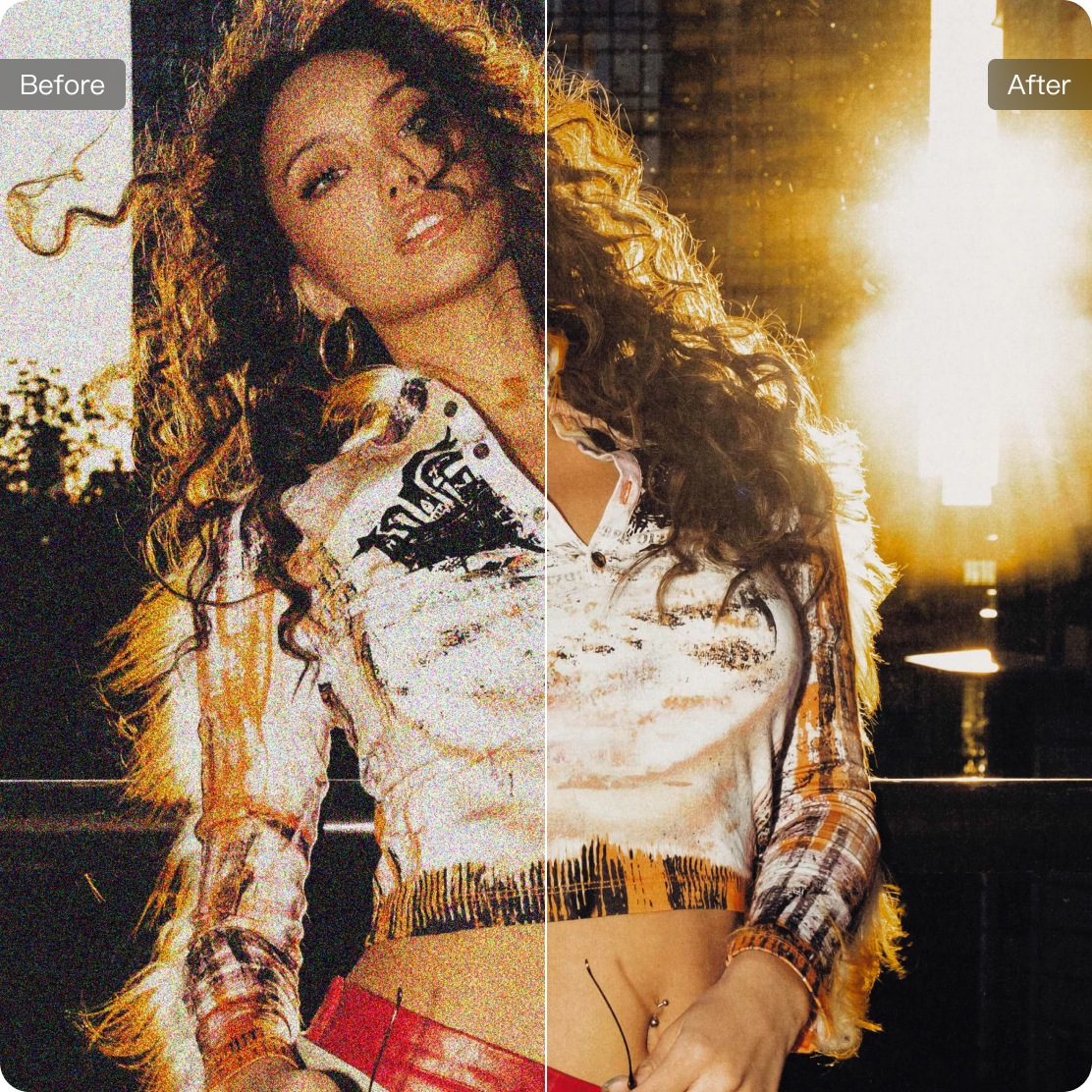
The restoration preserves image quality without causing the harsh noise often produced by traditional sharpening tools. It enhances resolution for natural, high-definition results, improving texture, color, and edge clarity—even when zoomed in.
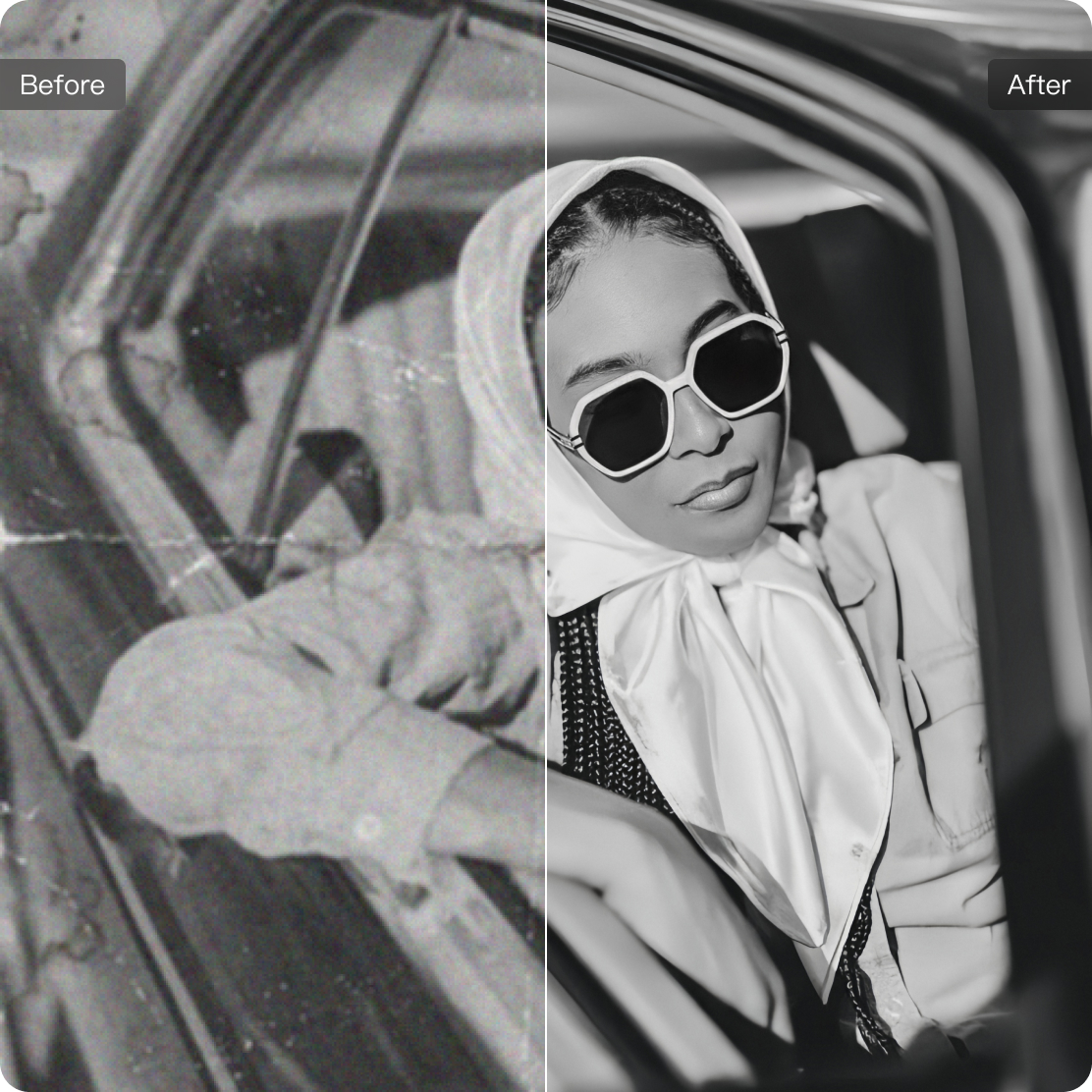
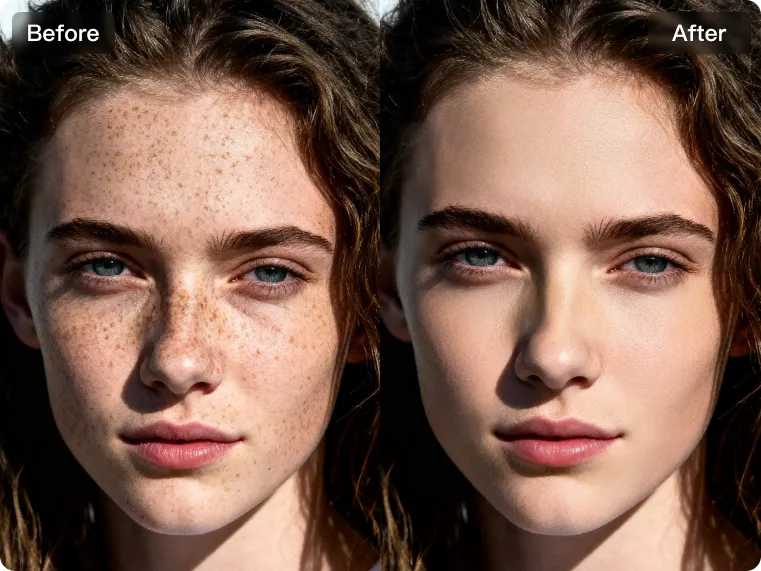
Imperfection Removal
Reduce visible image noise and unwanted imperfections to create a refined visual result. This process helps improve overall image clarity by minimizing grain, distracting blemishes and minor defects while preserving important details and natural texture. Ideal for portraits, product shots and images that require a more polished finish.
How to use Kumoo to remove image background?
Upload Images
Upload a single image or a batch of images to enhance image quality. We support RAW images from popular cameras (such as .CR2, .NEF, .ARW, etc.) as well as common formats like JPG and PNG.
Choose Enhancement Mode
First, select an enhancement mode. AI will then intelligently improve resolution and clarity, restoring details and textures for a sharper, higher-quality result.
Upscale Image Resolution
AI upscaling improves image resolution by increasing pixel density while preserving clarity and detail. It is well suited for larger output sizes, sharper viewing, and higher-quality visual presentation.
Download and Use
You can batch-download all enhanced images.
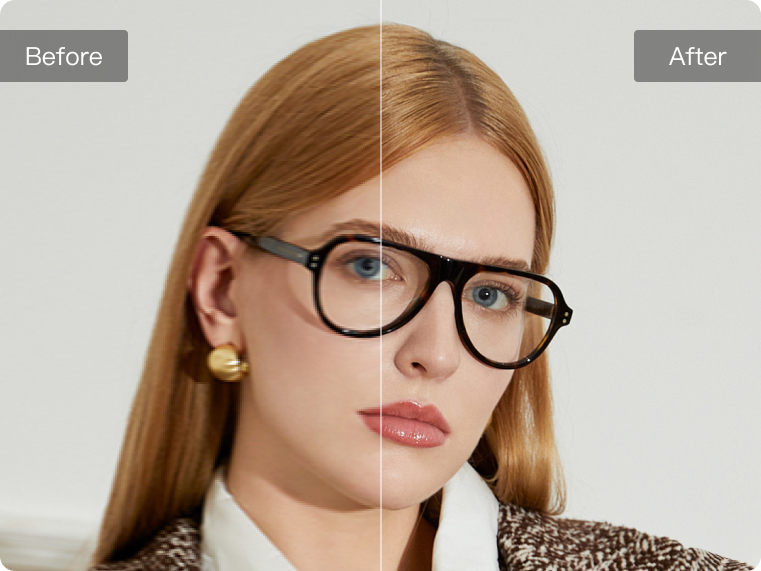
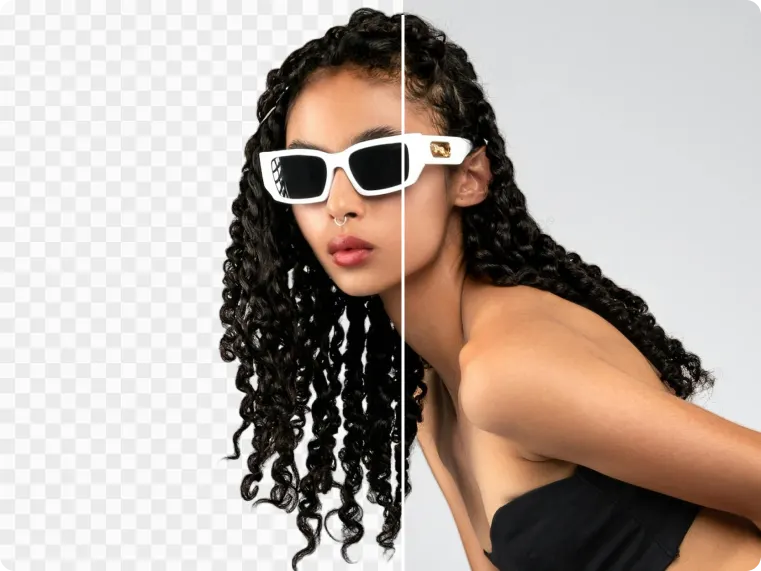
From product shots to portraits, Kumoo fits every background removal scenario.
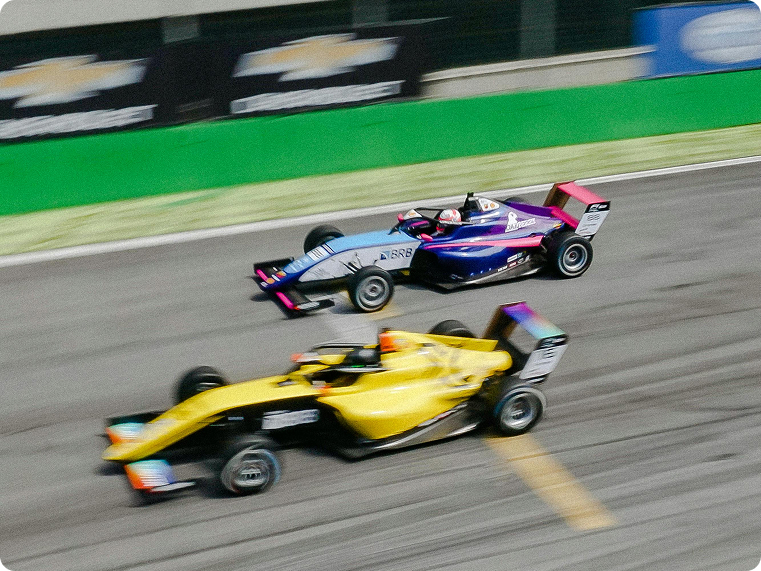
Sports Photography
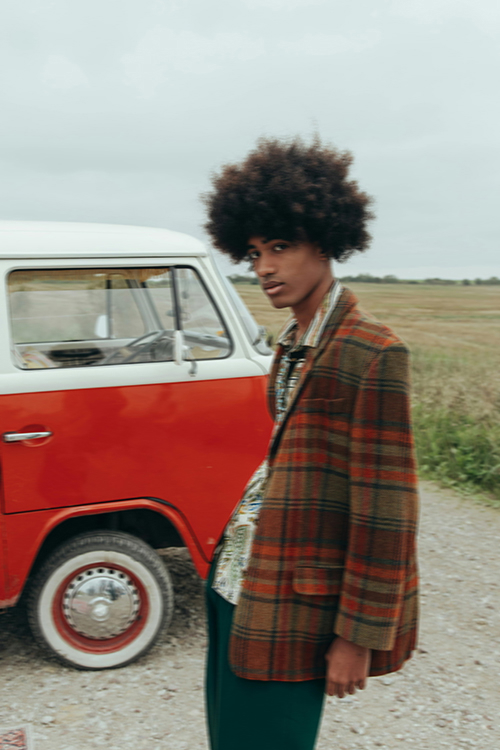
For action portrait photography, maintaining sharpness is essential when capturing movement, posture and energy. AI-powered image enhancement helps improve clarity in fast-moving shots by reducing motion-related softness and restoring finer visual detail. This makes it easier to preserve dynamic moments while delivering portraits that look sharper and more visually impactful.


Explore More
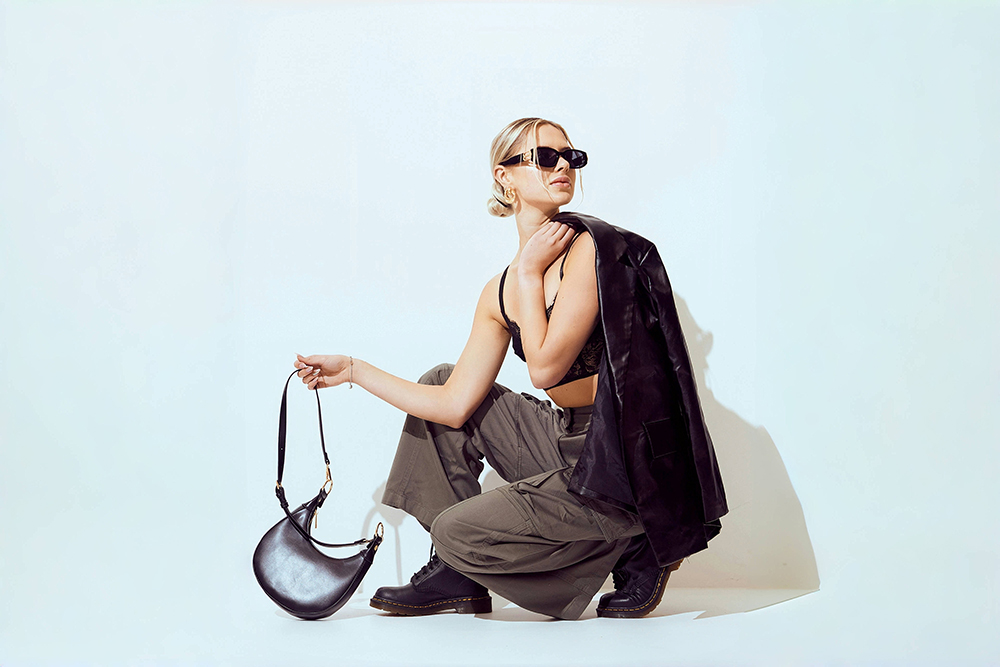
AI Background Removal
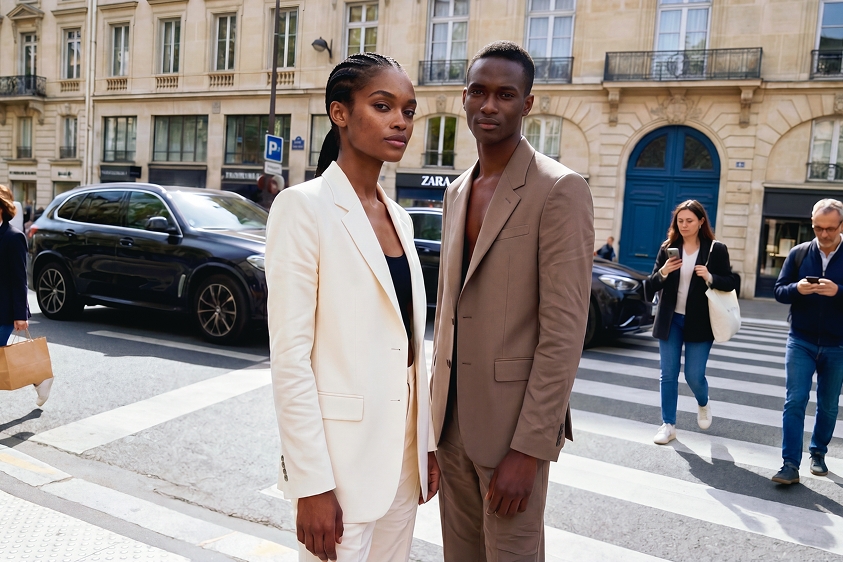
AI Removal
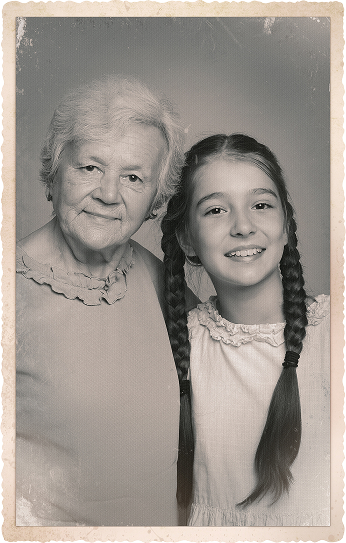
Photo Restoration
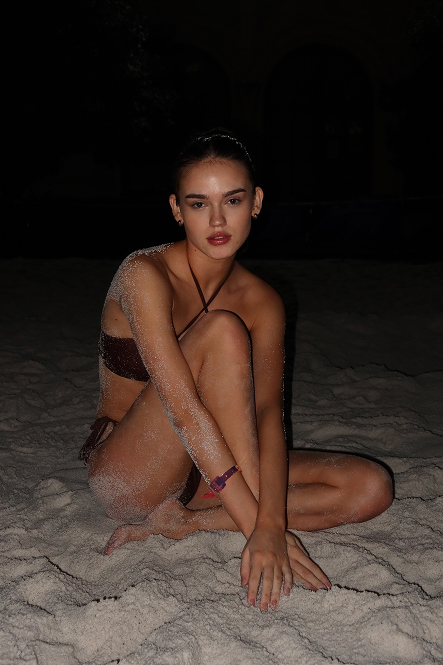
AI Flash
Frequently Asked Questions
What is an AI Image Enhancer and how does it work?
Is this suitable for portraits and faces?
Yes, Portrait Enhance mode is optimized for facial details, skin texture, and hair, making it ideal for travel photos, couple portraits, wedding images, and social media photos.
Can children’s portraits affected by movement be corrected?
Slight movement during children’s portrait sessions can lead to blur or softness. AI enhancement helps improve sharpness and recover facial detail, making the image look clearer while keeping the result natural.
Is the AI Image Enhancer free to use?
Yes. Kumoo’s AI Image Enhancer is free for up to 5 images. Additional credits are available if you need higher volumes.
Can AI enhancement improve images taken during sports or action portrait shoots?
Yes. AI enhancement can help improve clarity in action portraits by reducing motion-related softness and restoring sharper subject details. This is especially useful for shots that need to preserve movement, posture and dynamic energy.
What types of blur can this tool fix?
Yes. Unlike traditional tools that add harsh noise, Kumoo focuses on lossless restoration. It refines texture and edge clarity to make blurry images clear while keeping the photo's original essence.