

Perfecting Maternity Photos: AI Retouching for Stretch Marks
Use advanced AI to naturally soften stretch marks and celebrate your pregnancy with flawless, glowing maternity portraits.

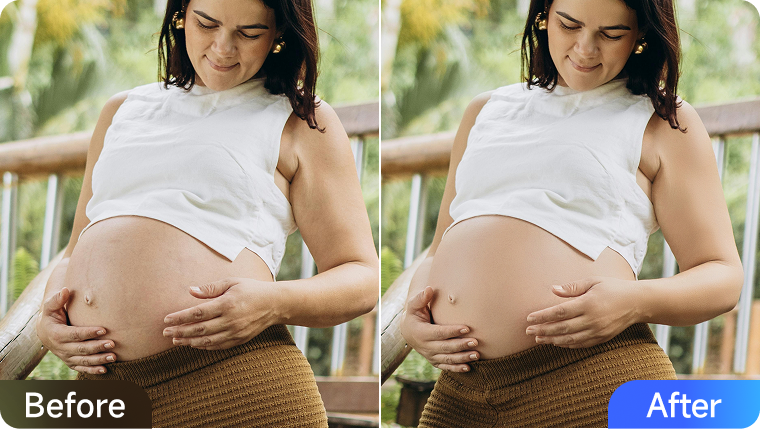
Maternity photography is one of the most cherished ways to celebrate the beauty of motherhood. Yet, even the most meaningful photos can sometimes highlight details that mothers may feel less comfortable with, such as stretch marks across the belly or the appearance of an accessory breast near the underarm area. These are completely natural changes that come with pregnancy, but they can sometimes distract from the radiant glow and emotional story the images are meant to capture.
With Kumoo's AI-powered retouching tools, you can preserve the intimacy and elegance of maternity portraits while gently correcting these common concerns. The result is a set of photos that remains authentic and timeless, allowing mothers to look back on this special chapter with confidence and pride.
Why Stretch Marks Appear During Pregnancy
Stretch marks are a natural part of the pregnancy journey. As the belly grows to nurture new life, the skin stretches beyond its usual elasticity. This can cause small tears in the deeper layers of the skin, which then appear as visible lines or streaks. For many women, these marks are symbols of strength and transformation; however, in the context of photography, they can sometimes stand out more prominently under professional lighting or high-resolution cameras. Addressing stretch marks in retouching helps create a polished image that keeps the viewer's focus on the subject's expression and emotional presence, enhancing the overall impact of the portrait.
Common Challenges in Retouching Stretch Marks
When editing maternity photos, photographers often encounter several technical challenges that make achieving natural, balanced results difficult:
- Over-Smoothing: Traditional editing tools may blur skin textures excessively, causing the belly to appear flat and artificial rather than soft and realistic.
- Color Inconsistencies: Stretch marks can vary in tone, appearing lighter, darker, or redder than the surrounding skin. This requires careful and precise color correction to maintain even, natural tones.
- Lighting Sensitivity: Studio lighting, while flattering overall, can unintentionally accentuate stretch marks. Balancing brightness and shadow without overexposing the belly or emphasizing texture can be tricky, especially under high-resolution conditions.
- Time-Consuming Manual Workflow: Conventional editing methods often require retouchers to address each stretch mark individually, making the process tedious and inefficient, particularly when working on large maternity photo collections.
Because of these challenges, many professionals now turn to AI-powered tools such as Kumoo, which can intelligently detect, refine, and blend affected areas while preserving the natural warmth and authenticity of the skin.
How Kumoo Makes Maternity Retouching Effortless
Kumoo leverages advanced AI-driven algorithms to automatically detect and refine stretch marks, as well as correct subtle body contour irregularities in maternity portraits with remarkable precision. Its intelligent workflow allows photographers to achieve natural, polished results within seconds.
Here is the step-by-step workflow guidance:
- Step 1. Download and launch Kumoo on your desktop, then upload the maternity photo you'd like to retouch.
- Step 2. Navigate to the [Retouch] panel on the right-side toolbar, and select the [Remove Blemishes] category.
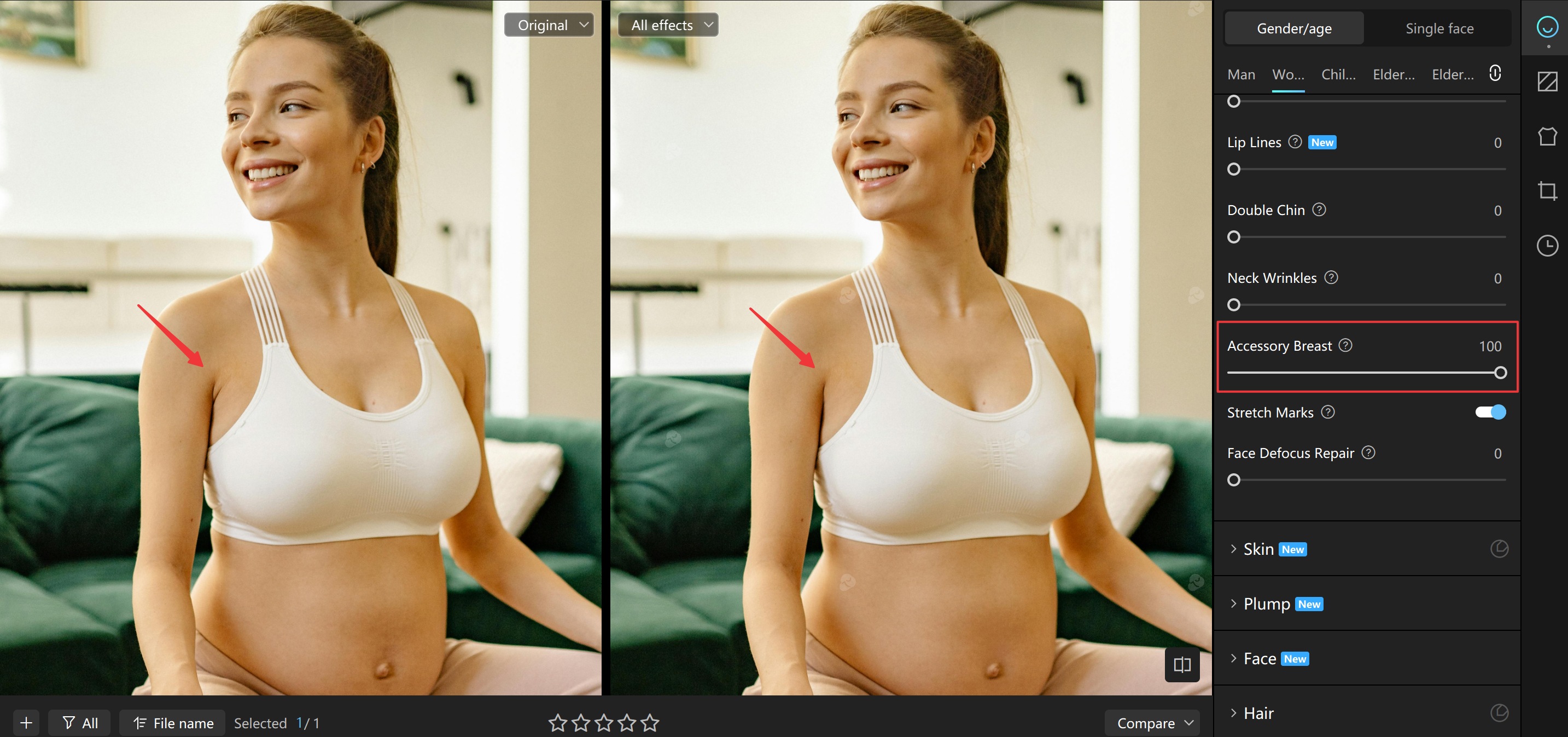
- Step 3. Scroll down to locate the [Stretch Marks] feature, and toggle it on.
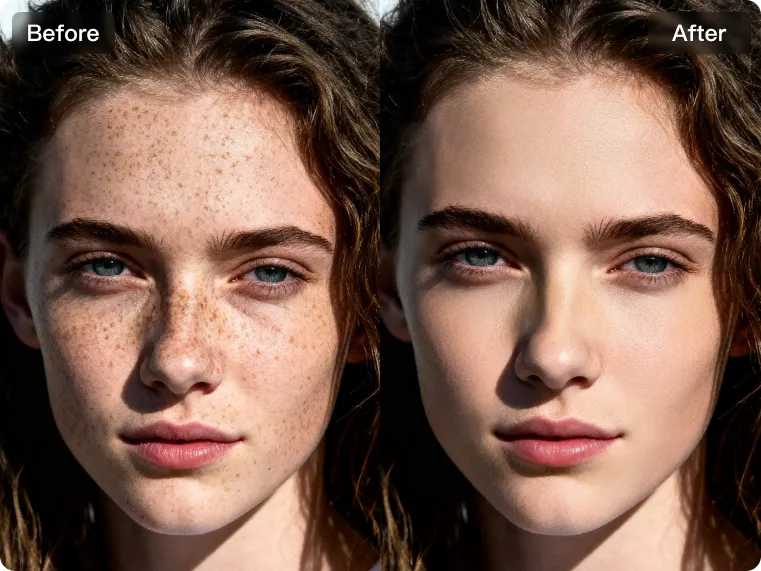
- Step 4. With just one click, Kumoo's AI automatically detects and removes stretch marks, revealing a smooth, flawless appearance while preserving natural skin texture.
- Step 5. Save your settings as a preset for efficient batch editing, then export your refined photos for easy sharing or client delivery.

Beyond Stretch Marks: Other Features That Elevate Maternity Photos
Kumoo's comprehensive suite of portrait retouching tools allows you to enhance every aspect of maternity photography, ensuring each image captures both beauty and emotion in perfect balance.
- Accessory Breast Removal: Gently refines underarm areas to correct the appearance of accessory breasts, maintaining clean body lines and a naturally balanced silhouette.
- Portrait Retouching: Smooth skin, refine facial contours, and brighten tired eyes for a radiant, refreshed look.
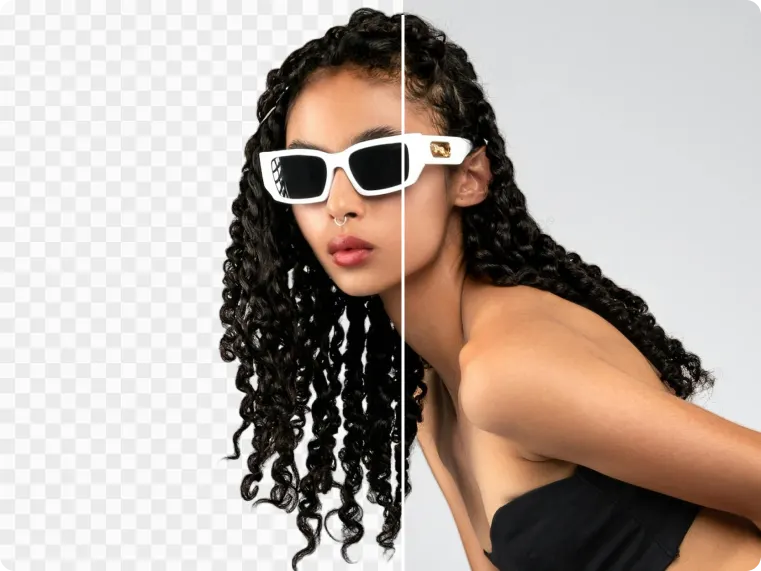
- Background Replacement: Replace distracting studio or home settings with professional backdrops, fix imperfections, and remove clutter to create a clean, cohesive setting.
- Hair Retouching: Remove stray or frizzy hairs, soften hair texture, enhance hair volume, or adjust hair color for a polished and well-groomed appearance.
- Clothing Retouching: Eliminate fabric wrinkles and refine outfit shapes for a high-quality, studio-level finish.
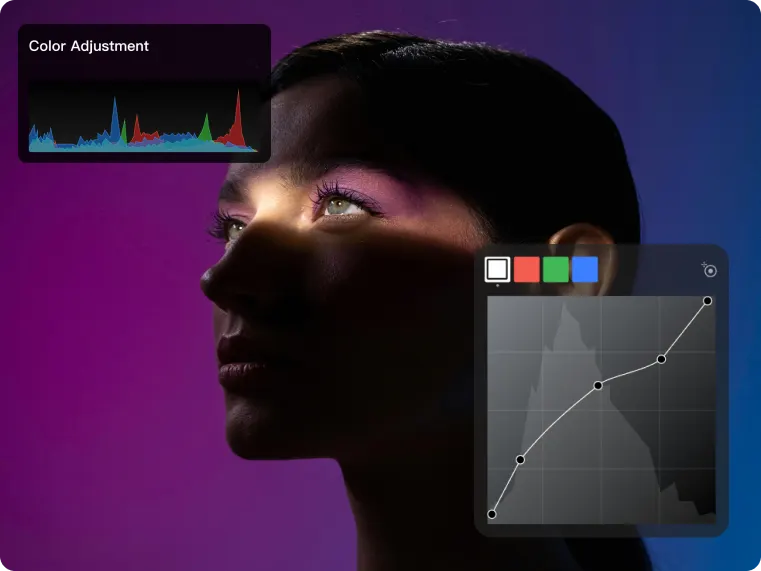
- Color Adjustment: Apply global or local color corrections to improve tone and harmony. Add subtle filters when needed to complement the mood and style of the portrait.
By combining these features, photographers can create maternity albums that are not only emotionally meaningful but also artistically flawless. Celebrating the strength, grace, and beauty of motherhood in every frame.
Conclusion
Maternity photography is more than a visual record; it's an emotional celebration of transformation, love, and new beginnings. Yet even the most beautifully captured portraits may benefit from subtle refinements to ensure the focus remains on the mother's natural radiance rather than technical distractions like lighting inconsistencies, color imbalance, or visible stretch marks.
With Kumoo's advanced AI-powered retouching technology, these challenges become effortless to overcome. The software intelligently identifies and corrects stretch marks, accessory breasts, and other skin or contour imperfections while preserving realistic texture and tone. In the end, Kumoo doesn't just edit photos; it helps photographers honor the essence of motherhood, transforming each maternity portrait into a timeless keepsake that celebrates life and love.

Explore Tools & Tips
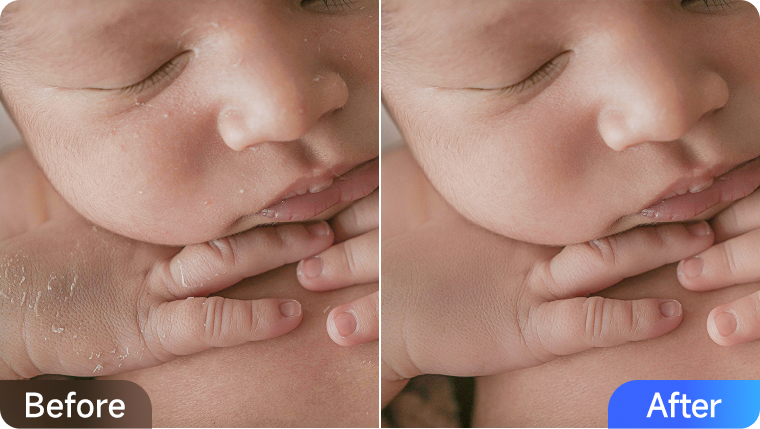
How to Edit Newborn Photos: Guide to Perfecting Baby Skin
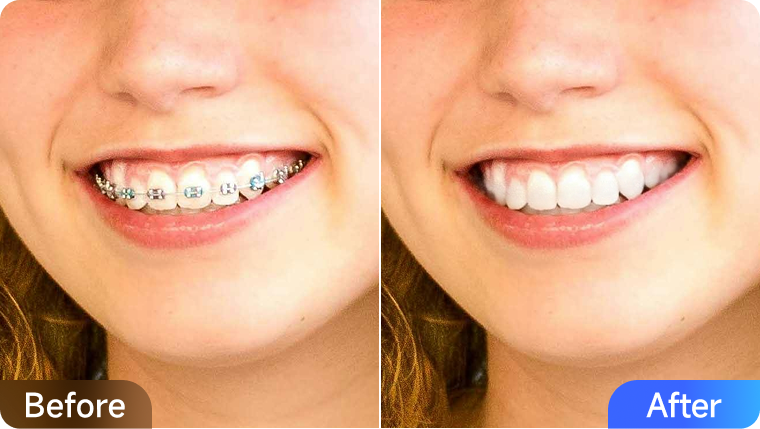
How to Remove Stains, Whiten and Straighten Teeth in Photos

Family Photography Tips, Pose Ideas, and Editing Advice for Natural Portraits