

AI Removal
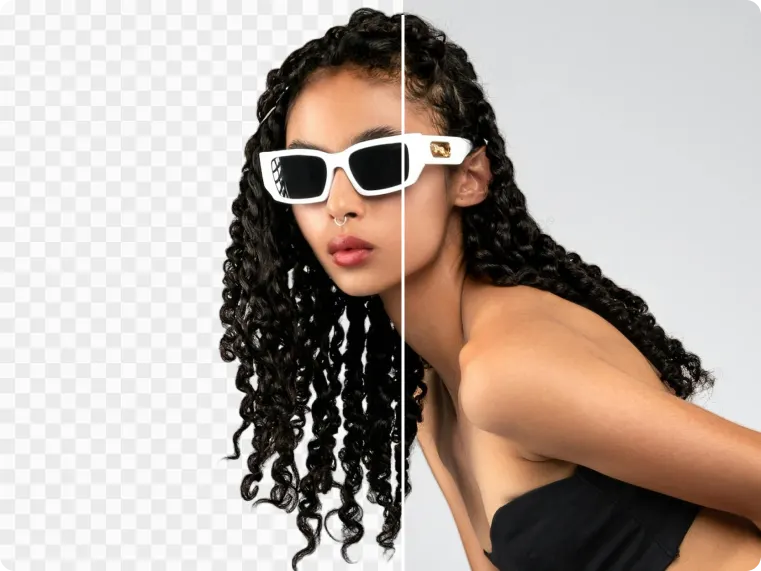
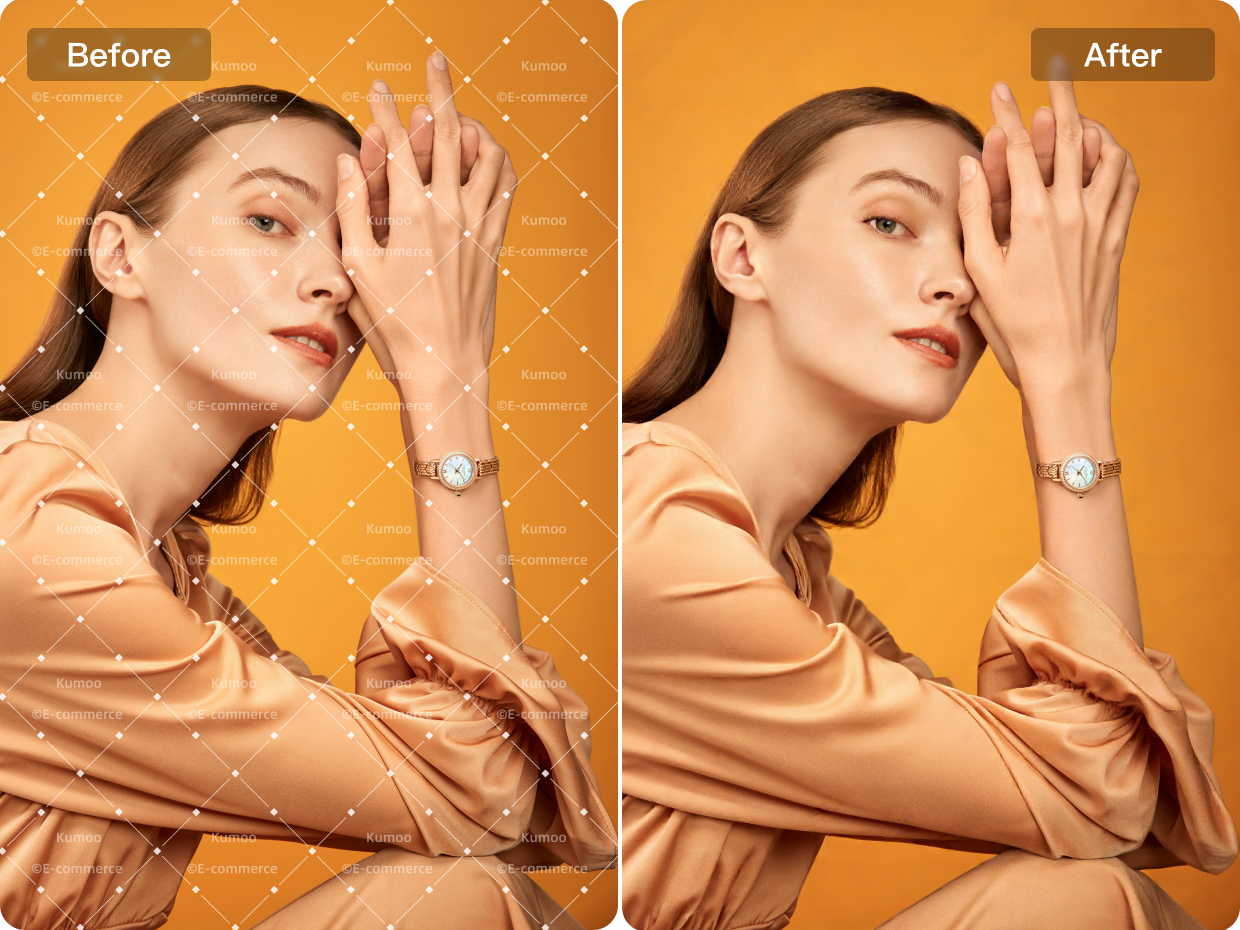
The AI Removal feature can quickly and accurately remove unwanted elements from images, such as people, objects, and watermarks, while keeping the background clean and intact for professional results.
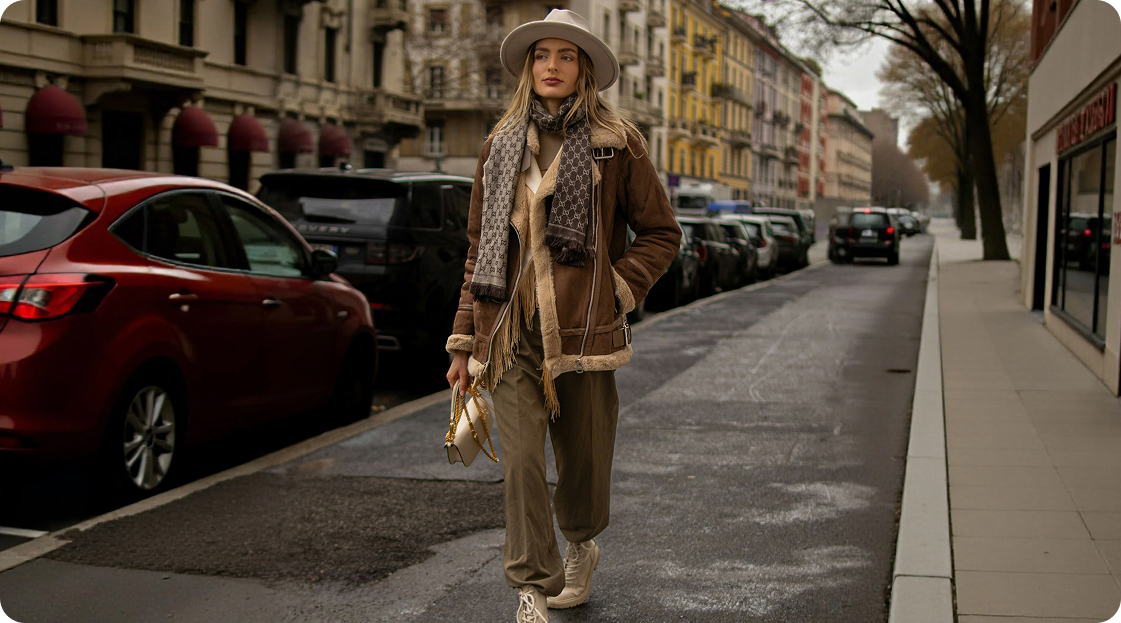
No image? Try these:


Why struggle with complex software when Kumoo removes unwanted objects in one step?

Flexible Manual Removal
Remove logos, marks or unwanted elements with manual brush control for more flexible and precise editing. By brushing over custom areas directly, it becomes easier to handle complex regions, define the exact removal range and achieve cleaner results based on different image needs.
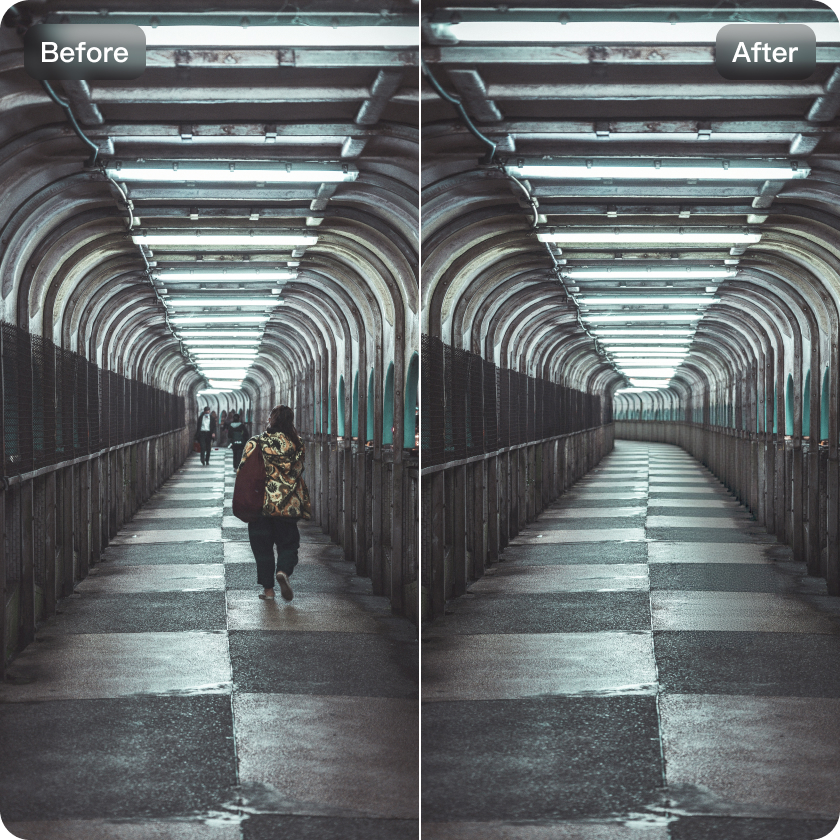
AI Generation
AI-generated filling helps seamlessly reconstruct removed or missing areas so they blend naturally with the original image scene. By matching surrounding lighting, texture and visual structure, it creates smoother transitions and more cohesive results, keeping the final image realistic and visually consistent.
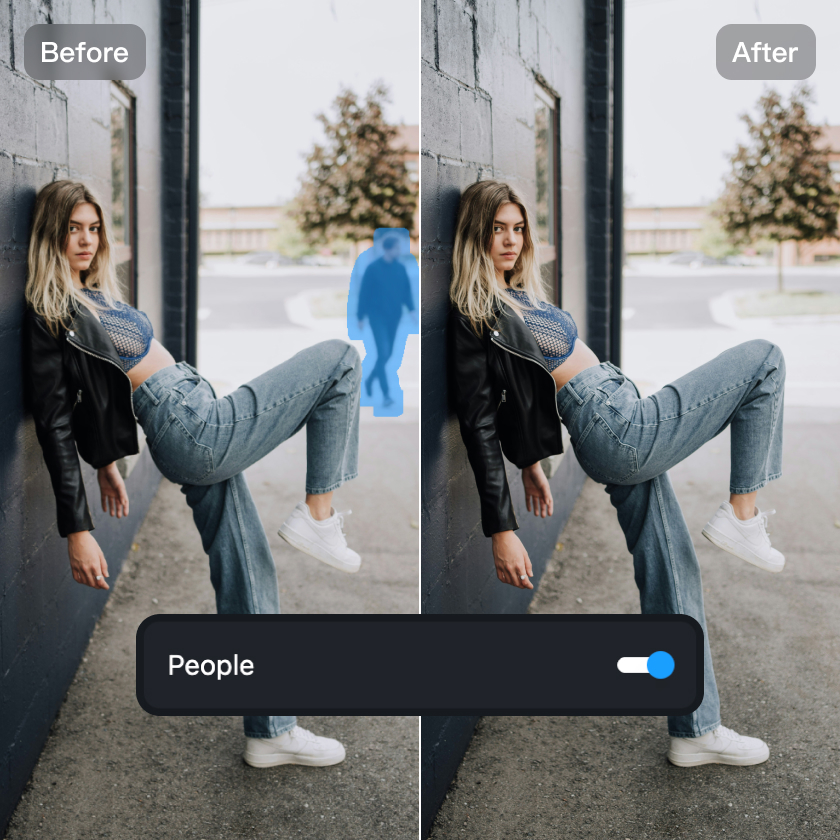
Comprehensive Item Detection
Support a wider range of unwanted object detection with more accurate AI recognition across complex image scenes. It can identify detailed elements such as wires, utility poles, street lights, road signs, trash,graffiti, sprinklers, ground lights, stains, shopping bags, phones and more making cleanup faster and more efficient.
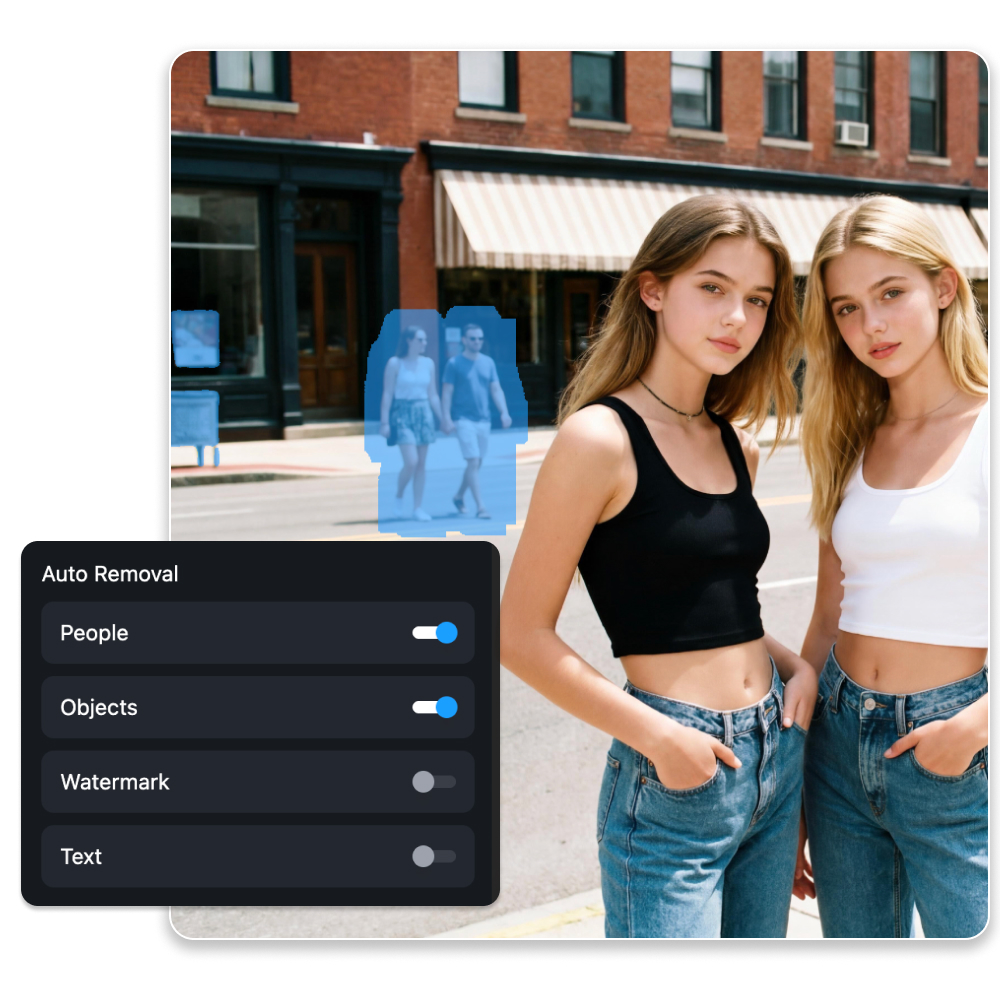
Multiple Scene Modes
Kumoo supports multiple scene modes for more intelligent recognition across different image types and cleanup needs. Whether working with portraits, street scenes, product images or everyday photos, it can better distinguish the main subject from unwanted elements for more accurate cleanup and improved final results.
How do I remove unwanted elements from the background with Kumoo's AI features?
Upload Images
Upload a single image or a batch of images to remove unwanted parts. We support RAW images from popular cameras (such as .CR2, .NEF, .ARW, etc.) as well as common formats like JPG and PNG.
AI Removal
Powered by AI algorithms, this feature automatically identifies and removes unwanted elements of the image, such as people, objects, or watermarks, while keeping the background clean and intact
Enhance image
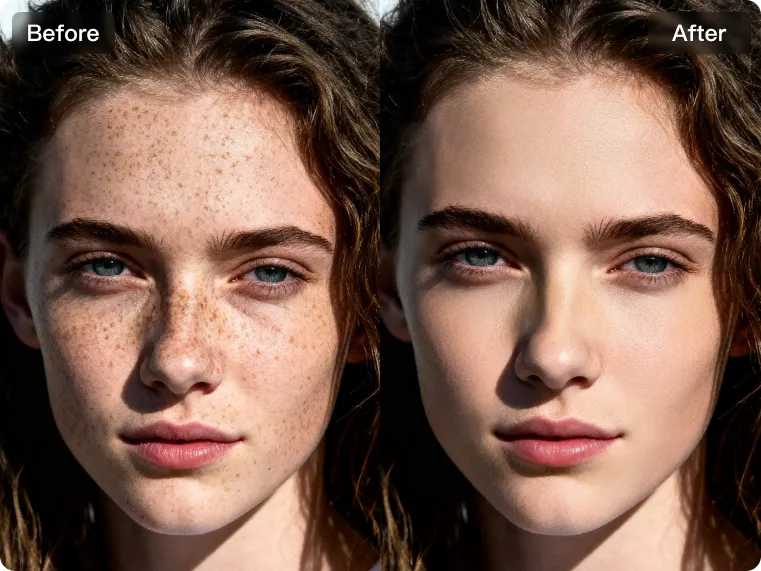
Enhance image quality by using Kumoo remover to clean up distracting elements. Effortlessly remove unwanted objects, erase visual clutter and create more polished images that look professional in any use case.
Download and Use
You can batch download and use the entire set of images that have been processed.
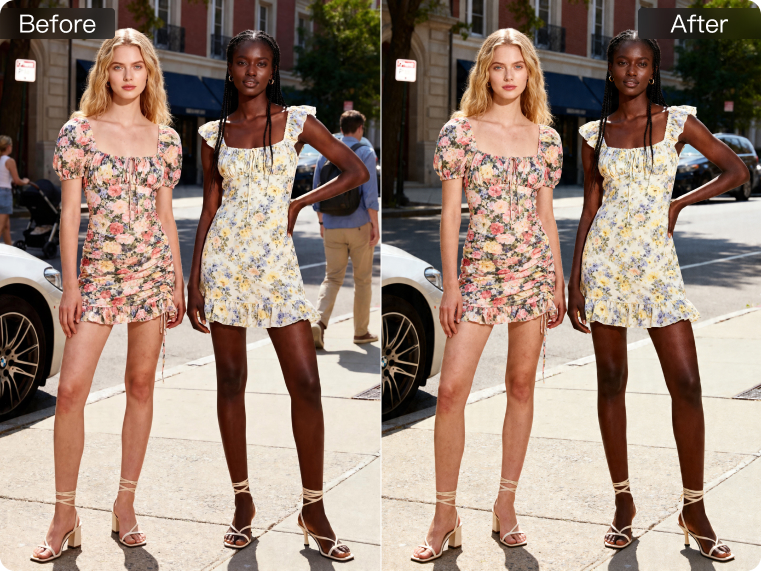
Remove people, objects, and watermarks across any scene with ease.

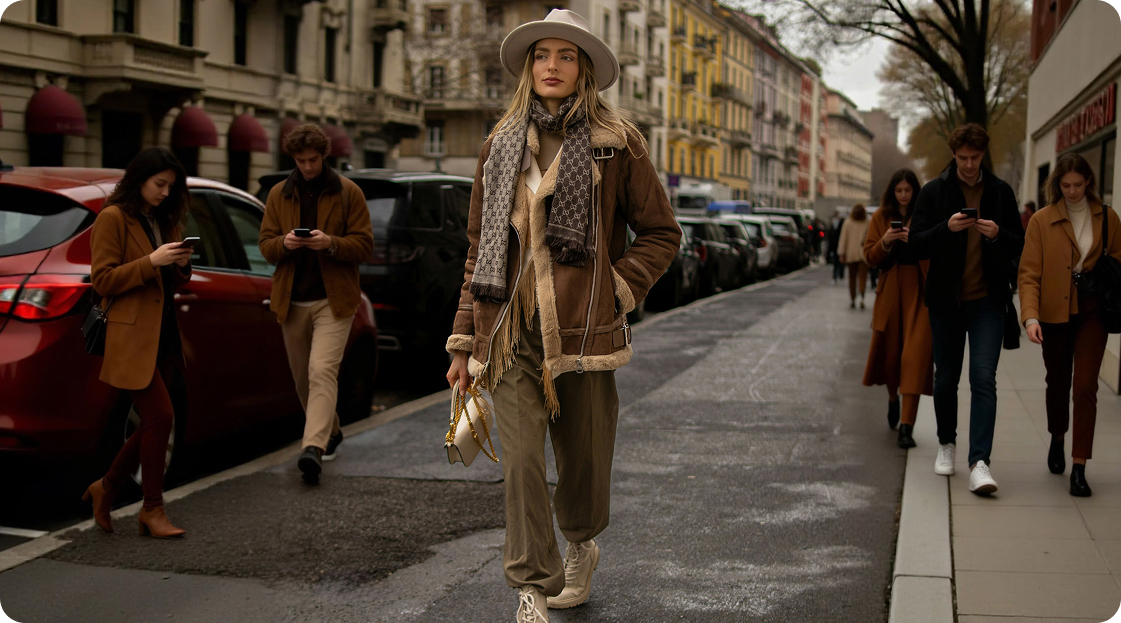
Passersby
Easily remove passersby to create cleaner, more focused images. Whether you need to clear visual distractions from portraits, delete clutter from product photos, or erase marks from finished visuals, it helps improve image quality while keeping the overall scene natural and polished.

Explore More
AI Background Removal

AI Flash
AI White Background

Image Enhancer
Frequently Asked Questions
How can I remove passersby from a photo without ruining the background?
What kinds of distractions can be removed from a photo?
A wide range of unwanted elements can be removed, including passersby, clutter, watermarks, wires, signs, trash and other distracting objects. This helps simplify the image and keep attention on the main subject.
Is there a way to make the edited area blend naturally with the original scene?
Yes. AI generation helps reconstruct removed areas by matching the surrounding texture, lighting and visual structure. This creates smoother transitions and makes the final result look more seamless.
Does it work for logos that cover the entire image?
Yes. Kumoo's advanced logo remover online uses AI inpainting to handle complex, full-screen, or repeated marks, restoring the underlying image seamlessly.
Is the AI Logo Remover free to use?
Yes. Kumoo’s AI Logo Remover is free to use for up to 5 images. For additional edits, you can top up to add more credits.
What file types are compatible with the AI Logo Remover?
The AI Logo Remover supports various image formats, including JPG, PNG, WebP, or RAW.