

How to Smooth, Lfit, and Plump Your Look in Photos
Discover professional techniques to instantly smooth, lift, and enhance your features for a refreshed, youthful appearance.

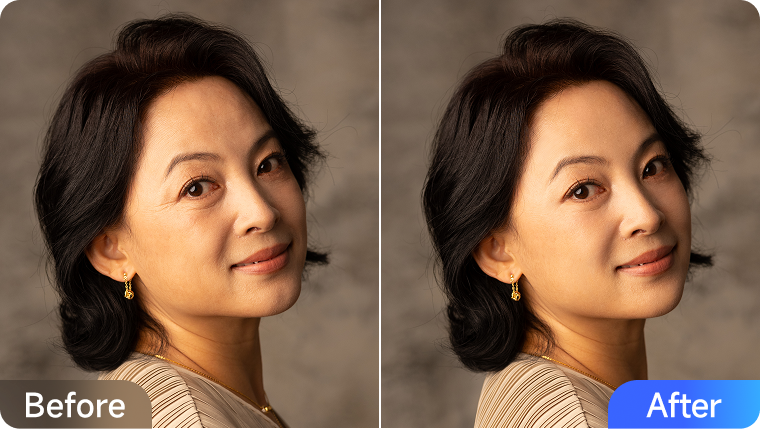
Have you ever felt disappointed after taking a photo? In real life, you feel vibrant and energetic, but the camera somehow flattens your features, making your face look tired, drawn, or older than you are. Perhaps your cheeks have lost their youthful fullness, your under-eye appears more hollow, or your smile doesn't seem as bright as it feels. It's a common frustration: why does the camera often steal the natural volume and radiance from our faces?
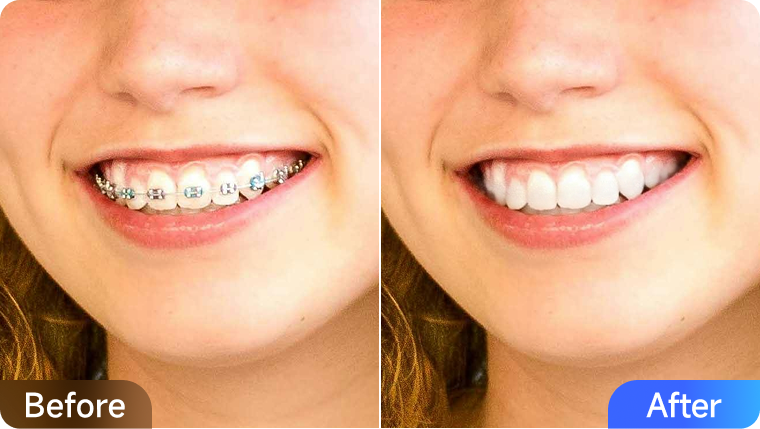
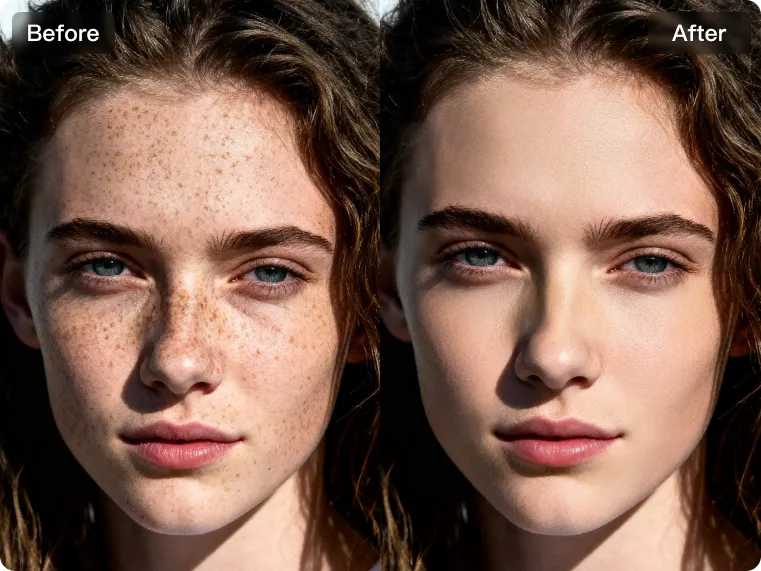
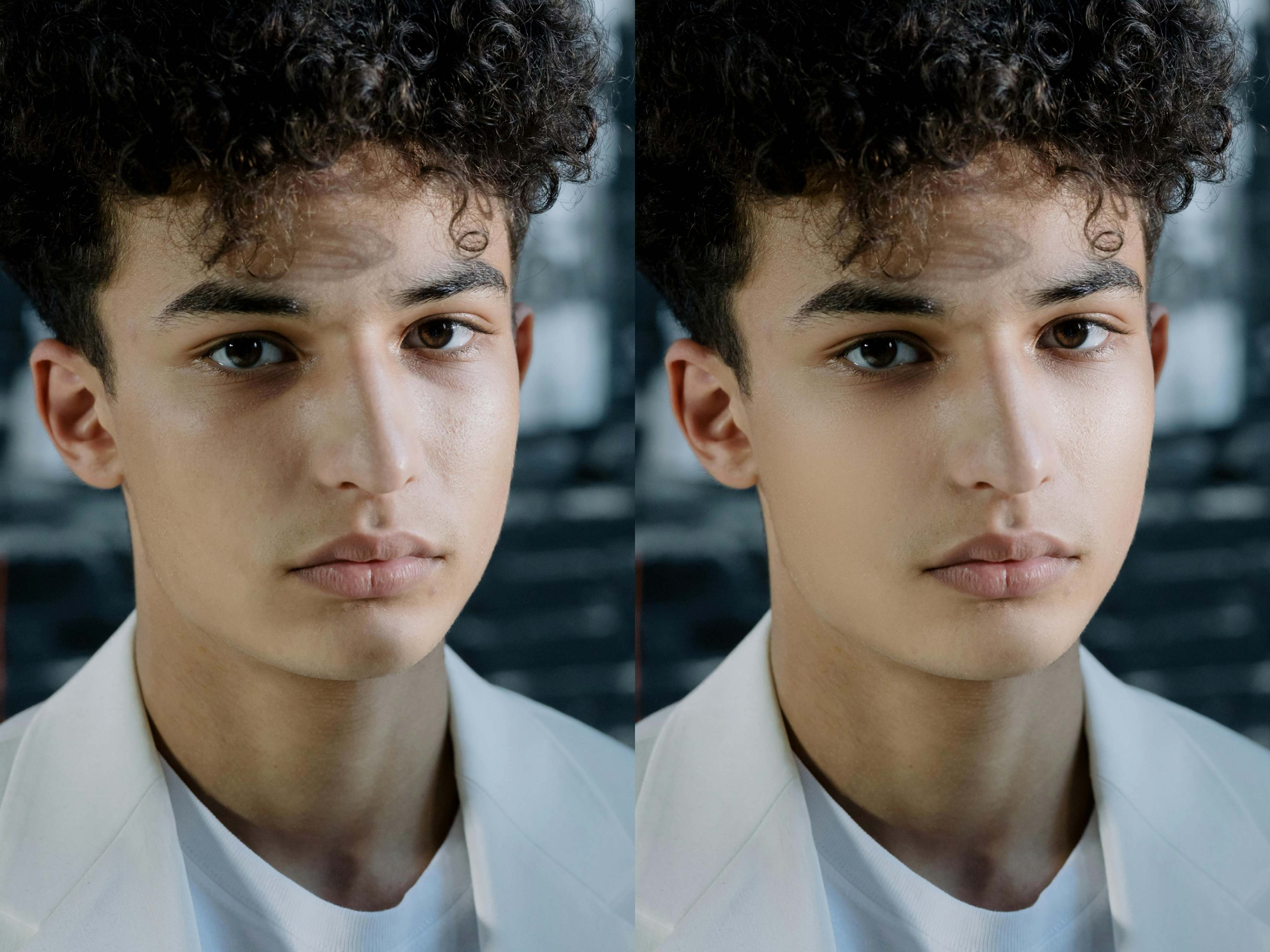
This isn't about major flaws; it's about restoring the lively, three-dimensional glow that the camera can diminish. What if you could effortlessly bring back that vitality? Kumoo's innovative Plump feature is designed to do exactly that. By subtly refining contours, restoring natural volume, and enhancing areas such as the forehead, cheeks, and chin, these features help your portraits appear youthful, radiant, and full of life. In this guide, you will discover how to reclaim a naturally fuller, more radiant, and youthful look in your portraits.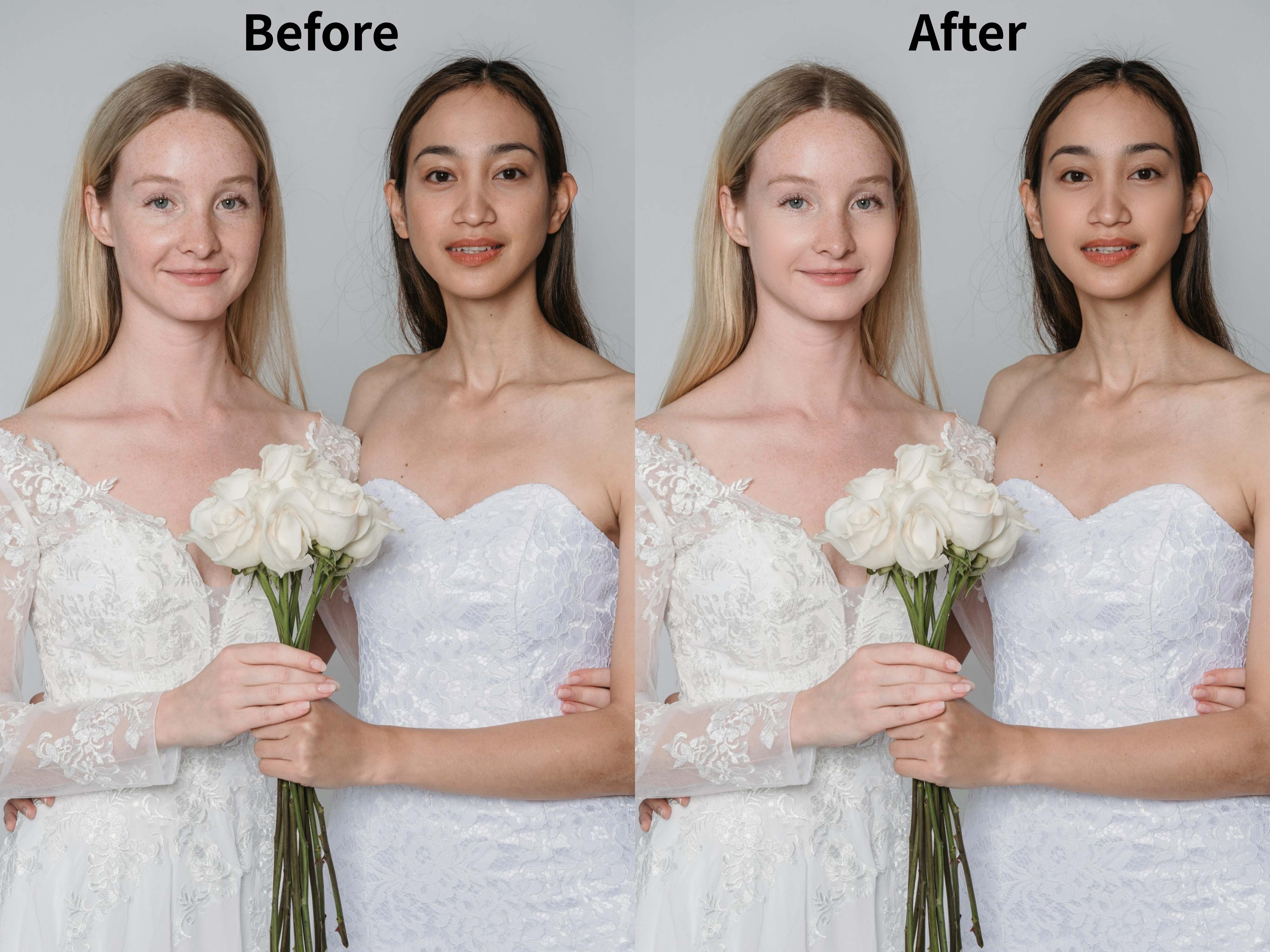
Why Fullness Matters in Portraits
Facial fullness plays a huge role in how we perceive youth and vitality. Plump cheeks, balanced contours, and smooth midfaces are visual cues of energy and health. On the other hand, flatness or hollow areas can unintentionally add years to your appearance or make you look fatigued in photos. In photography, volume enhances symmetry, improves light reflection, and gives portraits more dimension and emotional impact.
Kumoo's AI Plump Features
1. Smooth & Lift
Refine facial contours and subtly lift targeted areas to restore definition and firmness. This feature works especially well on the forehead, eyes, midface, and mouth, helping you achieve a tightened, refreshed look without over-editing.
2. Plump
Enhance natural fullness in areas like the apple cheeks, chin, and nasal base for a radiant, youthful appearance. Powered by AI, the added volume blends seamlessly with your existing facial structure, ensuring results that look balanced and realistic.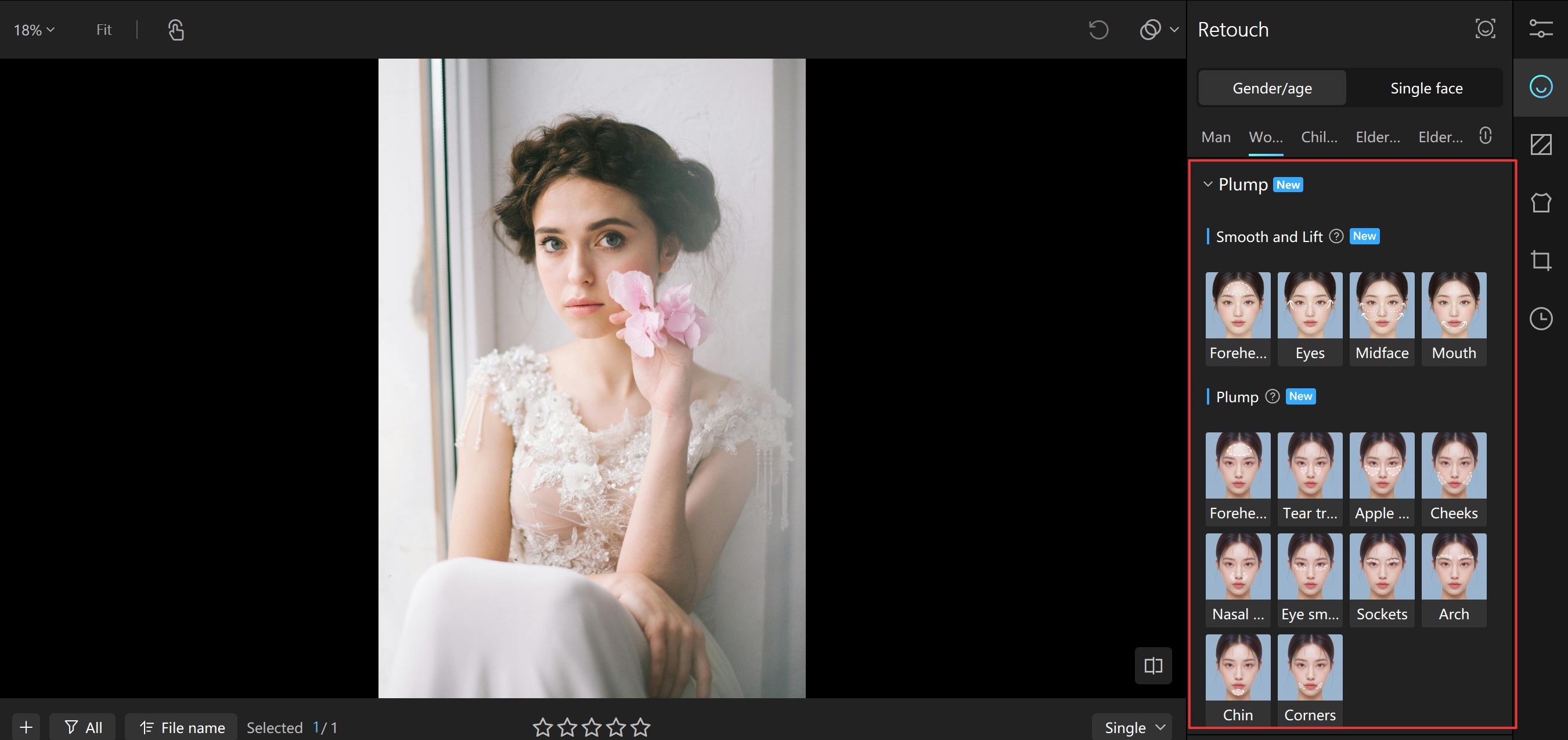
Step-by-Step Plumping
- Download and launch Kumoo on your desktop, then upload the photo you desire to retouch.
- Open the Retouch panel, and select the Plump feature.
- Choose the target area you want to plump and adjust the intensity using the slider.
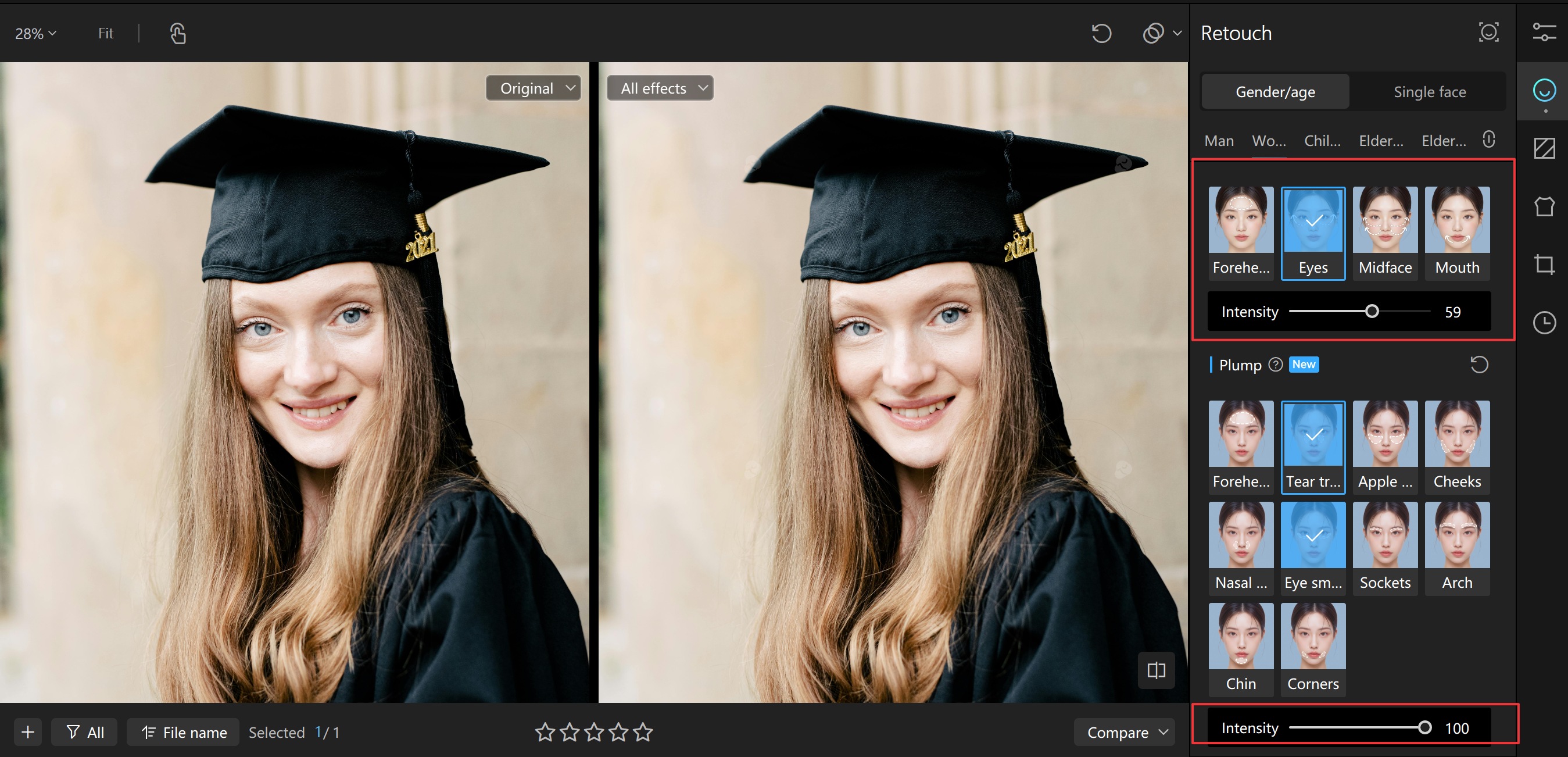
- Compare before and after to make sure your improvements remain natural and flattering
- Save and export your retouched photo
Common Areas That Benefit From Face Plumping
Not all faces age uniformly, nor do they look the same in photographs. Some people lose volume in their midface, while others notice shadows under the eyes or a less defined jawline. With Kumoo, you can target specific areas for subtle improvement:
- Forehead: Smooth unevenness and reduce shadowing.
- Eyes & Tear Troughs: Restore under-eye fullness to erase the look of fatigue.
- Eye Sockets: Fill in hollows around the orbital area to reduce a tired or sunken appearance.
- Brow Arch: Enhance the natural curvature of the brow area, giving the upper face a lifted, refreshed look.
- Midface & Apple Cheeks: Add volume for a healthier, more youthful glow.
- Cheeks: Round out flat areas to create a natural, radiant appearance.
- Nasal Base & Eye Smile: Subtly fill in hollows to create harmony across the face.
Conclusion
Facial plumping has become an essential technique in modern portrait retouching, allowing both photographers and individuals to restore balance, vitality, and youthfulness to their images. With Kumoo's AI-powered "Smooth&Lift" and "Plump" tools, users gain precise control over facial volume and definition while ensuring that results remain natural and true to each person's unique features. By intelligently addressing areas such as the forehead, eyes, midface, cheeks, and chin, Kumoo helps transform portraits into polished yet authentic representations.

Explore Tools & Tips

From Fuzzy to Focused: How to Sharpen Blurry Portraits Instantly
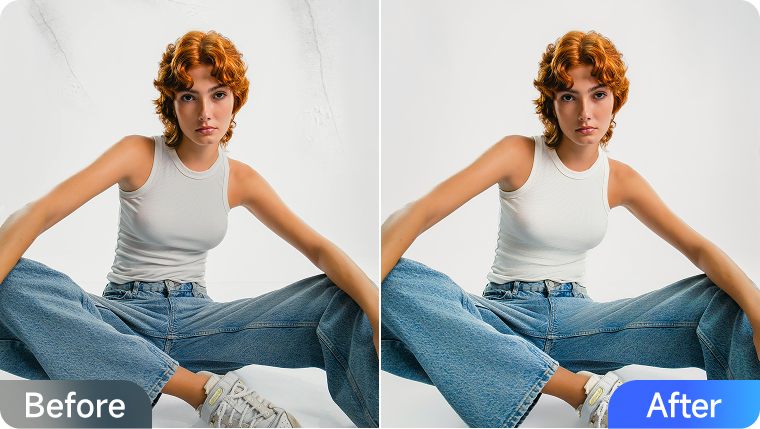
The Most Ideal Tool for E-Commerce Retouchers(In-Studio Shooting
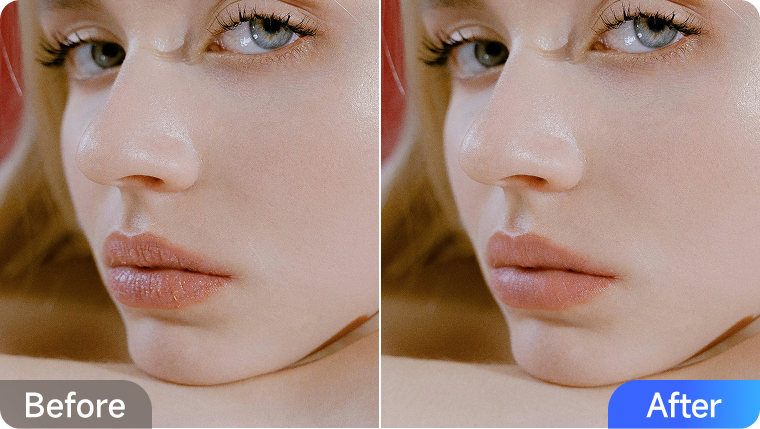
How to Retouch Your Lips Like a Pro (No Makeup Needed)