
Complete Portrait Retouching Made Effortless
Easily achieve full process portrait retouching with Kumoo, creating natural & polished results effortlessly.
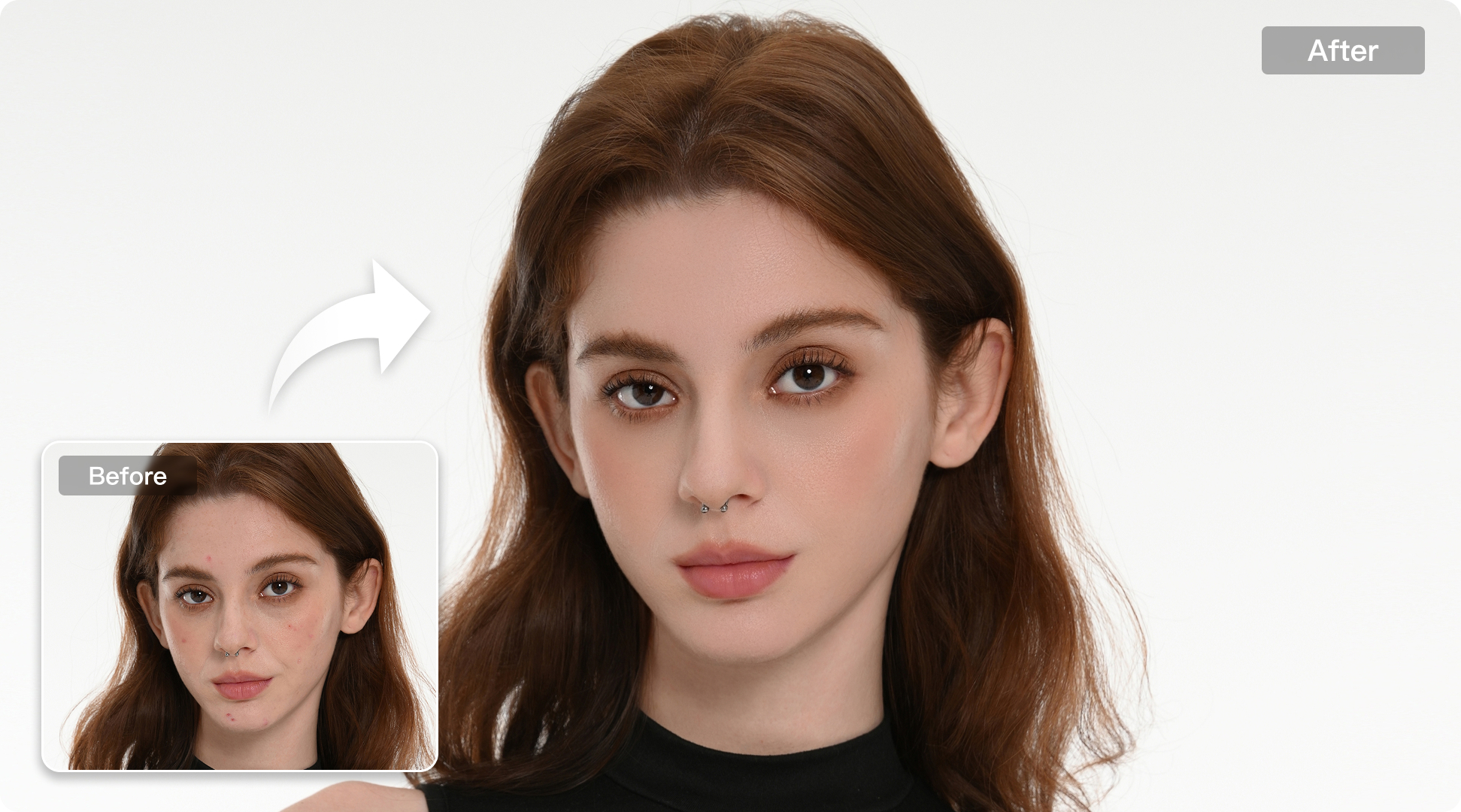
From Facial Contours to Hair Details, Retouch Portraits with Greater Precision
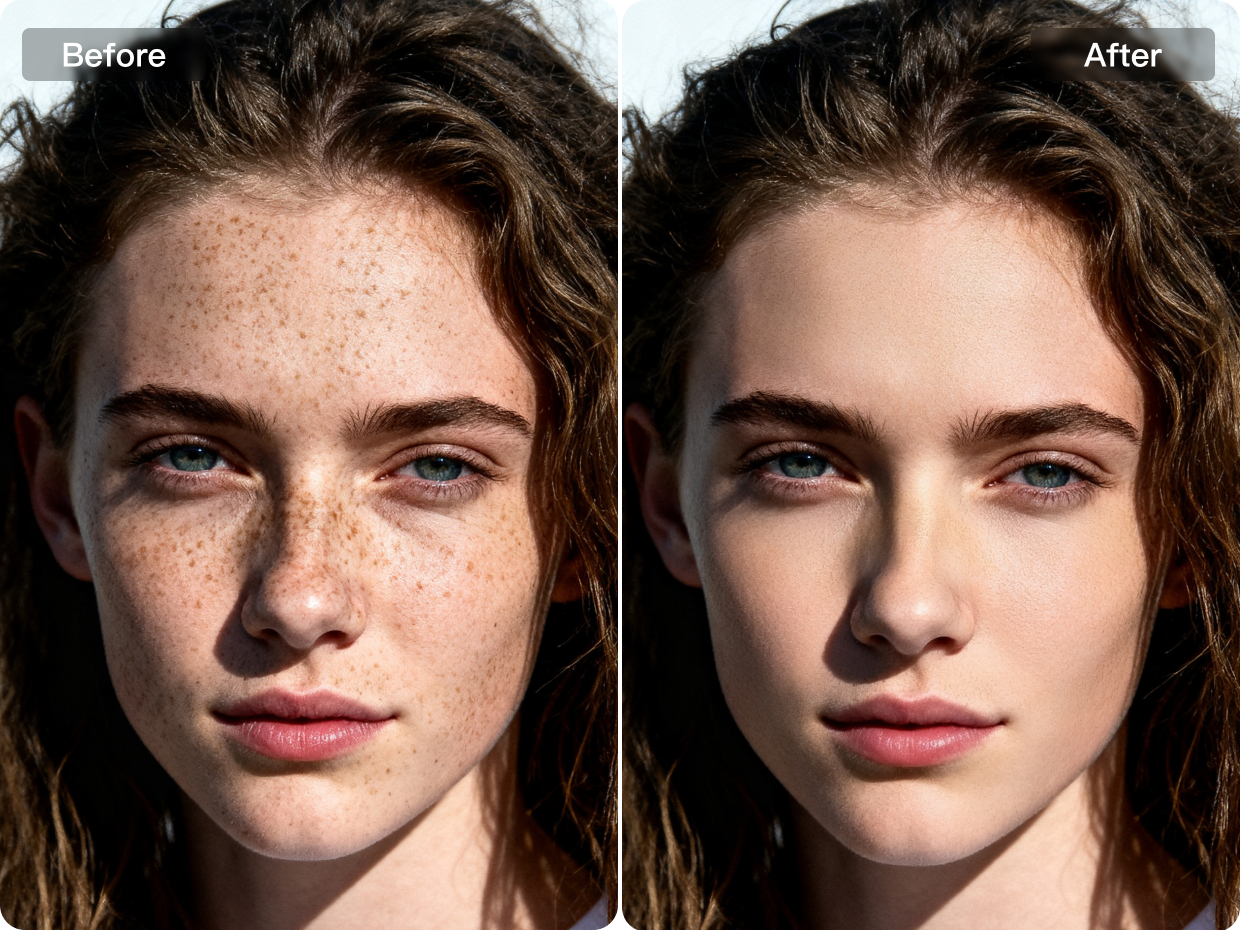
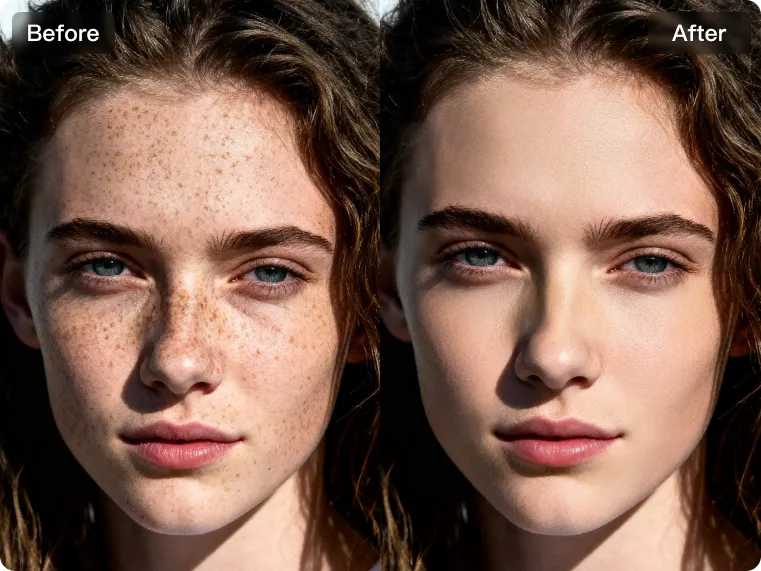
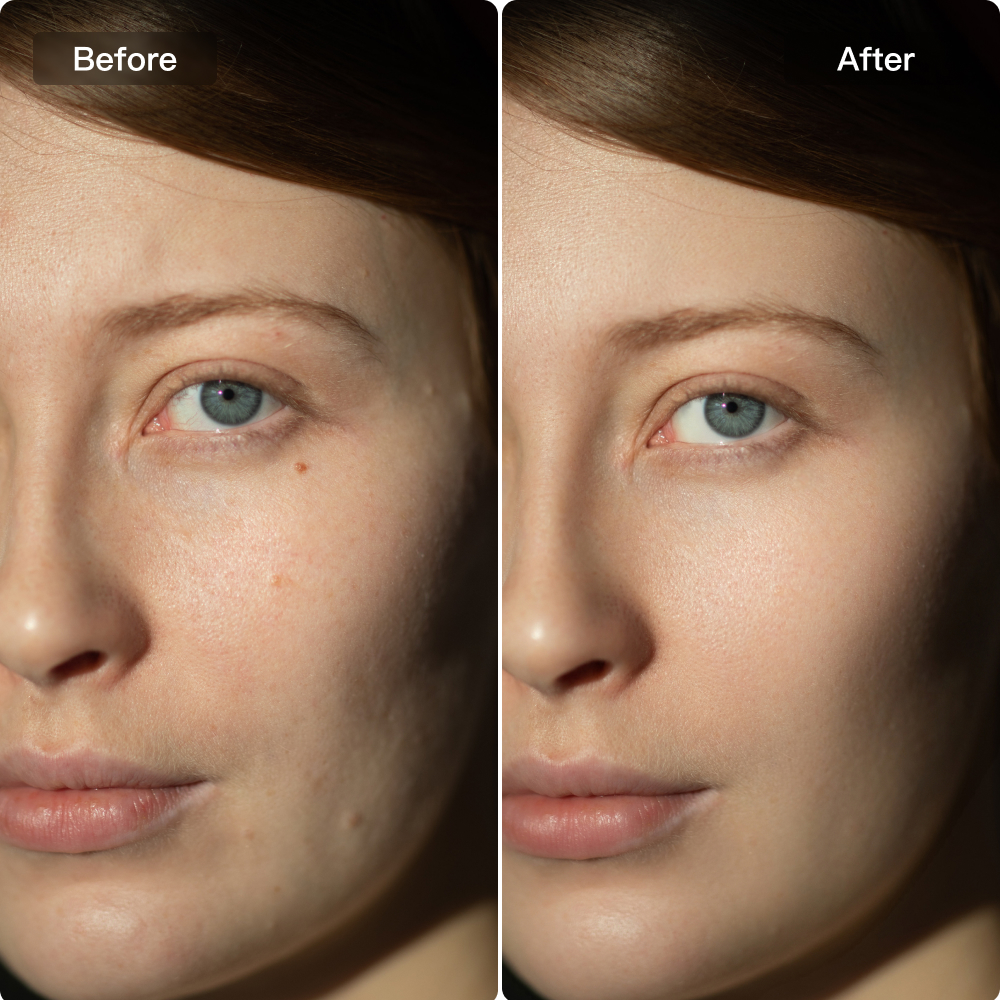
Precision Blemish & Wrinkle Removal
Kumoo reduces blemishes, wrinkles, and redness with precision, refining skin for a natural look. It preserves real texture and expression, giving portraits a polished finish.
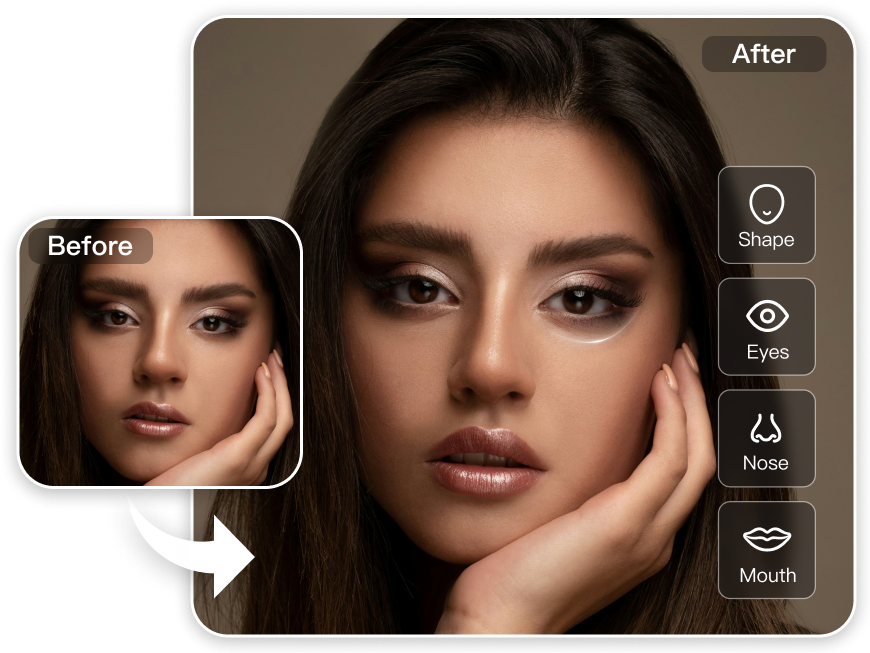
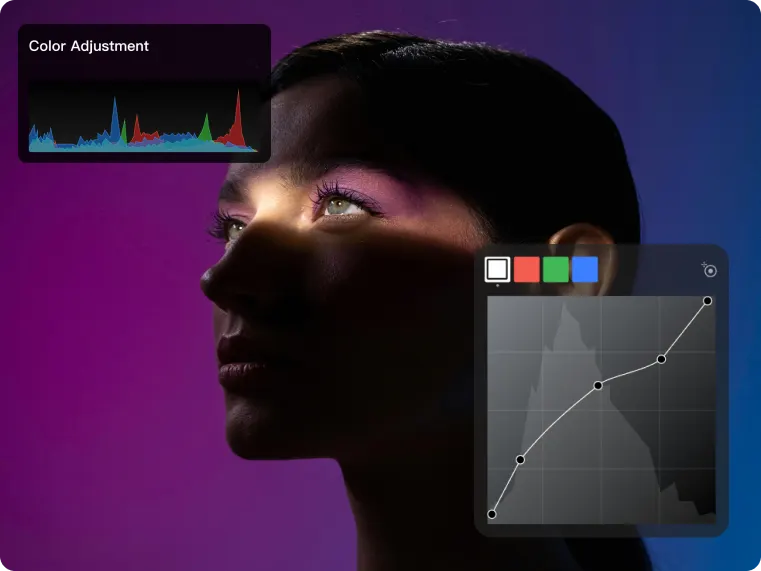
Facial Contour Smoothing
Kumoo intelligently balances highlights and shadows, refining skin with a subtle touch while maintaining the natural structure of the face. The result is a studio quality portrait that feels effortlessly true to life.
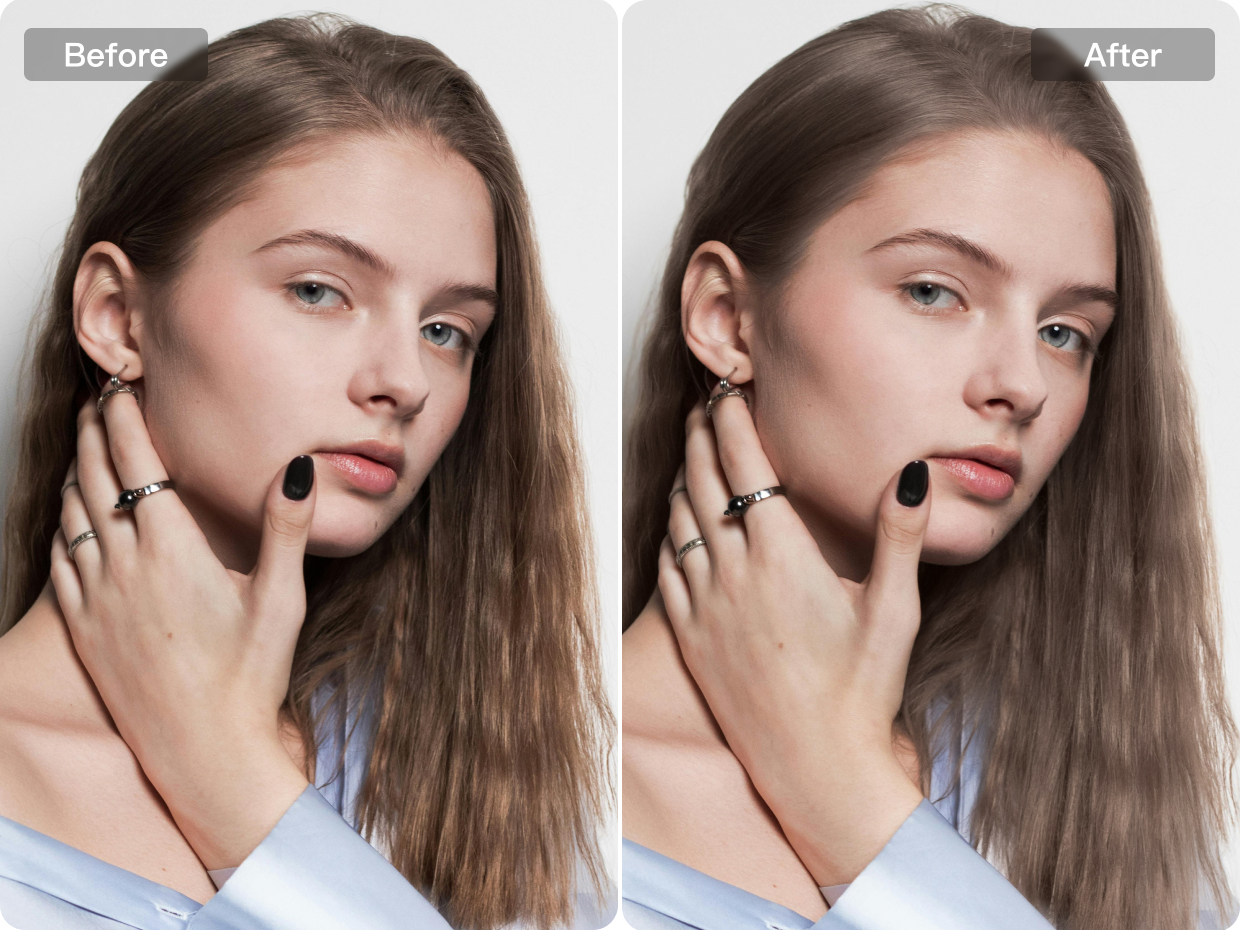
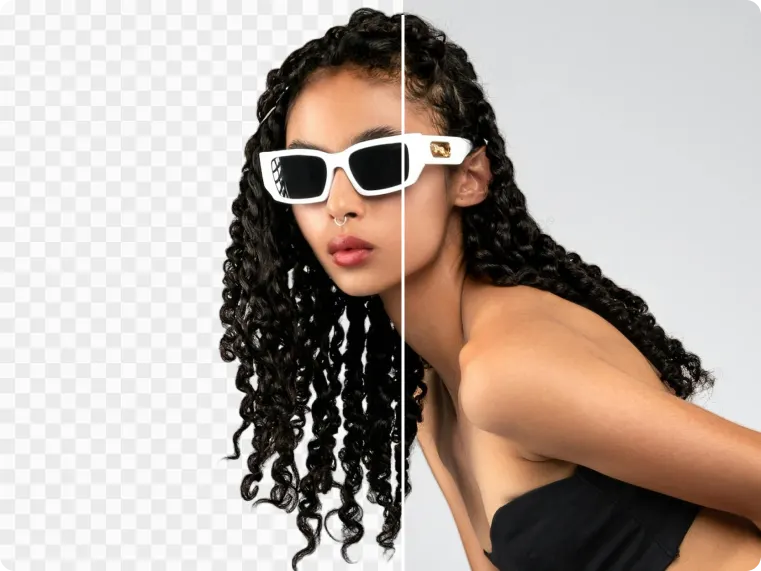
Advanced Hair Detail Refinement
Go beyond basic hair retouching with refined detail enhancement: tame rough, frizzy strands for a smoother finish and bring out richer shine for healthier-looking hair. Perfect for beauty portraits that call for a softer overall look.
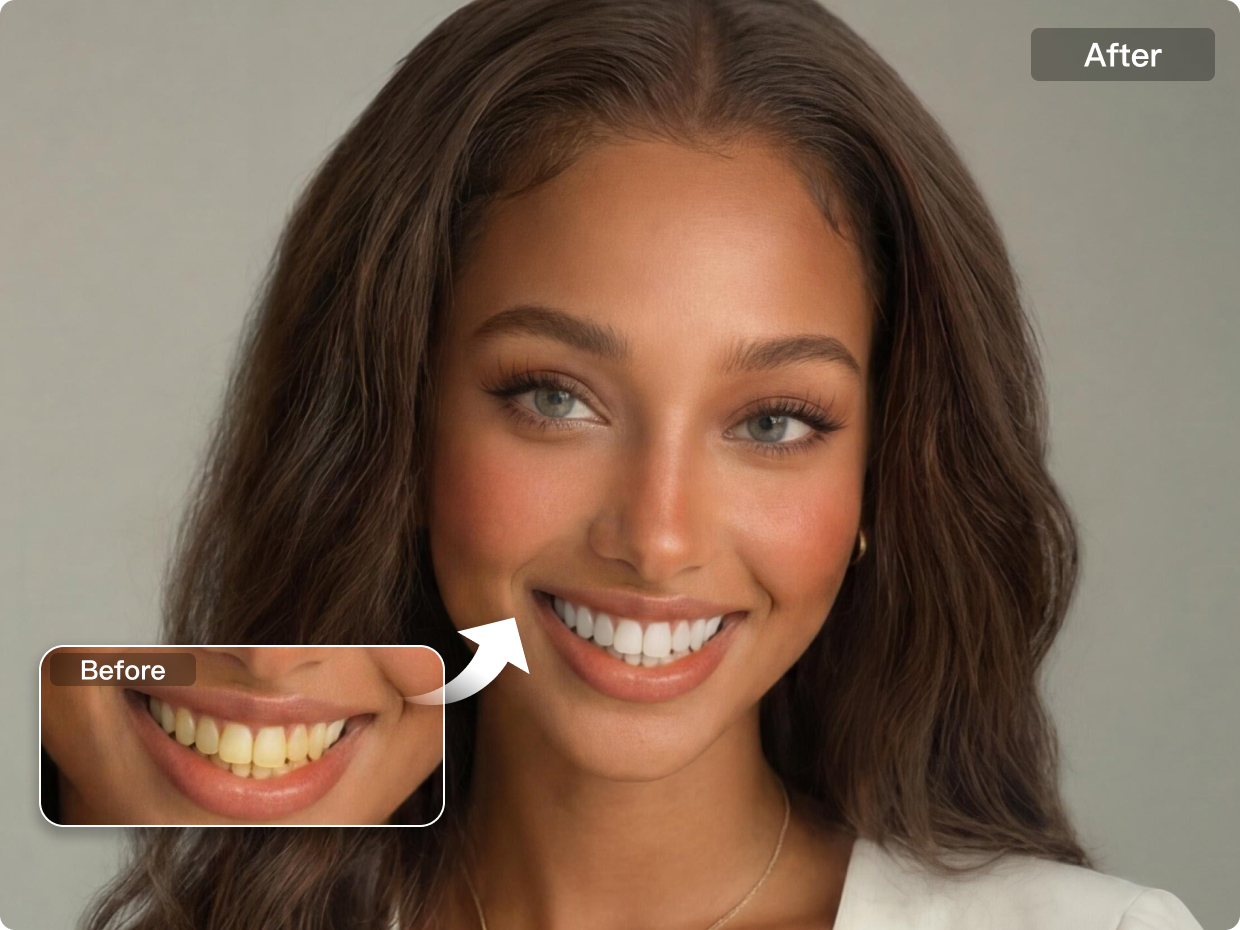
Natural Teeth Refinement Beyond Basics
Refine every smile with natural looking teeth adjustments: soften yellow tones for a cleaner, brighter appearance and remove braces. Kumoo also helps smooth common imperfections while keeping teeth natural.
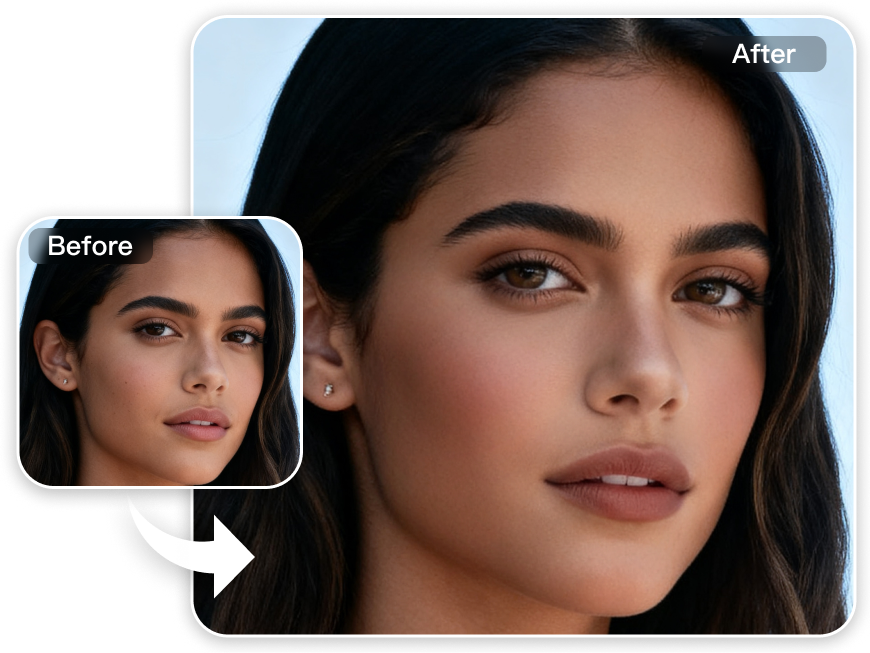
Refined Makeup Enhancement
As an AI photo editing software for photographers, Kumoo enhances portraits with natural makeup adjustments that define facial features, brighten the eyes and add refined beauty details. Each element is balanced with a light touch, creating a more dimensional look while keeping the portrait fresh.Natural Body Contour Refinement
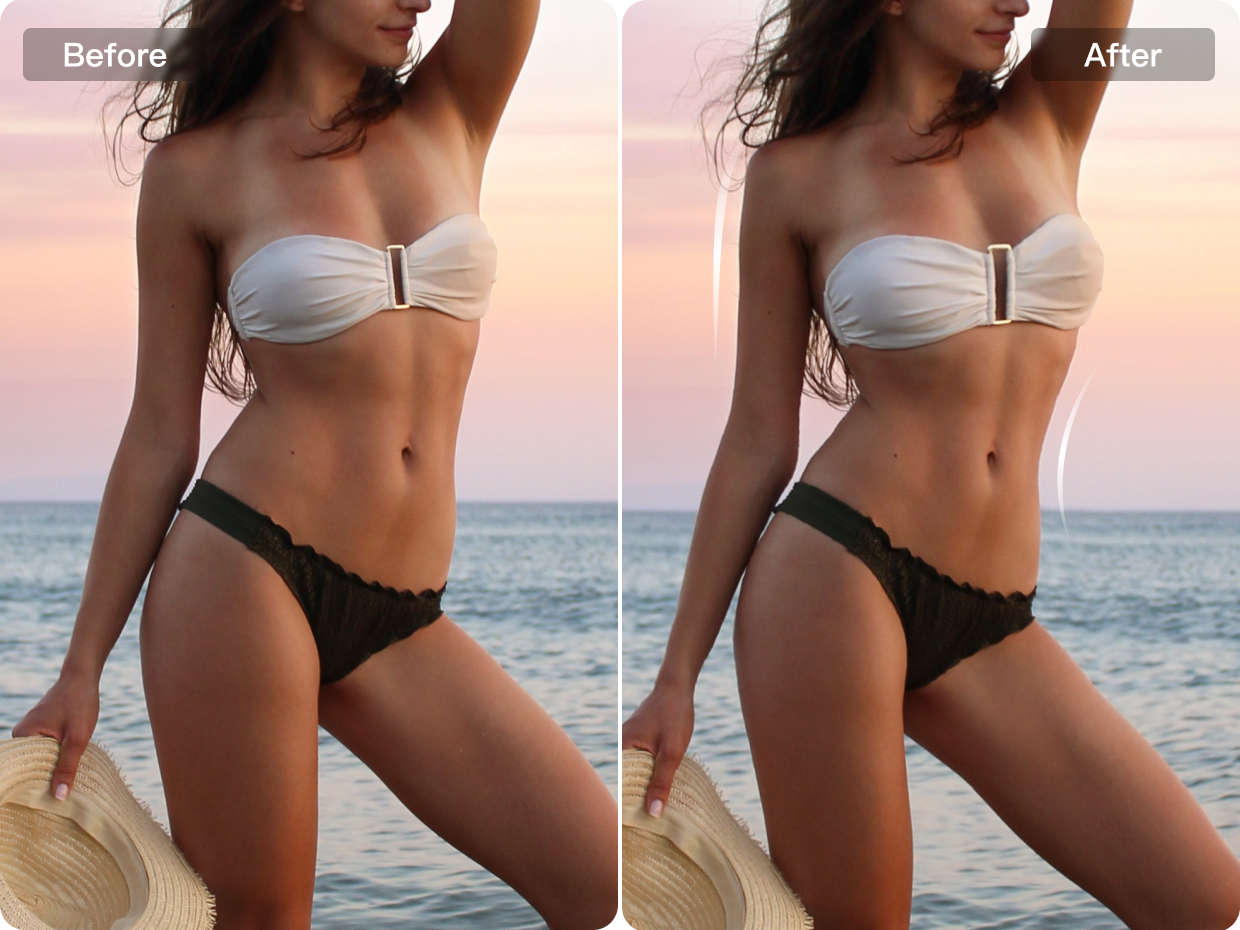
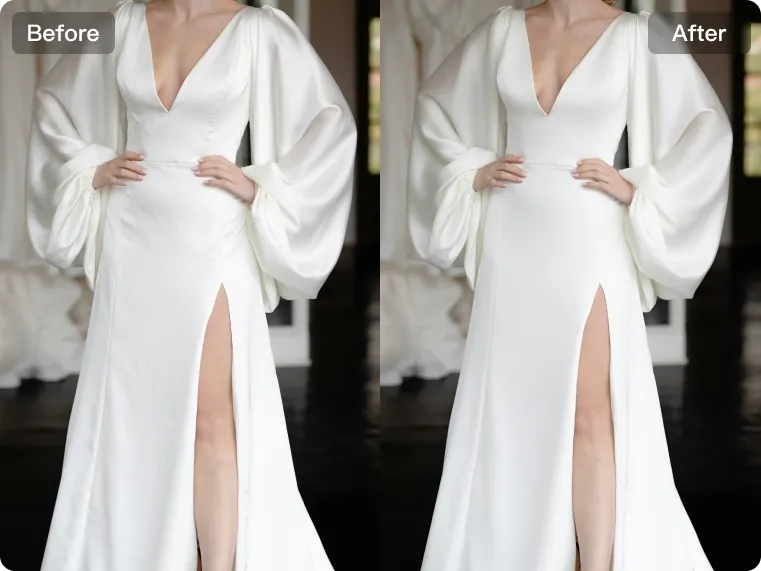
Natural Body Contour Refinement
Refine body shape with natural-looking adjustments that improve overall proportions and enhance the silhouette. Kumoo allows you to fine-tune selected areas with subtle control, creating a more balanced, flattering look while keeping the portrait realistic and visually cohesive.
Perfect Portraits for Every Shoot
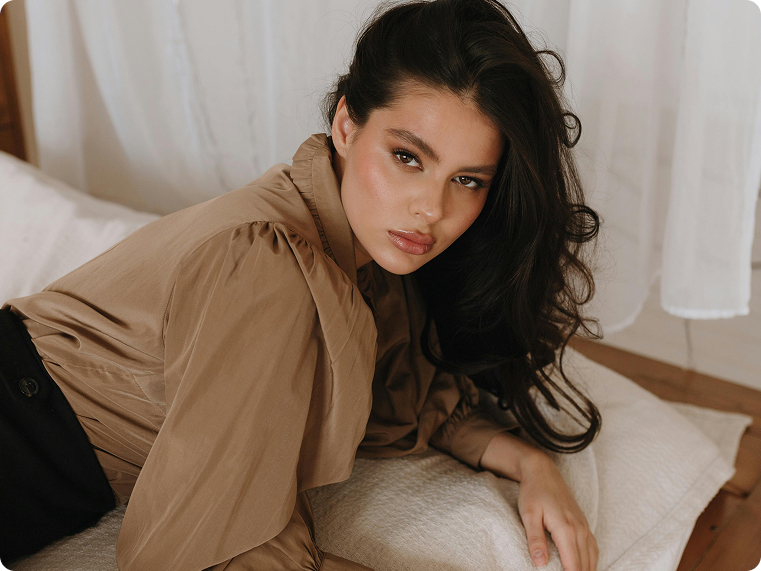
Realistic Portrait Retouching
Create polished portraits while keeping every detail natural. From precision skin retouching to hair, teeth, and makeup adjustments, Kumoo helps enhance portraits with a clean finish. It also improves editing efficiency with streamlined body shaping and full-process retouching tools, making professional portrait refinement faster and more consistent.



Explore More
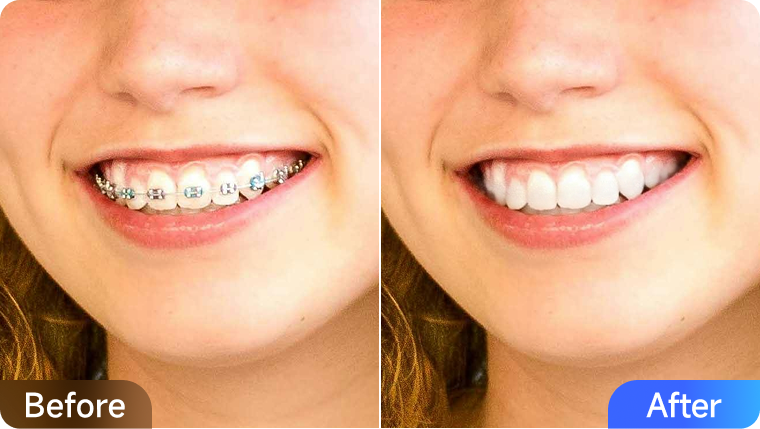
How to Remove Stains, Whiten and Straighten Teeth in Photos
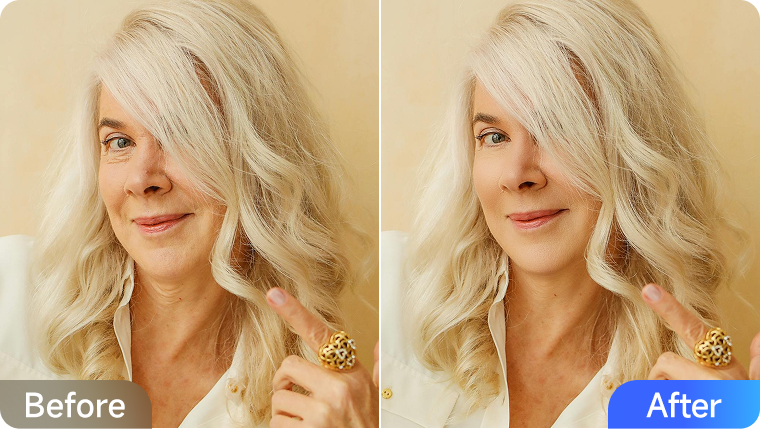
How to Retouch Facial Wrinkles with AI for Natural Results
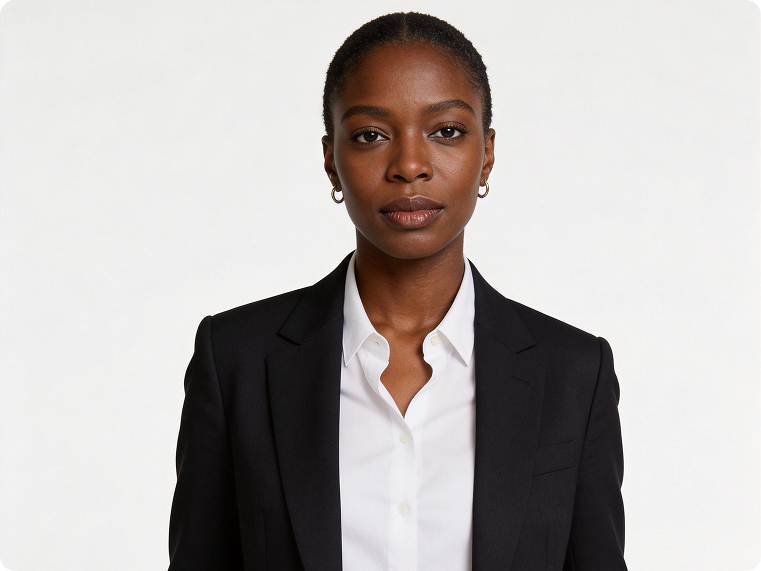
Professional Retouching Solutions for Portrait Photography
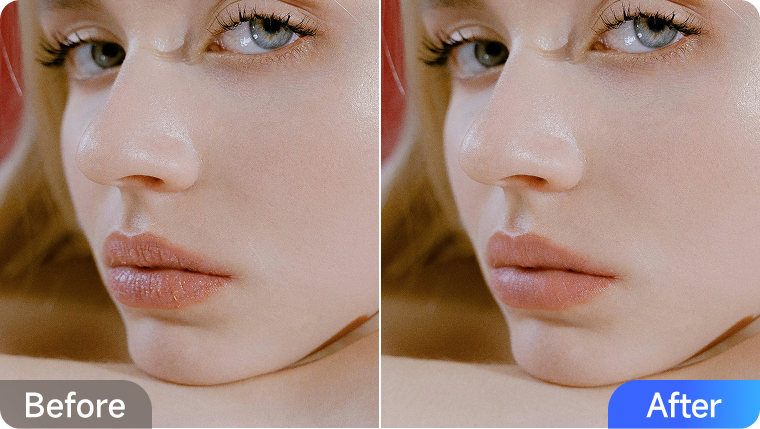
How to Retouch Your Lips Like a Pro (No Makeup Needed)

How to Smooth, Lfit, and Plump Your Look in Photos
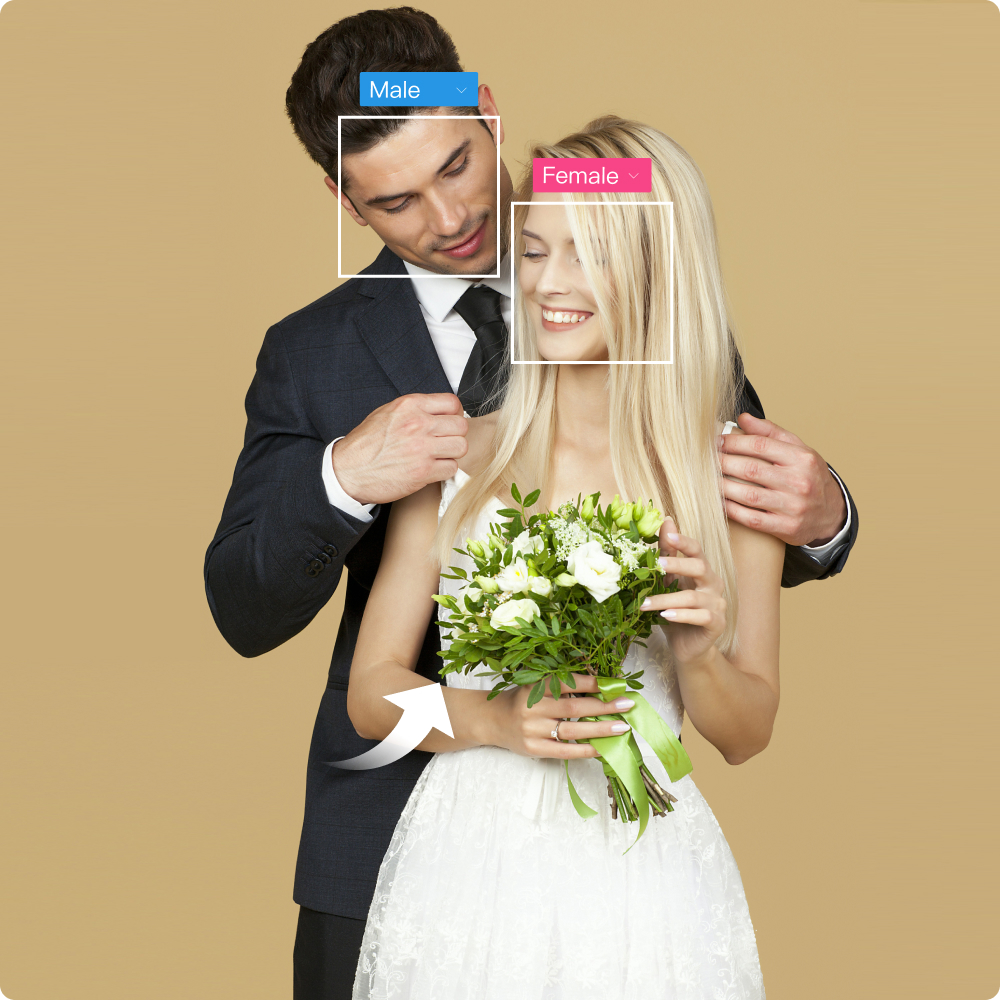
All-in-One Solutions for Wedding Retouching Challenges
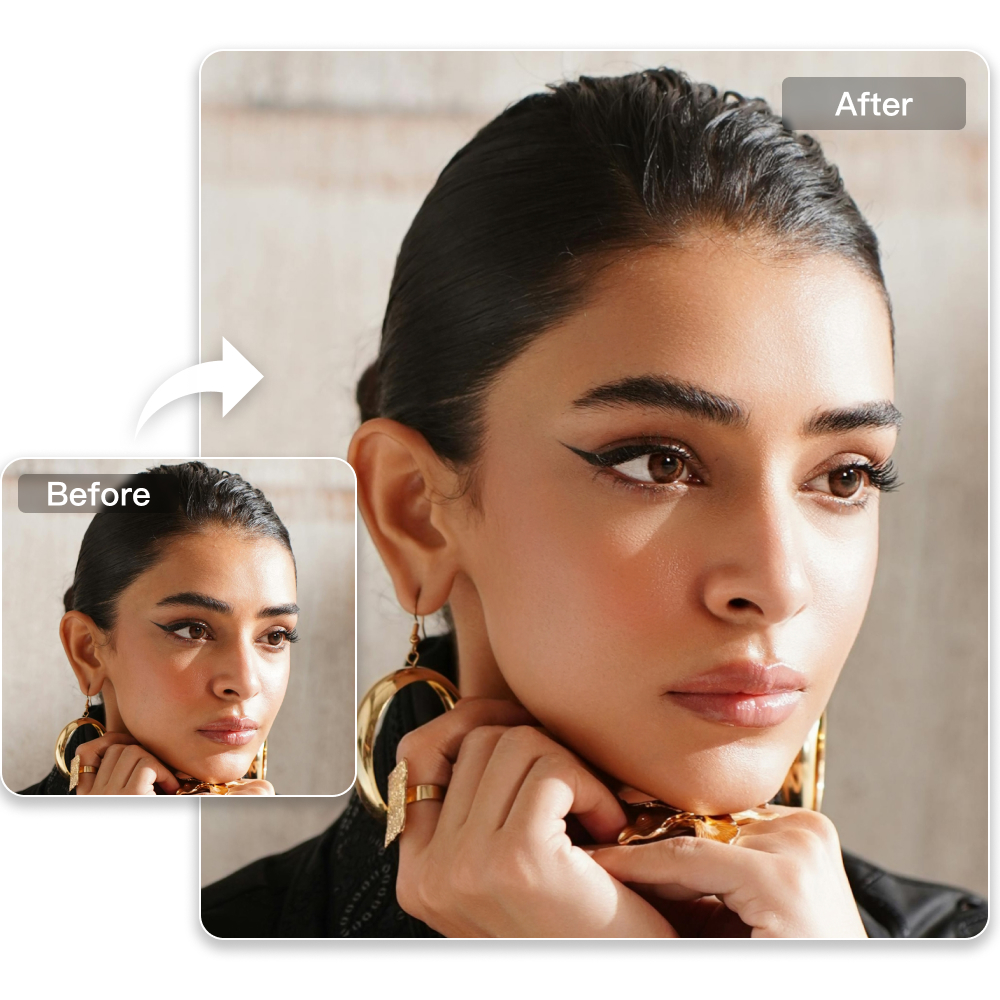
AI Retouching for E-commerce Product Photos | Kumoo
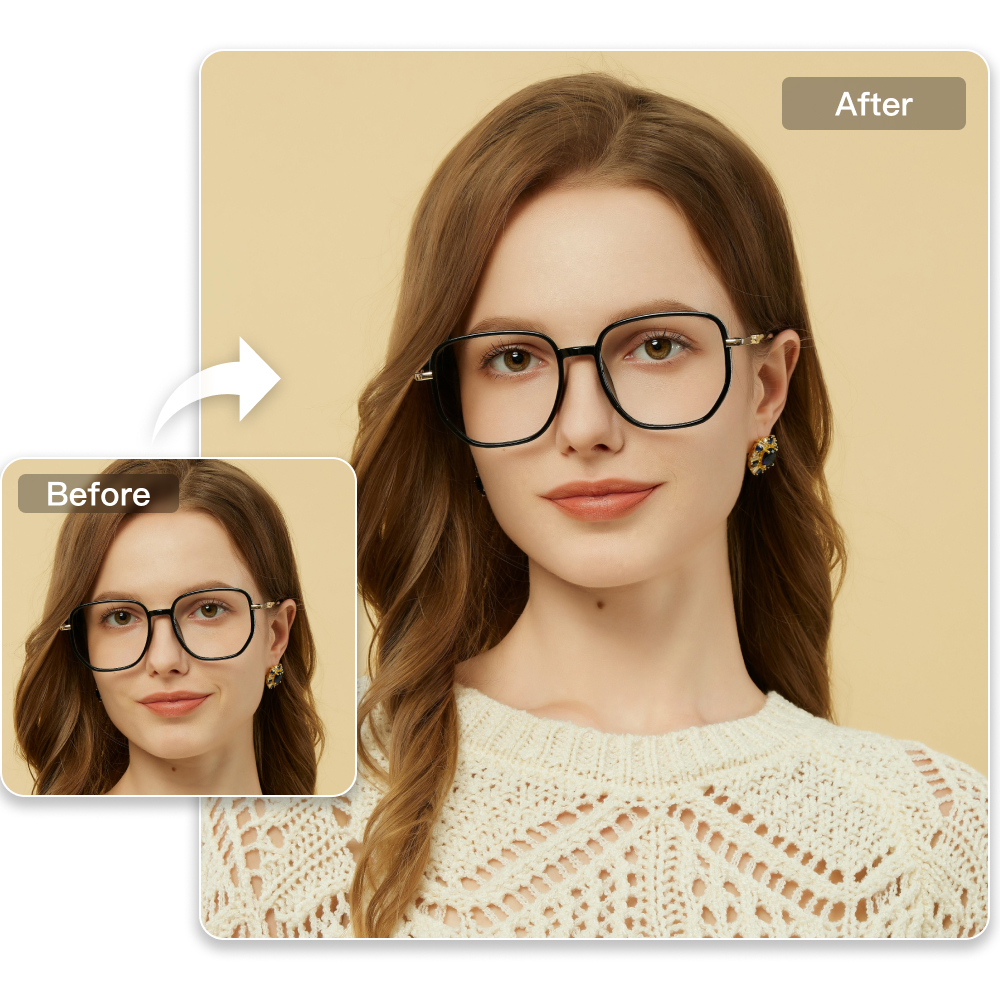
Easy Professional Retouching for ID Photos
Frequently Asked Questions
Which file formats are supported by the facial editor?
Can Al facial editor remove wrinkles and acne?
Absolutely! The facial editor features acne and wrinkle removal tools that are ideal for photo retouching.
Will skin look blurry or fake after retouching?
No. Kumoo preserves details like pores and skin texture, while optimizing light and shadow transitions to deliver natural and realistic smoothing effects.
Can Kumoo make teeth look cleaner without overediting them?
Yes. Kumoo helps soften yellow tones, reduce common flaws, and refine the look of teeth while keeping the smile natural and believable in the portrait, making it a practical alternative to a Meitu AI image editor.
Does Kumoo support braces removal in portrait photos?
Yes. Kumoo can remove braces smoothly to create a cleaner smile, while keeping the teeth looking natural and in harmony with the rest of the portrait.
How does Kumoo improve facial features in portraits?
Kumoo helps bring out facial definition, brighten the eye area, and refine makeup details to create a more dimensional look, while supporting efficient bulk AI photo editing.