
Clothing Edge Smoothing
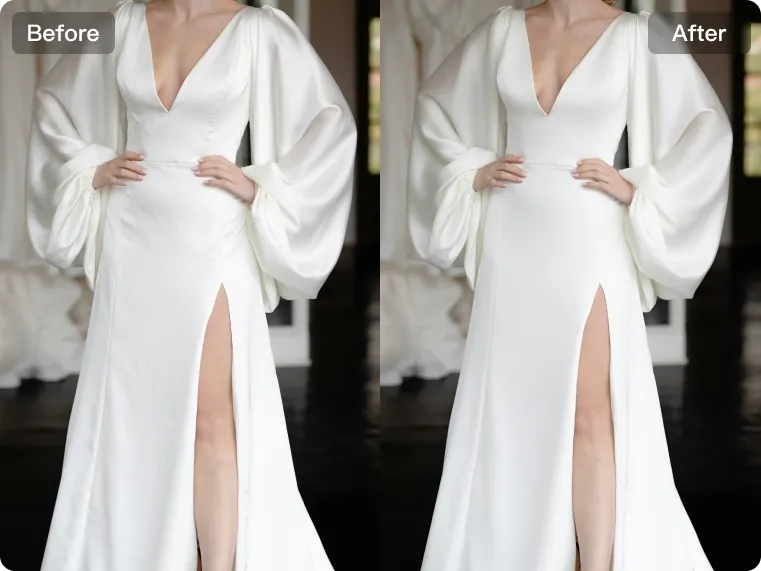
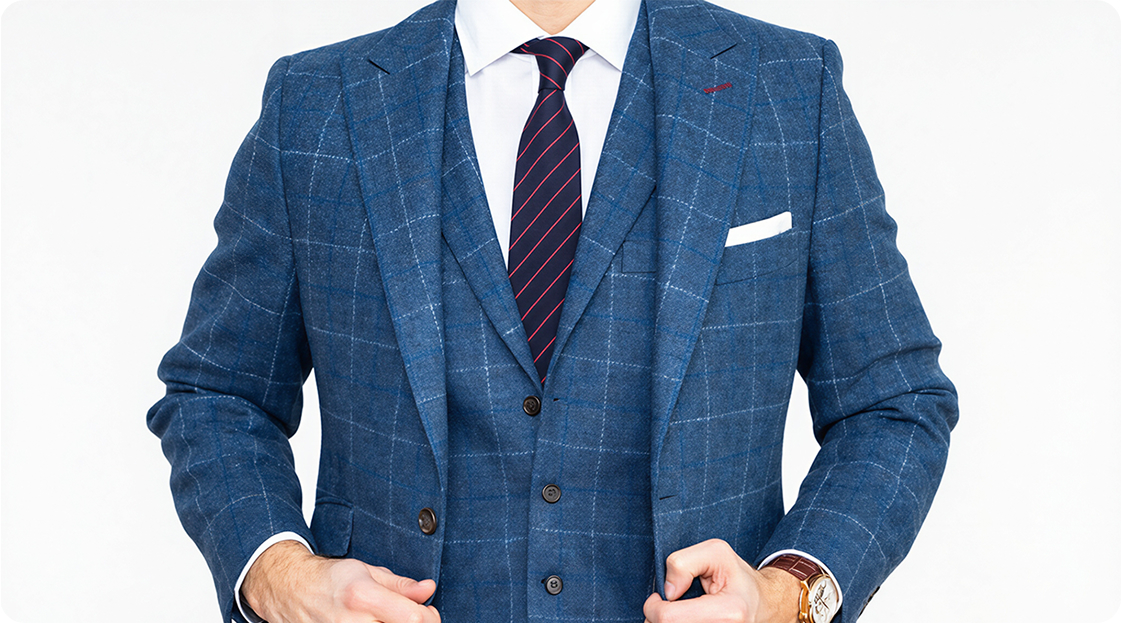
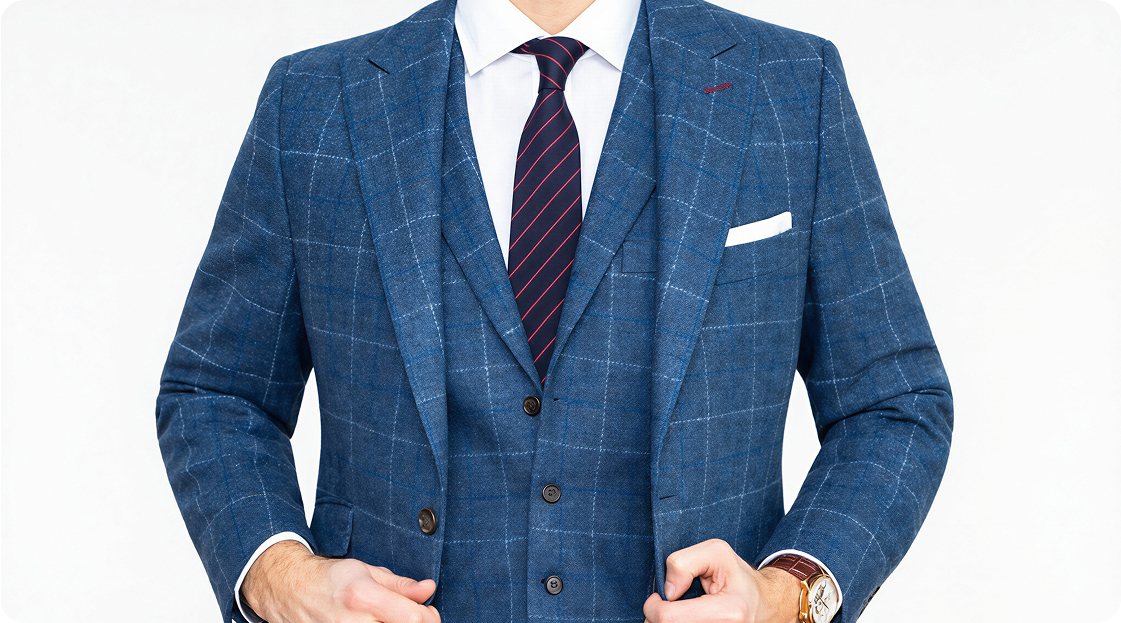
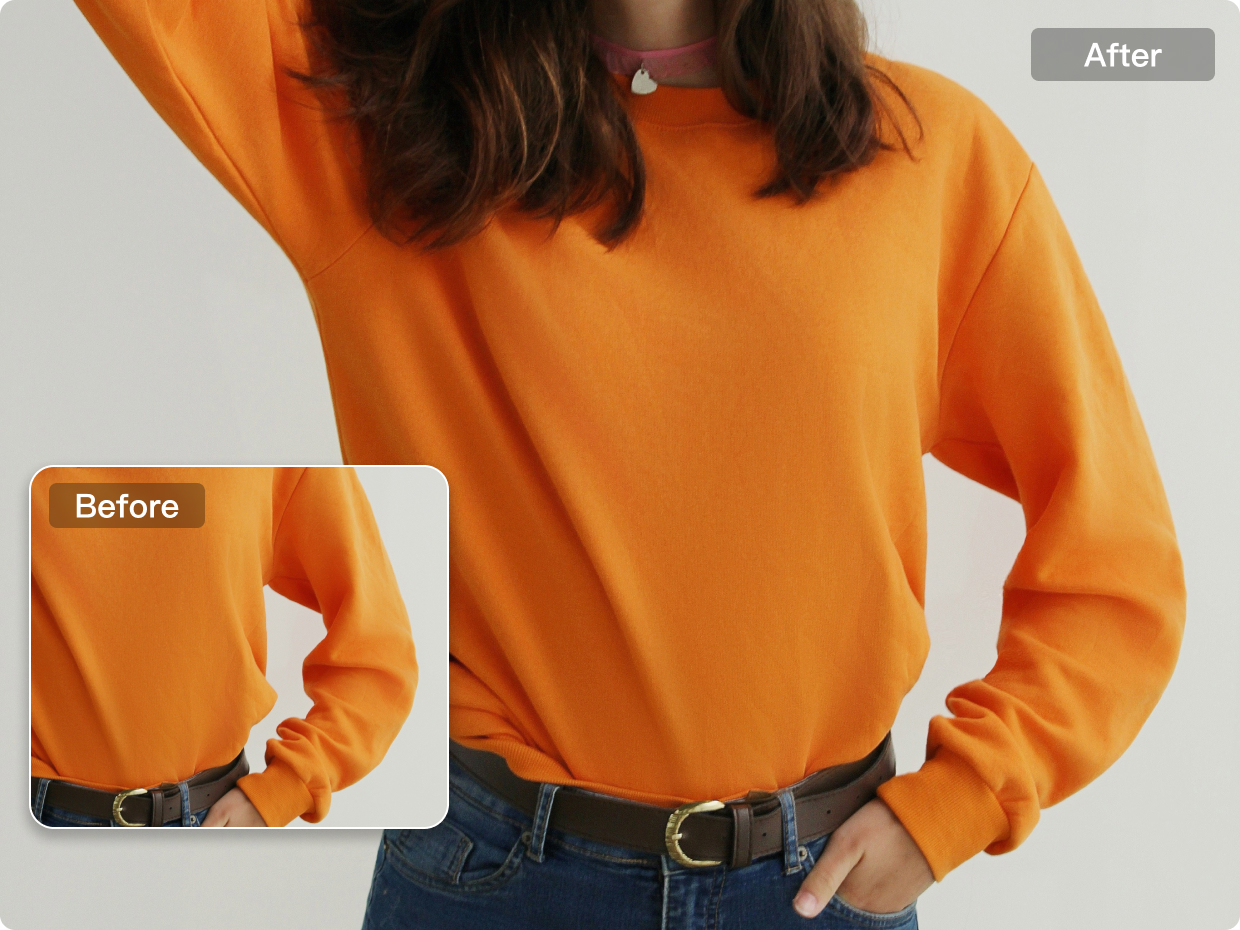
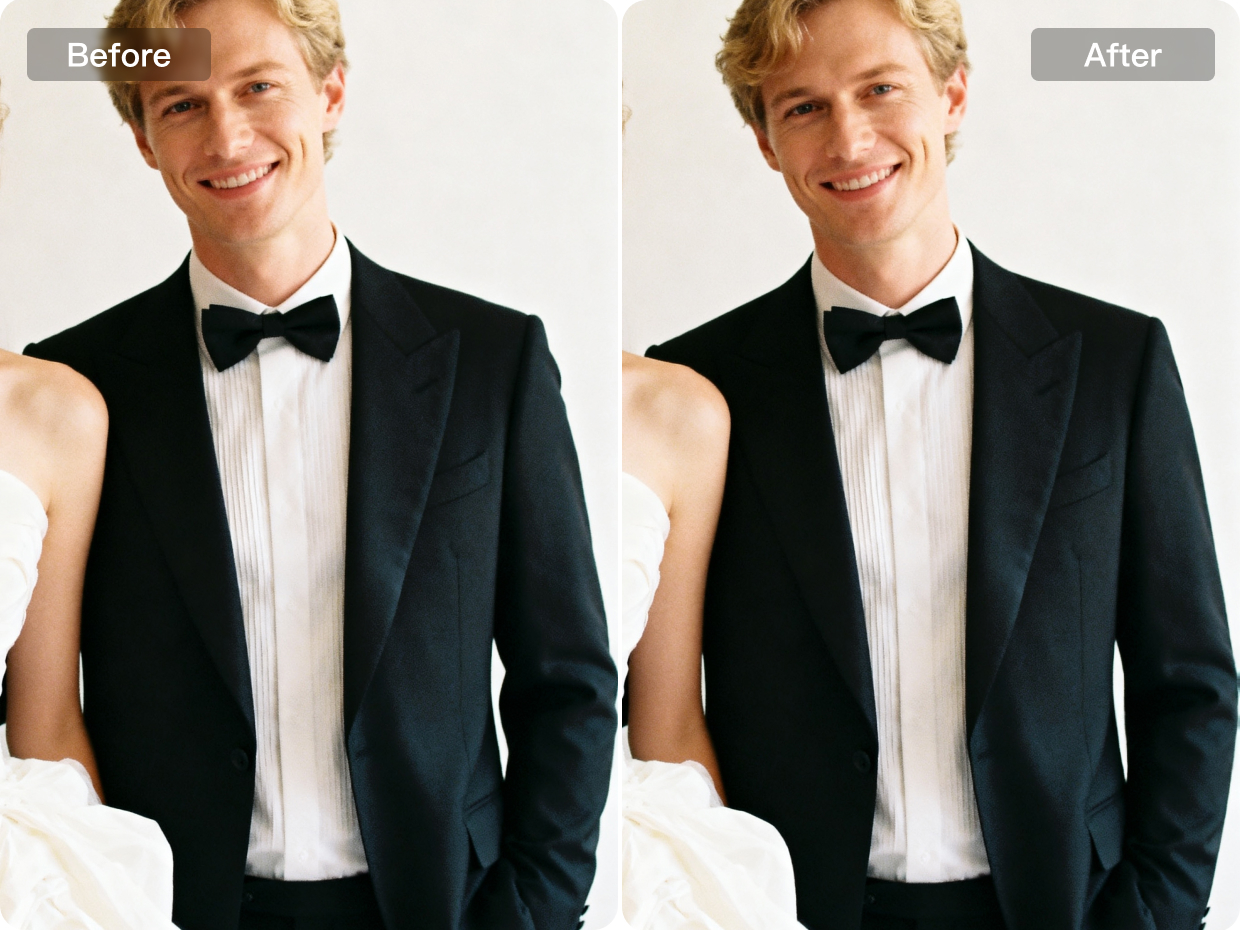
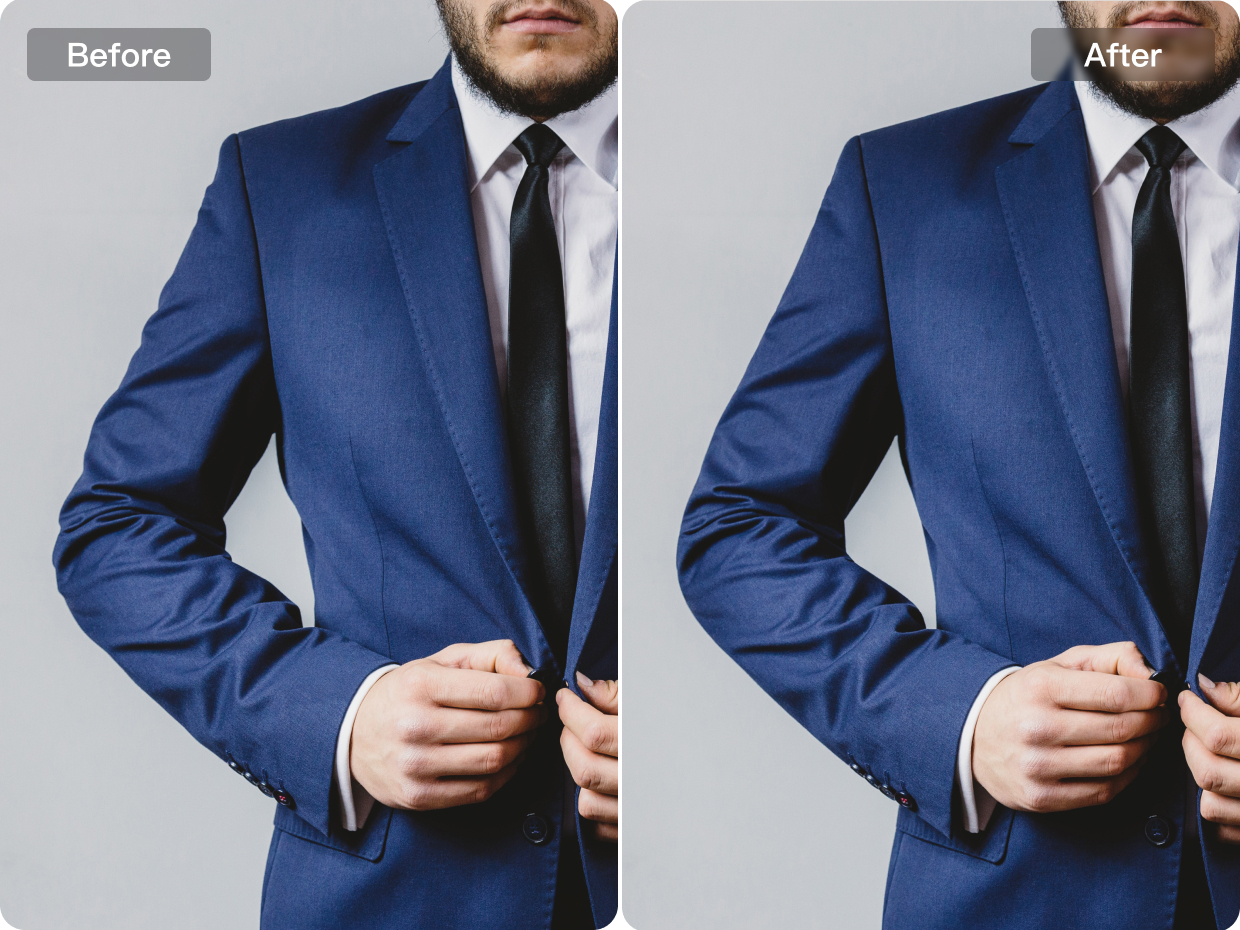
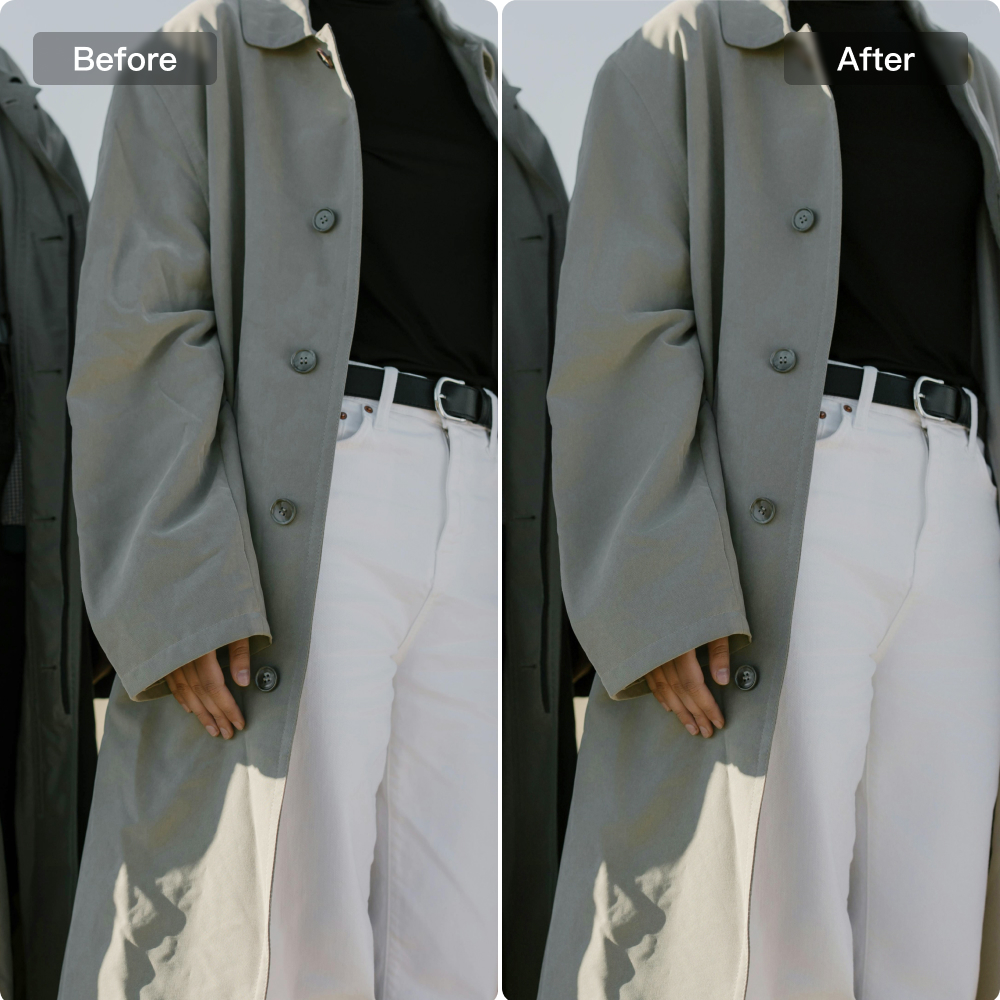
Kumoo accurately detects uneven clothing edges and automatically smooths them to restore a natural, flawless outline.
No image? Try these:
How Does Kumoo’s Clothing Edge Smoothing Refine Details?
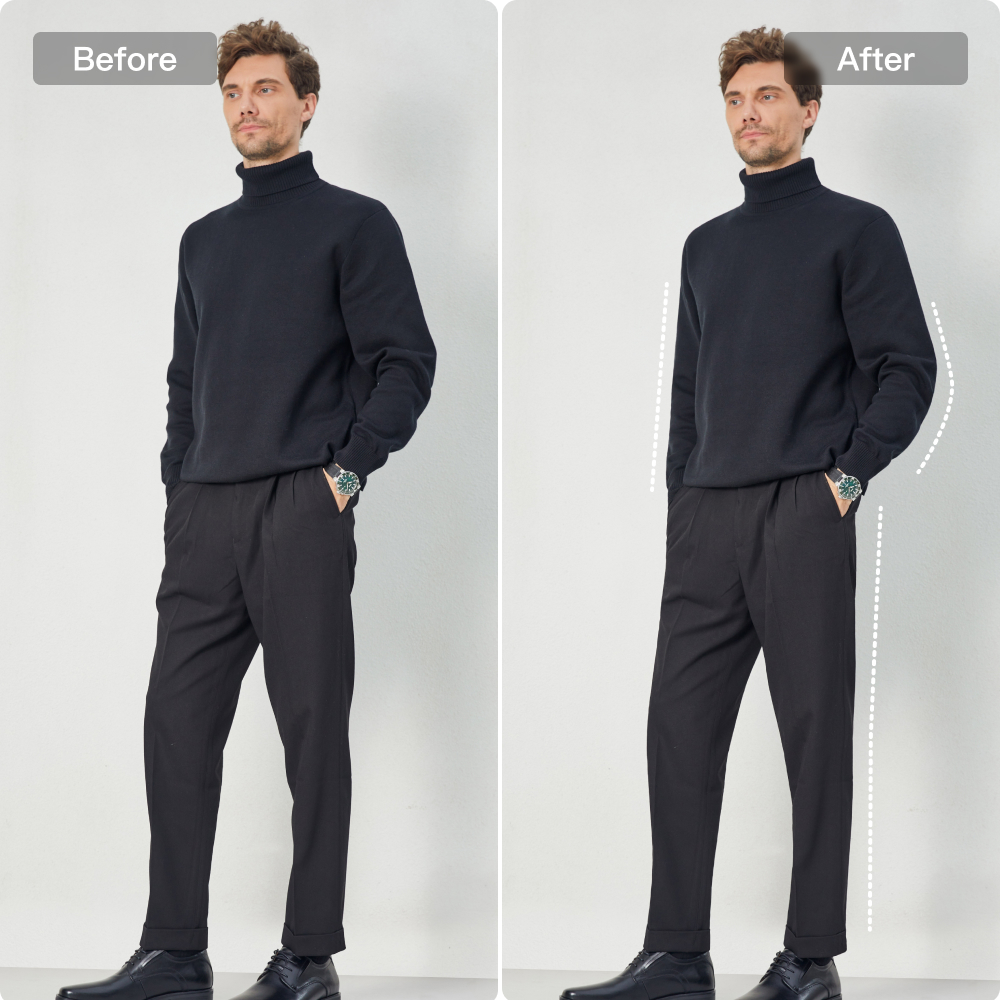
More Defined Garment Structure
Natural adjustments help improve the depth, structure and visual definition of clothing, making garments appear more dimensional on camera. By refining folds, contours, and fabric presentation with subtle control, the overall look becomes cleaner and more polished while still preserving a realistic and natural finish.
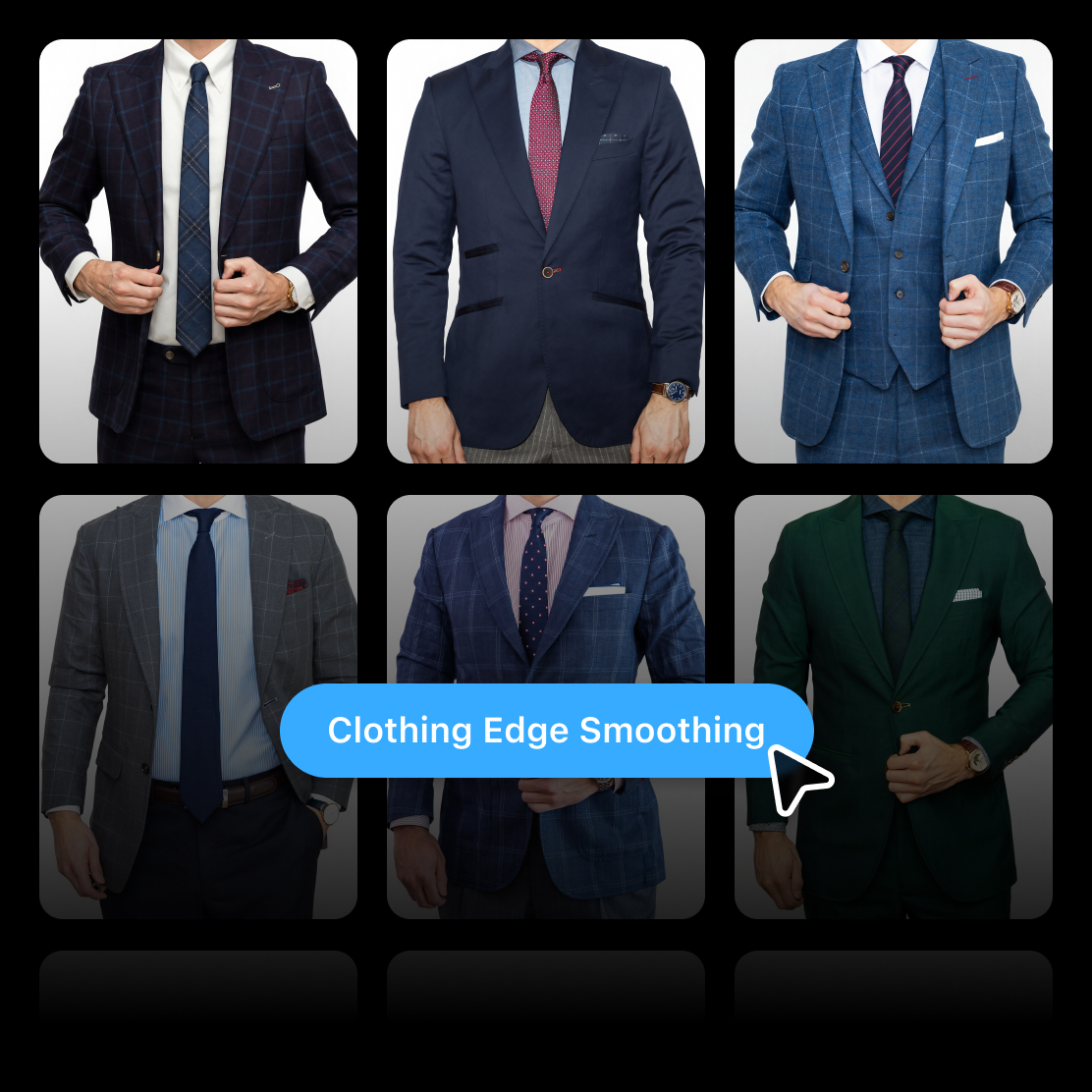
Bulk AI photo editing
Process large volumes of clothing images more efficiently with a workflow designed for consistent garment refinement across the full set. By applying edge smoothing and visual cleanup in batch,Kumoo helps reduce repetitive manual work while keeping apparel presentation cleaner, neater, and more uniform.
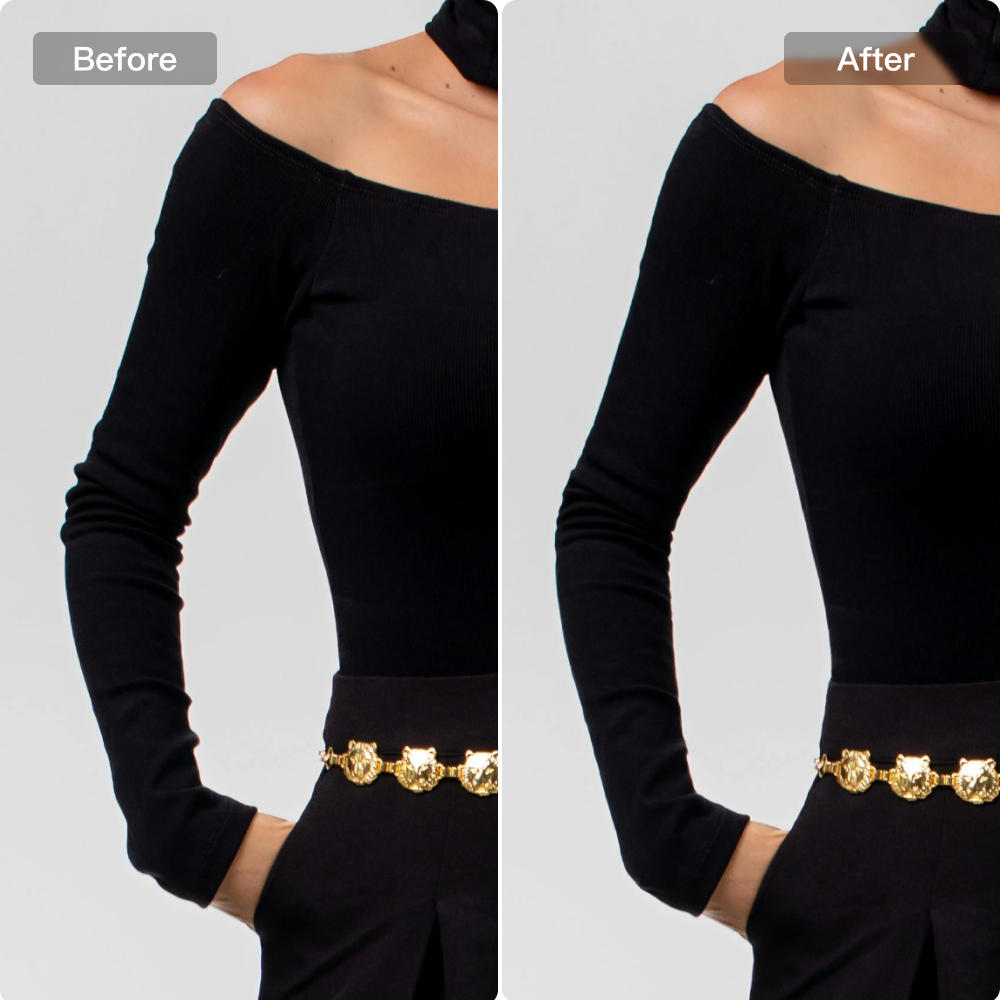
E-commerce Product Images
For e-commerce product images, AI photo editing software for photographers helps improve overall presentation by making visuals cleaner, more consistent, and more appealing for online display. From refining product edges and reducing visual distractions to enhancing structure and presentation quality, it supports a smoother editing workflow that helps sellers and studios create more professional-looking product images.
How to use Kumoo to Smooth Clothing Edges?
Upload Images
Upload a single image or a full set of photos that need raw edge smoothing, whether they are flat lays, hanging garments, or worn on models. We support RAW images from popular cameras (such as .CR2, .NEF, .ARW, etc.) as well as common formats like JPG and PNG.
Smooth Edges
AI accurately identifies clothing edges and automatically smooths and straightens them for a more refined, natural, and cleaner look.
Review and Adjust
Check the results, make any needed refinements, and apply the optimized edge smoothing to more images with ease. This helps ensure cleaner garment presentation and greater consistency across the full image set.
Download and Use
Batch-download the final results to your device for uploading to e-commerce platforms, sharing, or printing.
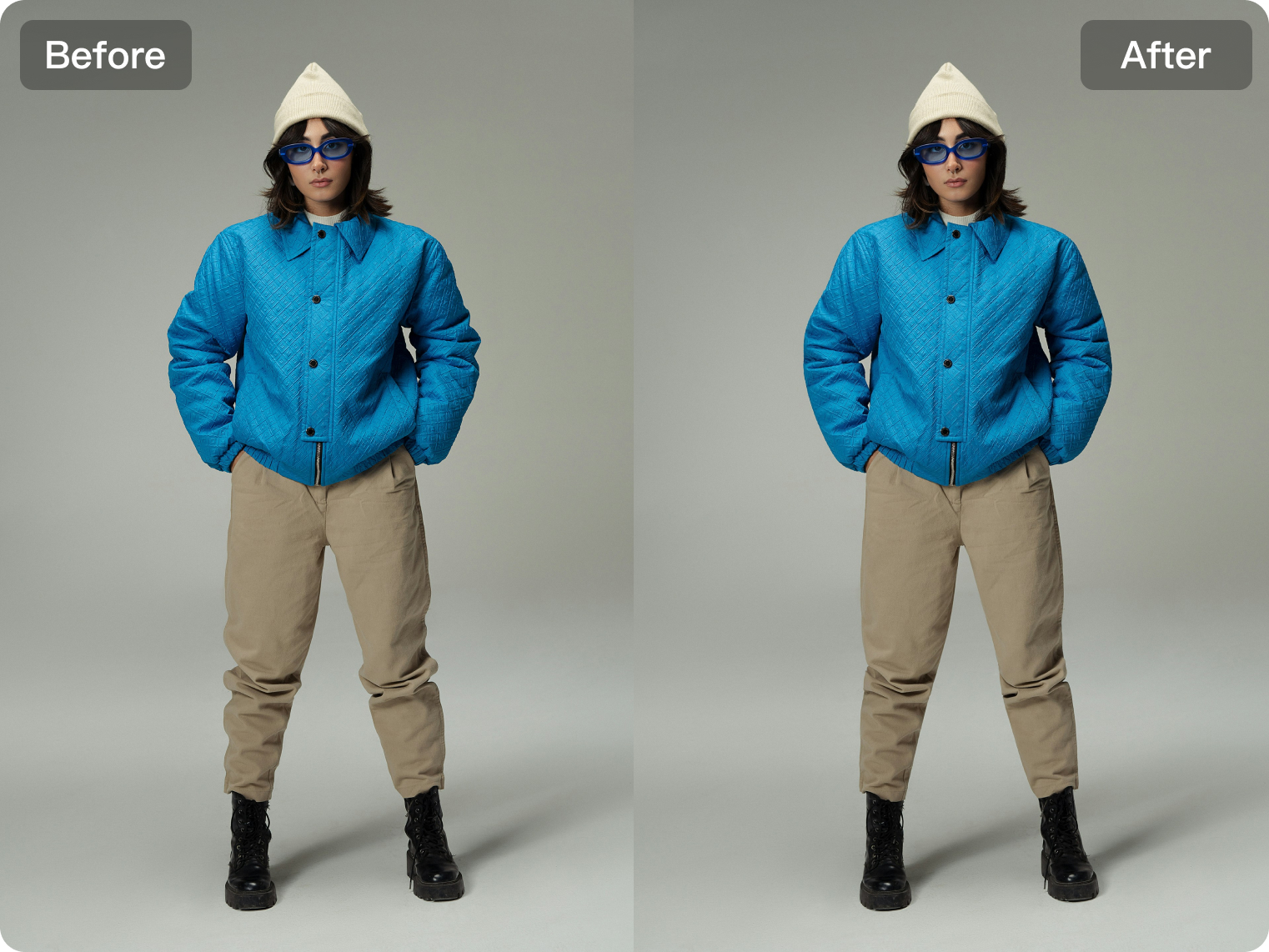
Refine clothing edges for cleaner visuals in product, wedding, and headshot scenes.
E-commerce
For e-commerce images, clean and well-defined clothing edges help products look more polished and visually reliable on the page. By smoothing uneven outlines and refining the shape of garments, the overall presentation becomes neater and more professional while maintaining the natural structure of the clothing. This is especially useful for apparel listings that require consistent, high-quality visuals across large product catalogs.
Explore More
E-commerce-Ready Clothing Retouching
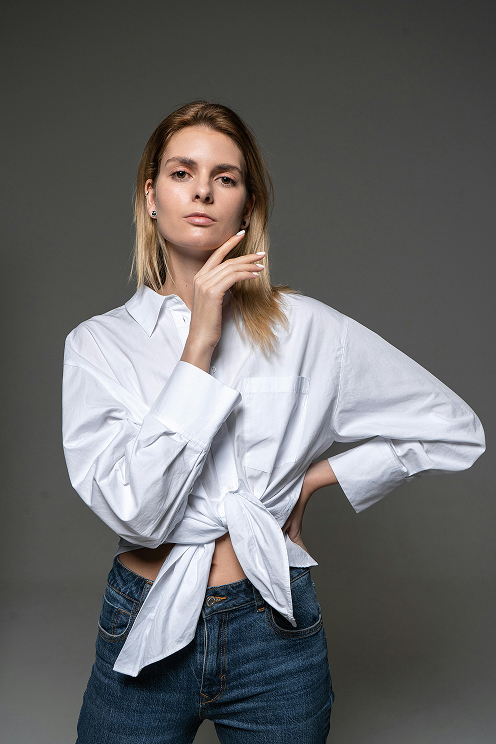
Clothing Wrinkle Removal
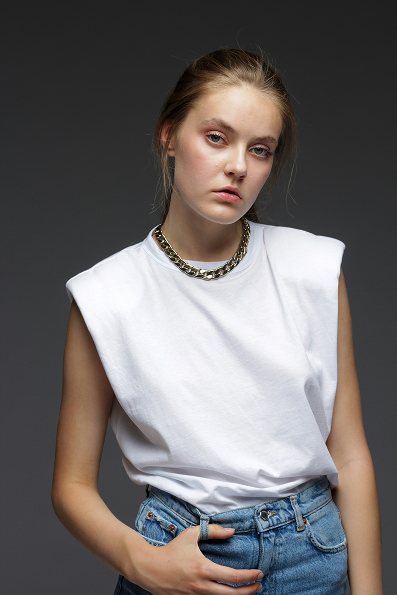
Clothing Colors
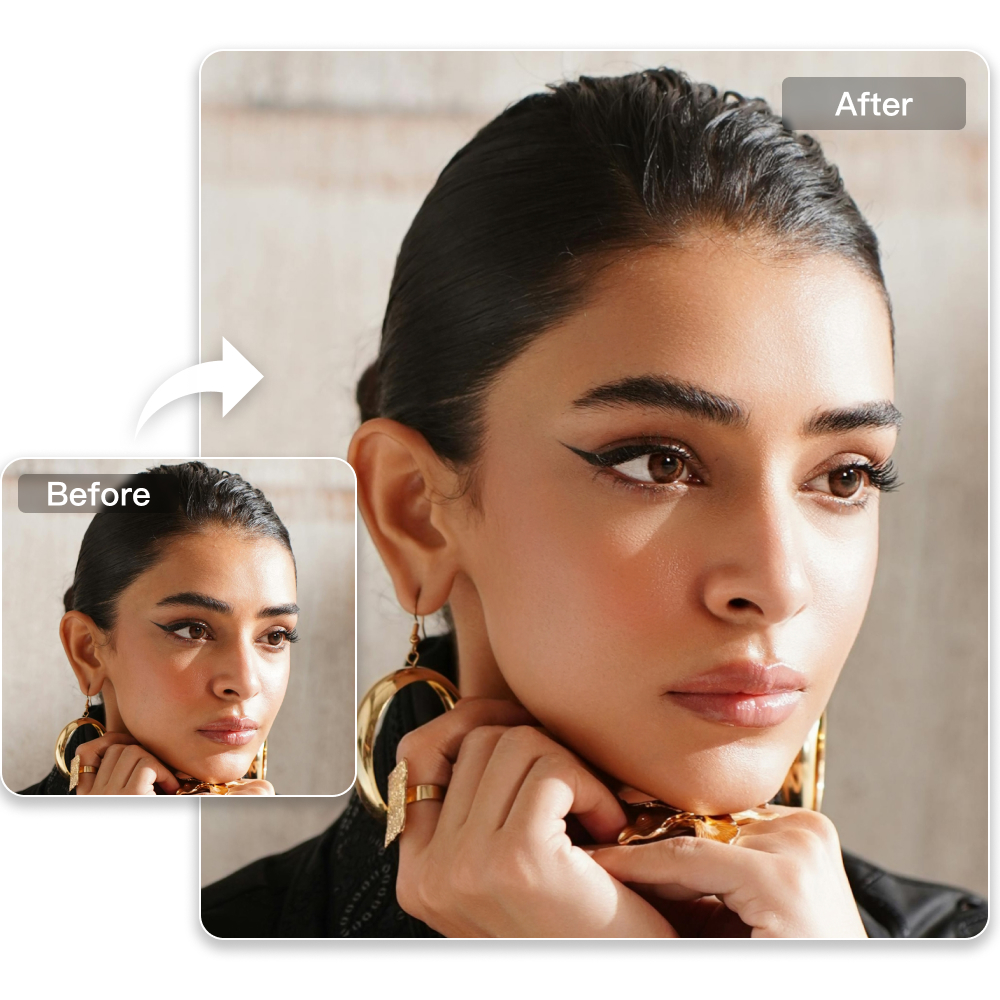
Professional Retouching Solutions for E-commerce Photography
Frequently Asked Questions
What is an AI Clothing Edge Smoothing?
Will smoothing clothing edges affect image quality?
No. The tool smooths and softens edges while preserving original fabric texture, lighting, and stitching. The AI applies anti-aliasing and feathering only where needed, ensuring the final image looks clean and natural.
Can AI photo editing software for photographers be used for portraits with formalwear?
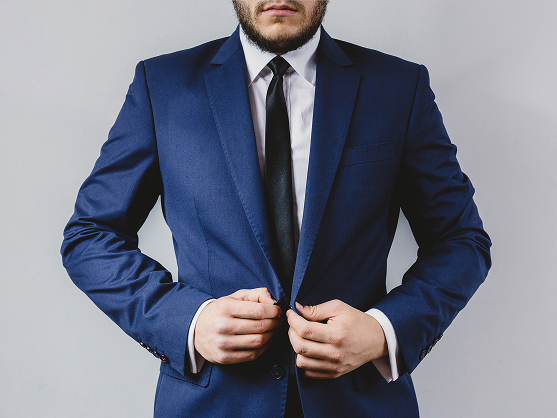
Yes. AI photo editing software for photographers is useful for portraits that include suits, dresses, or other structured clothing. It can help refine clothing edges and improve garment presentation, making the outfit look neater and more visually balanced in the final image.
How does a professional AI photo editor help with apparel image quality?
A professional AI photo editor helps improve apparel image quality by refining garment outlines, reducing visual distractions, and enhancing the overall presentation of clothing. This is especially helpful when images need to look more polished for commercial or professional use.
How can bulk AI photo editing improve clothing image workflows?
Bulk AI photo editing helps process large sets of clothing images more efficiently by applying consistent refinements across multiple photos at once. This reduces repetitive manual work and makes it easier to maintain a uniform presentation for catalogs, e-commerce listings, and brand visuals.
Which image formats are supported?
Kumoo supports JPG, PNG, WebP, and RAW formats, making it easy to upload and process various types of clothing images.