
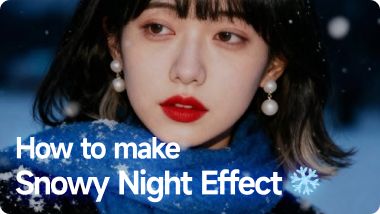
Master the viral Meitu "Snowy Night" AI effect effortlessly with this quick guide.
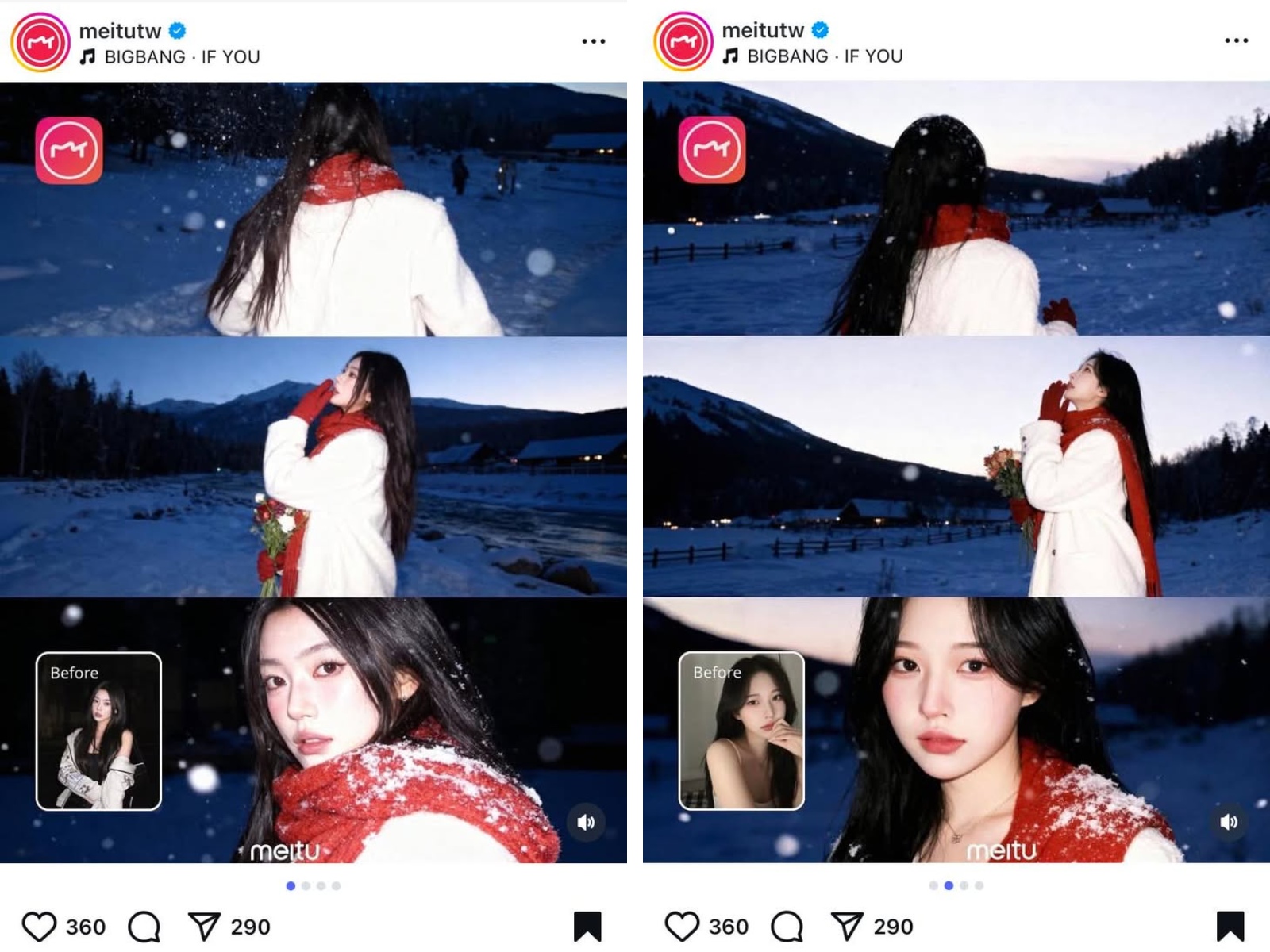
🔗Source: IG @meitutw
Here's the full guide on how to do the trending Snowy Night effect like a pro 🙌
In late 2025, Meitu rolled out its AI-powered Snowy Night Effect -- and within days, it blew up across social media with hashtags like:
#MeituAI #SnowyNight #AestheticEdit #WinterVibes
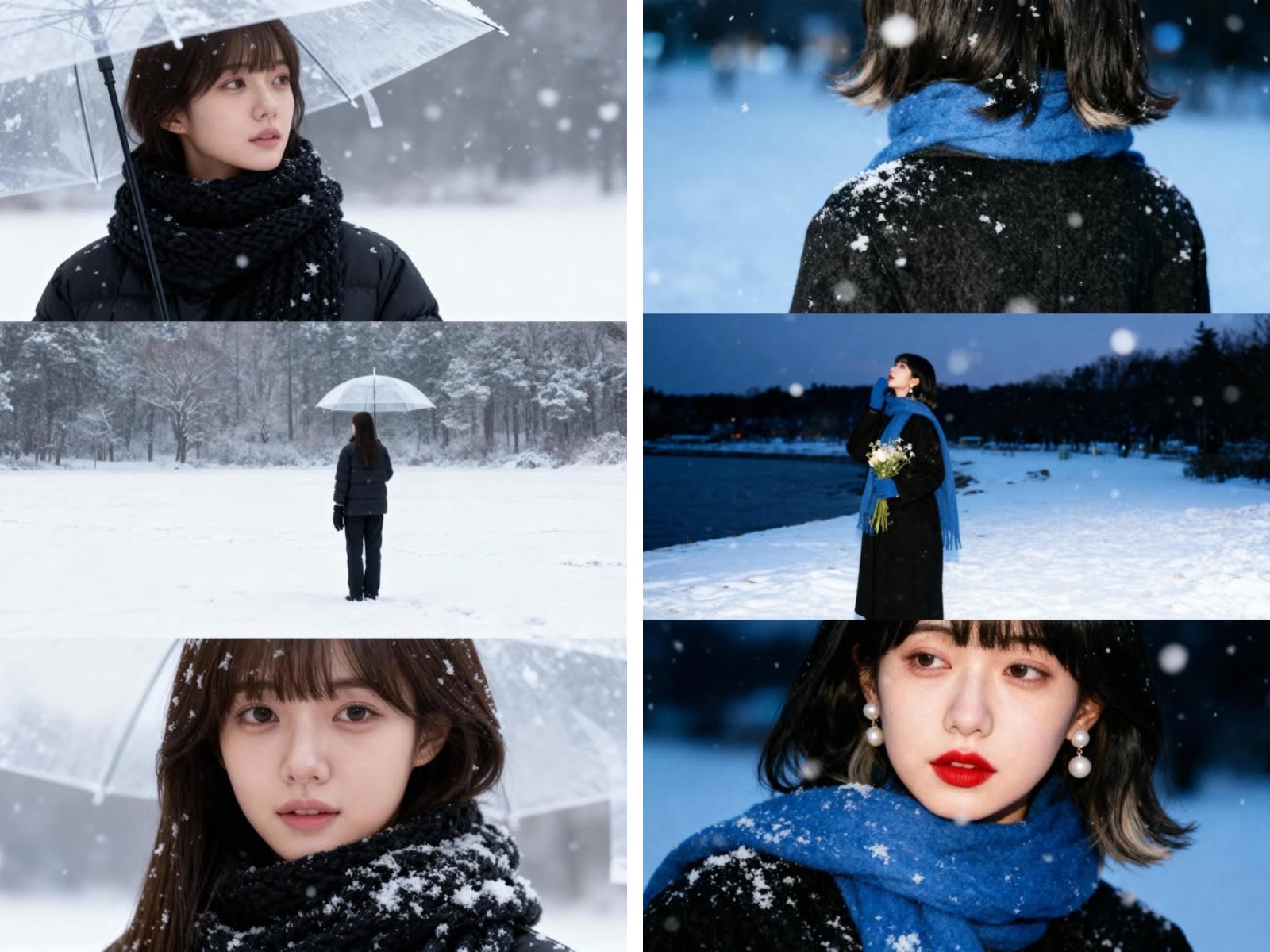
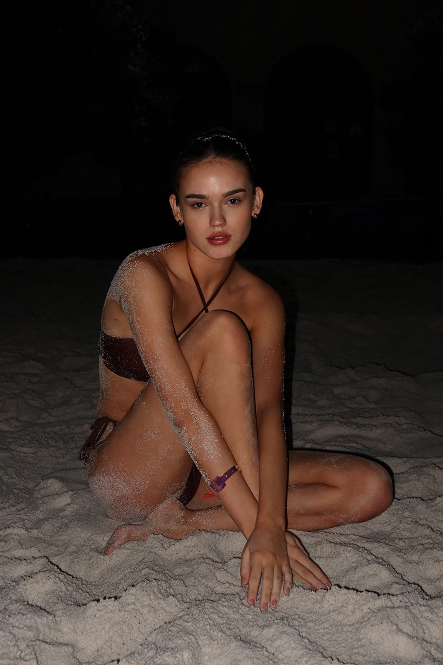
You've probably seen creators on Reels or Tiktok doing the before ➡️ after reveal: sunny selfie to snowy movie scene. The moment feels as romantic as a scene straight out of the Japanese movie Love letter. People love that it adds not just snow, but also light reflection, atmosphere, and mood -- instantly turning a normal selfie into a "frozen-in-time" story.
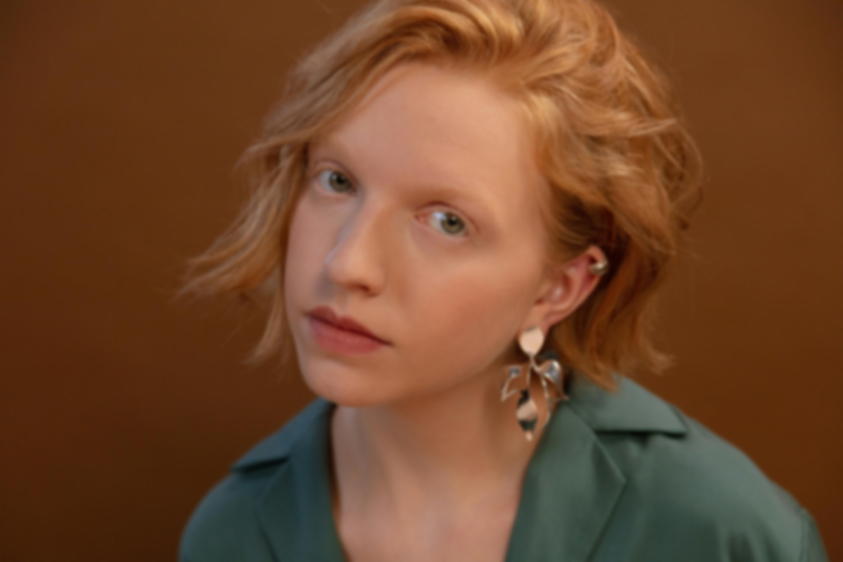
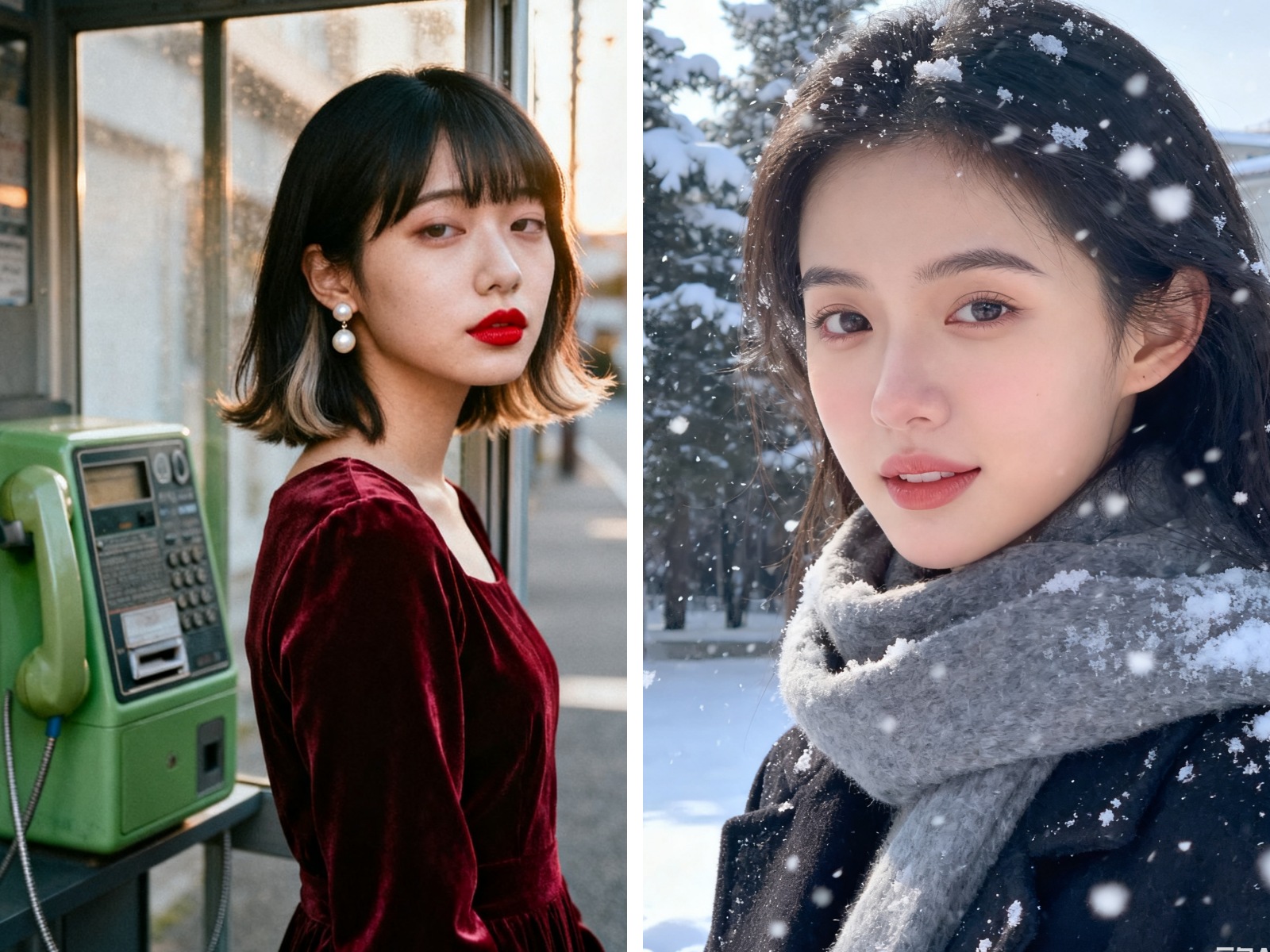
Before diving into the effect, start with a clear, well-lit photo.
Tips for best results:
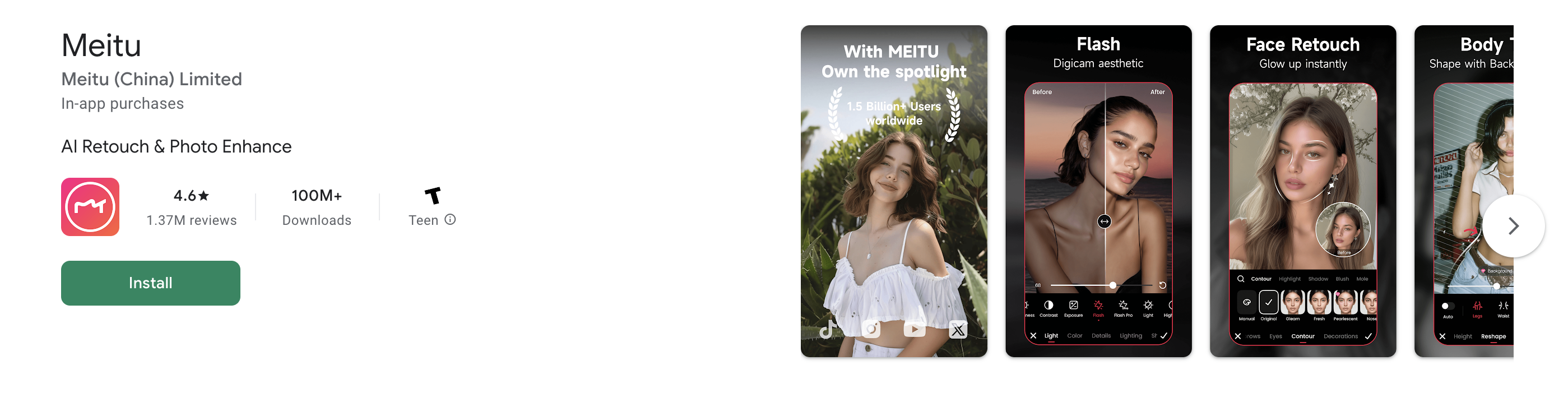
Download or update Meitu from the App Store or Google Play. Open the app and select Edit Photo. Make sure your version includes the latest AI Snowy Night feature.
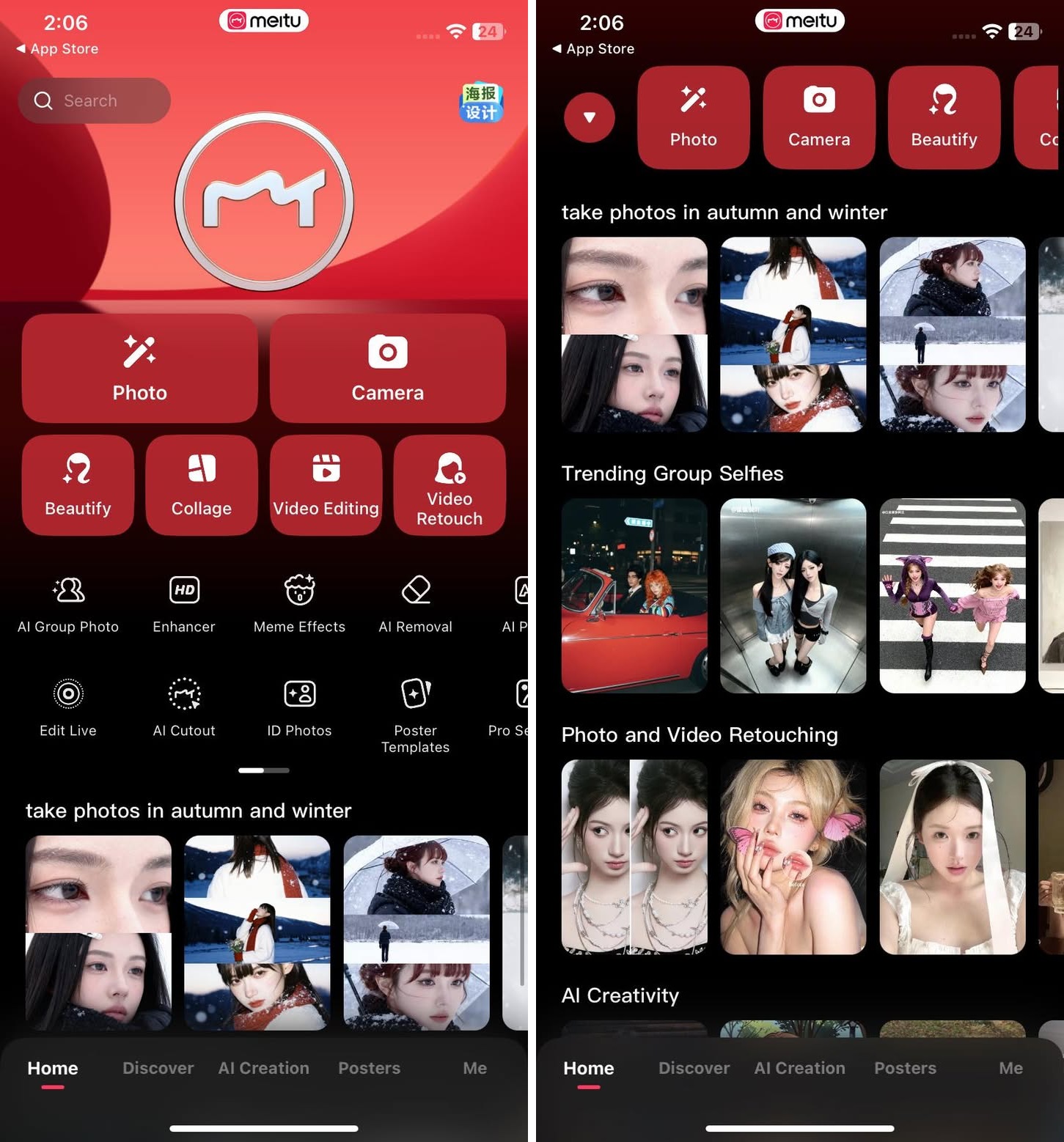
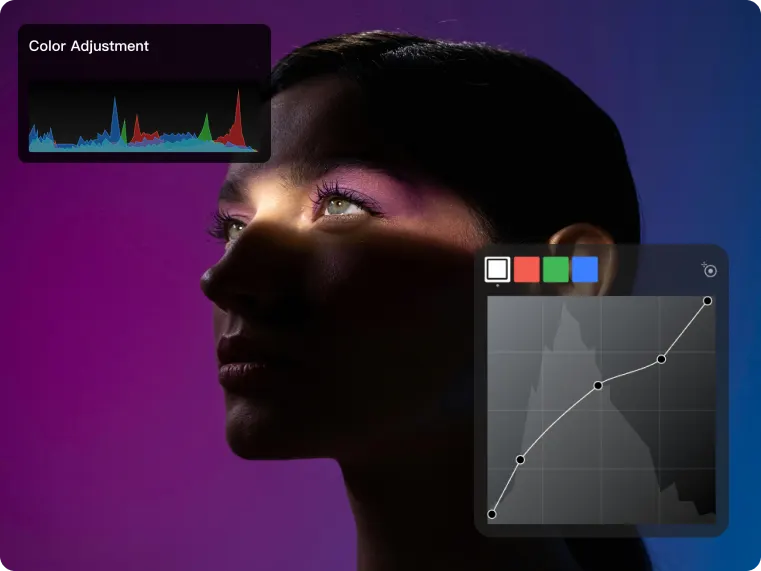
Even thought the feature works in one tap, you can fine-tune it for a more personal touch. Try adjusting:
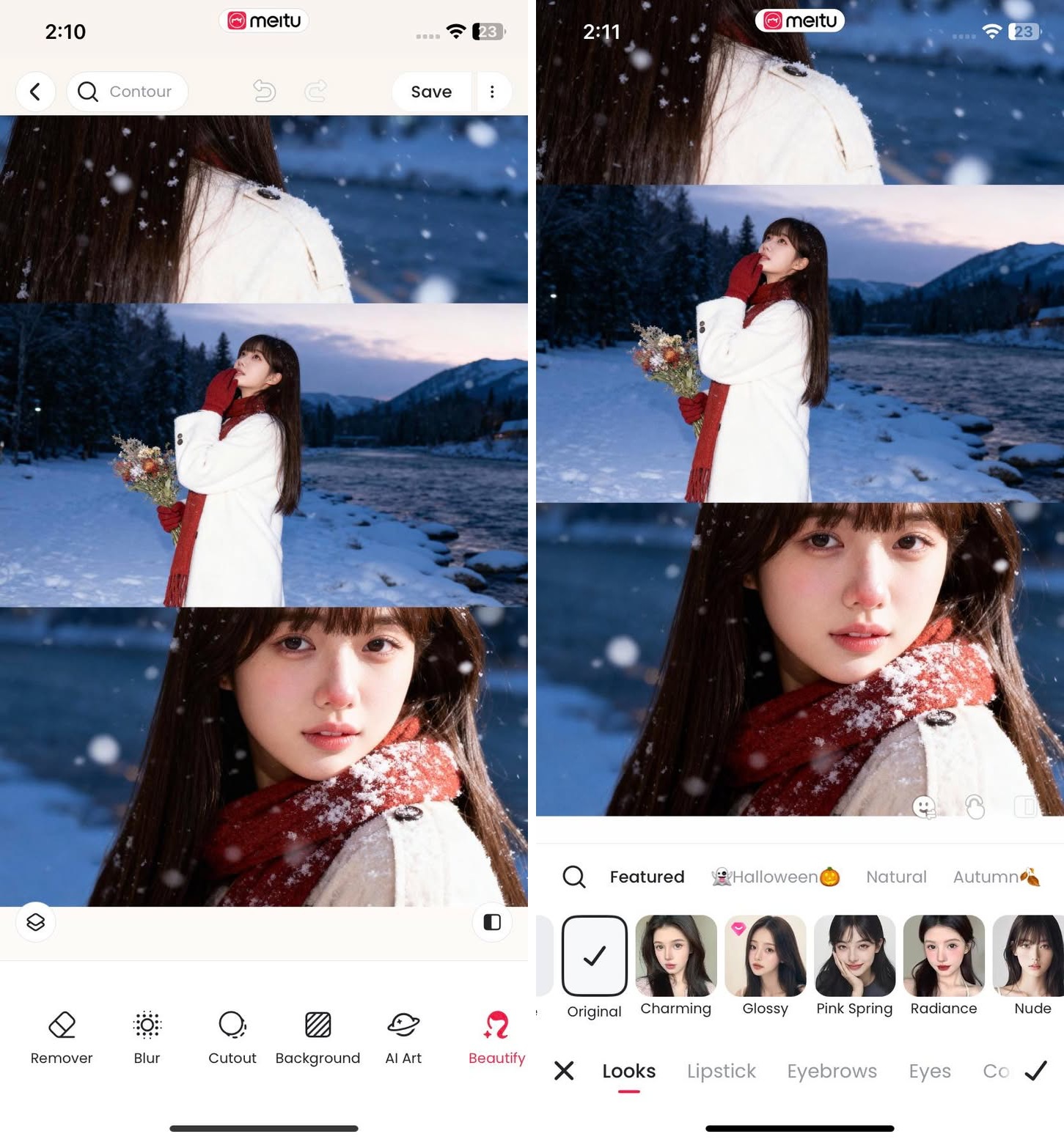
When you're happy with the result: Tap Save in high resolution. Post it on Instagram, TikTok, or Threads using hashtags like:
#MeituAI #SnowyNIghtEffect #AIPhotoTrend #WinterVibes # ViralSnowFilter
Many users report that snowy edits get higher engagement -- the AI snow and cinematic glow instantly stand out in social feeds, especially during the winter season.
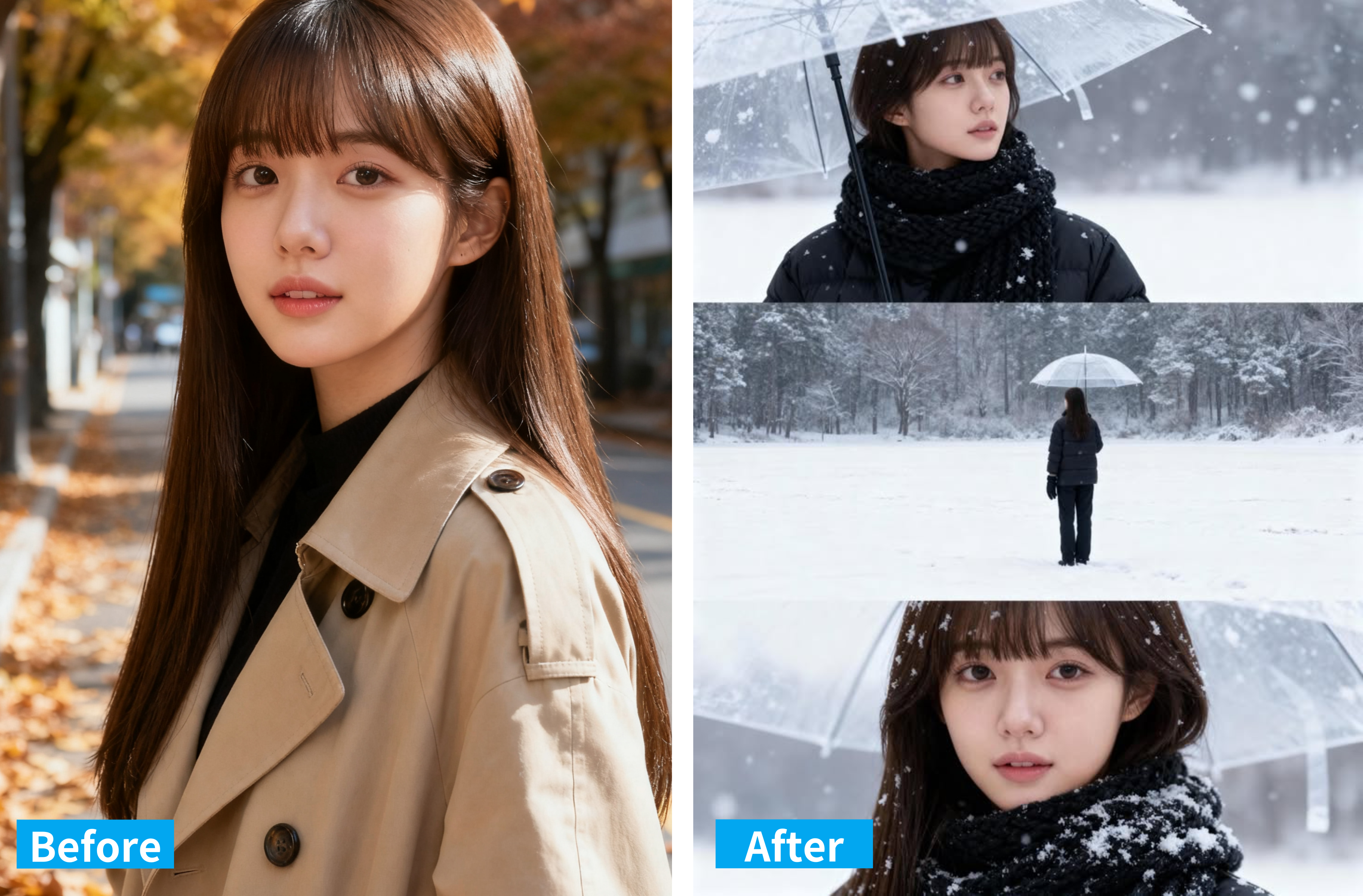
With Meitu's AI Snowy Night, winter magic is literally one tap away. This viral trend proves that you don't need real snow or professional gear to capture that cinematic "first snow" feeling -- just your phone and a bit of creativity.
So go ahead -- join the trend, post your Snowy Night edit, and let your feed sparkle this season!