Best AI Photo Editors in 2026: Top Tools for Portraits, Retouching, and Fast Edits
Streamline your workflow and achieve professional results with 2026’s top-rated AI editors.
The reason is simple: photo editing still takes time. Even when the shoot goes well, there is always something to adjust. A portrait may need better light. A cloudy sky may make the whole image feel flat.The more photos you have to process, the more those small tasks add up.
In this guide, we look at some of the best AI photo editors in 2026, what they are good at. We will also look at a few editing features that matter more than ever now, including AI weather enhancement, AI relighting, teeth editing, and beauty retouching.
What Makes a Good AI Photo Editor in 2026?
A good one should save time without making every image look artificial. It should help with real tasks rather than just adding flashy effects.
In practical terms, the best AI photo editors in 2026 usually do a few things well:
● speed up repetitive work
● improve portraits without over-retouching
● help recover weak lighting
● make batch editing easier
● keep results believable
● work for the user’s actual platform and workflow
That last point matters more than people think. Some tools are better suited to a professional AI photo editor workflow on desktop. Some are easier for beginners. Some make more sense for Mac users. Others are built more for online editing and quick turnaround.
Here are some of the top categories and tools worth looking at this year.
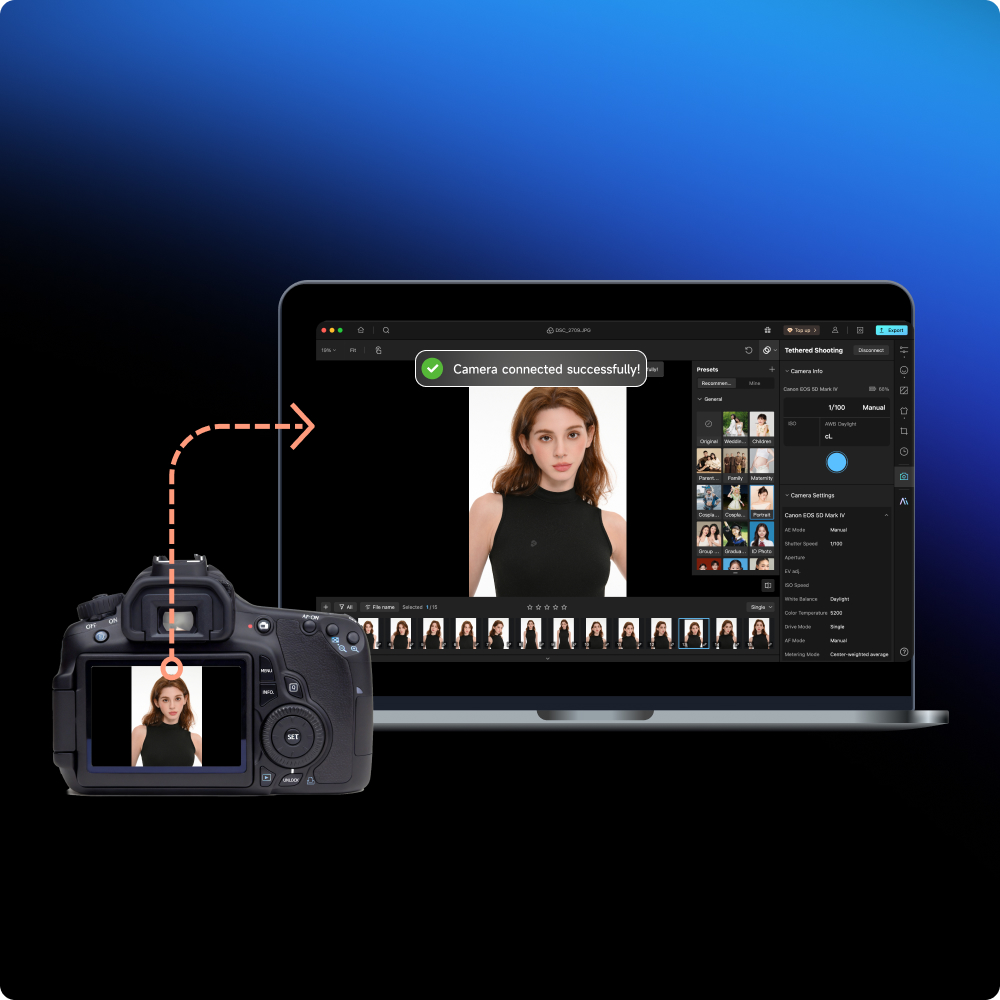
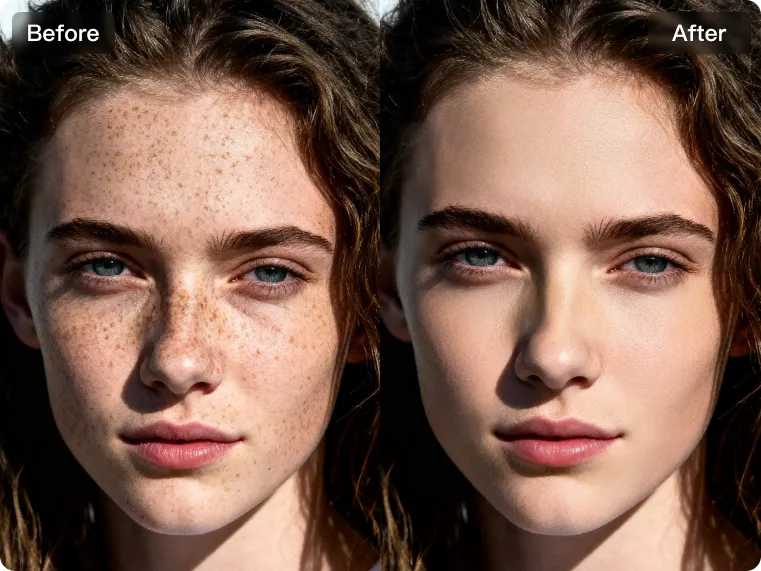
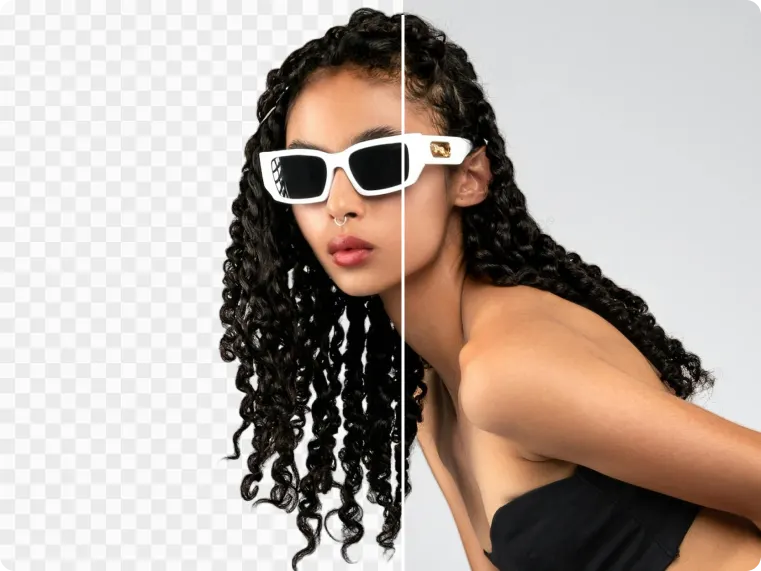
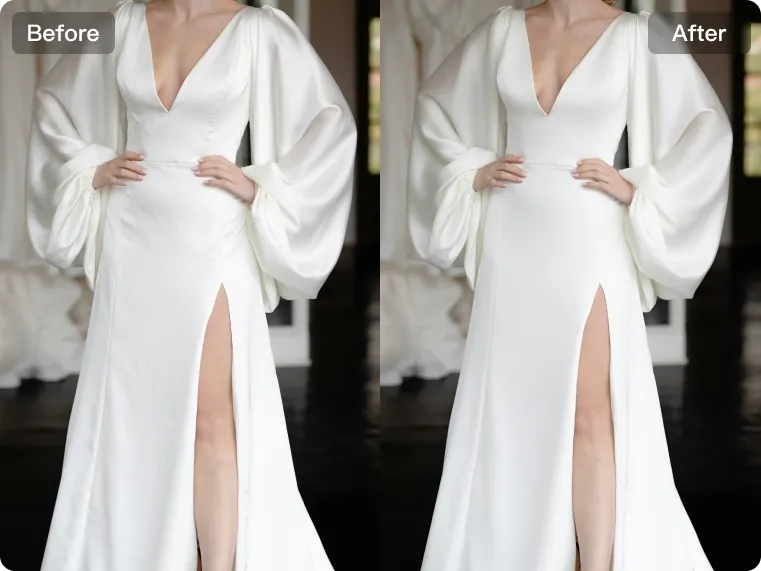
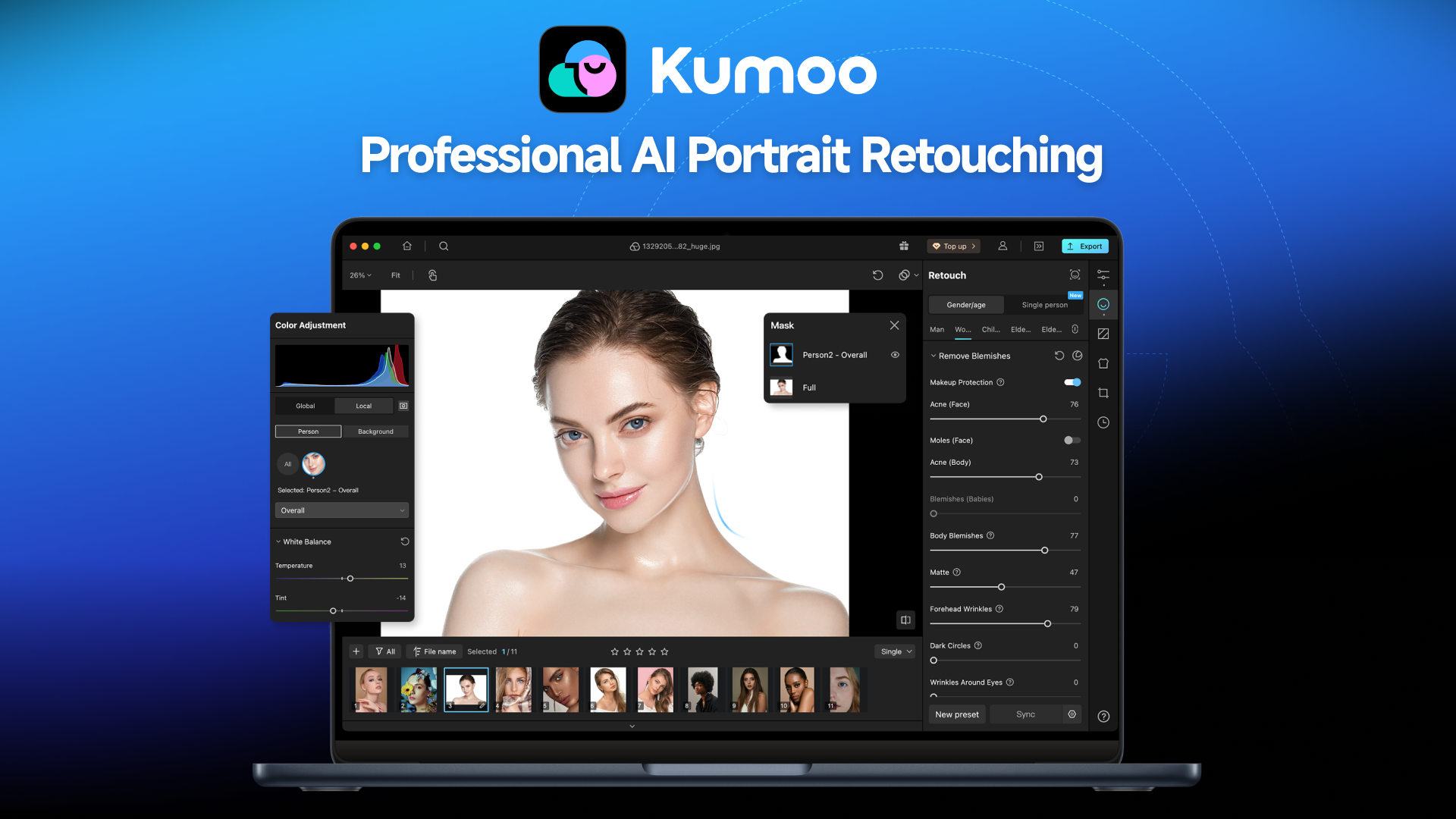
If your editing work regularly includes portraits, lifestyle images, family sessions, beauty content, or social media photography, kumoo is a practical choice for fast and polished portrait editing. What makes it especially useful is its portrait retouching workflow. Instead of focusing on just one standout feature, kumoo brings together a set of portrait enhancement tools that support the adjustments creators use most often in everyday editing, including Straighten Teeth for a more natural-looking smile, Face volume for light skin cleanup and subtle facial refinement, Clean Background for removing distractions.
These tools are especially helpful for portrait heavy editing, where small refinements often make the biggest difference. They allow photographers and creators to clean up images quickly without turning the results overly processed.
In addition to portrait retouching, kumoo also includes several useful AI tools features for more challenging shooting conditions and creative needs:
● AI Weather , helpful when outdoor photos look too dull, cloudy or cold.
● AI Denoise, useful for improving flat light or correcting uneven lighting on the face.
● Image Enhancer, a practical option when portraits are affected by low light, softness or reduced clarity.
● AI Flash tools, helpful for handling harsh flash effects or improving images taken in difficult lighting situations.
Best for: portrait photographers, family photographers, beauty creators, social media content, fast retouching workflows.
Main strength: practical portrait enhancement and everyday editing tools for real shooting scenarios.
2. Adobe Lightroom with AI tools – Best for photographers who need a full editing workflow
Lightroom remains one of the strongest options for photographers who want more than quick fixes. It offers AI masking, subject selection, background adjustments, and strong color editing tools, all inside a familiar editing environment.
Compared with lighter AI editors, Lightroom still gives more depth in terms of cataloging, tonal control, and session-wide image management. It is not the fastest route for every small correction, but it remains a reliable choice when overall workflow matters as much as individual edits.
Best for: professional photographers, advanced hobbyists, batch editors
Main strength: strong workflow control with modern AI support
3. Luminar Neo – Best for stylized editing and landscape-friendly AI tools
Luminar Neo continues to appeal to users who want AI editing with a more visual, effect-driven feel.
It is especially popular with users who like creative landscape or travel edits. For portrait work, results can vary depending on how restrained the editing is. Used carefully, it is powerful. Used too heavily, it can start to feel over-processed.
Best for: travel photographers
Main strength: bold AI-powered visual editing
4. Photoshop with Generative AI – Best for high-control editing and complex corrections
Photoshop is still the tool people turn to when they need precision. With generative AI features now part of the workflow, it has become more efficient for object removal, background extension, and more advanced edits.
That said, Photoshop is still Photoshop. It asks for more time, more skill, and more intention than most lighter AI editors.
Best for: retouchers, designers, commercial editors
Main strength: maximum control and advanced editing flexibility
5. Canva AI photo tools – Best for content teams and simple branded edits
Canva is not a full photography editor in the same sense as Lightroom or Photoshop, but it has become more useful for teams creating quick visual content. Its AI features are better suited to layout-friendly editing, fast cleanup, and easy design integration.
Best for: marketers, small businesses, content teams
Main strength: easy editing inside a design-focused workflow
Why AI Weather, AI Relighting, and AI Beauty Tools Matter More Now
A few years ago, these might have sounded like niche features. In 2026, they are much more practical than that.
AI weather enhancement
Outdoor photos do not always happen under perfect skies. Sometimes the subject is strong, but the sky is dull. A tool that can add a subtle sense of sunlight or improve the weather mood can save an otherwise solid image.
AI relighting
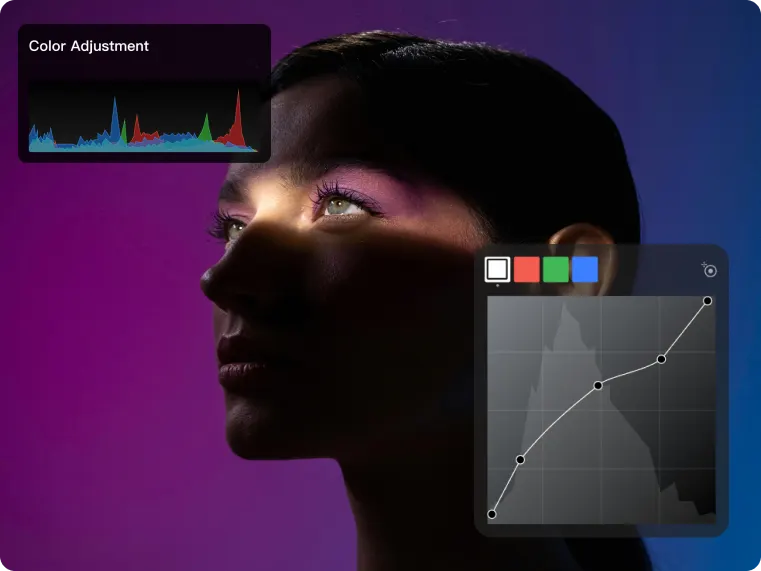
Flat light can make a portrait feel lifeless. AI relighting helps recover shape, mood, and direction in the face without needing a full manual dodge-and-burn workflow.
AI teeth editing
Teeth are one of those details people notice immediately in portraits, but they are also easy to overdo. Good AI teeth editing should improve brightness and neatness without creating an unnatural smile.
AI beauty retouching
Most portrait work benefits from some level of cleanup. The challenge is doing it without losing texture. As an AI photo editing software for photographers should help refine the image, not erase the person.
Quick Comparison Table
Tool | Best For | Key AI Features | Ease of Use | Main Limitation |
kumoo | Full photo workflows | AI weather enhancement, AI relighting, AIteeth editing, AI beauty retouching | Easy | More focused on fast practical editing than deep manual control |
Lightroom | Full photo workflows | AI masking | Medium | Less specialized for quick portrait fixes |
Luminar Neo | Creative and stylized edits | Sky replacement | Easy to medium | Can look over-edited if pushed too far |
Photoshop | Advanced editing | Generative AI, advanced compositing | Advanced | Steeper learning curve |
Canva | Content and brand visuals | AI design friendly | Easy | Limited for serious photo retouching |
.
Final Thoughts
There is no single best AI photo editor for everyone. But there are clear winners depending on the kind of editing you do.
If your day-to-day editing includes portraits, natural retouching, lighting corrections, and small but important fixes like weather improvement, teeth editing, or beauty cleanup, kumoo is one of the most practical AI photo editors to look at in 2026.
That is really what makes AI editing worth using now. Not the gimmicks. The time it saves on the edits you actually do every day.
Explore Tools & Tips
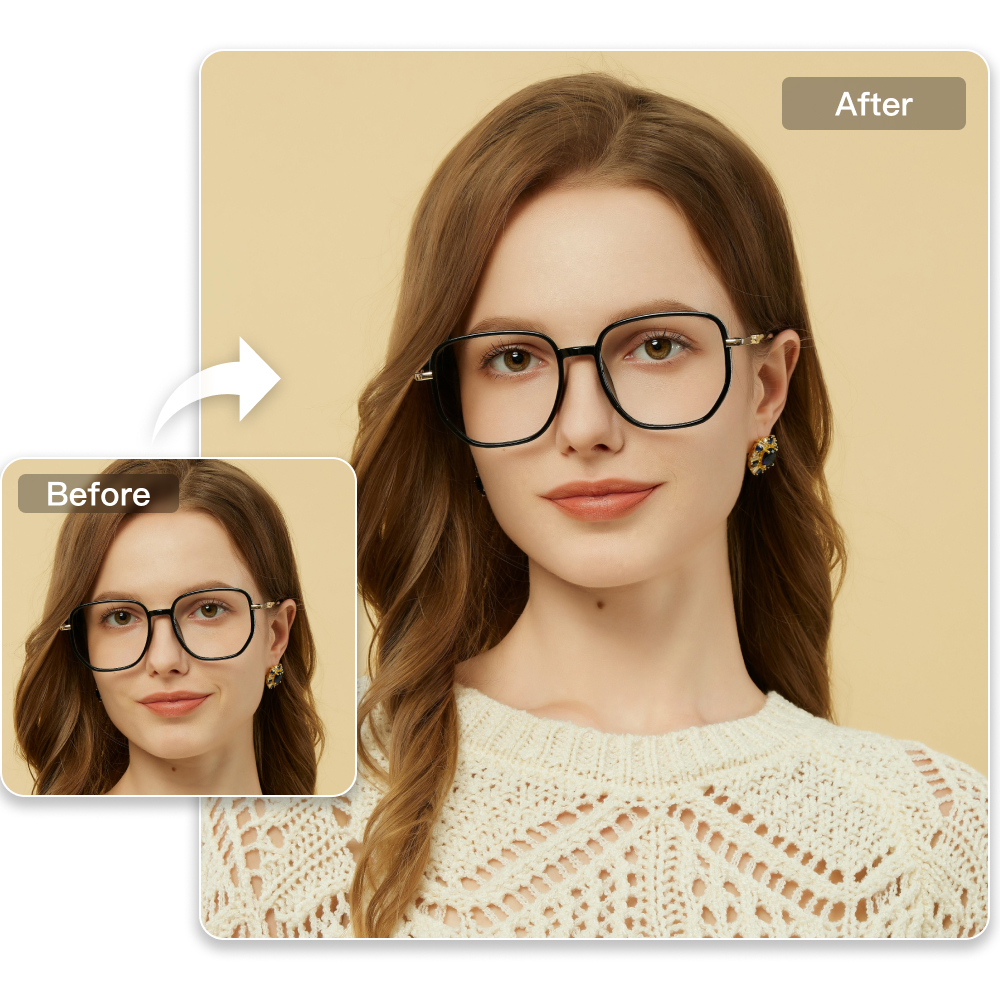
Easy Professional Retouching for ID Photos
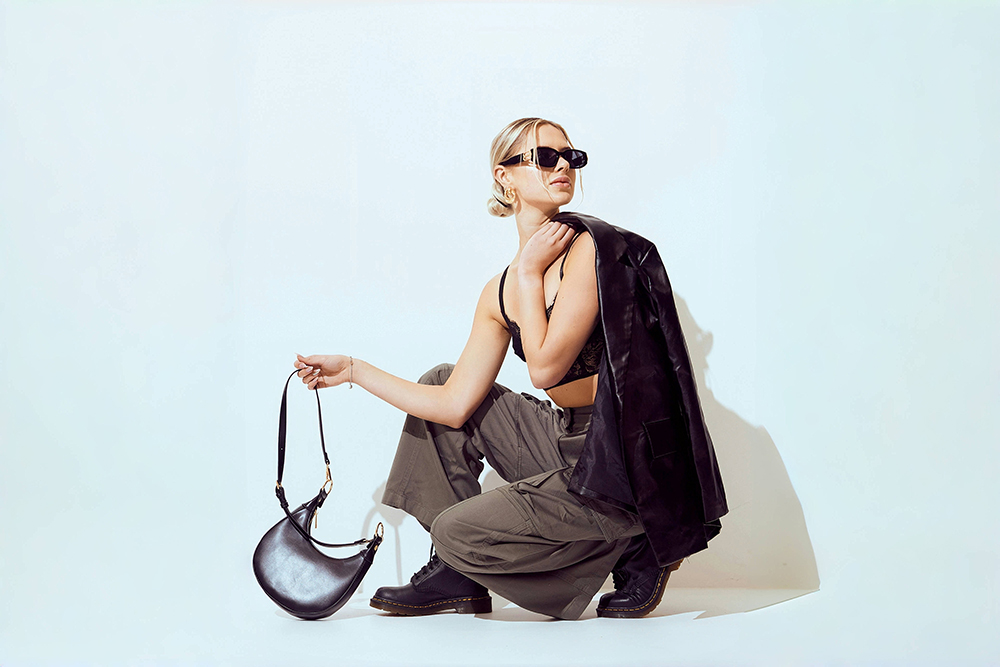
AI Background Removal
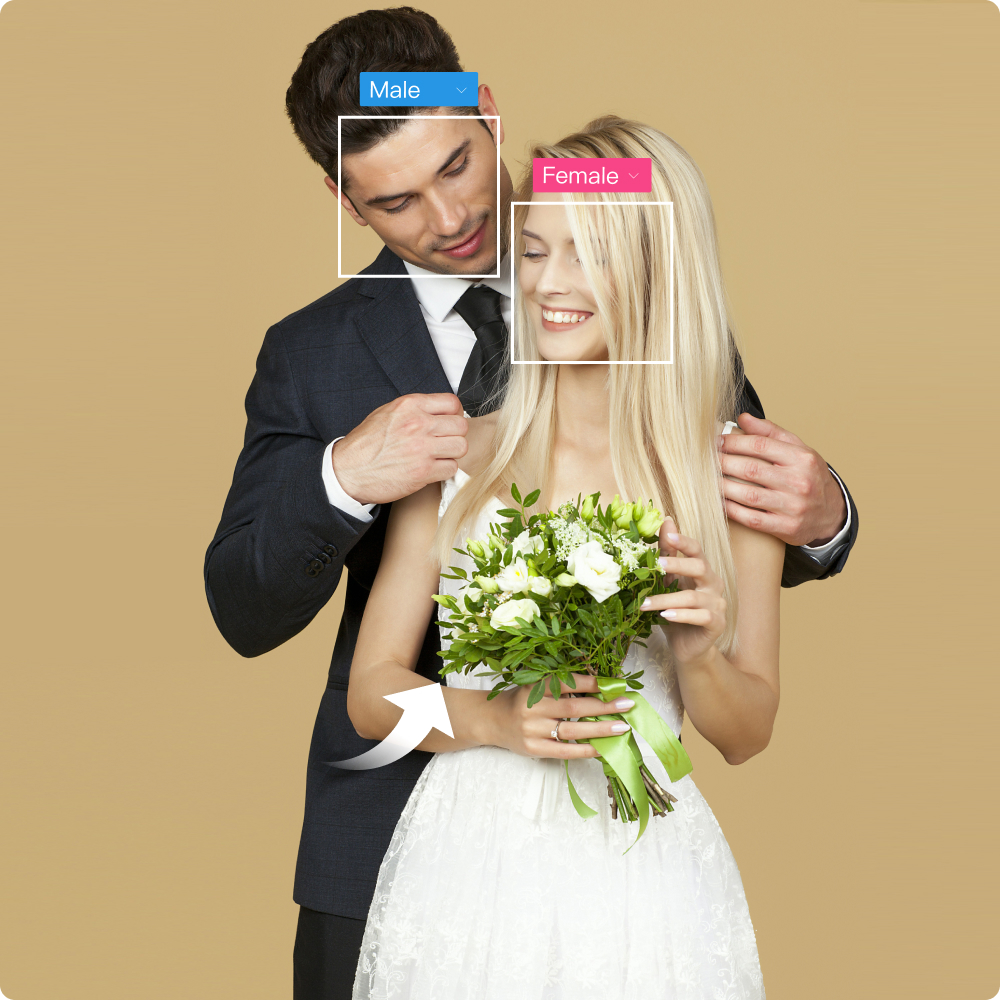
All-in-One Solutions for Wedding Retouching Challenges