



The AI image market is crowded. For most creators, photographers, and small teams, four capabilities are enough.

The AI image market is crowded. One tool generates images, another removes backgrounds, another retouches portraits, and another builds posters. Before long, you are paying for a pile of subscriptions without a simple way to move from image to finished content.
For most creators, photographers, and small teams, four capabilities are enough.
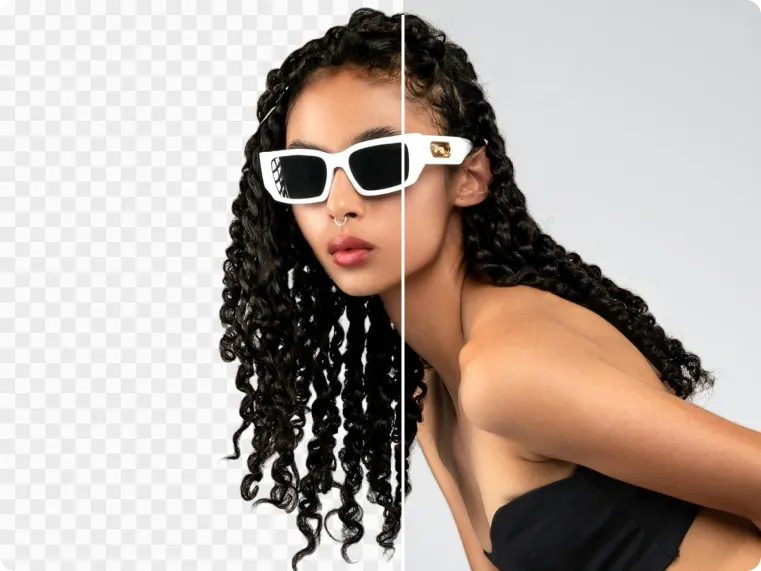
Clean cutouts come up constantly in product photography, e-commerce listings, profile photos, and social posts.
Kumoo can remove a background, isolate a subject, or swap in a new background when the original scene does not work. It is a practical option for photos that are close to publishable but still need cleanup.
Sometimes the problem is not editing. You need a visual direction before you commit to a shoot or design.
PhotoGenerator.ai helps you explore concepts and generate options. Use it to find a direction, then refine the images that fit.
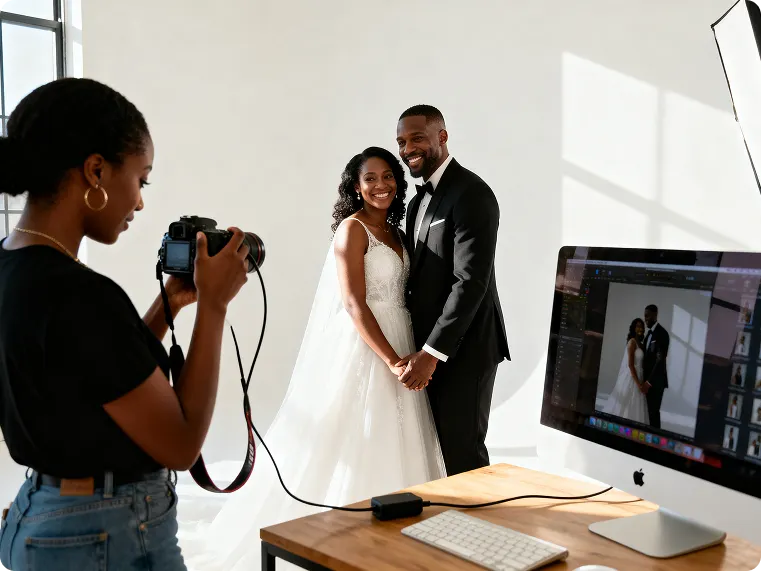
One portrait is quick. A full client gallery, campaign, or product set is where editing becomes repetitive.
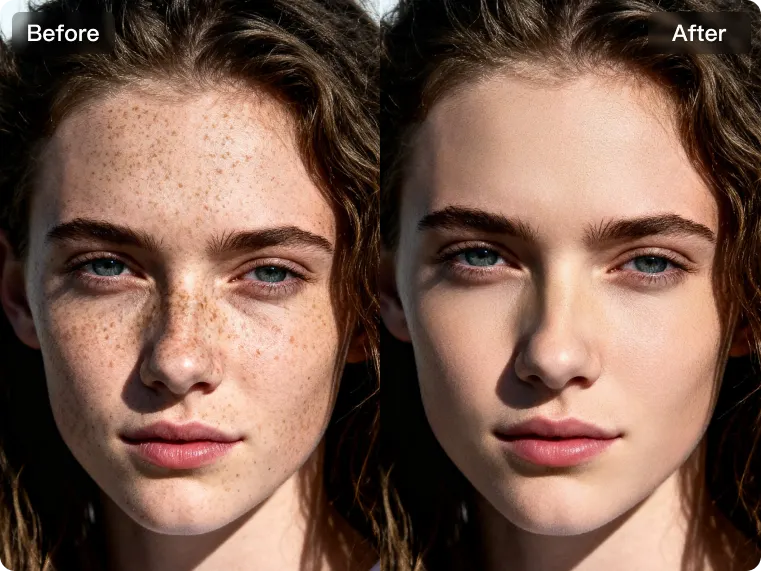
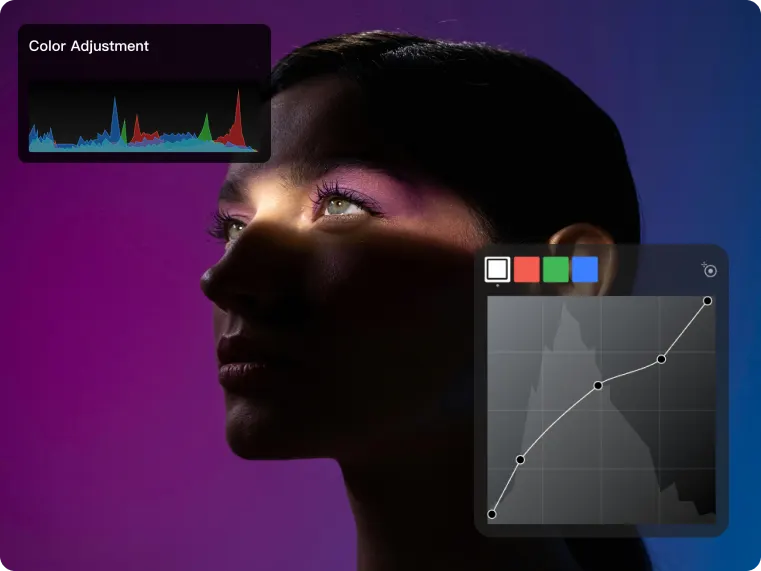
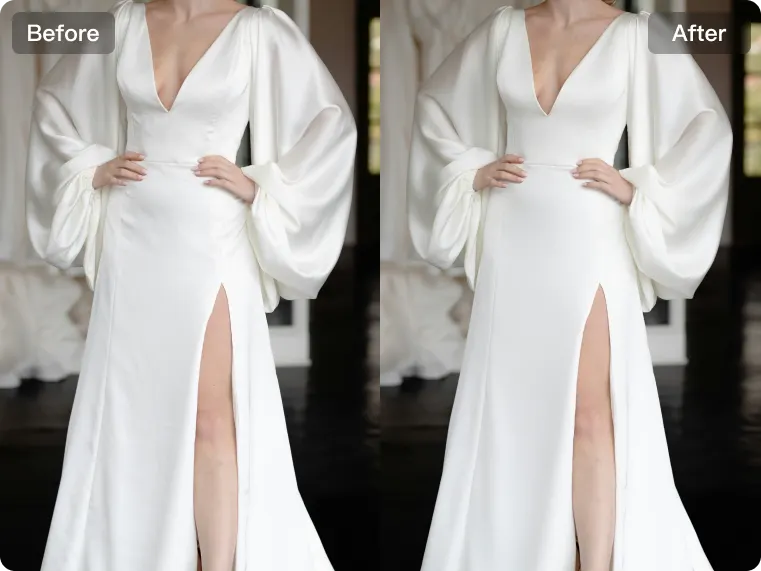
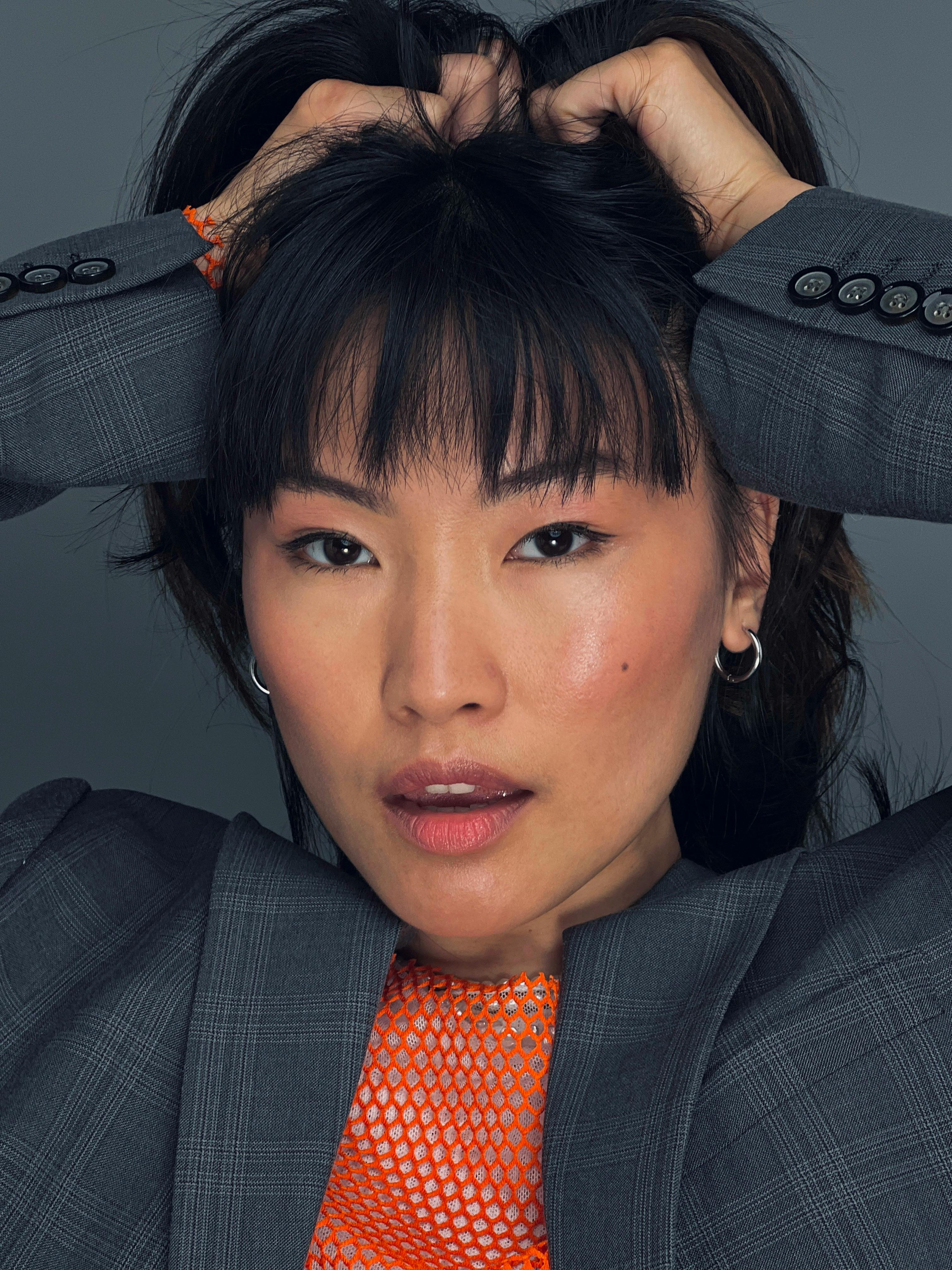
Kumoo can retouch portraits, refine skin and facial details, remove distractions, adjust color and lighting, and apply the same edits across multiple images.
You can use it to:
Keep portrait retouching natural
Remove unwanted objects
Smooth clothing wrinkles
Adjust color and lighting
Save presets for recurring work
Apply edits to an entire set
After the image is ready, it still needs to become something usable: a sale banner, campaign visual, promotion, or social post.
Zawa AI can create promotional poster-style assets without requiring you to rebuild each layout from scratch.
You do not need a separate AI tool for every small job.
Use Kumoo for background removal, image enhancer, portrait retouching, and batch editing. Use PhotoGenerator.ai to explore ideas. Use Zawa for promotional visuals.
That covers the workflow most teams need: choose an image, clean it up, make the set consistent, and turn it into content.