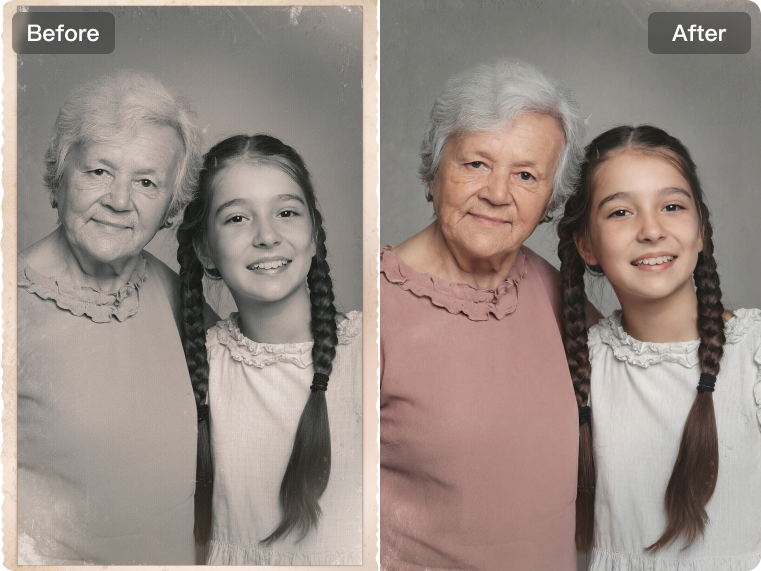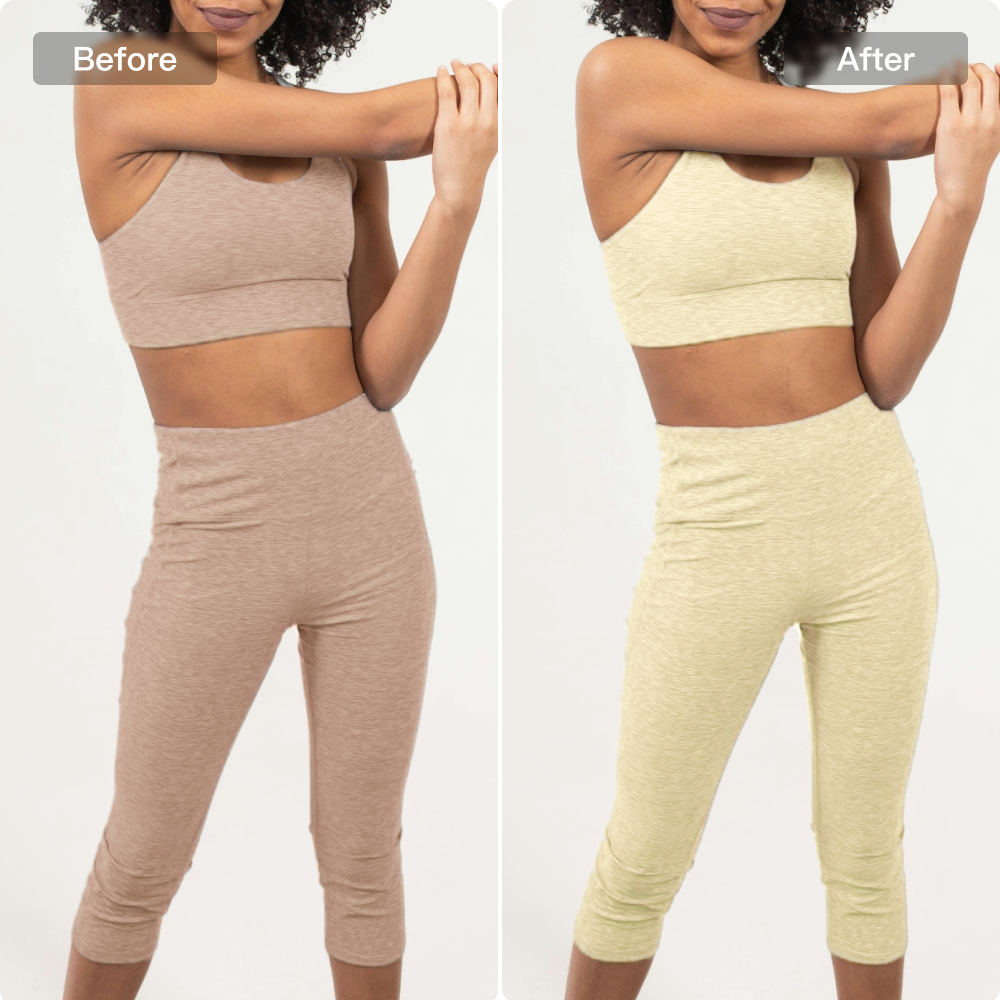


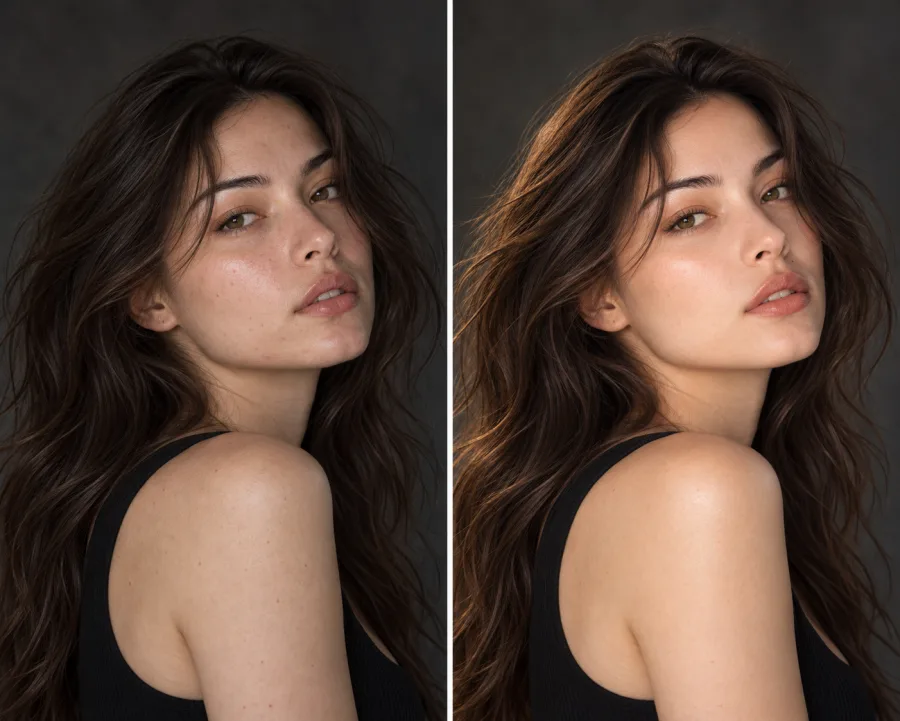
Your Style. Your Control.
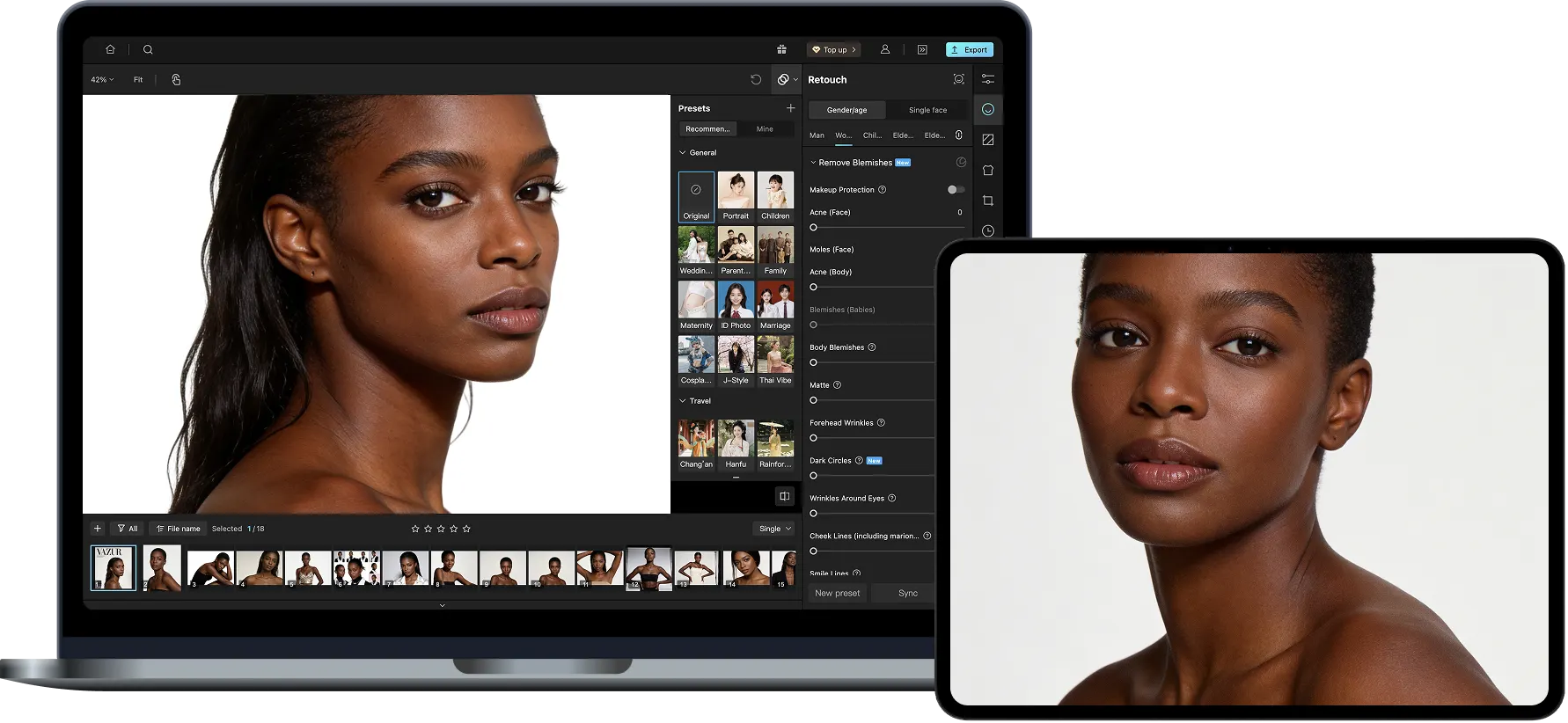
Retouch skin, clean backgrounds, and match colors across your entire shoot—with natural results and full control. Ideal for batch-editing portraits, wedding photos, and professional headshots.
Available for Mac, Windows & iPad.
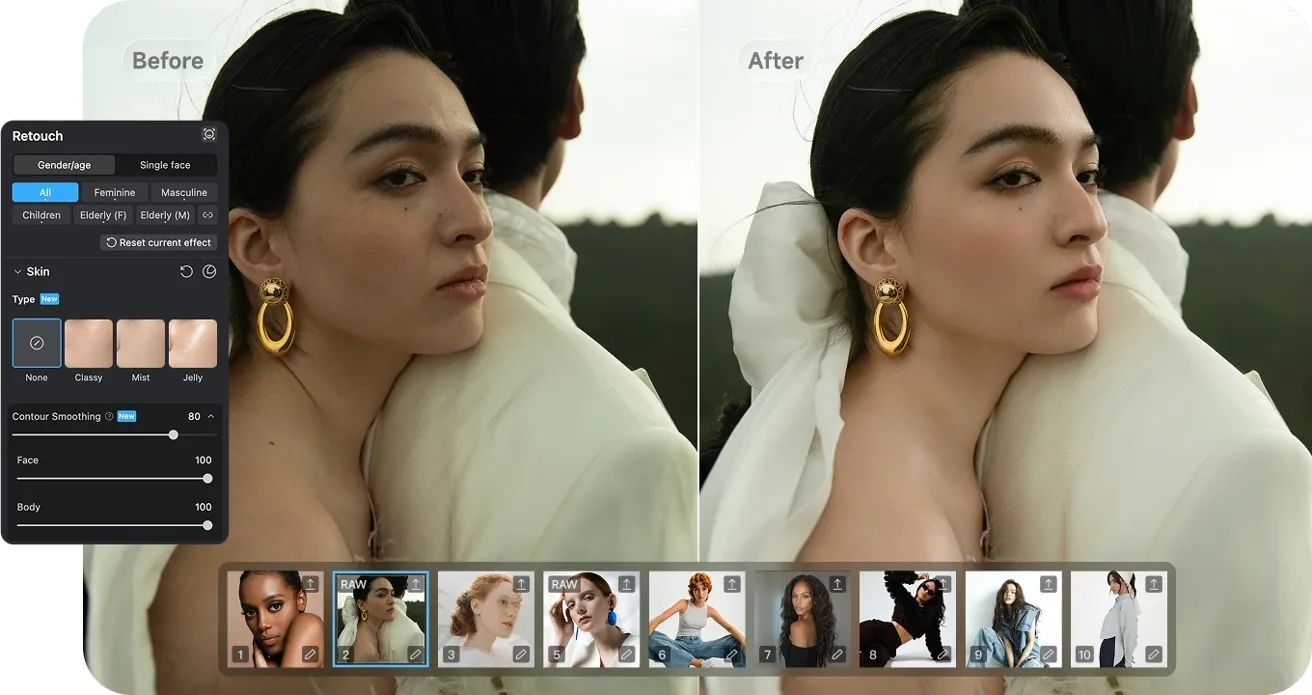
Different shoots. Different editing challenges. One flexible workflow to help you deliver.
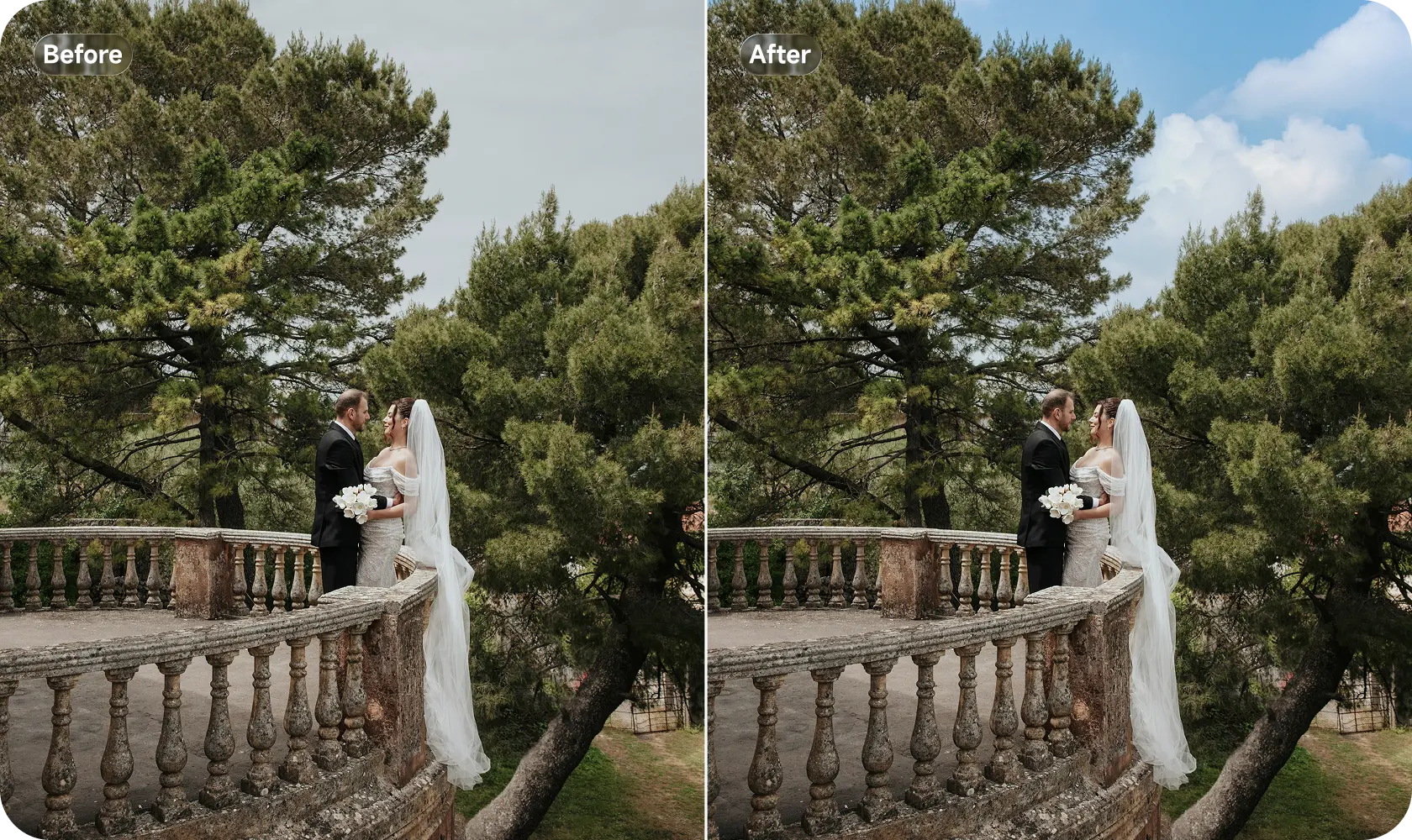
FOR WEDDING PHOTOGRAPHERS
Automatically flag bad shots and rate photos.
Retouch skin and stray hairs with separate settings for men and women.
Replace skies, adjust lighting, and refresh grass.
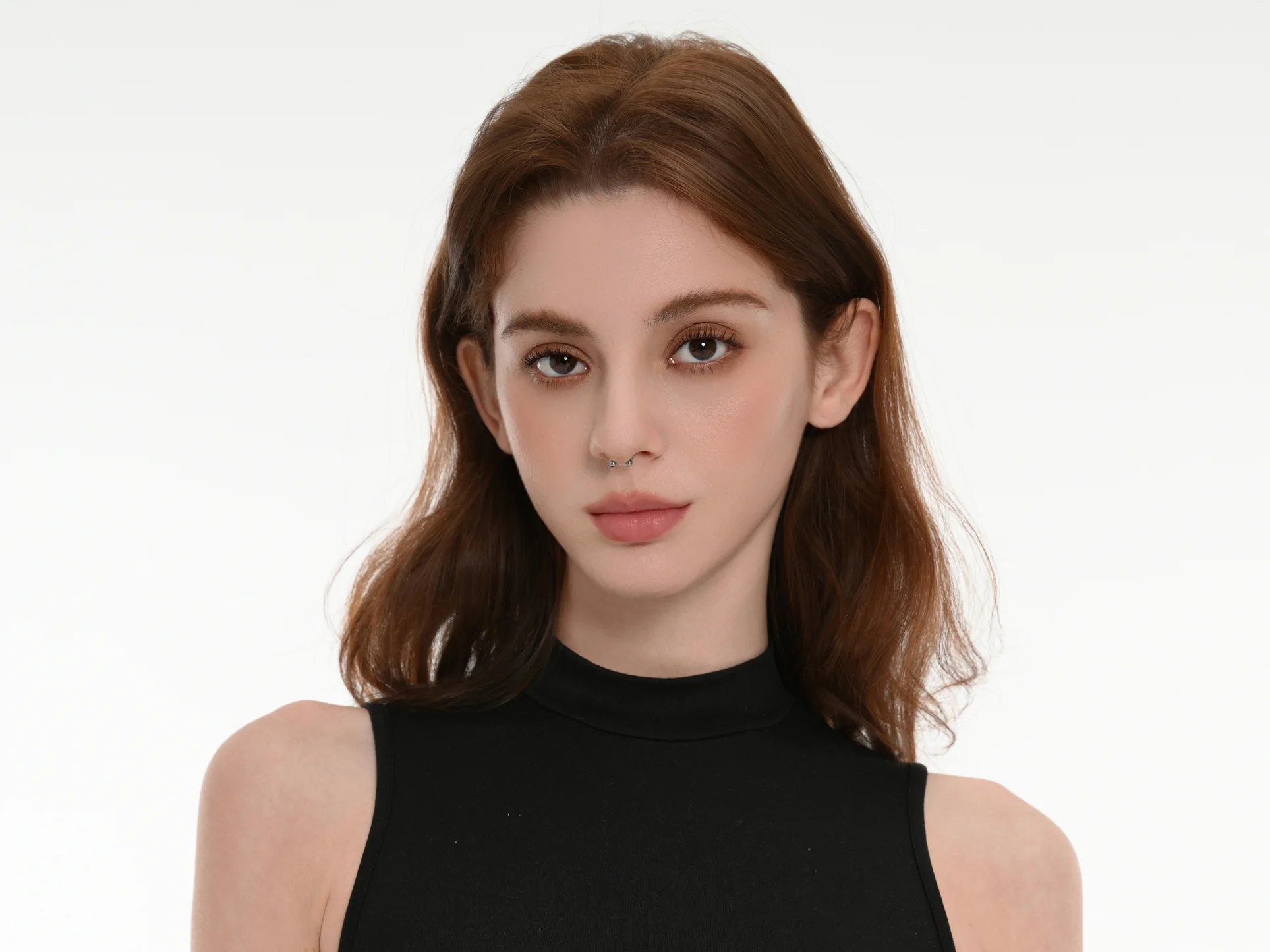
FOR PORTRAIT STUDIOS & RETOUCHERS
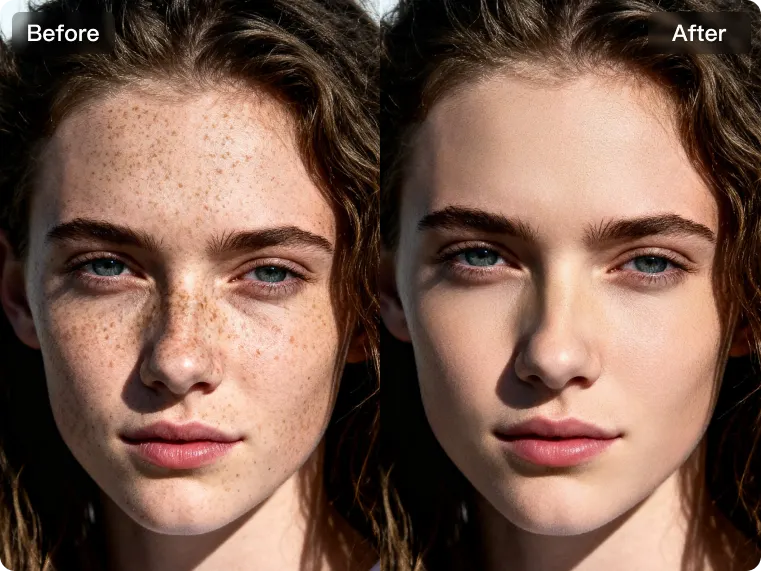
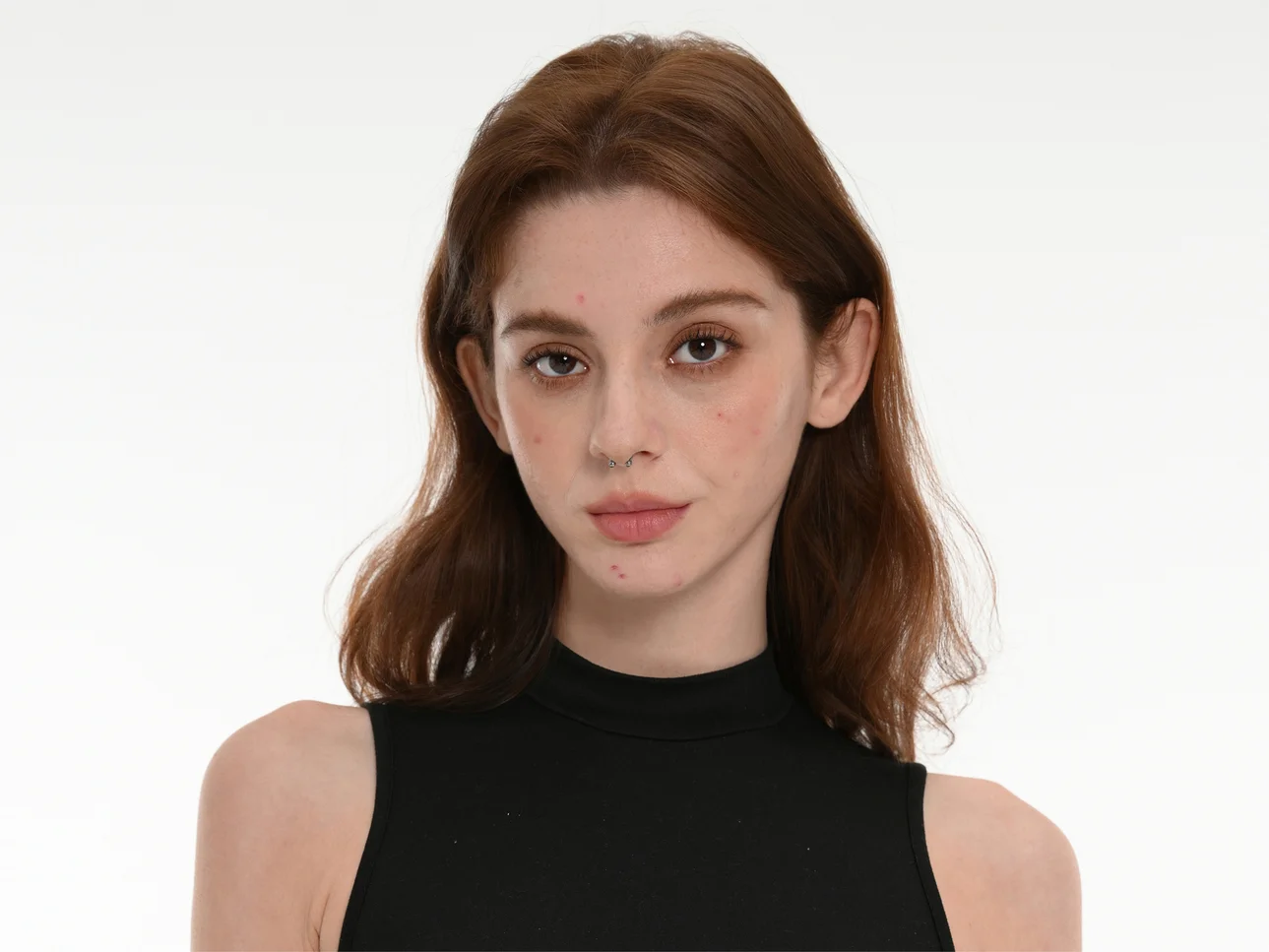
Reduce imperfections while preserving natural skin texture.
Remove flyaways and clean up backdrop marks.
Save your retouching settings and apply them in batches.
Match your photos to the colors and tones of any reference image.
FOR HEADSHOT PHOTOGRAPHERS
Reduce distracting reflections on glasses.
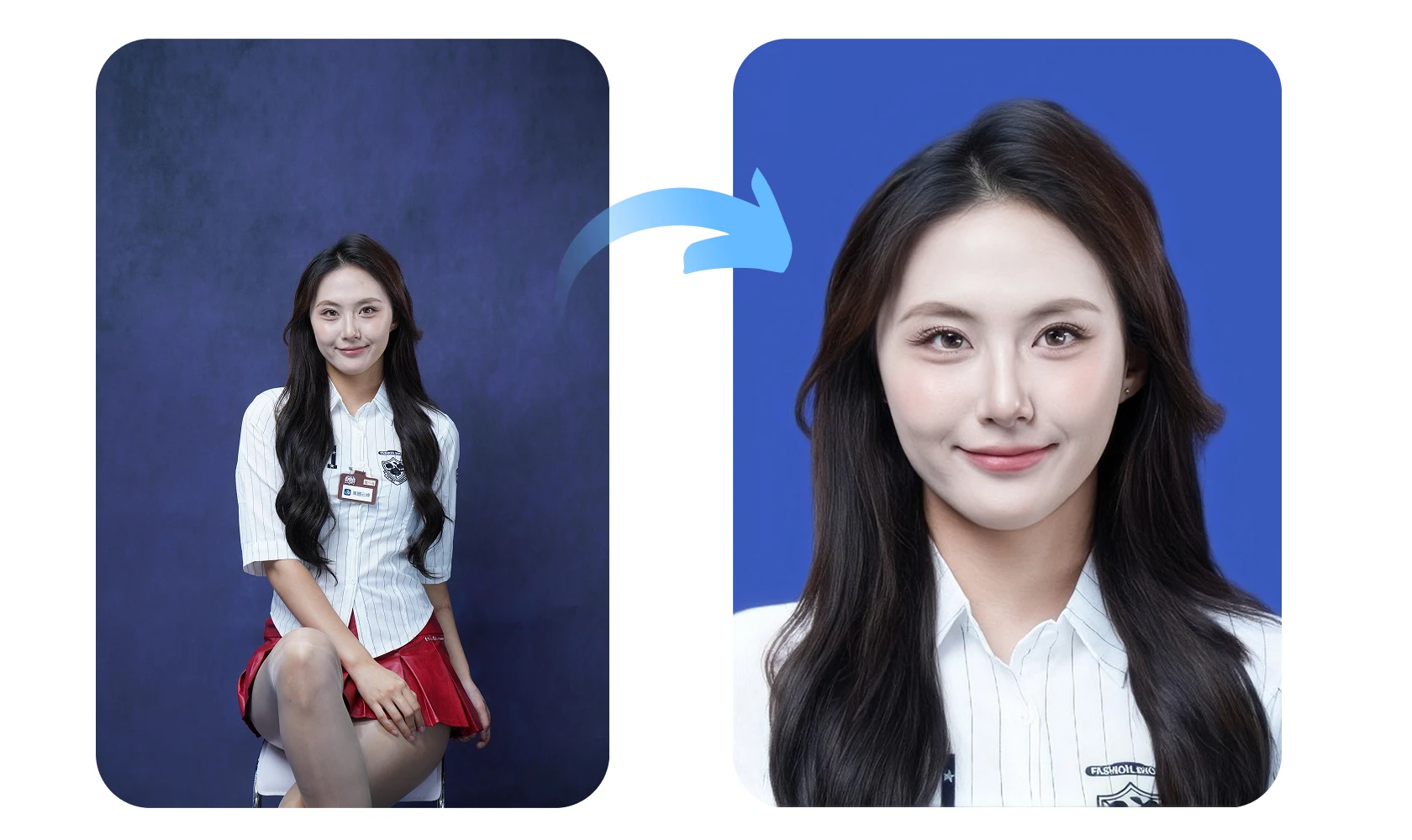
Batch-crop portraits to standard ID photo sizes.
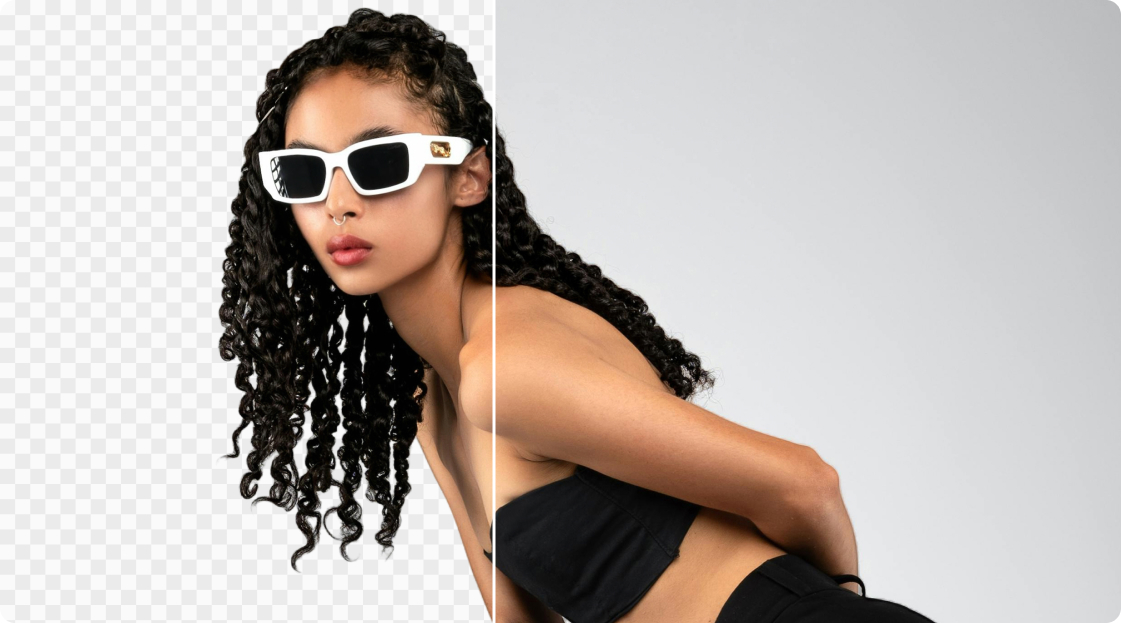
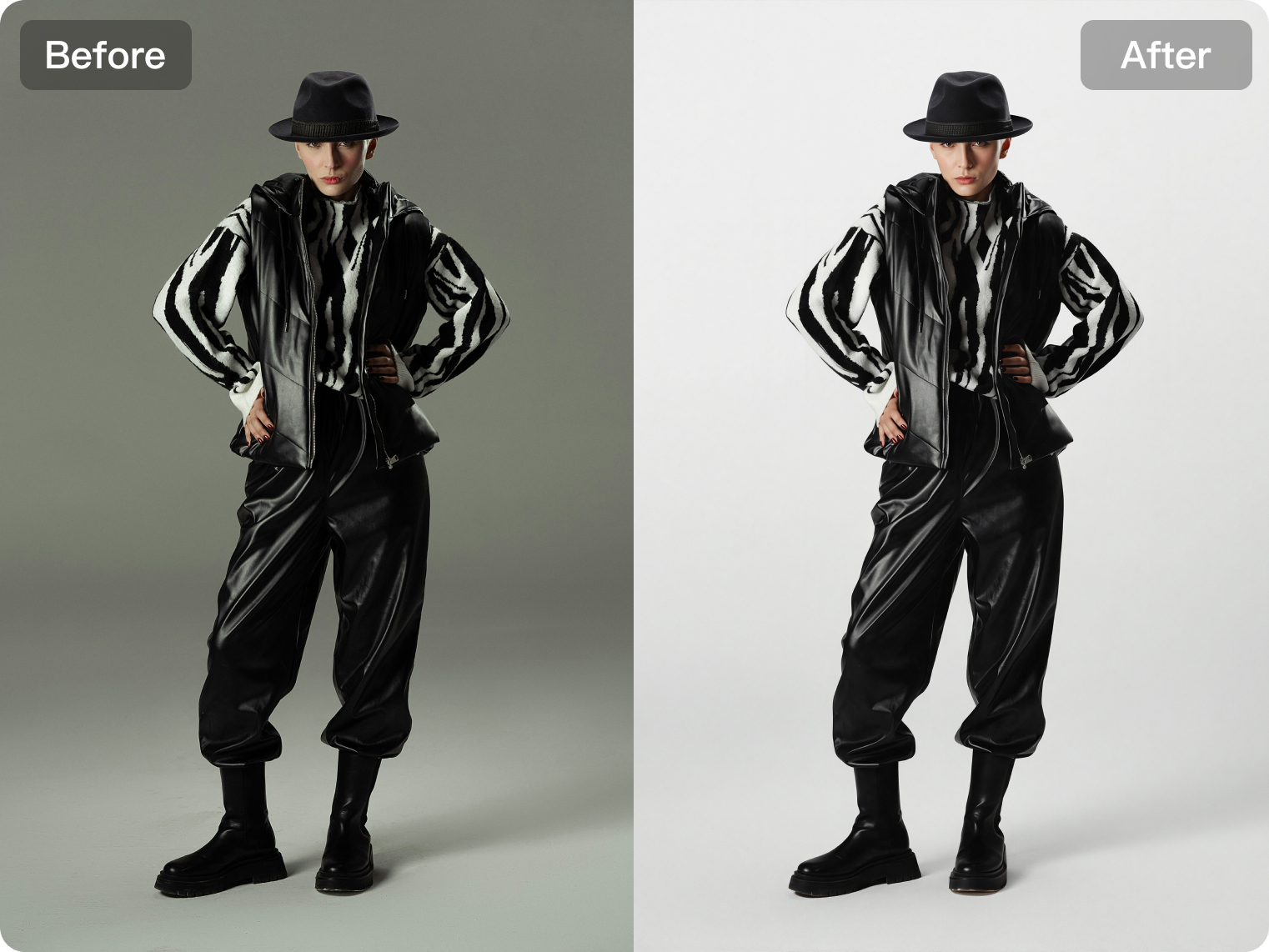
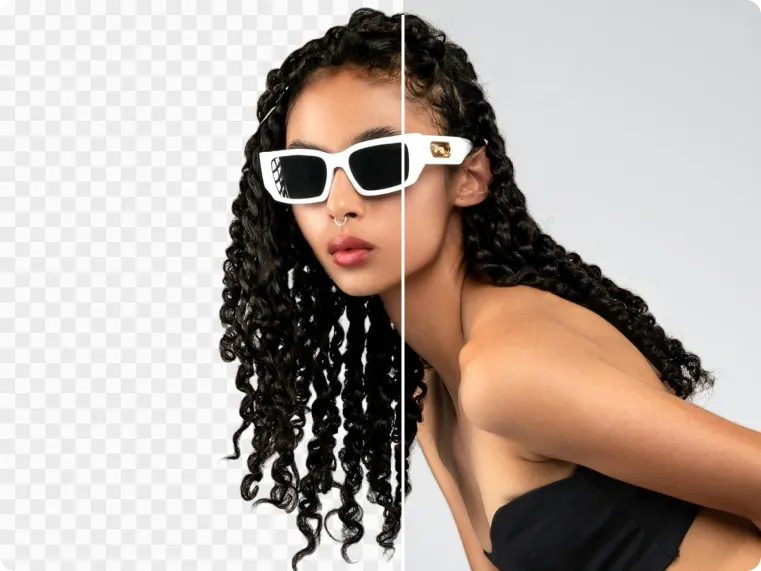
Automatically remove backgrounds and change backdrop colors.


FOR SCHOOL & GRADUATION TEAMS
Automatically detect and retouch multiple faces.
Apply consistent backgrounds across student photos.


FOR FAMILY & NEWBORN STUDIOS
Automatically tailor retouching by age and gender.
Edit family galleries in batches with personalized settings for each face.


FOR EVENT PHOTOGRAPHERS
Balance brightness and color across changing lighting conditions.
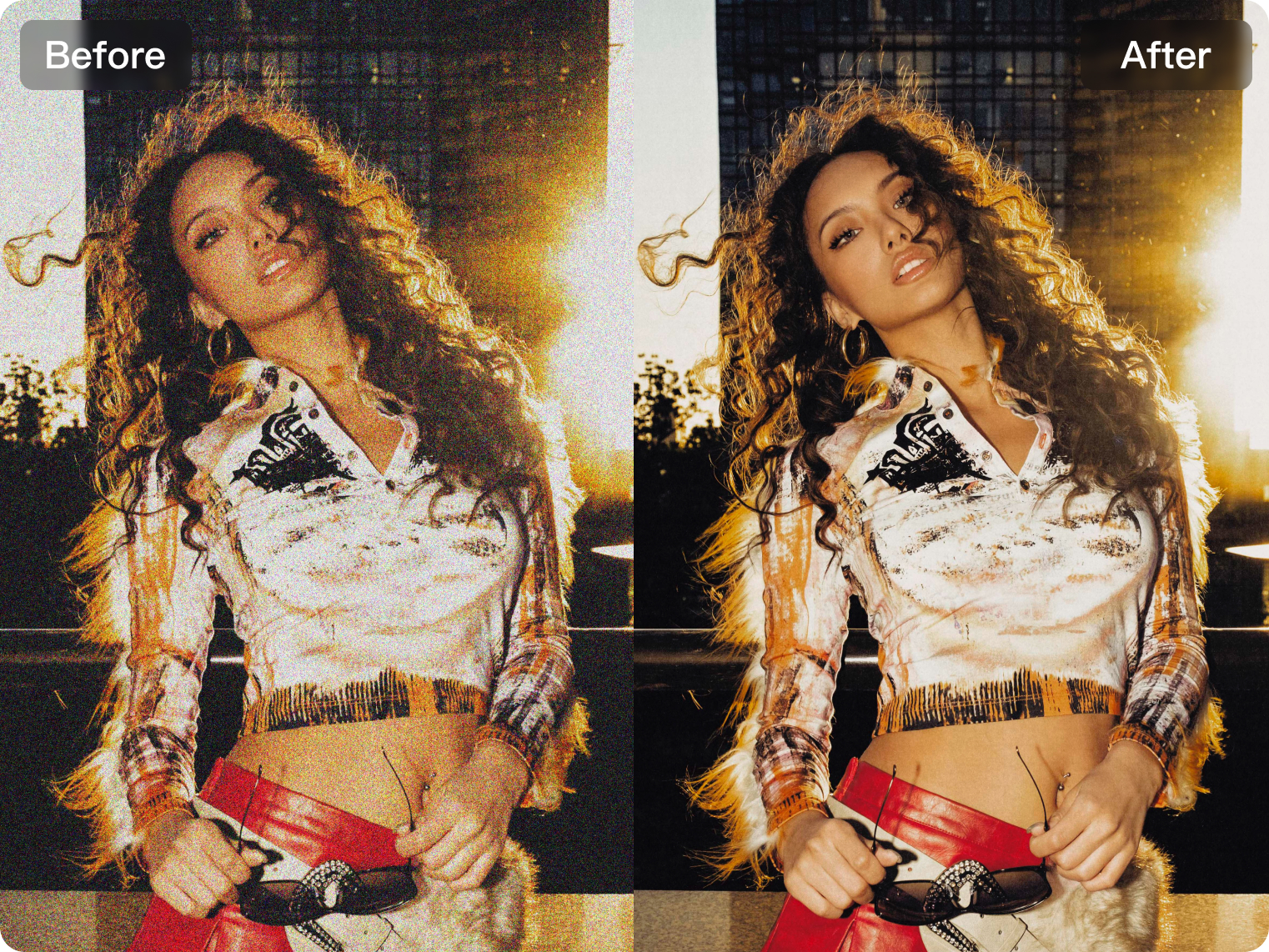
Brighten faces in low-light photos.
Correct unwanted color casts in nighttime event photos.


FOR E-COMMERCE
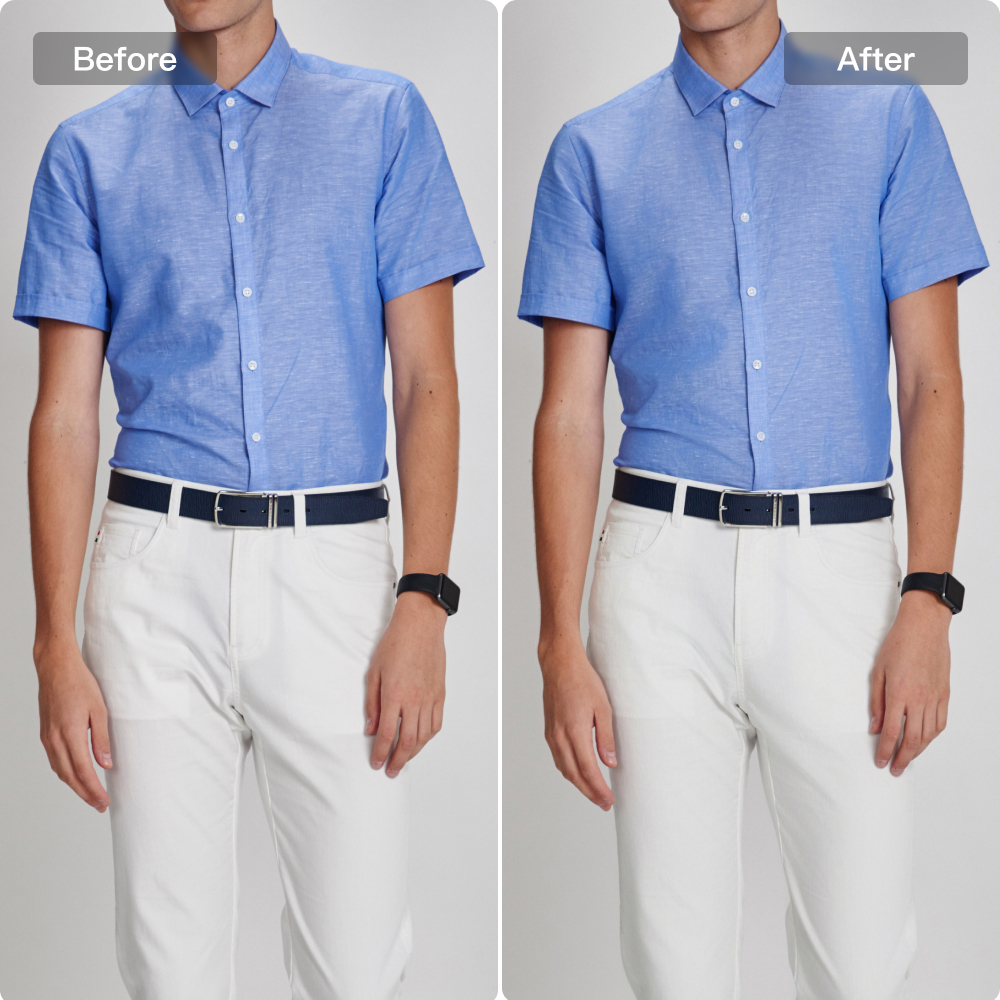
Reduce clothing wrinkles across photos in batches.
Retouch photos and replace backgrounds in bulk.
Process thousands of photos in just 30 minutes.
Get the core portrait retouching features you expect from Evoto— at a lower price, with flexible payment options.
Lower pricing than Evoto
The core tools you need, for less.
No per-seat fees
Keep team costs simple.
No device limits
Work across Mac, Windows & iPad.
One-time credit purchases.
No subscription required.
Cull your images. Apply your look. Retouch at scale. Then deliver with confidence.
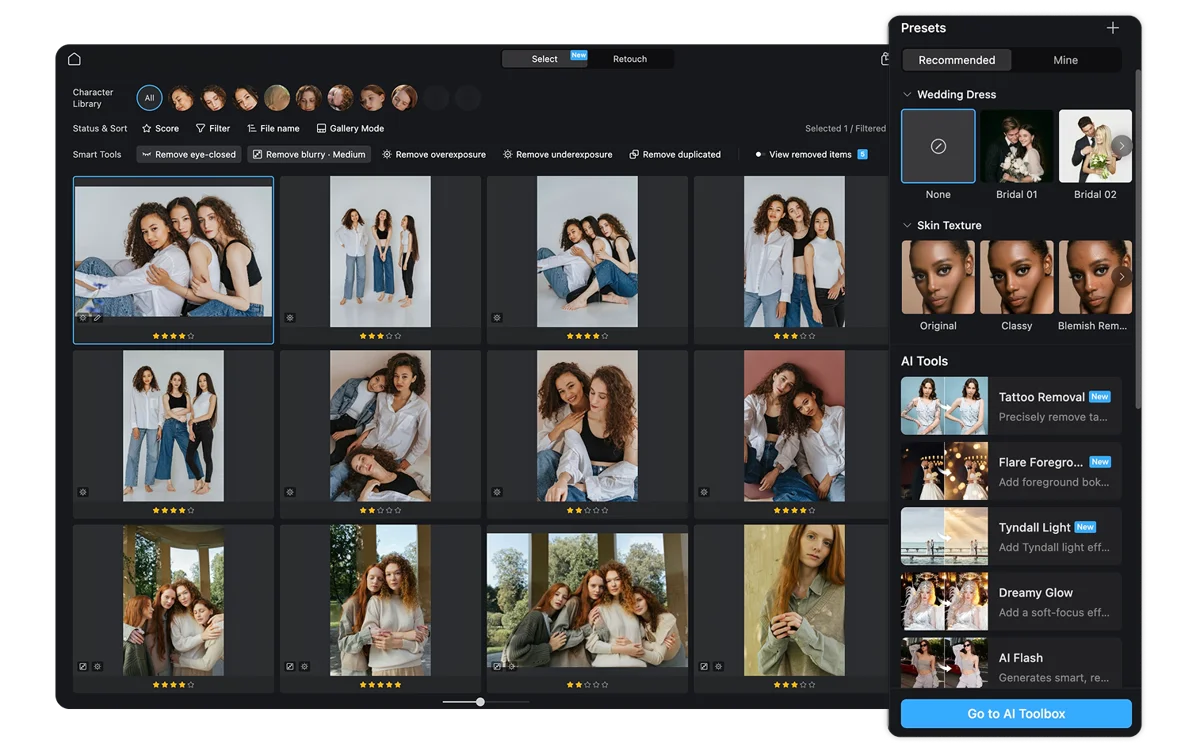
01 · Auto Select
Let AI sort the first pass. Review the best images faster. You stay in control of every final choice.
02 · Color Grading
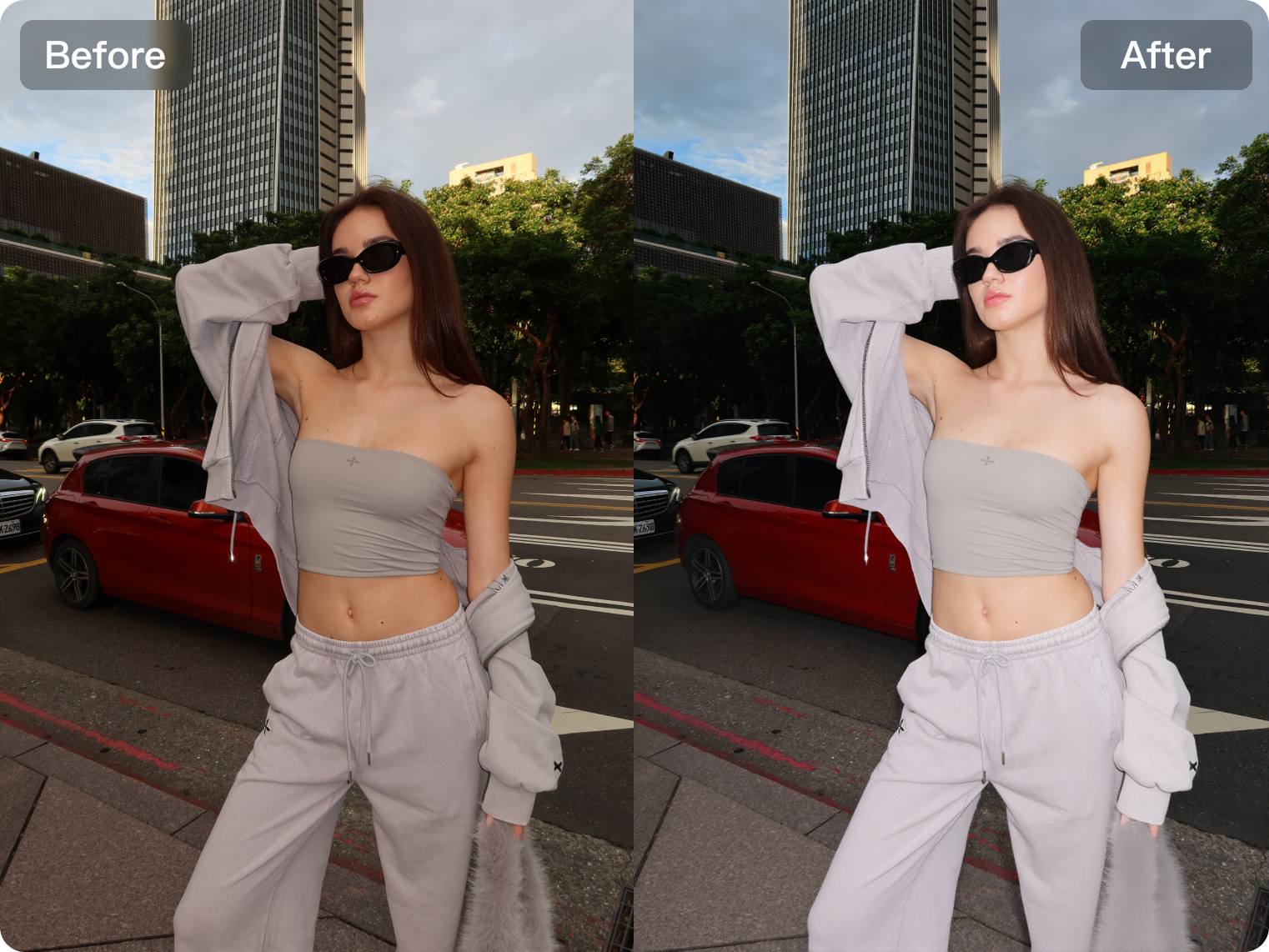
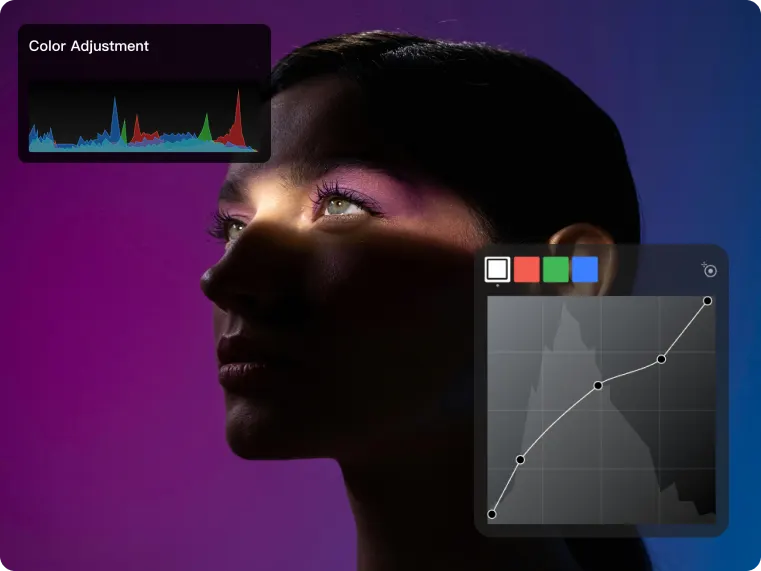
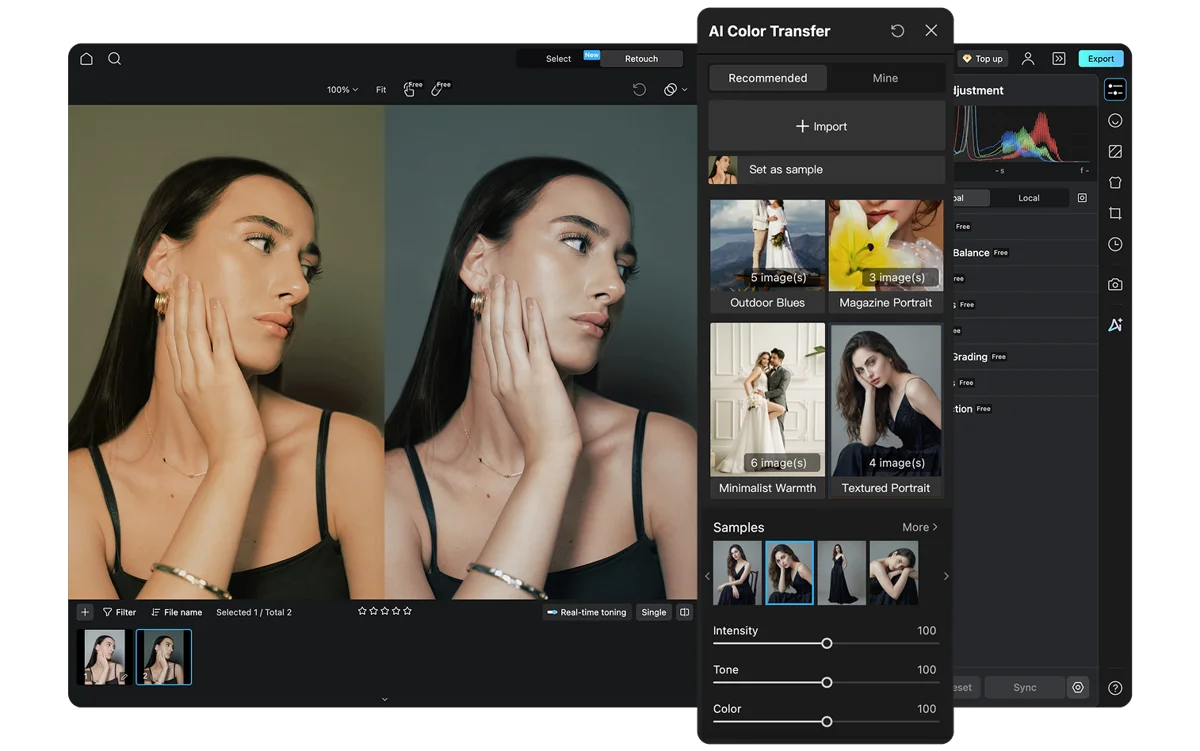
Start with a preset or reference images. Kumoo applies your visual direction across the batch. Your gallery stays consistent from first photo to last.
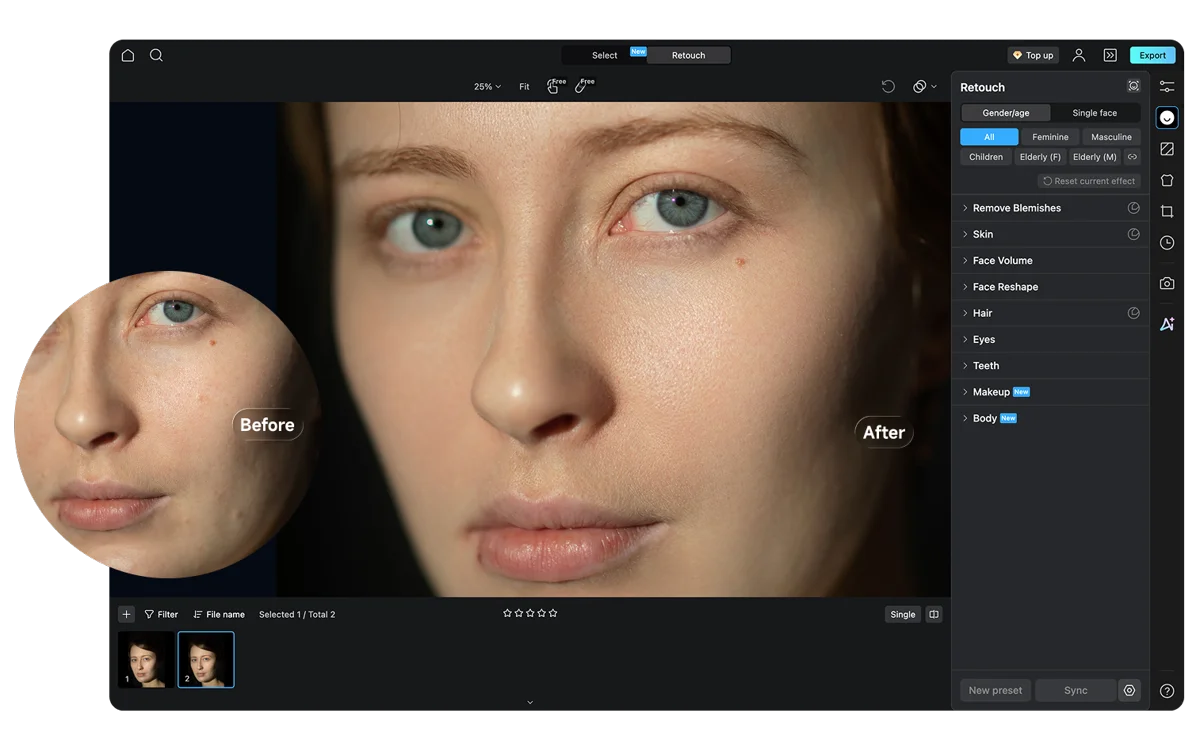
03 · Portrait Retouch
Refine skin, stray hairs, glare, and distractions. Get a polished look in a few clicks. Keep every person looking like themselves.
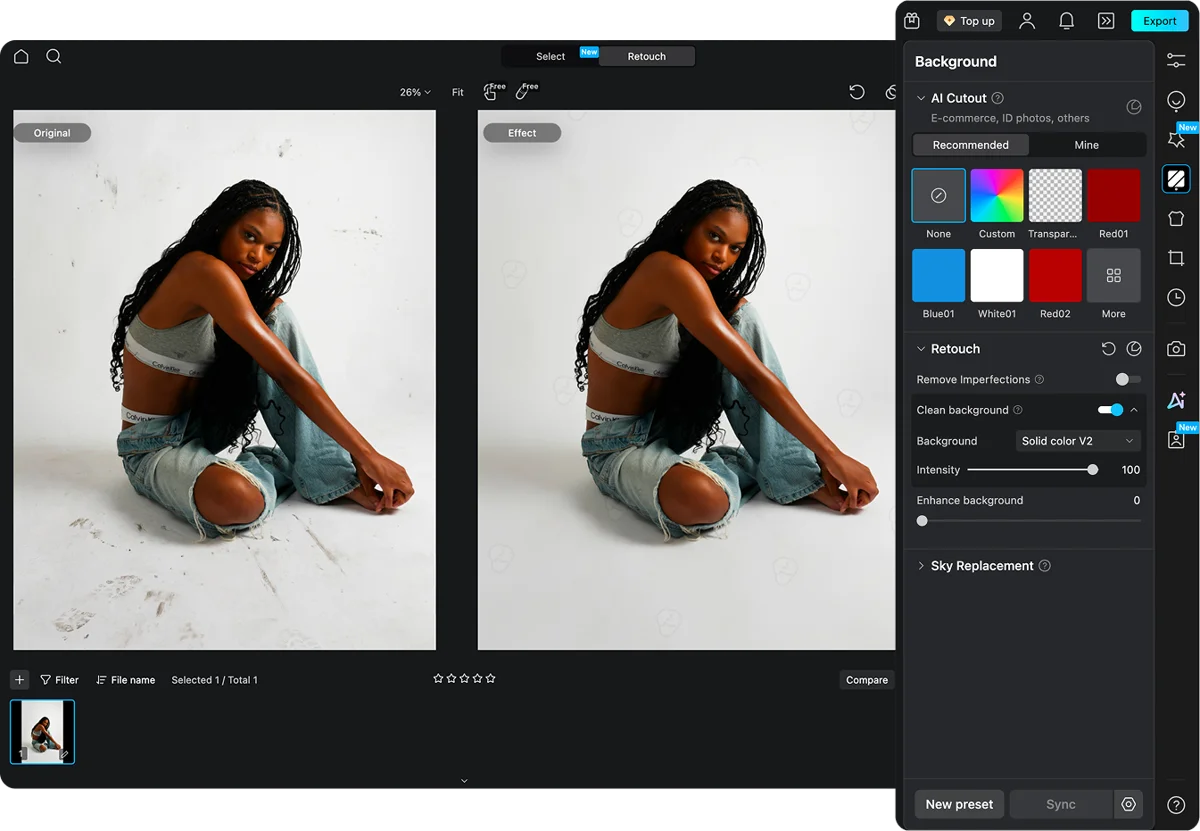
04 · Backdrop Touchup
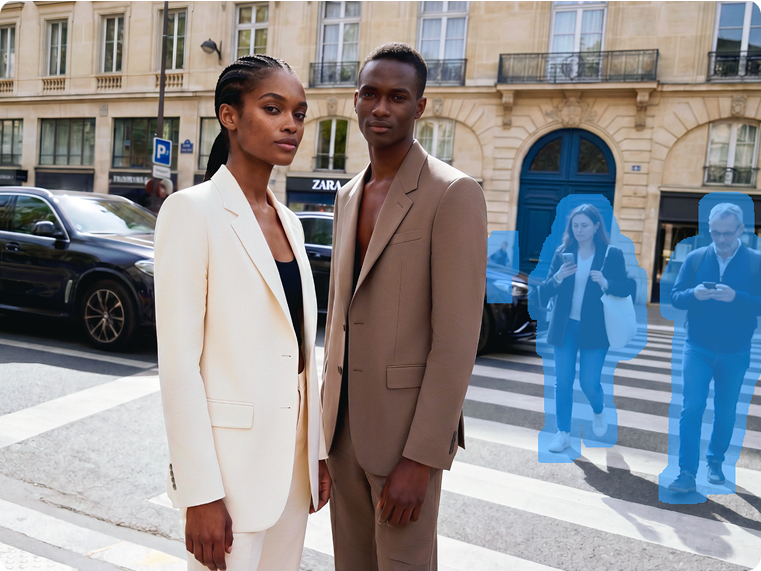
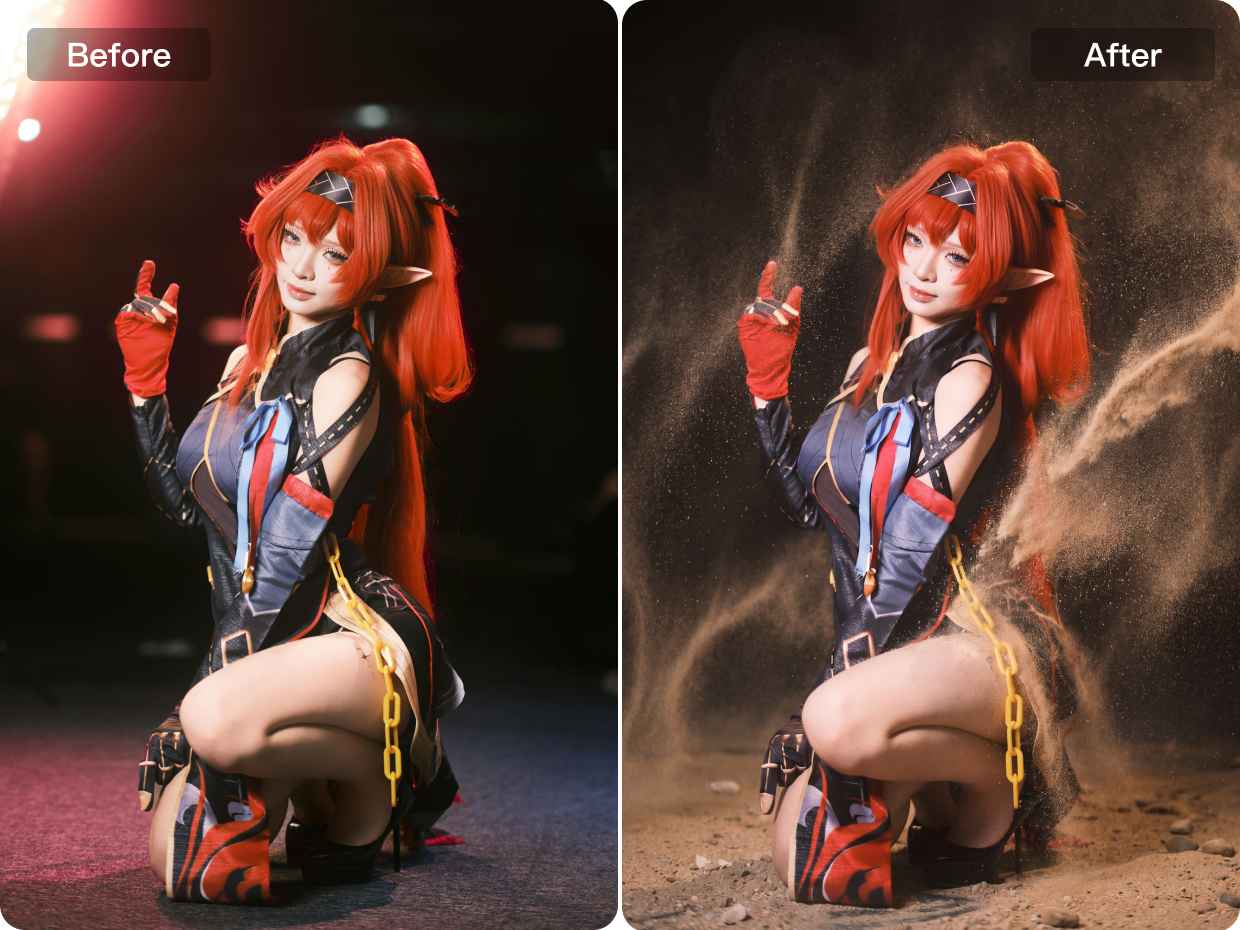
Transform any backdrop with ease. Clean up distractions, expand the frame, or replace skies and scenery. Create the scene you want while keeping the focus on your subject.
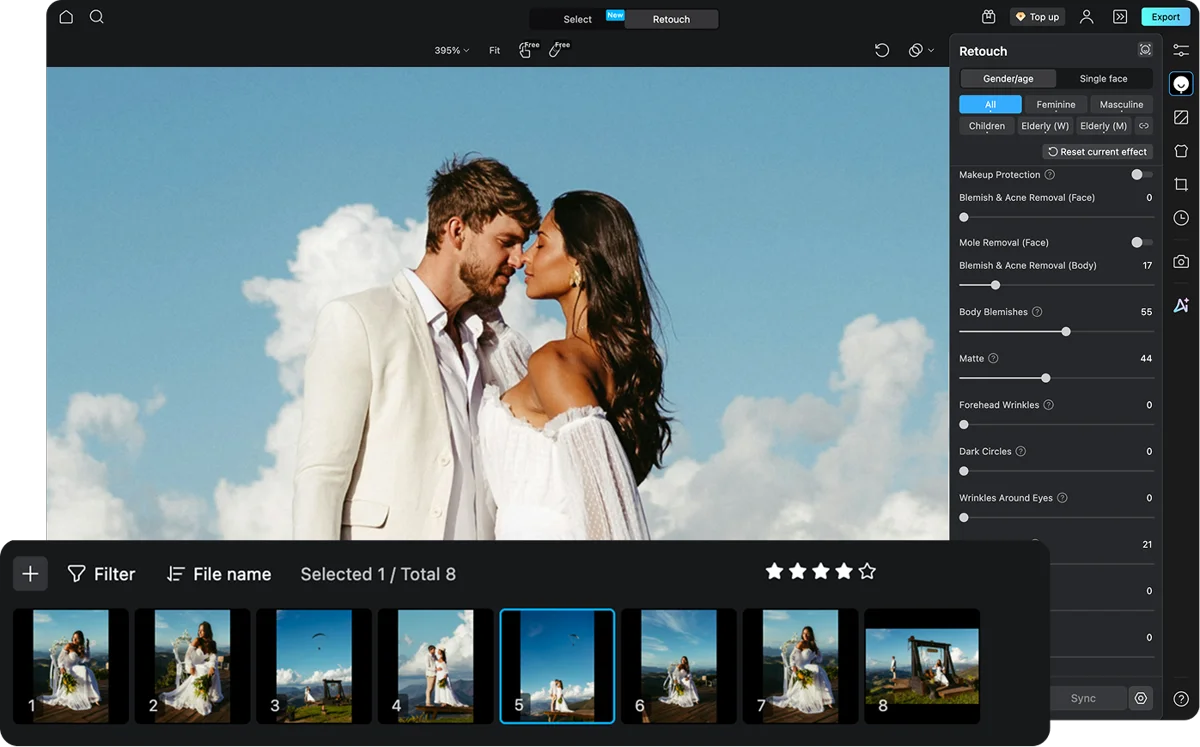
05 · Apply in Batch
Choose a ready-made preset or build your own. Kumoo reads the light, exposure, and color in each image, then makes intelligent adjustments so the full gallery feels consistent.
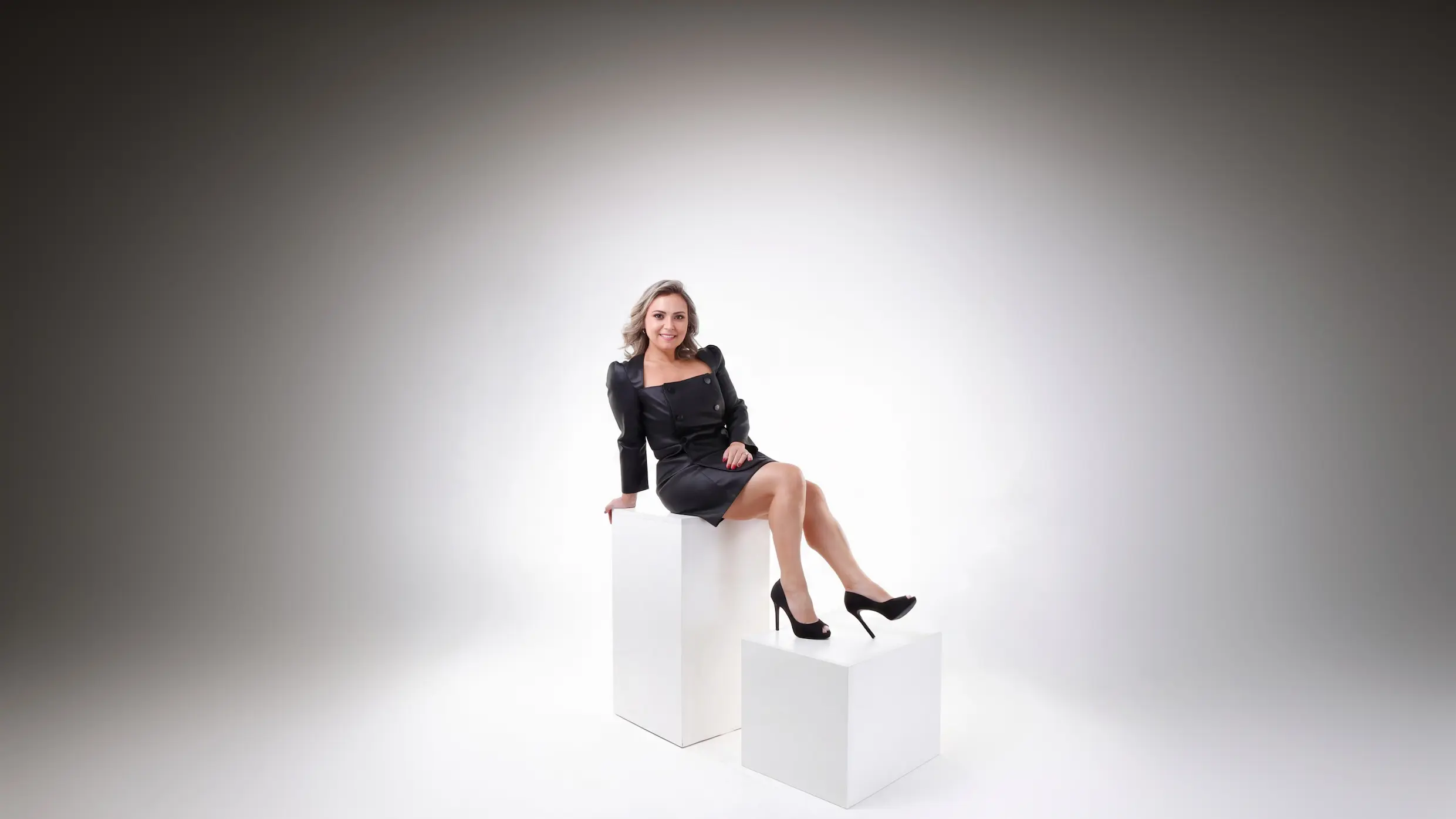
Every shoot comes with different challenges. Kumoo helps you handle them in one workflow. From portraits and events to outdoor sessions and full galleries.
Clean up backgrounds.
Make natural body refinements.
Keep the original image believable.


Remove distractions and improve composition.
Correct color or replace the sky when needed.
Make the scene work harder for the final image.


Reduce glasses glare and remove blemishes.
Fix tooth imperfections and crooked teeth.
Tidy up the background.
Create polished portraits that still feel real.
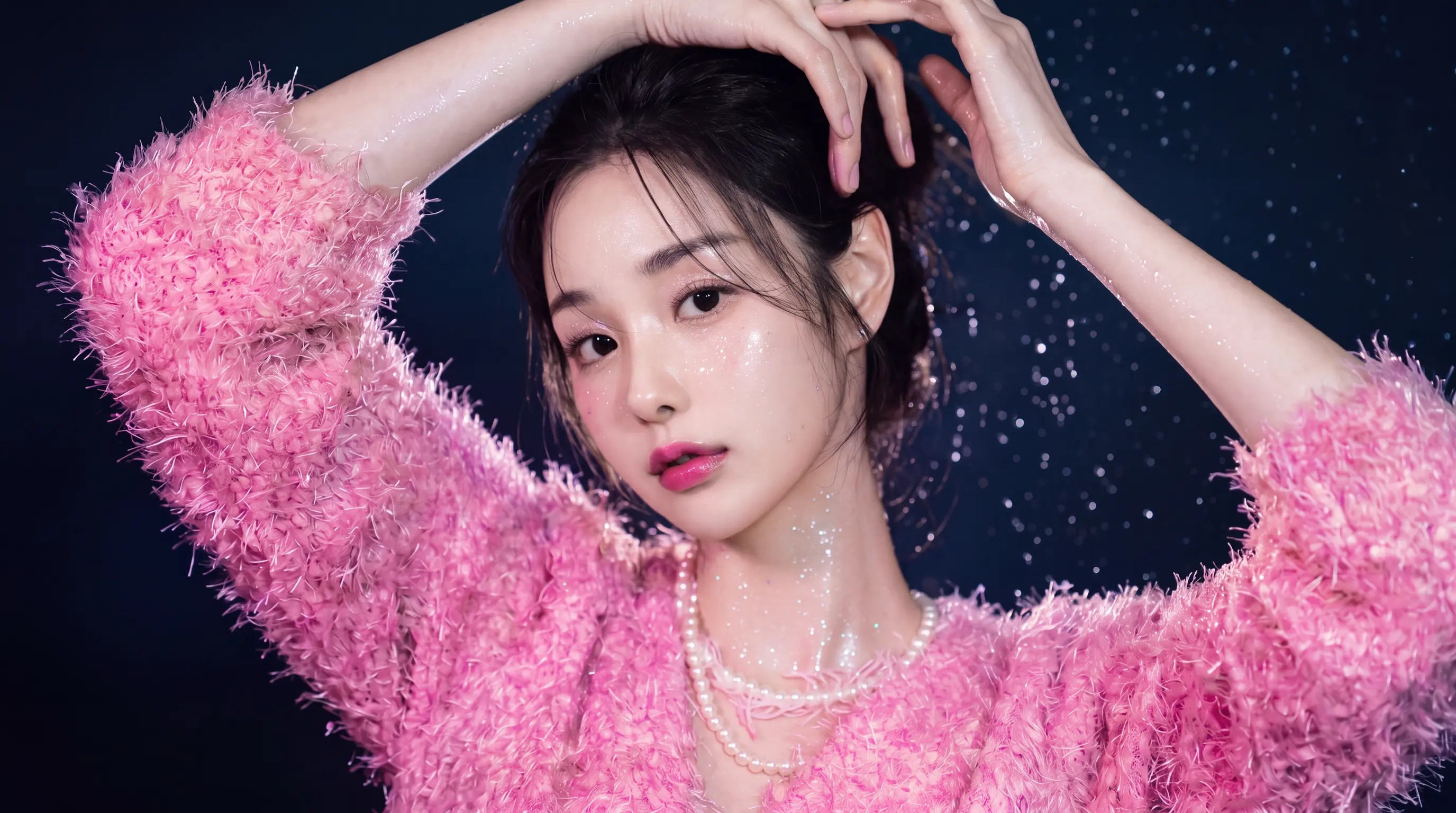
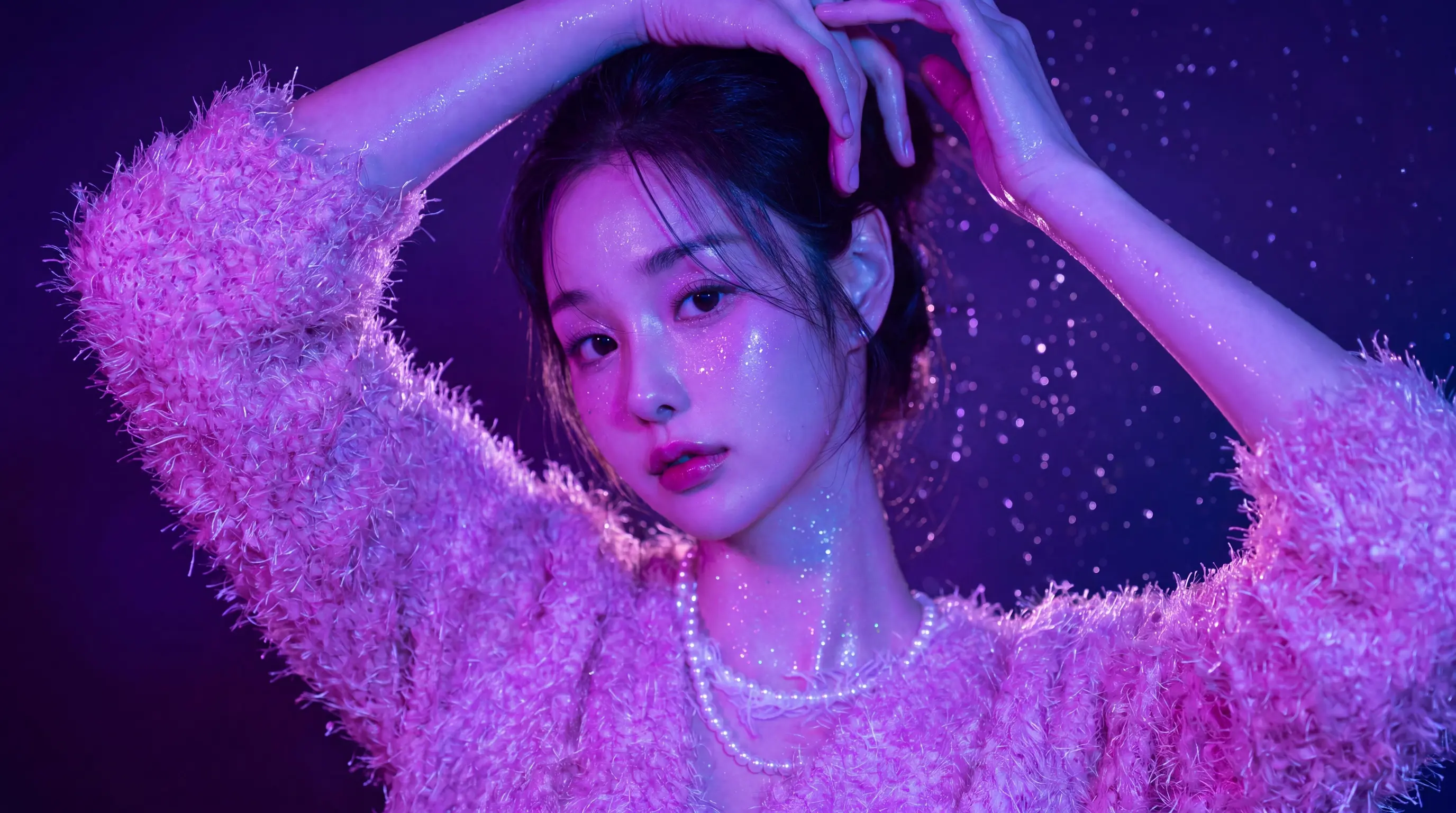
Bring exposure and white balance into line.
Match color across the full set.
Showing 2 of 4: Refine the Scene
See why studios use Kumoo every day.

Ronnix photography
Photography Instructor
The software is very nice and quick and solves most issues encountered in the daily life of photographers and photo editing in general. The fact that you can summarize all the edits and save it in a preset makes Kumoo a quick solution for batch editing and timely deliveries of photos to clients. It helps me and my group of students save time in our work, improve efficiency, and satisfy more clients.

Picturedis
Photography Studio
The software has helped with the tedious backdrop cleaning and skin tone retouching. It has saved me tons of hours editing and cleaning clients’ skin at a very affordable rate. More clients are satisfied with my services, which has allowed me to take on many more retouching orders. I’m really grateful for this software.

Photografix Academy
Digital Creator Training Institute
Kumoo has completely transformed my photo editing workflow! As a member of the Photografix Academy creative team, I’ve experienced firsthand the power of its AI retouching and batch editing capabilities. The results are stunning, and the interface is user-friendly and very easy to use. Highly recommended! It has also allowed more of our training students to use this software, helping everyone work faster and better!

Grapexels
Tutor and Graphic Designer
As a tutor and graphic designer, Kumoo has saved me countless hours. The intuitive tools make editing fast, and the AI features bring out professional-quality results with ease. I especially love how smooth the workflow is—perfect for both teaching and creative projects.

Alvaro Gonzalez
Photographer
Kumoo is an AI software that saves me a huge amount of time. The long hours of retouching are now behind me: in just a few minutes, I get an amazing result with perfect portraits that I can deliver to my clients much sooner — and they really appreciate it.

Tân Xuân Nguyễn
KOL
Kumoo is a great photo editing software, it helps me save time and improve my work efficiency, my students also regularly use the software for their daily work

Trung Dinh
Photographer
As a photographer, I’ve always prioritized efficiency without compromising on quality. Kumoo truly surprised me with its AI-powered retouching capabilities. It’s intuitive, fast, and delivers professional-grade results with just a few taps. Kumoo has become an essential part of my post-production toolkit. Highly recommended for creatives who want both speed and precision.

Bingyen
KOL
Kumoo offers affordable pricing, impressive photo editing results, and lightning-fast processing speed. Tasks that used to take an hour can now be batch edited in just five minutes. The software is also light on system requirements and runs very smoothly!
Hoàng Minh Tuấn
Photography Instructor
Great app! Kumoo makes photo editing fast and easy. The filters and AI tools are natural, not overdone. I love how intuitive the interface is. Hope to see more lighting and skin tone options in future updates!
Download Kumoo and simplify your post-production.
Explore more AI-powered tools to enhance, retouch, restore, and transform any image—then start creating professional results in seconds.