Free AI Online Watermark Remover







All-in-One Watermark Removal for Every Image
Handles everything—from small logos and text to stamps, patterns, and even full-screen repeated watermarks. The AI quickly identifies and removes them, restoring your product photos, social media images, documents, UGC content, and more with natural clarity. Experience fast, precise, and effortless watermark removal, no technical skills required.

HD-Quality Restoration with No Blur or Artifacts
Erase watermarks while keeping resolution, textures, lighting, and details intact. Using advanced AI inpainting, the tool delivers clean, high-quality results without smudging or distortion. Ideal for HD images, e-commerce product photos, social media visuals, documents, and professional prints — restore your content effortlessly and make it look as good as new.
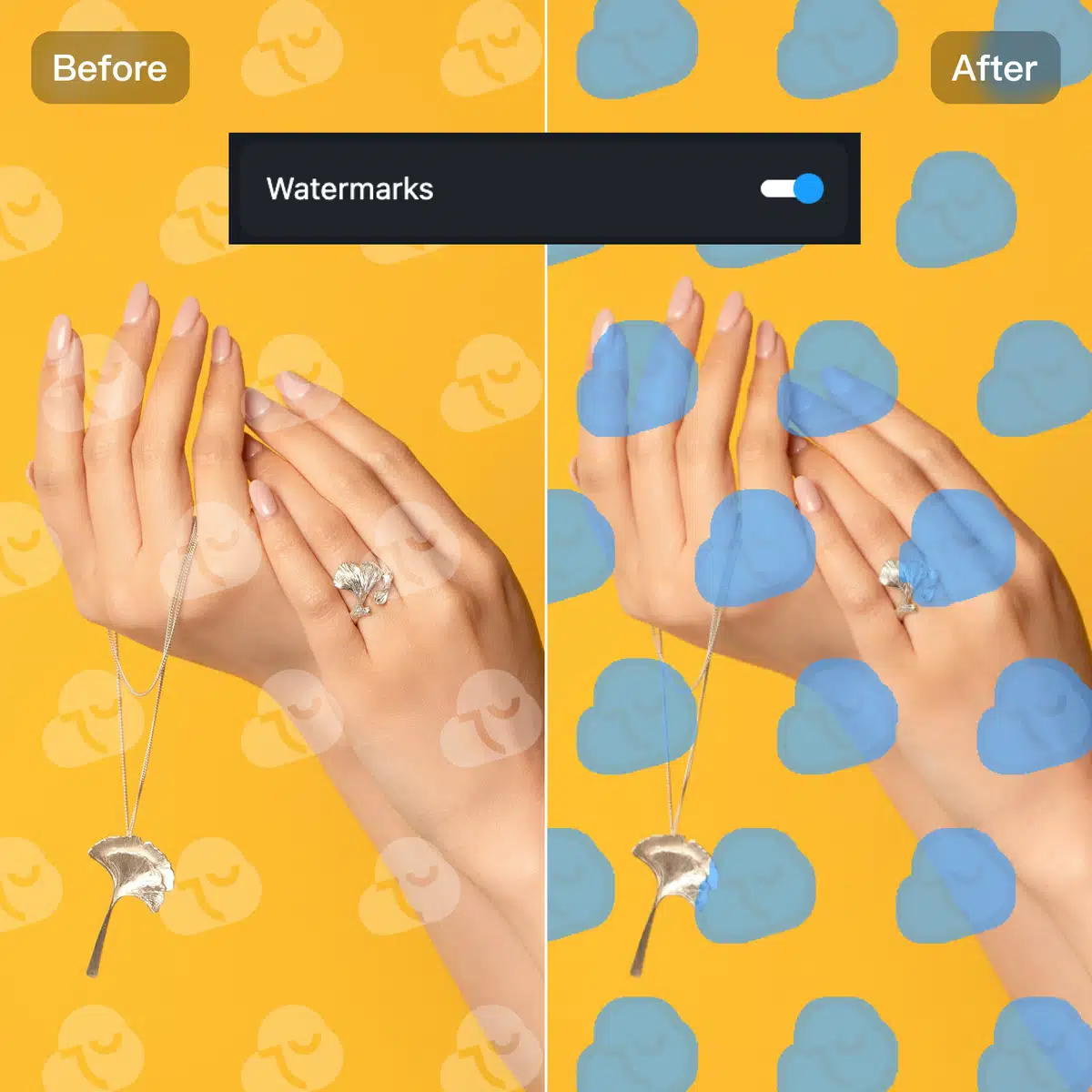
One-Click Smart Detection — Effortless & Perfect
Automatically select and remove watermarks instantly—no brushing, no lasso tools, no instructions required. Upload your image, and the AI quickly analyzes, identifies, and clears marks with precision. Fast, automatic, and fully adjustable, with batch support to remove multiple watermarks in a single process.
How to Use Kumoo’s AI Watermark Remover?
Upload your image
Click Upload One to import a single image, Batch Import to upload multiple images, or simply drag & drop your files (JPG, PNG, WebP, or RAW).
Select and Remove
Choose “Watermarks” for automatic AI removal, or swipe/erase manually for precise control. Then click Generate to remove.
Preview and Download
Check the result and download your clean, watermark-free image from the top-right corner.
Frequently Asked Questions
What is a Watermark Removal and how can it help me?
Will the watermark removal affect image quality?
No. Kumoo’s AI Watermark Remover uses advanced algorithms to seamlessly remove watermarks while keeping your images sharp and natural.
Can I remove watermarks from product images for e-commerce?
Yes. You can remove brand logos, labels, or captions from product images to make them cleaner and more professional.
Can I remove watermarks in batch?
Yes. Kumoo supports batch watermark removal — simply select or drag in multiple images, and the AI removes all watermarks efficiently with consistent results.
Is the AI Watermark Remover free to use?
Yes. Kumoo’s AI Watermark Remover is free to use for up to 5 images. For additional edits, you can top up to add more credits.
Which image formats does the AI Watermark Remover support?
The AI Watermark Remover supports various image formats, including JPG, PNG, WebP, or RAW.