Clothing Colors
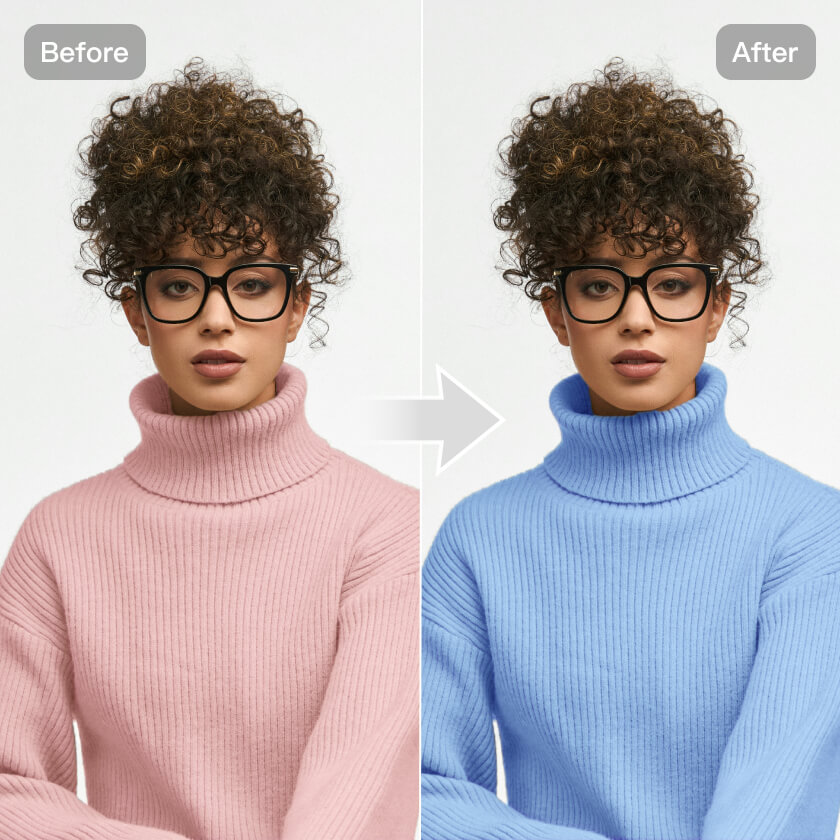
Kumoo's Clothing Color Change quickly adjusts clothing colors with real-time previews. Reduce reshoots and easily generate high-quality multi-color product images.
Note: Please upload images that contain clothing.
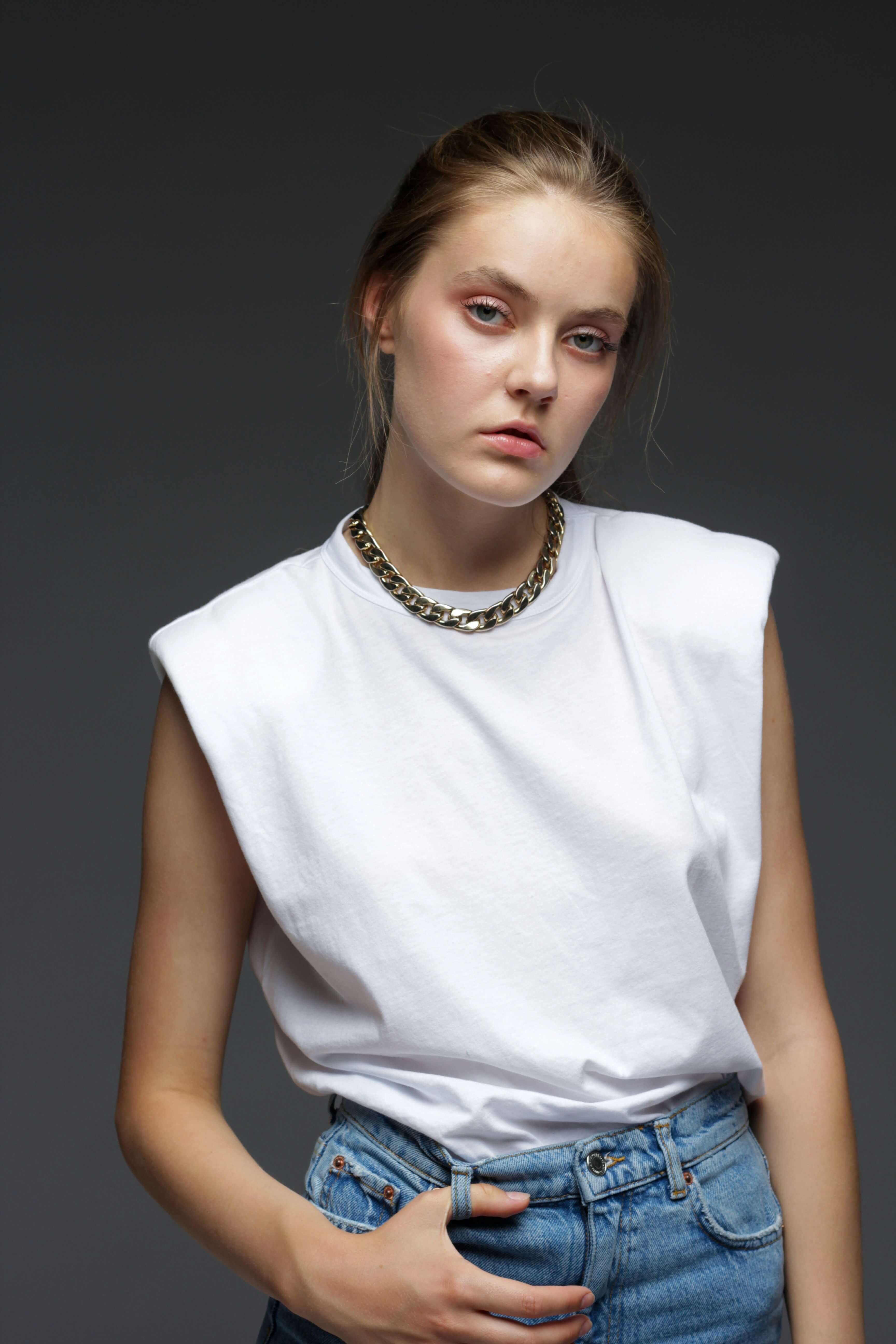
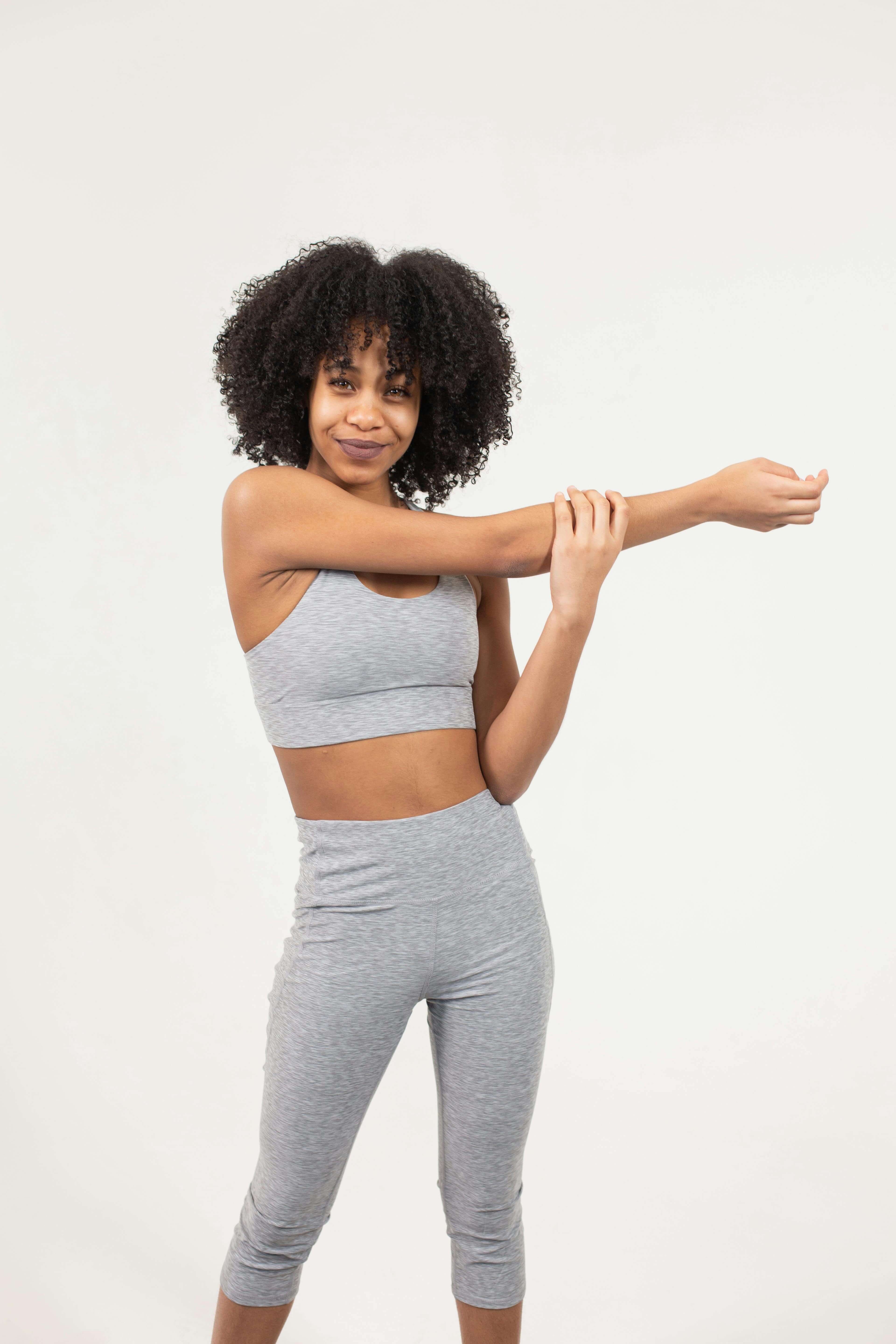
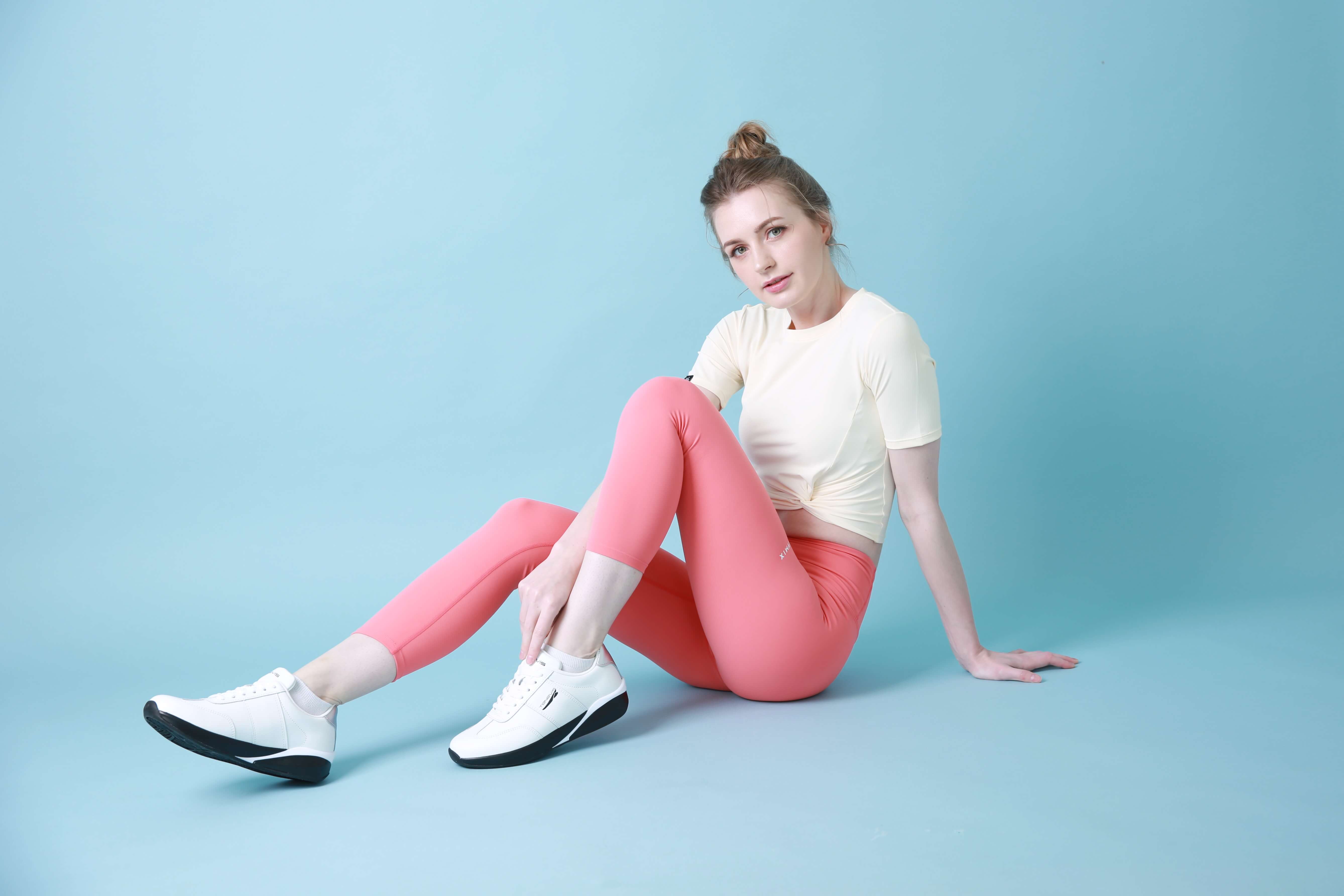
Upload images with hangers or try one of these:
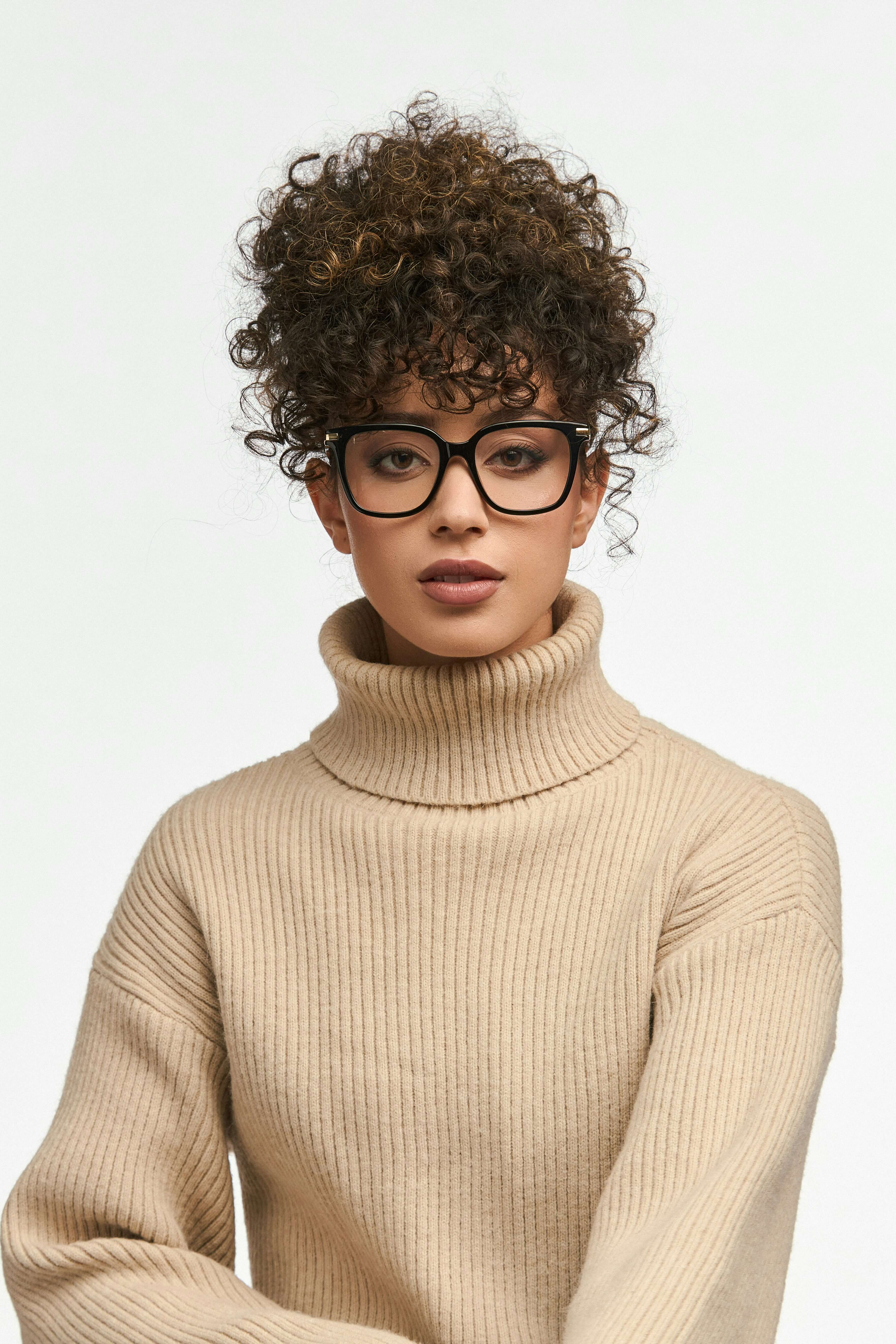

Precise Clothing Color Adjustment
Kumoo's Clothing Color Change accurately detects clothing in your images and applies new colors with natural blending. It preserves texture, fabrics, and lighting, reducing color mismatch and helping you preview multiple variants quickly.
More Flexible Clothing Color Change
Kumoo's Clothing Color Change supports various clothing styles—shirts, T-shirts, jackets, jeans—and fabric types including cotton, silk, denim, and leather, delivering accurate results in every scenario.
Simple and Efficient Clothing Color Editor
The intuitive interface lets beginners and professionals recolor garments effortlessly. Batch recoloring saves time and helps create multi-color showcases for better customer experience.
Change Clothing Colors
Step 1
Upload Images
Upload a single image or a full set of photos that need color changing, whether they are flat lays, hanging garments, or worn on models. We support RAW images from popular cameras (such as .CR2, .NEF, .ARW, etc.) as well as common formats like JPG and PNG.
Step 2
Select a Color Value
AI accurately detects clothing areas and quickly changes their colors. You can further adjust the color values for perfect results.
Step 3