AI Removal
The AI Removal feature can quickly and accurately remove unwanted elements from images, such as people, objects, and watermarks, while keeping the background clean and intact for professional results.
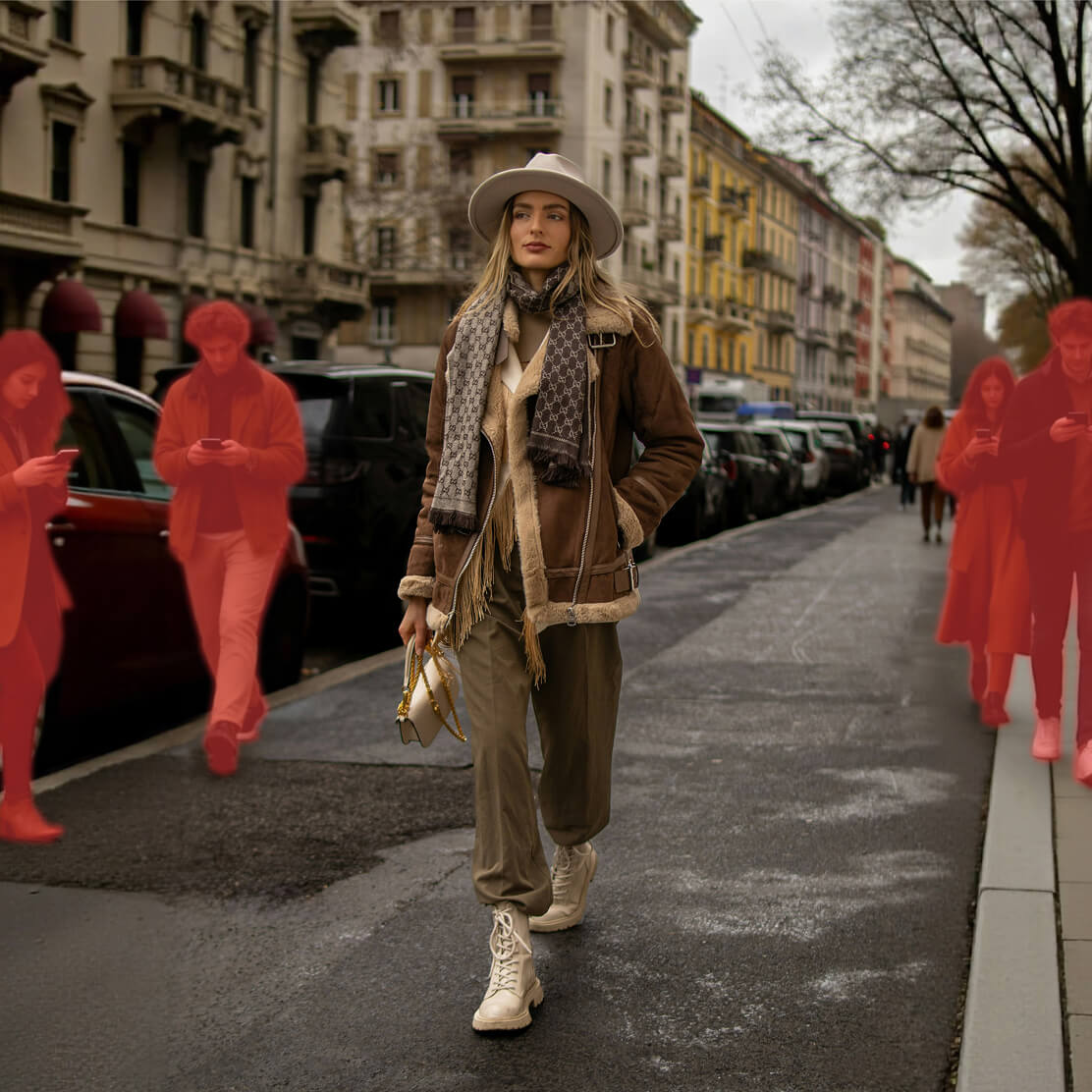
Before

After
No images? Try these:





Before

After
AI Removal
The AI Removal feature can quickly and accurately remove unwanted elements from images, such as people, objects, and watermarks, while keeping the background clean and intact for professional results.
How do I remove unwanted elements from the background with Kumoo's AI features?
Step 1
Upload Images
Upload a single image or a batch of images to remove unwanted parts. We support RAW images from popular cameras (such as .CR2, .NEF, .ARW, etc.) as well as common formats like JPG and PNG.
Step 2
AI Removal
Powered by AI algorithms, this feature automatically identifies and removes unwanted elements of the image, such as people, objects, or watermarks, while keeping the background clean and intact
Step 3