Generative AI Cutout
Unlike the basic cutout features, generative AI cutout uses AI-powered algorithms, making it a better tool for handling complex cutouts such as separating hair, fur, mesh, lace, wrinkles, and other fine details.
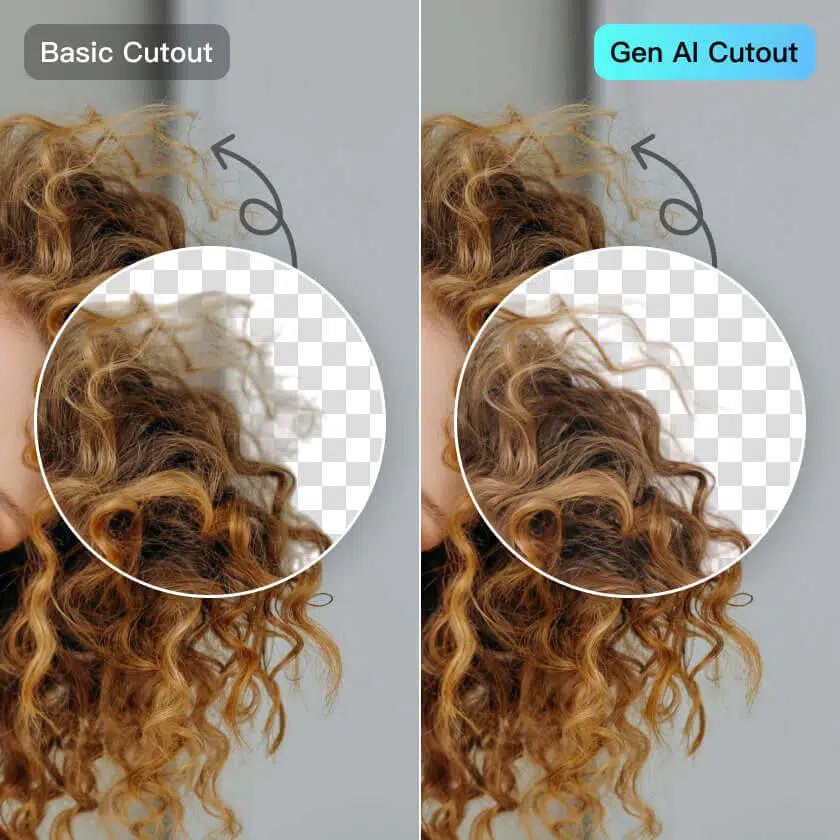





More Professional Cutout Powered by Generative AI
Delivers high-precision cutouts with hair-level detail, even with cluttered backgrounds, hair strands, or complex subjects. You can get professional assets with transparent backgrounds with just one click. Designed for professional photo editing, e-commerce product images, and other high-demand scenarios.
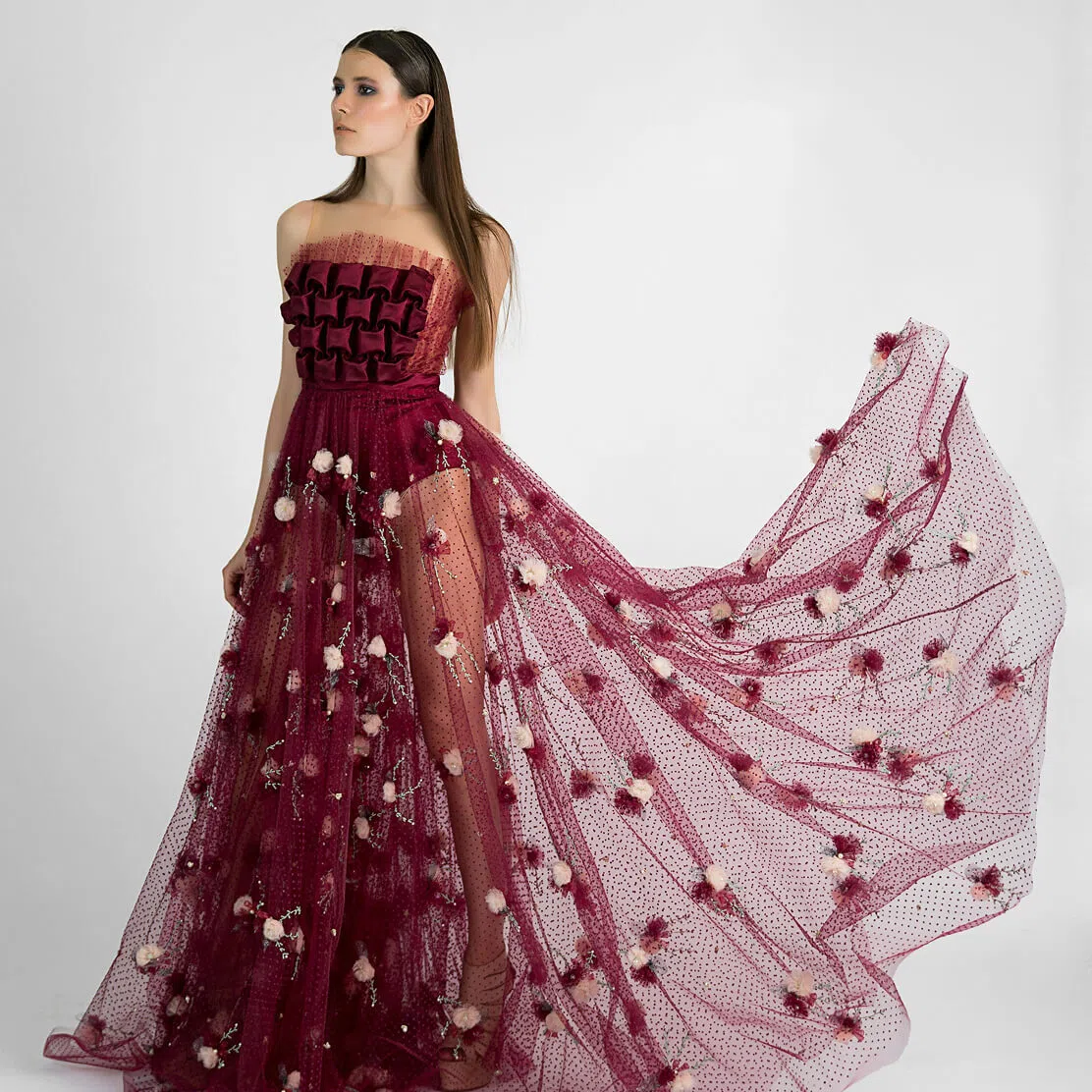
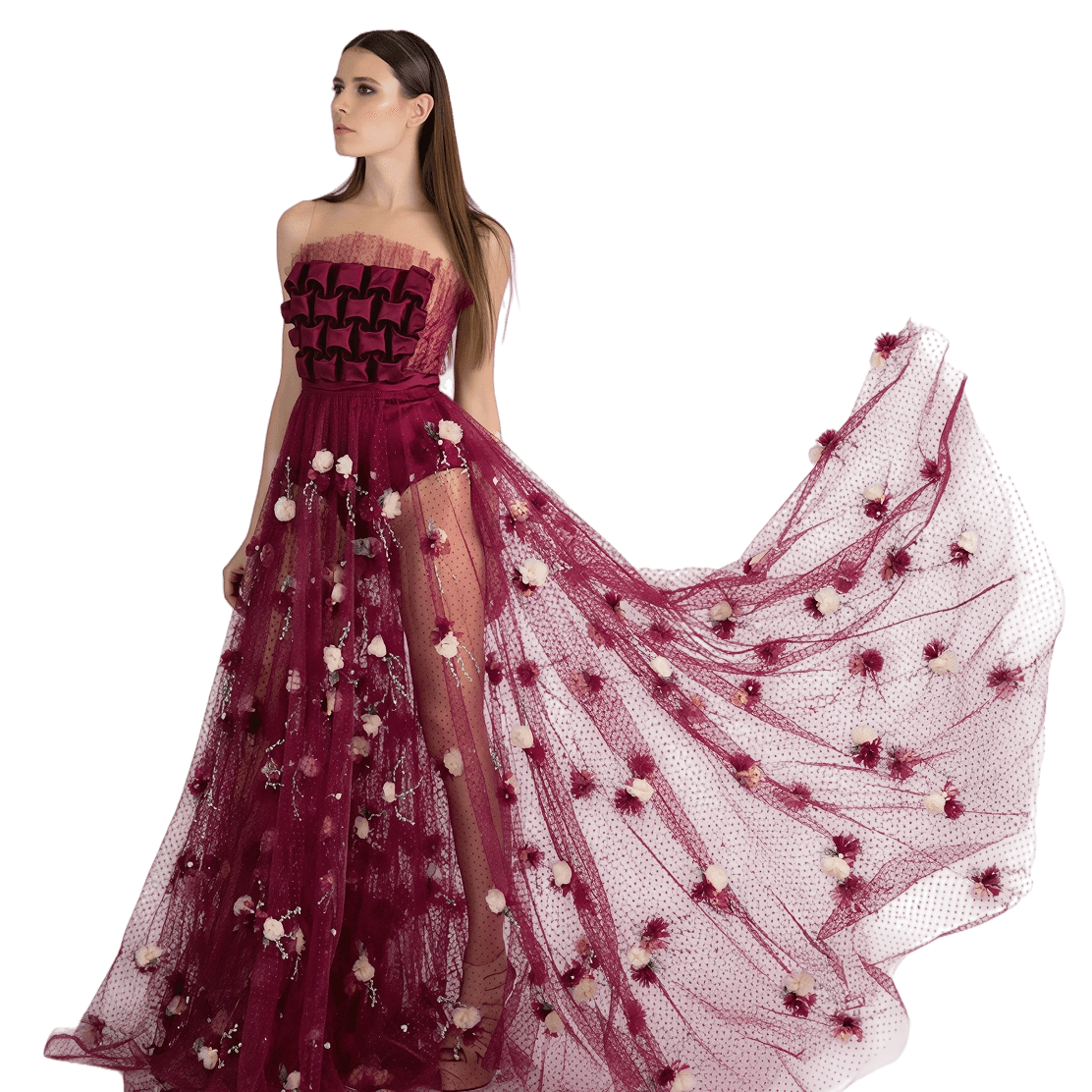

Designed for Processing More Complex Cutouts
A perfect combination of Background Removal and Background Replacement. With just a few clicks, replace the background with a solid color to create stunning visuals that meet professional product display standards.


High-Quality Brand Vision
Kumoo supports RAW file import for background removal, ensuring high-quality, lossless images for professional photography, commercial portraits, and high-end product images.