Remove People From Photo With AI Online for Free


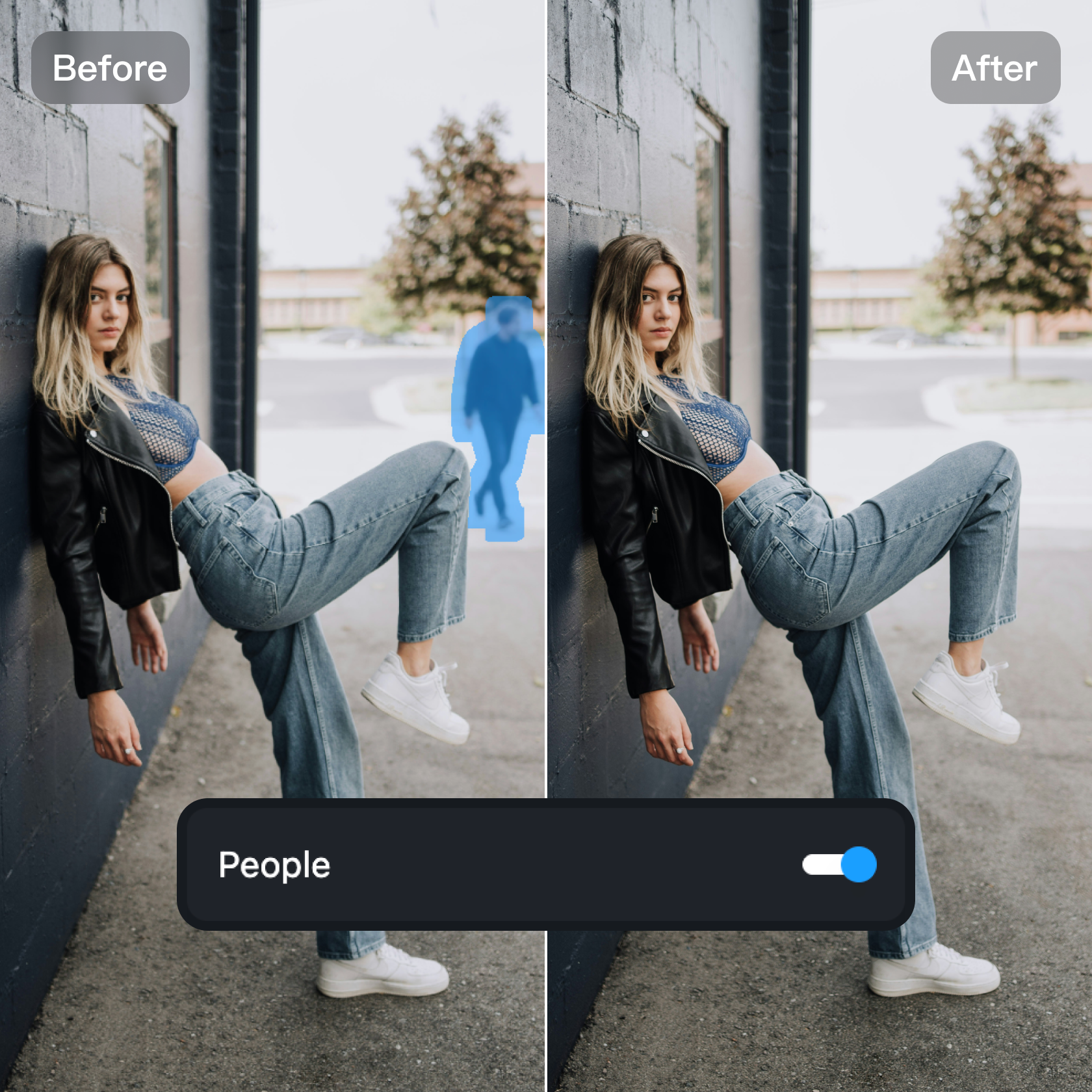
Remove People From Photos With Smart AI Reconstruction
Kumoo makes it simple to remove people from your photos. Just upload your picture, highlight the person you want gone, and the AI fills in the background for you. It rebuilds the missing area in a clean and natural way, so your photo doesn’t look edited or patchy. Whether someone walked into your shot or you want a cleaner picture for social media, Kumoo helps fix it in seconds.
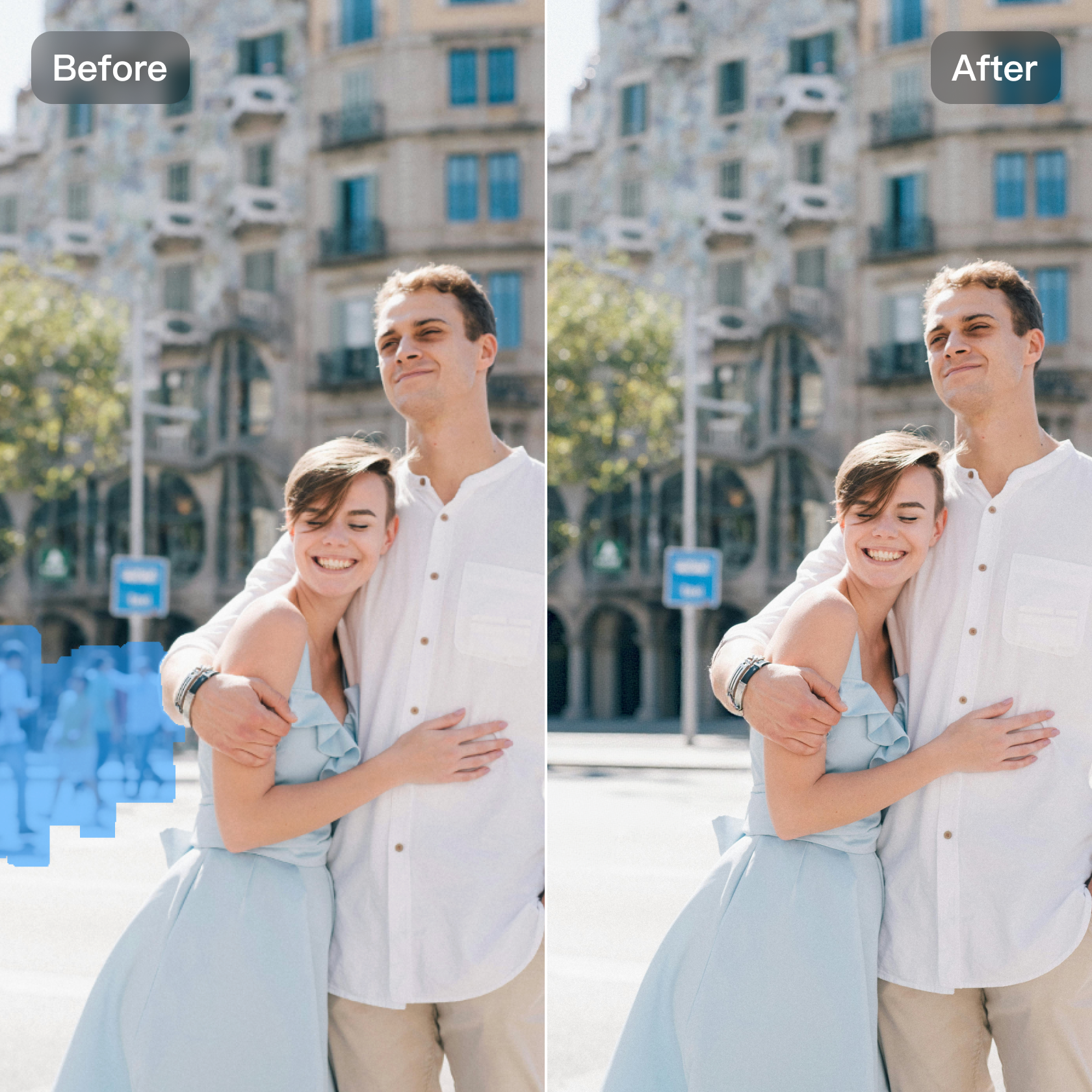
Create Distraction-Free Photos That Keep the Focus Where It Matters
Sometimes a good photo is ruined by someone standing in the wrong place. With Kumoo, you can clear these distractions and keep the focus on what really matters — your product, your landscape, your moment, or your story. The tool removes unwanted people smoothly and fills in the background so everything looks neat and tidy. It's an easy way to get a cleaner photo without spending time on complicated editing.
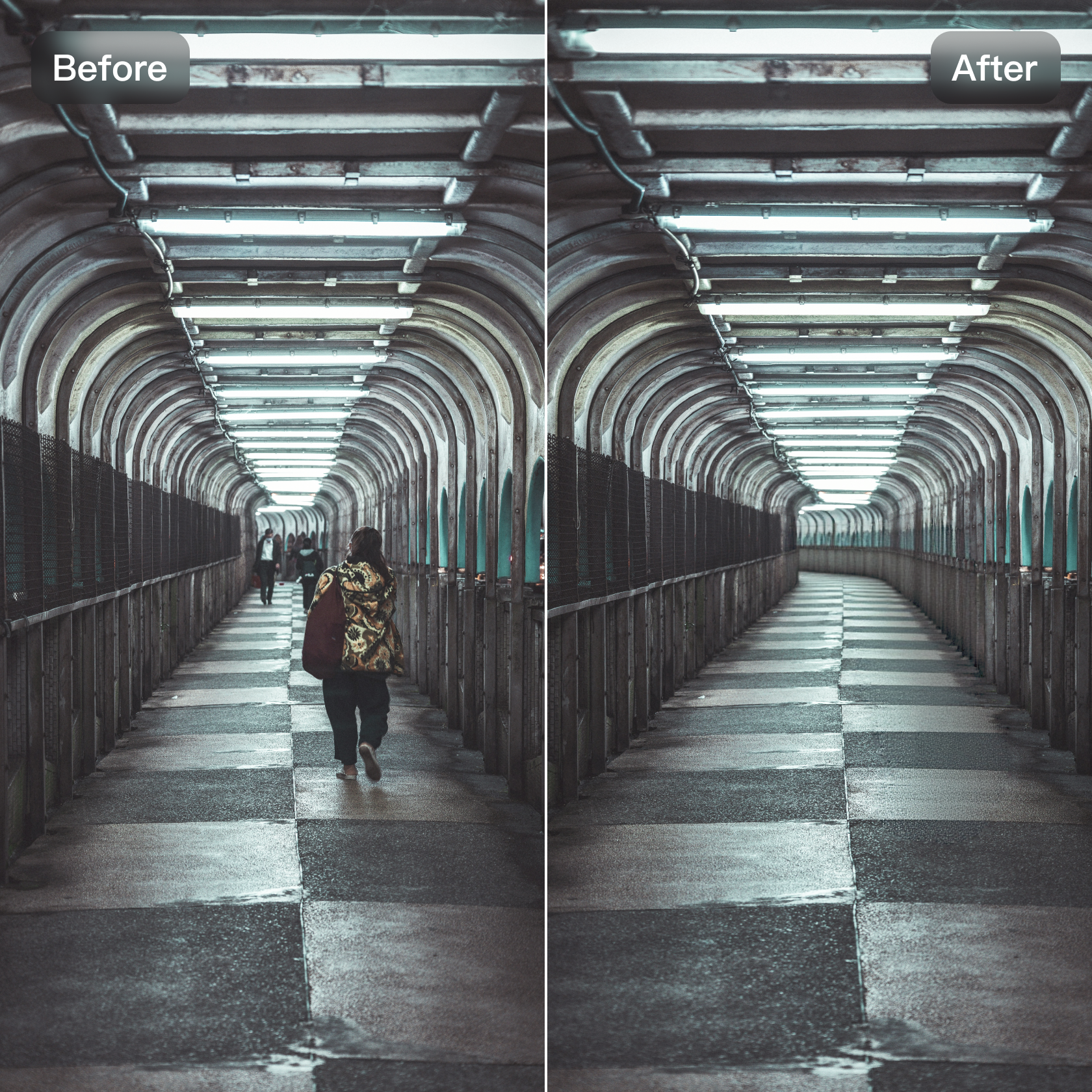
Professional-Quality Edits for Any Photo and Any Setting
No need to be a professional editor. Kumoo works on many types of photos — travel pictures, portraits, product shots, city views, and more. The AI understands different textures like sky, water, grass, walls, or floors, and fills them in naturally after removing someone. You can download the final image in high resolution and even use batch editing if you need to fix many photos at once. It’s fast, simple, and made for everyday use.
How to Use Kumoo’s AI Tool to Clear People From Your Photos?
Upload Your Photo
Choose the photo you want to clean up. Kumoo supports RAW formats (like .CR2, .NEF, .ARW) as well as common JPG and PNG files.
Remove People With AI
Highlight the person you want to remove, and the AI will fill in the background automatically. You can fine-tune the area or repeat the process if there are multiple people.
Download Your Clean Photo
Save your edited image as JPG or PNG. You can also process several photos at once using batch editing.
Frequently Asked Questions
Is Kumoo’s people removal tool really free?
Will the photo look fake after removing someone?
Kumoo recreates textures using context-aware AI, so the result looks natural, not smudged or blurred.
Can it remove multiple people at once?
Yes. Brush over each person and the AI will handle them in one pass.
Does it work on crowds?
Yes — it’s built to remove background figures even in busy locations.
Can I remove other objects besides people?
Absolutely. It works for bags, signs, shadows, and nearly any unwanted element.
Can I batch remove people from many photos?
Yes — batch mode is available for users who need large-scale editing.