Free AI White Background Generator for E-commerce Product Photos





Zero-Skill, One-Click Workflow for Sellers
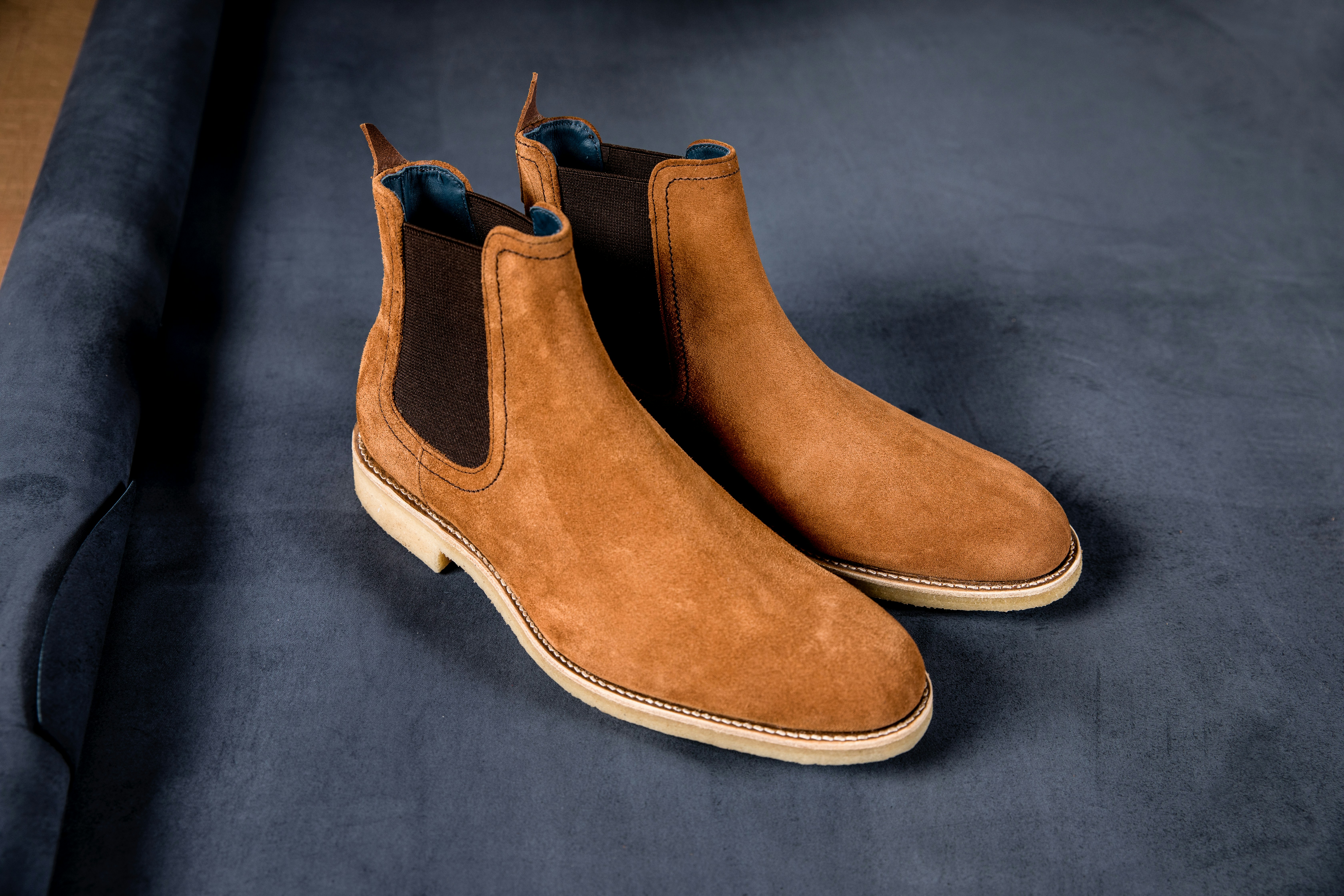
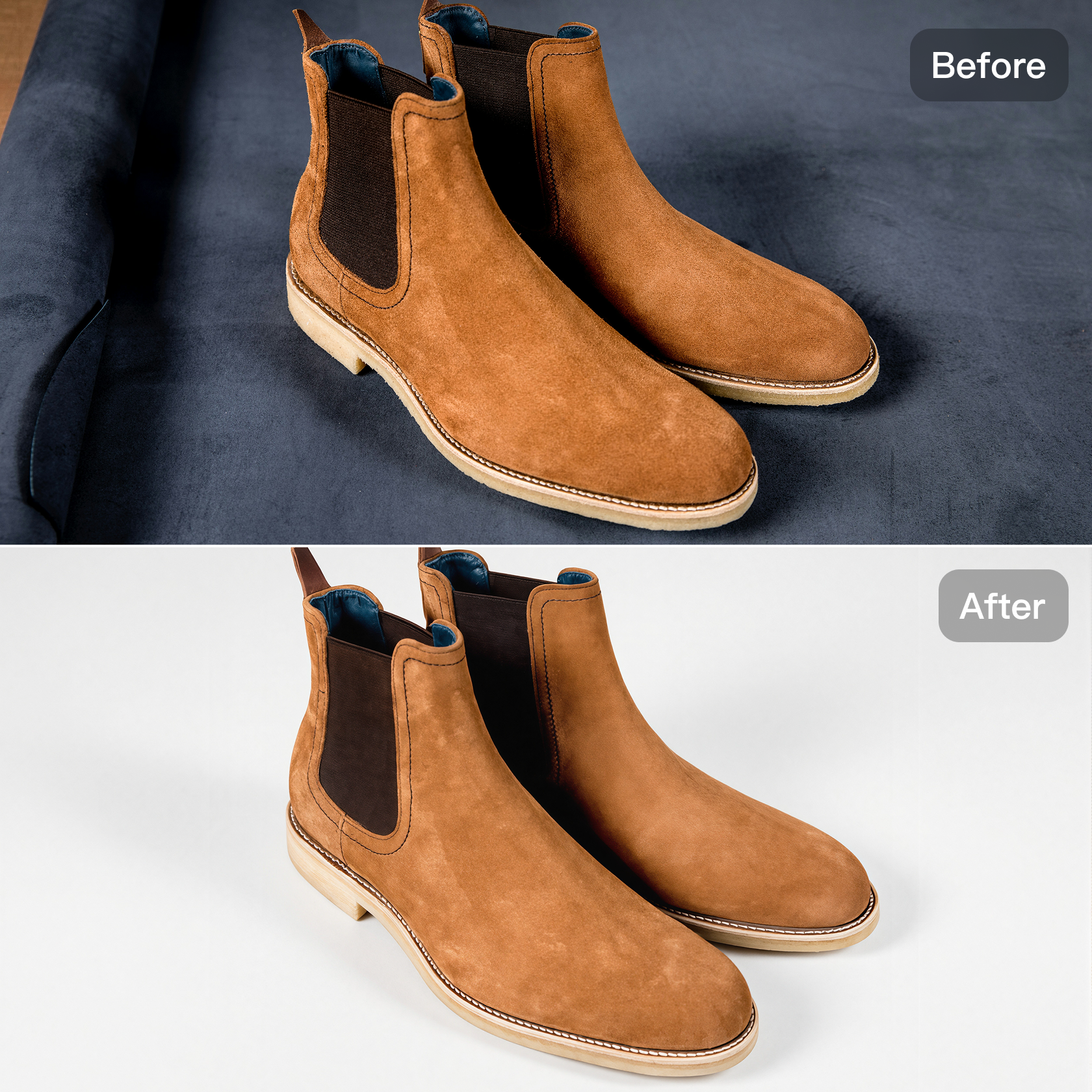
Achieve professional results without manual effort. Our AI white background tool eliminates the need for Photoshop skills, utilizing one-click recognition for instant subject isolation. This no-touch automation supports high-volume batch processing, rapidly moving your entire product catalog from photo shoot to online listing.

Studio-Grade Quality with Generative AI
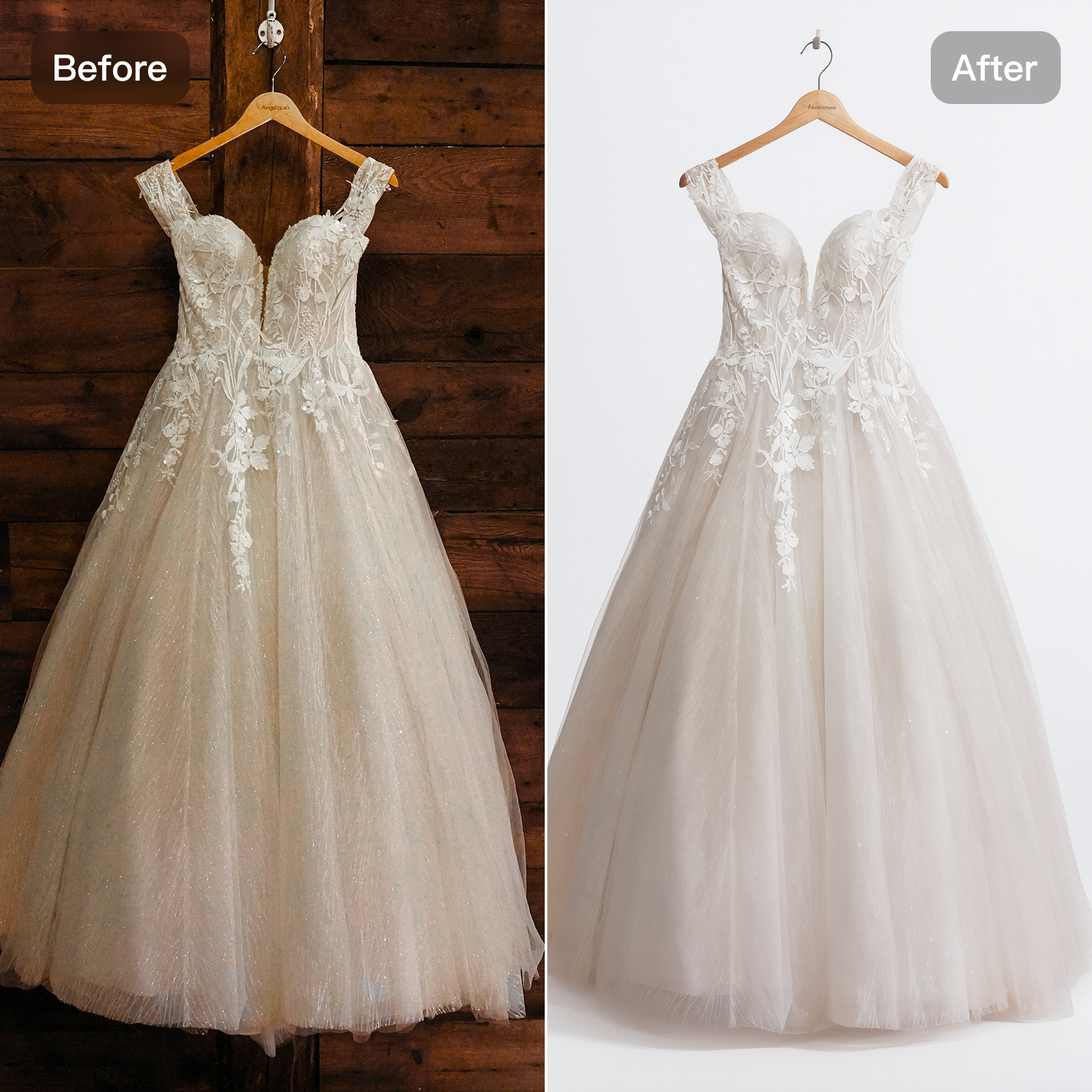
The white background generator guarantees superior quality. It preserves intricate details in challenging fabrics like lace, fur, and sheer materials. Furthermore, the AI will not degrade clarity; it automatically adjusts lighting and removes artifacts to deliver a polished, studio-quality look that boosts customer trust.
All-in-One AI Editing Suite for E-commerce
Designed for the modern seller, our tool is the foundation of a complete retouching ecosystem. After applying the white background, the system seamlessly integrates with other features, including removing wrinkles and hangers and smoothing edges, providing an all-in-one service.
How to Use Kumoo’s AI White Background Generator?
Upload your image
Click Upload One to import a single image, Batch Import to upload multiple images, or simply drag & drop your files (JPG, PNG, WebP, or RAW).
Generative AI White Background
Click Generate to remove the background for free. After processing, your image will automatically be applied with a clean white background.
Preview and Download
Check the result and download your high-quality white-background image from the top-right corner.
Frequently Asked Questions
Why use white backgrounds for e-commerce photos?
Will applying a white background affect image quality or detail?
No. Kumoo’s AI maintains original resolution, edges, textures, and shadows, ensuring clean, high-quality white-background images suitable for listings, ads, and catalogs.
Is this suitable for all product types?
Yes. As long as the subject is clearly defined, the tool works for clothing, accessories, electronics, furniture, home goods, food items, and more.
Does Kumoo support batch white background editing?
Yes. Kumoo supports batch white background changes — simply select or drag multiple images, and the AI will quickly create clean, consistent white-background photos.
Is the AI White Background tool free to use?
Yes. Kumoo’s AI White Background is free to use for up to 5 images. For additional edits, you can top up to add more credits.
Which image formats are supported?
The AI White Background supports various image formats, including JPG, PNG, WebP, or RAW.