Change background color instantly using AI online for free




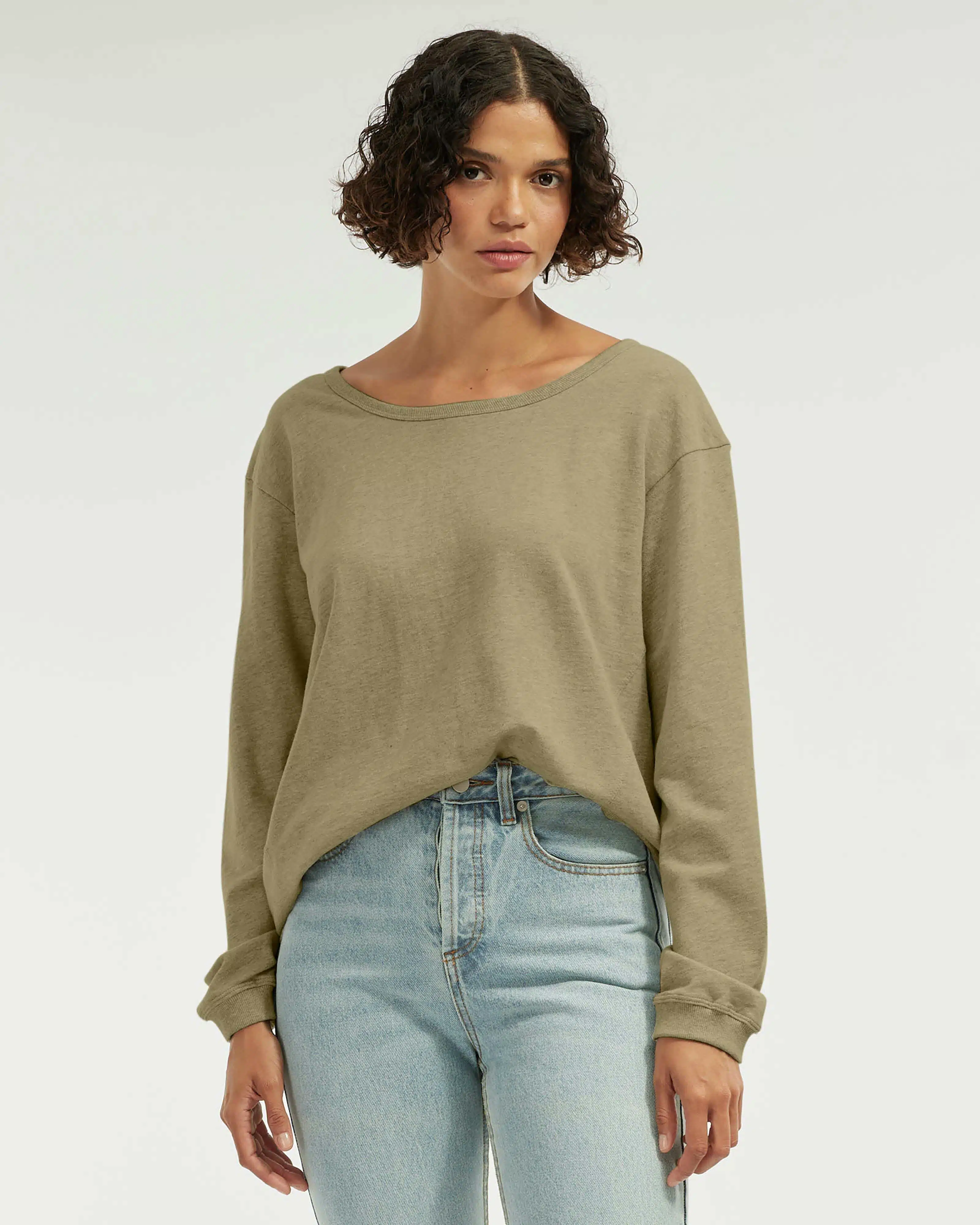


Automatic subject isolation and natural color swaps
Kumoo’s AI Cutout automatically finds the subject in your image and separates it from the background with pixel-level accuracy. This lets you change background color without manual masking. The system preserves hair, fabric texture, and soft shadows so your subject stays realistic. Choose built-in palettes or enter a hex code for brand-accurate color matches. Because the subject remains untouched while the background updates, your images look professional and consistent across listings or posts.
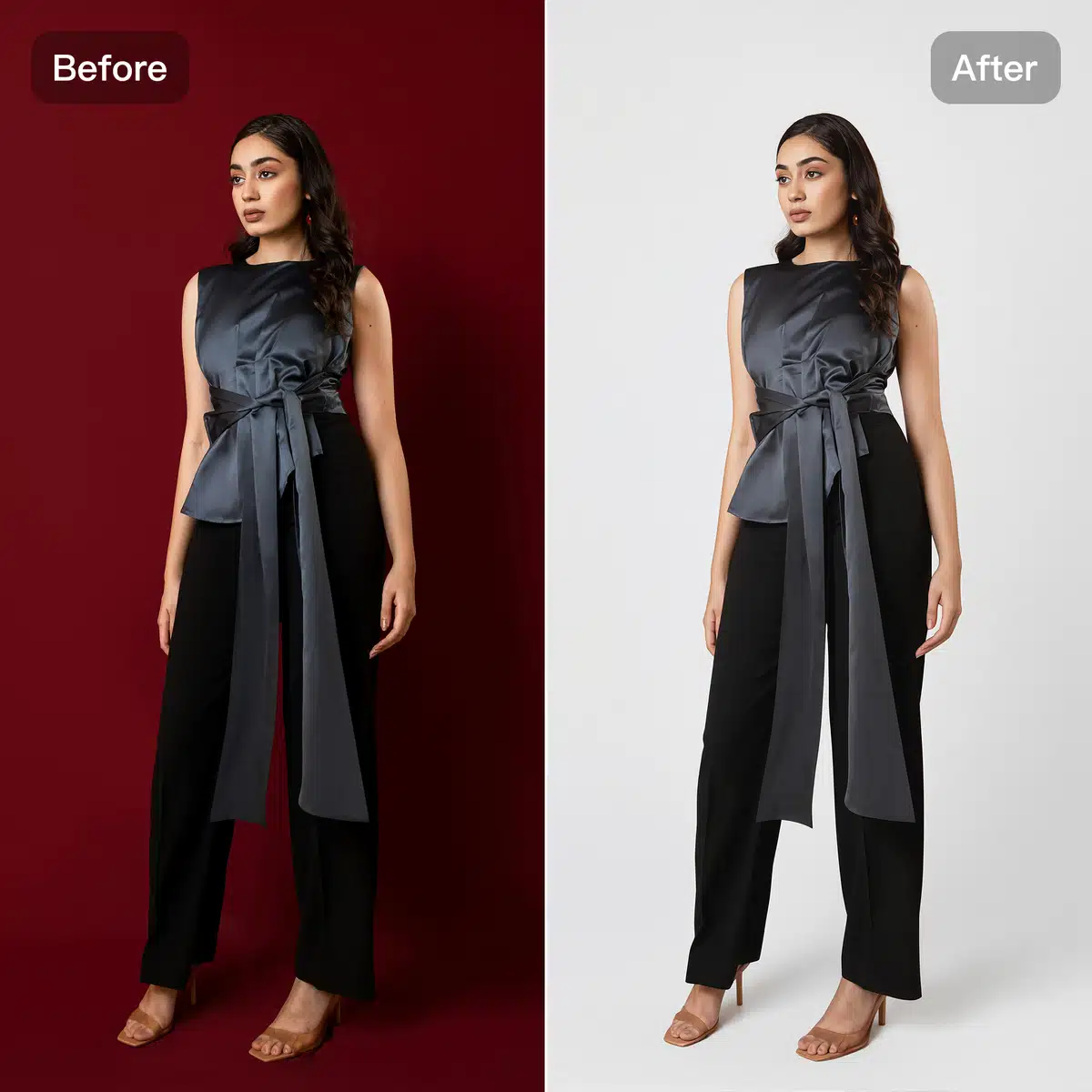
Change background to white with natural, studio-quality results
If you need clean white backgrounds for ecommerce listings or product catalogs, Kumoo’s AI makes it incredibly simple. The AI does more than fill a solid color — it matches the scene’s lighting and adapts subtle shadowing so the replacement feels natural. This means when you change background color to white, reflections, cast shadows, and depth cues remain believable. The result is images that convert better on eCommerce pages and simply look nicer in feeds.
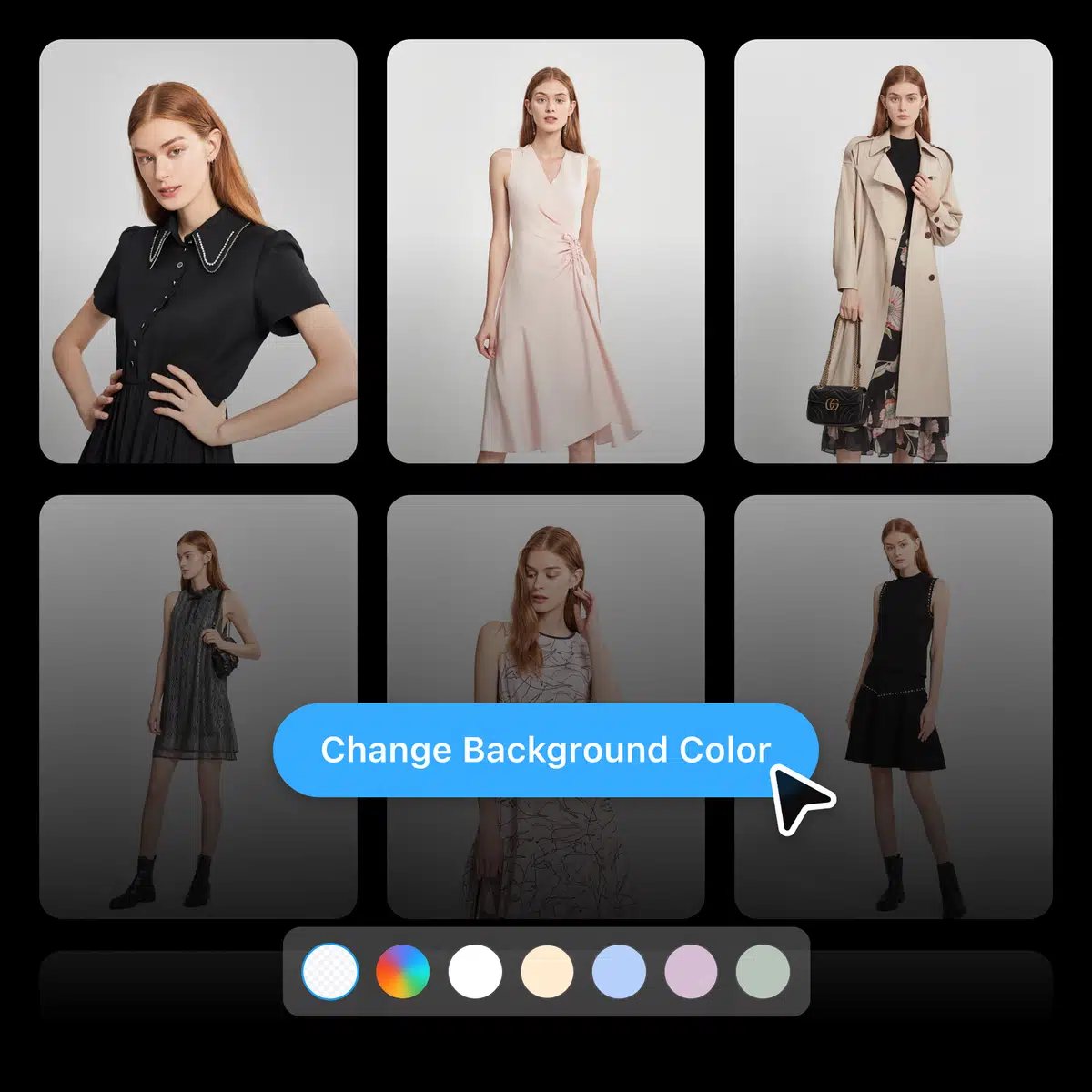
Batch editing and high-resolution export for scaled workflows
Kumoo supports batch editing so you can apply the same background color change across hundreds of product shots in one upload. After processing, export files in JPG, PNG (transparent option), or WebP and keep the high-resolution output you need for large banners or marketplace thumbnails. This saves hours for sellers and content teams, ensuring every image matches your store or brand guidelines.
How to change the background color of photos on Kumoo?
Upload your images
Upload images you'd like to remove the background from. The platform supports professional RAW formats (such as .CR2, .NEF, and .ARW) and general formats such as JPG and PNG.
Change background color
The AI will isolate the subject automatically. Pick a preset color, enter your brand hex code, or use the color picker to create the exact background you want. Use batch mode to apply the same color to many files at once.
Download your files
Preview the results and make any small touch-ups if needed. Then download high-resolution JPGs or PNGs. You can download images one-by-one or as a zip for bulk export.
Frequently Asked Questions
What does “change background color” actually do?
Will changing the background color look fake?
Not with Kumoo. You can change the background color of photos with zero hassle.
Does this work for eCommerce marketplaces?
Yes. You can change background color to meet platform rules or to match your store branding. Use presets to format images for Amazon, eBay, Shopee, and others.
Is there a more realistic way to change the background with natural lighting?
es! For a more natural, studio-quality look, you can use Kumoo’s AI White Background feature. It not only replaces the background with white but also adjusts lighting and shadows, making your photos look realistic and professional.
Is there a free trial?
Kumoo offers a free tier to try basic features. For large batches and HD outputs, see our pricing page for premium plans.