AI White Background Online Generator for free






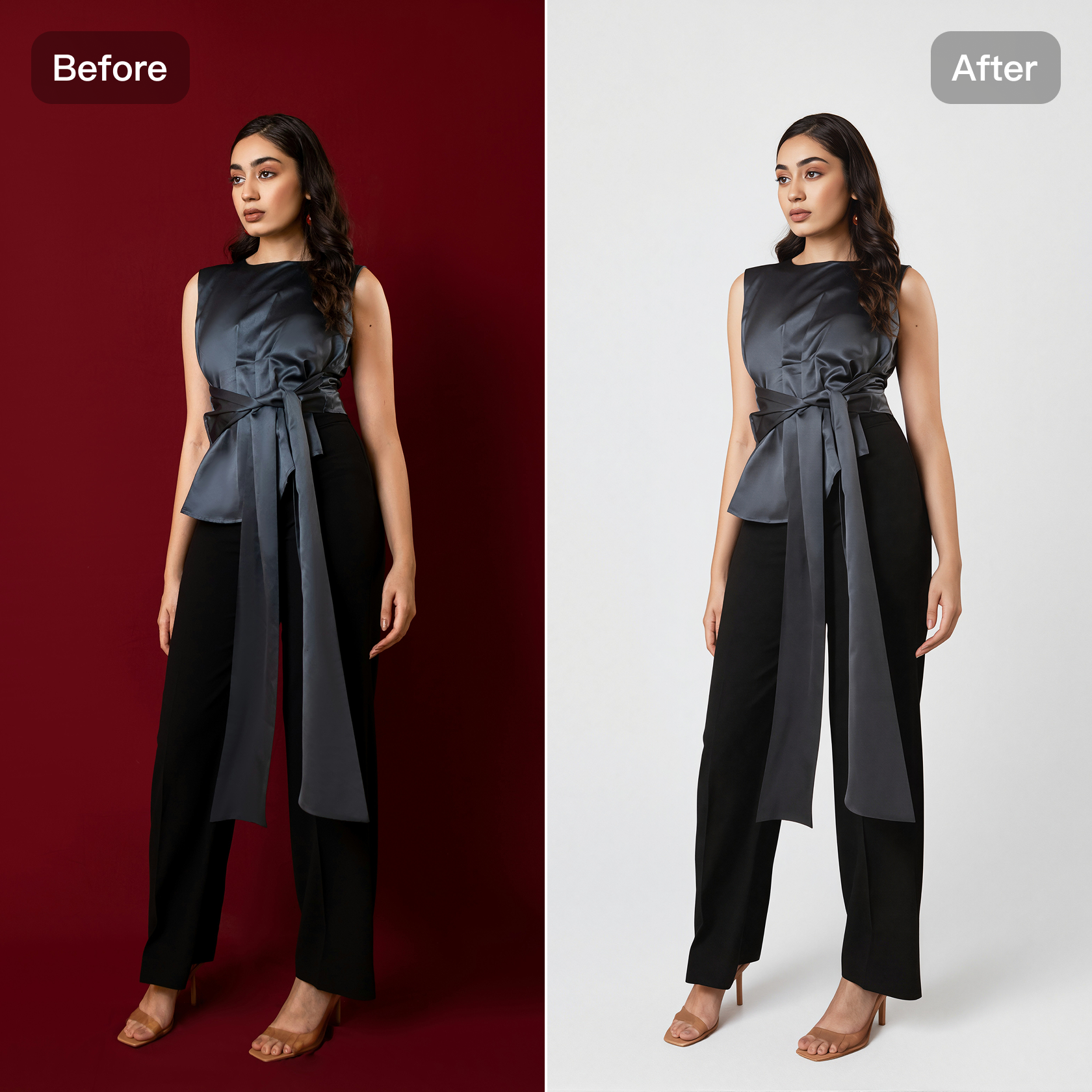
Precision White Backgrounds Powered by Generative AI
Kumoo’s generative cutout technology goes beyond simple background removal, reconstructing delicate edges for clean, crisp white backgrounds with no halos or artifacts. Studio-quality results in seconds.
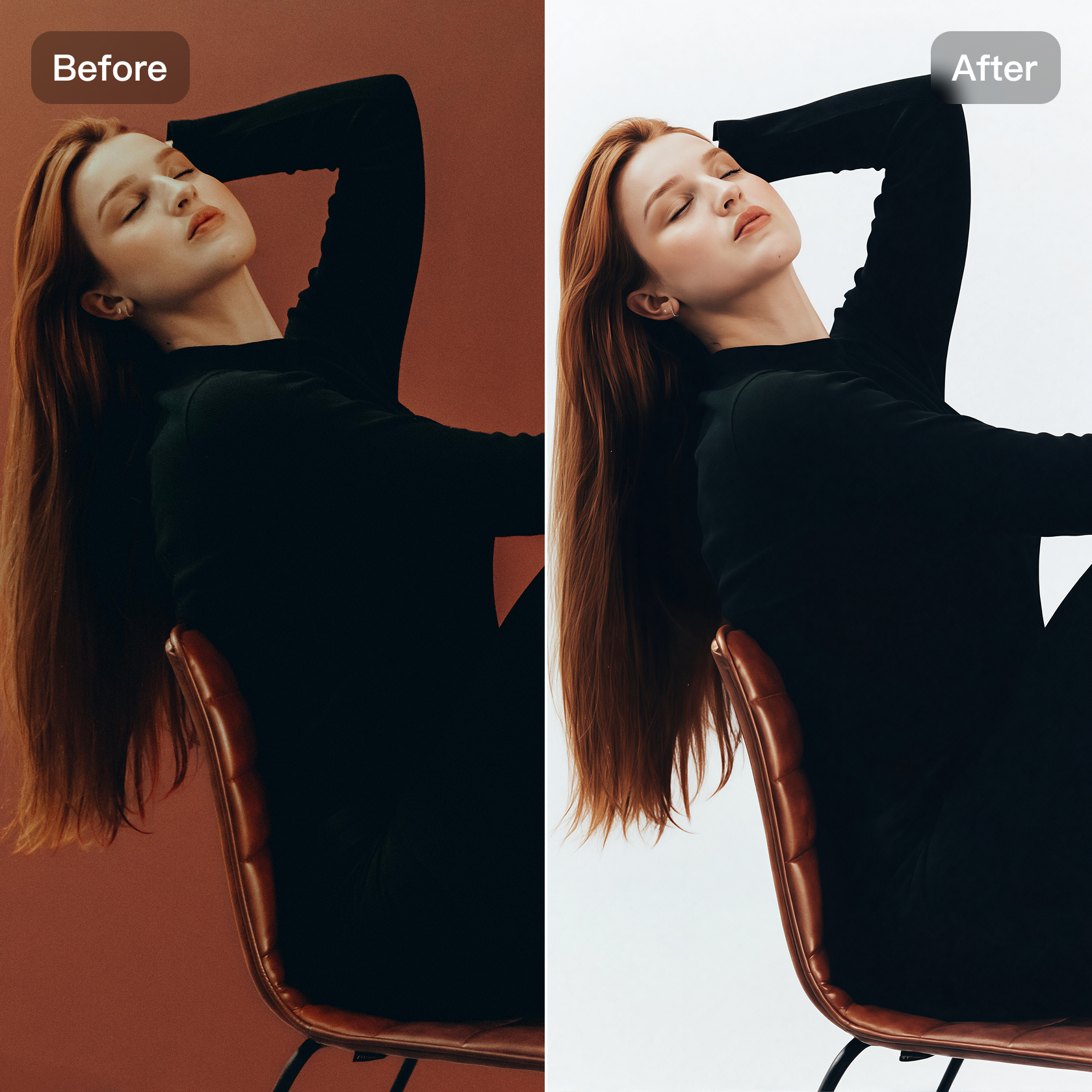
Designed for the Most Complex E-Commerce Cutout Scenarios
Kumoo handles challenging products like flying hair, lace, fur, and sheer fabrics, preserving details while automatically adjusting lighting for a perfect white background.
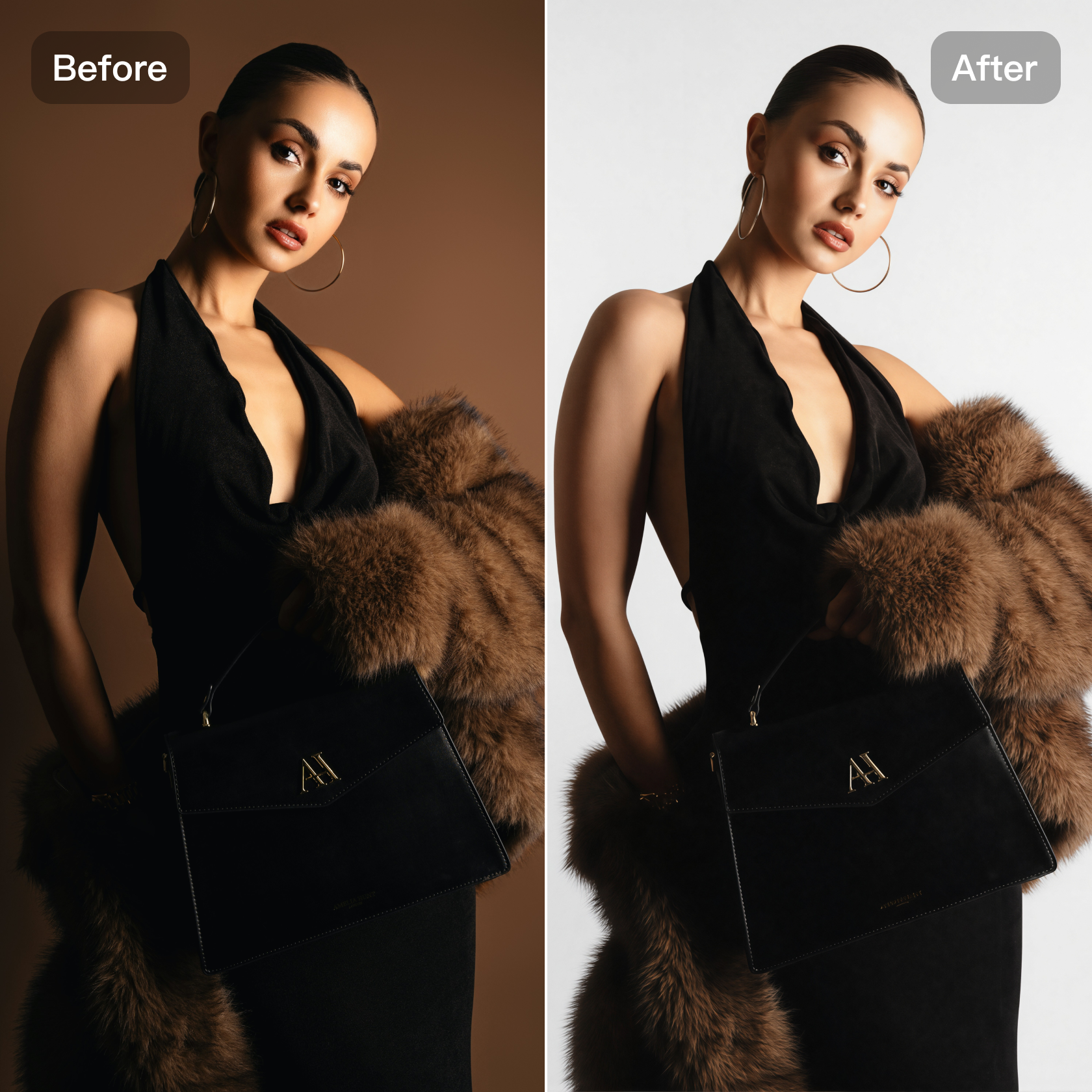
High-Quality Visuals That Elevate Your Brand
Create clean, consistent visuals that instantly elevate your product listings. Kumoo gives your images a refined, professional look ideal for online stores, catalogs, and ads—boosting customer trust and conversions.
How to Use Kumoo’s AI White Background Generator?
Upload your image
Click Upload One to import a single image, Batch Import to upload multiple images, or simply drag & drop your files (JPG, PNG, WebP, or RAW).
Generative AI Cutout
Click Generate to remove the background for free. After processing, your image will automatically be applied with a clean white background.
Preview and Download
Check the result and download your high-quality white-background image from the top-right corner.
Frequently Asked Questions
What is an AI White Background Generator and how does it help me?
Will the white background process affect image quality?
No. Kumoo’s advanced AI algorithms ensure backgrounds are replaced seamlessly while keeping your images sharp, natural, and high-quality.
Why is Kumoo's white background tool ideal for e-commerce?
Kumoo excels at complex product images, including hair, lace, fur, sheer fabrics, mesh, and tricky lighting, while preserving all important details for clean, professional white-background photos.
Does Kumoo support batch white background editing?
Yes. Kumoo supports batch white background changes — simply select or drag multiple images, and the AI will quickly create clean, consistent white-background photos.
Is the AI White Background tool free to use?
Yes. Kumoo’s AI White Background is free to use for up to 5 images. For additional edits, you can top up to add more credits.
Which image formats are supported?
The AI White Background supports various image formats, including JPG, PNG, WebP, or RAW.