Free AI Transparent Background Generator




Instant Automation: One-Click Background Removal
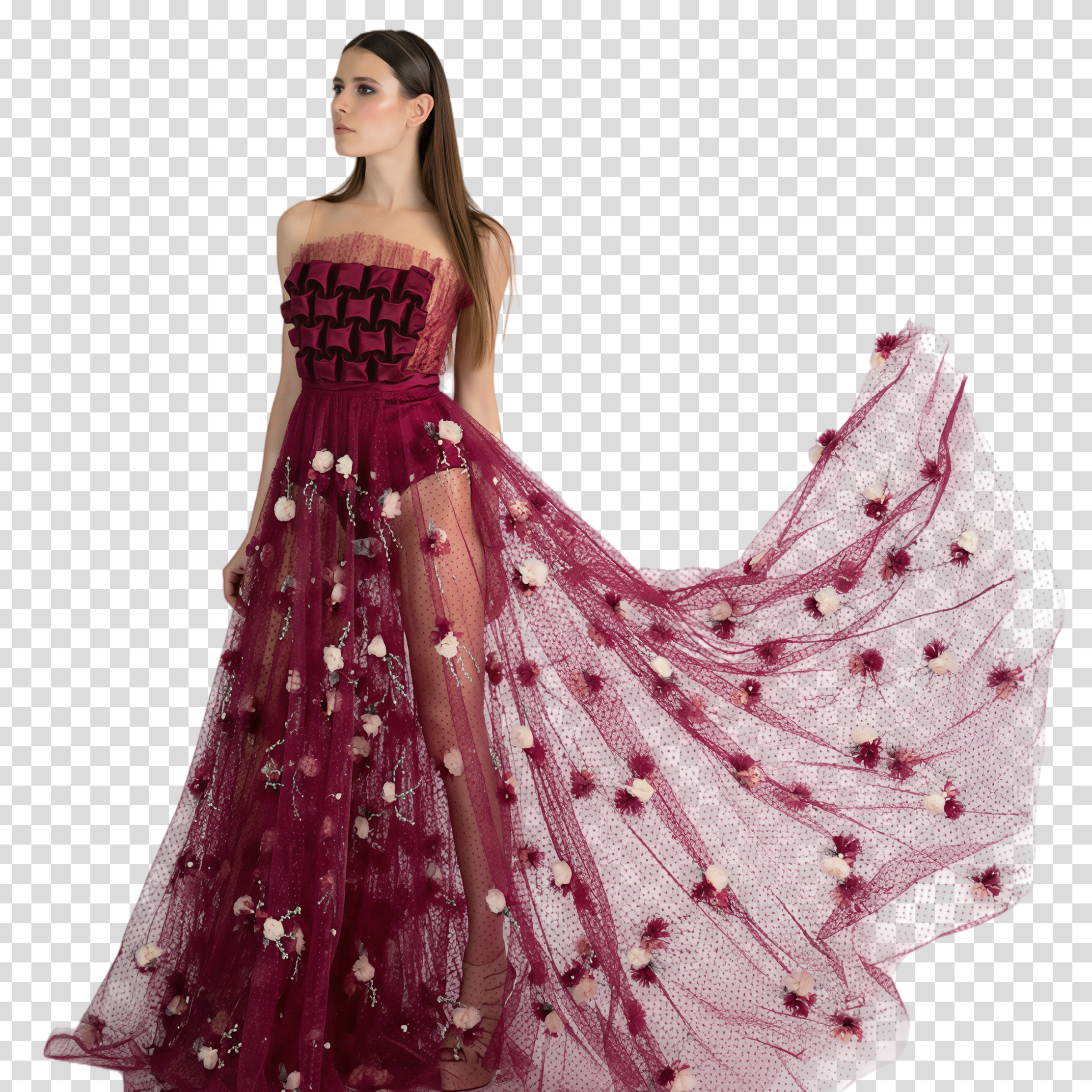
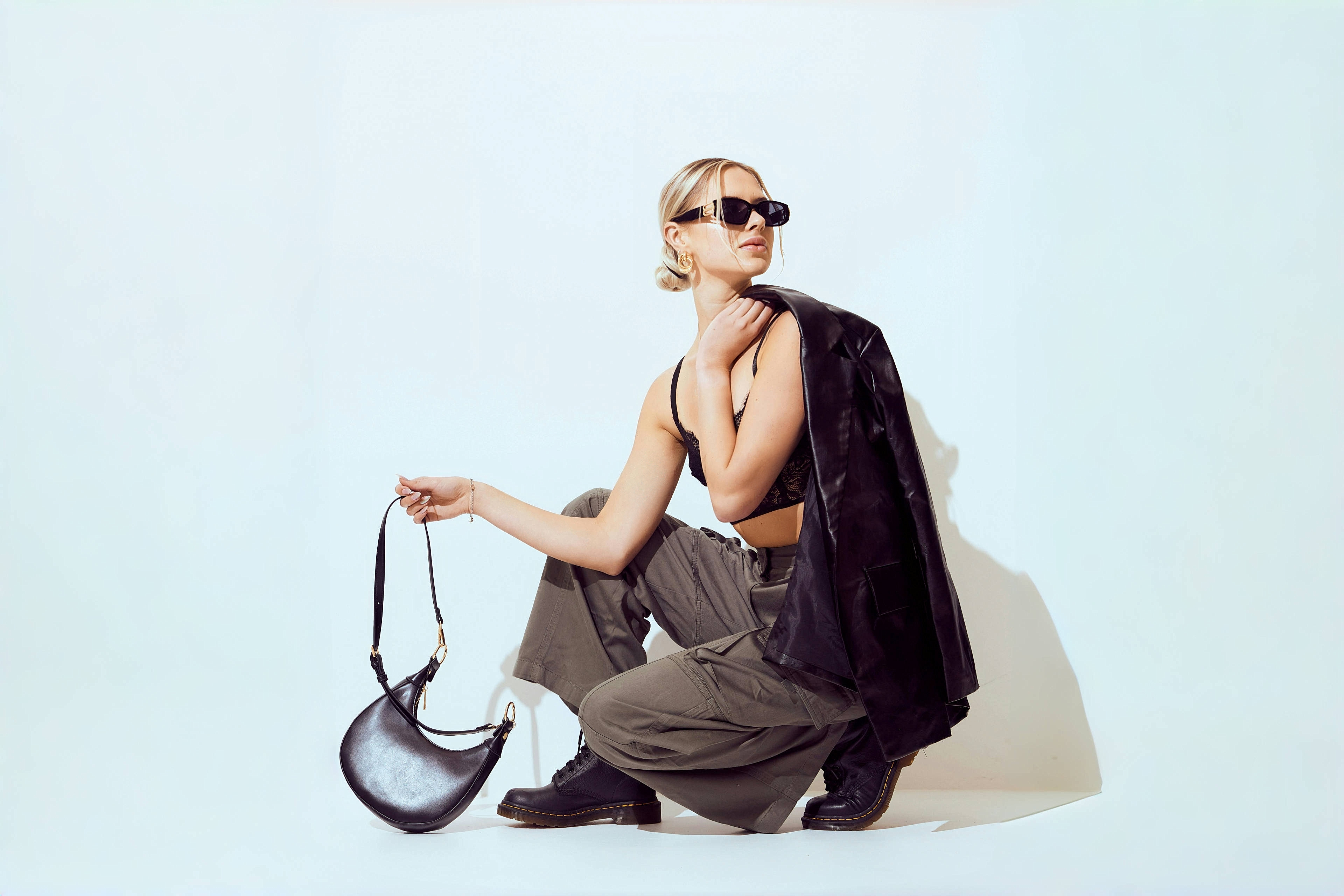
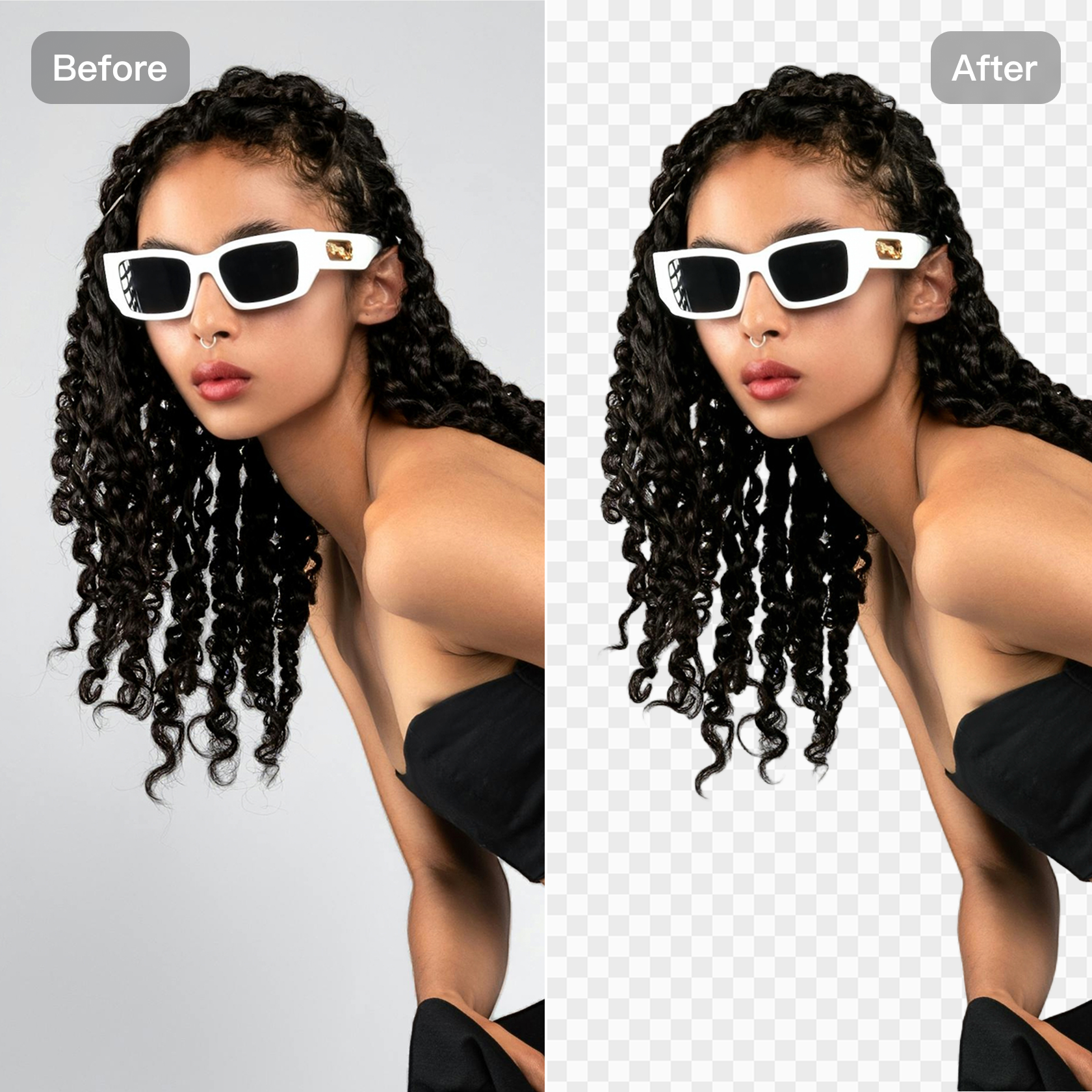
Eliminate tedious masking tools. Our transparent background generator allows you to instantly remove background with AI with just one click. The intelligent system automatically isolates the subject, making it the fastest online background remover solution available.
Pixel-Perfect Quality Preservation
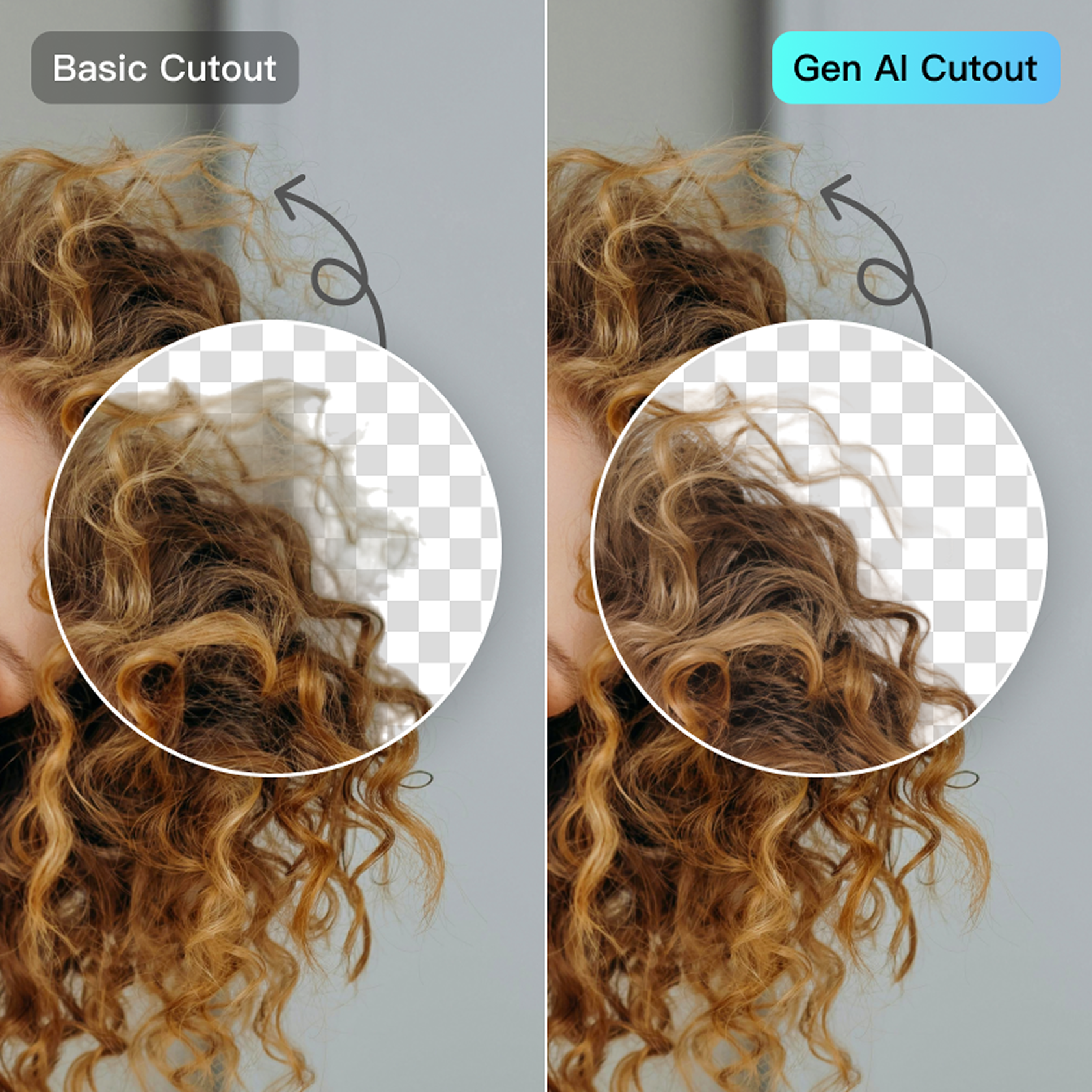
Achieve flawless free transparent background maker results without quality loss. The AI creates pixel-perfect edges, accurately handling fine details while preserving the original resolution and texture. This guarantees your final PNG background generator output is professional and sharp.
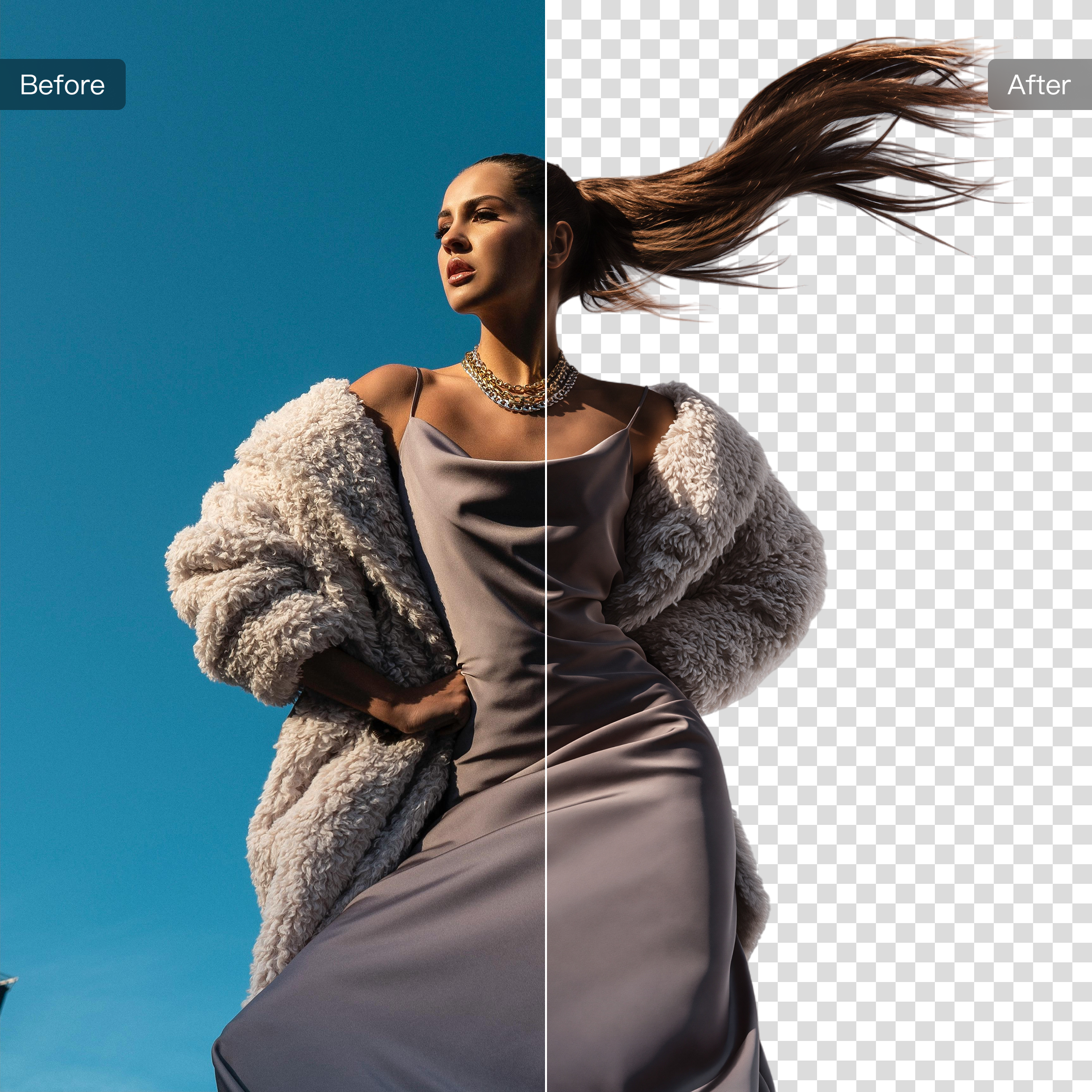
Batch Processing for All Professional Formats
Kumoo's transparent background generator supports high-volume batch processing. The tool is compatible with all key professional file types, including JPG, PNG, WebP, and RAW formats, enabling you to seamlessly remove background with AI from your entire product catalogue at scale.
How to Use Kumoo AI Transparent Background Generator
Upload your image
Click Upload One to import a single image, Batch Import to upload multiple images, or simply drag & drop your files (JPG, PNG, WebP, or RAW).
Remove the Background
Click Generate and the AI will automatically detect the subject and instantly remove background with AI.
Preview and Download
Review the clean and perfect image. Click Download to save your high-quality transparent image file, ready for any design or e-commerce application.
Frequently Asked Questions
What is Transparent Background Generator and how does it help me?
Will removing the background affect my image quality?
No. Our AI is designed for precise subject detection and does not degrade the image quality. It preserves the original resolution, fabric texture, and color details, ensuring your final transparent image file is sharp and professional.
How does Kumoo increase efficiency for e-commerce?
High-quality, precise cut-outs are standard. More importantly, it's the start of our all-in-one workflow. You can seamlessly integrate the transparent image with our AI Hanger Remover and AI Clothing Edge Smoothing features to generate professional product photos efficiently in bulk.
Does Kumoo support batch processing for background removal?
Yes. You can upload multiple images at once and let the AI process them all, saving time especially when dealing with many product photos or large catalogs.
Is the Transparent Background Generator free to use?
Yes. Kumoo’s AI Transparent Background Generator is free for up to 5 images. Additional credits can be purchased for larger batches.
Which image formats are supported?
Kumoo supports JPG, PNG, WebP, and RAW formats, making it easy to upload and process various types of clothing images.