AI Clothing Background Remover – Free Online Tool
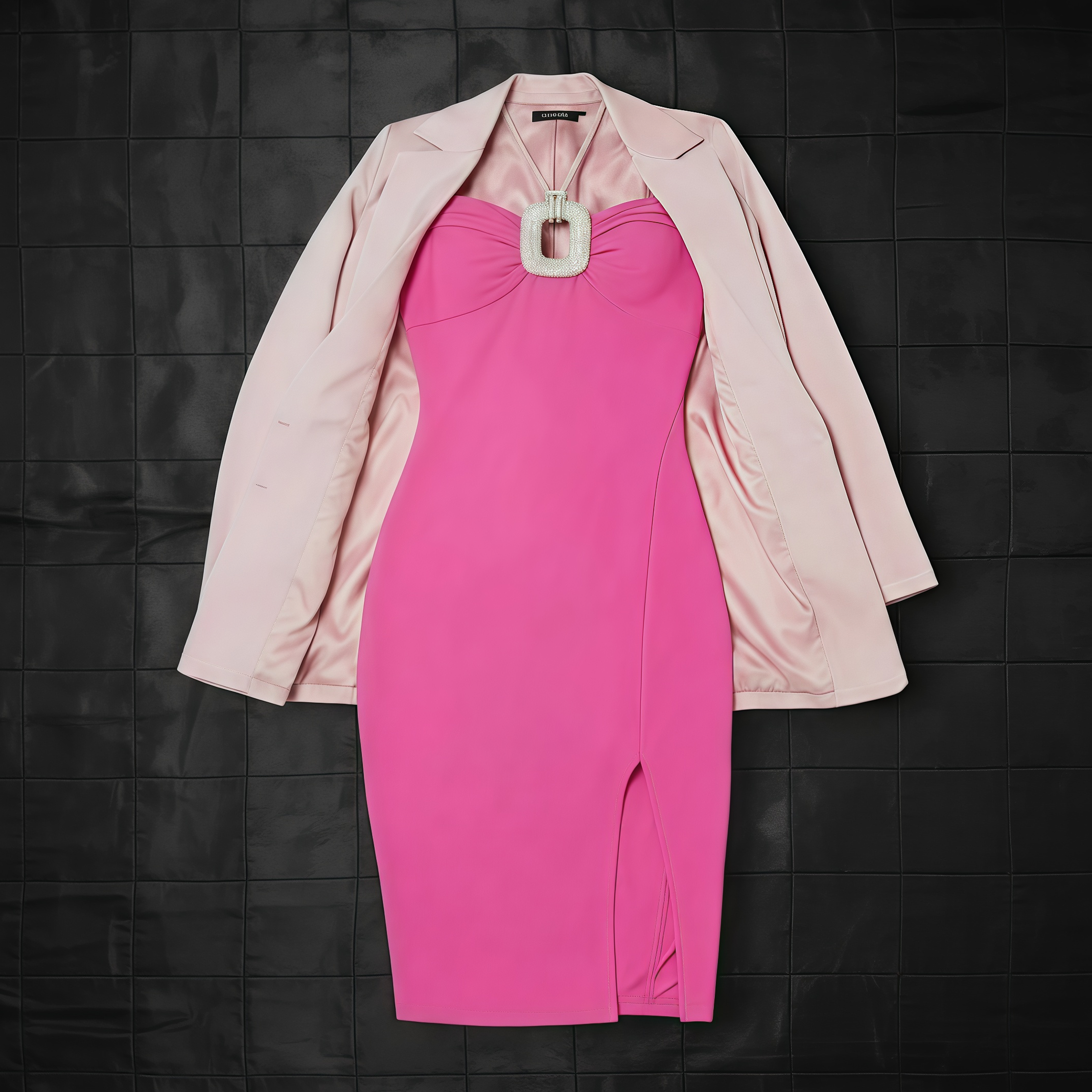
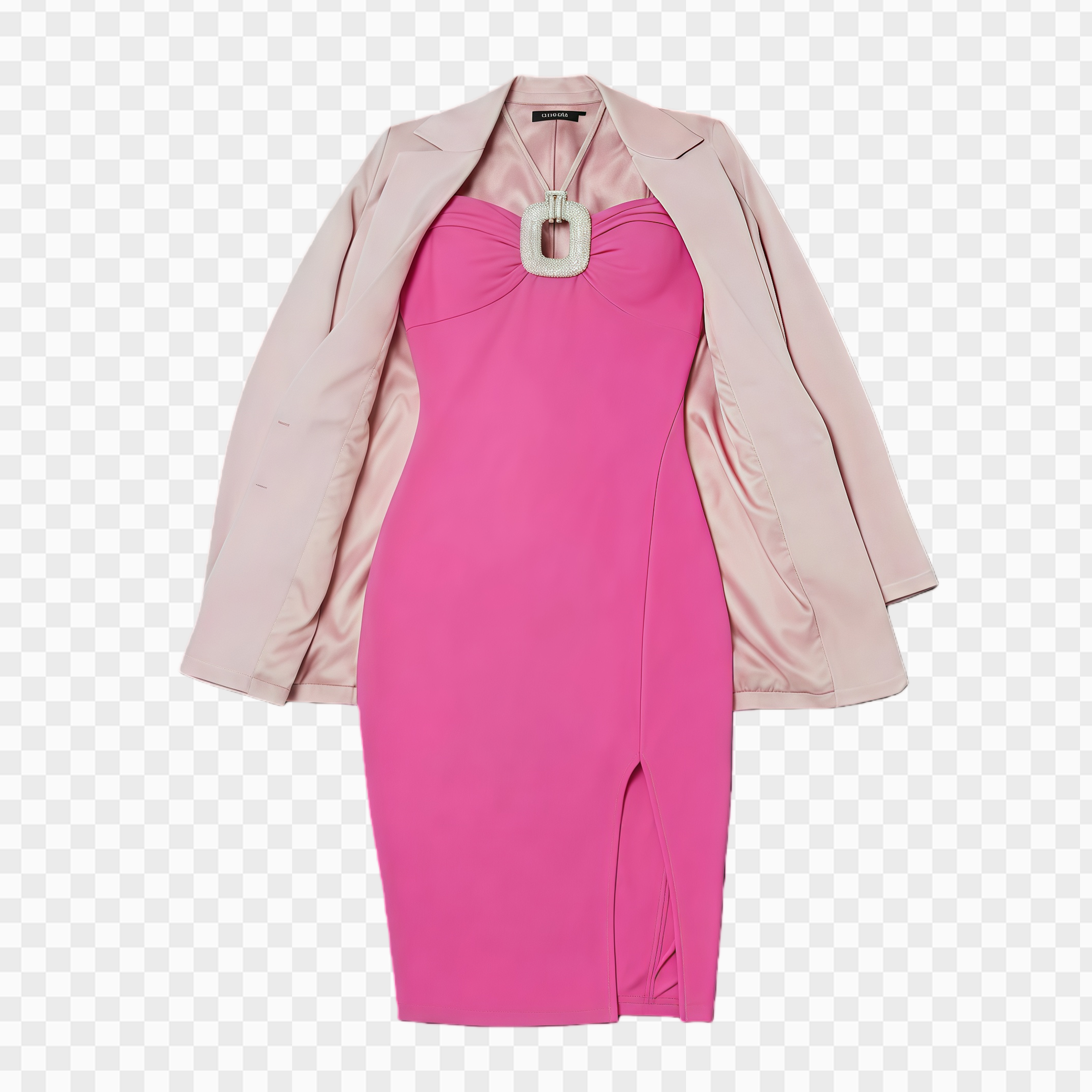
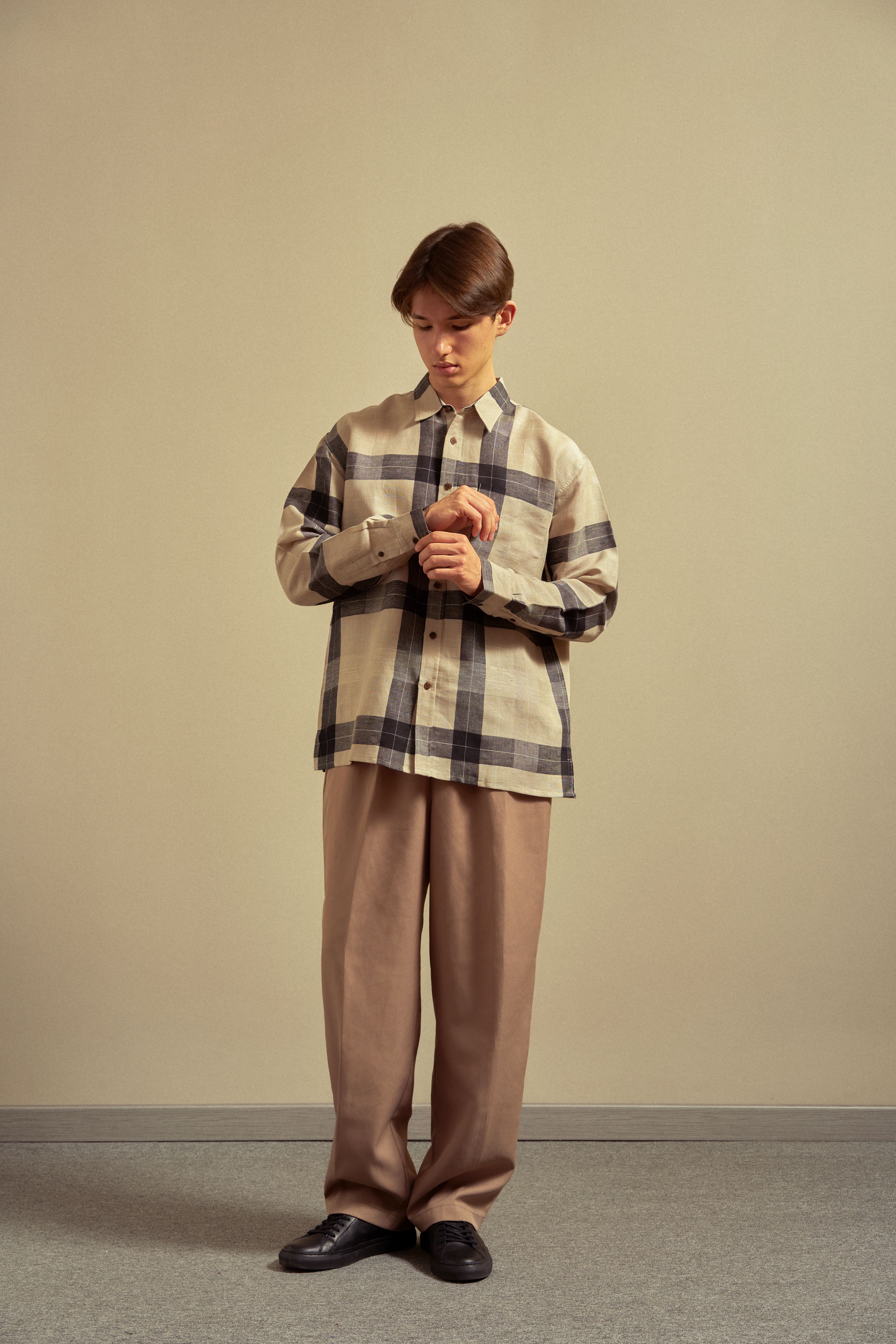


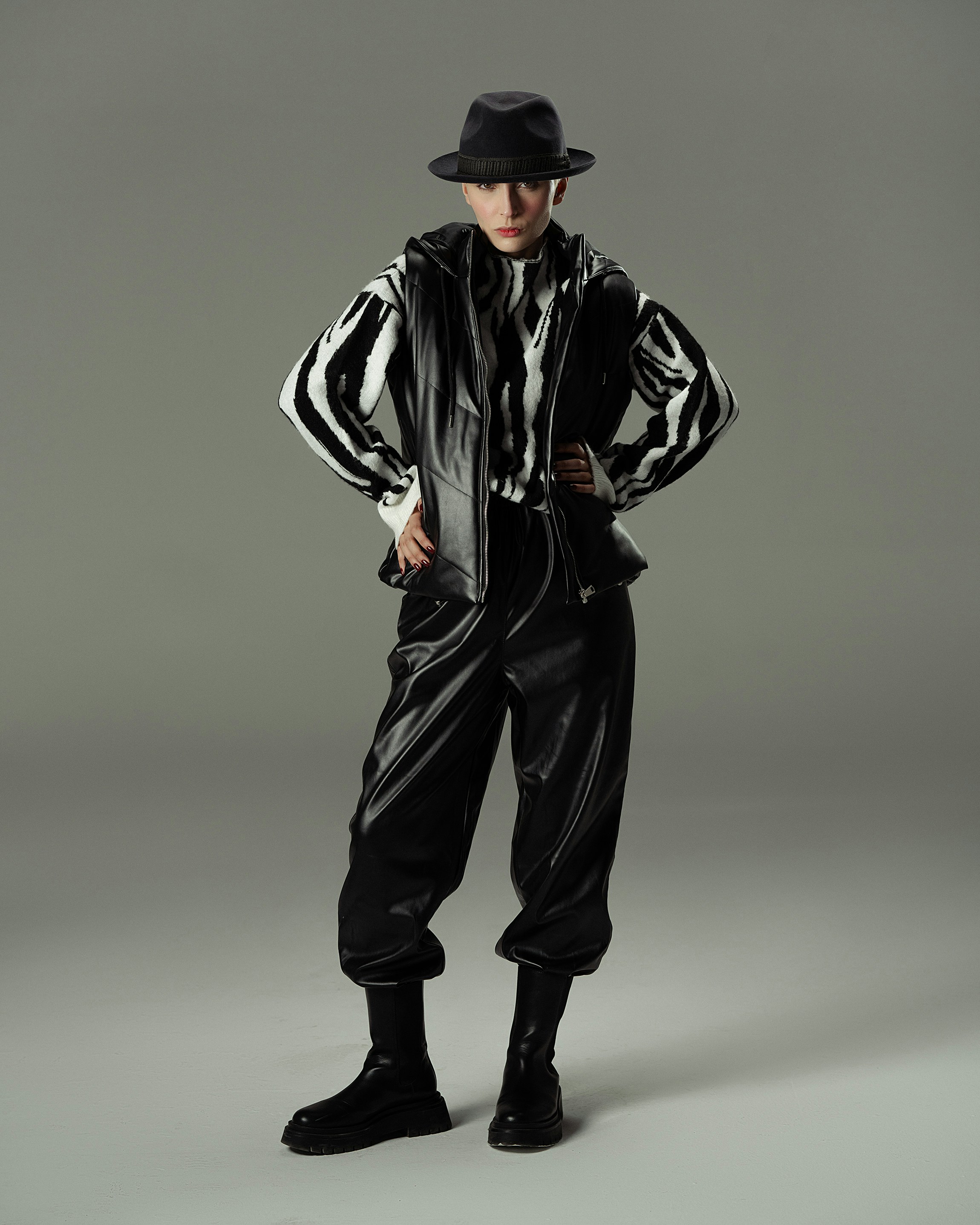
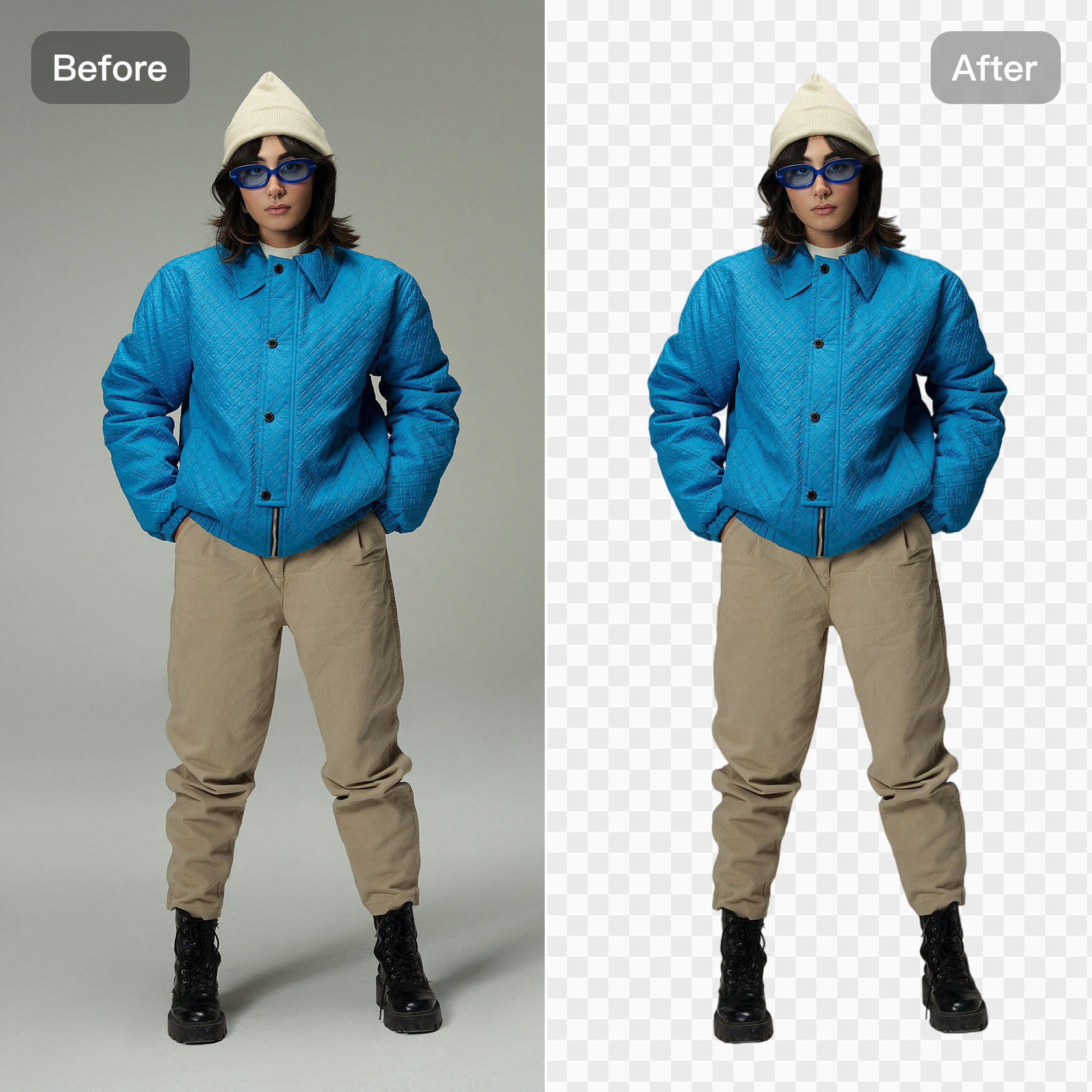
Smart and Instant AI Clothing Cutout
Tired of wasting hours on manual selections or complicated masking? Kumoo's AI clothing cutout tool automatically detects the edges and separates them from the background. It provides HD output, customizable backgrounds, and multiple file format support.
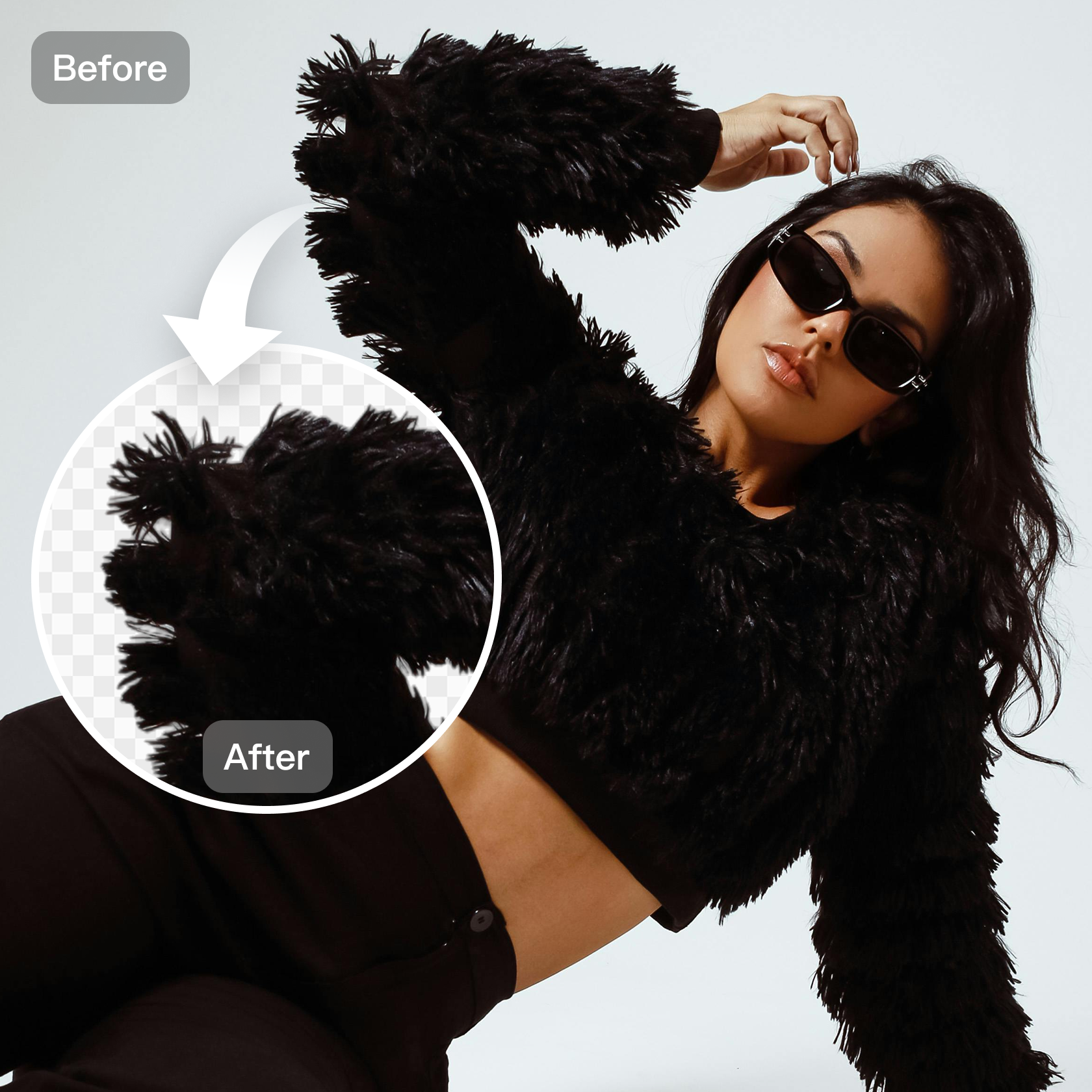
Perfect Edge Refinement for Every Fabric
The tool maintains natural shadows, folds, and textures. Ensure your products look professional -- even with shaggy edges! Each image is processed to deliver clean, seamless results. Whether you need images for specific platform, or your own online store, this tool gives you a professional touch every time.
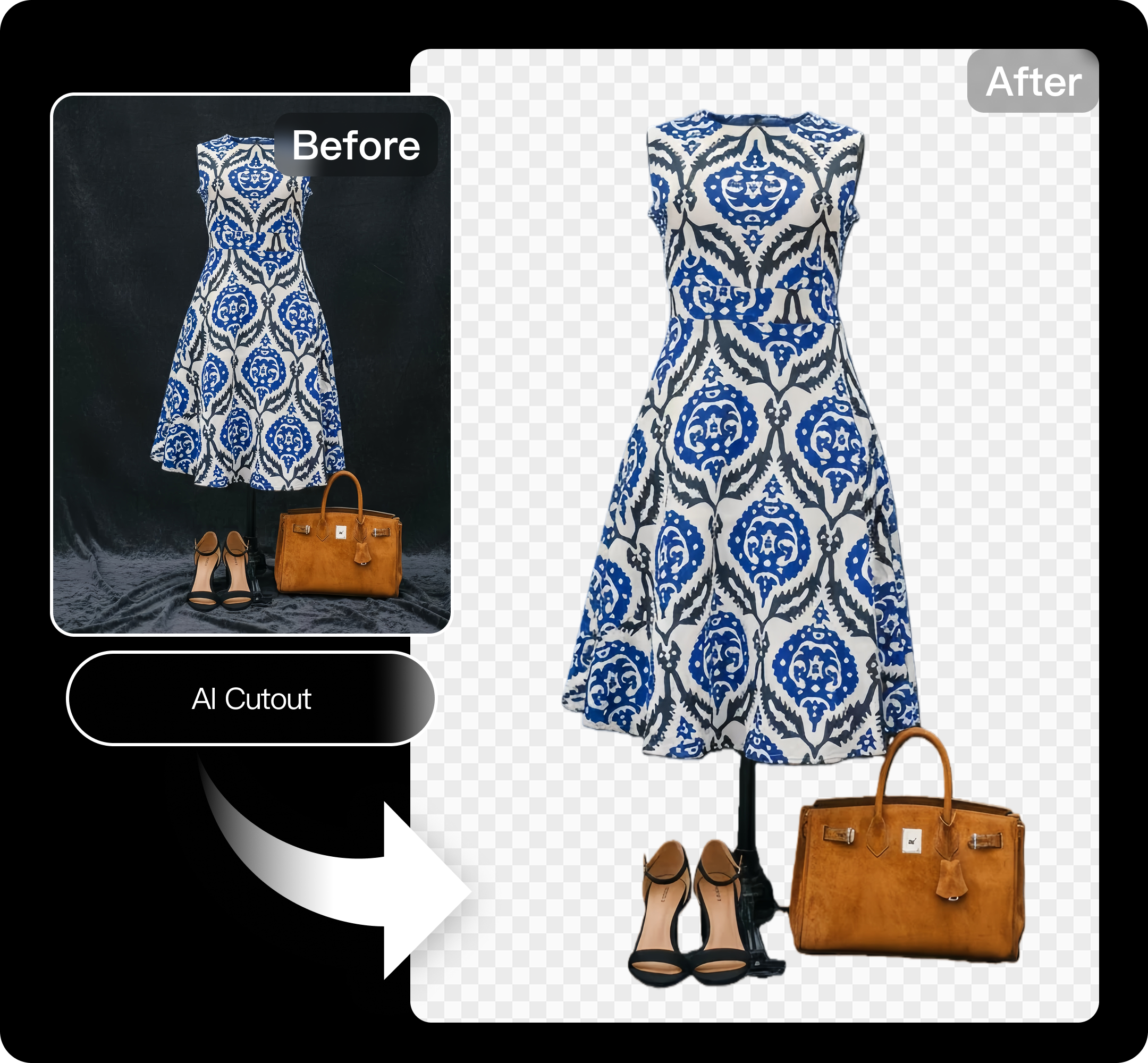
One-Click Background Replacement for Product Photos
Need a clean white background or a lifestyle scene? Switch it up in one click. Replace or recolor the background to match your brand style. Keep every product photo consistent and on-brand. The tool ensures visual consistency across your online listings. Your product photos always look polished and platform-ready.
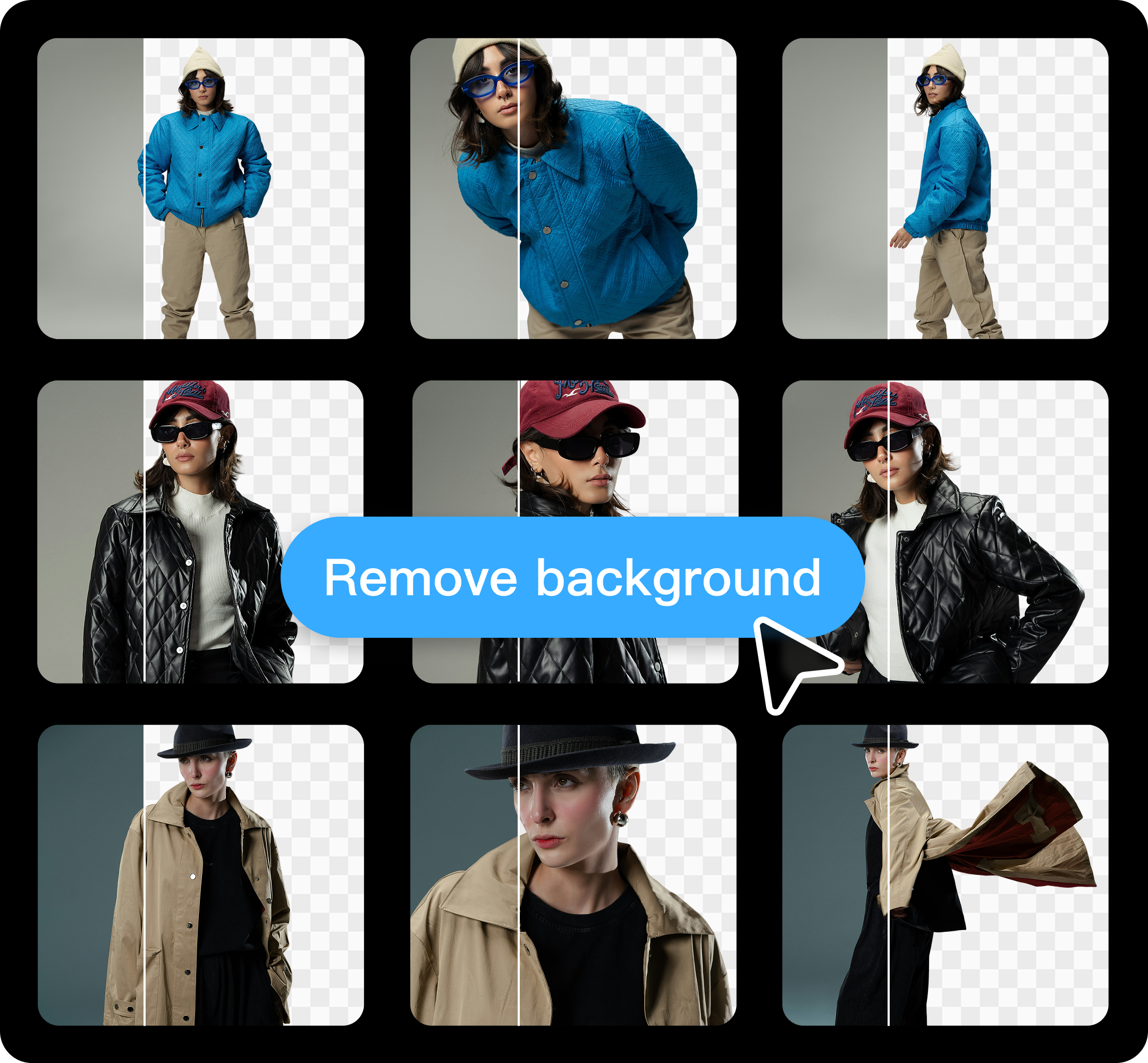
Bulk Editing for E-Commerce Efficiency
Save your time with batch editing! Kumoo's AI-powered image cutout feature can process hundreds of product images in one go. It keeps lighting, size, and layout consistent — no manual work needed. Perfect for large catalogs and online sellers. Let Kumoo's auto-cut magic boost your creativity!
How to do the AI clothing cutout on Kumoo?
Upload your images
Upload images you'd like to remove the background from. The platform supports professional RAW formats (such as .CR2, .NEF, and .ARW) and general formats such as JPG and PNG.
AI Clothing Cutout
The AI automatically detects clothing and removes the background. You can customize the results by adding a different-colored background or adjusting the size. Batch cutout is also available to process multiple images at once.
Download and Use
You can batch download the finished images with backgrounds removed and save them as PNG files or JPG files with a new background.
Frequently Asked Questions
What is the AI clothing cutout tool?
Is it suitable for eCommerce platforms like Amazon, eBay, or Shopee?
Absolutely. This background remover provides platform-specific presets that automatically adjust image size. You can easily switch the color to meet the standards of Amazon, eBay, Shopee, and other major marketplaces. Your images will always be compliant and professional.
Does it support batch editing?
Yes, it does. The batch editing mode allows you to process multiple images at once — automatically cutting out, cleaning edges, and applying background replacements in bulk.
Is the clothing cutout tool free to use?
Yes, a free version is available for users who want to try out basic AI cutout and background removal features. For higher resolutions, batch editing, and advanced customization, premium plans are also available.
What output formats are supported?
The tool supports multiple file formats, including JPG, PNG (with transparent background), and WebP. You can choose your preferred format and resolution for seamless integration into your design or eCommerce platform.